C
Covarr
Guest
It shouldn't be censored in the future. SMF was just being a d*ck.

Yes, it's the Eden mod who had it I looked it up.So - just make sure you also change all of the ".png" file names to include se2 as well and not just the objmap.csv hashcodes or else Selphie won't show up.
I ran into this same issue - and everything would be corrected if we renamed the files to ch_sqhead_13.png, etc. If we add a suffix beforehand, we can put all of the character folders in the same place and it won't have to interfere with any other mods - this is how I handled filestructures for the worldmap.
Currently, Project Eden takes up the "se" folder and if you merge the folders, it works, but it makes it really messy - as the Selphie textures are then found intermittently in the Project Eden textures folder location.
I have changed all of the objmap codes and my .png's to include the "ch_" title and everything is nice and tidy.
I agree, I don't think you're supposed to be able to chat with them in that scene.
PS. c*ckpit wasn't dirty until it was censored.Now it's more fun to say than ever.


If you've used the objmap codes on the first page, then all it is is that the code that allows Squall to use the Lionheart gunblade shares the same code as the face in the beginning. I've fixed this problem in the codes I've released so far. So, if you want, you can download what I've posted a little while back on here. If you do, just remove the "stars" I've placed before some of them.I installed Tonberry and the character texture replacements for Squall. I attached the hashmaps to the end of the objmap.csv file as instructed in the install instructions. In game at the very beginning of the game Squalls face is blue and looks pretty bad. It appears the face texture is not loading. His clothes however look pretty nice however. Can you tell me what the problem is. How can I fix this.
although it seems like sometimes the old textures are back ?? but that's okay most of the time it's working! can't wait till the other characters come out (especially Linoa ^^) Thank you for this awesome mod!Actually, it looks like with the models, you don't have to be exact. If you go "outside the lines" it shouldn't have a detrimental effect except for things that don't wrap around a 3d object, like some hair and other parts. Just test the model as you go - glacial eyes are good enemies to face because ice heals them and you can cast shiva many times.Hi All, I'm currently doing a paint over on Shiva from the files Mcindus provided (thanks!). One question though - do I need to stay exactly within the jagged borders of the textures? Like say I smoothed out the lines so the borders are clean, would that create a problem when the texture is applied to the model? This is my first time doing a texture painting so I'm in the dark about all this stuff. Thanks!
Wow, great work. I think I fell in love with that Ultimecia <3Also, I did upload a few videos showing the textures in action. Just for people curious on how it looks.
I plan to start working on this again soon now that I'm out of my funk.
Yeah... I really like Mago's Ultimecia, too.Wow, great work. I think I fell in love with that Ultimecia <3
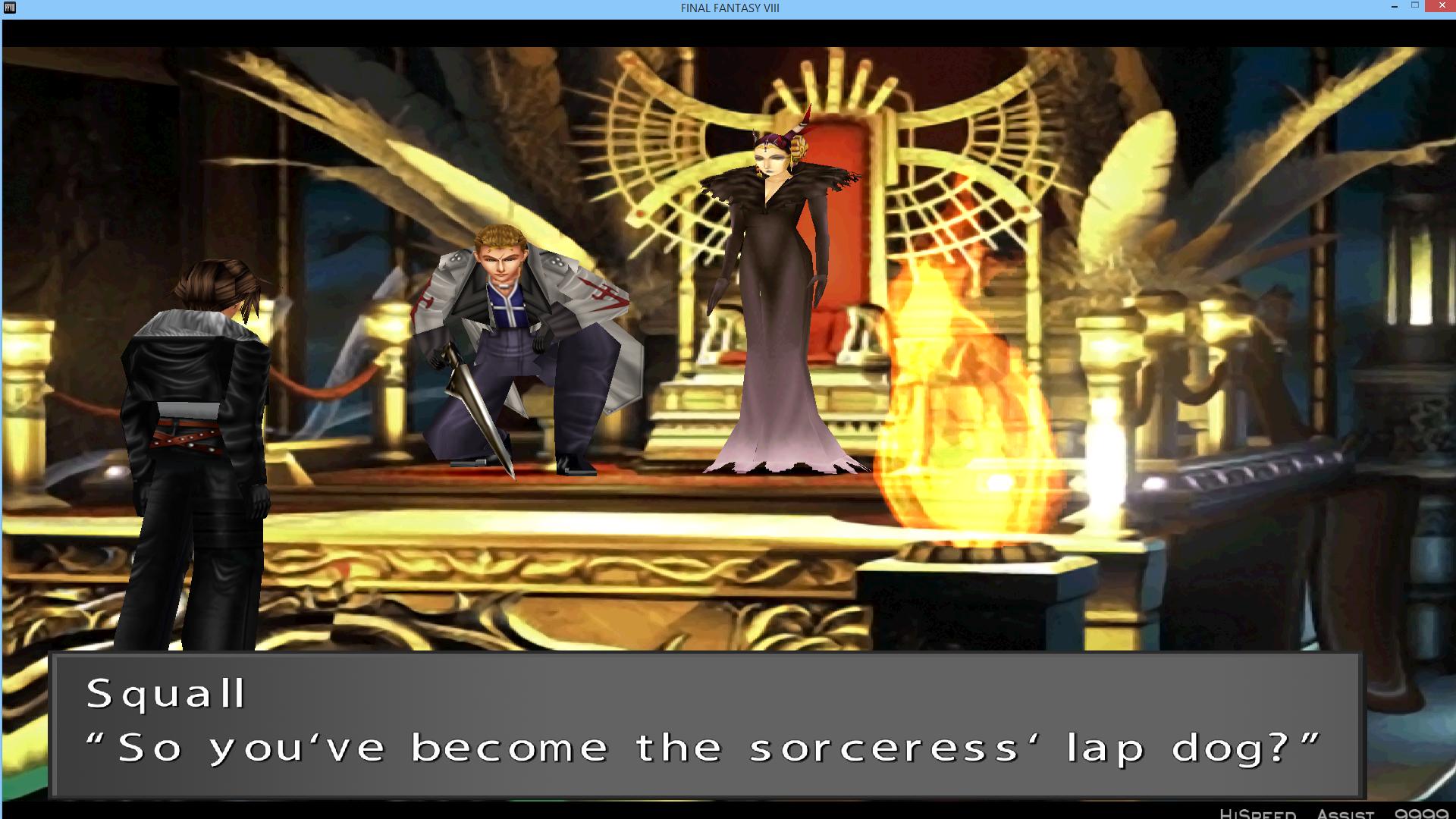
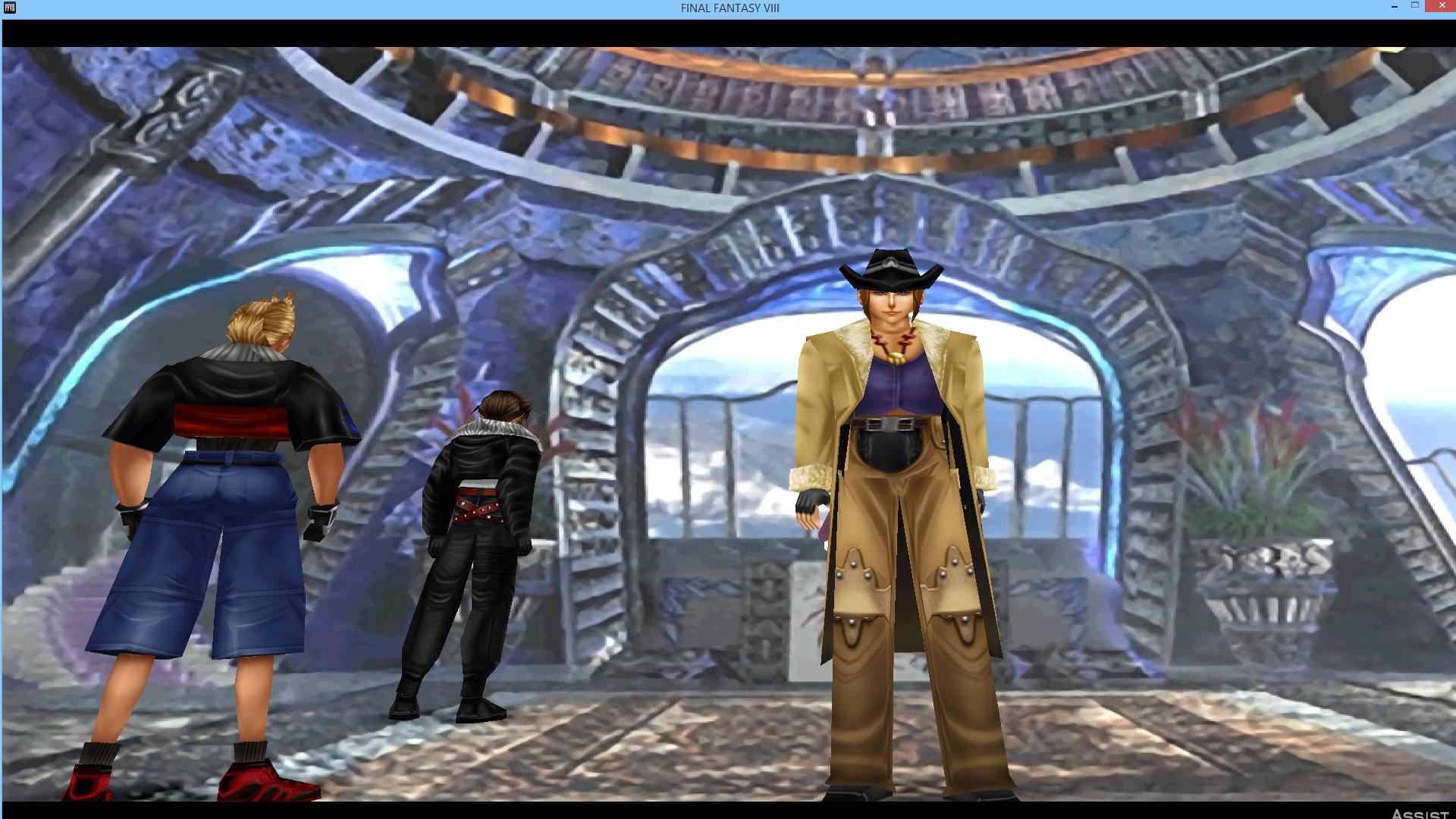
Are the Tonberry 1.6 hashes working for anyone else? I disabled all other mods and tested them out but it seems like the hashmap organization is a bit off. If I use the character-specific .csv's, only the Selphie texture loads. If I only use the objmap.csv, all characters except Selphie load. I have to use both the objmap.csv and all character-specific .csv's to get all the textures to load. Irvine's texture doesn't seem to load regardless.Thirdly, I added a new folder for Tonberry 1.6(for those who are using it) where the characters have their own specific hash files.
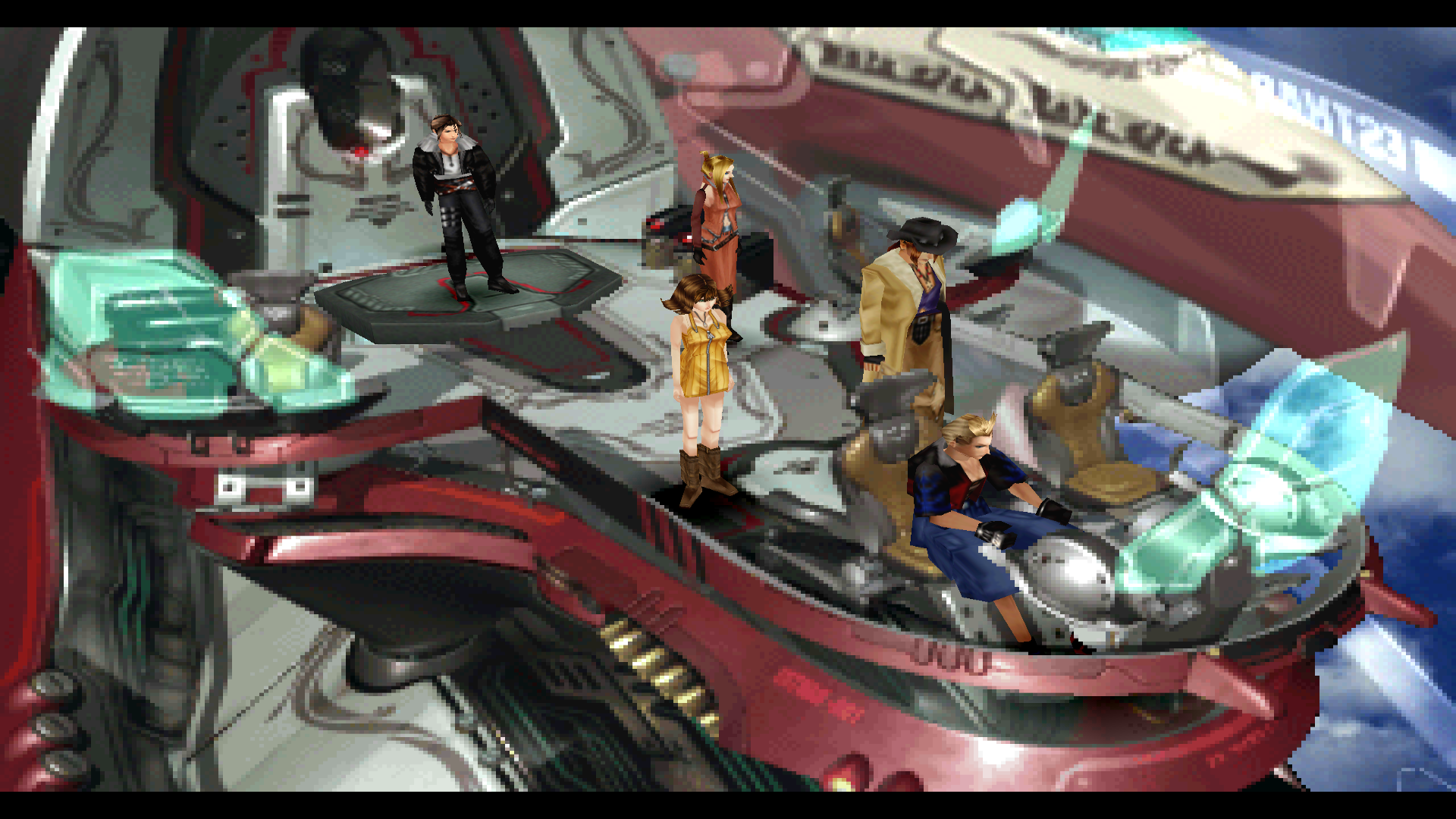
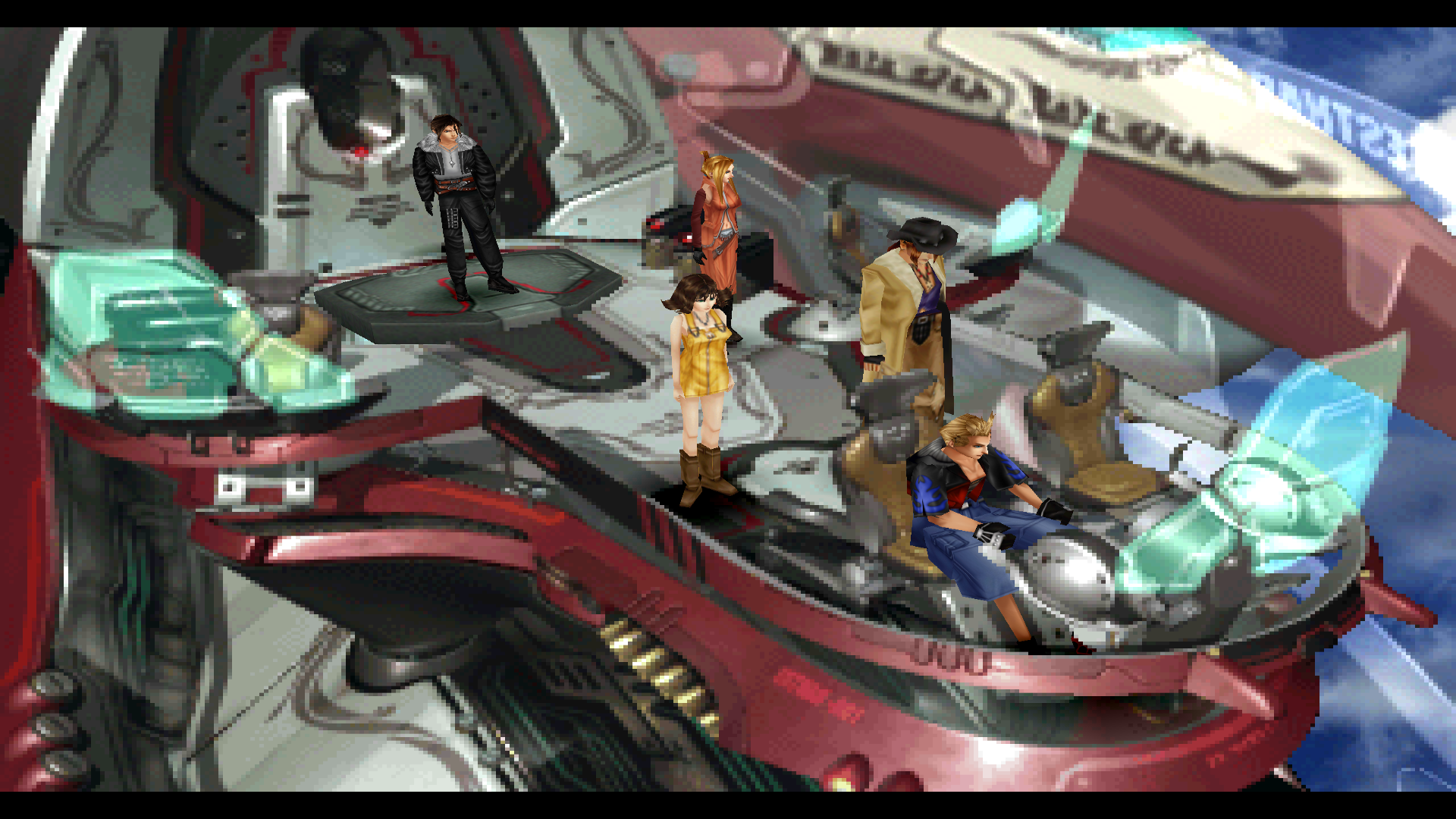
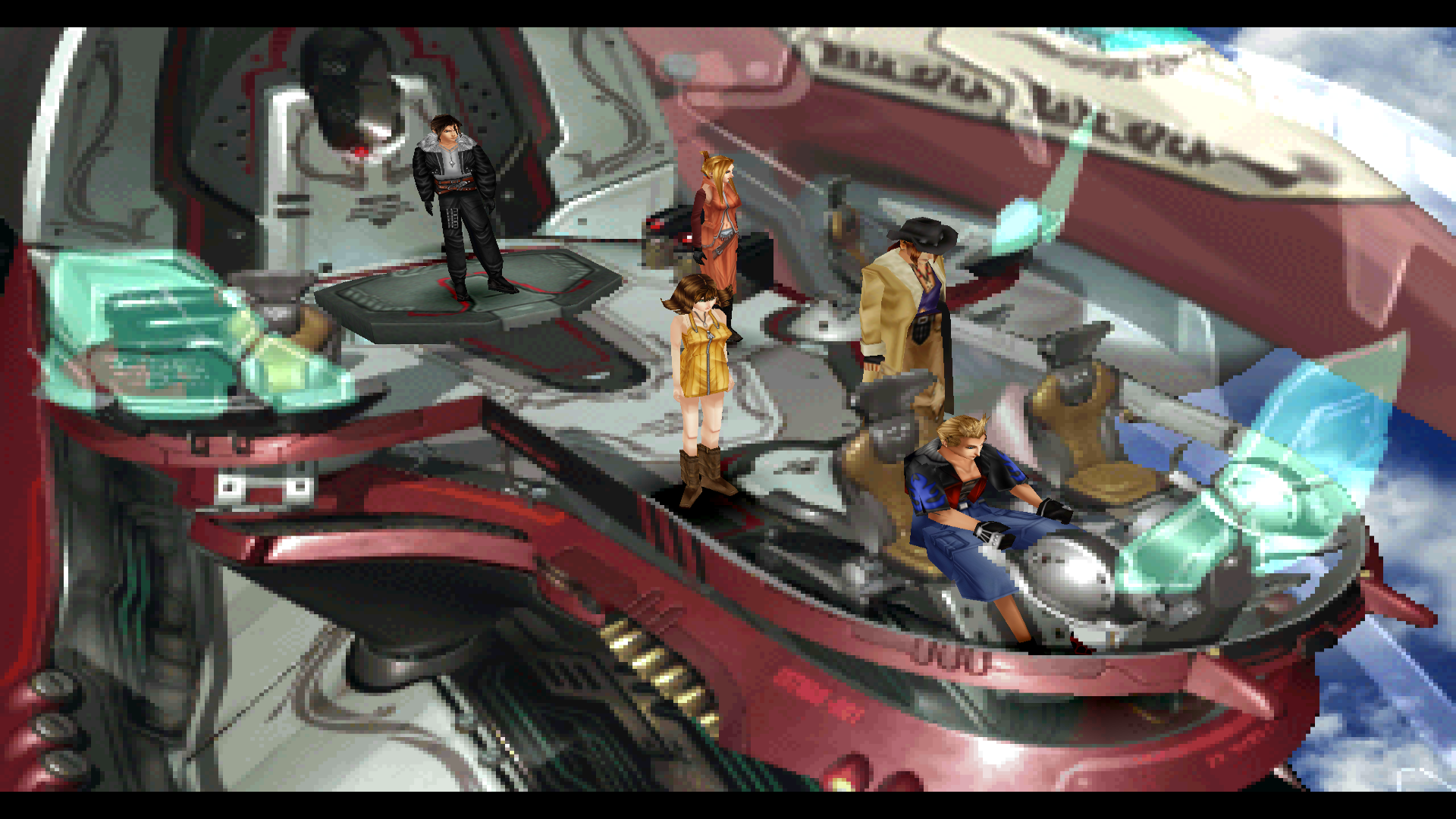
The reason is probably that the hashes aren't completely done, yet. The main things that won't disappear with these are the battlers and high poly characters. The low poly characters will take a lot of time to gather all of the codes. But if you use the objmap by itself, yeah, the characters won't revert because all the low poly codes are found for that. Things will just disappear or glitch at times.Are the Tonberry 1.6 hashes working for anyone else? I disabled all other mods and tested them out but it seems like the hashmap organization is a bit off. If I use the character-specific .csv's, only the Selphie texture loads. If I only use the objmap.csv, all characters except Selphie load. I have to use both the objmap.csv and all character-specific .csv's to get all the textures to load. Irvine's texture doesn't seem to load regardless.
They look amazing in game though!
character-specific .csv's only:
objmap.csv only:
both together:
Cool, well thanks for all your work, really really awesome to be have such an active community for this game!The reason is probably that the hashes aren't completely done, yet. The main things that won't disappear with these are the battlers and high poly characters. The low poly characters will take a lot of time to gather all of the codes. But if you use the objmap by itself, yeah, the characters won't revert because all the low poly codes are found for that. Things will just disappear or glitch at times.
No problem. Thanks. I probably have a lot more free time compared to others here. But you said Irvine doesn't load no matter which one you use? He should be using his new textures in that spot regardless of which one you use.Cool, well thanks for all your work, really really awesome to be have such an active community for this game!