[CC:FF7 PSP] Crisis Core UI Upscale Project

  • Thread starter Thread starter KaosuReido
  • Start date Start date
Status
Not open for further replies.
If anyone ever takes this project to continue it, and wants to make it more visible and accessible, to, well, the same platform this texture pack is used at, please, visit the PPSSPP forums! They've recently made a section exclusively for posting your Texture Packs! https://forums.ppsspp.org/forumdisplay.php?fid=36

--And please be nice to the author, even if you make changes, link to the source, kindly.   :-D He did an amazing job at this.
Well crap. I'd love to submit to that, but it looks like it would take a good amount of cleanup work, file-side. Also I don't really know shit about Github...

Maybe someday. Thanks.
 
Hello, can you please tell me what are the fonts you used for dialogs and texts ? Thank you for your work, it's very cool.
 
Thank you so much for this, makes the game look great
 
Hello, can you please tell me what are the fonts you used for dialogs and texts ? Thank you for your work, it's very cool.
None. Other than the Shin-Ra text at the top of the menu screen, and some of the menu headings, all the text was traced by hand from the original textures, using the pen tool in Photoshop. It was the only way I could manage to make things line up properly and not look horrible. Sorry. If you want to try to make a font out of it, though, the PSD zip has the original tracings I used to make the textures themselves. So you could scale stuff from that.
 
Hey, don't know if you're still around, I made a patch for this:

http://www.mediafire.com/file/a8wffdecika6elp/ULUS10336.rar/file

It now includes:

- HD Square Enix logo
- HD FF7 10th anniversary art
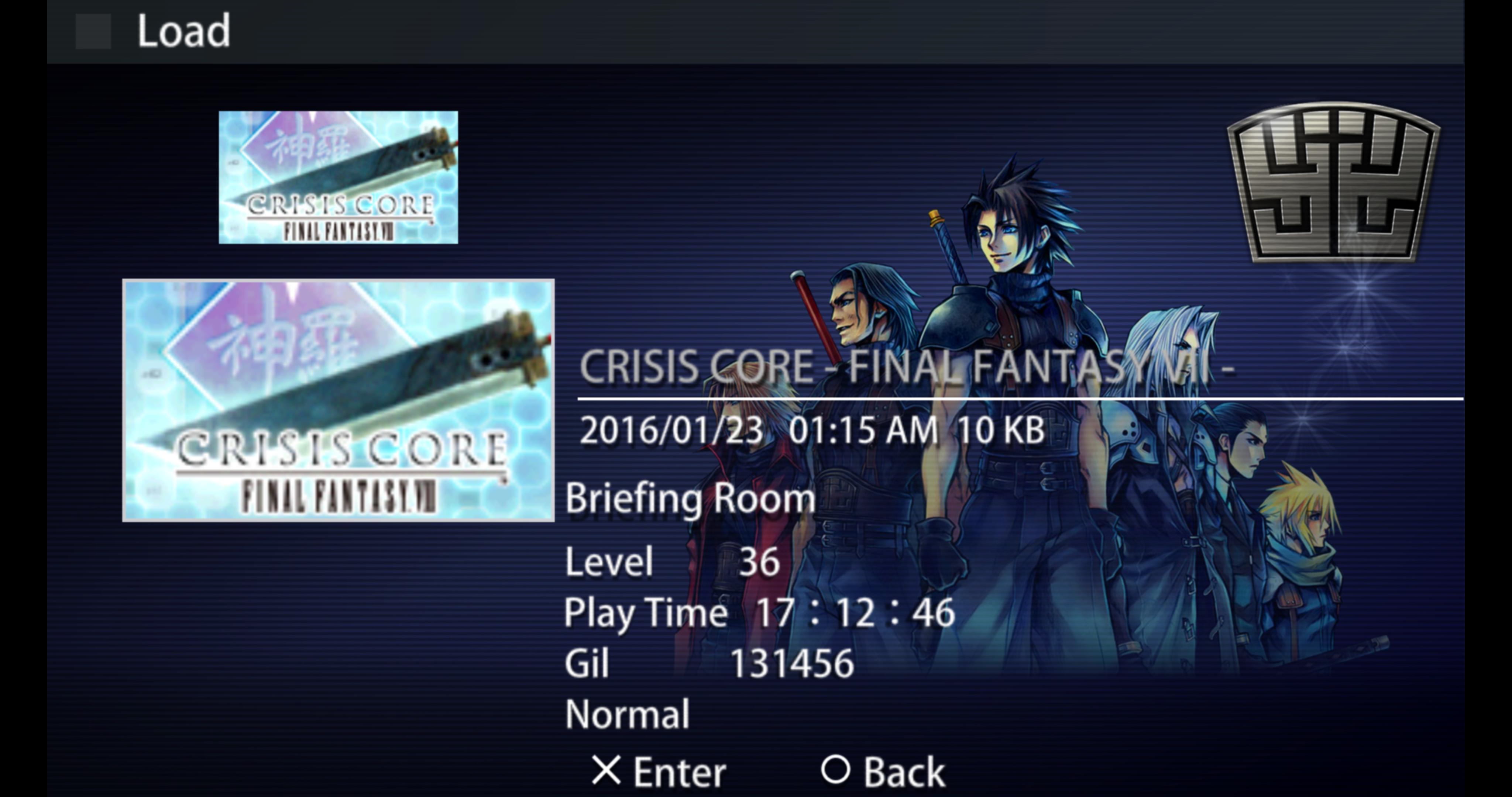
- HD art of the guys on the save screen
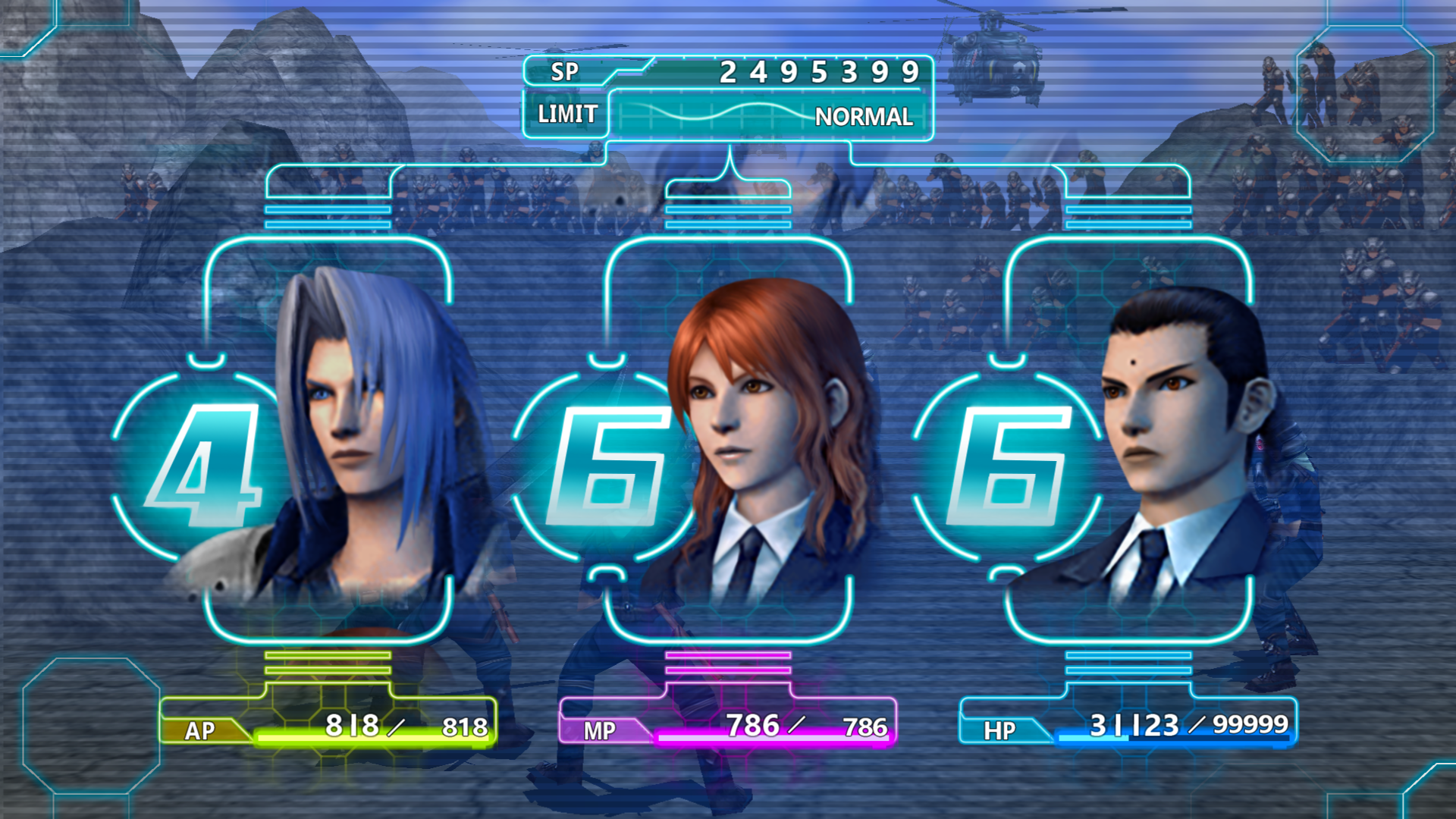
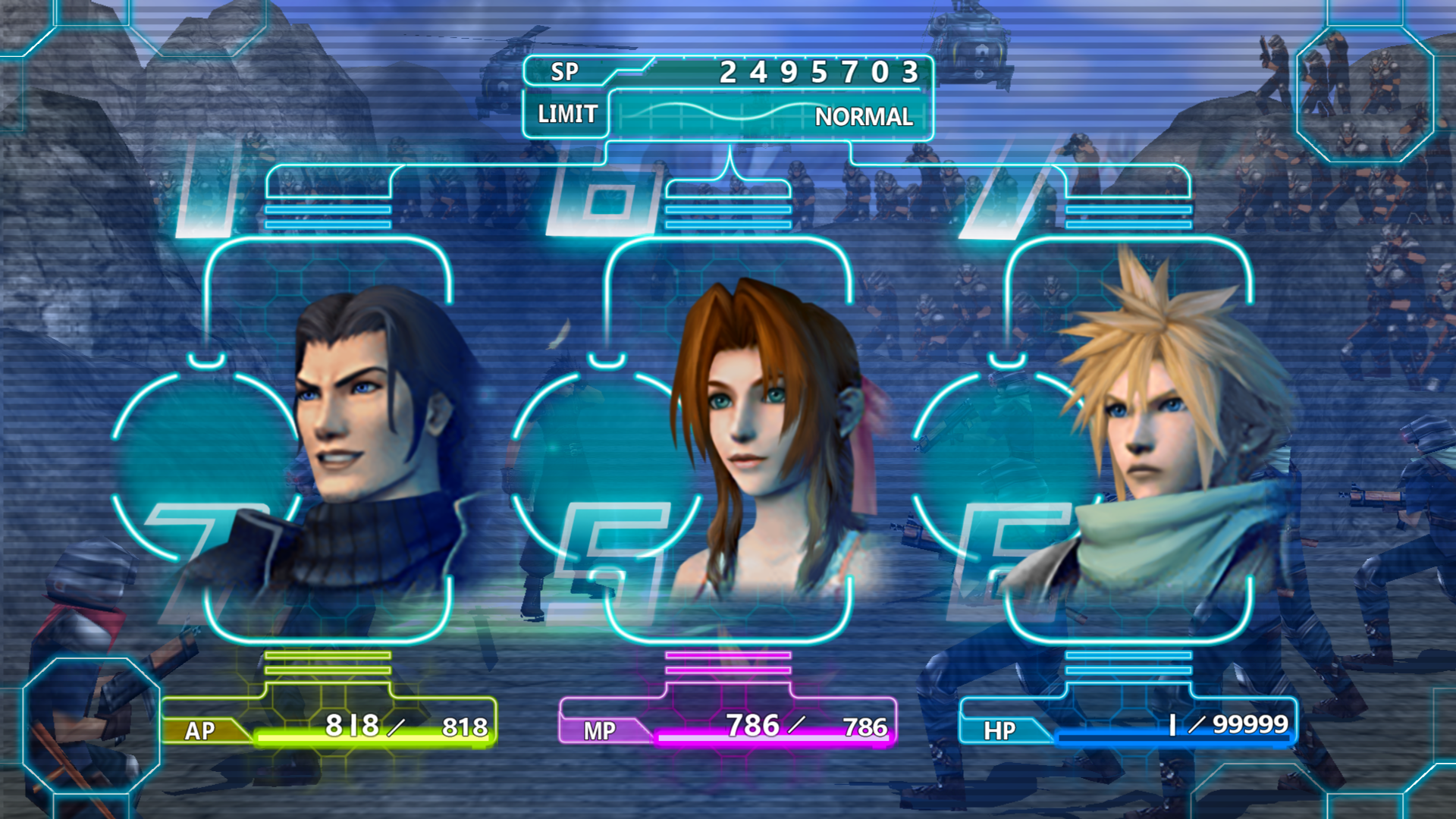
- HD DMW numbers
- Upscaled DMW icons (except Cait Sith due to technical difficulties)
- The "BREAK" icon in the lower left is now HD

Thanks for all the effort.

NOTE: This version here is incompatible with vierock's HD texture mod, for a compatible version of my patch, go here:

https://www.ff7catalog.com/posts/239136/

JTnObX8.jpg


PvDR23M.png


KscwBYy.png
 
Last edited:
Well done D! This is awesome. Please share some screens along!
 
I just realized it's DMW, not DMV (derp, has nothing to do with cars).

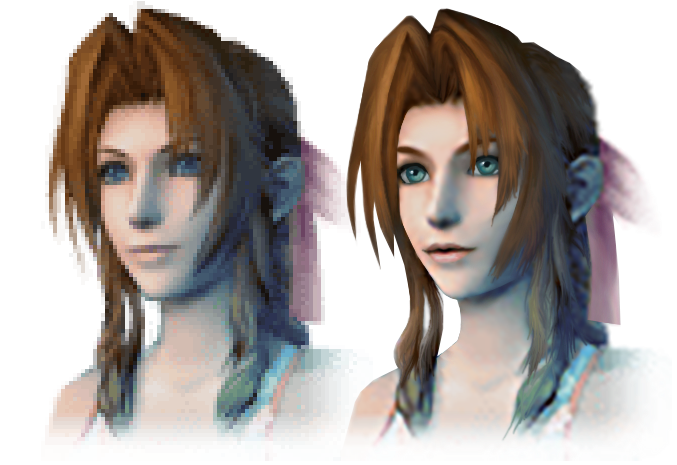
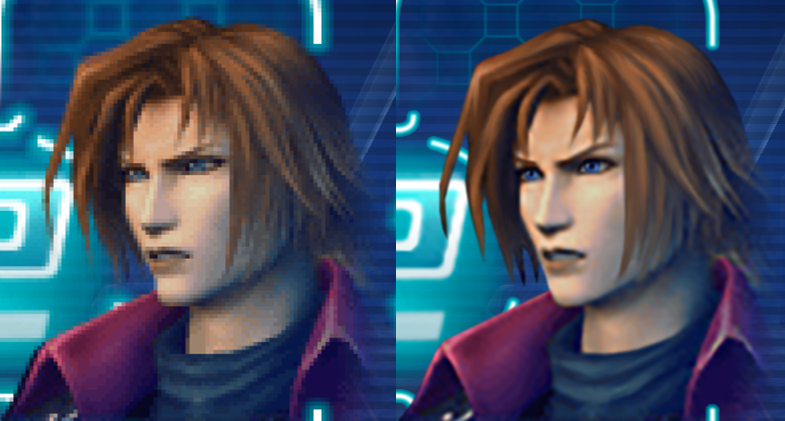
I've decided to try painting over the DMW portraits since they are the most important thing that needs to redone in HD, imo.

Here's a little sample of a before and after:

BSNQxyK.png


It's been quite a difficult job as I'm not a digital painter.
I figure some people might be displeased with the results, so I plan to release them all in a month, and anyone who wishes to change certain things can paint over them and post them here for improvement. I don't want to hear any ragey disrespectful stuff like (ARGHH, YOU ADDED TOO MUCH COLOR TO AERITH'S EYES, GO DIE IN A FIRE!!!!!11) and stuff like that, I'm doing what I can.

I want to do them and finish them by 2020 to give people 3 months to finish Crisis Core before FF7make.

I haven't been able to do Genesis (I don't have his portrait yet) or the summons, so if anyone wants to rip them and send them to me, that would be nice. But as far as my understanding goes, his portrait rarely appears in the DMW (it's been years since I last properly played through Crisis Core). At the very least, I want to do the six basic main chars (Aerith, Cissnei, Angeal, Tseng, Cloud, Sephiroth) because that's what people will see the most.
 
Everything you've done looks great to me. I'm happy there's even more stuff being done on this; I feel like my UI stuff isn't perfect, but seeing people try to improve it is great.
 
Thanks guys, I decided to post these a little early and you can see all six comparisons:

http://www.framecompare.com/image-compare/screenshotcomparison/DYLPPNNX

http://www.framecompare.com/image-compare/screenshotcomparison/J1B2CNNU

Feel free to suggest improvements and, if anyone wants, try painting over them yourself.

I had to improvise a bit so it's not completely accurate to the original, so I tried my best to make it look more natural.

I'll upload them again in game-ready form once feedback is complete.
 
Last edited:
I've been thinking at some point I might come back and actually redo the UI itself. The basic UI the game has is kind of cluttered and designed to be seen on a PSP screen, so it takes up a bunch of space. I've been thinking I might try to trim down the effects and stuff a little, streamline it. Not making any promises, of course. I haven't touched this in literally over a year, I'm pretty rusty, and I have fifty other minor projects too.
 
I think you've done a really good job!  My one suggestion would be to add some noise or a blur filter over the eyes.  The eyes really stand out as crisp and clear while the rest looks more blurred or fuzzy.

Thank you both for your work on this
 
I caved in and did Genesis, download link remains the same, just updated in my post above.
I'm almost done playing through Crisis Core again, and I noticed his portrait appeared more often than I thought it would, so now the quality is better.

SUn2j6Q.png


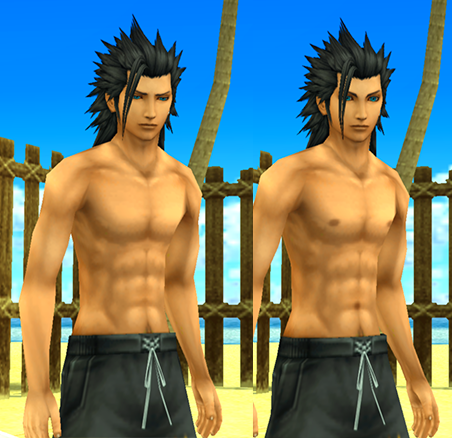
I also made a mod for the most important thing of all... giving Zack nipples and a navel.
His lack of them is oddly strange and makes him look alien, and I hated it.
Even Cissnei in the same scene has a navel, so it just looks weird.
So while this beach scene is only like, 5 mins long, if you want people to not be weirded out, hey, this mod is for you.

7hyqnSk.png


http://www.mediafire.com/file/uam6oe3oomihp5x/Beach_Zack.rar
 
Those do look nice... but does your mama know you are drawing nipples? :evil:
 
Thank you KaosuReido and Devina for this mod! I decided to finally play this game after FF7R was released. The UI upscale has helped keep me sane as I play through the game on my 55in 4K screen.

I realize I am necromancing this thread big time but this is where google searching inevitably leads people, and y’all seem like good folk. Your work has inspired me to attempt a texture mod using ESRGAN to automate up scaling the textures. I’ve had varying degrees of success so far, it handles certain textures very well and others... well they need a bit more of a human touch to really pull it off (mostly the strictly 2d elements such as text or foliage)

I don’t have a pack prepared yet, but I’m going to share some screens here and see where it goes. Hope that’s ok.

https://imgur.com/gallery/IsVd90t
 
Thanks for the kind words, and it's cool to see what you're doing. If I could give some advice, I'd tone down whatever it is that looks like it abnormally boosts the sharpness and contrast on the textures. It might seem like it makes them look clearer, but what it really does is make them look artificial.

With a little tweaking of the settings, though, this would be very cool to see in motion.

Also though, try not to boost the textures needlessly huge. 4K everything SOUNDS cool, but can put a lot more pressure on the video card than is necessary for almost no gain. I mean, they're PSP textures, so it's probably fine, just something to think about.
 
You're welcome. I'm still experimenting with the process. ESRGAN wasn't really meant for upscaling images so it has been a (long) process. I agree with you on the sharpness of the textures - they are results of the model I was using to upscale the textures. I'll put some of them through some different models tonight and upload them here.  Good to have feedback.
 
You're also welcome, I updated my post at the bottom of page 1 with a few extras (which I'm done updating now), trying to combine everything into a single pack. I'd say the game's HUD is pretty much done now, I don't know what else could be improved UI-wise.

If you need help with making an HD texture pack for the whole game, you have my permission to use my work. I can also help you out with making 2D elements like text, I'm pretty good with that sort of stuff.

I'm a bit disappointed because vierock (the maker of the other HD texture pack) just seems to have disappeared, and their work has a few errors/iffy design choices. For example, an enemy's hair texture has messed up transparency, some plants are completely different, the Shinra Building looks dirty with grime, many textures are unchanged so you have high-res textures next to low-res ones, etc.

I like the idea of a completely faithful upscale without changing the artistic direction. It would be awesome to have a definitive pack, as well as an active modder.

I would recommend making everything 4x the original. My mod pack and Kaosu's was designed for 4x in mind (for example, a 128x128 image becomes 512x512). Anything more sounds like it could be overkill and some players might not be able to play the game without lag.
 
To clarify, my monitor is 4K but I wasn’t planning on upscaling everything to 4Kx4K textures. The examples I posted before are a 4x upscale using the 4xBox ESRGAN model so 256x256 textures end up being 1024x1024. I’ve dumped about 1200 textures (after deleting duplicate hashes)  However, I’m thinking 4x might be a little much because the way some of textures work. Blinking animations aren’t a decal applied to the model, for example, but rather each frame of the animation is the entire character skin with a different eye. The majority of the 1024x1024 textures are around 2.2MB each and at this point, even with a GTX1080, I’ve noticed some significant frame dips.

Besides, I think 4xESRGAN doesn’t know how to handle such small original files. For example, the model I used has issues with smoothing out some of the jaggies (look at the shoulder guard of Arachno - it actually looks more pixelated along the edges). I ran the textures I have through a 2x model last night which is meant not to stylize the original too much. I have a feeling doing this 2x upscale initially will give ESRGAN or other modders more to work with and will help to maintain the overall art style if any more upscaling is applied.  Unfortunately I still have to work during this pandemic so any additional testing or screenshots will have to wait until later this evening (CST).

Once a consistent style is established then work on it will go much faster I think.
 
Status
Not open for further replies.
Back
Top