[CC:FF7 PSP] Crisis Core UI Upscale Project

  • Thread starter Thread starter KaosuReido
  • Start date Start date
Status
Not open for further replies.
dPaXWkn.jpg


rjkoK2L.jpg


EtPPWM9.jpg


KFMLQzM.jpg


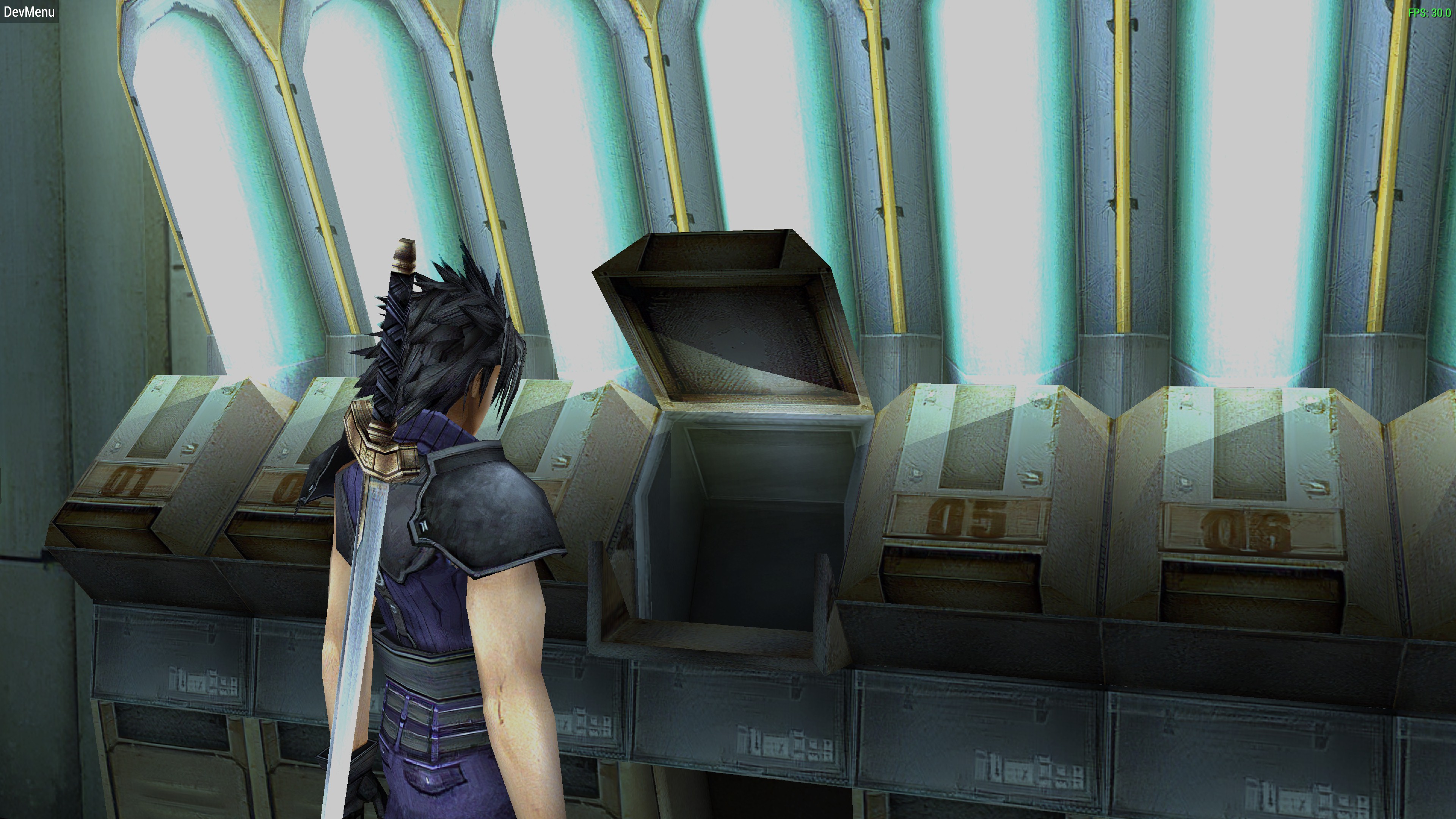
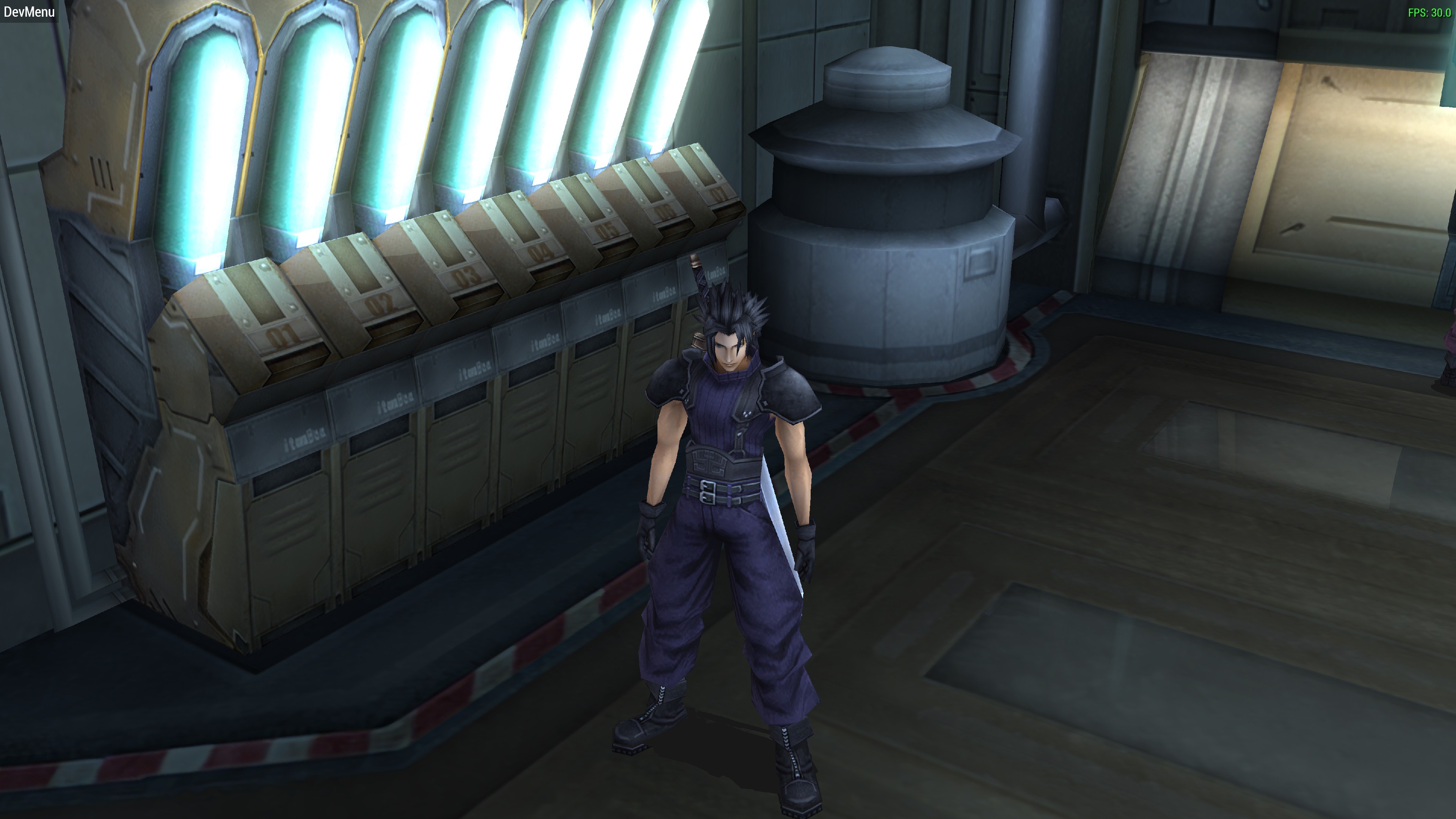
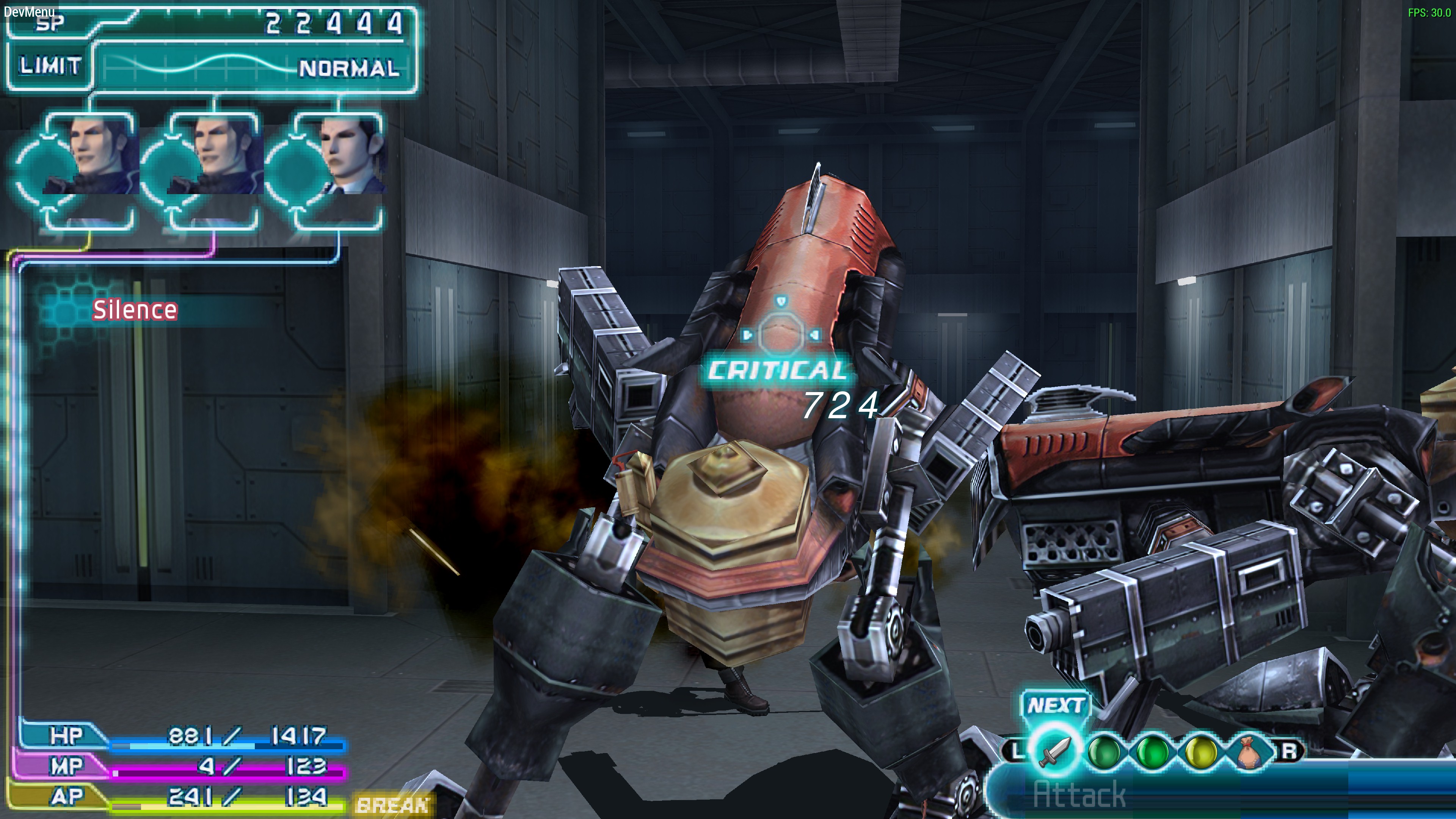
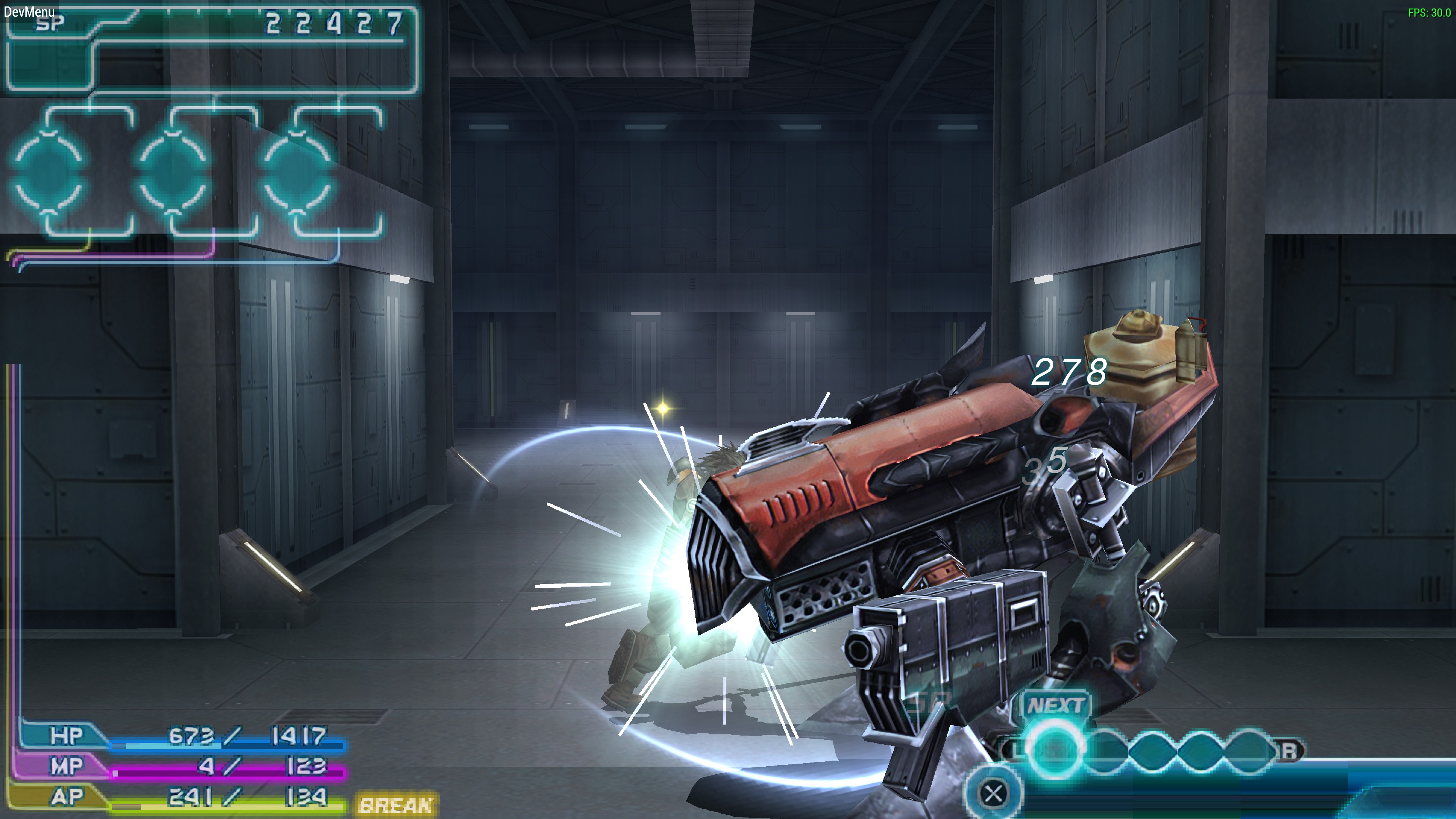
This is with a pretty faithful 4x scale, 2d elements in textures still need work. I'm not sure what I think, myself.
(PS Ignore bad UI elements... I have gone through and deleted the UI textures from my files yet)
 
Some models look darker. Are those the modified ones with the refined rough edges? If yes, I prefer the brighter ones. ;)
 
Thanks for the feedback, it is something I am aware of. The benefit of using ESRGAN is automation - bear in mind that so far I’ve upscaled nearly 1300 textures and I am only at the part of the game where Zack meets with Lazard in his office for the first time. It’s a lot to go through - the way PPSSPP dumps the textures results in many duplicate files (sometimes 5x+) that need to be removed. What I’m trying to do now is refine the workflow. Redrawing everything by hand is simply too big of a project for one person to do, especially for free.

The downside is that no one has trained an ESRGAN model for upscaling for a project like this. Most ESRGAN models are trained by starting with high resolution images, downscaling the images to 4x lower resolution then  reupscaling them to their original resolution and comparing the results to the original files. In this case, the files we are upscaling are very pixelated from the get go. At this point I’ve tried every ESRGAN model I can find and each one has done a very good job at keeping the hard pixel edges from the originals which actually makes the edges on some textures more apparent than their originals.

All this is to say that there are several textures that are going to need to be refined manually - especially those featuring 2D text elements such as the numbering of the item boxes or floor labels, or lines bordering transparencies. Many curved areas need to be smoothed out by hand.

I haven’t been totally satisfied with the ESRGAN results either because of the issues above. 

My current plan is

[list type=decimal]
[*]Manually adjust/refine at least one hundred images to create a training dataset
[*]Use dataset to train an ESRGAN model more appropriate for this project. Multiple models will likely be needed for different categories or “types” of textures (character models, foliage, text/ui, etc)
[*]Dump all original textures and sort them by type
[*]Upscale and test.
[/list]
The number of textures is kind of overwhelming at my skill level. I am not the best artist, nor the fastest. I am nearing the point where I am prepared to ask for assistance completing part 1 if anyone is willing to help. What I will do is sort out the textures I do have into categories and share them here so any interested parties can contribute.

 
Thanks for explaining in detail! It's highly appreciated! The whole process seems quite amazing. Is this ESRGAN tool a neural network based AI upscaling engine? I apologise for my post being shown a little shallow for such a complicated and hard process, hehe... Your persistence in such detail is what's gonna bring perfection to the final result of course!

What I actually meant by posting is that until the process is finally completed just keep a link with the brighter textures as well that don't lose too much of a detail as an option if possible ;). I'm personally one of the users that could do without refined rough edges if the whole process is so demanding but of course the final result is going to be devine!

Good luck with the rest of the work needed! Looking forward for the completed project!
 
Last edited:
No worries, I didn’t take your comment as disparaging. I do appreciate the feedback as honestly I am newer to the game and Long-time fans of the game will be able to have a better perspective than myself. Thank you for the encouraging words.

Yes ESRGAN is AI neural network... training and processing is going to take some time. Also I am a busy person (I’m at work while posting this) so please be patient! (To be honest a lot of the ESRGAN work has just been waiting around  8))
 
Last edited:
I had the day off of work today. My CPU spent most of the day being occupied with training an upscale model... mixed results so far. But, I finally had a chance to upload the textures I have already. I think tomorrow I will dedicate time to playing through the game to get a more complete texture dump. I also updated textures.ini to match the established wildcard. Sorry about some of the filenames, btw! Since I haven't played all the way through the game I don't know what everything is called yet.

There are some issues I've noticed - I didn't have dumps of some of the animations for Zack with his soldier 1st class uniform, nor do I have any upscaled textures from the initial training mission. (If anyone has a *complete* set of textures please share!).

https://drive.google.com/open?id=1w1j1hAG5JNzfNoS7CXi6yDN1xBnrO_N3

If you take a look, you can see what I'm talking about with some of the edges. I'm actually ordering a tablet/stylus for this project because editing with a mouse will just be too frustrating. If anyone wants to take a stab at it however, be my guest.
 
Last edited:
Maybe you should just focus on environments for now since yeah, the hair and transparency looks off when done by AI, and it will be a pain in the butt to do all those individual masks.

I think vierock already did most of the characters anyway, and they all look good (altho Cissnei's/Hermione's eyes are too bright imo).
 
I would love to watch the final result of this project with the character's fixed though since they will resemble the original models... :)
 
Maybe you should just focus on environments for now since yeah, the hair and transparency looks off when done by AI, and it will be a pain in the butt to do all those individual masks.

I think vierock already did most of the characters anyway, and they all look good (altho Cissnei's/Hermione's eyes are too bright imo).
I agree to be honest... it will be too much work for me to realistically do the character textures. I’ve got to hand it to Vierock because did a really great job. Right now I’m actually just playing the game whenever I have spare time so I can get all of the textures. I also developed some scripts (in Python) to automatically remove duplicated texture dumps, rename them to account for the texture wildcard and generate a list to add for textures.ini. I’ll share them whenever I release something next. They’ll be useful to future projects anyone may do using ppssp.

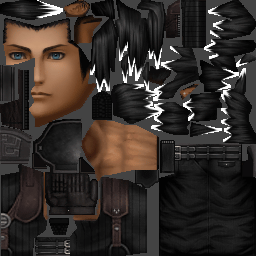
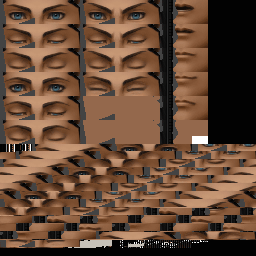
It would be really great if we could inject the textures back into the iso. I was able to dump them directly however (as of yet) I don’t know how to put them back in. It would make the work much easier because the textures are actually stored differently. For instance, instead of a separate character texture for each facial animation frame, there is a texture with just the base face design and a separate texture containing all the different facial expressions in a single file. Being able to copy this structure would help with memory use (enabling higher resolution) and also file size for the final release. It’s something I’m looking into at least.

XmlZPdS.png


SNjrL8V.png


This is how the textures actually appear on the ISO.
 
Last edited:
I think umdgen can repack the files into iso format. Don't know too much about it though
 
Yeah, you can see how the upscaling is a mixed bag...

Aerith's hair and eyebrows look better.

Some stuff like her dress (the flowers on them too), eyes and lips could use some refining.

If you look closely at the chandeliers, the transparency got messed up...

I have an idea, how about upscaling the whole game, then posting all the textures on Github?

Then everyone could work on it like a group project, playing the game from the beginning to the end, manually fixing errors, etc. I could help you out on that, but we'd all need a basic framework to start from.
 
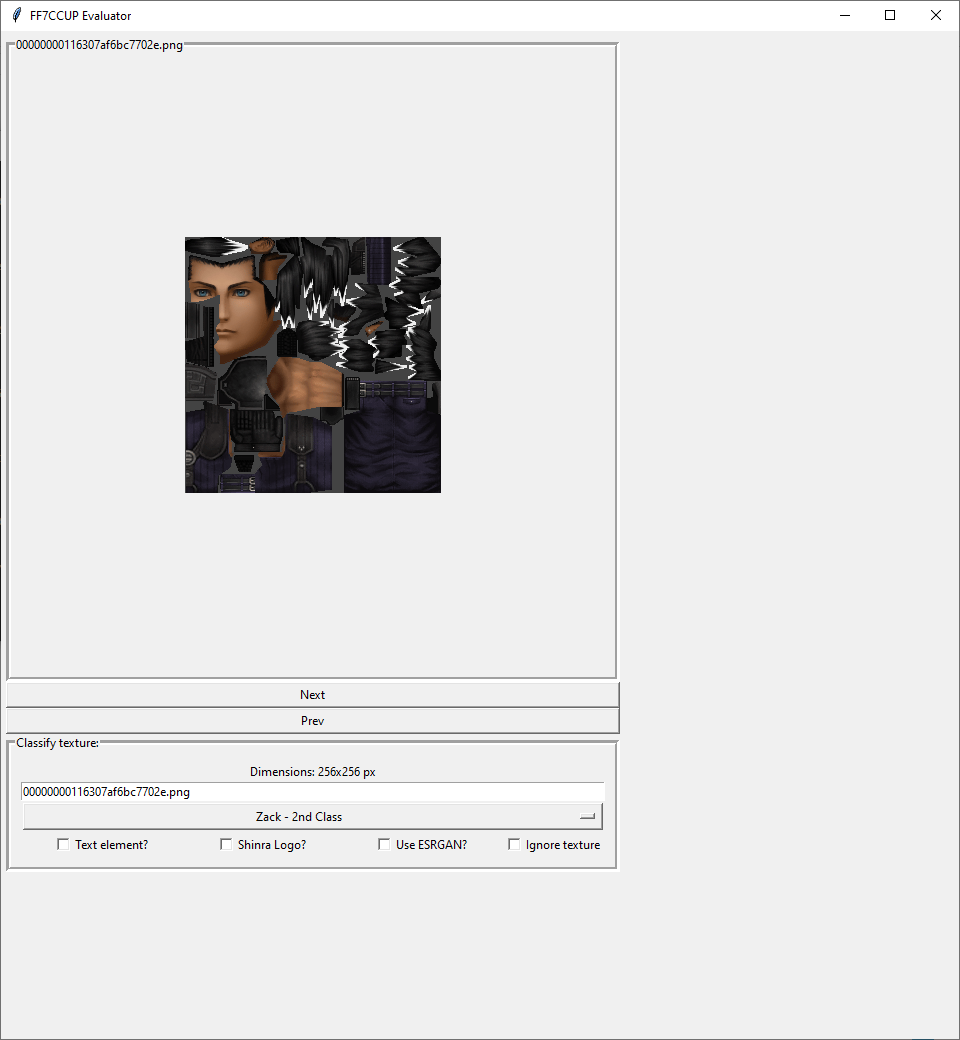
Yeah, I’ve noticed those issues. Usually they are the lower resolution textures. What I’ve been working on the past few days in my off time has been developing a tool to classify the images and organize them.

ESRGAN handles certain images better than Topaz and vice versa. Very low res images (<32 px) probably need to be upscaled to something larger with nearest neighbor first before scaling with the AI or straight up done by hand because the ai tries to add too many details that don’t exist. Textures with text also get pretty messed up with either ai.

The aim of the tool is to categorize the textures in a speedy manner so they can be put into the appropriate workflow. It can also be used to evaluate the quality of the upscaled textures and designate them for clean up / masking.

I’ve been playing through the game too. My work is going back to normal so I don’t have as much time but I’ve been able to get in a couple of hours a day.

GitHub is a good idea. I have tomorrow off of work so I will probably have the evaluator done by then and I’ll upload some stuff.

Edit: haven’t finished yet, it’s a little more complicated than I realized. I’m pretty close though.
 
Last edited:
Hey so I hate to barge in like this but I have been looking for something for hours and since it has to do with Crisis Core Upscaling and this is the only still active thread on the topic I could find, I need to ask:

Is there any way to replace the FMVs of the game with the AI Upscaled ones? is anyone doing that? and if not, would it be possible?

Thank you in advance for your time, and again sorry for interjecting like this!
 
I think it could be done with UMDgen so long as the video was in the right format. Consider it a stretch goal.

edit:

I've been messing around with textures with the weird halo artifact using photoshop. Loading the layer transparency as a selection and then using select and mask has been pretty effective. This isn't a perfect example by any means if you're looking very closely but they are actually pretty small elements in the game.

http://www.framecompare.com/image-compare/screenshotcomparison/999BFNNU
 
Last edited:
https://i.imgur.com/2w7zZXJ.jpg

Tried my hand at applying some texture to Zack's clothing. I was aiming to give the texture an appearance more like how it appears in cutscenes. I don't think I quite achieved it but I think it ends up looking better than a straight upscale. (You can look at Angeal's sweater to compare how the AI scaling appears - open in a new tab to see full resolution). Once I have a more solid release ready I'll also have a separate upload containing psd files for the masks. That way any edits will hopefully be easier to make :)

http://www.framecompare.com/image-compare/screenshotcomparison/777WGNNX
 
Finally got my tablet in. I'm definitely not a professional with it, but I decided to experiment today with a texture that really bothered me... The Loveless Poster in Midgar. I had to spend a few hours on it but I should get faster as I become acclimated to using the tablet.

http://www.framecompare.com/image-compare/screenshotcomparison/99FBJNNU - textures
http://www.framecompare.com/image-compare/screenshotcomparison/77KL7NNX - in-game comparison

Really a lot of the signs didn't come out very well... but this one is so prominent that it really stuck out to me. Honestly a lot of the originals look better than the upscaled versions because the AI doesn't know how to handle that kind of detail. Plus, the player really doesn't get to look at many of them very close because of the way the camera works in the game.
 
Its almost ready....

vSF01Jr.png


So far I've got it displaying all of the textures I've dumped so far and it saves all the relevant attributes and categorizations in a database and even remembers where the user left off.

Just a few more things to get implemented:

Show upscaled texture in right panel and switch/compare against ESRGAN copy
Add buttons to open up upscaled texture in user's default editor/viewer
Filters to only display certain categories

Work has picked up again and there is rioting and other nonsense going on in my city (and I don't even live in the North!) so progress isn't going as fast as I'd like but I'm still working a little on it every day.
 
Status
Not open for further replies.
Back
Top