Cosmos Gaia: a worldmap rendering and analog controls overhaul

  • Thread starter Thread starter Cosmos
  • Start date Start date
Status
Not open for further replies.
C

Cosmos

Guest
6c935Ci.jpg
Overview

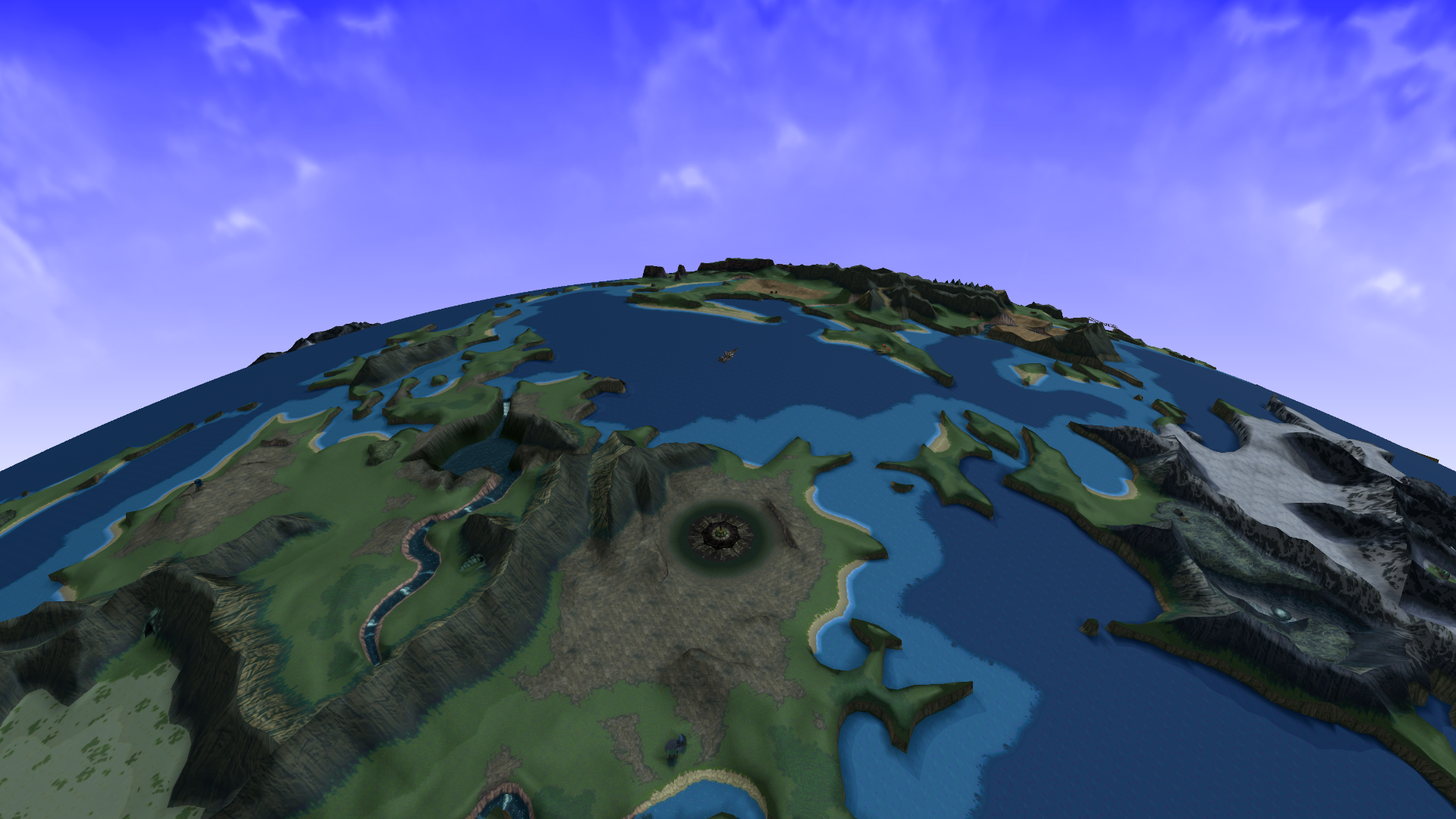
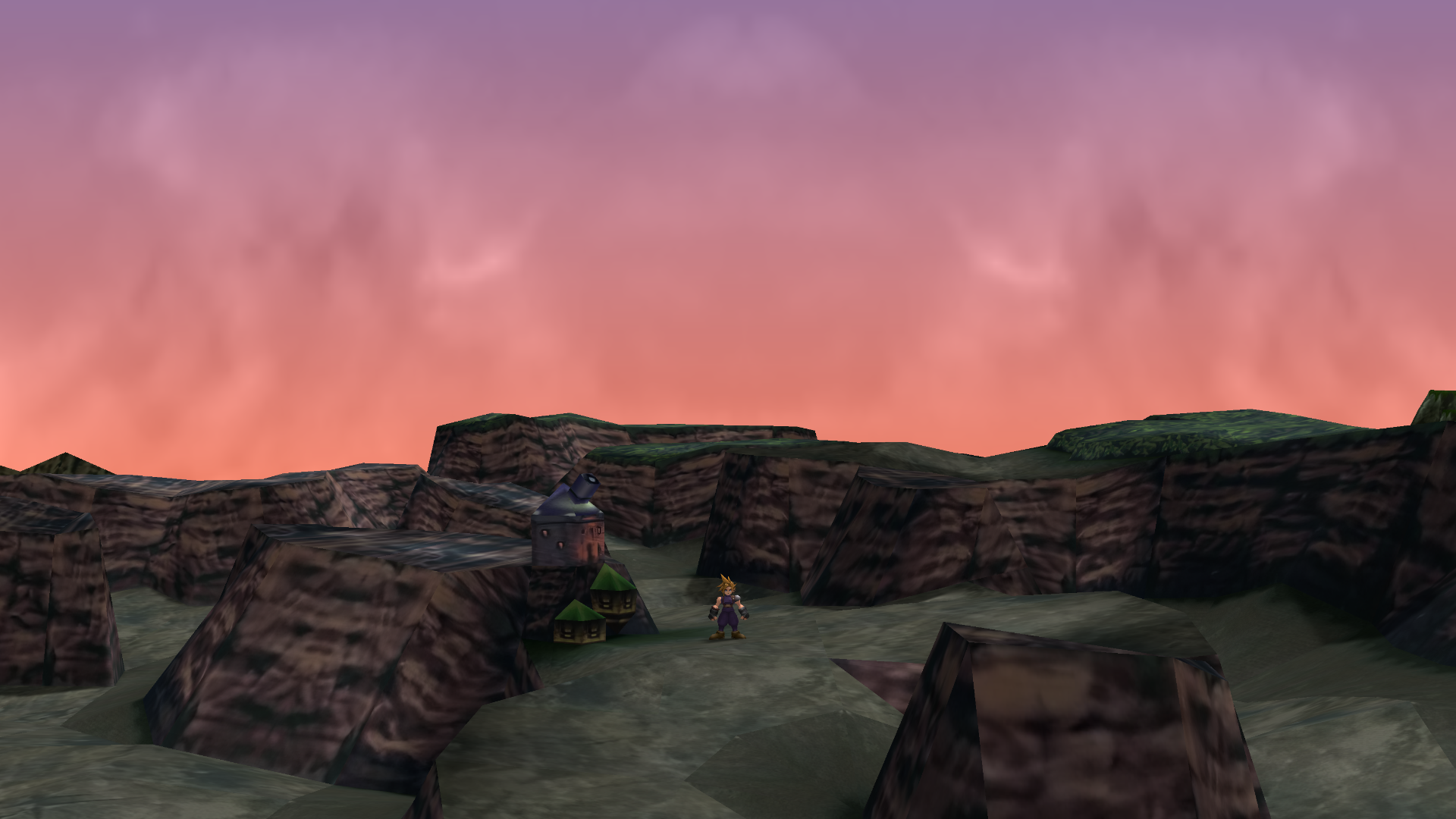
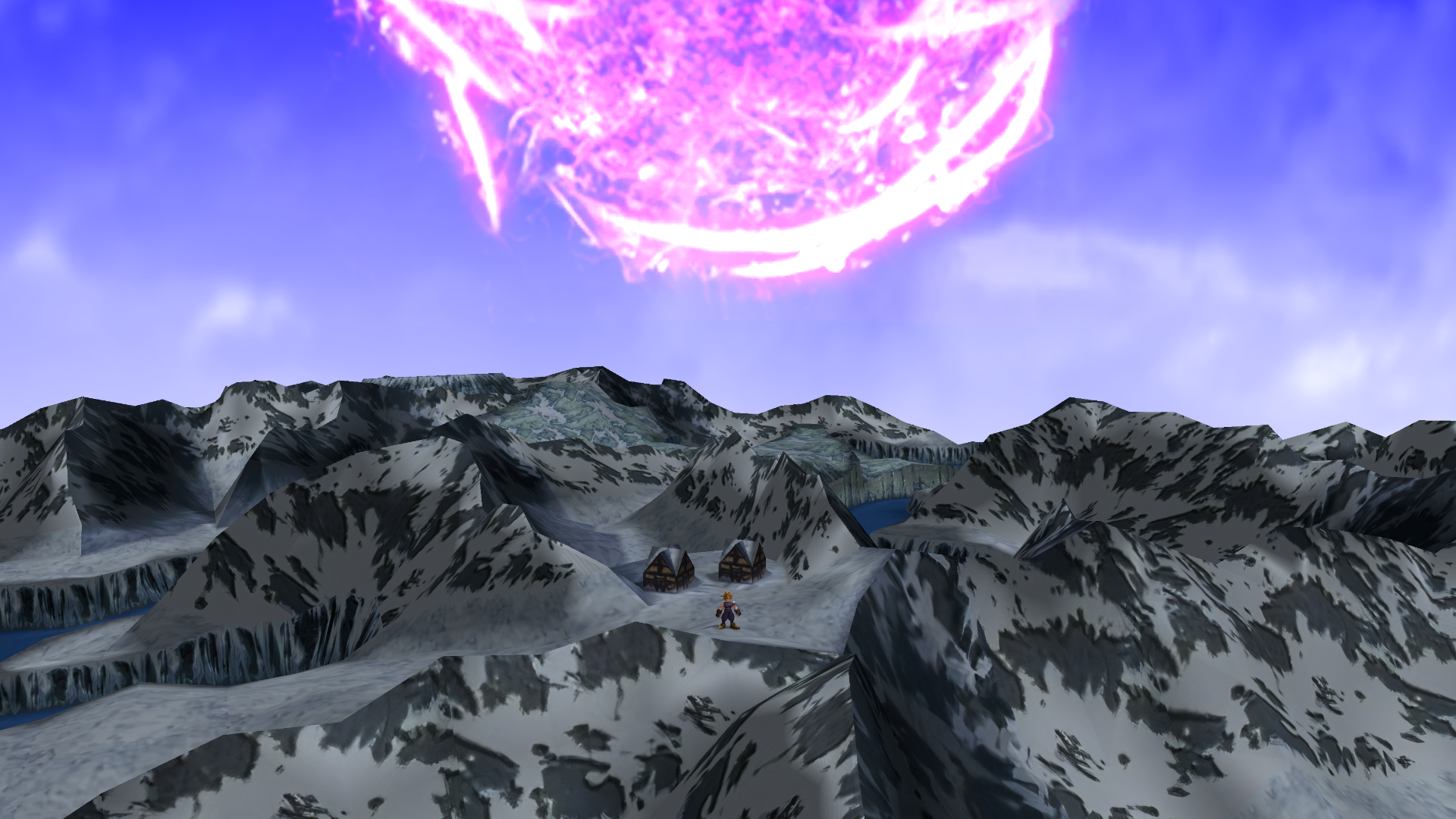
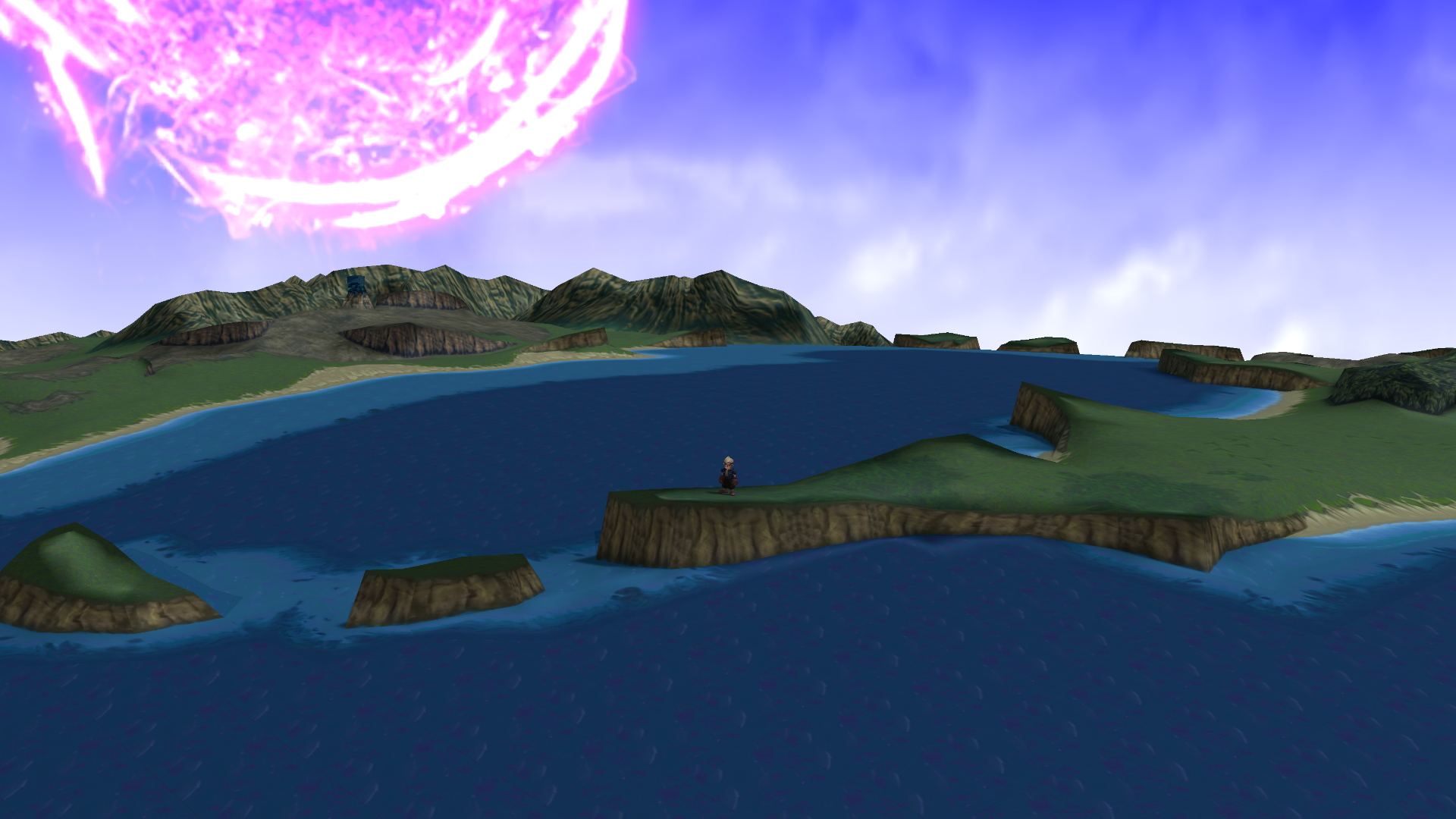
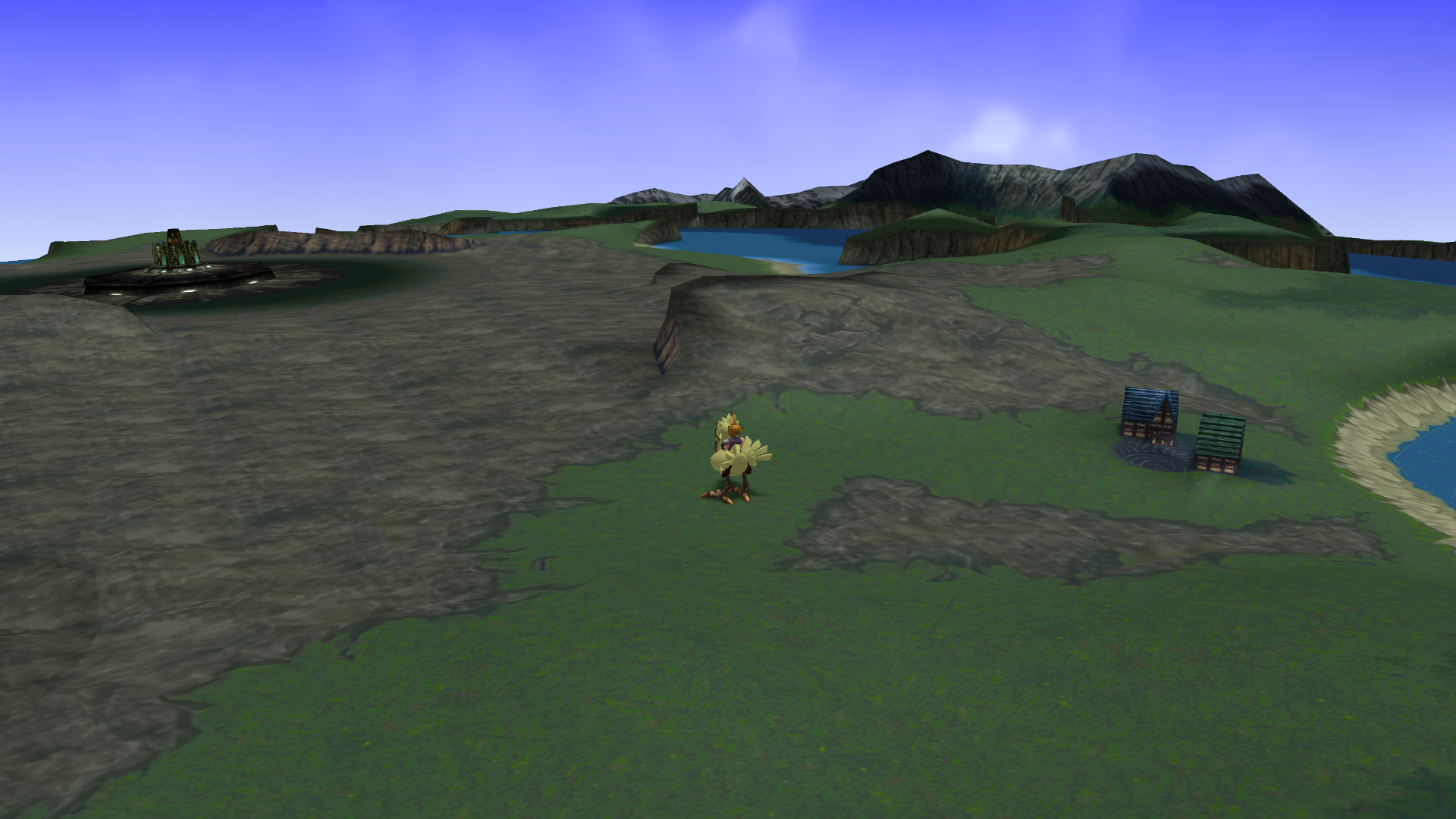
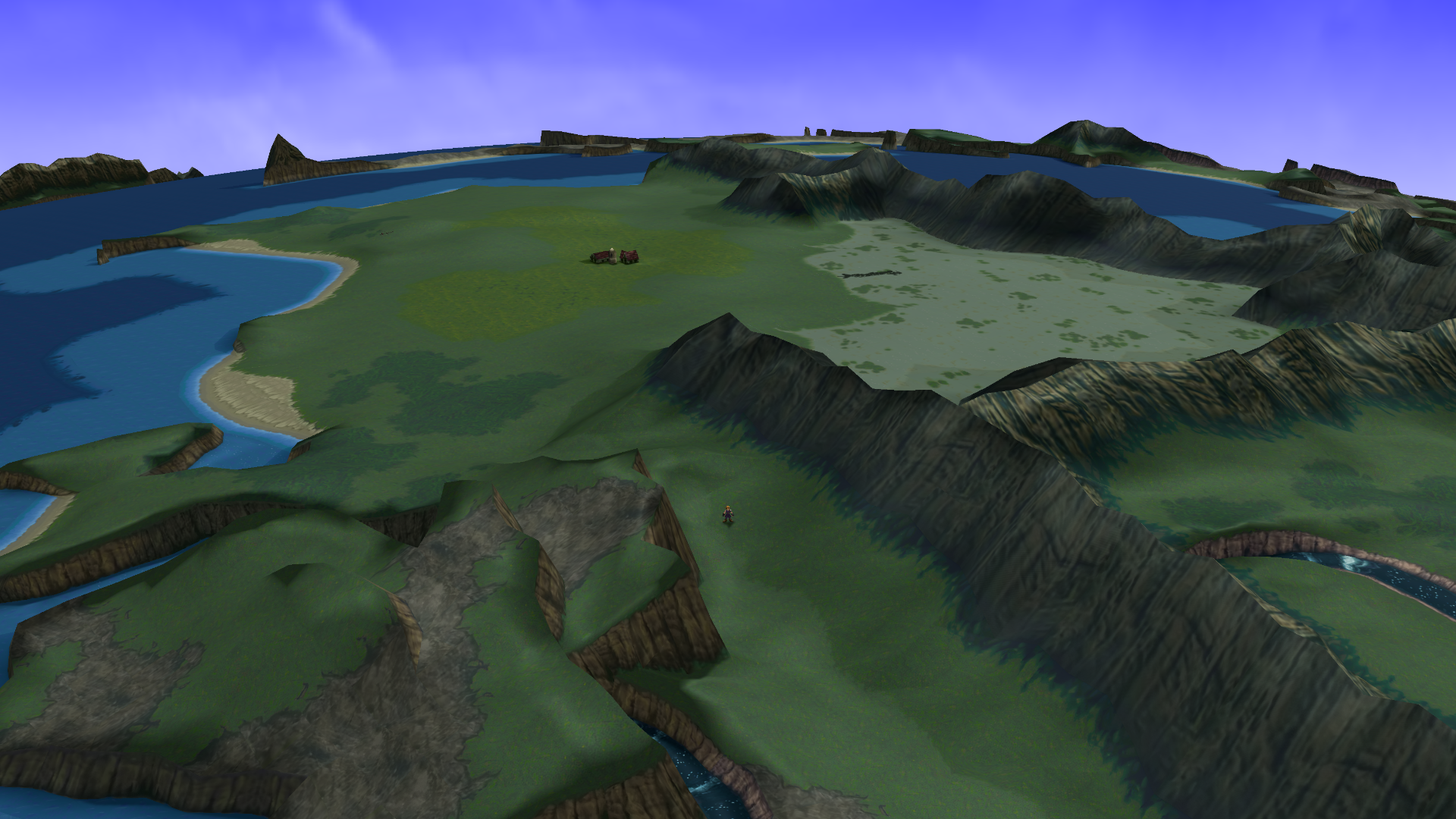
Cosmos Gaia mod is a worldmap overhaul that re-implements the terrain rendering to add analog movement and camera controls, real-time lighting and extended view distance.

Trailer

Downloads

Cosmos Gaia 1.0

You can download the mod from 7thHeaven catalog or from the direct link below:
https://cosmos.7thheaven.rocks/CosmosGaia.iro

Troubleshooting
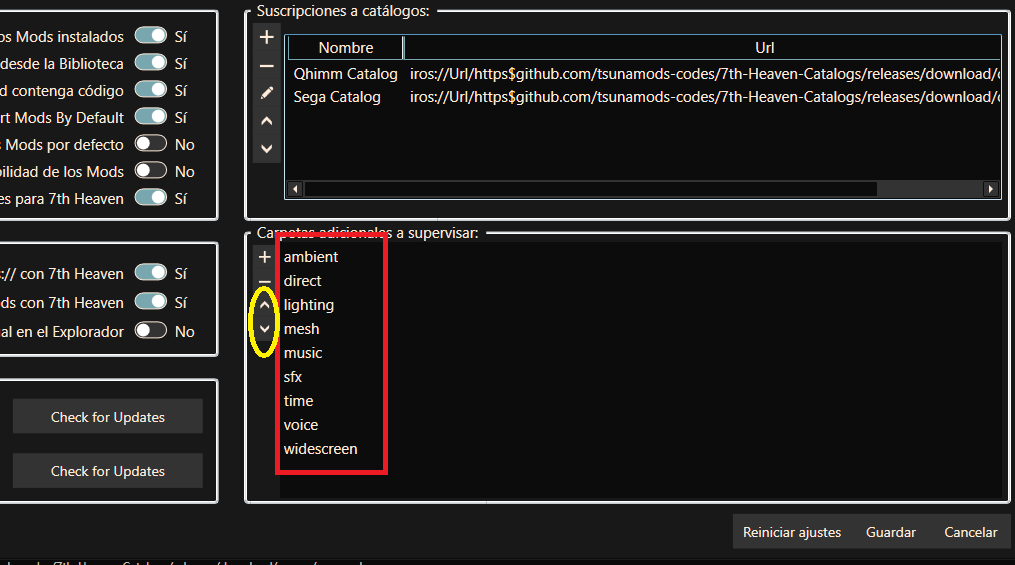
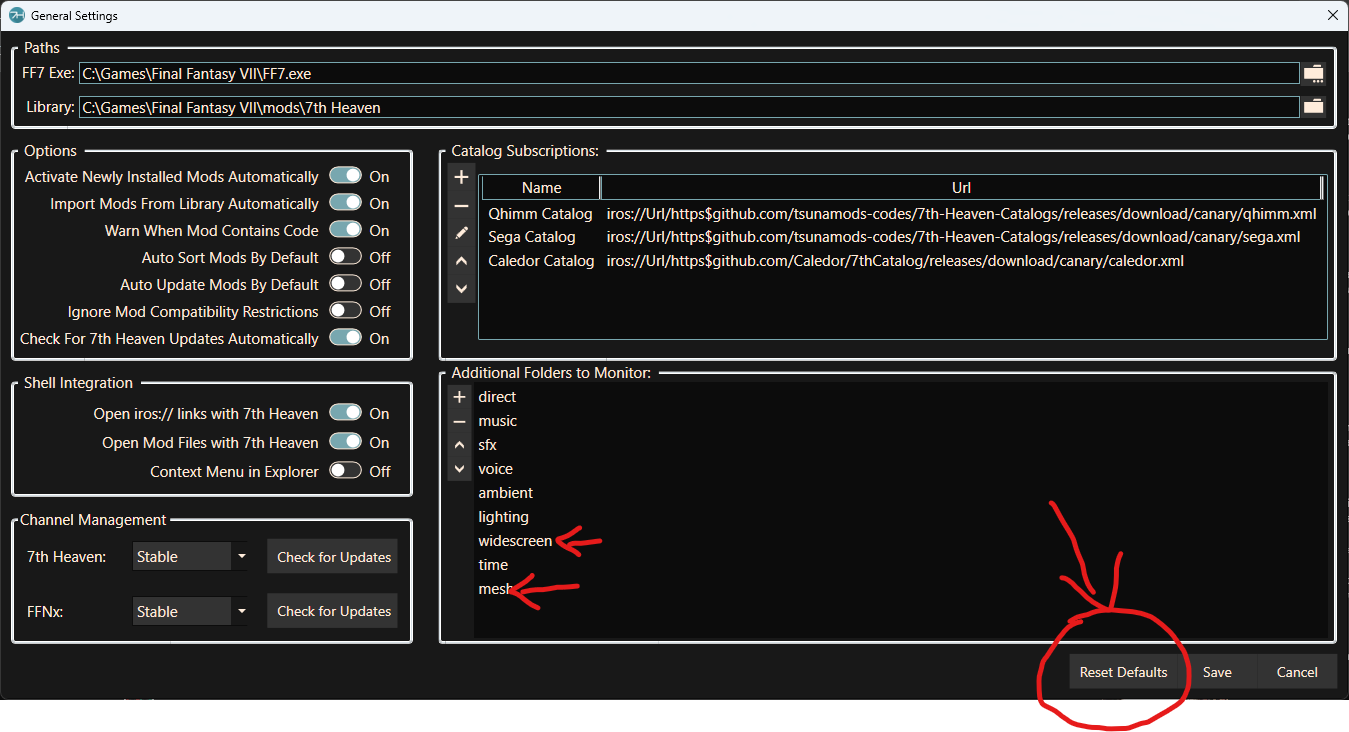
For this mod to work you need to update to have the "mesh" folder in the "Additional Folders to Monitor" in the General Settings.
New 7thHeaven installs have this set by default but already existing installs need to add the folder. If you don't then do the following:

  • PC users: click on the "Reset Defaults" button and the "mesh" folder will be automatically added.
  • Steam Deck users: click on the "+" button and the "mesh" folder manually.
Also, please update to latest FFNx (either canary or stable is ok).

DbXZIVZ.png
Changelog

1.0
- This first release contains the terrain external mesh data to replace the original rendering as well as textures based on SYW upscales.

Screenshots
2d7ijKs.png
p7qY8E2.png

JZfFNXA.png
jVg2yJ3.png

FYj3Dqa.png
rrOv5Uc.png


Credits

L@ZaRO for providing the worldmap mesh data
Satsuki Yatoshi for providing the upscaled textures
Vertex for helping with reverse engineering stuff
TrueOdin for PR review and assisting me in the development process
Enrico Deiana for the trailer music arrangement
 
Last edited:
Stunning. Being able to zoom in and out is fantastic!
Thanks to everyone
 
Wow this looks amazing, can I ask what mod you use for your character models? They looks awesome too.
 
Looks great.  So we should disable SYM Unified Worldmap Textures if we use this?  Same thing with your Limit Break release for field textures?

Thanks
 
Looks great.  So we should disable SYM Unified Worldmap Textures if we use this?  Same thing with your Limit Break release for field textures?

Thanks
As this mod uses my texture as a base, if you use an analog controller, juste use this mod (mine is only usefull ATM if you want original game experience or don't own a analog controller)
 
This is awesome! Thanks!

Any chance for adding an option to invert the y axis of the camera controls? I keep inadvertently staring into the sky
 
Any chance for adding an option to invert the y axis of the camera controls? I keep inadvertently staring into the sky
There already is an option to invert the camera controls but it has no yet been added to 7thHeaven UI. Instead, go to you game install directory, open the FFNx.toml config file in a text editor and change the "enable_inverted_vertical_camera_controls" option to true.
 
There already is an option to invert the camera controls but it has no yet been added to 7thHeaven UI. Instead, go to you game install directory, open the FFNx.toml config file in a text editor and change the "enable_inverted_vertical_camera_controls" option to true.
Thank you so much for this! Worked perfectly!
 
Hello Cosmos.

First of all, thank you for this, It´s amazing.

Just in case I found this:

The issue happen during the running, I didn´t test Tifa or Cid:

4WNn682.png


Only changing the positions of the mods solved the problem. Thank you again.

* Sorry for my poor english, I just studied basic long time ago.
 
Always love peeking in to see new things. This is beautifully awesome and I can't wait to play with it on. Doesn't feel like too long ago that we could mess with map data at all. I'm curious if it's possible to add new content to the map eventually. Probably would have to be in a new engine. Still this makes me look forward to my next playthrough.
 
absolutely loving this, its beautiful being able to zoom in/out, and move the camera around in battle was a wicked surprise.
 
Just in case I found this:
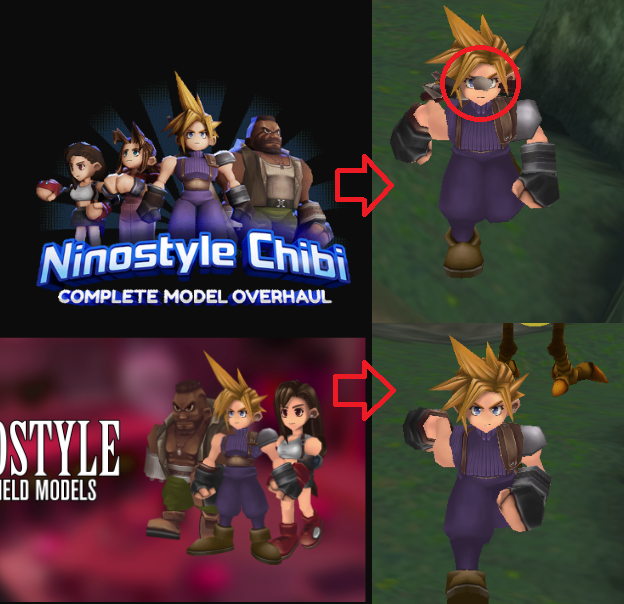
I don't think this is related to Gaia. To me it just looks like the dynamic weapon is clipping through Cloud's head. That is not included in the Gaia mod. That is part of the NinoStyle chibi model pack from the catalog. I think Tsuna is the one who did the dynamic weapons so you may want to report to him.
 
I've been trying for hours to install the Gaia mod and even the camera works on worldmap/cities/battles, the worldmap doesn't load for me.

Tried changing the order, tries deactivating all the mods but this one and nothing seems to work.

It doesn't matter if I also use the latest FFNx or the Canary version, result is the same.

Attached photos of how the worldmap looks and my mod list.

EDIT: I solved it resetting the 7th Heaven settings. This creates some folders that was missing because I updated from 3.0 to the latest one and that folders weren't created somehow.

20240204-174124.jpg

20240204-174536.jpg
 
Last edited:
Hello Posted by: zack__1987.

Try this order:

h0Q01Kt.png


You can do it manually.
 
Hello everyone! I've been searching a while for a solution to this, to no avail.

Playing fresh instal Steam FF7 on PC, fresh 7th Heaven install. Everything works fine, but as soon as I activate Cosmos Gaia, I can no longer move the camera at the world map. The buttons work fine on menus and such, but pressing them at the world map does nothing. Deactivating the mod allows me to control the camera again.

Tried a lot of solutions to this. Couple of fresh reinstalls, following all instructions, installing no other mods but Cosmos Gaia, but nothing works.

Can anyone please help? I would really like to playthrough once more using this mod.
 
Hi!

I started another nostalgic playthrough of FFVII, last time being like 15 years ago. First of all, thanks to everyone involved in the modding community, I sure am glad that I found 7th heaven and the world of FFVII modding! Took me a couple of nights to figure everything out before I actually got started with playing :-D

I just got to the point in story where I exit Midgar and enter the world map, and had to register to this forum only to report that I'm facing the very same issue as Kelendril in the previous post. There is no way to lock the camera to Cloud's POV, it's only fixed to one direction (which can be "refreshed" to Cloud's view if pressing the right thumbstick or tilting it, but it doesn't fix it to Cloud's POV. I use genuine Dualshock4).

Tried:
- Playing without any mods: Camera can be fixed to Cloud's POV
- Playing with all other mods, except Gaia: Camera can be fixed to Cloud's POV
- Playing with all mods, including Gaia: Camera cannot be fixed to Cloud's POV
- Playing with Gaia only: Camera cannot be fixed to Cloud's POV

I even tried to load saved game without mods, then fix the camera to Cloud, save the game and load again with mods. The issue stays, however the yellow "pov indicator" on the mini map stayed after this trick.

I have a fresh install of Steam FFVII, 7th Heaven and mods.
 
I am having the same issues as mitch832 and Kelendril.  The [Camera] button (No matter what it's assigned to) doesn't switch camera modes.  Camera is just stuck facing North.
 
Right now there is no way to move the camera with the keyboard, you need to use a controller. Some time in the future I’ll add a way to make it work with keyboard too.
 
That'd be why!  Darn, I guess I'll have to find a controller to use.  Thanks for the reply/clarification!
 
Status
Not open for further replies.
Back
Top