Cosmos Limit Break: backgrounds extended for true widescreen

  • Thread starter Thread starter Cosmos
  • Start date Start date
Status
Not open for further replies.
C

Cosmos

Guest
luyEKP0.jpg
Overview
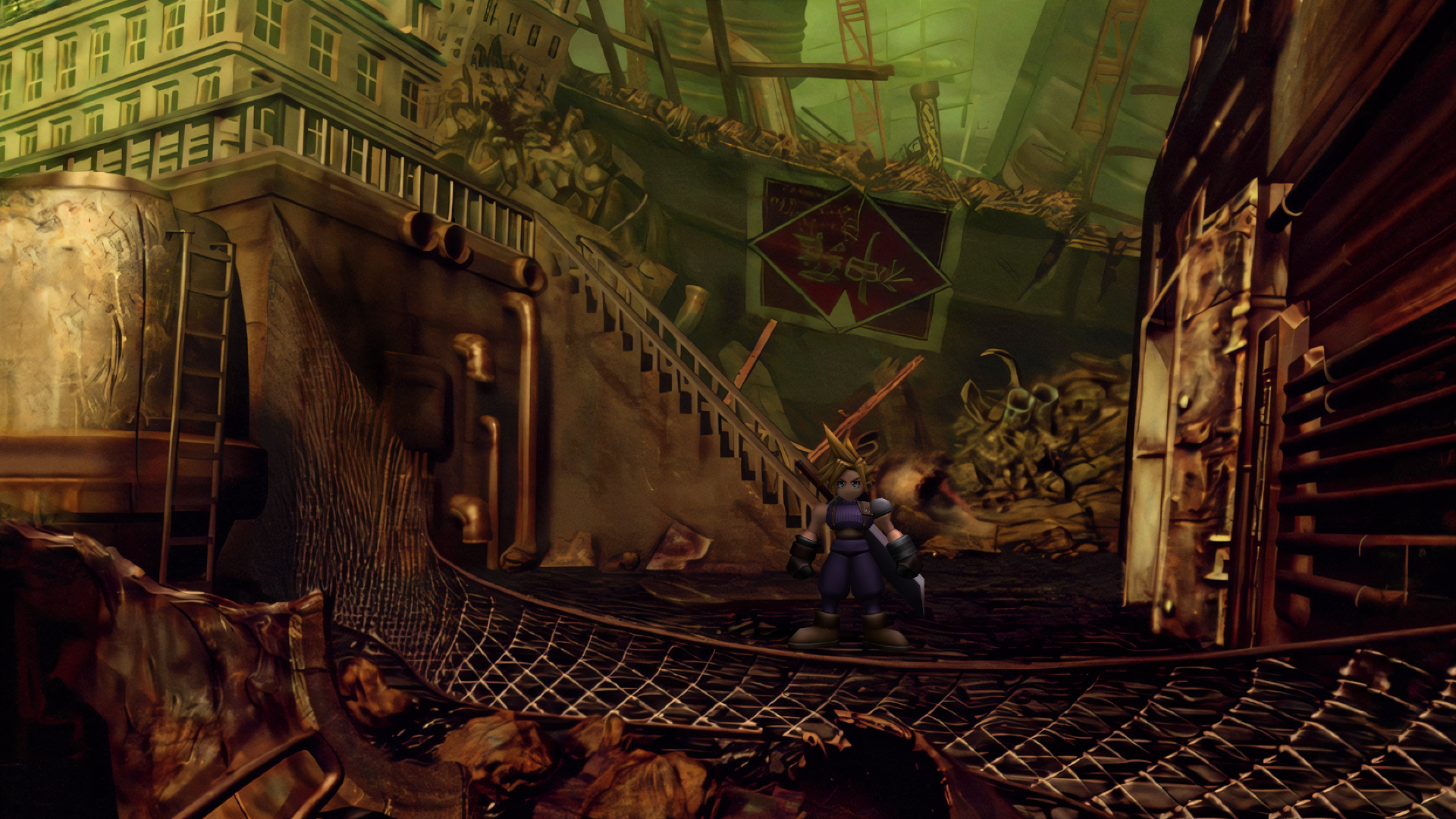
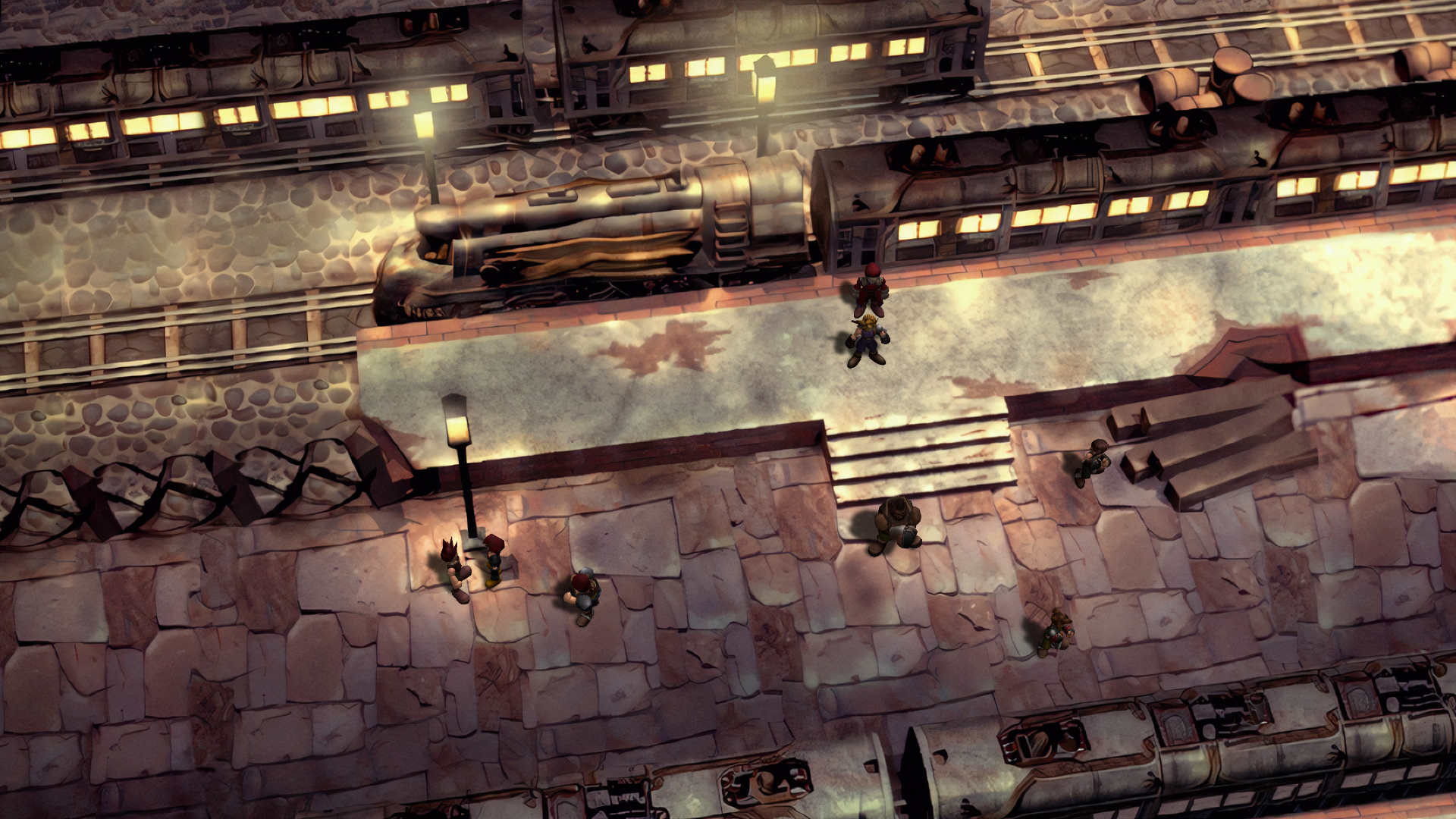
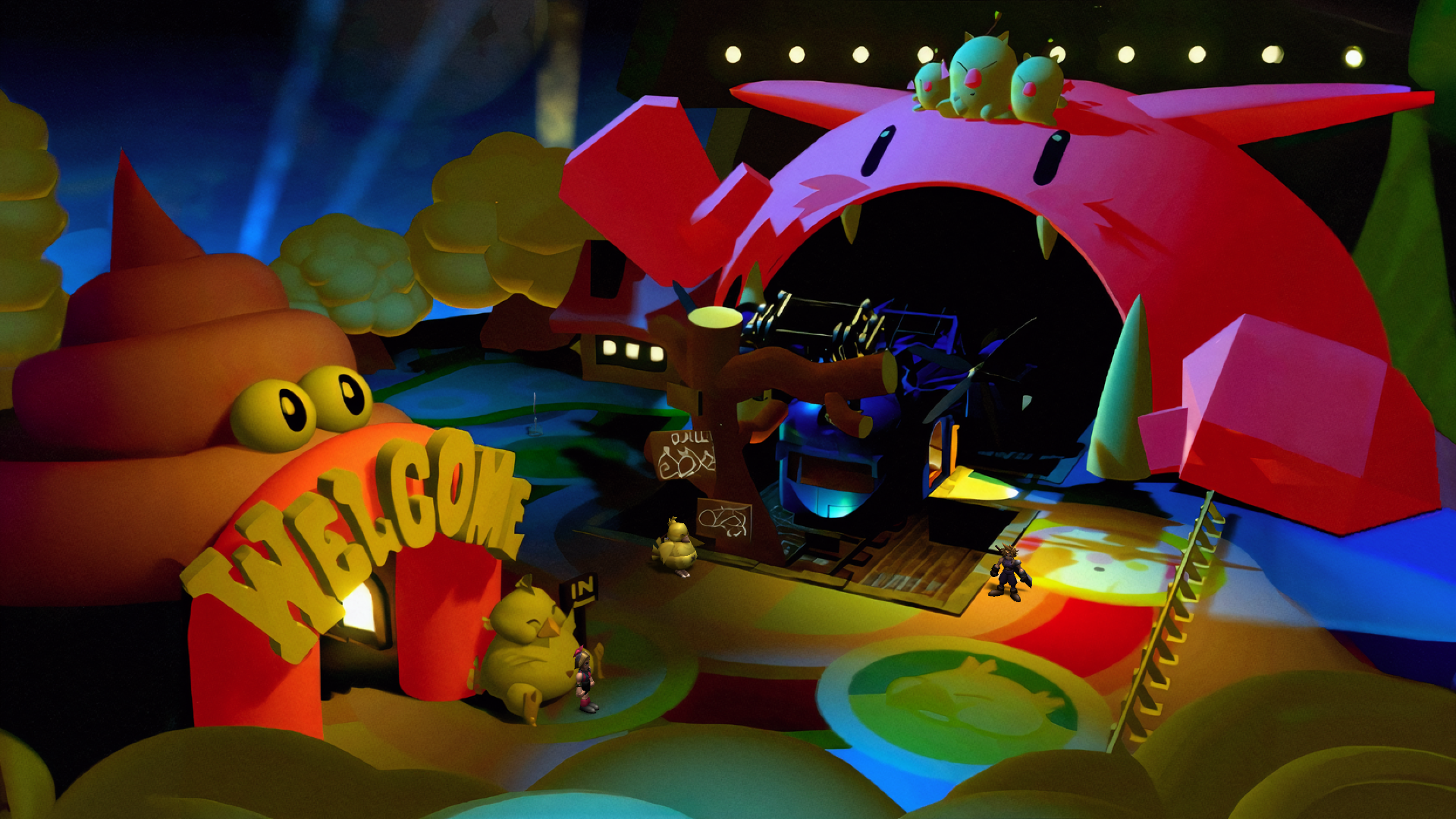
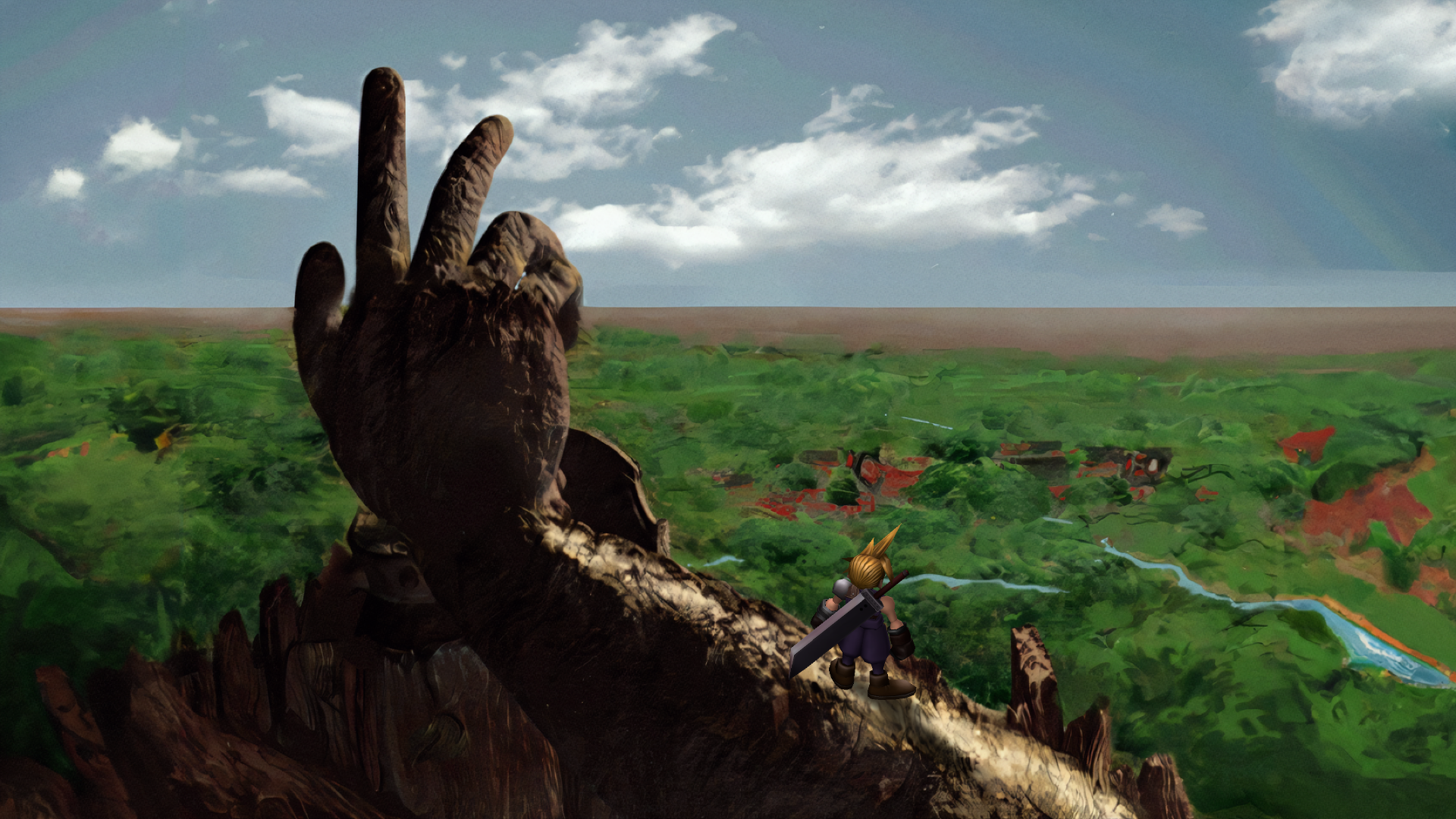
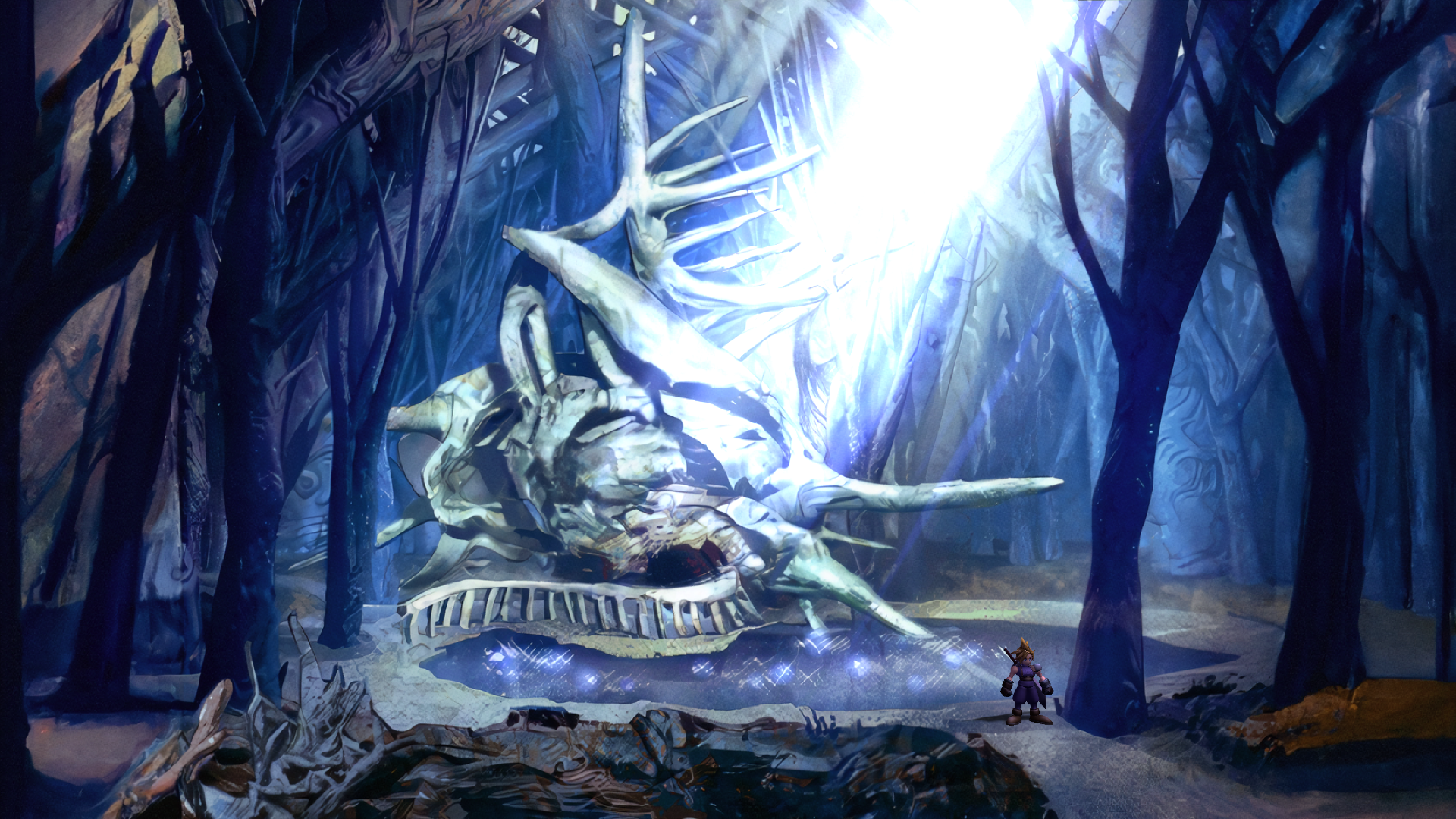
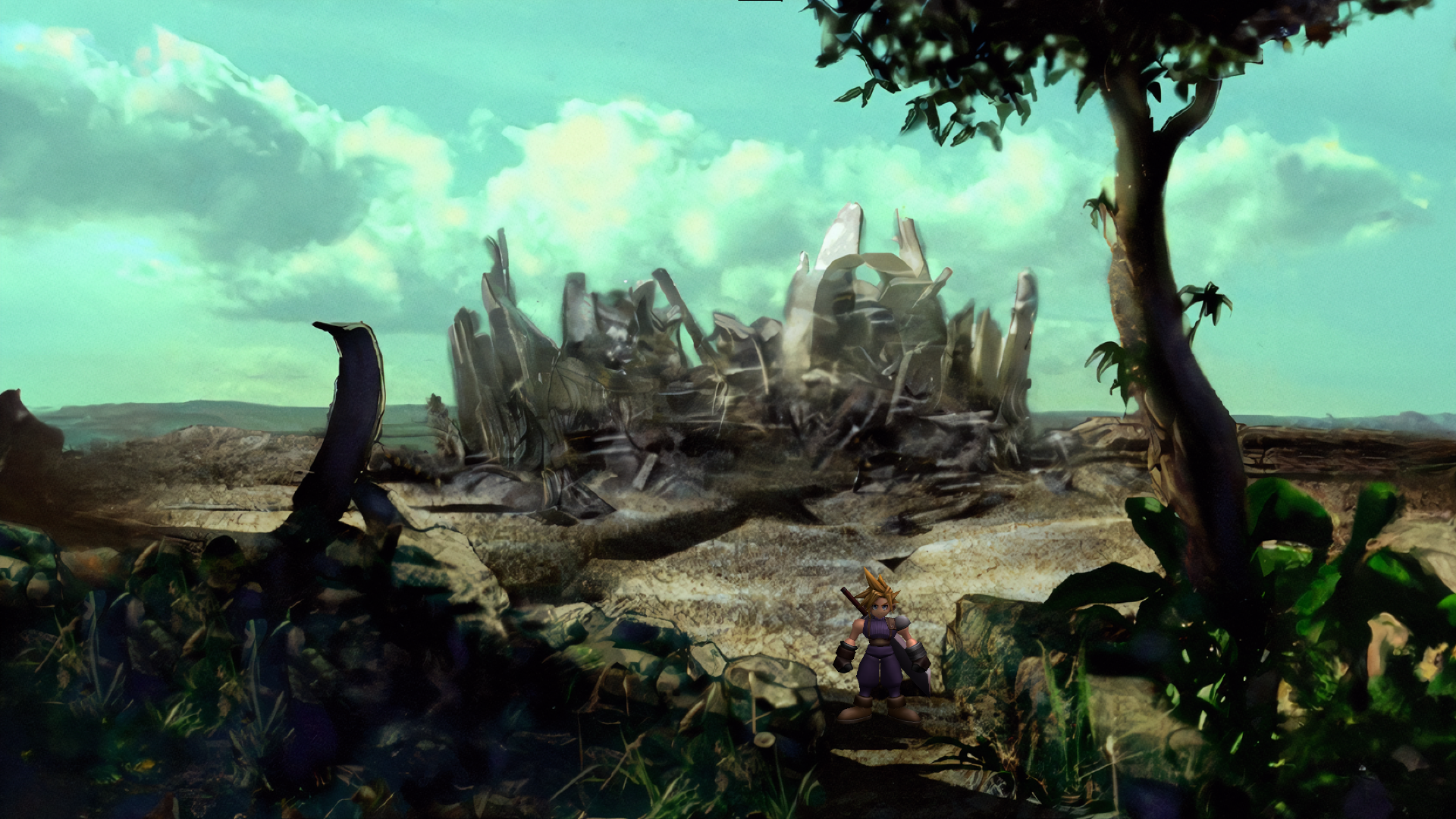
The Cosmos Limit Break mod extends previously 4:3 only field background textures for widescreen displays using a combination of AI and extensive manual editing. This is a complete field texture pack based on the upscaled SYW textures.

Trailer

Downloads

You can download the mod from 7thHeaven catalog or from the direct link below:
https://cosmos.7thheaven.rocks/CosmosLimitBreak.iro
Mirror: https://www.nexusmods.com/finalfantasy7/mods/104?tab=files

Troubleshooting
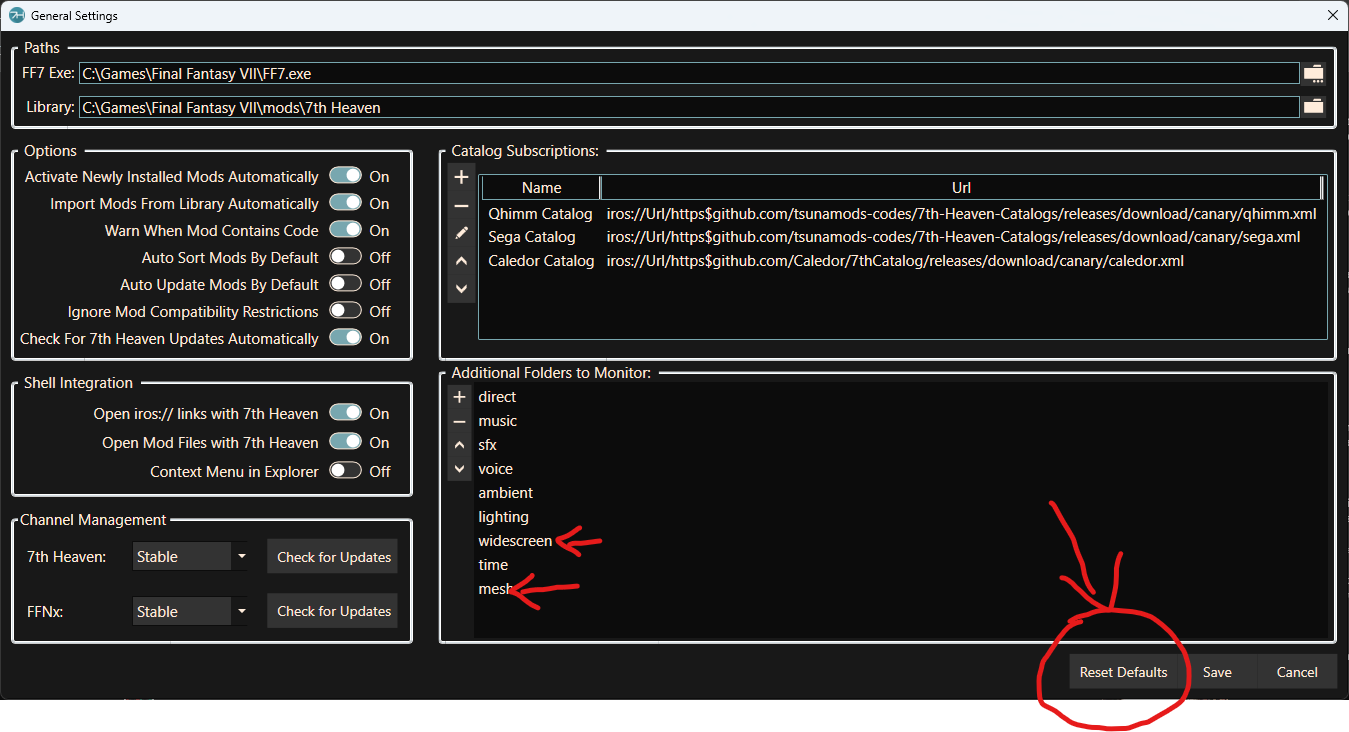
For this mod to work you need to update to have the "widescreen" folder in the "Additional Folders to Monitor" in the General Settings.
New 7thHeaven installs have this set by default but already existing installs need to add the folder. If you don't then do the following:

  • PC users: click on the "Reset Defaults" button and the "widescreen" folder will be automatically added.
  • Steam Deck users: click on the "+" button and the "widescreen" folder manually.
Also, please update to latest FFNx (either canary or stable is ok).

DbXZIVZ.png
Screenshots
MHVUjmw.png
HKhM2G2.png

jGk3DZk.png
SgNmH7N.png

V57M7JS.png
STyXFOu.png


Credits

Satsuki Yatoshi for providing the 4:3 upscaled backgrounds this mod is based on.
Vertex, TrueOdin and Satsuki Yatoshi for helping processing the backgrounds through the outpainting AI.
myst6re for the Background editor used to export the modified background data
TrueOdin for PR review and assisting me in the development process
Bynyl for the trailer music arrangement
 
Last edited:
Hi! This looks amazing!!

I am getting an error when launching that is no doubt related to the widescreen, mesh and reset defaults buttons you are pointing out, but I cannot figure out what I need to do. I don't have a Widescreen or Mesh folders to point to. Do I need to just manually create these empty folders in the game directory and point 7H to them?

Thanks in advance!
 
Last edited:
Hi Template, you need to first update both 7th Heaven and FFNx in General Settings. Then click on Reset Defaults in General Settings. That should be doing. Oh and of course select Widescreen 16:9 from Game Driver Settings.
 
Hi Template, you need to first update both 7th Heaven and FFNx in General Settings. Then click on Reset Defaults in General Settings. That should be doing. Oh and of course select Widescreen 16:9 from Game Driver Settings.
Heya, thanks for reply.

Not sure what I did wrong... I don't see an option to update FFNx from General Settings in 7H.

I went to https://github.com/julianxhokaxhiu/FFNx/releases and got 1.17 for both steam and 1998 releases and tried to move the files from the steam release FFNx to my game directory. Now when I go to 7H I get an unhandled exception about a given key not being present when I go to the Game Driver menu.

Edit: Sorry all, think I just needed to download new 7th Heaven as it's been a long time and doesn't seem to be able to update to newest version. Think I'm good to go
 
Last edited:
Yes, you can download last 7H version here. No issue, enjoy this new masterpiece by Cosmos!
 
Hello. Sorry to ask, I'm new. Is this the same as the Tsunamods Unified Textures? Should I download this and not the Tsunamods? Thanks
 
Hello. Sorry to ask, I'm new. Is this the same as the Tsunamods Unified Textures? Should I download this and not the Tsunamods? Thanks
Not the same. Yes download this instead it is unbelievably good.
 
Hello. Sorry to ask, I'm new. Is this the same as the Tsunamods Unified Textures? Should I download this and not the Tsunamods? Thanks
This mod is based on my texture witch have been extended to 16/9 with AI stuff and lost of manual tweak.
Its a realy awersome mod if you want to use 16/9 option.
But ATM some screen aren't perfect and some are missing animations (minor issues but can be seen ingame) or have been zoomed+cropped to get 16/9.

So long story short, if you want to use real 16/9, pick this mod, it's a game changer, if you want to play 4/3 or bugfree experience , use my pack.

As Comos's Limit Break will become more and more accurate over time, i think (hope) that in some month my pack will be "obsolete" by a bug free version of Cosmos
 
Hello everyone, sorry if my writing is strange, I'm Brazilian, I'm trying to play using ''Cosmos Limit Break'' and I'm not succeeding, I'm using the version ''7th Heaven v3.3.1.0'' I downloaded the FFNx-FF7_1998-v1.17.1.0 and I replaced the files in the 7th folder, but when I started the game, there were no changes, I already put it in 16:9.
 
Is the widescreen folder supposed to be empty while I use this mod?
 
Hello everyone, sorry if my writing is strange, I'm Brazilian, I'm trying to play using ''Cosmos Limit Break'' and I'm not succeeding, I'm using the version ''7th Heaven v3.3.1.0'' I downloaded the FFNx-FF7_1998-v1.17.1.0 and I replaced the files in the 7th folder, but when I started the game, there were no changes, I already put it in 16:9.
Have you checked if you have the "widescreen" folder as explained in the "Troubleshooting" section above?
 
@Cosmos Please help! 7th Heaven is telling me that there is an updated version of the mod since the day before yesterday, yet everytime I try to download it just hangs indefinitely. There were updates for other mods like ECHO-S and ESUI that downloaded and installed normally so the issues seems to be specific to this mod! I definitely have latest stable version for 7th Heaven and FFx (non-canary builds). The version I have is 1.01 and the version that the system is trying to download is 1.02. Please haaaalp!
 
Last edited:
Have you checked if you have the "widescreen" folder as explained in the "Troubleshooting" section above?

Yes, you already have the ''widescreen'' folder
 
In my case took me like five hours to download the update...
So that's definitely abnormal. Is there some issue with the file or the server?? I simply can't downoad it. I get speeds like 55 MB/s yet nothing happens. It just keeps hanging/freezing without actually dowloading. Is this a 7th heaven mod manager issue or a mod issue?
 
So that's definitely abnormal. Is there some issue with the file or the server?? I simply can't downoad it. I get speeds like 55 MB/s yet nothing happens. It just keeps hanging/freezing without actually dowloading. Is this a 7th heaven mod manager issue or a mod issue?
Same. Sometimes I see an update for this mod and try to download it. Had good download speed this time tonight, but it failed and then the update disappeared from the catalog.
 
@Cosmos Please help! 7th Heaven is telling me that there is an updated version of the mod since the day before yesterday, yet everytime I try to download it just hangs indefinitely. There were updates for other mods like ECHO-S and ESUI that downloaded and installed normally so the issues seems to be specific to this mod! I definitely have latest stable version for 7th Heaven and FFx (non-canary builds). The version I have is 1.01 and the version that the system is trying to download is 1.02. Please haaaalp!
Same for me. I have tried to download the update through 7th heaven so many times now and it just downloads a bunch and then hangs at some point forever. I am on here now using the manual download link hoping it is updated so I can just chuck it in the folder and be done with this already.

Edit: Well, the manual download failed twice so there is clearly something wrong with the hosted file.
 
Last edited:
Sorry, it seems the server is being hammered with too much traffic. I added the nexusmods mirror to the OT so please use that if you have problems downloading from the catalog.
 
Status
Not open for further replies.
Back
Top