FF7 Crisis Core Upscale Project

  • Thread starter Thread starter eqprog
  • Start date Start date
Status
Not open for further replies.
Yeah, I use Photoshop. I'm not really sure how to use these programs so I just do things the old-fashioned way myself, don't worry about it. I also don't have Discord atm, but I don't think I'll be that useful once I'm done over-seeing the game, so I'll just keep doing my status updates here to let you know what I'm up to.

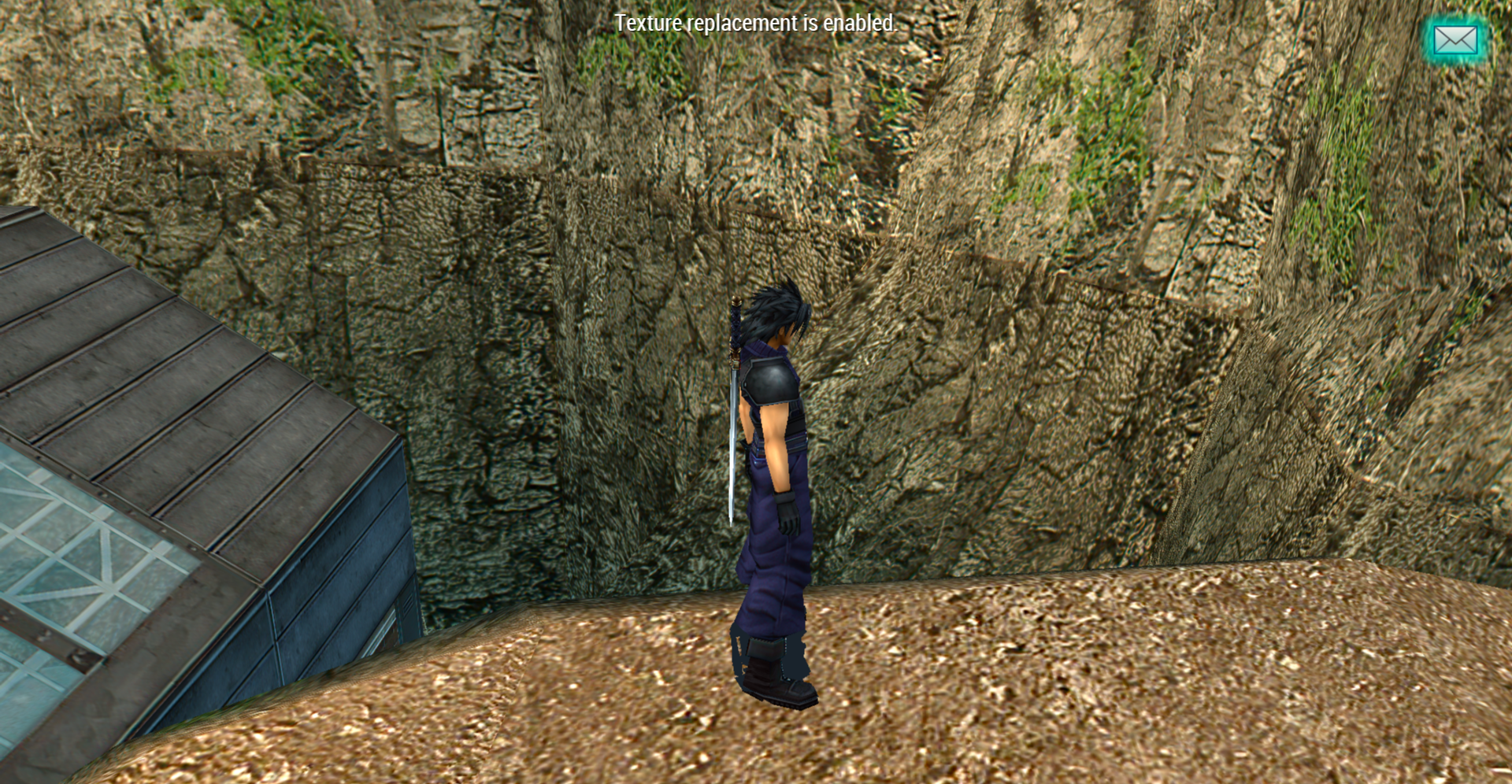
In Banora, I noticed that there's a weird dark texture error so I brightened the texture and it looks better.
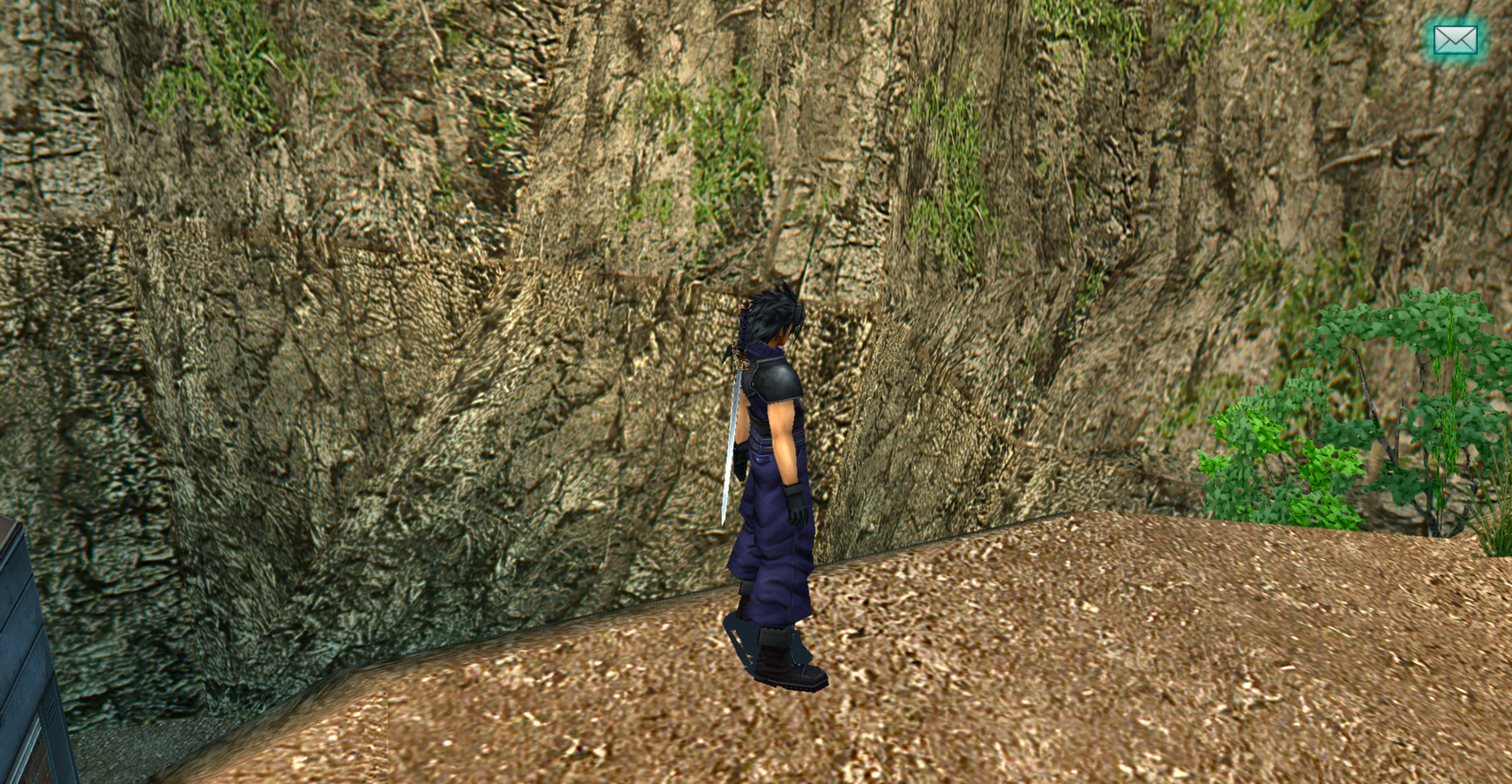
25bJYvC.png

LROHBn0.png


The entire Banora factory hasn't been upscaled.

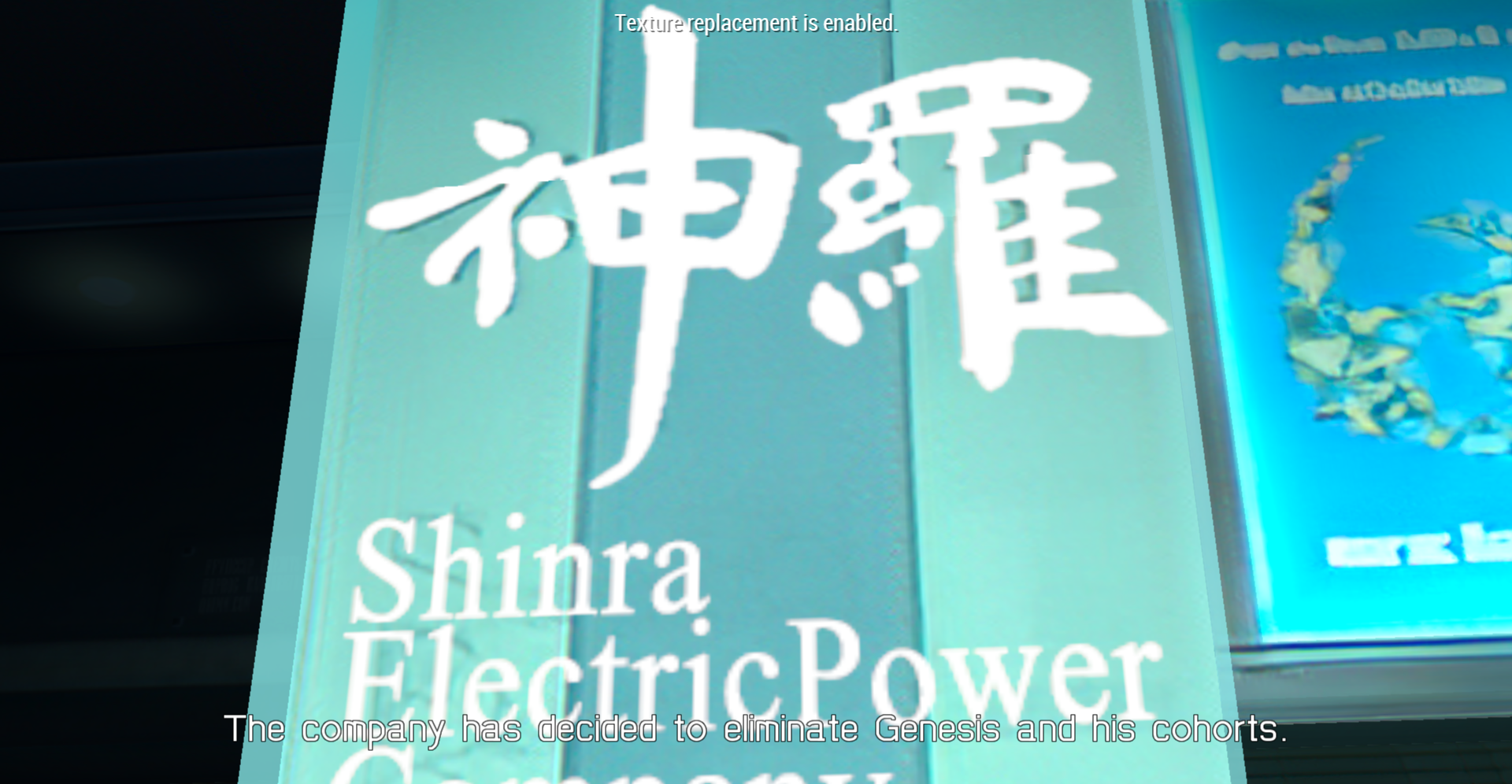
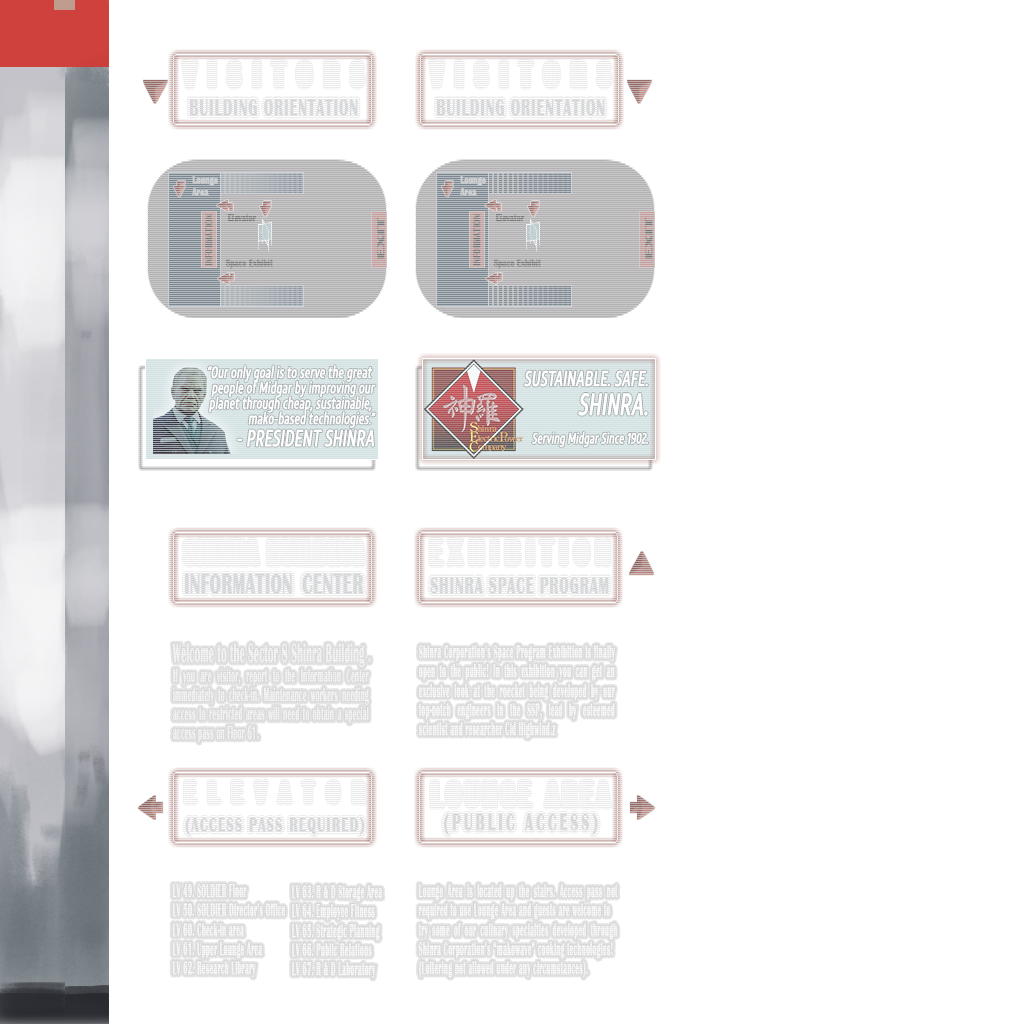
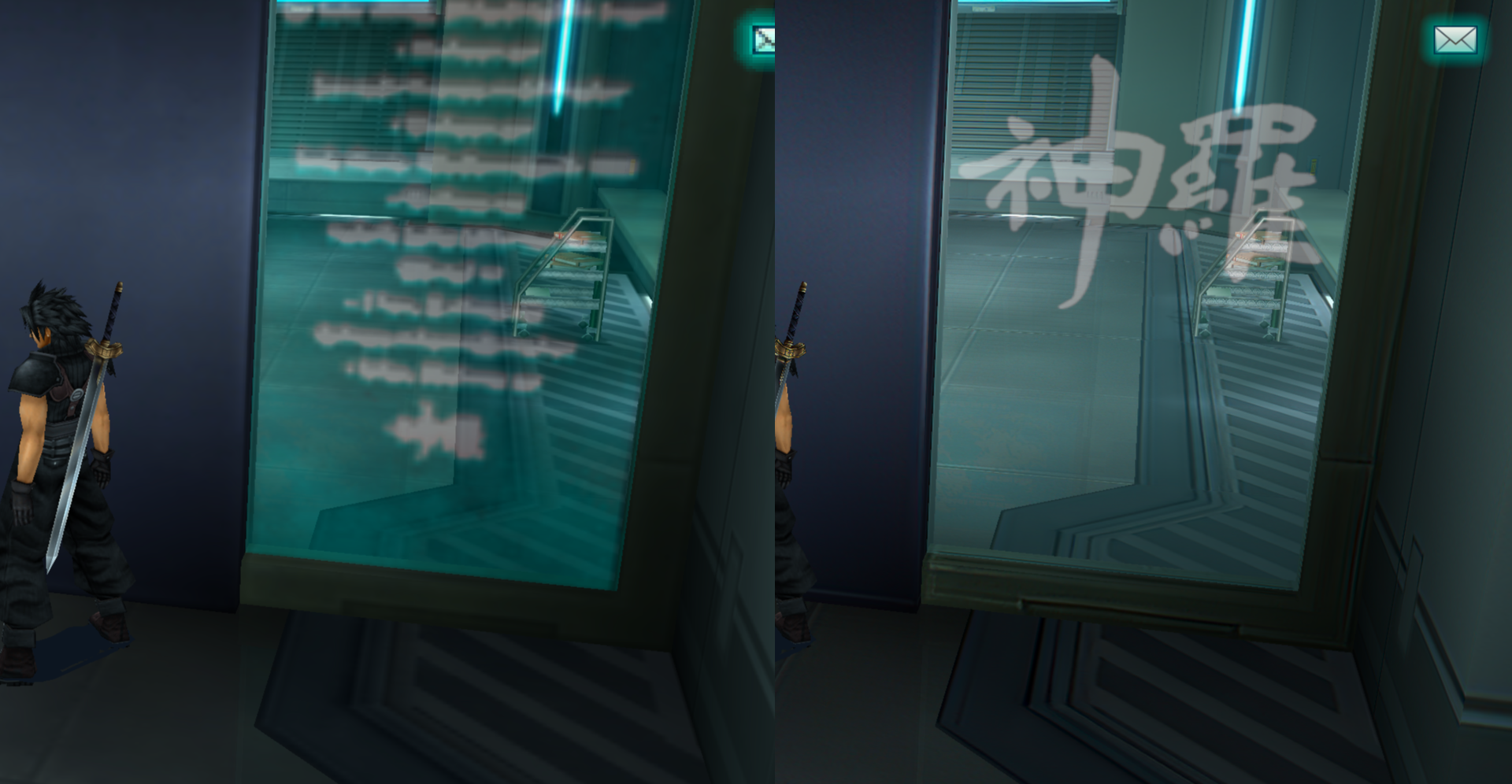
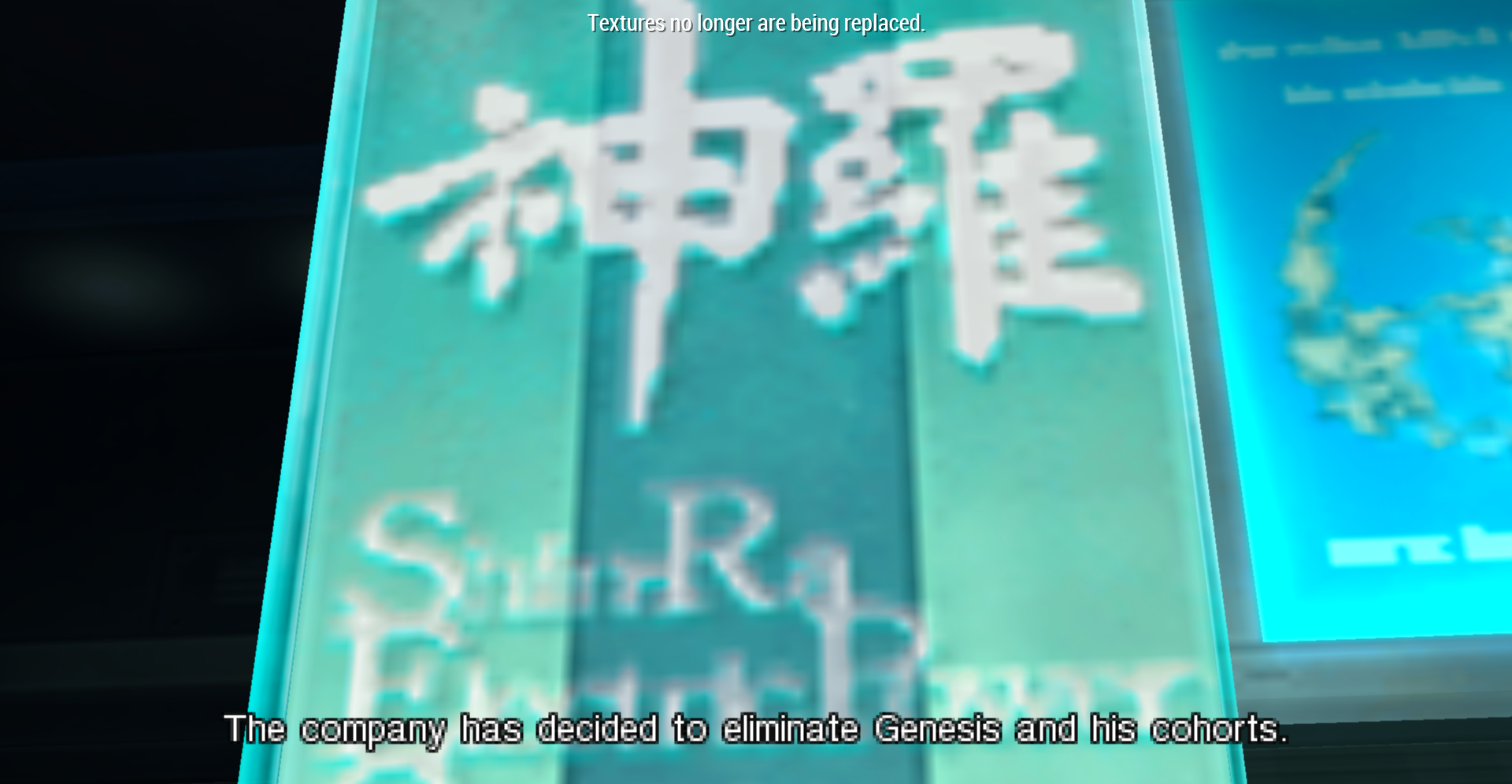
Heading back into Shinra HQ, there's a cutscene in Lazard's office so I did a couple textures here (I removed the text because I don't want to write filler text here):
L6F7sMe.png


IyrHbLM.png

I5E7Tut.png


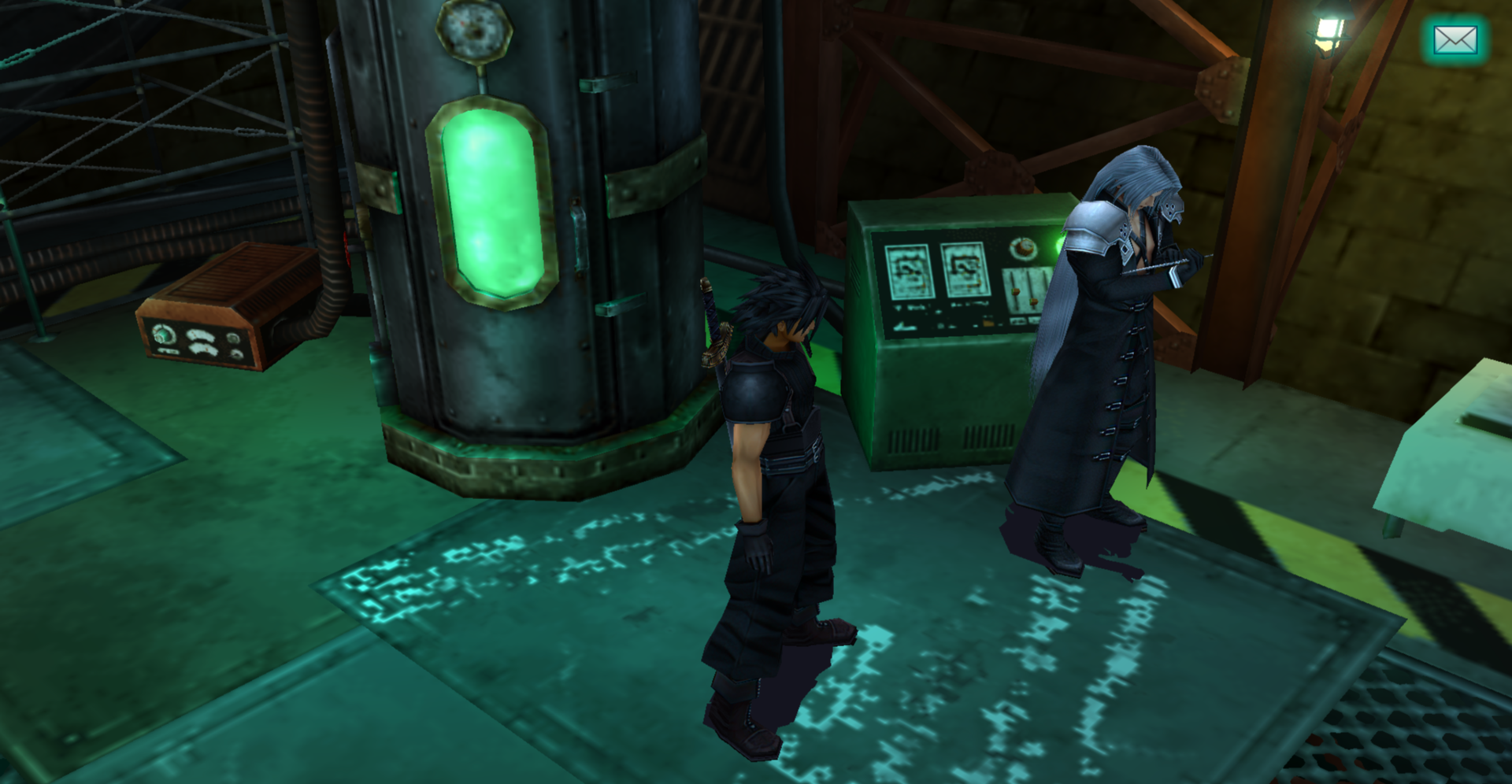
This laboratory after the reactor hasn't been upscaled:
WB08t48.png
 
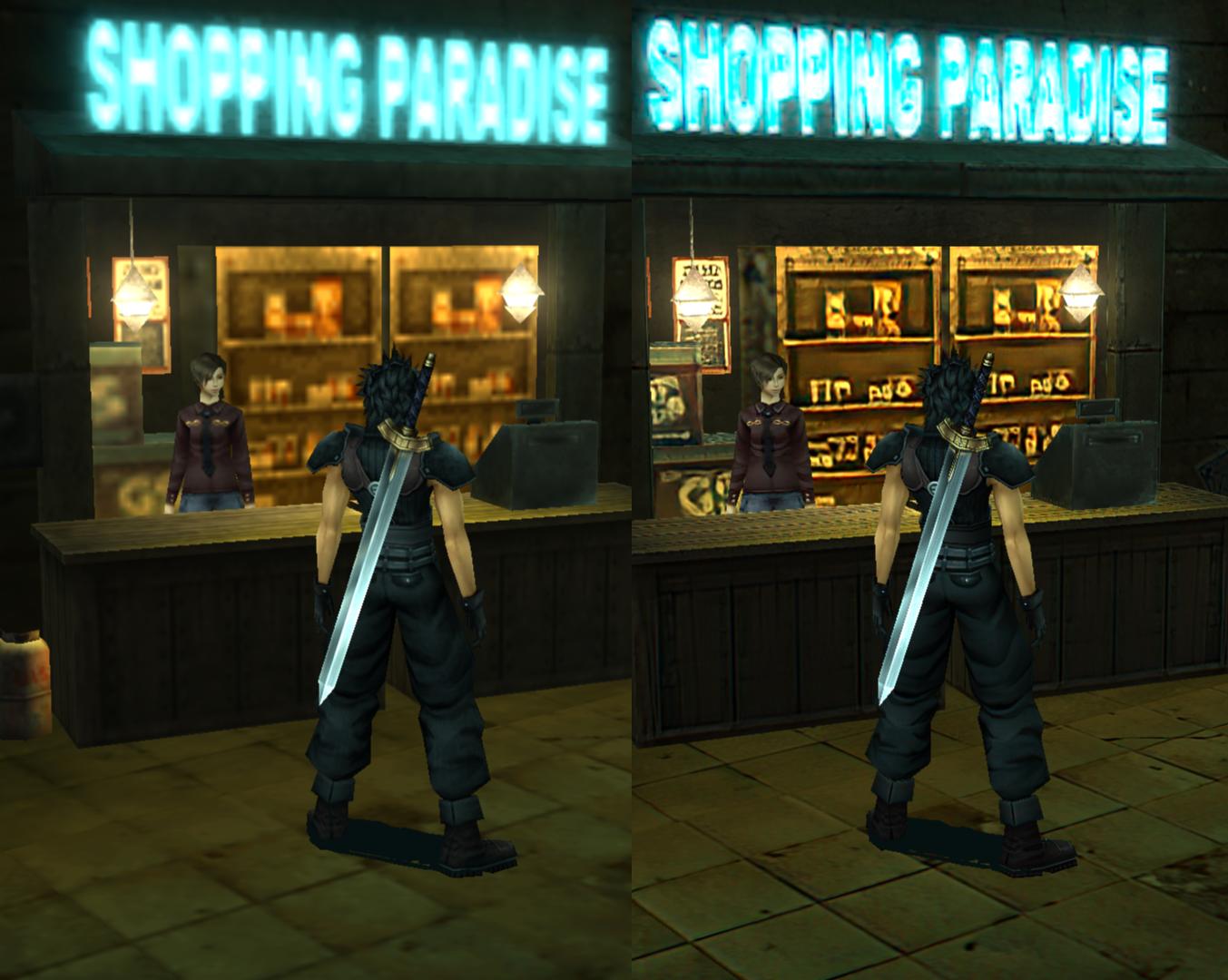
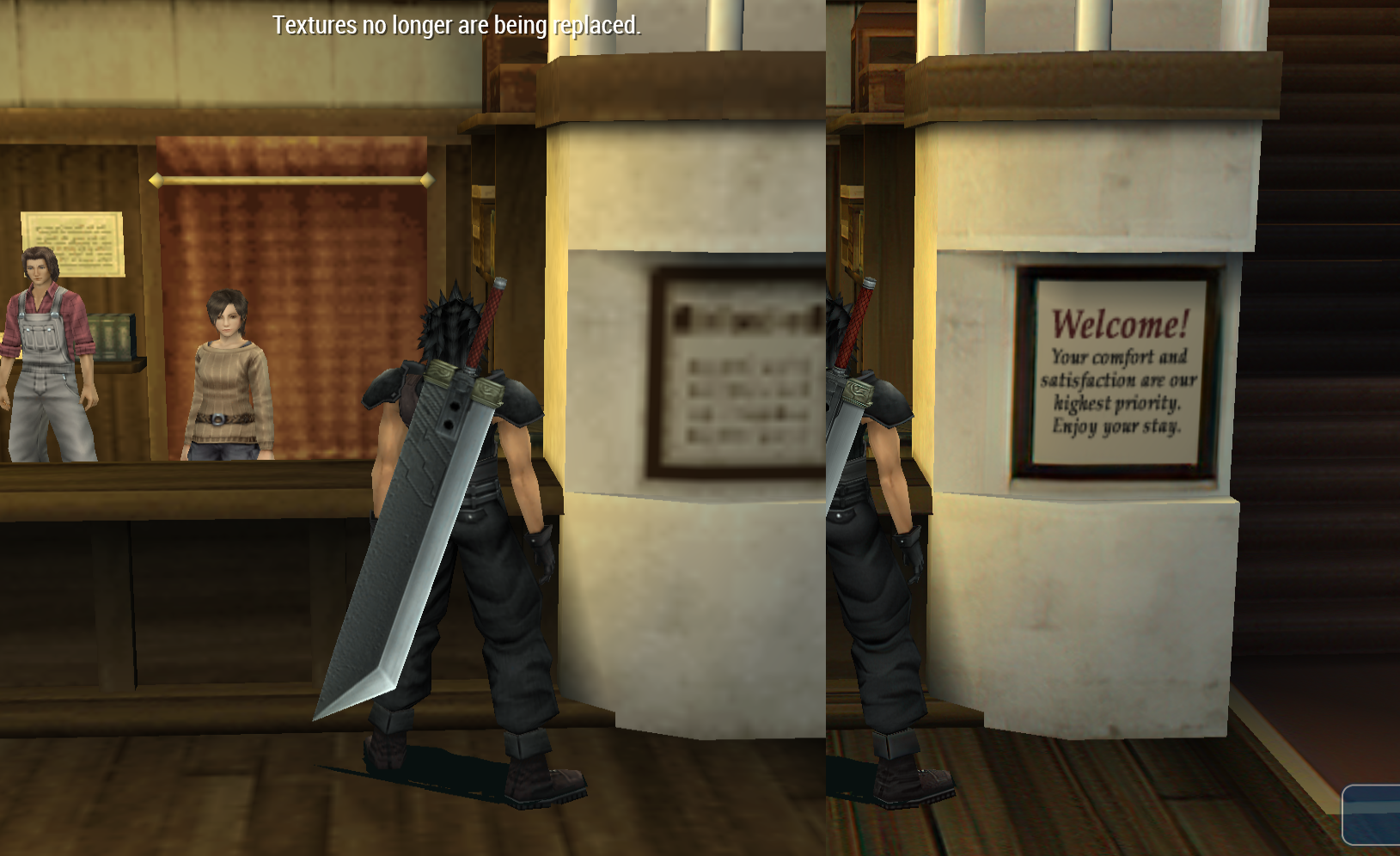
Met Aerith, the whole Aerith section seems fine, although like I noted before, the wooden floor in the church has a seam issue. I don't feel like trying to fix it just yet so I left it for now. I changed this store sign back to its original since it was poorly upscaled:

RC3p7hc.jpg


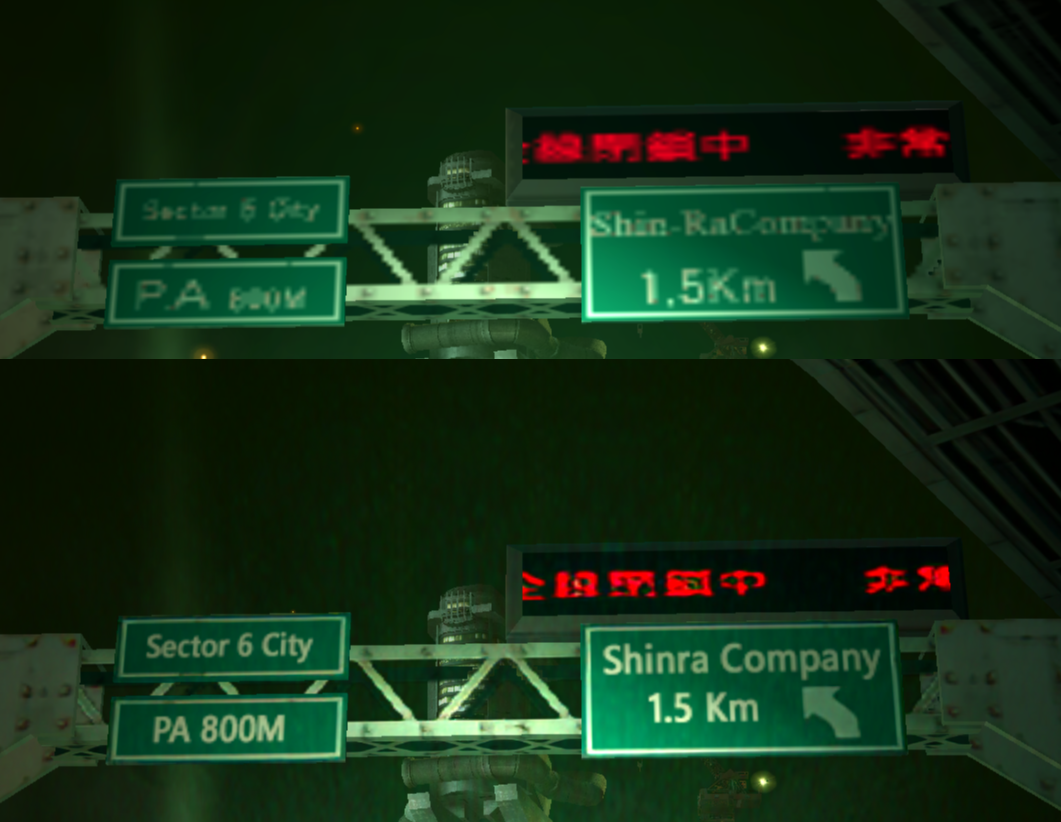
Redid the signs here on the highway (but the lighting is still noisy, not sure how to fix)

l5SyKBO.png


More flavor text in Hojo's lab:

IJ4hTqq.jpg


202GIs3.jpg


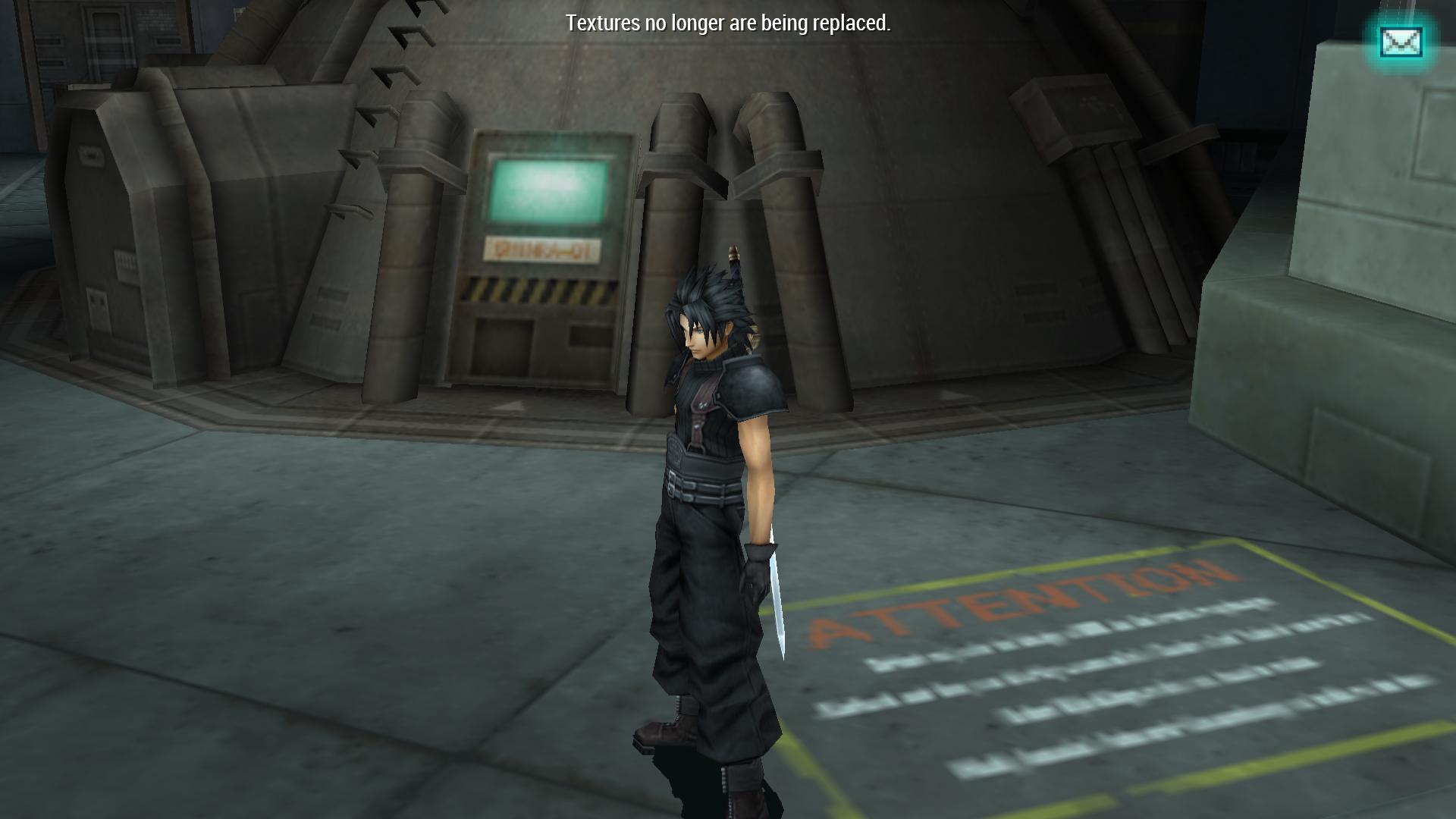
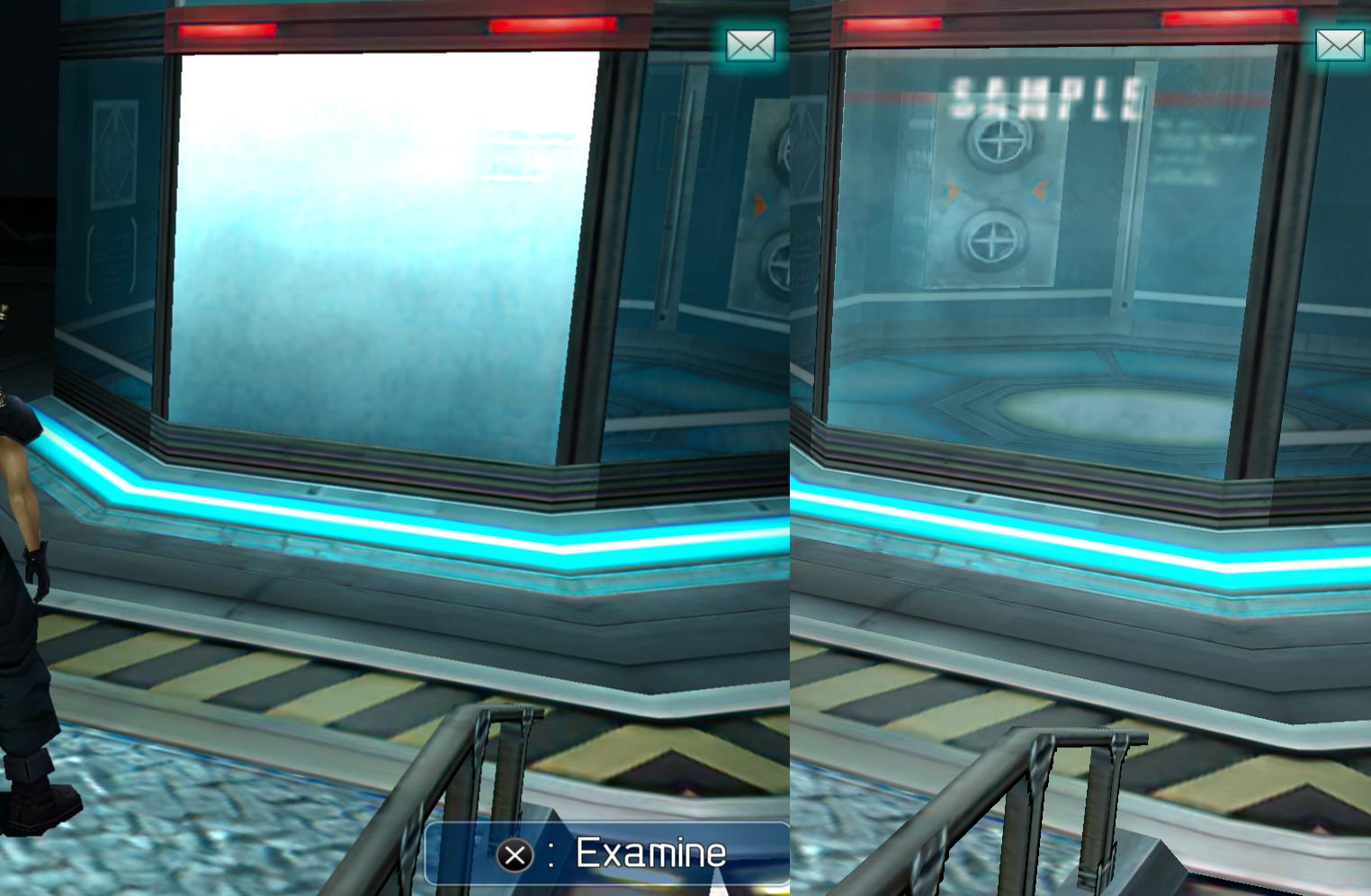
The capsule here has an error so I had to revert it back here:

jubC36r.jpg


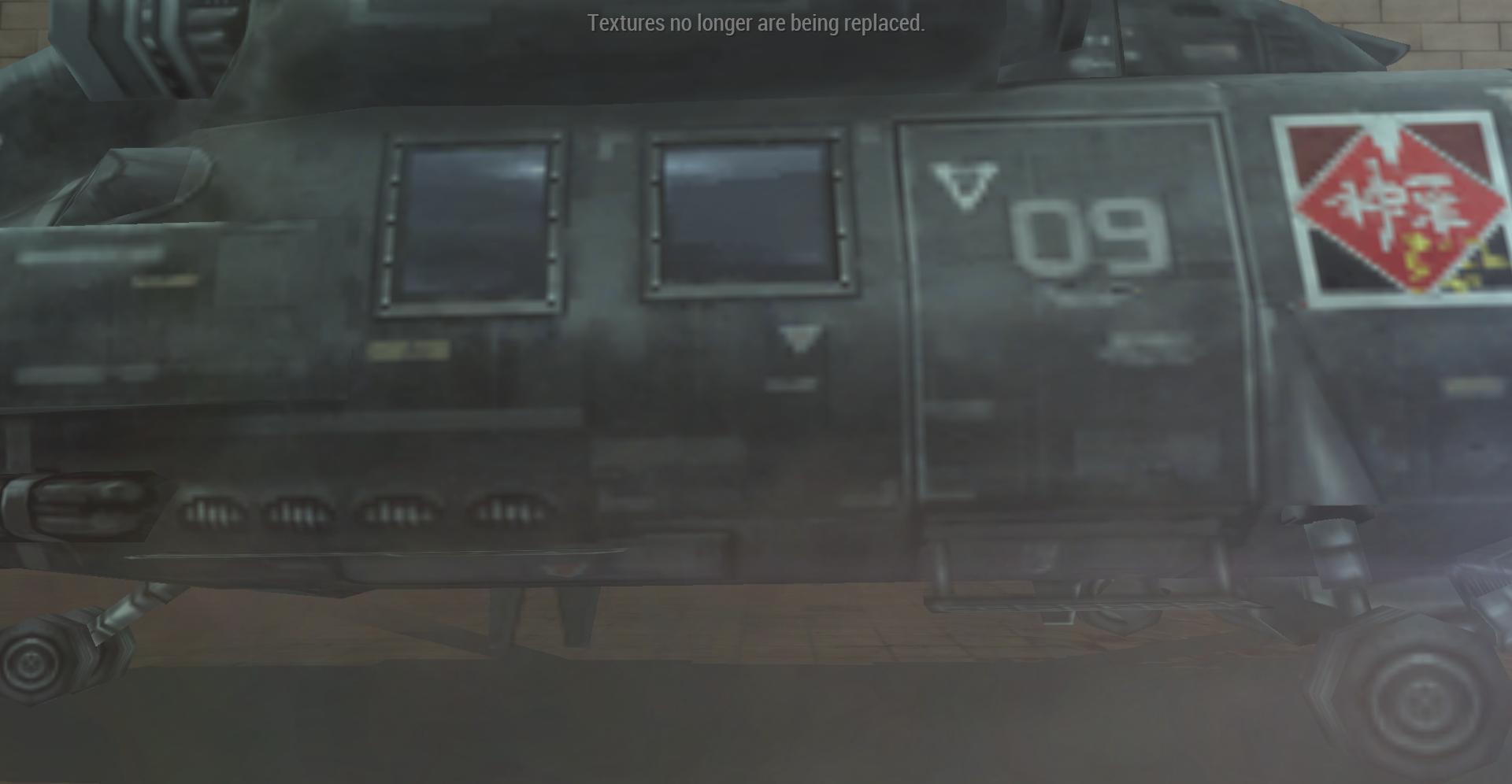
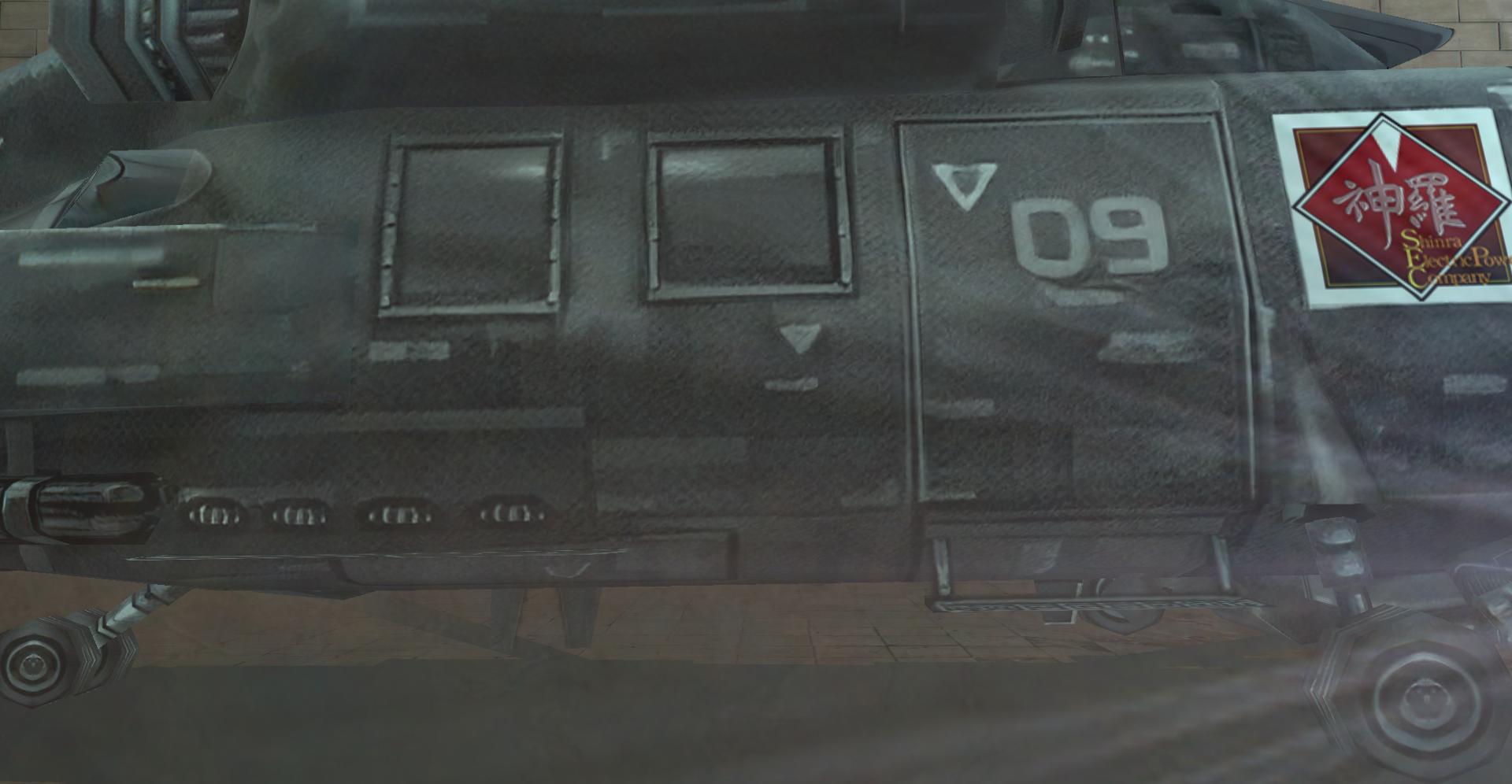
Had a go at the helicopter:

TzZnHQI.jpg


pmrd9bo.jpg


I stopped at the Cloud snow section. Haven't seen any missing textures so that's good.
 
Lookin' good! Thanks for your continued efforts.

Played through the game to grab the missing masters and got them upscaled up through the banora factory, up to the cutscene where you find angeal's mother again. Takin' a break for a few hours. I may get some more done tonight. I also got zack fixed up a little better I just need to fix his belt(s) for the high-quality cutscene textures.
 
I got up to Junon, am going to do some signs there. I made Cait Sith (when he appears on the DMW) look better and I also restored the original cloud textures during the beach scene because they looked bad.

I download the recent pack, looks like the idle animation glitch is fixed, although this one in the church is still bad (I got a save if you need it:

https://i.imgur.com/A29mW9U.gif

I noticed something weird, my HD art of the guys on the save screen is no longer HD.
I went into texture.ini and I noticed the lines for it (and some other summon pics apparently) had a # in front.
I loaded the game, still wouldn't work, so I changed it to "00000000023139f0a7afe217" and it worked (it was another similar number before, not sure why.) I don't know if the other summons have correct numbers. Any idea why this is?
 
The ones that have # in front are to ignore their replacement. I never got lucky enough in my initial playthrough to get get the summon to come up (I didnt get all the materia either...)

The reason why is that the original UI upscale used the quickhash feature and not the the xxh64 hash. The quickhash causes a bunch of repeat dumps so I have to actually get the textures to dump with the new hash in order to implement them.

The save icon was set to ignore in the texture database and I fixed a bug that was making those textures not be ignored and instead being placed in the textures.ini file. . I can get it the save screen fixed but ideally we'd make it look better than the AI. I tried my hand at it earlier today but I did a pretty embarrassing job.

Just FYI I need to fix the textures.ini file so that the textures which shouldn’t be included are IN the file as “[texturehash] = “ so that the emulator doesn’t think it’s a “new” texture. It’ll be done tomorrow.
 
Last edited:
Thanks!

I probably spent way too much time on this than necessary but at least I had fun!  :-D

5siez2O.png
 
Here's what I got so far:

000000006bff1e383c584e48= ui_upscale\purple_guy.png
000000007519b4019bf0ae34 = ui_upscale\moogle.png
00000000023139f0a7afe217 = ui_upscale\save.png
00000000020f6f462a6c78de = ui_upscale\tonberry.png
00000000674ff67b2a5c490f = ui_upscale\firebirdy.png
000000004a7329da2da6e84d = ui_upscale\cactuar.png
0000000026800ae51447f3eb = ui_upscale\big_statue_man.png
00000000c37657bc28a1af6d = ui_upscale\silver_summon.png
#00000000ccb0c441669d523d = ui_upscale\gray_summon.png
000000001df8a8bc1b09c63f = ui_upscale\ifrit.png

If I find the rest, I'll let you know (I think they may appear during Chocobo Mode).

Some of the screenshots that occur a lot during Angeal/Tseng aren't upscaled and they're a bit random so I'll keep a list of what I find for those).

Right now I'm in Nibelheim, here's some updates:

oDiPWfd.png

oFpQWuu.png


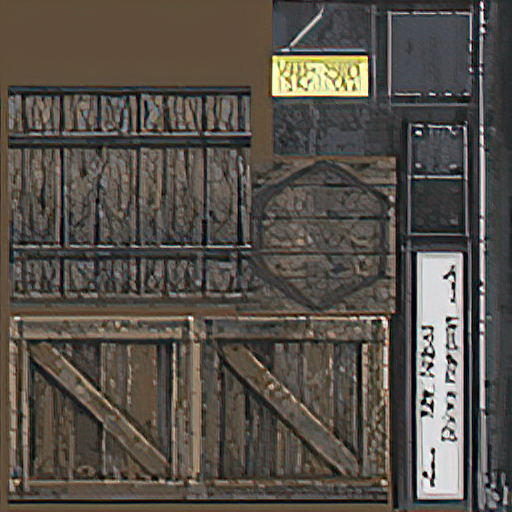
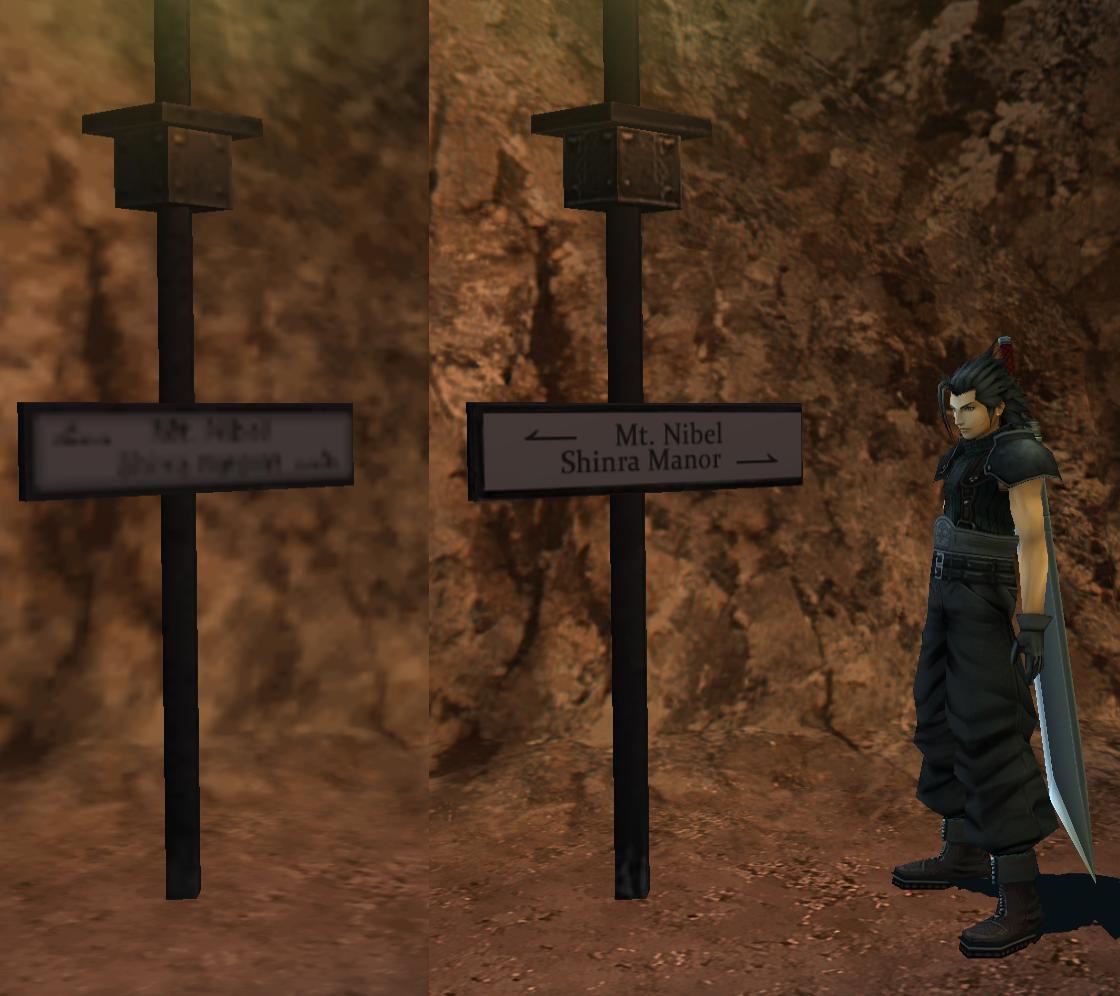
For some reason, I found this texture in the files but I'm unsure whether this sign is (I found 4 in the main village), if anyone knows where this is in the game, please let me know:

IRTPgS8.png


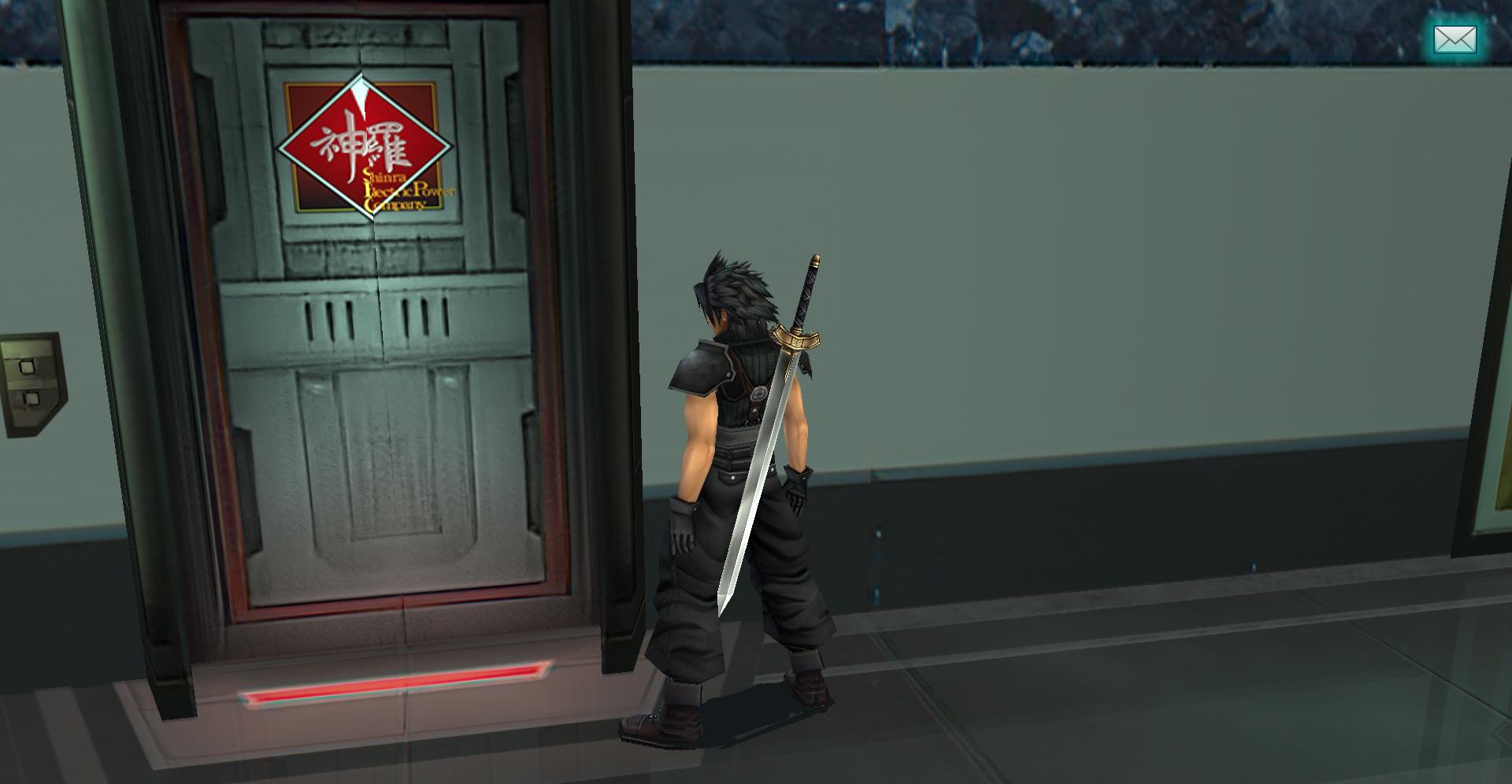
I just discovered a texture error (I'll try to edit the door texture later to fix this):

kYZglOa.jpg


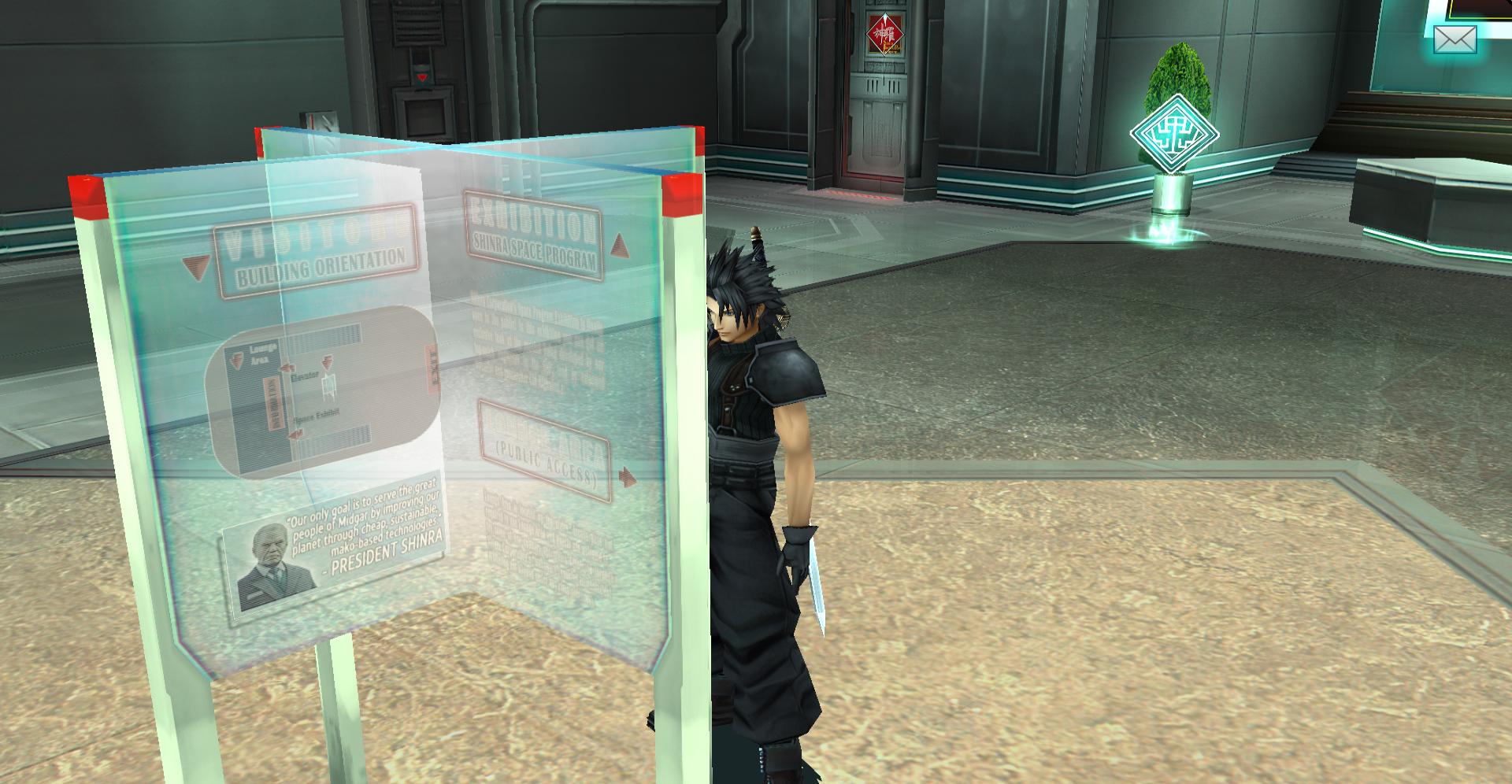
I think the directory looks good although I have a few concerns. I find it very hard to read, I wonder if you can reduce the transparency?

PAOJfBl.jpg


Also, why does it say Shinra was founded in 1902? Is this based on canon?
If not, I would remove it since while I think adding flavor text is necessary sometimes, if it adds non-canon info, it's too much on the iffy side for me.
 
Last edited:
Still looking good. I fixed the flavor text to something less specific.
 
Not sure what the cannon year is it was founded
If I'm remembering right, the year 3 is when before crisis starts.  Jenova was initially sealed in year 0, and then in the year 2000 they reset it to 0 again.  So year 3 is really 2003.  Or something like that.
 
I found all the summon icons, I edited my post above.

"Grey summon" is Bahamut (00000000ccb0c4418a8a8aaf), but it's already in the npc folder so it doesn't matter.
 
More flavor text in Hojo's lab:

202GIs3.jpg
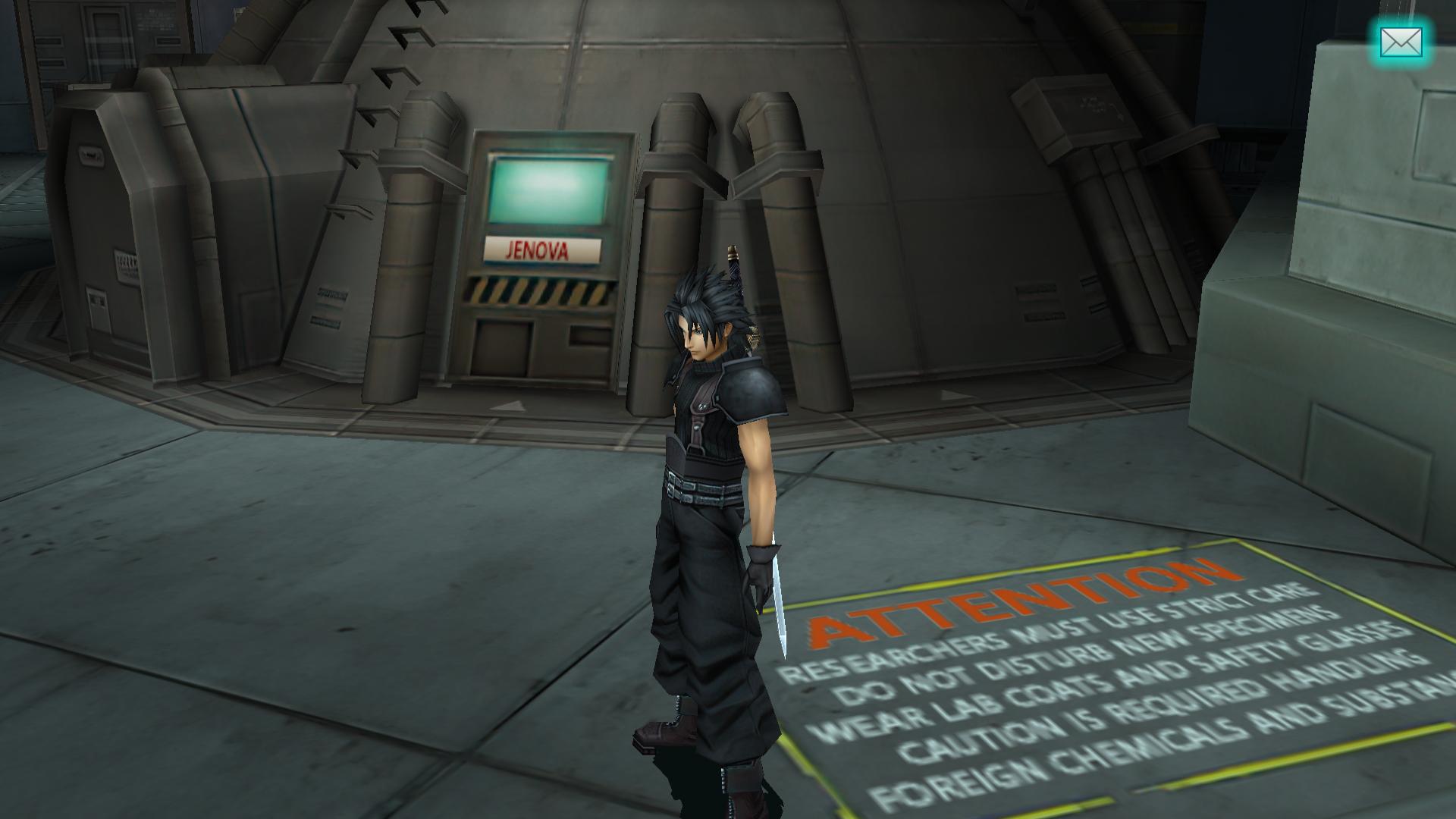
The container in the Shinra science lab: In the original it says "SHINRA-01", which it appears you've changed to read "JENOVA". Jenova's not even being housed there at the time you visit it in Crisis Core. Sephiroth's Nibelheim freakout would probably have happened much earlier if he ever stumbled across that.

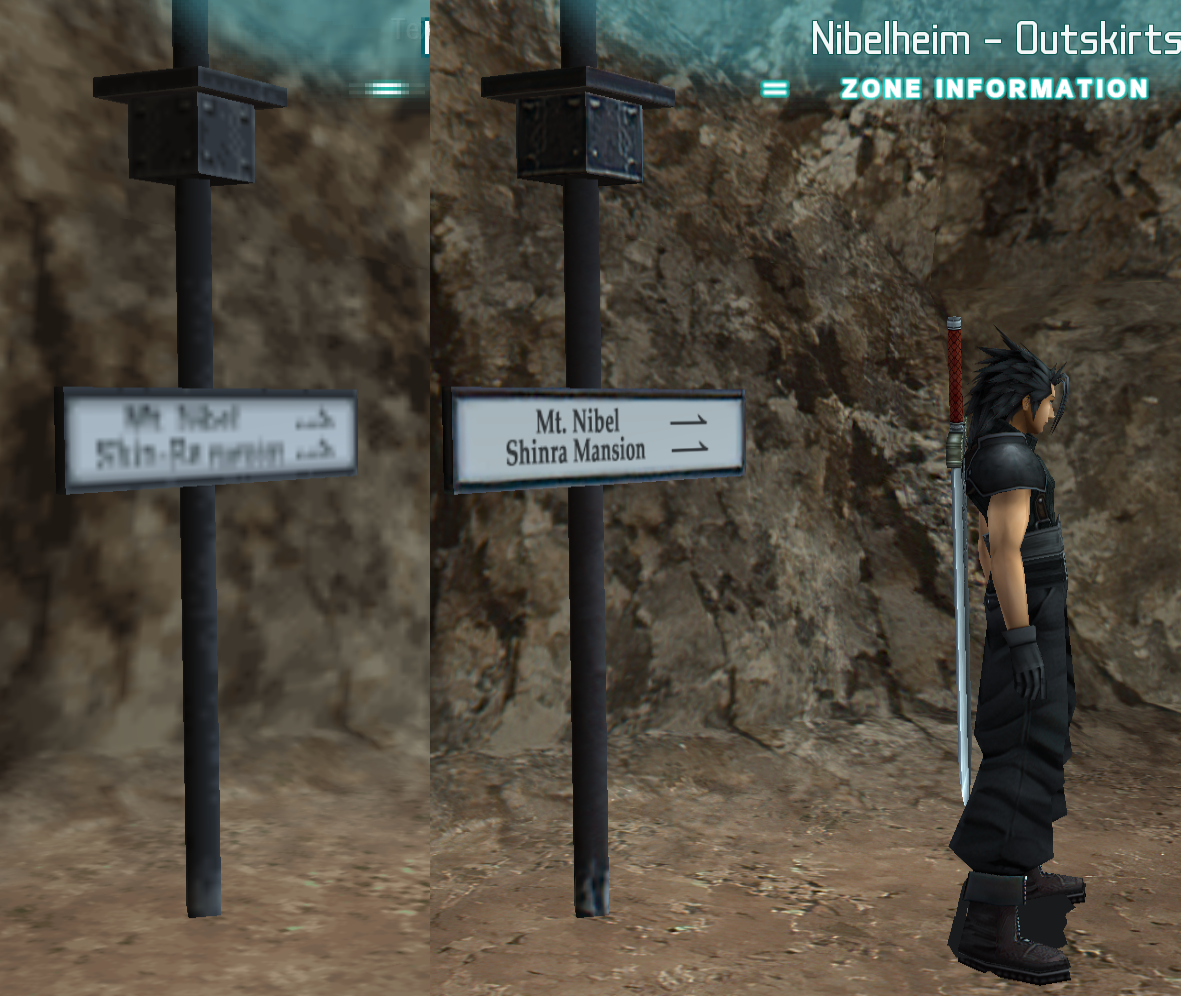
The mansion is called "Shinra Manor" in the localisation.

I believe "PA" here stands for "Parking Area", which is a wasei-eigo term. You might consider changing it to something more understandable, like maybe a circled/boxed "P".

If I'm remembering right, the year 3 is when before crisis starts.  Jenova was initially sealed in year 0, and then in the year 2000 they reset it to 0 again.  So year 3 is really 2003.  Or something like that.
Something like that. At the very start of Crisis Core is the date appears on the screen, [ μ ] – εγλ 2000. FFWiki says this is the same as [ μ ] – εγλ 0000, but I don't know where that comes from.

The modern era starts from [ ν ] - εγλ 0001. No Year 0.

Since FFVII, dates tend to get written this way. [ era ] - εγλ YYYY. I don't know if dates appear as just YYYY anywhere in Crisis Core.
 
Good catch on the Shinra Manor, I looked in-game and it definitely says Manor on the Zone Information. I'll change it accordingly.

Do you have a source on the SHINRA-01? It's not that I don't believe you, I'm just really curious and want to see how it's written so I can best replicate it. I looked up a scene online and couldn't see any text.
 
If this is the original textured version, it's blurry but I assume that's what I can make out.
 
If you look at the screenshot you posted in the previous page you can see the text. I don’t know if it says Shinra or not, really. I think it’s the closest thing. Tbh I’m not really a “lore/canon guy” in that I don’t care, personally. However I understand why people do. In the future if there is something I can’t figure out I’ll post it here.
 
Hi guys, sorry to bother you but i have a question. I have installed the texture, but sometimes in combat i see spike lags that are a bit a problem. I've listen even some corruption in the musics. should i change something in the PPSSPP settings?


Thank you for the patience  :D
 
Last edited:
Hard to say... what are your settings now?
What hardware do you have? (PC?)
 
Some nice news, I'm basically done most of my work on the game.
I think the rest of it is pretty stable.

Something interesting, I found out where the sign texture above is used.
When you drag Cloud out of Nibelheim, the game changes to a texture where two opposite directions are used on one sign:

L5mvtXe.jpg


I wonder if this is a texture goof, but I think it might be a subtle clue that the village Zack/Cloud visit years after waking up has been rebuilt, and Shinra accidentally messed up the sign directions, so I left it in my HD version.

Here's some things I plan to work on so eqprog and me aren't doing the same stuff:

-Midgar logo on truck in Exhibit room
-License plate on truck in Loveless alleyway
-Cryo containers in lab in Shinra Manor basement (they're poorly upscaled)
-There's a small glitch on the bed blanket in the Shinra Manor
-Briefing room item pods
-Shinra text on blockade in Junon

The cobblestone floor in Loveless alley is still poorly upscaled but I'll leave it for now in case eqprog wants to do it.
 
Last edited:
Hard to say... what are your settings now?
What hardware do you have? (PC?)
Specifics of my PC are:
CPU: Intel Core i7 4790K 4.00 Ghz
RAM: 16GB DDR3 800 Mhz Dual Channel
GPU: Nvidia GeForce GTX 1070
(i posted only the usefull hardware :D)

As for options in PPSSPP, can i post some images here?
 
I've seen that the memories of Zack when the DMW activate are not retexturized. Will you modify them in the future, or you want to touch only the main textures?

P.S. the spike lag happen most of the time when a battle start (when "activate combat mode" appear).
 
Status
Not open for further replies.
Back
Top