[FF7] Original and Outdated Tutorial - Bootleg Configurator

  • Thread starter Thread starter PitBrat
  • Start date Start date
Status
Not open for further replies.
Canon means original so you should have checked the canon boxes lol  to keep the original item and character names for me i just ticked the canon items, the battles are much more harder when in battle going through your item list and having to read the effect of each to see if that one is antidote or something xD Love the retranslation though especially the minor bit of when you pick up an item the text will be green or picking up a summon materia and it's red
edit:
actually i forgot if canon actually meant original can't remember if i checked it or not im sure in bootleg software if you hover your mouse on top of it it will say a description of what it is.
 
Last edited:
Here you are:


Nightmare OST.part3.rar                         Tenko Kuugen    Nightmare Overhaul Soundtrack           Qhimm FILE
Thanks pit but it is still depositfiles it does not work at all for me looking for rapidshare or mediafire or even dropbox, with deposit files I get no screen come up at all for the site.
 
touphScript works only with English files, and not always the right :evil:
I'll try to write a Scipt, so you can use the English EXE with German files.
DLPB's Game Converter works not with the rerelease...
 
For example: if you find an Item called 'BIG-FAT-TWOHANDER'1 and look then in the menu you can't find it, only 'Shortsword' is new. That's what happen if you not synchronize flevel and kernel.
1 It is only text in a window, there is no information about an item.
That's why I would love to use toughSkript, with it I could easily patch my flevel.lgp and make compatible to the default names.

To your question: a savegame works normally with any setting.
My question:
Retranslation completely unchecked? Isn't it enough to uncheck only the canon names?
Well, the issue you described is my problem atm, besides the said names :(

First time I checked blindly every re-translation box.
The second time names and items are unchecked.
I went to the 7th Heaven (I'm not far in the game atm sadly) to look if Marlene still got her japanese name and she has.
(Other things like f.e. a weapon model, save-point-design, etc. I switched once more in BFE is changed w/o any problem - weird)

Maybe I should complete re-install the game? Uninstall and Re-install wouldn't take much longer than running bootleg only.
 
Last edited:
Of course she has her japanese name. That's what the retranslation does - better english texts which are closer to the original japan meaning - so the names are original, too. If you don't like it you could open the flevel with Loveless and make a search and replace of Marin to Marlene (Zax to Zack).
 
Ah, thank you :)
Well, it's not that I'm not grateful for a Re-translation mod (btw: If you Americans thing your translation is bad... be glad you never had to play the german version ;)) but the names... this originally wrong translated names burned into my mind and I don't want to miss them :(
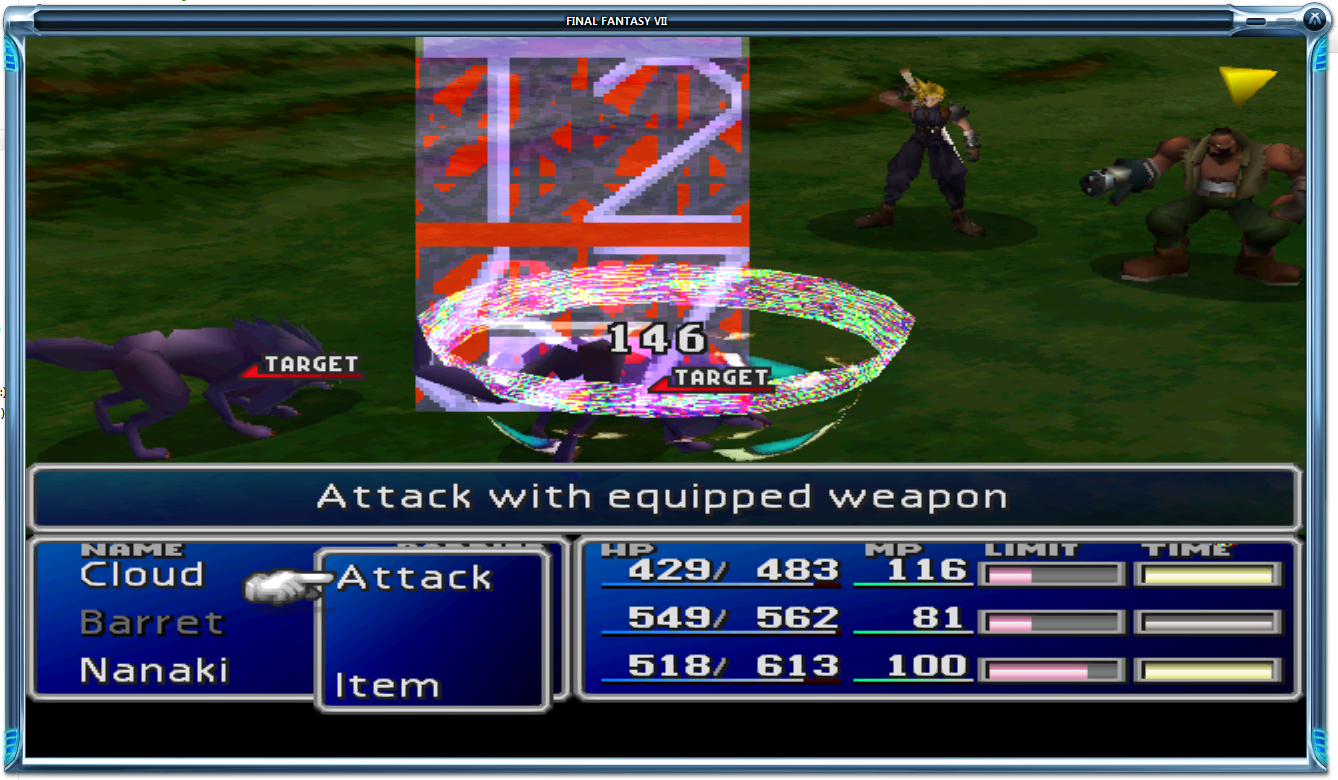
So, I ran the BFE.exe once more, this time with canon-names and canon-items unchecked.
Well... "Marlene" is still called Marin. So I'd like to ask if I have either
a) to run BFE once again, with Re-Translation completely unchecked
or
b) need to start a new game for the "old" names of the game.
Bootleg has no uninstall feature, so unchecking something and running it does not change anything. Unchecked boxes tells Bootleg to leave those options alone when it runs the install.

To restore your names and items, you will need to do a fresh install of the game, while leaving those boxes unchecked when running Bootleg.
 
Or you could copy it all from the install CD and CD1. For text you should only need flevel.lgp, kernel.bin, kernel2.bin and maybe scene.bin. The worldmap contains text too, but nothing what should bothering you.
Perhaps it would be usefull to have a 'Restore from CD' feature in bootleg. ???
 
An undo feature would require another 2GB to 9GB of disc space.
I really don't want Bootleg to require 50GB during installation!

I recommend creating an image of a fresh FF7 installation before running Bootleg.
Use the Create Image option found in the File menu of BFE.

Then you can set BFE to use the image every time you run Bootleg.
Bootleg will restore the fresh, vanilla image and then apply the mods while preserving the keyboard configuration and save games.
 
does the configurator simply not work correctly in any case for the re-release?
 
I am not dead! Sorry guys, I'm still here.

We are currently seeking helpers who would answer people's questions. We are currently three and cannot be everywhere at any time. I was also considering registering an IRC channel for the sole purpose of Bootleg. The current IRC channel serves this purpose well but it is also a general chat channel frequently. Most (to not say all) people there do not even know what Bootleg is or how to help, and people usually mistakenly think so (I don't blame them for that, it's my fault for putting general and specific chat in a same place). If there are enough people interested, I will consider it. If not, it will stay as it is right now.

What we want:

- Someone fluent in at least one programming language to code an IRC bot to help users;
- People willing to help, both here and on IRC;
- People fluent in at least two languages, including English;
- People fluent in VB.NET and/or Batch to debug Bootleg pre-release;
- People able to use the various modding tools (even if only a few);
- Anything else, feel free to apply!

We would prefer people who are nice and treat others nicely most of the time.

"The main thing is converting all of the buster swords to work with the 100+ Cloud field and world map models."

If you are interested in any of the above, you might reply, send a PM to me and PitBrat (make sure to send to both) or join the IRC channel, also irc.esper.net #Vgr

If you are interested in having another channel designed for Bootleg, you may reply, send a PM or join the IRC channel (see above). If enough people want it, I will take necessary steps.

~Vgr

@Sahloknir74: Bootleg will work on the re-release.
 
Last edited:
Please help.

Bootleg works with the 2012 ReRelease.

Bootleg 040 has a bug that prevents it from correctly installing on non-US CD-ROM versions of FF7.
This bug is fixed for a future release.
If anyone is willing to test the fix on a non-US CD-ROM version of FF7, please contact me.
 
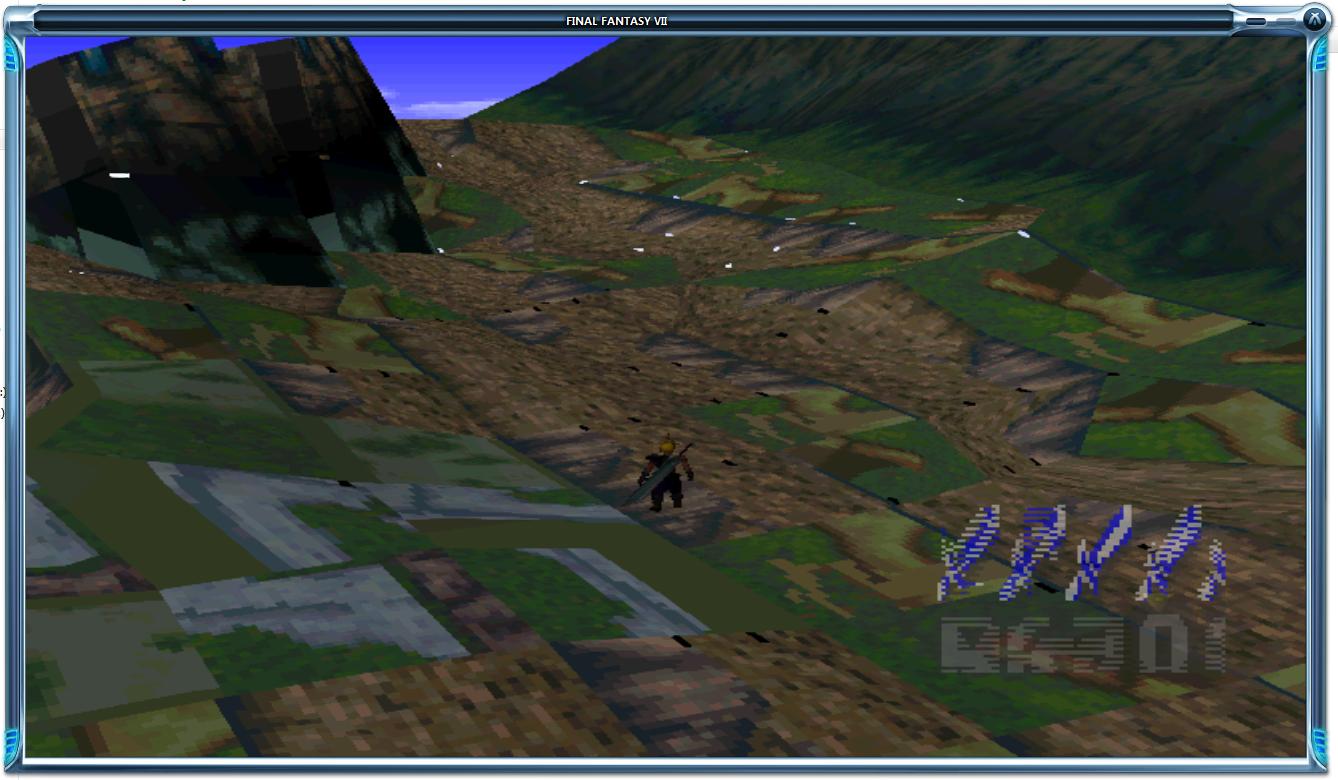
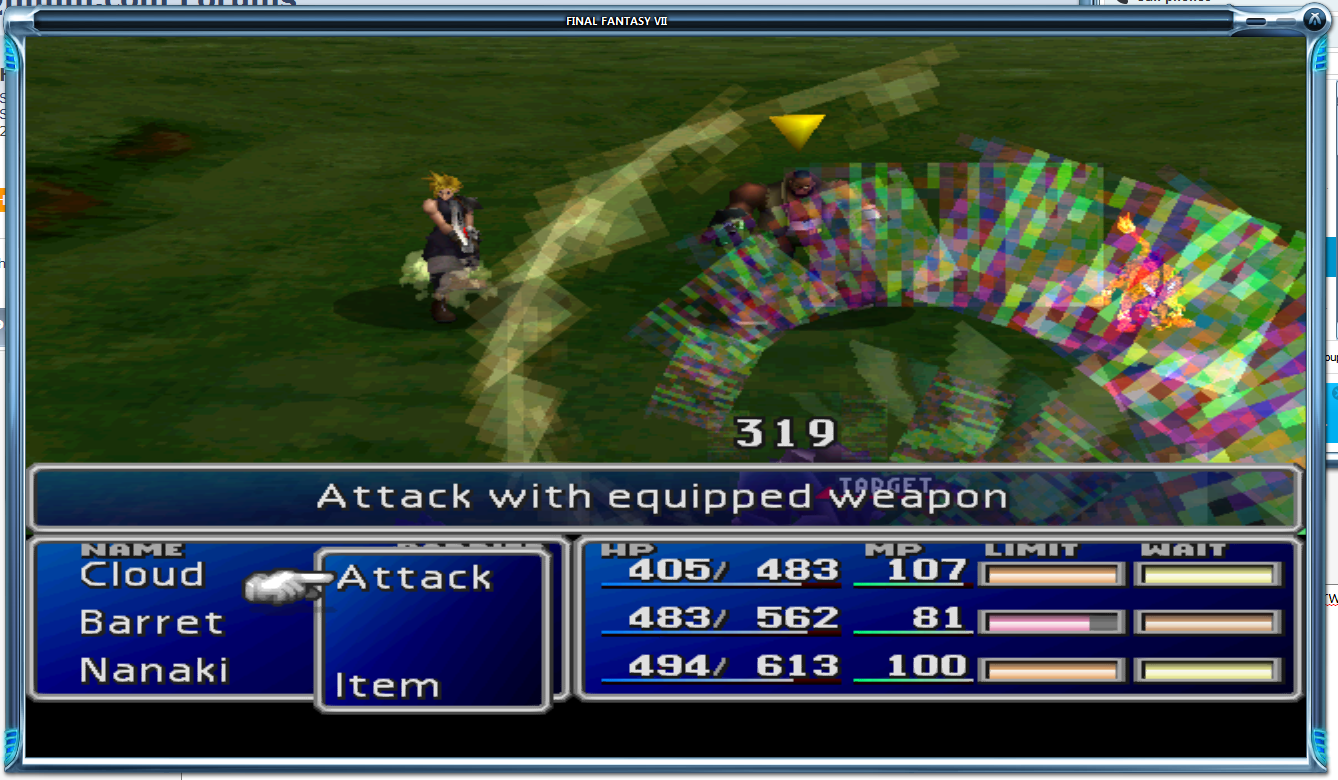
I'm having problems with textures on the re-release, at first it was just a few spells and limit breaks that looked a bit funny, but the overworld textures are a disaster, and the map itself is unusable. please see the Attached images

Bolt spell:
DbS8P.png


Overworld:
wB0EN.jpg


Cross-slash (sorry couldn't get a better shot):
5WtPx.png


EDIT: Also important, absolutely nothing i change in the Game or Overhaul tabs has any effect.
 
Last edited:
What type of GPU are you using?
Did you change any of the configuration settings?
Post your APP.LOG.
 
Cross-slash (sorry couldn't get a better shot)
What do mean by 'better'? :-D

Maybe the compress texture option in Ali's driver make some trouble...
 
GeForce 580. I seem to have fixed the worst of the graphics problems, by removing the compatibility options from FF7.exe, mounting a FF7 disc image, then running it via bootloader, but now i'm having issues with it crashing during the Sephiroth flashback sequence (At Kalm, just as the flashback fight against their target monster begins).

INFO: FF7/FF8 OpenGL driver version 0.7.11b
INFO: Auto-detected version: FF7 1.02 US English
INFO: NVIDIA Corporation GeForce GTX 580/PCIe/SSE2 4.3.0
INFO: OpenGL 2.0 support detected
INFO: Using PBO
INFO: Found swap_control extension
INFO: Max texture size: 16384x16384
INFO: Number of texture units: 4
INFO: Original resolution 640x480, window size 1280x960, output resolution 1280x960, internal resolution 1280x960
INFO: Shader limits: varying 124, vert uniform 4096, frag uniform 2048
INFO: FFMpeg movie player plugin loaded
INFO: FFMpeg version SVN-r25886, Copyright (c) 2000-2010 Fabrice Bellard, et al.
INFO: FF7Music helper plugin loaded
INFO: Loading external library Multi.dll
LOCK UNLOCK TEST
MATRIX INITIALIZE
INITIALIZE DD/D3D END
initializing sound...
creating dsound primary buffer
reading audio file
loading static sounds
sound initialized
set music volume: 127
Entering MAIN
Exiting MAIN
START OF CREDITS!!!
INFO: D:\Games\FF7\movies\eidoslogo.avi; h264/aac 640x480, 15.000000 FPS, duration: 10.263000, frames: 154
set music volume trans: 127->0, step=60
END OF CREDITS!!!
Entering MAIN
set music volume: 127
Exiting MAIN
START OF MENU SYSTEM!!!
END OF MENU SYSTEM!!!
Entering MAIN
Exiting MAIN
-=-=[START OF WORLD MAP!!!]=-=-
stop_sound
cross play music: 0
set music volume trans: 127->0, step=4
set music volume: 127
stop_sound
-=-=[END OF WORLD MAP!!!]=-=-
Entering MAIN
Exiting MAIN
Field Start
UNEXPECTED: zero count
set music volume trans: 127->0, step=255
set music volume: 0
set music volume: 127
Field Quit
Entering MAIN
Exiting MAIN
Entering FRAME_INITIALIZE SWIRL
Exitting FRAME_INITIALIZE SWIRL
Swirl sound_effect1
stop_sound
End of Swirl sound_effect1
Entering FRAME_QUIT SWIRL
Exitting FRAME_QUIT SWIRL
Entering MAIN
Exiting MAIN
[BATTLE] Entering FRAME_INITIALIZE
[BATTLE] Scene# 292
[BATTLE] Exitting FRAME_INITIALIZE
ERROR: could not open file camdat0.bin
ERROR: unhandled exception
 
Last edited:
Bootleg has no uninstall feature, so unchecking something and running it does not change anything. Unchecked boxes tells Bootleg to leave those options alone when it runs the install.

To restore your names and items, you will need to do a fresh install of the game, while leaving those boxes unchecked when running Bootleg.
Okay, thank you :)
I'll do this later on (currently at work .__.)

Just a stupid question:
If I had run bootleg with "Translate Text" > English + re-translation unchecked and then a second time with Re-translation (w/o names and items) checked - would this have worked? (sorry for the sentence structure :()

edit: Well... choosing Translate Text -> English converts the names back to the "original".
Running bootleg again with the Re-translation project --> 1 to 1 translated japanese names.
So: The translated names are already build in the Re-Translation project?  ???
 
Last edited:
Was getting the crash at Kalm during flashback scene. Unchecked remove glitched textures from facepalmer section of BFE and crash fixed.
 
I found a fix to my Access Denied error!  Depending on your OS/Computer the fix may be slightly different, here is what worked for me:

-Right click on Computer (or My Computer) and go to Properties.
-For me (windows 7) I scrolled down to the section titled, 'Computer name, domain, and workgroup settings' and click Change settings
-Go to the advanced tab, and click on Environment Variables...
-In the System variables field, find the variable named 'Path'.  Select it and click edit.  -This should be a long string of directories from C:\ each separated by a semicolon.  Make sure that C:\Windows\system32 is present.
-If not add ;C:\Windows\system32 to the string, and BAM!  No more access denied!  8-)
This is the fix for the bootleg Access denied error. Thank you!!
 
I'm having a difficult time getting bootleg040 to successfully download. The download error says "Bootleg040.zip could not be saved, because the source file could not be read. Try again later, or contact the server administrator." I've been getting that for the past hour. Any help would be appreciated.
 
I have downloaded the bootleg and I'm really enjoying it, thanks for the hard work!

I've been trying to change some models that aren't included in the bootleg but I'm getting glitches, mainly with field models (mostly heads glitching, disappearing for a split second every 5 seconds or so and sometimes for the body some parts are transparent like a shoe or a forearm). I've been using lgpt tools 1.6, is it also glitched?
Since none of the models are glitched from the bootleg 0.40, I was wondering if you could help me and tell me which program I should use (I'm pretty sure the models I have should be fully working). I tried using the Custom model folder, but it doesn't seem to work...

And again thanks a lot!

EDIT: PitBrat found the solution to this problem. If anyone is interested, here is what he posted some time ago which works flawlessly for me and is VERY simple (I use LGPT Tools 1.6 which is very noob friendly)
I still receive errors when trying to UPDATE archives even with the 0.8 version of ULGP.
ULGP won't update certain files and crashes with others.

I have better luck by creating an entirely new .lgp archive.
  Extract all of the files from the .lgp archive into a temporary folder.
  Copy the new files over the old files in the temporary folder.
  Use ULGP to compile the files from the temporary folder into a new .lgp archive.
 
Last edited:
Status
Not open for further replies.
Back
Top