[FF7] Tutorial for Bootleg - Tifa's Bootleg

  • Thread starter Thread starter EQ2Alyza
  • Start date Start date
Status
Not open for further replies.
Yes, install the game and then run Bootleg. Running Bootleg without the game installed will not work.
Thank you for your prompt reply, but I feel you misunderstand me my friend. The game - as I have said before - it is running perfectly except for battle and ambient music. It would be quite hard to accomplish this without the game installed  ;)

I was asking if I should re-install the game before running 1.51.12, or if it would suffice to download 1.51.12 and try to run the game as is. Upon searching, I have not found a valid link for 1.51.12 - could anyone provide one? I would greatly appreciate it.
 
If you install ff7music over an already modified game, then you'll lose the additional soundtrack options.
You should preserve the 3 Bootleg ff7music.ini files located in 3 folders within the game folder.


ff7music_install_15112.exe                       Covarr          FinalFanTim tracks looped as OGG & PSF  Qhimm FILE

 
If you install ff7music over an already modified game, then you'll lose the additional soundtrack options.
You should preserve the 3 Bootleg ff7music.ini files located in 3 folders within the game folder.


ff7music_install_15112.exe                       Covarr          FinalFanTim tracks looped as OGG & PSF  Qhimm FILE
Excuse my ignorance, but that last sentence is a complete alien language to me. I only see FF7MUSIC.ini (located both in the fidecula folder and in \FF7\FF7Music), as well as plugin.ini in the plugins folder.

So I only count two separate .ini files. And where should I "preserve them"? I am assuming this means just creating a random throwaway folder that will save them from being overwritten?

I'm really sorry that I don't understand this better, I know how frustrating it can be to have to explain things over and over. I do appreciate everyone's patience.

My simple mind just thinks I should take the mp3, FF7_PSF, and Custom_Music folders out, run 1.51.12, and then place them back in?
 
Last edited:
It's the ff7music.ini files that are important.
Back up ff7music.ini in a safe place.
Run the ff7music installer.
Then copy the backed up ff7music.ini file into the game folder in these 3 places:
  .\ficedula\
  .\ff7music\
  .\ff7music\ficedula\

Copy and overwrite ff7music.ini into all 3 folders so that ff7music.exe is sure to find it.

This will ensure that you keep all of the Bootleg soundtrack options.
 
Ok, that was interesting. It worked when I tested it with the 1.51.12 ini's. As soon as I replaced them, same problem occurred. Anyone have a confirmed working copy of the 1.51.13 FF7Music.ini? What could cause this?

EDIT: In all honesty, at this point I'm happy playing without the OCRemix, although that was one of the major things I was looking forward to. I'm just happy I know I can get it working with the remastered files if we can't ultimately fix this issue.

EDIT 2: I'm going to be out of town until Sunday, I'll keep you posted as best as I can from my laptop.
 
Last edited:
Yes Terrified. I'm looking into it.

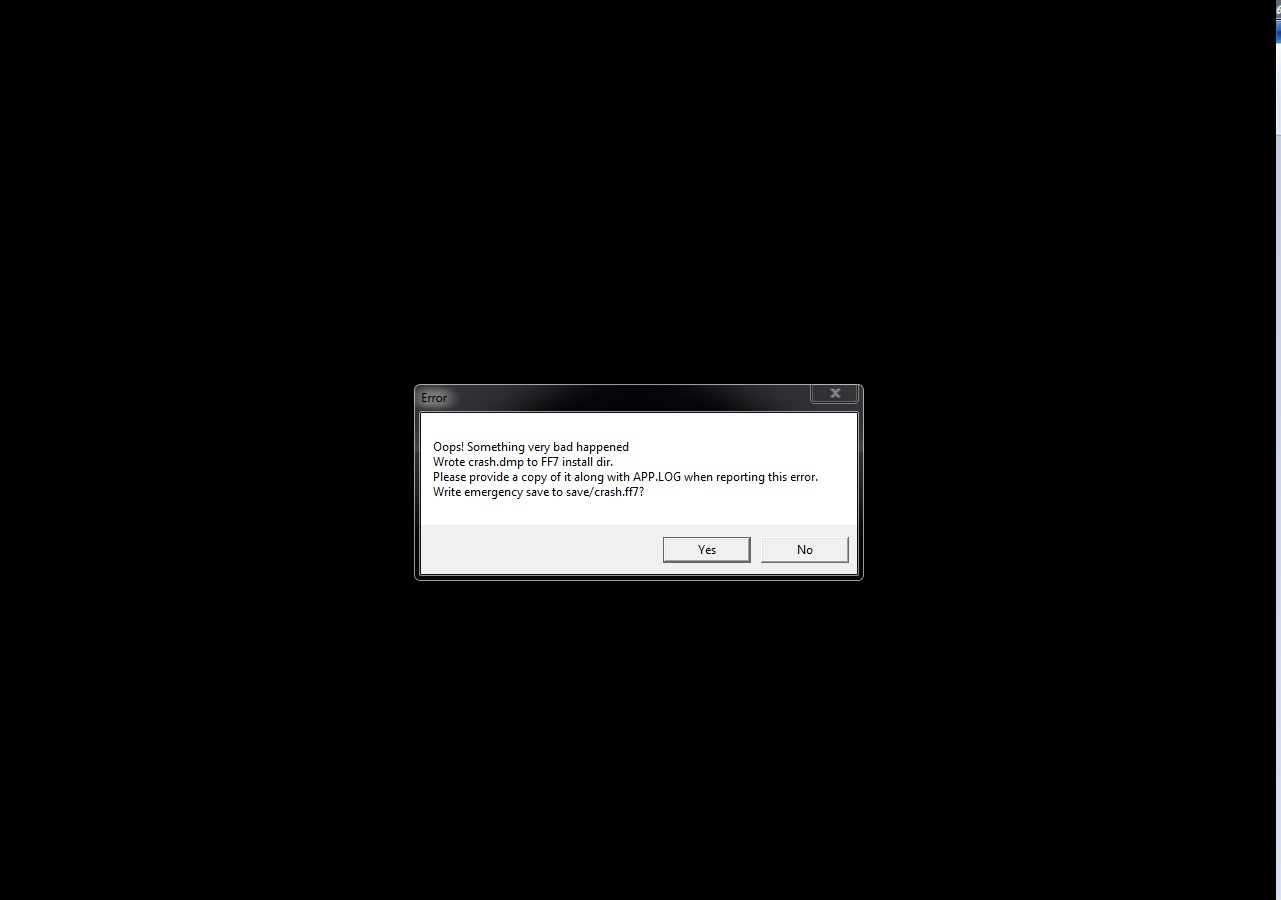
Can you post a screenshot of your error message, or type it out exactly as it states.

Are you playing the Hardcore Difficulty mod?

Here is how I did Floor 65. It did not require gathering the last piece or fighting its boss (I believe this is a Hardcore Difficulty feature?): www.youtube.com/watch?v=16T4eWYFUfE#t=51m28s
No, i'm playing under Normal Vanilla mode, just curious, does the difficulty does any different for the error occur in mine?
oh my bad, mine isn't gathering the last piece of midgar scale,

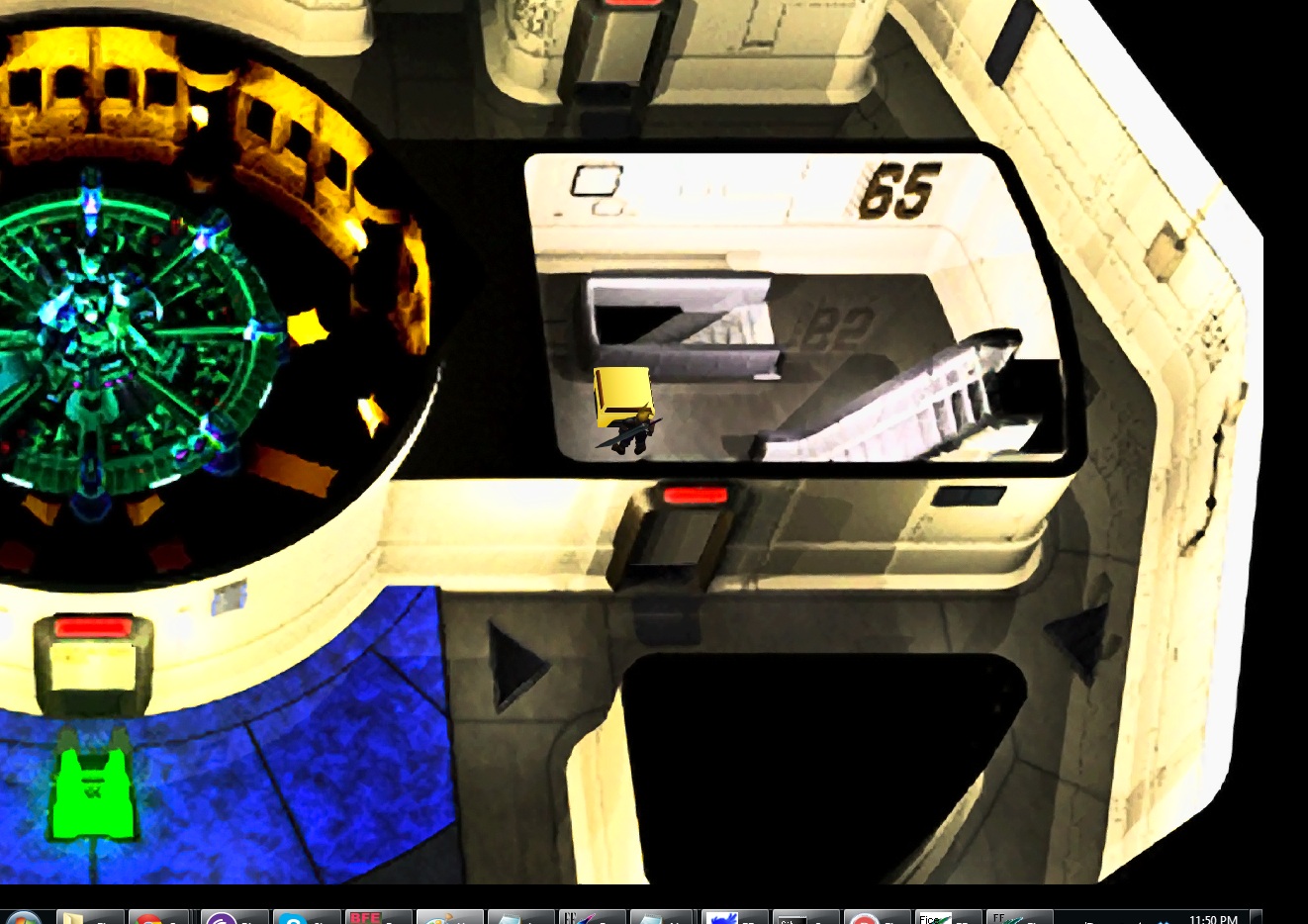
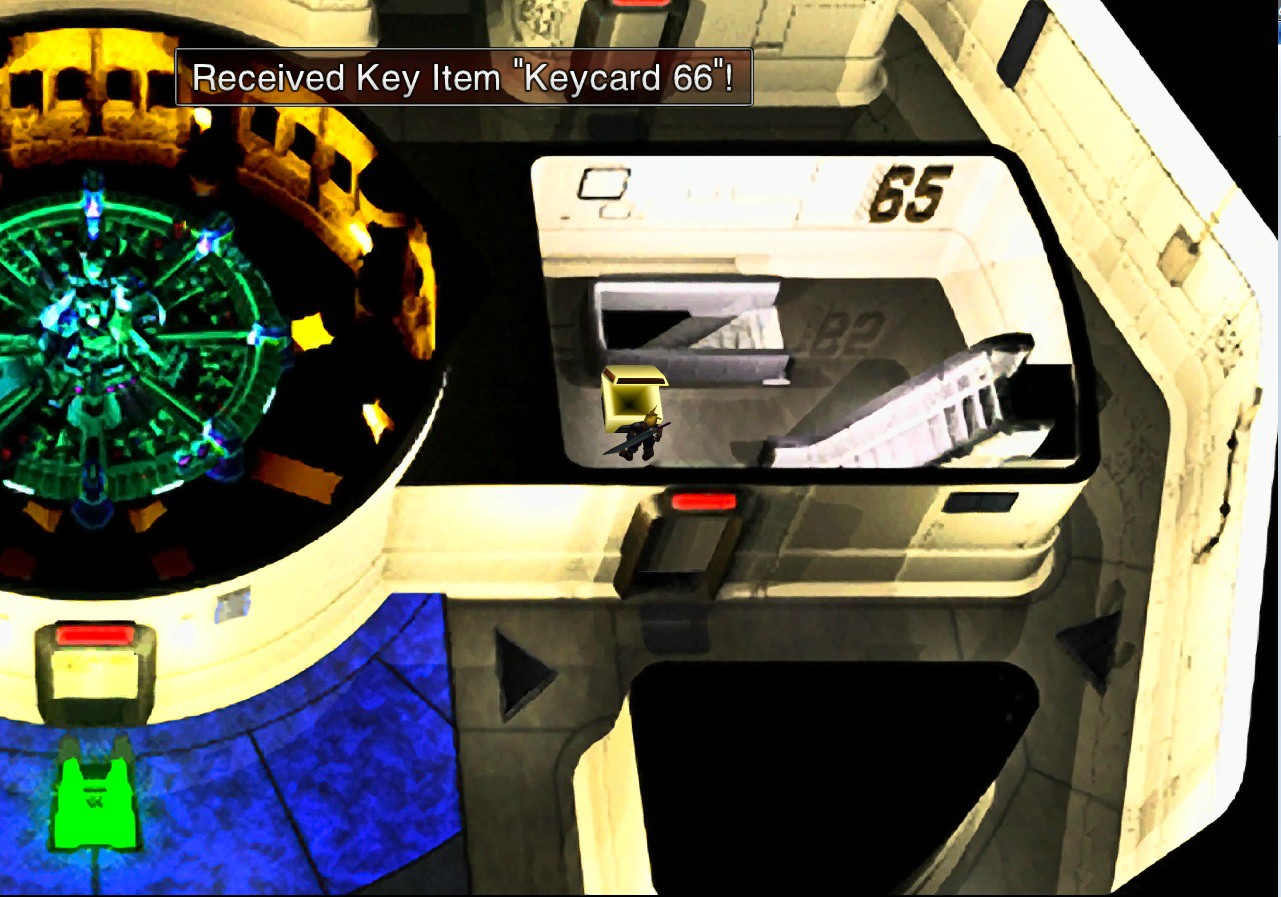
it's actually when i'm taking the treasure box the has Keycard 66 inside it,
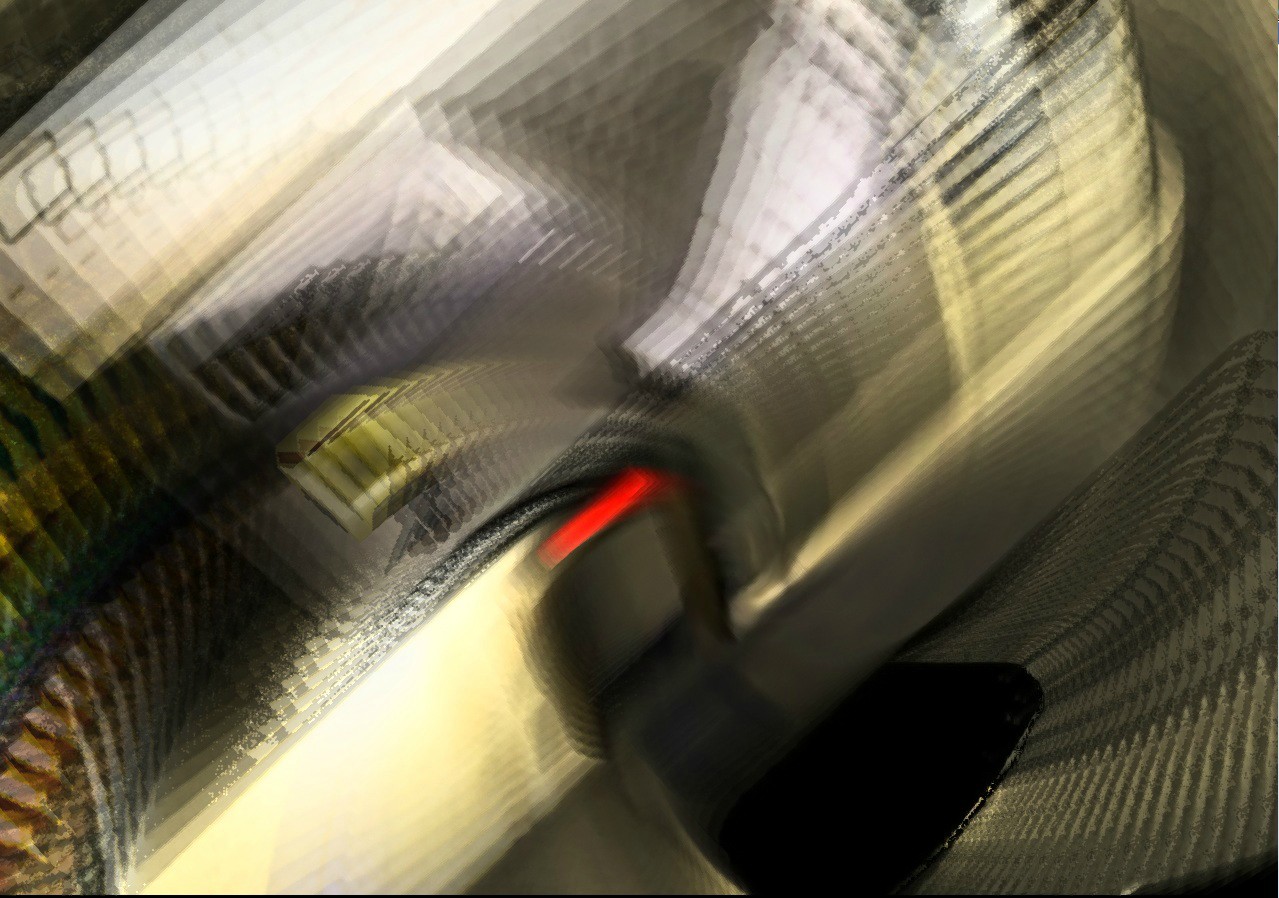
apparently after i picked up, it brings me to a boss fight with the boss fight music,
and after that it just leads to error,

kxWIn.jpg


rTVVP.jpg


EfUER.jpg


2wl67.jpg


where do i find the error message? was it the 1 i posted up from my old message? if yes den i did copy and paste it there already

Code: [Select]
Code:
INFO: FF7/FF8 OpenGL driver version 0.7.11bINFO: Auto-detected version: FF7 1.02 US EnglishINFO: NVIDIA Corporation GeForce GTX 570/PCIe/SSE2 4.2.0INFO: OpenGL 2.0 support detectedINFO: Using PBOINFO: Found swap_control extensionINFO: Max texture size: 16384x16384INFO: Number of texture units: 4INFO: Original resolution 640x480, window size 1280x960, output resolution 1280x960, internal resolution 1280x960INFO: FBO extension detected, using fast scaling/postprocessing pathINFO: Shader limits: varying 124, vert uniform 4096, frag uniform 2048INFO: FFMpeg movie player plugin loadedINFO: FFMpeg version SVN-r25886, Copyright (c) 2000-2010 Fabrice Bellard, et al.INFO: FF7Music helper plugin loadedINFO: Loading external library Multi.dllLOCK UNLOCK TEST MATRIX INITIALIZE INITIALIZE DD/D3D END initializing sound...creating dsound primary bufferreading audio fileloading static soundssound initializedset music volume: 127set music volume: 127Entering MAINExiting MAINSTART OF CREDITS!!!INFO: C:\Program Files\Square Soft, Inc\Final Fantasy VII\movies\eidoslogo.avi; h264/aac 1280x960, 15.000000 FPS, duration: 10.193000, frames: 153set music volume trans: 127->0, step=60END OF CREDITS!!!Entering MAINset music volume: 127Exiting MAINSTART OF MENU SYSTEM!!!END OF MENU SYSTEM!!!Entering MAINExiting MAINField StartField QuitEntering MAINExiting MAINEntering FRAME_INITIALIZE SWIRLExitting FRAME_INITIALIZE SWIRLSwirl sound_effect1stop_soundEnd of Swirl sound_effect1Entering FRAME_QUIT SWIRLExitting FRAME_QUIT SWIRLEntering MAINExiting MAIN[BATTLE] Entering FRAME_INITIALIZE[BATTLE] Scene# 1000[BATTLE] Exitting FRAME_INITIALIZEERROR: unhandled exception

 
Last edited:
If you could send me a copy of the lastused.bp file and the save game, I'll investigate this problem.
 
im haveing the same issue as him so im watching wat u reply pitbrat so plz post wat the problem is ty
 
Accually i managed to fix mine so far i just had to choose all my seeting that i like then run the bootleg but u nid to uninstal everything and do it all over  but copy ur save data u know so u dont start over well then start the bootleg when u chose ur presets and carefully read each thing and use just wat u need then when ur ready run the bootleg like normal
 
Accually i managed to fix mine so far i just had to choose all my seeting that i like then run the bootleg but u nid to uninstal everything and do it all over  but copy ur save data u know so u dont start over well then start the bootleg when u chose ur presets and carefully read each thing and use just wat u need then when ur ready run the bootleg like normal
So what @wowdeww is basically saying, from what I understand, is that one must backup their save files by removing the folder called "save" to a safe location out of the folder called "C:\Games\Final Fantasy VII." Then one must do a fresh install of the vanilla version of either the 1998 version or of the 2012 version converted by @Kranmer of Final Fantasy VII with the aid of Bootleg Configurator. After the fresh install, then one places the folder called "save" back into the folder called  "C:\Games\Final Fantasy VII" and copies and replaces both the save files and the folder itself.

This is a decent fix if one is impatient to wait for help from the staff of this forum. :-X
 
@terrified im sure when you open that chest this special exclusive fight within the hardcore mod you will fight 3 strong soldiers maybe the models of them are messed up or somethin..or was that somewhere else :s i need to start refreshing my mind and play again haven't done so for time hate the pc im on now..:/
 
It smells of
a) the custom models are not installed and thus the game can't find the asked for models and crashes while using the hardcore mod
b) Same thing but using the N7 mod
 
well i uninstalled everything even the game but copied just the save file then installed everything all over again and with the vanilla normal and now works awsome u should never run bootleg over itself. they mention it somewhere in a fact i just cant remember i just remember seeing it so thats wat i did hope it helps buddy
 
Hello, I have been enjoying replaying FF7 with this great collection of mods.  I got it installed and running great with the 2012 remake, but I have reached the end of the first disk. 

When I get the choice to save at the end of the first disk, nothing happens and it brings up the please insert disk 2 screen.

I have tried a save from the thread on this forum and it also asks me for the second disk.  I also tried a clean reinstall.  I have searched this forum and using google but have not found any hint as to what I am doing wrong.

Any help would be appreciated.
 
Hi, thanks for the fast response. 

I probably was not detailed enough about my problem.  I have used the Mount feature to get the game running, and it has worked fine up until the end of disk 1.

I started a new game and played straight through to the save point just before the final cut scene on disk 1.  When I beat Jenova and finish the cut scene where you are back inside that shell-shaped house, it says end of disk 1 and asks if I want to save.  No matter what i choose, the game does not save and it goes straight to Please Insert Disk 2. 

I cannot figure out how to use the Mount in the bootloader to mount disk 2.  I bought the 2012 version and I do not have a disk 2.  I tried a downloaded save from the end of disk 1 but it also just asks for me to insert disk 2.  I have FFDISC1 mounted on virtual drive H: when I launch the game from the bootloader. 

The Bootleg collection has played great other than a few movie freezes that I had before adjusting the graphics settings.  I simply cannot get passed the insert disk 2. 

I figure that I must be overlooking something, but I have been through your tutorial, read the readmes and FAQs, but I still have not figure it out.
 
Last edited:
The game can be played all the way through with the virtual FF7DISC1. No other disk mounts are required. If you were able to play up to Forgotten City, then your OS and mounting program appear working. Sooo, I am unsure what else to say  :-\

Perhaps someone else may respond.
 
Thanks for trying.

Okay, after further testing, I have the same problem on 2 different PCs with very different hardware specs.  I was mistaken about being able to load a post disk 2 save also, I had gotten my save files mixed up.

If anyone has any ideas on why the virtual drive is only working as DISC1 please let me know.
 
Last edited:
I think you're not the FF7 AnyCD patch installed.
You can try to integrate it afterwards or you call the virtual drive easily into FF7DISC2 :lol:
 
Status
Not open for further replies.
Back
Top