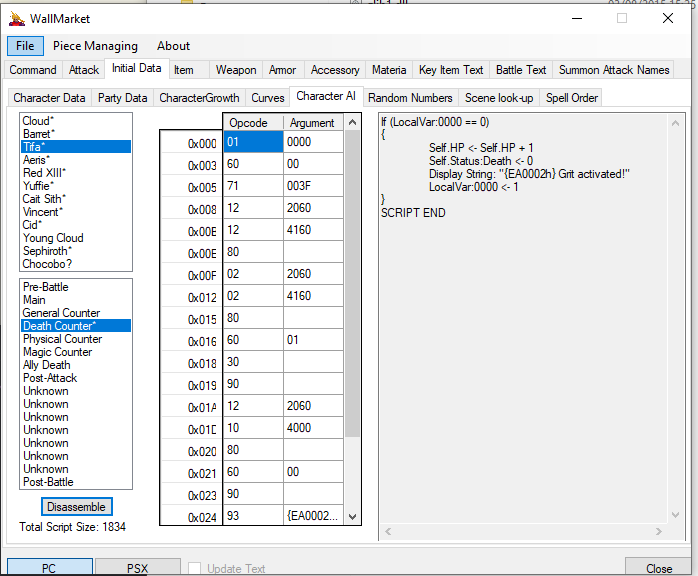
There are no written guides that I know of, probably some YT videos here and there perhaps by Tsunamods.
The tools take time to learn and use; some things like editing weapon data can be done fairly quickly as it's just changing numbers, but other things like scripting a brand new story scene needs some familiarity with how the scripting works. I didn't have any resources beyond the wiki, so I had to learn how to use the tools through trial & error.
For the field scripting, using the tool Makou Reactor, the way I learned it was I picked a simple cutscene from later in the game and then tried to understand how it works; where the scene starts, how it triggers, the general flow of things happening throughout it; and then I'd try and add something to it using the same general structure that it uses.
Start simple by changing dialogue and the box that it appears in within the script; then try adding a brand new dialogue. Then try adding a new animation and calling it within the script. Things like that to build up.
One thing though; each group's scripts are arranged as follows:
S0 - Init: This runs when the field loads for every single group, and it only loads once; avoid adding any looping logic to Init or the game will hang trying to load. Character starting position coordinates and their ID are usually placed in Init.
S0 - Main: This runs on a loop once the field is loaded
S1 - Script 1-31: For regular groups, these are just ordinary script slots; they only run if they're directly called by another script:
Example:
Deactivate the movability of the playable character
S0 - Main
- Disables access to the main menu
- Execute script #3 in group tifa (No7) (priority 6/6) - Waiting for end of execution to continue
- Activate the movability of the playable character
- Enables access to the main menu
When the group called 'Tifa' finishes running their Script 3, it'll return and continue on from where it left off. Scripts can be called to run at the same time, in which case it won't wait and will carry on while the called script runs in tandem.
Location groups have a bit of different logic for scripts 1-6; these will be marked in Makou as OK, Move, Move, Go, Go 1x, and Go Away. These scripts will be executed when the player: Hit Confirm/OK when standing on the location, when the player moves onto the location, and when the player leaves the location (there's some cross over in functionality between Move and Go).
I could probably add relax mode to it; the source system though can't be added as it needs field scripting.