[FF7PC] Modern Menu Icons for ESUI

  • Thread starter Thread starter Template
  • Start date Start date
Status
Not open for further replies.
T

Template

Guest
5diLn33.png


qtcMnQp.png


9U3heZL.png


6uXwU6q.png


z3Ml01H.png


Cmsrep1.png


yAEisca.png


cxfqnkW.jpeg


MODERN ESUI ICONS 1.03

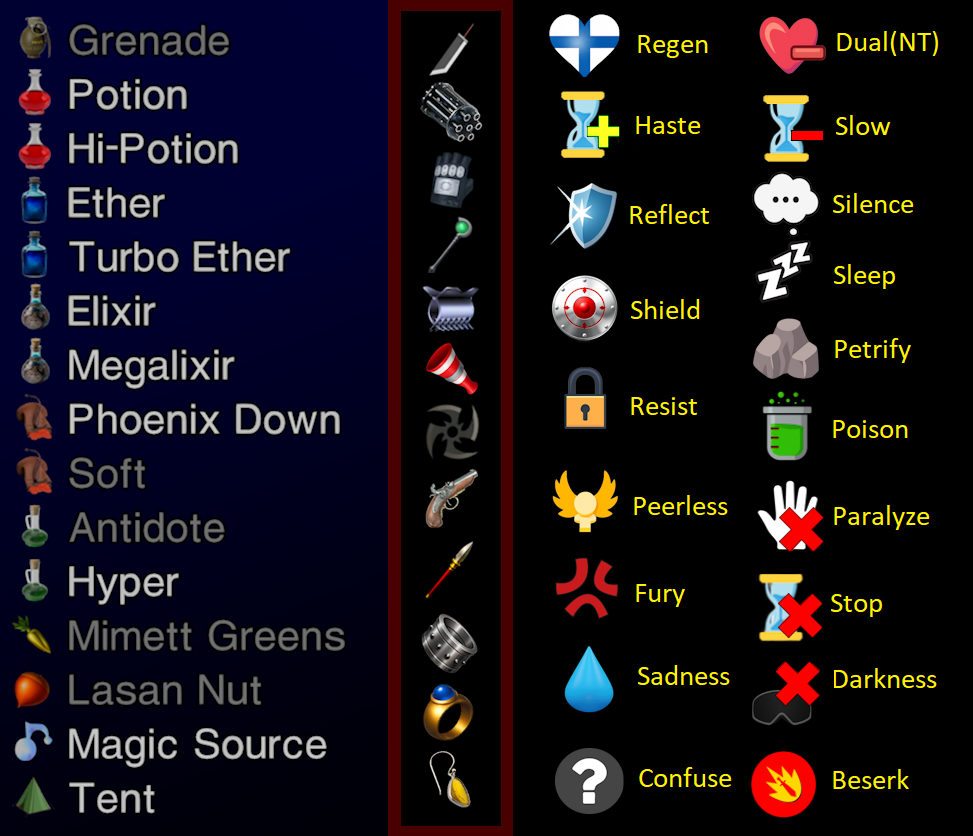
This is an add-on pack designed to replace parts of the Enhanced Stock UI mod by Chrysalis et al.
-Weapons, armor, extended items, and status icons.
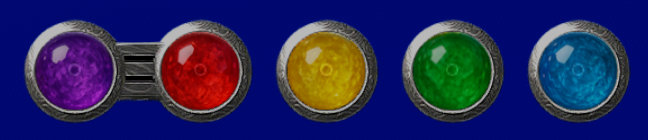
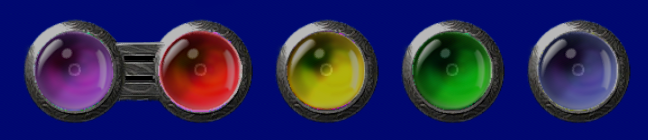
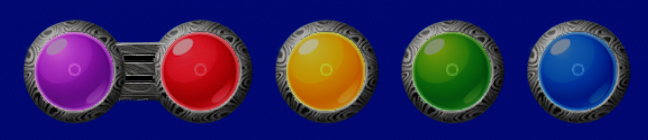
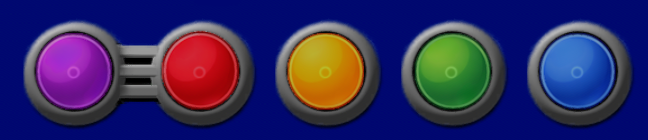
-2 materia sets w textured slot frames: re-shaded ESUI 'Standard' and new 'Shiny' set.
-Alternate bright Xbox D-pad icons for onscreen directions.
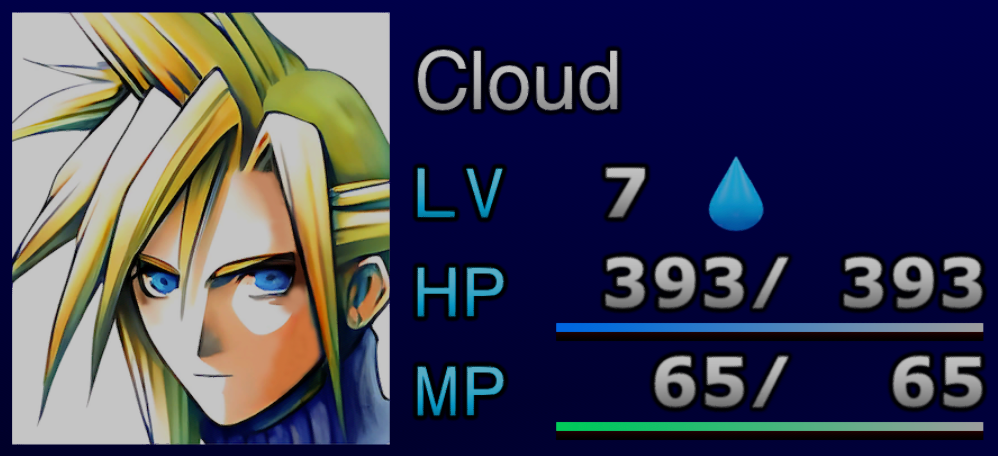
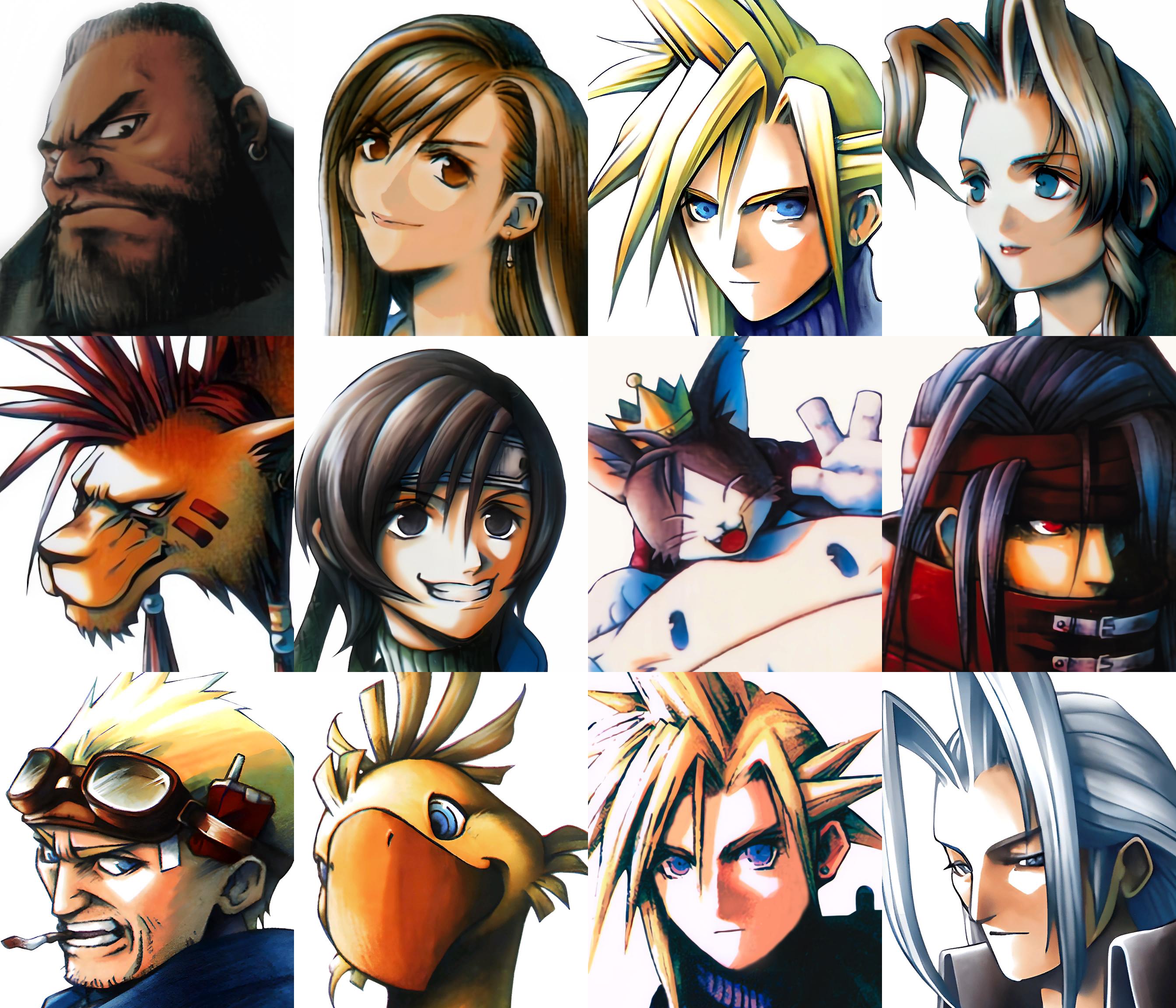
-Upscaled and re-shaded original avatar set.
-Updated Sleep and Silence battle animations.
-Sword cursor option alignment.

Download from my GDrive: https://drive.google.com/file/d/1ZfKA1au47h503xF7VeYDOj4ErTWAOYgN/view?usp=drive_link

**Requires ESUI**
Installation: (Option 1) Paste the Modern ESUI Icons folder into your 7th heaven library directory and use the 7th Heaven option to automatically import mods.
(Option 2) Use the 7th Heaven Import Mod > from folder option and point to the Modern ESUI Icons folder.
(Option 3) After beta period the mod should be added to the Qhimm catalog in 7th Heaven with the 1.0 release.

Credit and thanks to ESUI authors and contributors: Chrysalis, Bonez, EQ2Alyza, DLPB, Kranmer, Covarr, Vertex2995, Trueodin, Fewtch, Ahvia
 
Bumped to announce version 0.998 is up on my Gdrive at the link in the OP.
 
Last edited:
I swapped to a photorealistic version of the Barret weapon icon.
rpDlz3I.png


I've been playing around with some new stylized materia sets and slot frames. Released new materia and frame options as separate config items in 1.01.
F7CtsLY.png
MYJQ4QZ.png
 
Last edited:
Amazing mod by the way. But there is one thing i noticed causing an issue with the Battle UI. Not sure if its a compatibility thing somewhere with a different mod but figured i would let you know.
When selecting an item, by default, the battle UI is gone when selecting targets. You have to hold X (Xbox) or Square (PS) to reveal the Battle UI again. This is normally the other way around.
Very minor thing, but wanted to give you a heads up on it. Hope this was helpful.
 
Miles Lucis said:
Amazing mod by the way. But there is one thing i noticed causing an issue with the Battle UI. Not sure if its a compatibility thing somewhere with a different mod but figured i would let you know.
When selecting an item, by default, the battle UI is gone when selecting targets. You have to hold X (Xbox) or Square (PS) to reveal the Battle UI again. This is normally the other way around.
Very minor thing, but wanted to give you a heads up on it. Hope this was helpful.
Heya Miles, thanks for kind words--I've not run into that issue but it sounds spicy! If you'd like to troubleshoot, it may be helpful to join the Qhimm+Tsunamods discord servers.
https://discord.gg/azDYx8pS
https://discord.gg/tsunamods-community-277610501721030656

Since Modern Menu Icons is purely a texture swap set, I'm not sure if it would be possible for it to cause this issue on its own. However, I think I'd suggest turning off all other mods besides Enhanced Stock UI and Modern Menu Icons and see if the issue remains, then go from there. Feel free to reply back here to troubleshoot if you prefer! Cheers.
 
Template said:
Heya Miles, thanks for kind words--I've not run into that issue but it sounds spicy! If you'd like to troubleshoot, it may be helpful to join the Qhimm+Tsunamods discord servers.
https://discord.gg/azDYx8pS
https://discord.gg/tsunamods-community-277610501721030656

Since Modern Menu Icons is purely a texture swap set, I'm not sure if it would be possible for it to cause this issue on its own. However, I think I'd suggest turning off all other mods besides Enhanced Stock UI and Modern Menu Icons and see if the issue remains, then go from there. Feel free to reply back here to troubleshoot if you prefer! Cheers.
I was able to isolate it by disabling all my mods 7th heaven. First i kept your mod and ESUI active, and it still did it.
Then i disabled your mod and ONLY had ESUI active, and then i found it. it does it when using the expanded icons option in ESUI.
Since Modern Icons automatically uses expanded icon features from ESUI anyways, i thought it was from your mod since that was the first time i encountered this since i havent used expanded icons before.
but yes, its definitely from ESUI expanded icon options. thats what causes the UI to vanish when using items on the party.
I have the Tsunamods and quimm discords. i can let them know.
 
Status
Not open for further replies.
Back
Top