
S
sylandro
Guest
deprecated - there's better ways to achieve this with r06
Higher resolution UI for Reunion 1.0
DISCLAIMER: This started as a personal experiment, so the quality can be improved a lot. However, I consider it to be in a decent state so I've decided to share it with the community.
This patch changes some of the UI textures to higher resolution ones. The textures were taken from the discontinued Menu Overhaul by DLPB and edited to match the Steam version.
The affected textures are:
Also, it (optionally) replaces some strings from the Reunion patch I was discontent with to ones closer to other Final Fantasies:
PREREQUISITES
You MUST have the following installed:
You can test this on other versions, but it's not guaranteed to work.
HOW TO APPLY
[list type=decimal]
[*]Unzip this file into the DATA folder inside your FF7 installation folder (the .bat file should be placed inside data, not any subfolder!).
[*]Run patch-all.bat. If the installation goes wrong, you can find the untouched files inside the backup folder. To restore them, just copy them over your data folder and overwrite everything.
[/list]
If later on you want to change the button icons or enable/disable the text modifications, you can run the patch process again.
KNOWN ISSUES
All three issues are fixable, but I lack the time to do it. The first one requires ASM editing the exe so it reads a different portion of the texture, and the other two requires image editing skills to edit each character in the font texture.
CREDITS
DLPB
Reunion patch
Menu Overhaul patch
TextMod tool
HextEdit tool
Luksy
TouphScript tool
ULGP tool
SCREENSHOTS
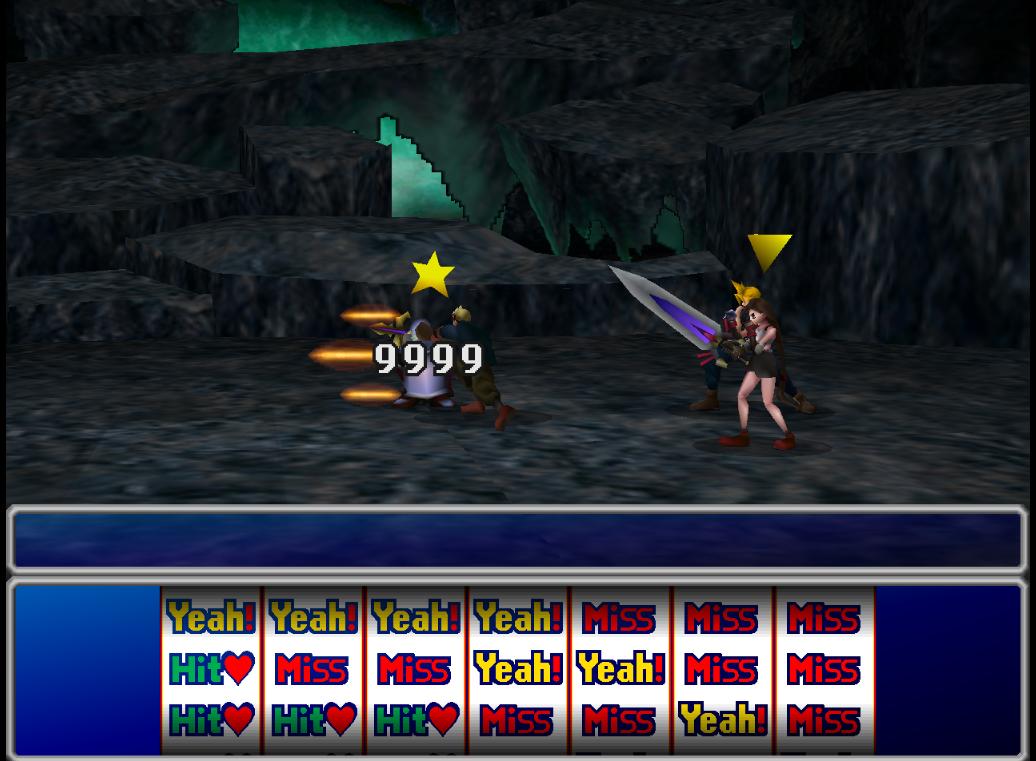
DOWNLOAD
https://mega.nz/#!8ABTwSIR!D1im0P-D31F5HhCe5MQypOMpEJk_328zeE8CmSNBsmY[/s]
DISCLAIMER: This started as a personal experiment, so the quality can be improved a lot. However, I consider it to be in a decent state so I've decided to share it with the community.
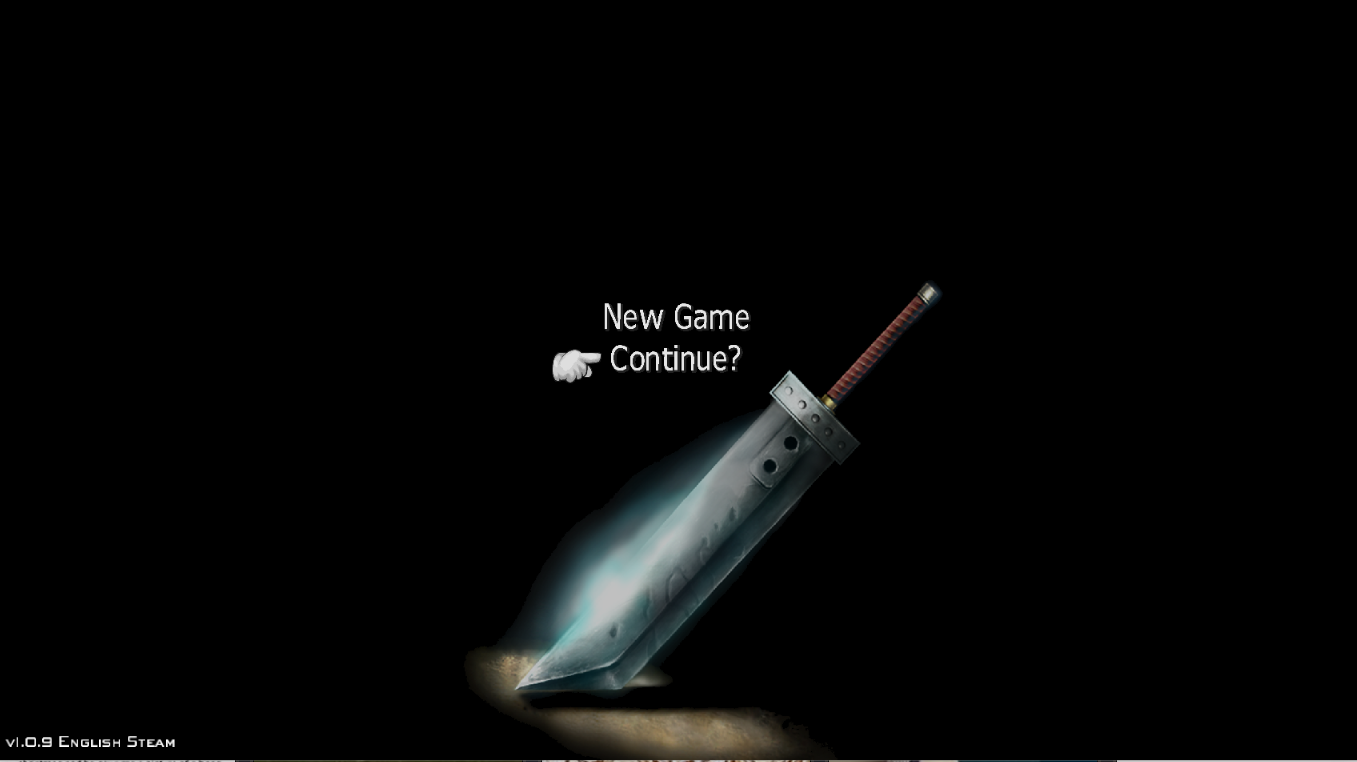
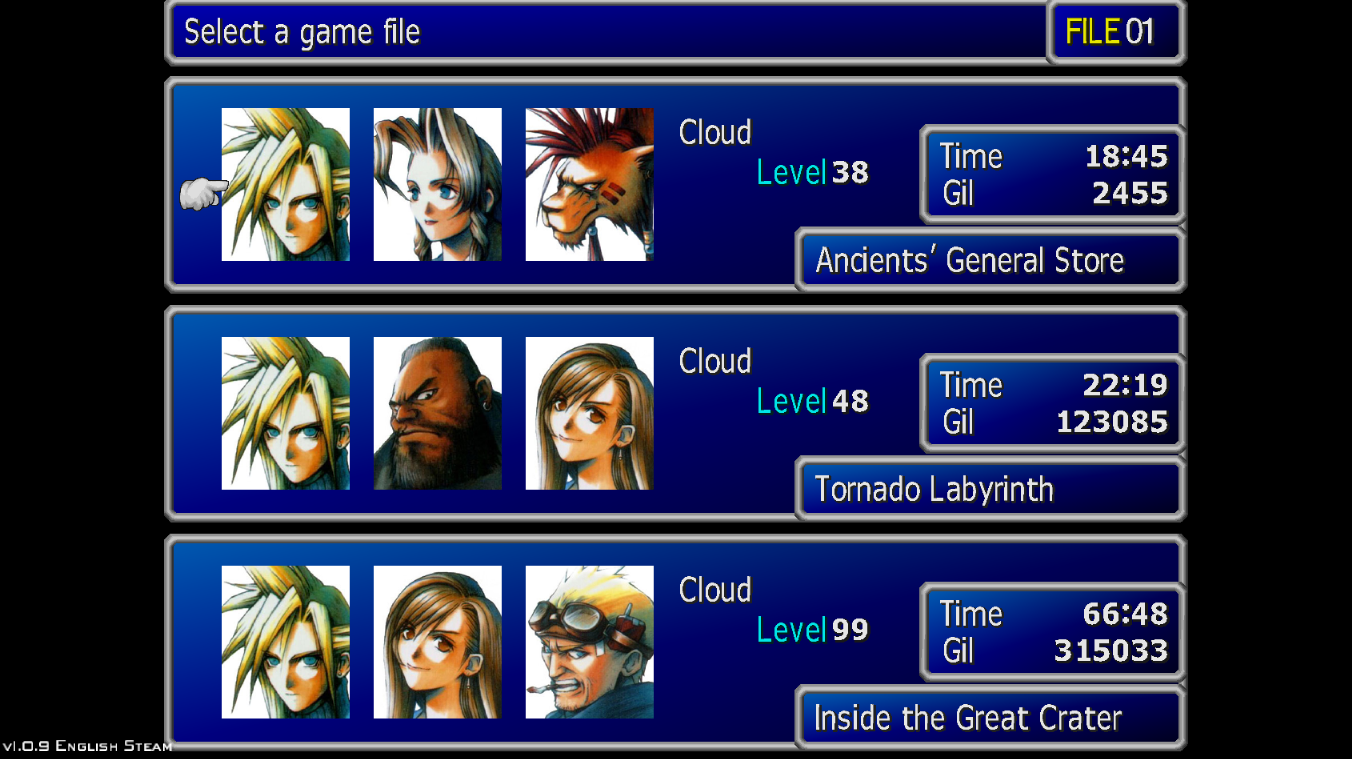
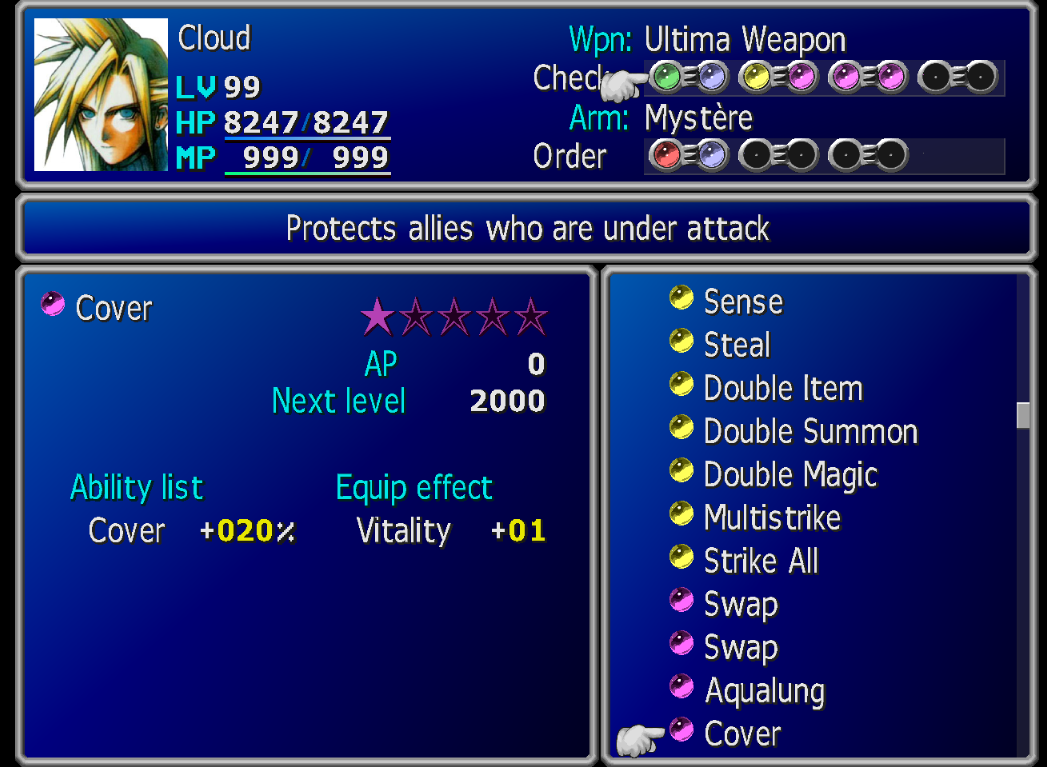
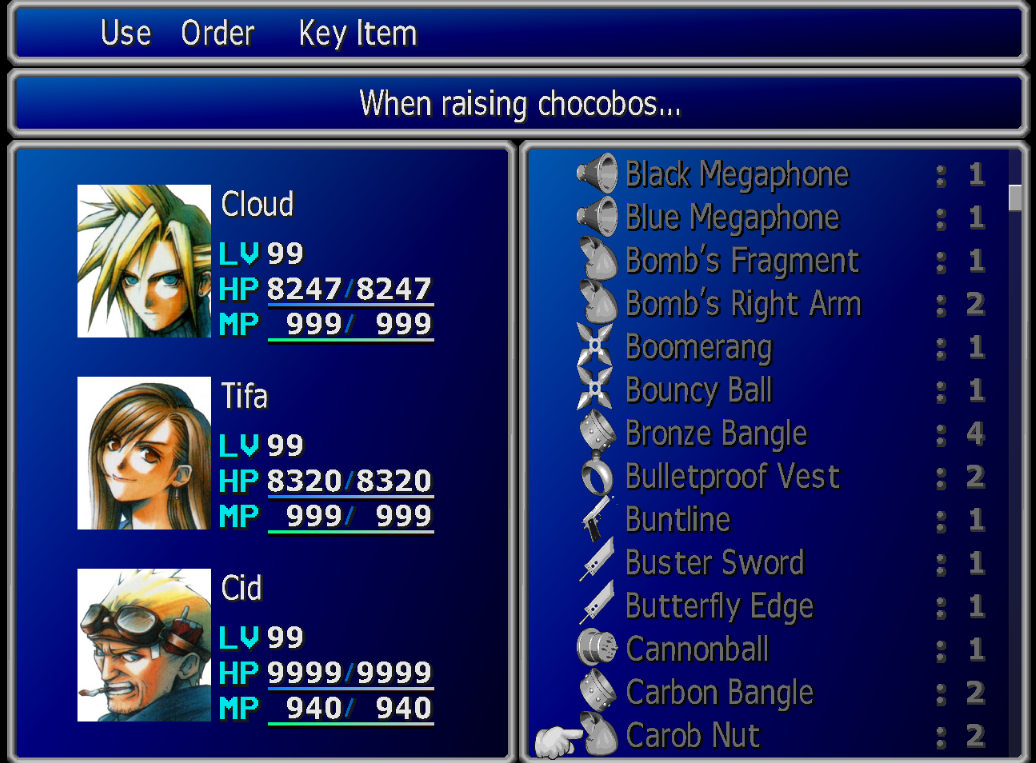
This patch changes some of the UI textures to higher resolution ones. The textures were taken from the discontinued Menu Overhaul by DLPB and edited to match the Steam version.
The affected textures are:
- Title screen.
- Fonts (menus & battle).
- Menu assets (borders, slots, materia, cursor, etc).
- Character portraits.
Also, it (optionally) replaces some strings from the Reunion patch I was discontent with to ones closer to other Final Fantasies:
- Minimum>Mini
- Poison Null>Poisona
- Status Null>Esuna
- Ether Turbo>Turbo Ether
- Uchide Mallet>Mallet
- Panacea>Remedy
- Mithril>Mythril
- Force Eater>Force Stealer
- Hard Breaker>Hardedge
- Partizan>Partisan
- Crime Hazard>Climhazzard
- Morbor>Malboro
- Caktuer>Caktuar
- Cactuer>Cactuar
- Ironate>Ironite
- Semzealot>Zemzelett
- Sandles>Sandals
- Frog>Toad
- Death Sentence>Doom
- Confusion>Confuse
- Protect>Cover
PREREQUISITES
You MUST have the following installed:
- FF7 Steam version.
- DLPB's Reunion patch (tested on versions R04c to R05c).
You can test this on other versions, but it's not guaranteed to work.
HOW TO APPLY
[list type=decimal]
[*]Unzip this file into the DATA folder inside your FF7 installation folder (the .bat file should be placed inside data, not any subfolder!).
[*]Run patch-all.bat. If the installation goes wrong, you can find the untouched files inside the backup folder. To restore them, just copy them over your data folder and overwrite everything.
[/list]
If later on you want to change the button icons or enable/disable the text modifications, you can run the patch process again.
KNOWN ISSUES
- The countdown timer on top of someone who has Doom or Gradual Petrification is not scaled properly. The numbers look unintelligible.
- The letter spacing may look too tight or spaced in some cases.
- Some UI elements look too pixelated or have small pixel artifacts.
All three issues are fixable, but I lack the time to do it. The first one requires ASM editing the exe so it reads a different portion of the texture, and the other two requires image editing skills to edit each character in the font texture.
CREDITS
DLPB
Reunion patch
Menu Overhaul patch
TextMod tool
HextEdit tool
Luksy
TouphScript tool
ULGP tool
SCREENSHOTS
DOWNLOAD
https://mega.nz/#!8ABTwSIR!D1im0P-D31F5HhCe5MQypOMpEJk_328zeE8CmSNBsmY[/s]
Last edited:
