
[FF7PC][Tsunamods] Finishing Touch: ESUI Theme and Avatars

  • Thread starter Thread starter Bonez
  • Start date Start date
Status
Not open for further replies.
Hello Bonez.

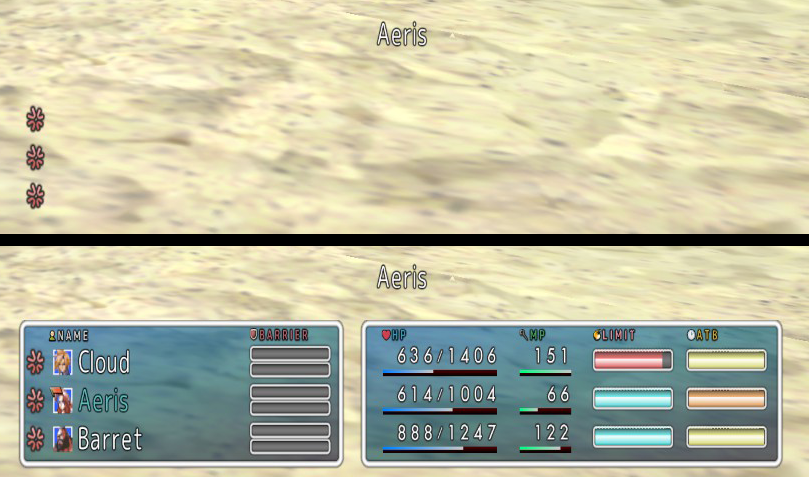
I´m playing a new playthrough using this mod a this happen when I use Cure or a potion:
D52KLpq.png


The menu dissapear, I have to press square to see it again.

I´m playing New Threat 2.0.
 
Hello Bonez.

I´m playing a new playthrough using this mod a this happen when I use Cure or a potion:


The menu dissapear, I have to press square to see it again.

I´m playing New Threat 2.0.
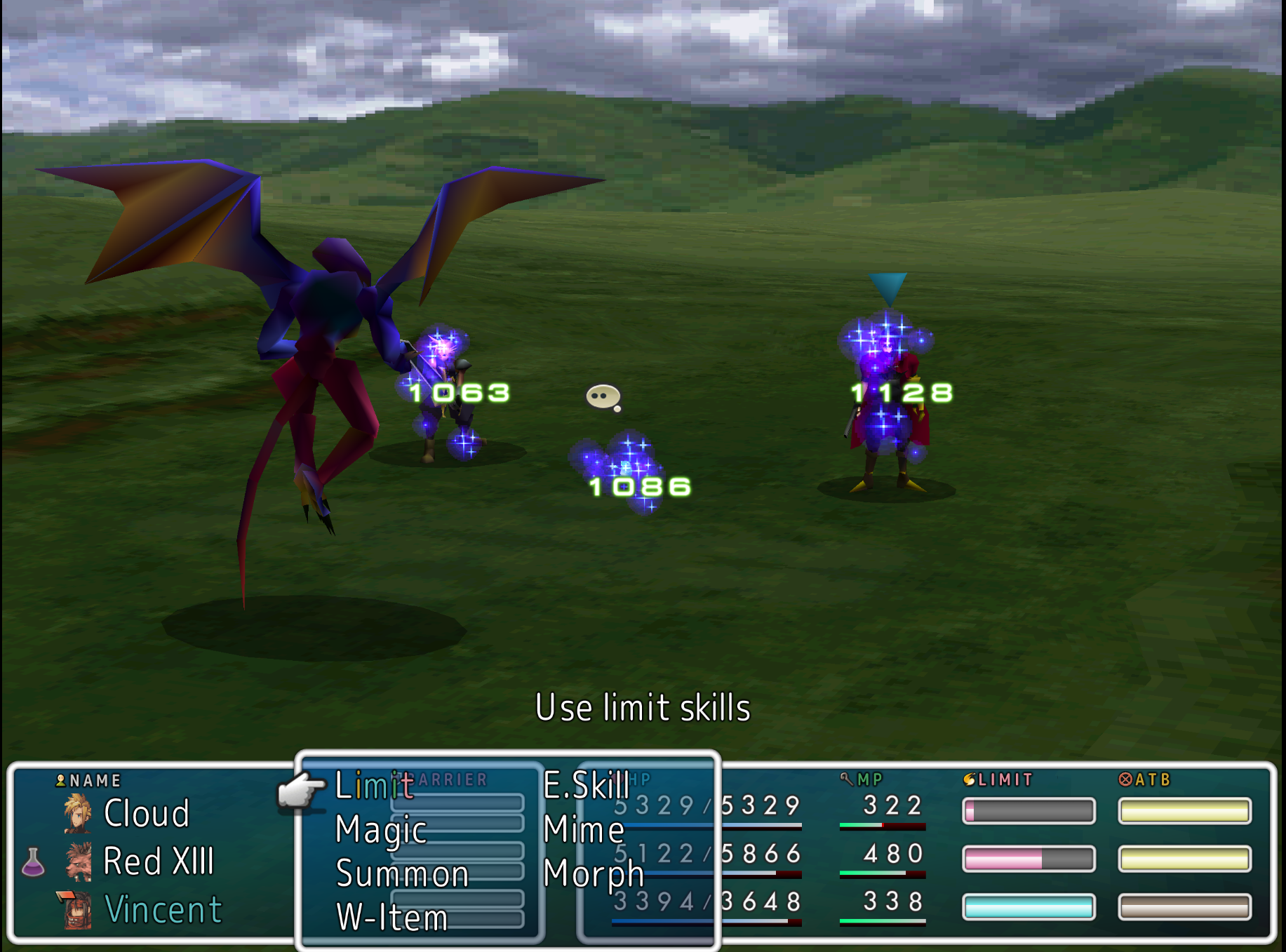
I can't replicate.
EqWIFHs.png


Must be something on your end with button mapping or possibly some ps3tweaks thing that messes with menu buttons... See if it does it without FT and/or ESUI.
 
New here!

I seem to be running into an issue with Finishing Touch's battle View UI layouts. When I choose either the Finishing Touch or Finishing Touch 2 options The "box" around the right side UI elements don't seem to appear at all for me. Other ones like Optimized UI or Optimized UI 2 seem to let the boxes show just fine. Not sure if I'm doing something wrong or what. Any suggestions? I can provide my mod setup/configurations if needed.
 
New here!

I seem to be running into an issue with Finishing Touch's battle View UI layouts. When I choose either the Finishing Touch or Finishing Touch 2 options The "box" around the right side UI elements don't seem to appear at all for me. Other ones like Optimized UI or Optimized UI 2 seem to let the boxes show just fine. Not sure if I'm doing something wrong or what. Any suggestions? I can provide my mod setup/configurations if needed.
That happens if you're using custom colors and not one of the color scheme choices in FT.  Because if you use custom colors, it wouldn't match the right side backgrounds, so it makes them transparent.
 
That happens if you're using custom colors and not one of the color scheme choices in FT.  Because if you use custom colors, it wouldn't match the right side backgrounds, so it makes them transparent.
Thanks! Good to know, so if another UI mod set the background colors and then I switched to this one it wouldn't work since it would still have the other color saved. I tweaked the colors around to match one of the pre-selected background colors and it shows up now. Thank you!
 
I am using "New Threat 2.0 Combat only" with Finishing touch and the expanded icons don't show up, as in no icons at all. The normal icons work well (when i disable "extended icons") and everything else also works always.  I understand it is a compatibility issue because if I disable NT the extended icons work. I'm not sure there is a way to fix it but i wanted to mention it, otherwise thanks for the mod, really love the personalized battle UI.
 
I am using "New Threat 2.0 Combat only" with Finishing touch and the expanded icons don't show up, as in no icons at all. The normal icons work well (when i disable "extended icons") and everything else also works always.  I understand it is a compatibility issue because if I disable NT the extended icons work. I'm not sure there is a way to fix it but i wanted to mention it, otherwise thanks for the mod, really love the personalized battle UI.
You should be able to get around this by using Wizard Staff.
 
Hi there. Would you mind if I included a reverse-color-corrected version of your "Potraits Borderless Cropped" icon set in a "compatibilty pack" mod so that they will display correctly with the revised NTSC-J mode?
 
Status
Not open for further replies.
Back
Top