R
rartart
Guest
very nice 

how did you change the color? or this is other mod?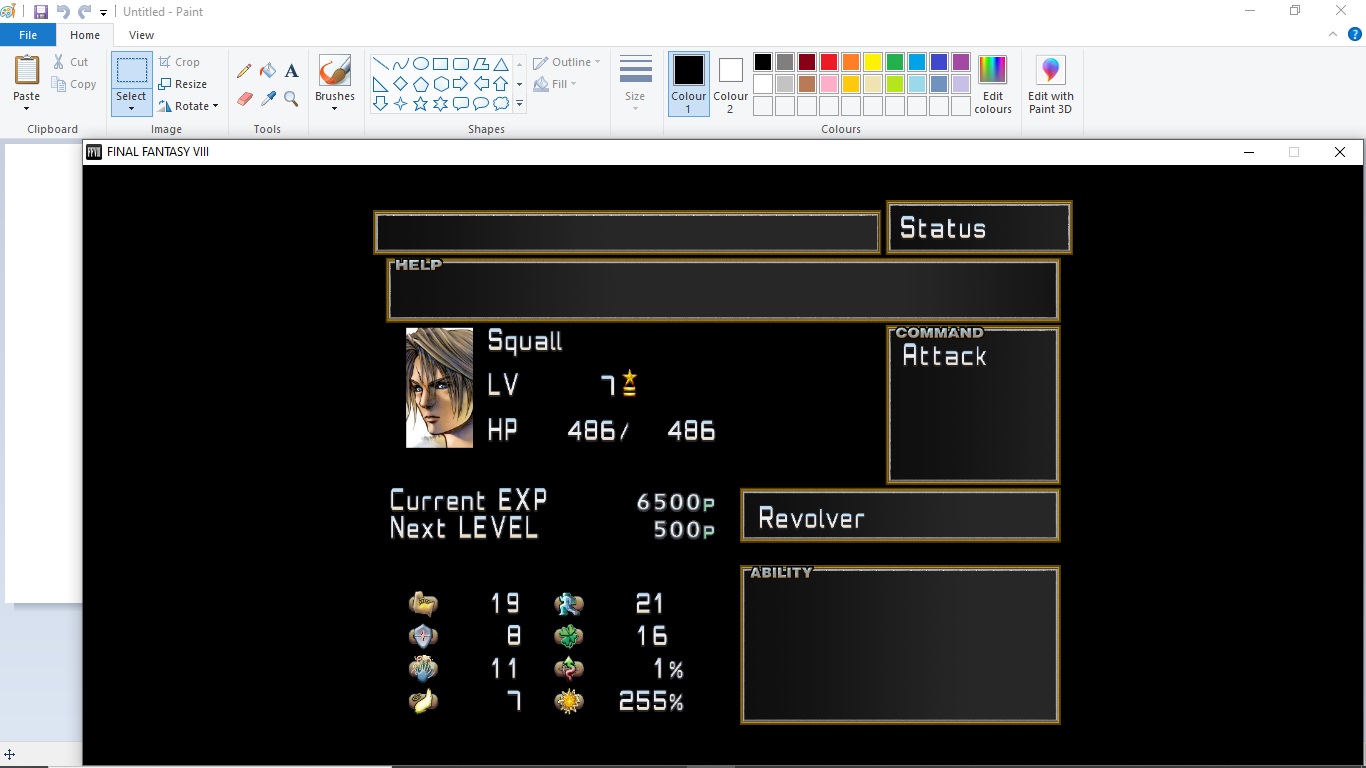
Yo darziak ;D your border looks sweet my man , works with pretty much all the colour options in the reborn mod, i like the contrast of this one , but still choosing. thank you for your help.
p.s forgive the use of paint....amateur hour over here lol
the colour options are in the seed reborn 4.1 mod that mcindus did for the original 2013 steam release,the border that darziak did is compatible with both the seed reborn 4.1 , and the new SeeD remastered version. but as i don't use the remastered game i don't know if the colour options were included in that.how did you change the color? or this is other mod?
Mind dropping that .zzz file? That black and gold is needed over herethe colour options are in the seed reborn 4.1 mod that mcindus did for the original 2013 steam release,the border that darziak did is compatible with both the seed reborn 4.1 , and the new SeeD remastered version. but as i don't use the remastered game i don't know if the colour options were included in that.

I'm from Brazil, I can help with the adaptation of the language in Brazilian Portuguese if you want. :-D :-DSeeDRemastered-UI v1.0
Menu, UI, Icon, and misc textures for Final Fantasy 8 Remastered
For use only with the Steam release of Final Fantasy VIII Remastered (Working on creating a Switch Port)
by MCINDUS
**CURRENTLY ONLY IN ENGLISH, PORTING TO ALL OTHER LANGUAGES**
To get the ENTIRE Lunatic Pandora Remastered Mods Pack, or early access to mods:
Join my PATREON!
Before/After


This mod must be installed using latest zzzDeArchive program
Get zzzDeArchive HERE
Unlike the original SeeDReborn, this mod will be broken up into three components: Main/Menu/UI; Fonts; and Gradient Text Backgrounds.
This is for the MAIN mod, which includes the Menu, UI, Icons, etc. and NO main text FONT (UI Menu Fonts only)
There is an extra file located in the download known as 'hitech' that will give a more updated look, with a hi-tech gradient and gunblade icon instead of the finger-pointer
"SeeDRemastered-UI v1.0"
Is a graphical overhaul which includes:
- New Title Screen (Higher Resolution)
- Optional Alternate Menu Gradient (Comes with alternate 'seedreborn-ui-hitech_rem_v1.0' file that can be used)
- NEW UI Font, (NOT Game Font) as well as various menu objects modified. (SeeD, Time, Play, Disc, Fast/Slow, etc.)
- NEW Battle/Menu Icons and Text! (Target, Miss, Battle Numbers, Renzokuken indicators, etc.)
- NEW Optional Gunblade Cursor (Comes with alternate 'hitech' file)
- NEW Updated and colored Item Icons! (by MCINDUS)
- NEW colored Custom Icons for Status and Elemental Magic! (by MCINDUS)
- NEW Custom Icons for Junction Stats instead of old TEXT abbreviations! (HP, Str, Vit, Mag, Spr, Spd, Eva, Hit, Luck) (by MCINDUS)
- Alignment fixes!!
- Transparency fixes!
PLEASE DONATE HERE!
SeeDRemastered-UI v1.0 (EN-English)
Before/After


This is the official release! Let me know if you find any bugs!
READ THE INSTRUCTIONS INSIDE THE MOD!
(MORE IMAGES BEFORE/AFTER) COMING SOON
Thanks to Sebanisu and Maki for making mods possible!
Enjoy!
**CREATED 9/15/2019**
Join my PATREON for perks!
You simply unpack the zzz file (mod) and then merge the textures/ folder with your DEMASTER_EXP/textures/ folderIf I'm using the DEMASTER and Project AngelWing mod, is zzzDearchiver still the appropriate tool to use to install the SeeDRemastered UI? It seems like these conflict, but maytbe I'm just misunderstanding how they work together.
One of the versions is normal grey gradient and hand pointer, but I will be making a version with the hi-tech gradient that has the regular cursor.I like the original cursor better, the one with the white hand pointing the finger, would it be possible to put it?
Sorry to revive an old post, but I just spent some time trying to figure this out myself and wanted to share the process just in case someone else wanted to do this. Btw, love everything else about this, thanks for all your hard work. Nice to actually play a true 'remaster'Is there a way to not use the gunblade cursor? I personally feel like that's more distracting than the normal hand. I like the rest of the mod. That cursor unnerves me for some reason.
