T
Tsuna
Guest
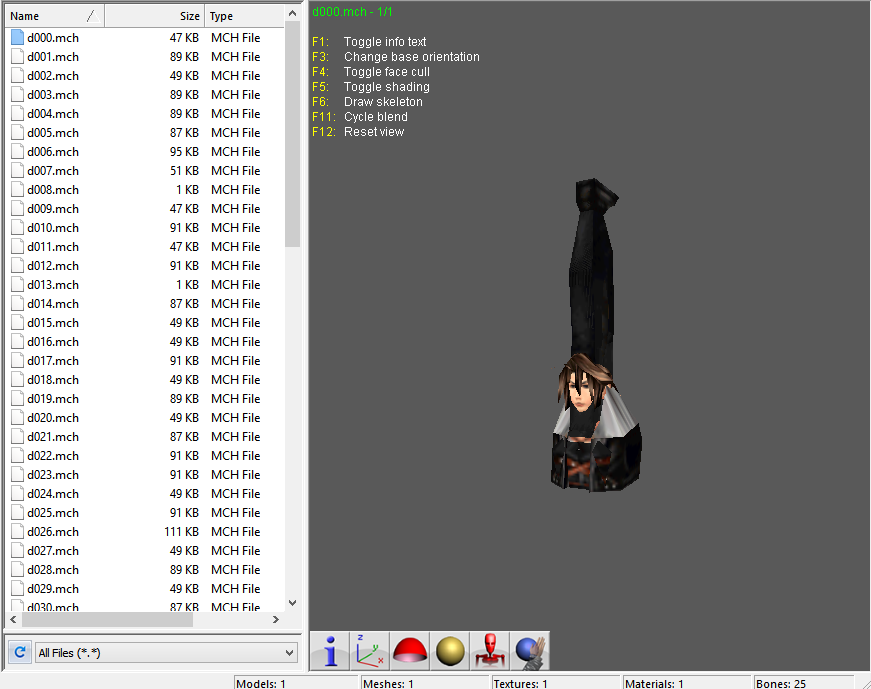
For ff8 can you just import a whole model? I've oblyever worked ff7 stuff. Im able to get quite a few really good ff8 models if so


Aali released his source - and they've been working on it and chatting about it in the FF7 dev area of discord. Aali was able to crate a modpath for the (lower resolution is icon.tex) - iconfl00.tex, iconfl01.tex, iconfl02.tex, iconfl03.tex for the english version and make an external folder path interceptor for the textures. If you could do something like this with your models, then you might be able to get the functionality you're looking for. Would Kalderasha have anything to add to this topic?Good to see you back kaspar!
I'm not showing anything because right now the code is a bit useless. I can import new model into the game but on screen all the vertices are messed up because of "fixed point precision" of the engine. Google the term on the net. In modern game, or even ff7 if i'm not wrong,the vertices are "floating point precision". That means that a fixed number of coordinates are allowed on screen . If my vertex is at coordinate (20.233 pix; 123.3 pix) then it will be snapped to (20 pix; 123 pix). That is the "shaky" effect of old psx games. Some emulators fix that issue (see PGXP).I would like something similar i could inject with dlpb tools.
My other issue is the size of the ram of ff8. I can increase the texture size to 256×256 (twice the actual size) but the new texture overlaps with other textures. So i tried to build a code that stores the textures somewhere else in memory. But the problem is still the same.
bs.seek(animofs, NOESEEK_ABS) animCount = bs.readShort() framCount = bs.readShort() boneCount = bs.readShort() coordinatesOffset = bs.readBytes(6) gido = [] for i in range(0,boneCount): byte1 = bs.readByte() byte2 = bs.readByte() byte3 = bs.readByte() byte4 = bs.readByte() rotation1 = (byte1 << 0x02) | ((byte4 & 0x03) << 0x0A) rotation2 = (byte2 << 0x02) | ((byte4 & 0x0C) << 0x08) rotation3 = (byte3 << 0x02) | ((byte4 & 0x30) << 0x06) xyz = { "x": rotation1, "y": rotation2, "z": rotation3 } gido.append(xyz)