[FF8] .x battle fields

  • Thread starter Thread starter Halfer
  • Start date Start date
Status
Not open for further replies.
Phew... UV cracked (EDIT: Nah, still working):
wugou6crgvb6.jpg


U1V1 ?1 ?2 U2V2 ?3 ?4 U3V3U4V4 works fine, where:

?1 - Opacity. Like blending Alpha channel
?2 - Texture related?
?3 - This one is funny. It's like allocating texture to any other object in the game. That's why reversing triangles made up the enemy and player UV go crazy.
?4 - Related to above

U = Byte (0-255). Calculating this to 0.0-1.0 form is: X/Byte (like: 192/256). Same with V

Also, for faces this should be of course f1/1 f2/2 f3/4 f4/3, where f1=A, f2=B, f3=D, f4=C, Because ABCD> ABDC. Either one triangle of texture will be rotated 90o.

I'll try to code some automation tool, to test whole mesh.
** Missing triangles on mesh is because I didn't import triangle info, just want to test the UV on quads first.


UPDATE:
Ehh...
csozg89fihmc.jpg

I wrote my automation tool.
But wait... I'll test something. I'll build whole mesh.

UPDATE2:
Yep... UV is still broken. Also, take full geometry dump of a0stg017.x:
if6jh2osf8r5.jpg


It is full dump, with triangles also. Ignore texture. 406 polys.
 
Last edited:
Remember to check out the PS1 GPU opcodes. Most of the time when programmer made models for the PS1, they usually used a format that could easily be placed into a linked list (Called an Ordering Table or "OT") so the DMA could chain the list from memory directly into the GPU (Having the GTE fill in the 3D blanks)

This means the OT looked something like this (GROSS GENERALAZATION!!! See GPU Opcode list)

GPUOpcode [arguments] [coordinates]

Keep in mind that the PS1 GPU only could draw dots, lines, triangles, and quads. The tris and quads could be flat, vertex shaded, or textured with a set kind of transparency.  The GPU could not do 3D so the 2D draw coordinates was normally calculated by the GTE (3d to 2d conversion) and patched into the OT. Then the ordering table was reorganized by Z depth and chained via DMA to the GPU to be drawn on the screen.

I was going to say that most often the 3D vertexes were "pooled" together so they could be calculated one right after another by the GTE, but it looks like you already found the vertex pools.

I hope that makes sense....
 
Yep, 8 bit, also UV is 8 bit too, I'm just lack of calculation. I'll take a look at the source of the software you just linked. Thank you. :)

jakf2i4gsv4v.jpg


UPDATE:
Thanks to source of this FF9 viewer I noticed, that the Y of texture needs to be 1.0f (V1/255).
 
Last edited:
Done!
q81cis3tbbf1.jpg


Still, manual way is long. I'm trying my best to code a software for that, but it's a long way. I'll make a video how to rip this manually soon.

For triangle it's similiar, just ignore two 00 3c and b0 00 (this values can be different in some extreme cases).
 
Last edited:
Good job, glad that source helped you, so uv fully works now? or is there still some issues.
 
That mesh is for the ground brick texture I think, use this texture and see what happens.

BXBYNvc.png
 
@Yagami - yep, changing this manually to ground texture looks fine. :) So:

V looks okay in both appearances. Also, texture can have origin X Y, maybe that's the case?

V calc:
Code: [Select]
Code:
float VV1 = 1.0f - (V1 / 256.0f);
But That U (X axis <>) is just the bad one. This needs more testing. I'll see what I can do tomorrow/ day after tomorrow.

This is difference between VT of calculated from file, and manually fixed in 3DS Max:
http://pastebin.com/q4ftdBPr

See that V is fine?
If someone could end up with any solution, which calculation will end up with the same as that fixed one, then I'll be grateful. :)

Also my source code for getting to CLUT info with height and width of texture:
http://pastebin.com/xs5bCFhN

Ignore TextBox.text settings, it's for debug info/output.
PS> Yes, I know I could just read uint16 by passing index instead of copying to array, but I just left it for some later tests.
szer = szerokość = width
wyso = wysokość = height.
 
Last edited:
IT seems like you are missing 0.3333 from every U value. Can you just take that in note and reduce it with script?

EDIT: now that I read my sentence again I realized how messed up it is :D but you'll get the point if it is that easy to solve.
 
Last edited:
Do 0.3f and 0.3333f differ from each other? Not familiar with the f letter after number
 
Last edited:
0.3333f and 0.3f differs 0.3f=0.3000f
f = floating point eg a decimal variable.
0.3333 would be a double precision decimal variable.
 
Last edited:
EDIT:
Ahh, Zervox, you were faster. :D

Do 0.3f and 0.3333f differ from each other? Not familiar with the f letter after number
f is cast to float. So:
0.3f = (float)0.3

Float is a data type that has a point.

I'm going also to try using decimal instead of float.

BTW> 0.33333 worked fine:
a1aja1mka0ay.jpg


0.3f is 0.300000000000...
and 0.33333f is 0.33333000000...
That 'f' is only for code to transform this to float.

I'll see the texture now, to determine if the origin is moved.

UPDATE:
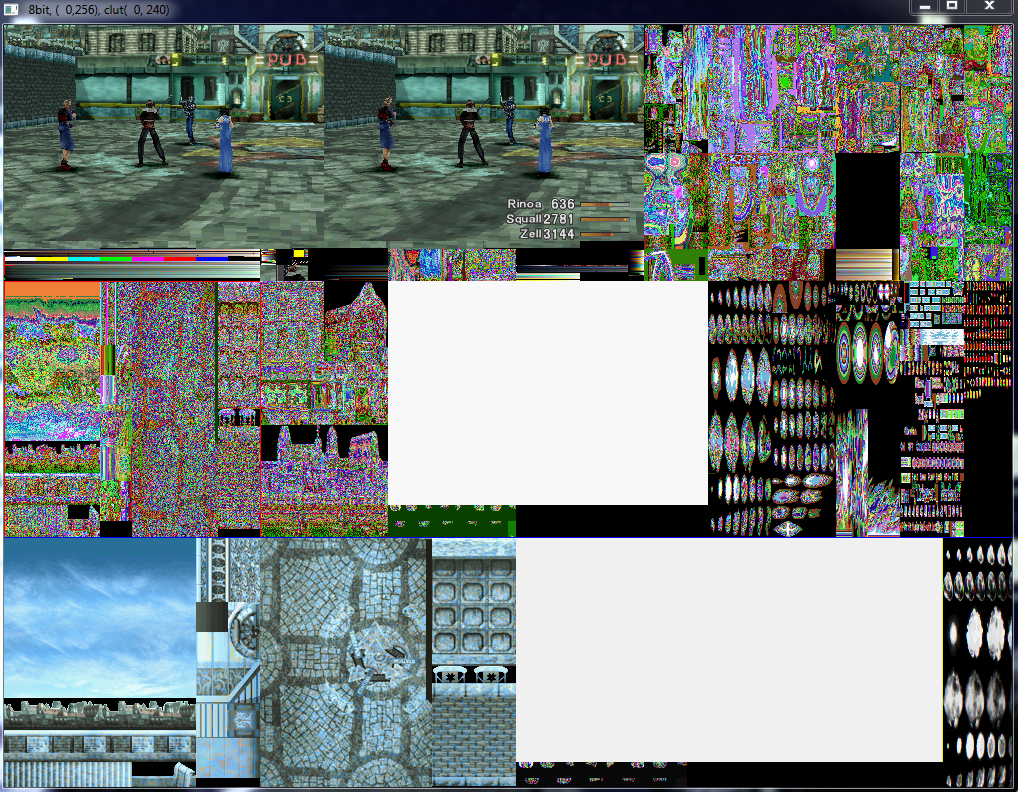
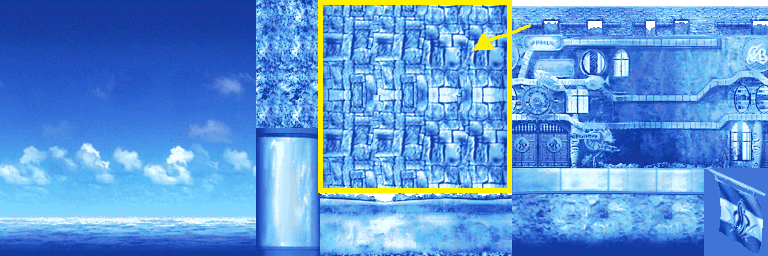
Texture data for a0stg027.x is: 0 for origins, 256 for Y (so height calc should be: 1.0 - Byte/256 - and it is). Width 384*2. Height = 256.
So it's still just a U (width) axis bad calc. I'll try with decimal, then 384 instead of actual width. Also I'll get some additional meshes.
 
Last edited:
Glad it worked. It's nice when the problem is something really simple(unless one has spent alot of time debugging just to find it was way too simple).
That last screenshot made me dizzy for some reason, think its because of the shape, :)
 
Multi-mesh test with Byte/768 + 0.3333f:

g0dwnfctxzl6.jpg

This is only 1/2 of model!

LEGEND:
Red is triangle (I do have VT automation script only for quad byte order, I had changed it to triangles, but then just rewrote back to quads instead of saving this as a copy... Genius me... -.- )

Only the hotel texture is bad (see? The X axis is again moved, like it should be now added 0.6666f instead of 0.3333, where's the info for that? -.- ). Also:

Decimal instead of float - Doesn't do any difference. I'll keep floats
Uint16 TIM width instead of multiplying to two (This is needed to get real width) - Nope
Checking origin to correct texture calc - Script was already set to that

Next:
Check left 5 bytes of quad and see differences of the "working" texture quads. I think that there's info on how much to add or something. I don't know.
 
Last edited:
Next:
Check left 5 bytes of quad and see differences of the "working" texture quads. I think that there's info on how much to add or something. I don't know.
YUP:

tuiw21ta1bw8.jpg

This complicates things a little. -.-


Current quad info:
Code: [Select]
Code:
U1 V1 OP X1 U2 V2 MX X2 U3 V3 U4 V4 RR GG BB ID
OP - opacity?
X1 - Pallete or something. When changed makes the texture like inverse colors, blue domination etc. (Maybe CLUT pallete data?)
X2 - When 1 or odd makes the texture dissapear. When even or 0, the texture shows up.
MX - X axis matrix. Higher is left <---
ID - GPU related. Changing this "connect" one vertex to some object. It's clearly rendering thing and is useless for any other thing.
 
Last edited:
This is from FFTactics research wiki:
The texture page number is multiplied by 256 and then added to the V coordinate for each point on the polygon. This is because the UV coordinates are stored as bytes, but the textures are 256x1024 pixels, so effectively there are 4 texture pages.
That makes sense finally.

zqdbfympucwa.jpg


However, adding 256 makes the texture get over with it's resolution. Because:
If 3 was 3*256, then 768 is already a max of this texture, and also adding U params to this makes it possible to use texture after 768px, so it has to be smaller than 256. 128 maybe?
See? B5 if 5*256 = 1024, so it exceeds 768px texture.
128*5 = 640 looks fine. :)
 
Last edited:
Status
Not open for further replies.
Back
Top