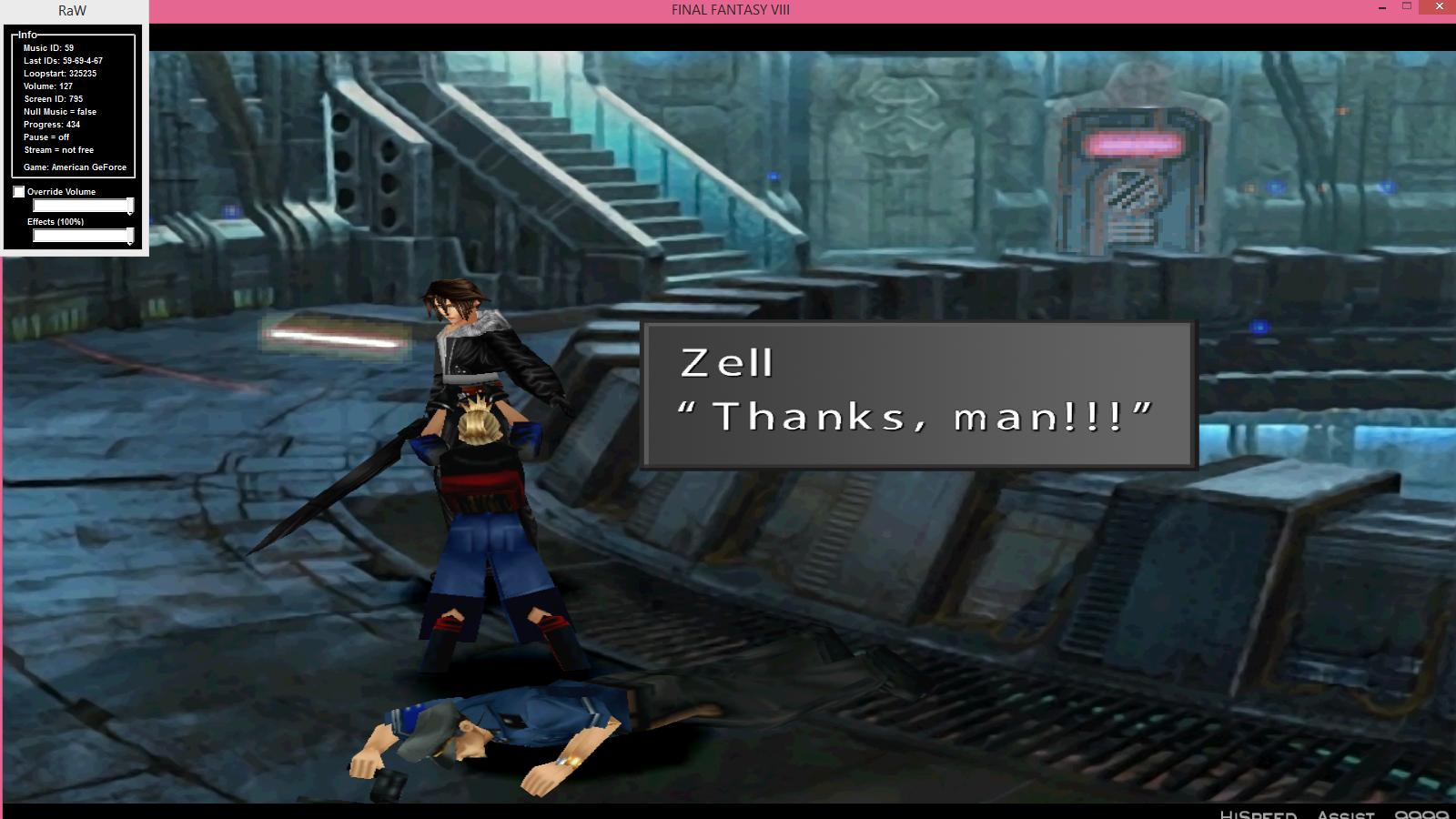
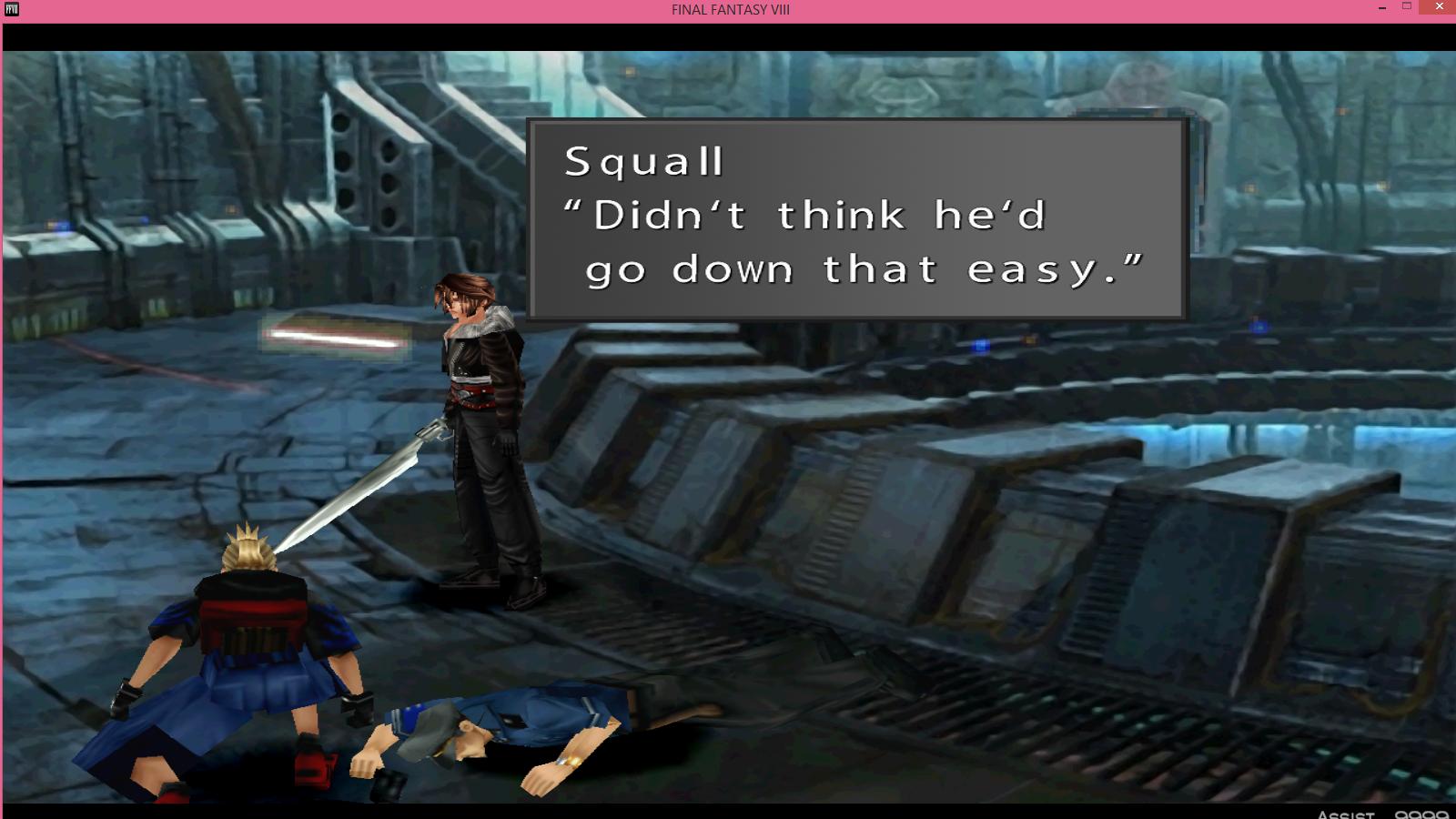
[FF8PC-Steam] BerryMapper- texture replacement for Tonberry mod (2014-12-15)

  • Thread starter Thread starter Shunsq
  • Start date Start date
Status
Not open for further replies.
You're welcome. And thank you. Ah... Okay. So, I'll be posting here from now on. Works for me! Also, I've tried the updated list and my Squall's pants revert back to old for some reason too. But when I use the list I've been working on myself (with the included codes for the other characters from your updated list), everything appears fine.

Here is my list if you need a look. Perhaps something is different? https://www.dropbox.com/s/78v5t4gp9wr8hg2/objmap.zip?dl=0
 
Last edited:
Just rename all the textures sqbody_13.png instead of sqpant_13.png. You just have to match the name in the objmap with the actual texture name.
 
Last edited:
It did the trick. Oddly enough... I thought I did that the last time...but knowing me I probably didn't change the texture names.  :P

Edit: Also, here are some more high poly Zell codes...

zebody_13,4283948889
zehead_13,1991731711

Also, I'm not sure why having all the high poly characters with the new textures in the same room make the game slow down a bit. But I've noticed that on my end.

Edit #2: Here are more codes for Squall's high poly body. With these, his body won't revert back when he saves Rinoa at the sorceress parade or when he's in the area where he hands Irvine the rifle. Also one before Irvine delivers the shot.

sqbody_13,4215008853
sqbody_13,4286578559
sqbody_13,4282384221

Edit #3: I found codes needed for Squall when he is put up on the torture device in the prison. Apparently, the model with Squall's gunblade is used for it. It glitched at first until I found both codes. I assume one code is for blinking, which it seems to override and everything still works.

sqgunblade_13,1791651327
sqgunblade_13,1791716863
 
Last edited:
Okay... So I've ran into one texture problem with the gunblade and one question concerning high poly Squall. The first is simply this...
wm1rASw.jpg

Not sure how to fix that.

And the other is that Squall's textures are in opposite spots (head being top corner, body being bottom corner) for another area under Garden. And I'm wondering what needs to be done to get those to work. The scene for it is extremely short. But I'm trying to get everything that I can done for Squall.
 
Hello.

I've been lurking a long time in these forums and just now made account to interact with you modders a little bit.
Sorry in advance for off-topic post but I've been thinking if you guys could livestream your modding sessions so everyone interested in this would have an opportunity to watch and possibly give real-time hints about these graphical mods.
Also it would give a chance to newcomers/newbies (like me) a better insight of FF8 modding.
 
Okay... So I've ran into one texture problem with the gunblade and one question concerning high poly Squall. The first is simply this...
wm1rASw.jpg

Not sure how to fix that.

And the other is that Squall's textures are in opposite spots (head being top corner, body being bottom corner) for another area under Garden. And I'm wondering what needs to be done to get those to work. The scene for it is extremely short. But I'm trying to get everything that I can done for Squall.
It could be a different texture entirely, so it simply needs to be found using Tonberry, using debug to find the file and then changing it as necessary. And it could also be that this texture shares the same hash code... I would start on that basis! I could be wrong
 
If the gunblade is black it might means that the hd texture doesn't contain the gunblade. If the texture contains the gunblade but it still shows black then it means that the texture with gunblade has the same hashcode as the one without .
Concerning the top and bottom textures swapped. You need a specific texture folder with a specific texture where the top and bottom are swapped(ex:sqheadt /sqheadt.png  and sqbodyb/sqbodyb.png). There is a" t" at the end when the texture is at the top instead of the bottom and there is a "b" when it's bottom instead of top.
I've mentionned that in first post.
 
It could be a different texture entirely, so it simply needs to be found using Tonberry, using debug to find the file and then changing it as necessary. And it could also be that this texture shares the same hash code... I would start on that basis! I could be wrong
I tried Tonberry, but didn't come up with anything. But I'll give that another shot. It's a possibility. I was surprised that low poly Squall was used for this scene rather than the model with the gunblade.
 
Concerning the top and bottom textures swapped. You need a specific texture folder with a specific texture where the top and bottom are swapped(ex:sqheadt /sqheadt.png  and sqbodyb/sqbodyb.png). There is a" t" at the end when the texture is at the top instead of the bottom and there is a "b" when it's bottom instead of top.
I've mentionned that in first post.
Well, the texture used in this one scene is low poly Squall without the gunblade. Not sure why, though. Maybe that's the problem with the gunblade. Oh no, I saw the first post. I just wasn't really sure if the textures given by you guys were fine as they are or needed editing of some sort. But I guess they need to be swapped around.
 
Last edited:
In my pack, there's a texture with a different texture for when Squall uses the gunblade- as you're using a different texture, it wont have that included, unless you map it- at the moment, the gunblade is being 'skinned' by Squall's leg, because that's where the model of the gunblade is located to be textured.
 
I have been using that texture, too. Because it's used in the scene where Squall is being tortured and other moments. Sadly, my inexperience prevents me from understanding this. After using tonberry again, I noticed there is a texture for Squall and his gunblade...on the bottom right. Perhaps I'm missing something obvious. Or maybe there is a hashcode being shared here.

Edit: Okay, I did figure it out. There were two codes that were shared with low poly Squall and his gunblade counterpart. Thus why it ended up that way.
AOS2mBE.jpg


These codes were the reason.
sql_13,2061200895
sql_13,2061135359
Just change them to sqgunblade. As long as people are using Mago textures which include low poly Squall and gunblade Squall (I'm wanting to use Devina's if they get finished), nothing should change in any of the areas.

Also, here is just a list of codes I've found that I don't think have been added to the list yet.

sqbody_13,4215008853
sqbody_13,4286578559
sqbody_13,4282384221
sqgunblade_13,1791651327
sqgunblade_13,1791716863
sqgunblade_13,2061200895
sqgunblade_13,2061135359
sqgunblade_13,1791715839
sqgunblade_13,1791650303
 
Last edited:
I usually just wait until the list on the first post is updated. Can you just arbitrarily add those extra codes to the end of objmap.csv without taking out other codes?
 
If anyone has had any luck extracting whole textures ( not Palettes or fragments from Tonberry Debug0) please box them up and send them to me for uprezzing. Im not looking for Characters, I think Mago and Dev have got that covered. However, World map, Battle Backdrop, Vehicles, and Towns would be awesome. I have gotten all but Irvine's weapons completed, and have started the Blue Dragon Monster started, ( I KNOW we're not there yet, but a man can dream)

Also if there some misc step about combing paletted or fragmented Debug textures in order to create whole texture that CAN be manipulated, I don't know of it. I'm open to instruction if palette/fragment texture combining is the only way to go.

Here's a shot of the Blue Dragon for fun

OLD
35k0cah.jpg


NEW
qp2uf8.jpg
 
Most faithful texture upgrade :o amazing job Crestian, did you use the original texture only with brushes to accentuate the details ?
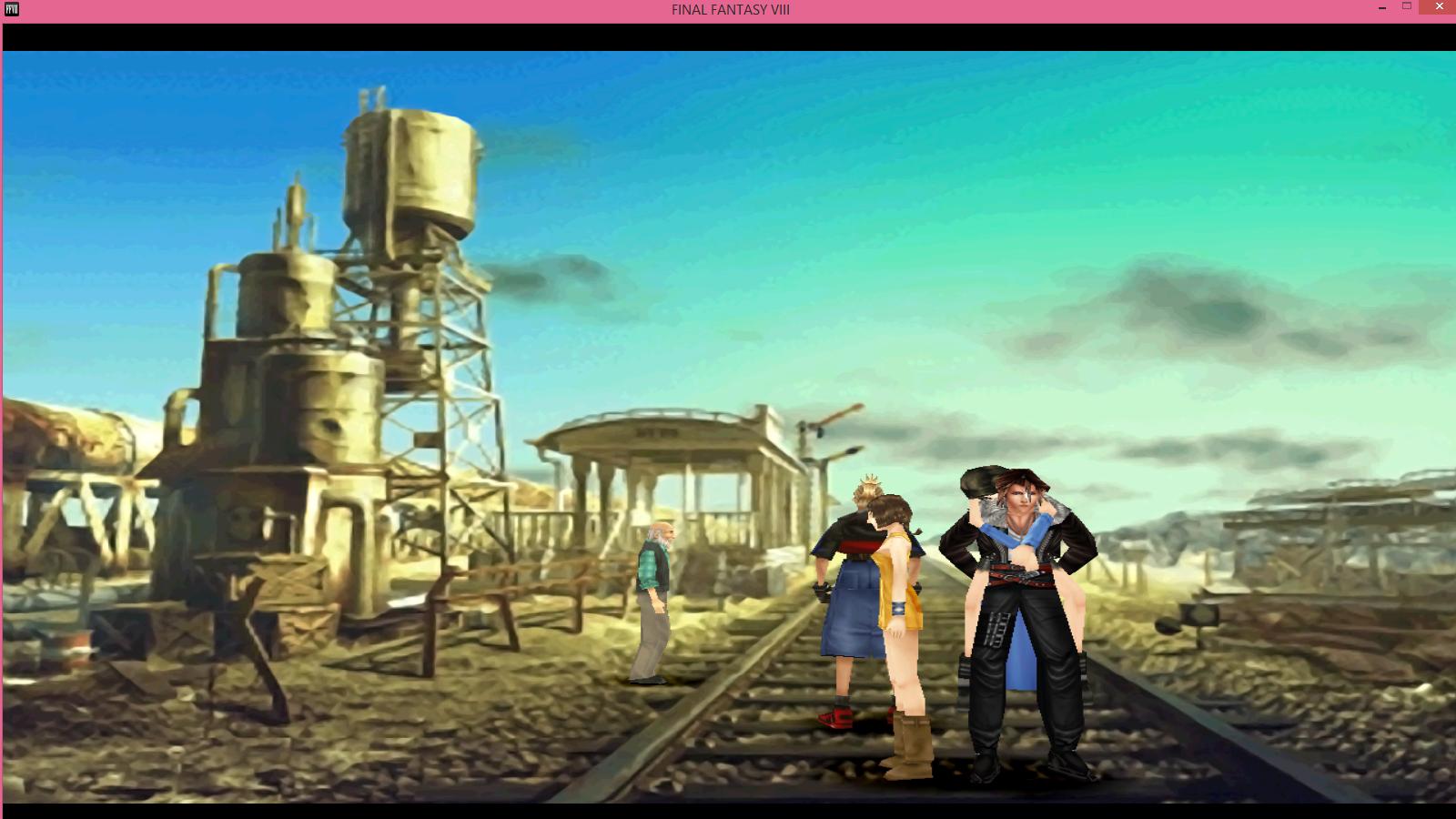
 
Yeah, its the Original, resized x2 or x4 not sure atm.. with a resampling filter, noise reduction, black/white level balances and then manual highlight and shadow touch-up. I still have to bring detail back to a lot of his scale to skin junctions, but the initial results still look pretty dope.
 
2014-12-9: Objmap updated.

@Crestian: There is no easy way to "combine" all the palettes. In fact each worldmap texture is only a tile of about 32pix*32pixfor low res textures and 64pix*64pix for highres texture. You'll have to find what is the purpose of each tile. Each tile uses a different combination of colors; that is what we call a palette.
What is the correct way to use HD textures:
-Rename all your palettes like this ( this is only a proposition):
"wml_XX.png" for lowres textures and "wmh_XX" for highres textures, where XX is for palette number.
-Use BerryMapper with the above textures.
-Copy the codes from  BerryMapper/OUTPUT/hashmap.csv
-Put them in hash1map.csv in FINAL FANTASY VIII/tonberry/

So far tonberry will recognise the worldmap textures when they are used by the game. Now you can put your upscaled textures in FINAL FANTASY VIII/textures/wm/wml/ and in ./textures/wm/wmh.

I purpose to you a solution to understand where each tile is used:
-Create a texture of 1024pix*1024pix named  "wml_0.png"(or wmh_0 for high res) where each 128pix*128pix(or 256pix*256pix for high res ) has a distinct color. Put it in ./textures/wm/wml(or /wmh).
-Make sure you have the hash codes for wml(or wmh)
-run the game

You'll see that the worldmap textures are switched with plain colors. All you have to do is to match the colors with the correct tile in the original texture.
 
I've been everywhere with Squall and I haven't found another place where his textures disappear. The only places where his textures revert are places where his textures are swapped. One, is in an area under Garden where they are trying to activate it. And the second one is where Squall is carrying Rinoa. I tried to ticker with the textures to get them to work... But I'm not good at it, it seems. I was at least able to test the code where Squall carries Rinoa. Sadly, Squall has white spots on his face due to my inexperience.
DOmmeBY.jpg


So I'll just wait until someone good at it has time to swap the textures. I just need a low poly, high poly body, and head. But other than that, everything appears to be good. And once I can test it (along with a SeeD uniform texture for Squall), I should hopefully be done.
 
Side project: WEAPONS, Crest has kindly given me the textures for his weapons, so I am now getting them to work in-game, so here's the revolver/lionheart:

LionheartTextureGunblade.png


Revolver_2.png
 
Here are the rest:

ShearTrigger.png


CuttingTrigger.png


TwinLance.png


FlameSaber.png


Punishment.png


p.s. (Great work Crestian on the weapons! I'll work on the others for the next release of the mod)

Also, to those who are starting to work on battle textures!! Keep up the good work! We also got the world map to do as well, so sky/sea/land textures!


Here's a bonus:

SQworldtweak.png
 
Last edited:
Status
Not open for further replies.
Back
Top