[FF8PC-Steam] Enemy Texture Upscale using ESRGAN Manga109

  • Thread starter Thread starter Yagami Light
  • Start date Start date
Status
Not open for further replies.
Y

Yagami Light

Guest
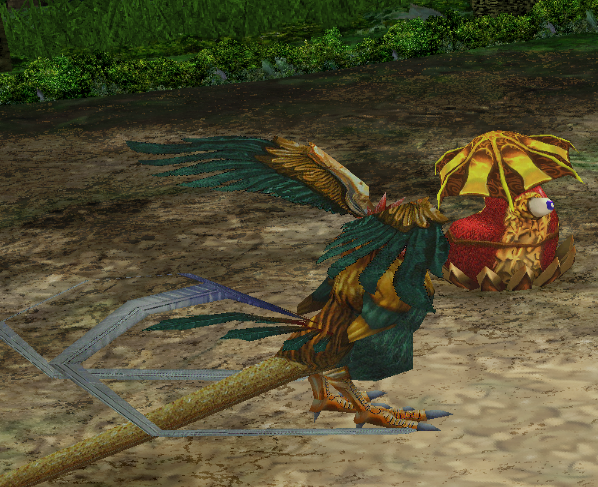
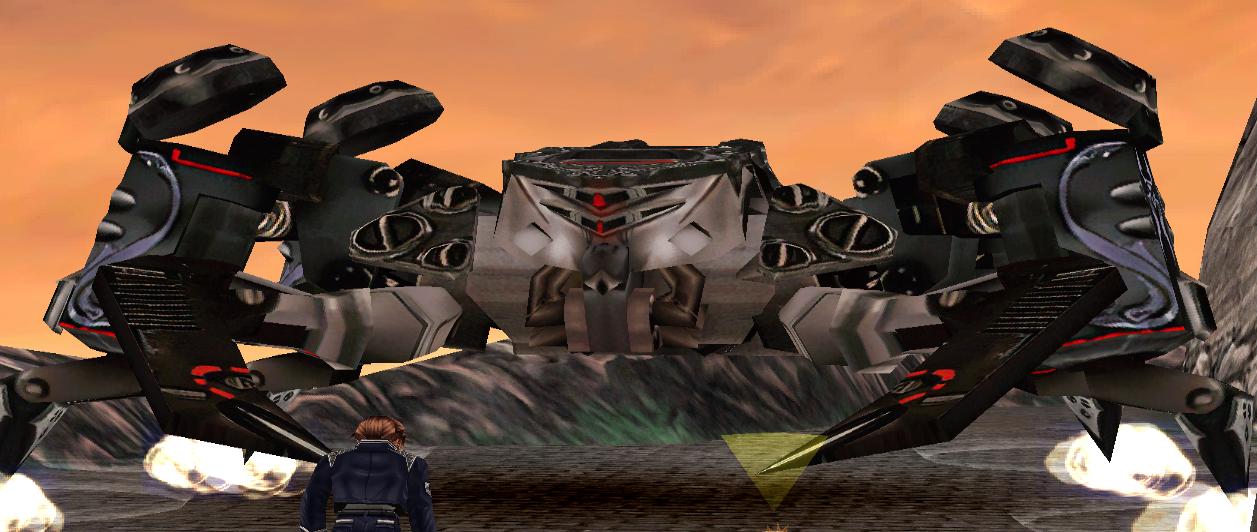
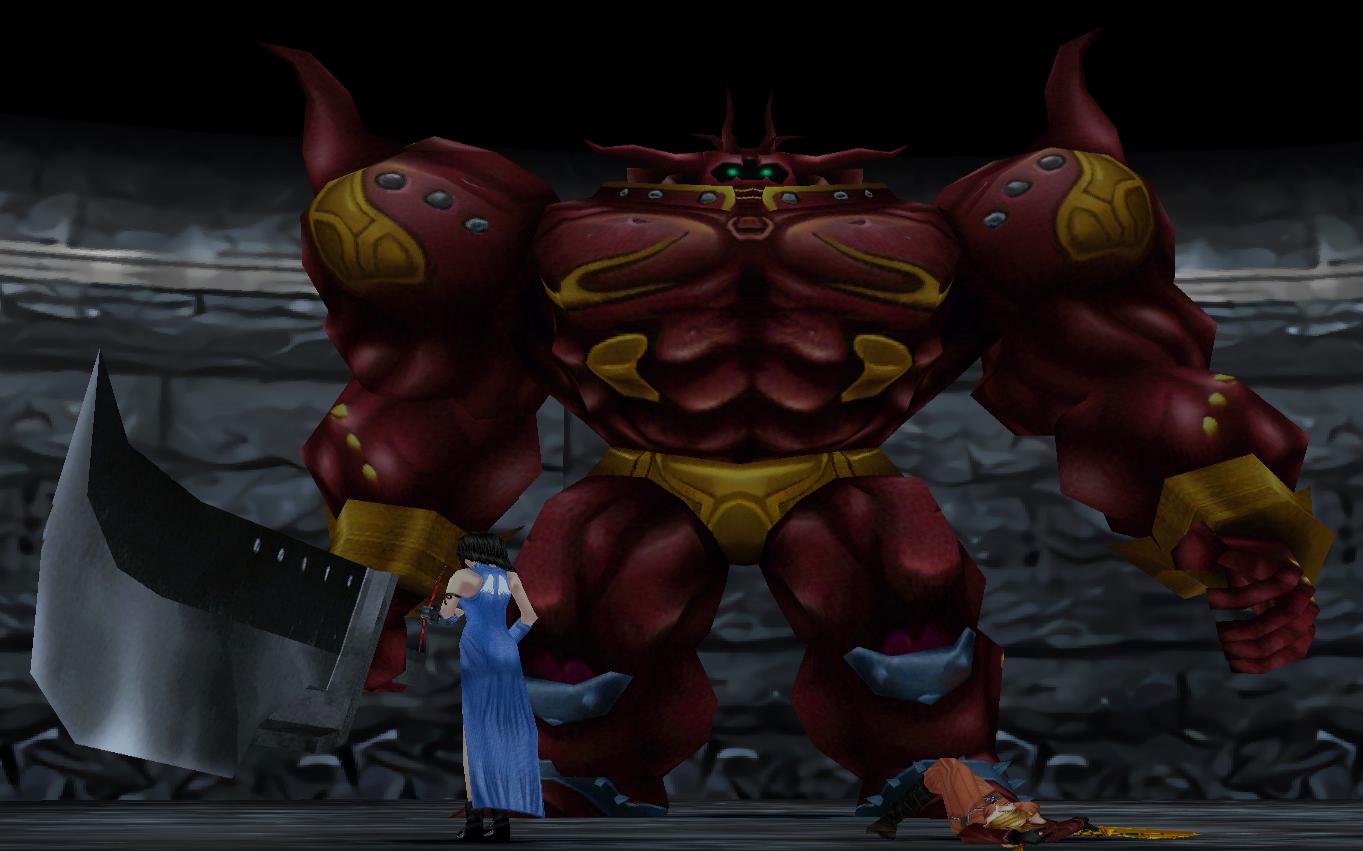
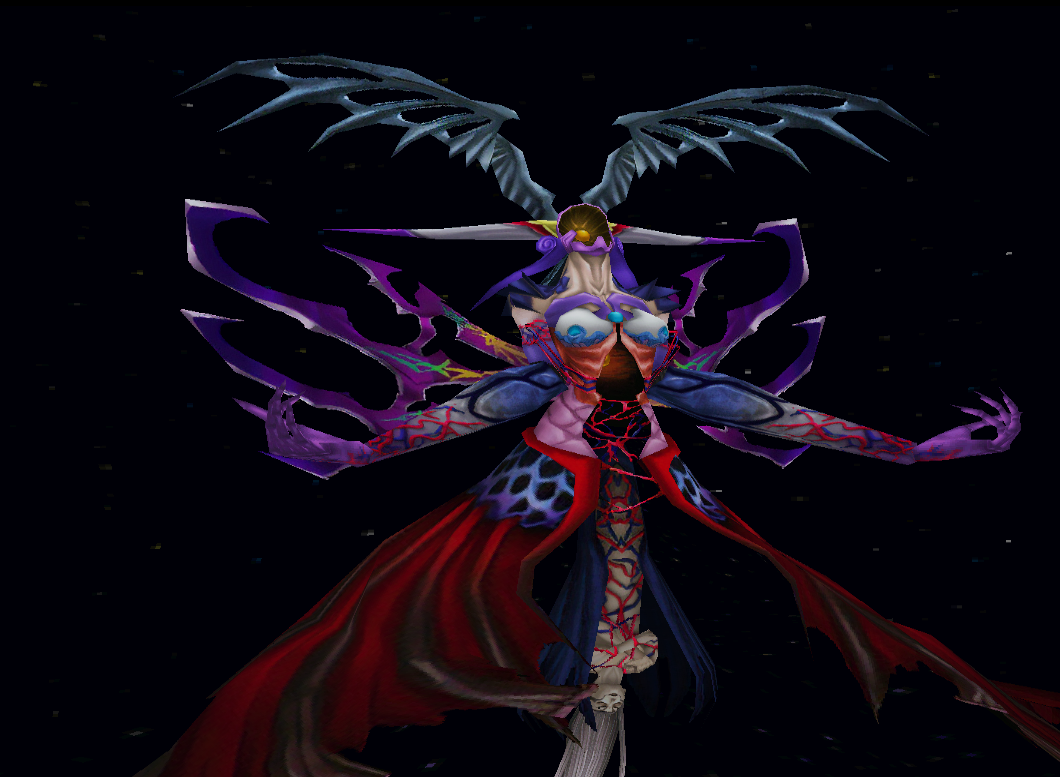
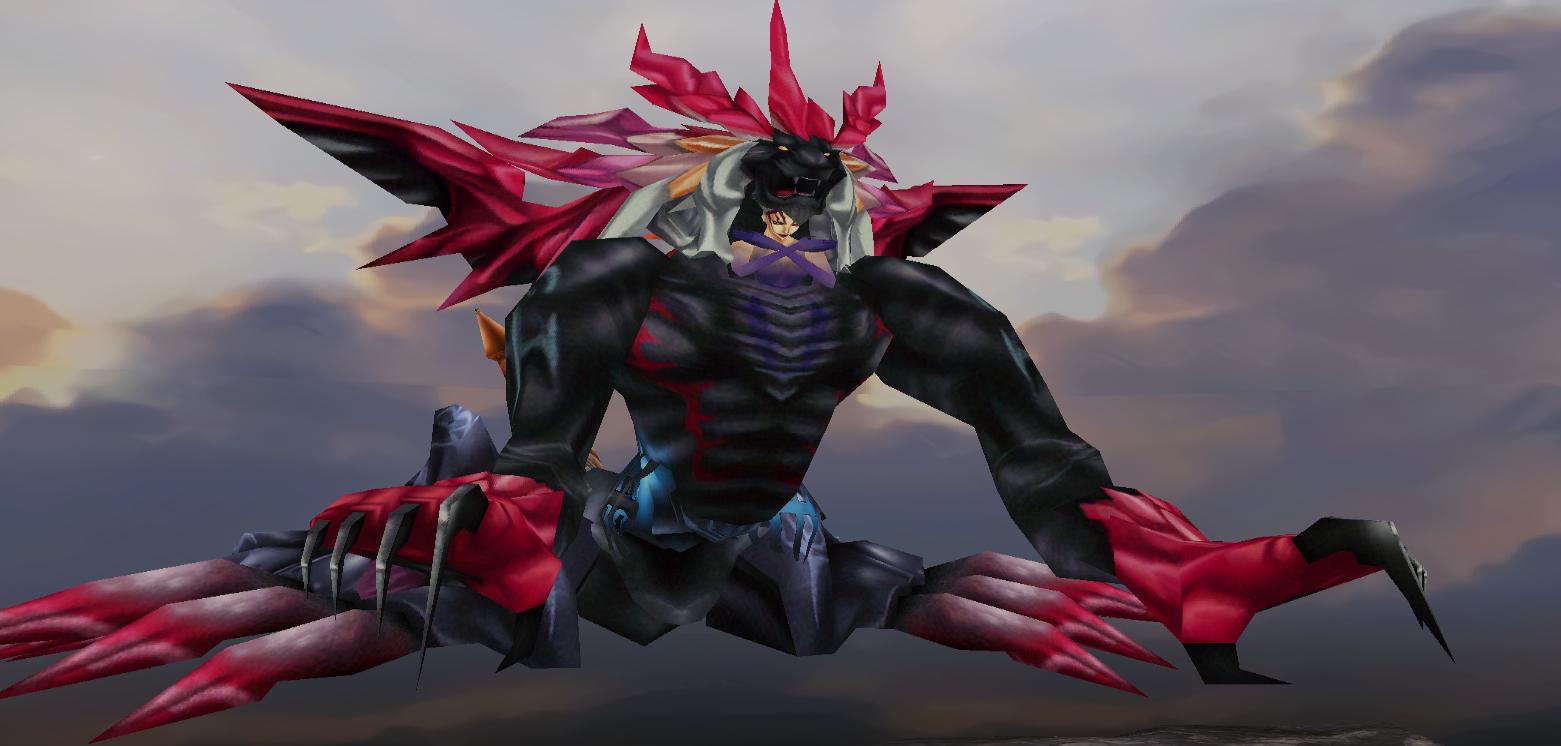
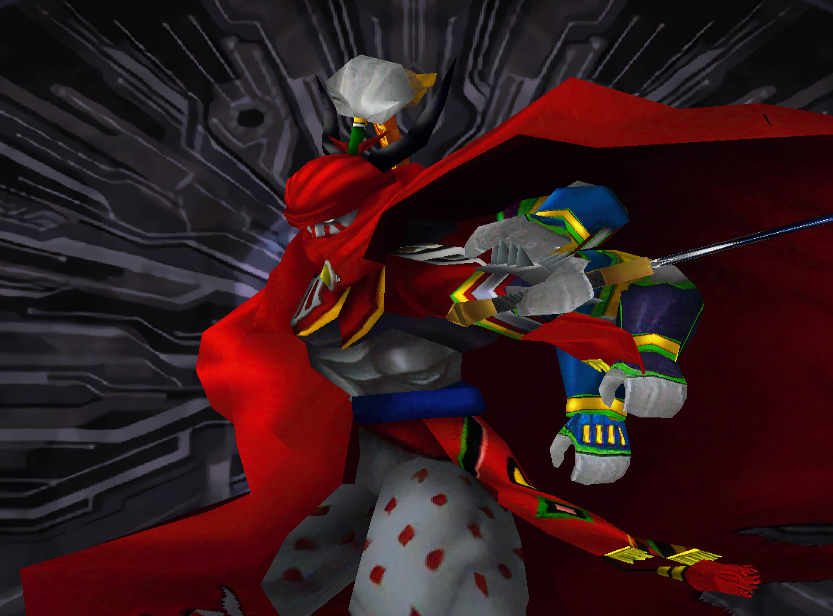
Hi all here is FF8 Monster textures upscaled using ESRGAN, Enjoy
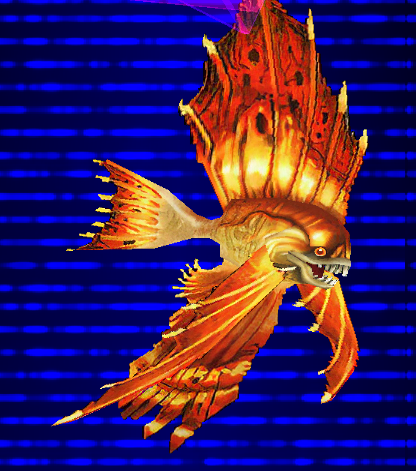
JRlSmk8.png

9HWq7Zd.png

Eqdm57x.jpg

1ujp3ls.jpg

BKUchRc.png

Jk3aJKx.jpg

fiizBVZ.png


Monster Upscale
https://www.dropbox.com/s/5bb8w85p6rylanq/FF8 enemy ESRGAN manga upscale.rar?dl=0

Boss Upscale
https://www.dropbox.com/s/ebk8lgprbyzi6yc/FF8 Boss ESRGAN Manga109 Upscale.rar?dl=0

G.F Upscale
https://www.dropbox.com/s/3rat6dawv2dseq4/FF8 G.F ESRGAN Manga109 Upscale.rar?dl=0
 
Last edited:
G.F Upscale has been uploaded, also fixed toramas whiskers for the monster upscale
 
How did you cope with alpha Yagami Light?
ESRGAN just puts black where alpha is.

Did you upsized with an alternative alorithm and extracted the alpha?
 
I opened up the original textures I had already resized, put the new improved layer on top, used magic wand on original layer, selected the new layer and deleted it, any black pixels remaining was removed manually with eraser in photoshop. If you dont already have that to go on, you could dupe the new layer twice, move the black slider to the right in the blending options on the bottom layer, erase any remaining black pixels, then go to the layer on top and just delete the transparent areas using marquee or eraser tool, so the top layer covers any deleted pixels on the actual texture.

EDIT: Fixed transparency issues for Ifrits earrings
 
Last edited:
I opened up the original textures I had already resized, put the new improved layer on top, used magic wand on original layer, selected the new layer and deleted it, any black pixels remaining was removed manually with eraser in photoshop. If you dont already have that to go on, you could dupe the new layer twice, move the black slider to the right in the blending options on the bottom layer, erase any remaining black pixels, then go to the layer on top and just delete the transparent areas using marquee or eraser tool, so the top layer covers any deleted pixels on the actual texture.

EDIT: Fixed transparency issues for Ifrits earrings
Nice manual work on the alpha layers!  The transparency issue you're talking about is actually inherent to all UVs in the game - they are 1/2 pixel off in the original DX9 conversion (solved with a manual shader 'fix' that I don't know how to implement), so they end up being 2 pixels offset in each UV direction when upscaled to 1024.  I used exactly your method when making my textures for the alpha layers for many instances, but I also separated the alpha layer manually and upscale it on its own.  This might be a good 'general use' method so as to not have to do so much manual work.
 
This feel so much better than the other AI who all give this oil paint-like feeling to the textures !
Or the ones who completly redo the artwork.
Have you done, or could you do the rest ? By that I mean the main characters ? Maybe even the world map textures ?
 
Last edited:
is this mod better than apocalypse 1.2, lunar cry 1.5 and hellfire 1.2 ?
 
Status
Not open for further replies.
Back
Top