[FF8PC-Steam] Project Eden - dramatically improved backgrounds (v1.0)

  • Thread starter Thread starter Omzy
  • Start date Start date
Status
Not open for further replies.
Hello, thought id make a post on this forum as it seems more relevant.

I've got all the other mods i want working (Tripod, SeeD reborn, rebirth flame, etc) but i cant seem to get Eden to work.

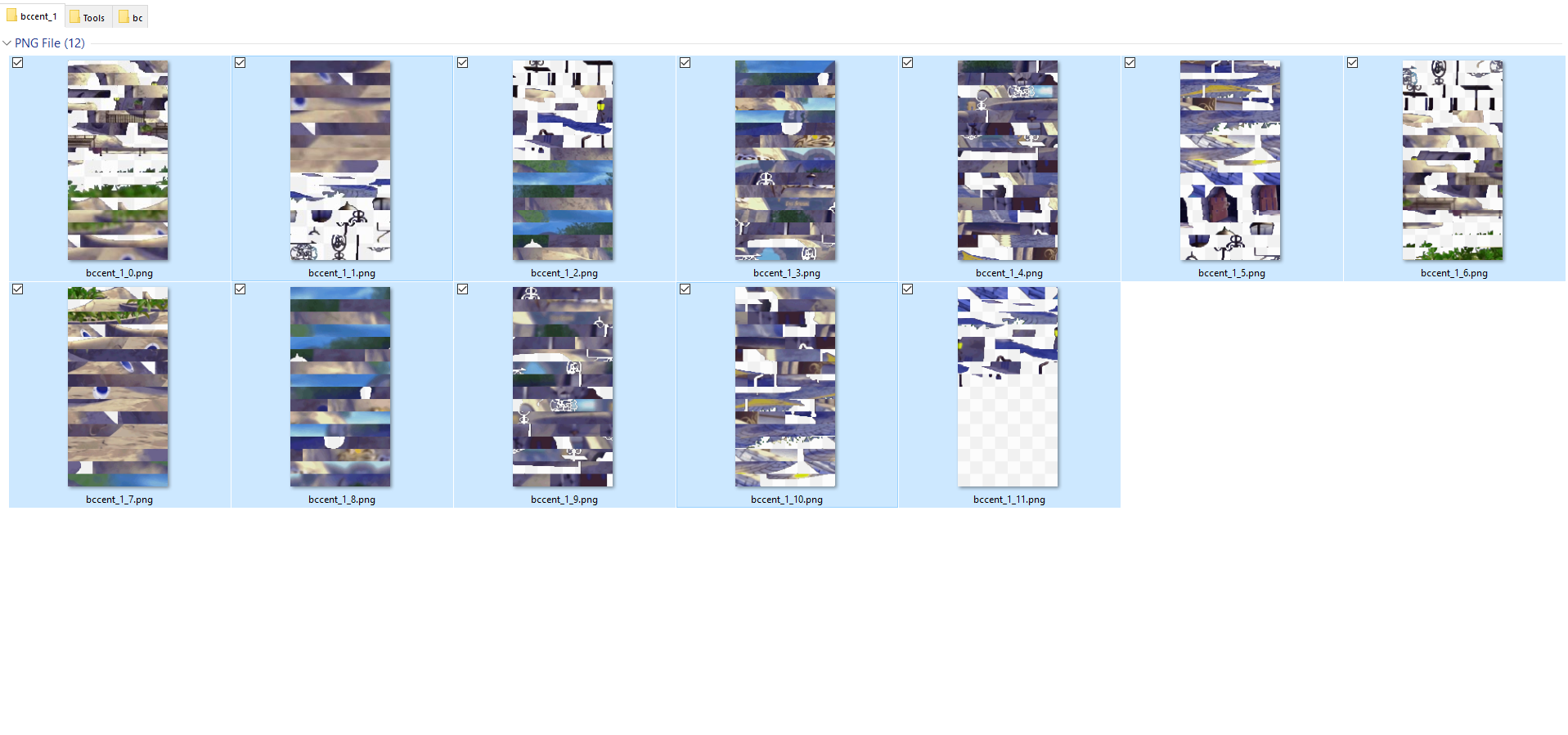
I have copied all of the textures folder from the eden download to my ff8 textures folder, put the hash file in the hashmaps folder yet nothing changes when i load the game, i get odd black lines around the fountain in east balamb garden area but no actual graphical up-scaling happening.

unsure what I'm doing wrong.
This is my textures folder, hashmap folder and a screenshot of in game.
http://imgur.com/a/mTuNQ

Thanks in advance to any help/suggestions!
 
It's working.
If you were to put the hashmap for Project Eden in the disabled folder, you'd notice that the backgrounds become insanely pixellated, so unless someone makes new renders for every background (which is extremely unlikely), we just have to upscale the backgrounds, which make them look like that.
 
Ok having issues , I have all my other mods installed and working great. I downlod this and copy its contents into my Textures Folder....and nothing. Was a Hashmap file suppose to be included in this download because it doesn't give one :(   ( I am somewhat new to this lol  )

 Thank you all for your amazing work!
 
Ok having issues , I have all my other mods installed and working great. I downlod this and copy its contents into my Textures Folder....and nothing. Was a Hashmap file suppose to be included in this download because it doesn't give one :(   ( I am somewhat new to this lol  )

 Thank you all for your amazing work!
You are absolutely correct.  Follow this link for the hashmap:
https://www.ff7catalog.com/posts/210266/
 
Hi Forum,

first of all i want to thank everybody here for the great support and mods. It is really awesome work !!

I have a questrion regarding the Project Eden Mod.

I am running the german Version of the FF8 Steam Version. The Mods are workig fine so far, but somehow some of the Backrounds are not replaced with the new ones and sometimes only parts of the backgrounds are filtered, while other parts stay unfiltered.

Has anyone an idea why?

Is it normal that some areas are not improved?
I know that for other these areas are improved like the training hall.

See images:
kavktgbj.jpg

hxh4h43j.jpg


I use the german version of Final Fantasy 8 if that matters.
I use other mods too but i disabled all except Project Eden and the german version of Seed Reborn.
Thats exactly how it looks to me.

And sorry for my bad english^^ I am not a native speaker
 
Last edited:
Add me to the list.
Altho Project Eden seems to work in most backgrounds i've seen (at least in the early parts of the game) sometimes there is more "pixelation" than it should be (maybe?).

i.e My entrance to garden's training room looks like the screeshots linked by other users. And it's not just these 2 screens.

Tbh, imo it is not the end of the world if some backgrounds during the game are totally or partially pixelated, but i'm leaving this feedback just in case.
Got tomberry updated, different mods installed. Italian version.
 
Yes there are bugs/missing areas because Omzy used an automation tool to do all the fields and it didn't do everything 100%. It would be a waste of time to fix it up now since waifu upscale is superior and you would be better off using/making a new version.
 
Hi!

I want to make my own backgrounds pack using Waifu and editing some backgrounds in GIMP. But after upscaling & editing, I would need to get them in this format:

eKkHWrq.png


I know how to get the complete backgrounds with Deling, or by layers using Unmass & Pupu, but I don't know how to get them in that format so that Tomberry can use them :/

What is the process? Can someone explain to me what I would have to do to create those images in the picture I shared?
 
If you've already exported them with Pupu, once you're done upscaling/editing them, you import them using Pupu and it'll convert them into what you need.
 
Just found this article inside there's a algorithm for enhancing pixelated pictures called PixelCNN. Maybe someone can give it a try on FFVII/VIII backgrounds; the code is in python and I don't have that kind of knowledge to try this out.
 
Just found this article inside there's a algorithm for enhancing pixelated pictures called PixelCNN. Maybe someone can give it a try on FFVII/VIII backgrounds; the code is in python and I don't have that kind of knowledge to try this out.
From their GitHub: https://github.com/openai/pixel-cnn

This code supports multi-GPU training of our improved PixelCNN on CIFAR-10 and Small ImageNet, but is easy to adapt for additional datasets. Training on a machine with 8 Maxwell TITAN X GPUs achieves 3.0 bits per dimension in about 10 hours and it takes approximately 5 days to converge to 2.92.

To run this code you need the following: a machine with multiple GPUs
Holy cats. Using this tool doesn't seem unreasonably difficult, do you have multiple nvidia gpus?

Edit: But I don't think you'll get anything desirable out of it
 
Last edited:
Hi everyone, was just wondering if I may get a mirror link for this really cool looking mod?
 
Hi all. Let me know if this post itself belongs. It's kind of an inactive thread, but I'll ask anyway.

I got all the mods running and working except for this one - there are a few random textures that don't seem to be working. Here's a screen:

http://imgur.com/6zIRYmE

Most of the textures work, but there seems to be a couple random ones that aren't working. Anyone know why?

I have the eden hashmap in the /tonberry/hashmap folder as well.
 
Last edited:
Hi all. Let me know if this post itself belongs. It's kind of an inactive thread, but I'll ask anyway.

I got all the mods running and working except for this one - there are a few random textures that don't seem to be working. Here's a screen:

http://imgur.com/6zIRYmE

Most of the textures work, but there seems to be a couple random ones that aren't working. Anyone know why?

I have the eden hashmap in the /tonberry/hashmap folder as well.
Project Eden's hashmap is missing a few hashes. You're welcome to use Project AngelWing's hashmaps which should fix a majority of the missing hashes for Eden's. But that's up to you.
 
Where do you download the hashmap? The 1.34 GB Rar file only contains textures and nothing else???
 
Where do you download the hashmap? The 1.34 GB Rar file only contains textures and nothing else???
You can use Project Angelwing's hashmap (which is better for Eden than it's own hashmap, imo)
OR
Go to the Tonberry: Enhanced page and download it from the second post.
 
Status
Not open for further replies.
Back
Top