
[FF8R-PC/Steam] FF8 Remastered (Lunatic Pandora) Mods Progress

  • Thread starter Thread starter Mcindus
  • Start date Start date
Status
Not open for further replies.
I've been searching for a while and have been looking on how to extract the character models for FF8R, but aside from viewers or original PS models my Google-Fu has failed me.
I've got the mods I chose working as I'd like and have been editing character textures thanks to Demaster.  However, I'd really like to see the textures on a model as I'm editing it to make the process easier and simpler to do more detailed or creative textures.  As I have been doing so far has been referencing screenshots of whichever character I'm editing and hoping my edits look alright, but besides simple recolouring or minor changes, it's really hard to tell how any edit will look until I load it in game.
I don't mind doing the work and extracting myself, don't need a hand out of the models (tho, that would be awesome) mostly I just want to know if the models are even extractable at the moment.
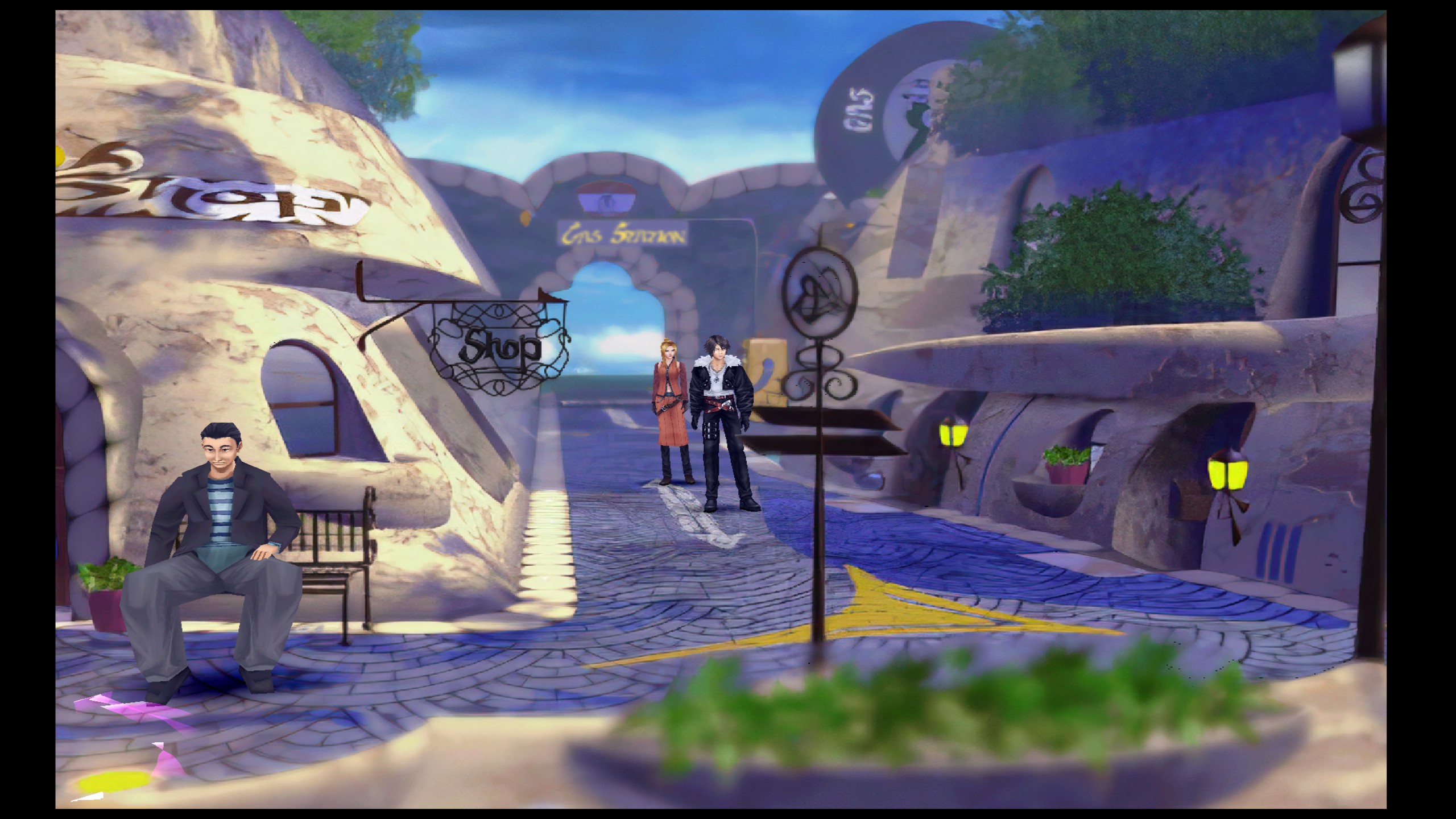
 
Hi, i have downloaded demaster but how Can i play the game in widescreen ? Actually in 4k i have black bars at the left and right of the screen
 
Hi, i have downloaded demaster but how Can i play the game in widescreen ? Actually in 4k i have black bars at the left and right of the screen
You would need to download Reshade 4.3.0 in order to utilize the Magnify feature to stretch it.
https://www.mediafire.com/file/jl5gh1ir8k6jl1t/ReShade_Setup_4.3.0.exe/file

Install steps are explained at this link:
https://www.naguide.com/final-fantasy-viii-8-remastered-widescreen-fix/

You then need to edit the file BasicFX.cfg file located within reshade-shaders\Shaders\ReShade of your FF8R folder with the width and height you want to use. Here's an example I use for 2560x1440p:
Code: [Select]
Code:
////-----------/////**Magnify**/////-----------////#define USE_Magnify 1 //[Magnify] //-//>Magnify Shader Settings<\\#define magnifyStartPixelWidth 240 //[undef] //-#define magnifyStartPixelHeight 31 //[undef] //-#define magnifyEndPixelWidth 2340 //[undef] //-#define magnifyEndPixelHeight 1409 //[undef] //-#define Magnify_ToggleKey RFX_ToggleKey //[undef] //-Toggles the magnify shader
This thread on Steam lists the values for other screen resolutions:
https://steamcommunity.com/sharedfiles/filedetails/?id=1853489359

If you are also using SpecialK to fix the low FPS issue that's where it gets tricky. You'll need to use SKIF to launch the game (delete SpecialK from your FF8 directory before installing reshade) and inject the driver globally. When all is said and done you'll get something like this hopefully:
eT61RDg.jpg
 
You would need to download Reshade 4.3.0 in order to utilize the Magnify feature to stretch it.
https://www.mediafire.com/file/jl5gh1ir8k6jl1t/ReShade_Setup_4.3.0.exe/file

Install steps are explained at this link:
https://www.naguide.com/final-fantasy-viii-8-remastered-widescreen-fix/

You then need to edit the file BasicFX.cfg file located within reshade-shaders\Shaders\ReShade of your FF8R folder with the width and height you want to use. Here's an example I use for 2560x1440p:
Code: [Select]
Code:
////-----------/////**Magnify**/////-----------////#define USE_Magnify 1 //[Magnify] //-//>Magnify Shader Settings<\\#define magnifyStartPixelWidth 240 //[undef] //-#define magnifyStartPixelHeight 31 //[undef] //-#define magnifyEndPixelWidth 2340 //[undef] //-#define magnifyEndPixelHeight 1409 //[undef] //-#define Magnify_ToggleKey RFX_ToggleKey //[undef] //-Toggles the magnify shader
This thread on Steam lists the values for other screen resolutions:
https://steamcommunity.com/sharedfiles/filedetails/?id=1853489359

If you are also using SpecialK to fix the low FPS issue that's where it gets tricky. You'll need to use SKIF to launch the game (delete SpecialK from your FF8 directory before installing reshade) and inject the driver globally. When all is said and done you'll get something like this hopefully:
eT61RDg.jpg
I have an error at the launch of the game, it seem demaster is not compatible with reshade  ???
 
I applied all the mods but everything looks the same almost like I didn't do anything
Wondering if I missed something
 
Hey there, just wondering if Angelwing Ultima is still in Alpha phase. I have been following this project for ages, I hop on here like once a week to check the board - you guys do incredible work. Any chance we'll see a full release here in the near future?
 
I have an error at the launch of the game, it seem demaster is not compatible with reshade  ???
I’m using demaster, the screenshot I posted has the field texture mod. Make sure you’re using the version of reshade that I linked or try reinstalling ff8-r and try demastering it again maybe? Hard to say without the exact error you’re getting.
 
Hey there, just wondering if Angelwing Ultima is still in Alpha phase. I have been following this project for ages, I hop on here like once a week to check the board - you guys do incredible work. Any chance we'll see a full release here in the near future?
Yes, but it will very soon go public. Just squashing the last of the bugs and making sure I have everything ready for my Lunatic Pandora Ultima Pack as well. When I drop LPU for Patrons/VIPs/Donors, the AW:U mod will go public for anyone to download and install themselves :)
 
Yes, but it will very soon go public. Just squashing the last of the bugs and making sure I have everything ready for my Lunatic Pandora Ultima Pack as well. When I drop LPU for Patrons/VIPs/Donors, the AW:U mod will go public for anyone to download and install themselves :)
YES waiting eagerly and patiently for your sweet sweet wizardry
 
Wow fantastic! Thanks to you this excellent game is getting the true remaster it deserved! Looking forward to it!
 
Hey @Mcindus
Accidentally bought the installer for the normal version, and only then realized it's not for the remaster.
Should I play the normal version for now, or just wait for your amazing remaster mod pack (in other words, will it be out soon :) ? )
 
Loved your first pack for ff8 and did actually wind up accidentally buying it a second time. I am not worried nor care though about that but I can't wait for the remastered one to be released. I just got it on sale today for under 10 dollars and was like def could use it.

I do hope the translation and story thing I have for ff8 gets sometime ported over or maybe I can figure out how to use the better story script someone made on the game. I was using the Succession mod for it.
 
Mcindus, i would like to get a FF8 mod installer, and i'm very confused.

how do i download it, and where do i download it ??
 
Hi all,
I have an issue and don't know if this the right place to ask it, but I'll give it a shot here ;-)

After installing the mods, my Steam FF8 game doen't start anymore!
I've noticed that this happens the moment I install the Demastered 128. I get an 'unknown exception has occurred' Error!
After this I can't do much. I've reinstalled the game (game runs perfectly), but as soon as I install the ff8_demaster_128a, I get the same error!
What am I doing wrong? Please advice.  :-(
Thank you!
 
The game has been updated and we have to wait for MaKiPL to release a new Demaster update
Sorry my level of english
 
Back in May I read that this mod (Angelwing: Ultima - Remastered), When released for Alpha testing Exclusively for Patreon and VIP users, would be for one or two months max. Afterwards we'd get a free public release of it. It's November now...
Keep up the good work I guess.
 
Last edited:
Status
Not open for further replies.
Back
Top