S
snouz
Guest
EDIT 2024: this is now outdated, as all of this is now part of Memoria directly.
This is for mod creators.
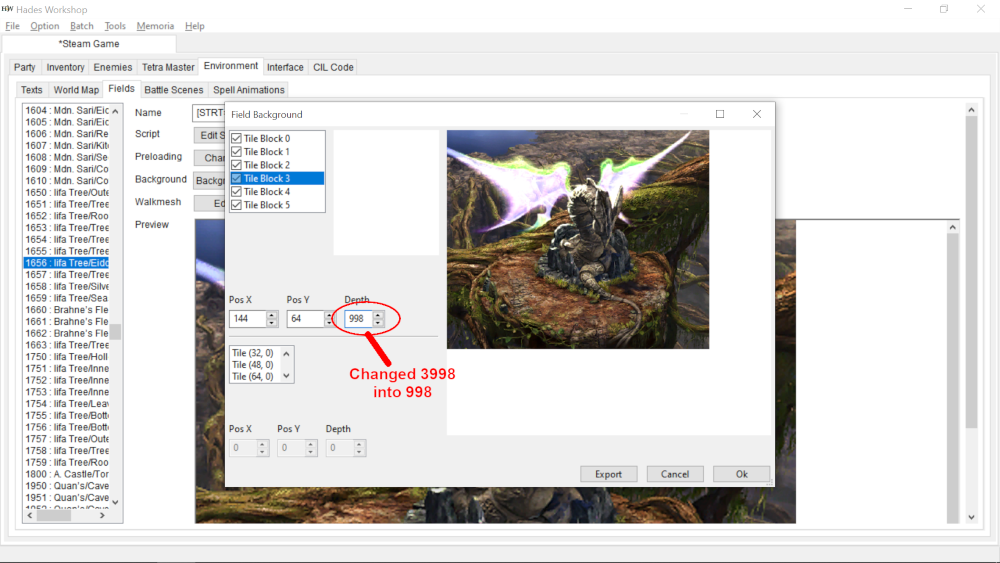
With Hades Workshop, open your mod. In "Environment" > "Fields", for each field > "edit script", and each field has its functions, the first one is always Main_init, and second one is often Main_reinit (for when you get out of battle)
Some field names appear several times, so I indicated the number if that's the case.
BUGS OF THE PC version
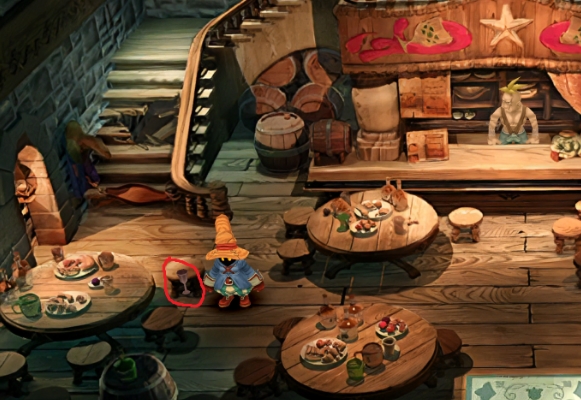
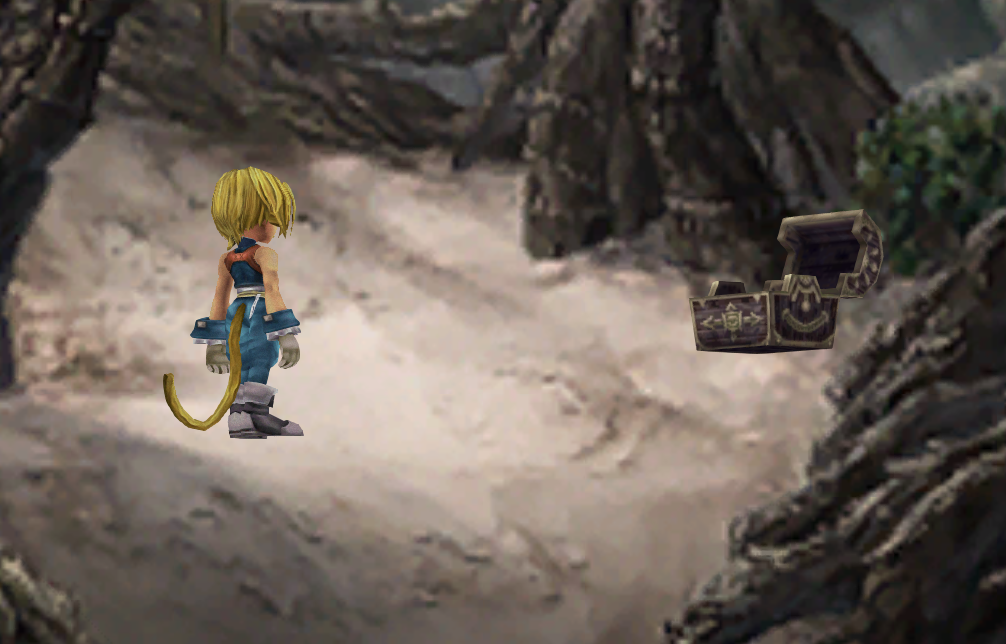
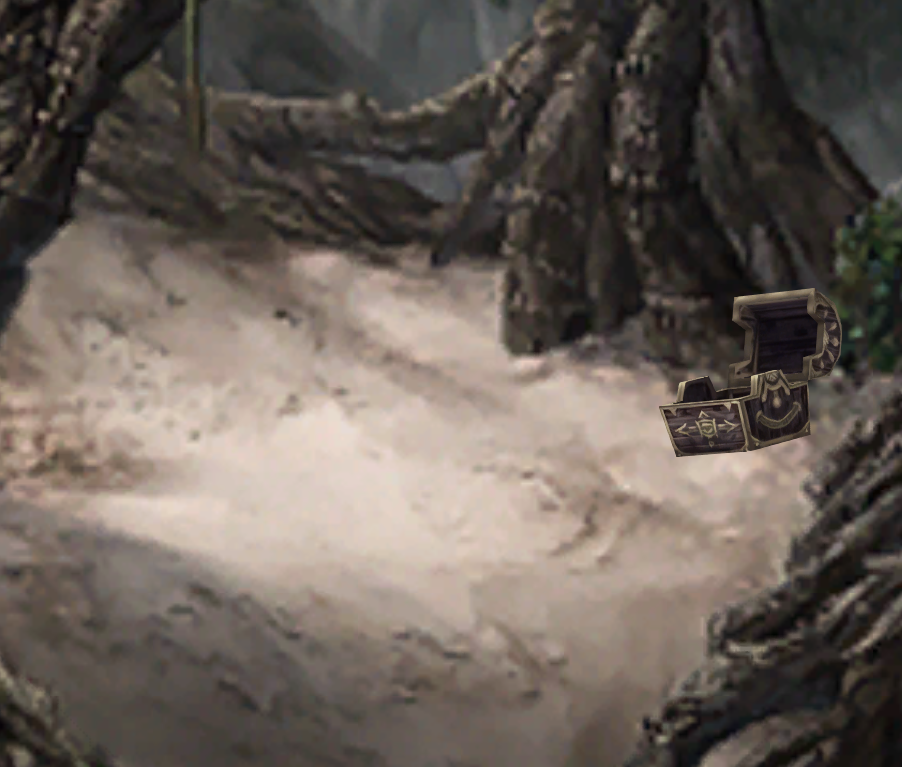
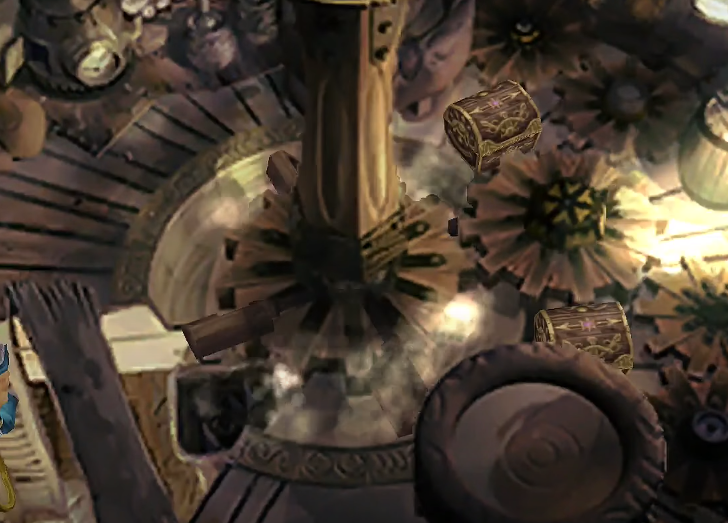
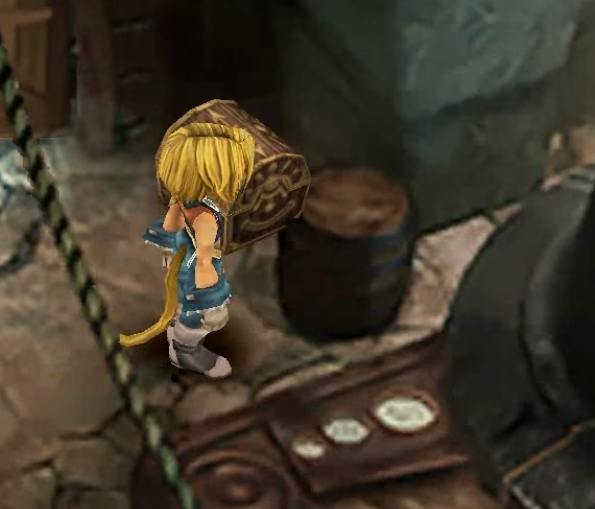
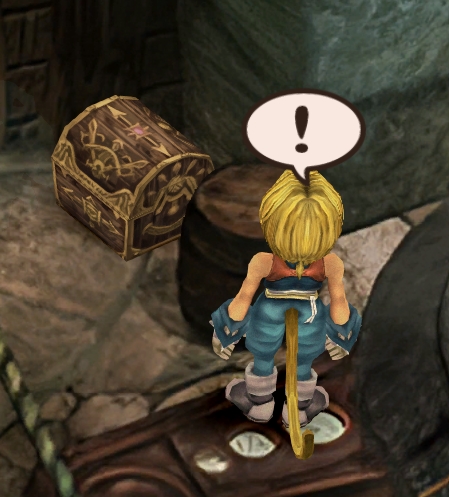
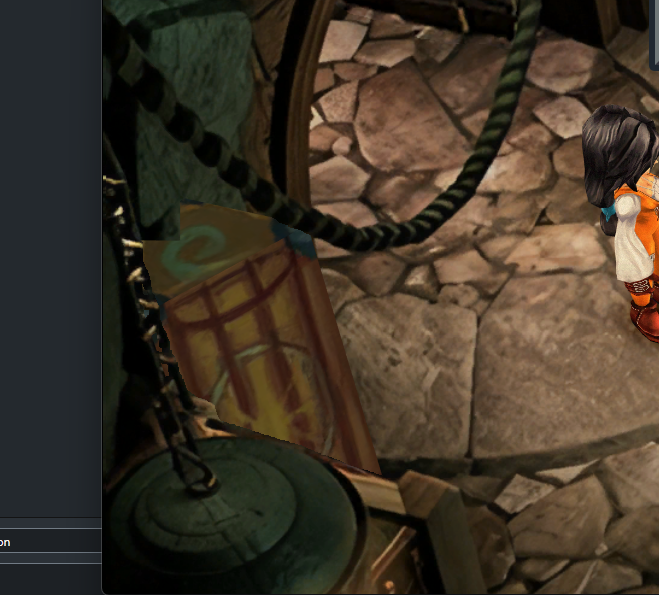
The two chests appearing in front of objects is due to the Steam version having slightly shifted chests compared to PSX
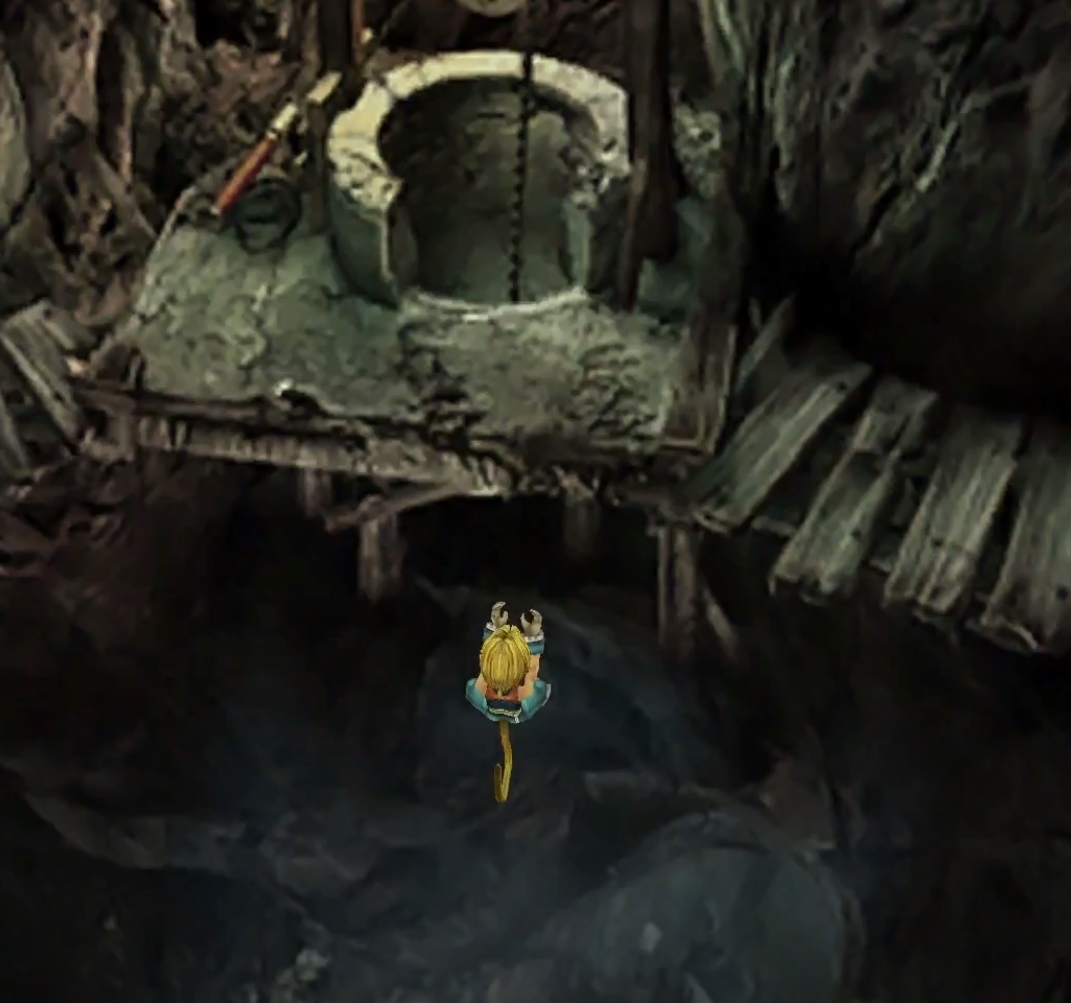
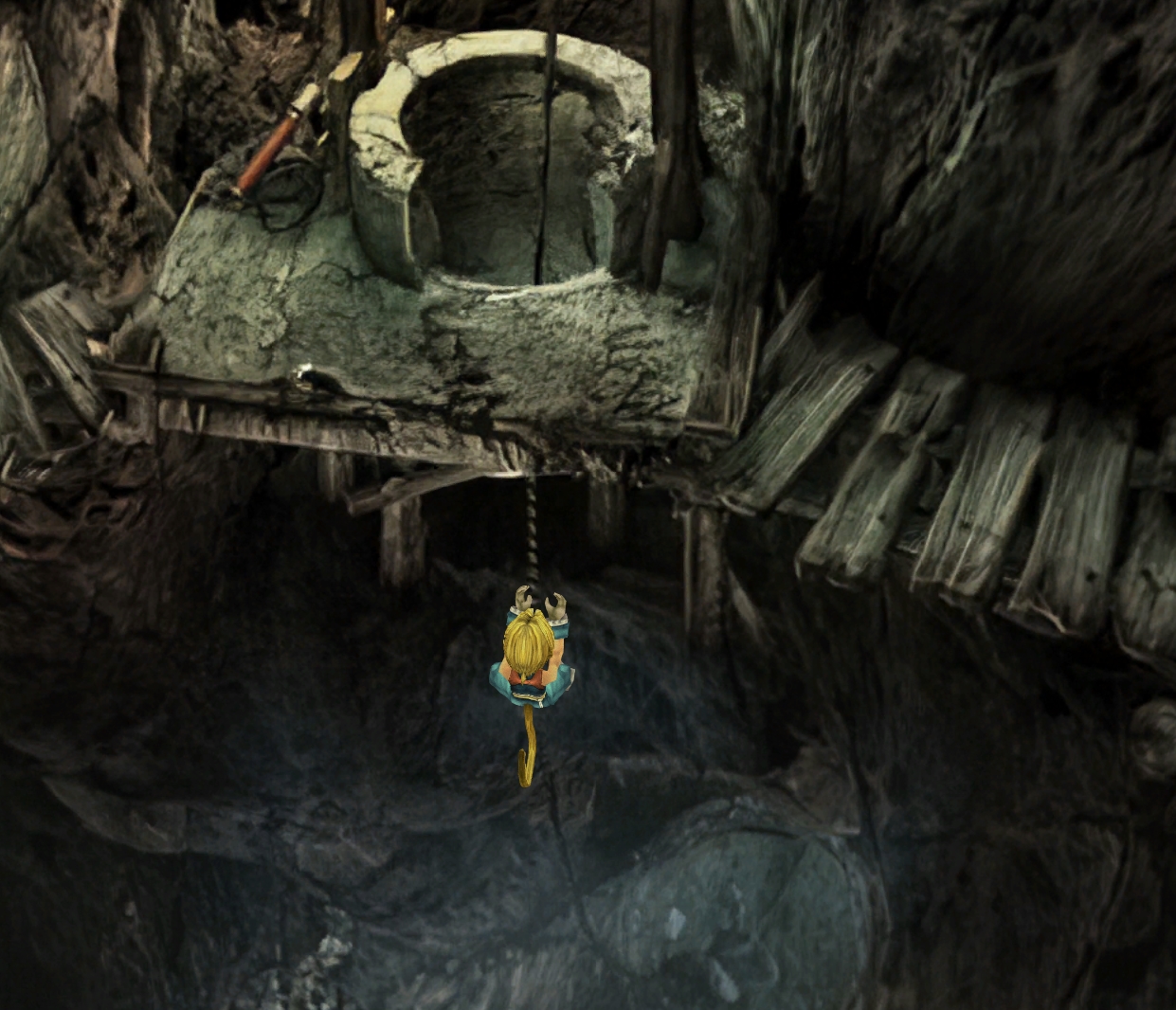
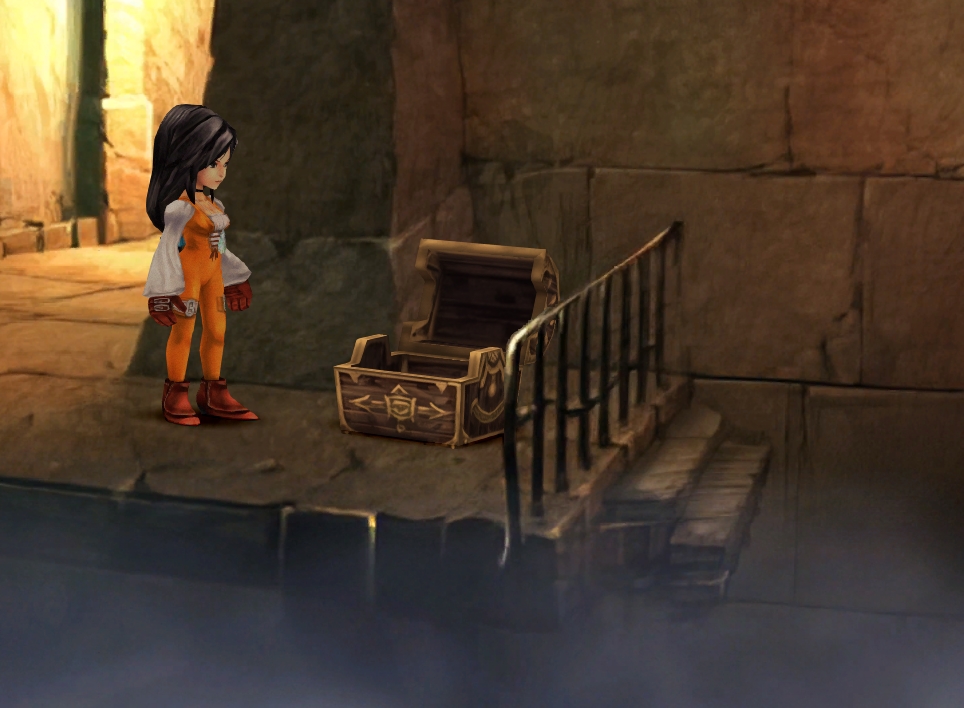
Gulug/Well 1
In Main_Init and Main_Reinit, at the start of the function:
SetTilePositionEx( 23, 0, 0, 4000 )
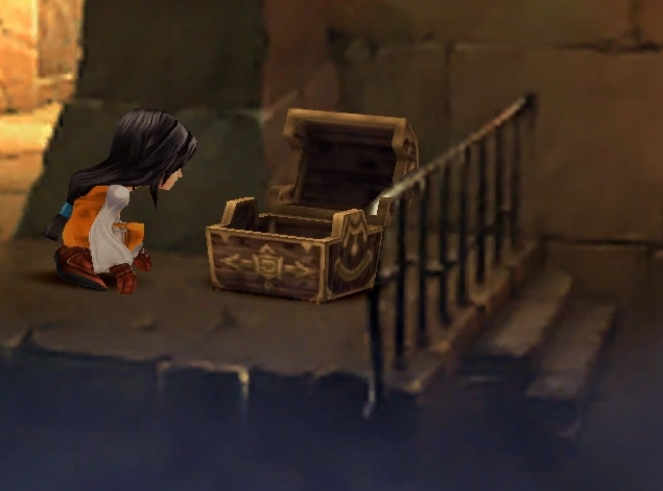
In Gargan Roo/Passage 1
Main_Init and Main_Reinit
Change:
SetTilePositionEx( 2, 0, 0, 150 )
To:
SetTilePositionEx( 2, 0, 0, 70 )
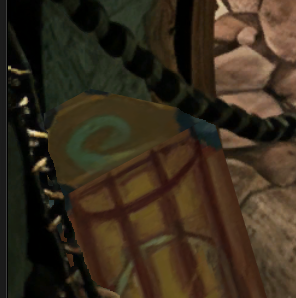
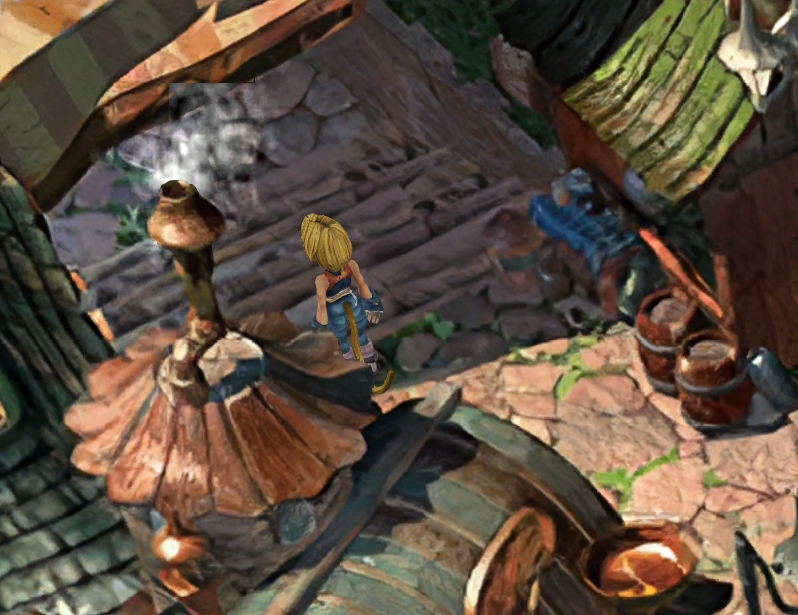
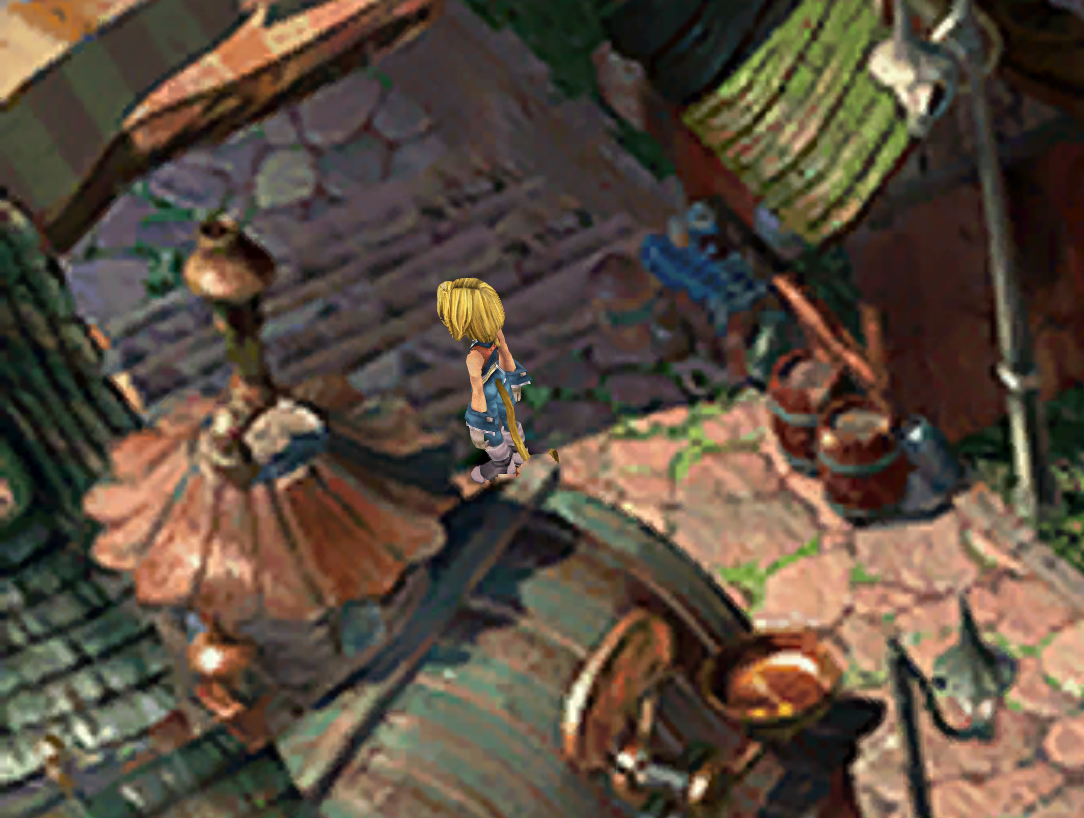
In Dali/Production Area 2
In Main_Init and Main_Reinit, at the start of the function:
SetTilePositionEx( 27, 0, 0, -100 )
SetTilePositionEx( 23, 0, 0, 100 )
BUGS OF THE PSX version
These two bugs were present in the PSX version and were likely an oversight from the developers
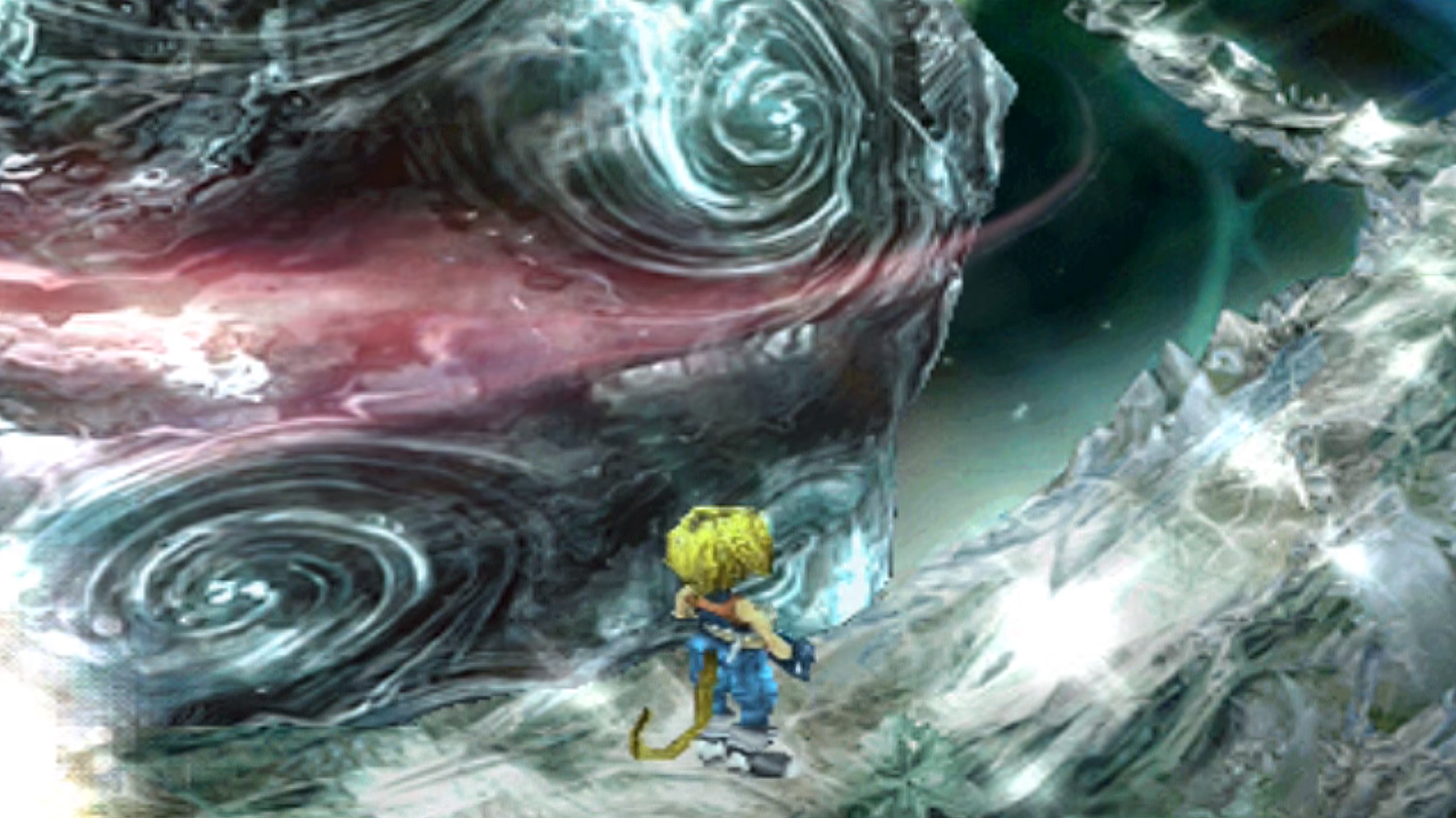
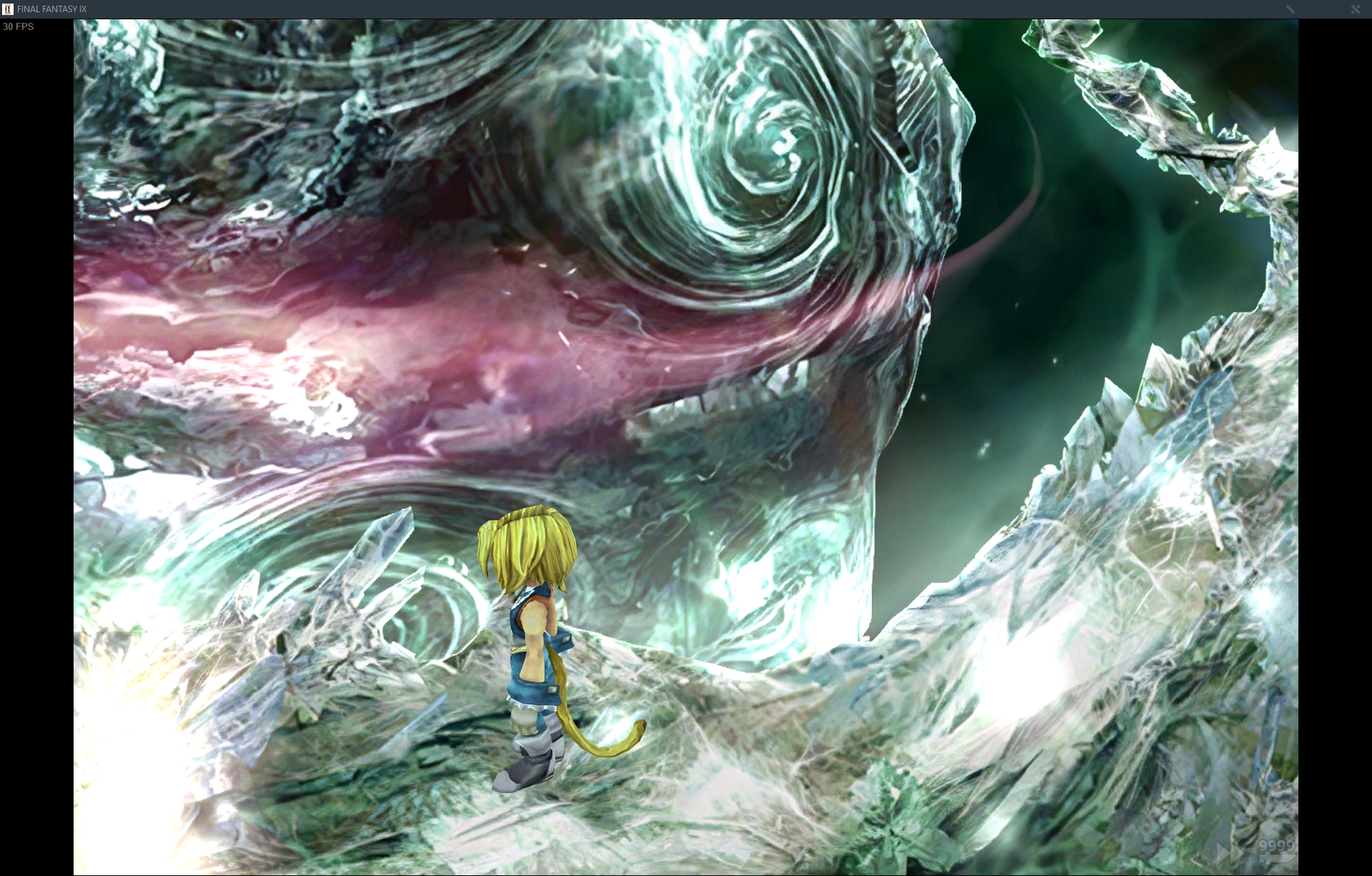
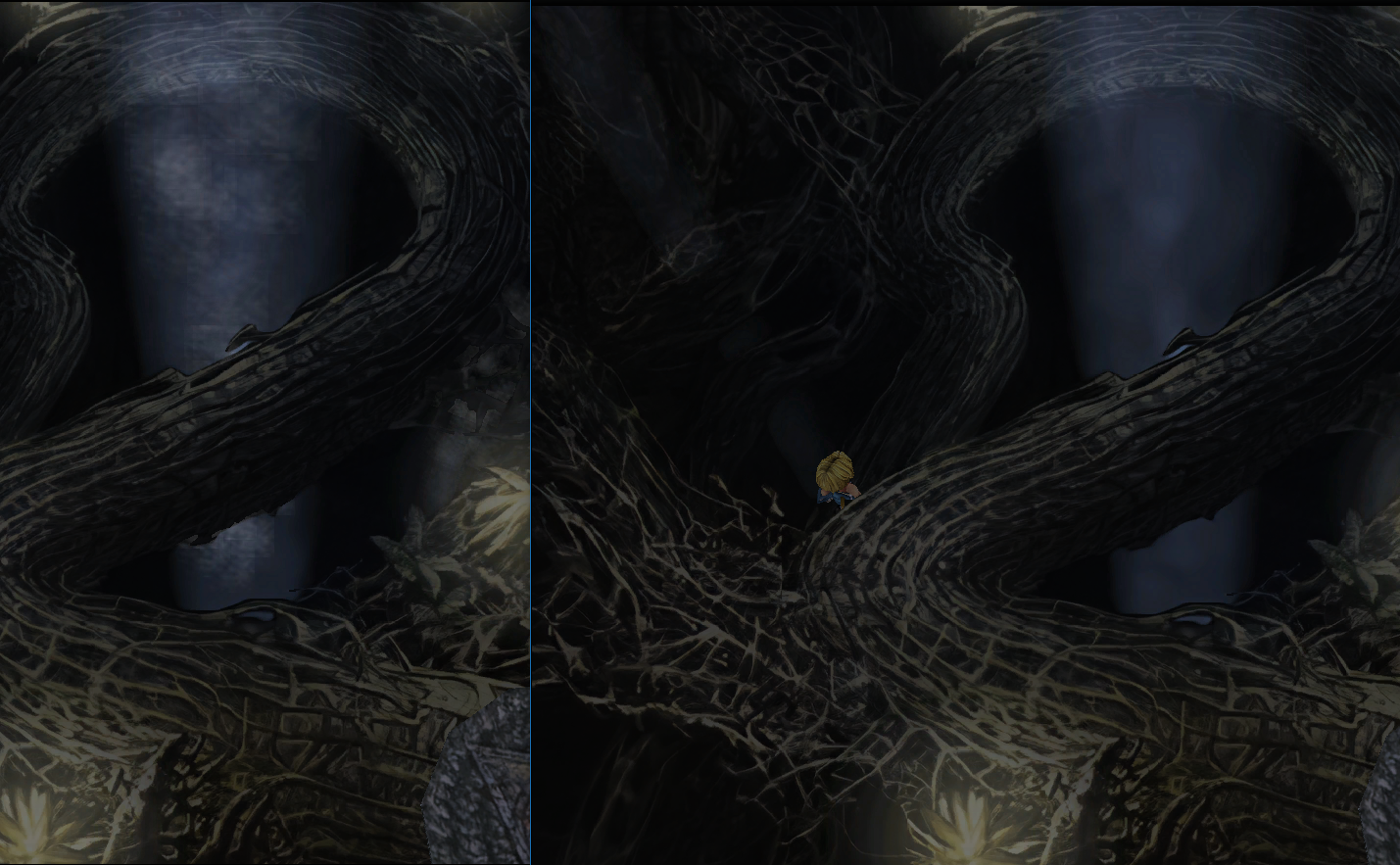
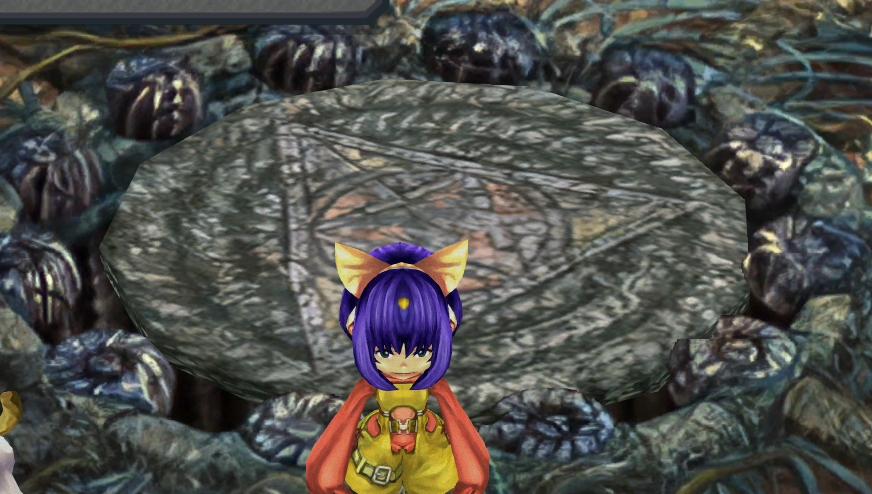
Crystal World 1
In Main_Init and Main_Reinit, at the start of the function:
SetTilePositionEx( 8, 0, 0, 3000 )
SetTilePositionEx( 10, 0, 0, -600 )
SetTilePositionEx( 11, 0, 0, -600 )
SetTilePositionEx( 12, 0, 0, 2000 )
This fix will need a bit shortening of the top bit of the path, because it makes the path appear in front of the giant boulder. It also makes the magic glow on the right appear on top of the boulder as well.
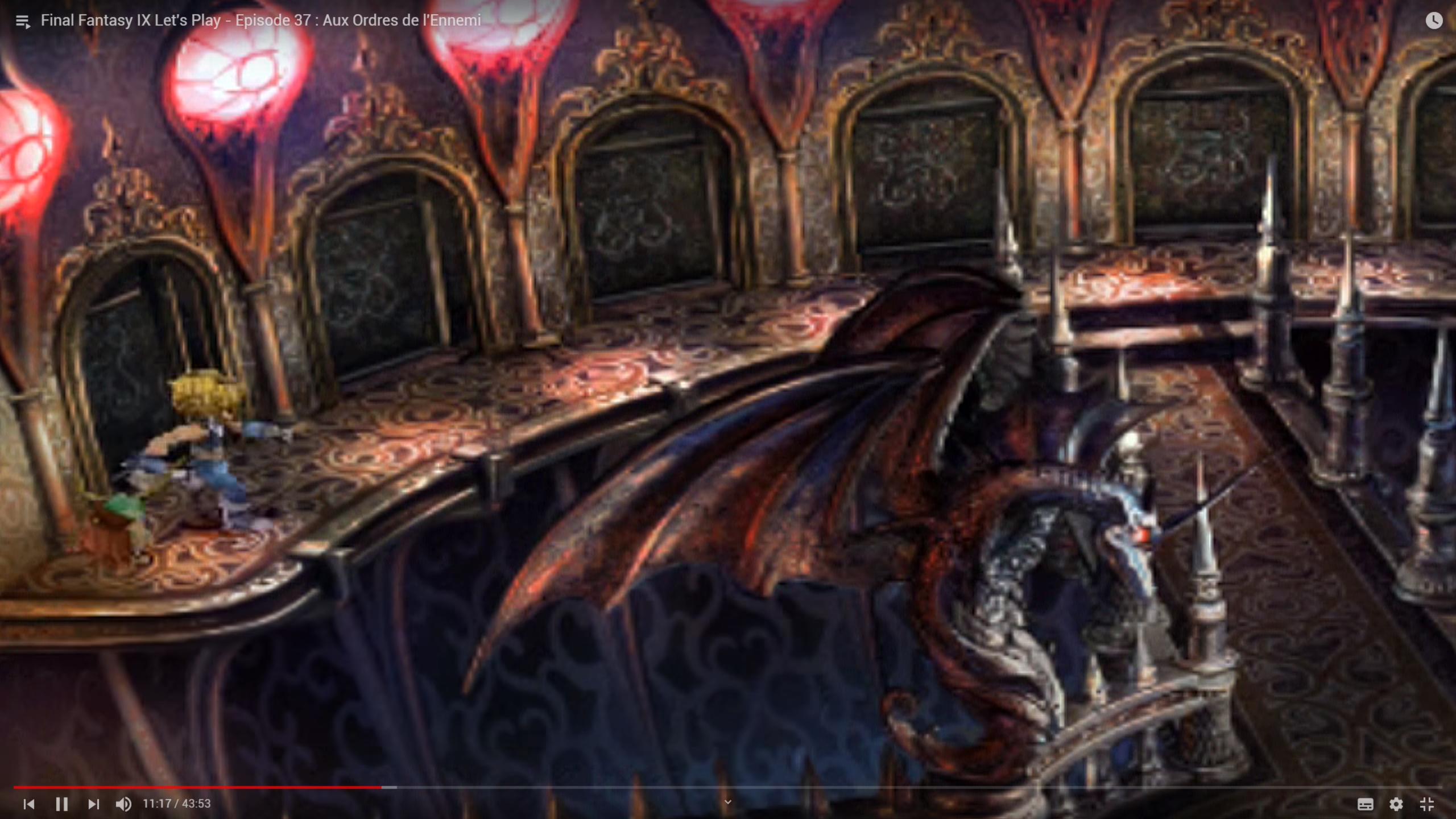
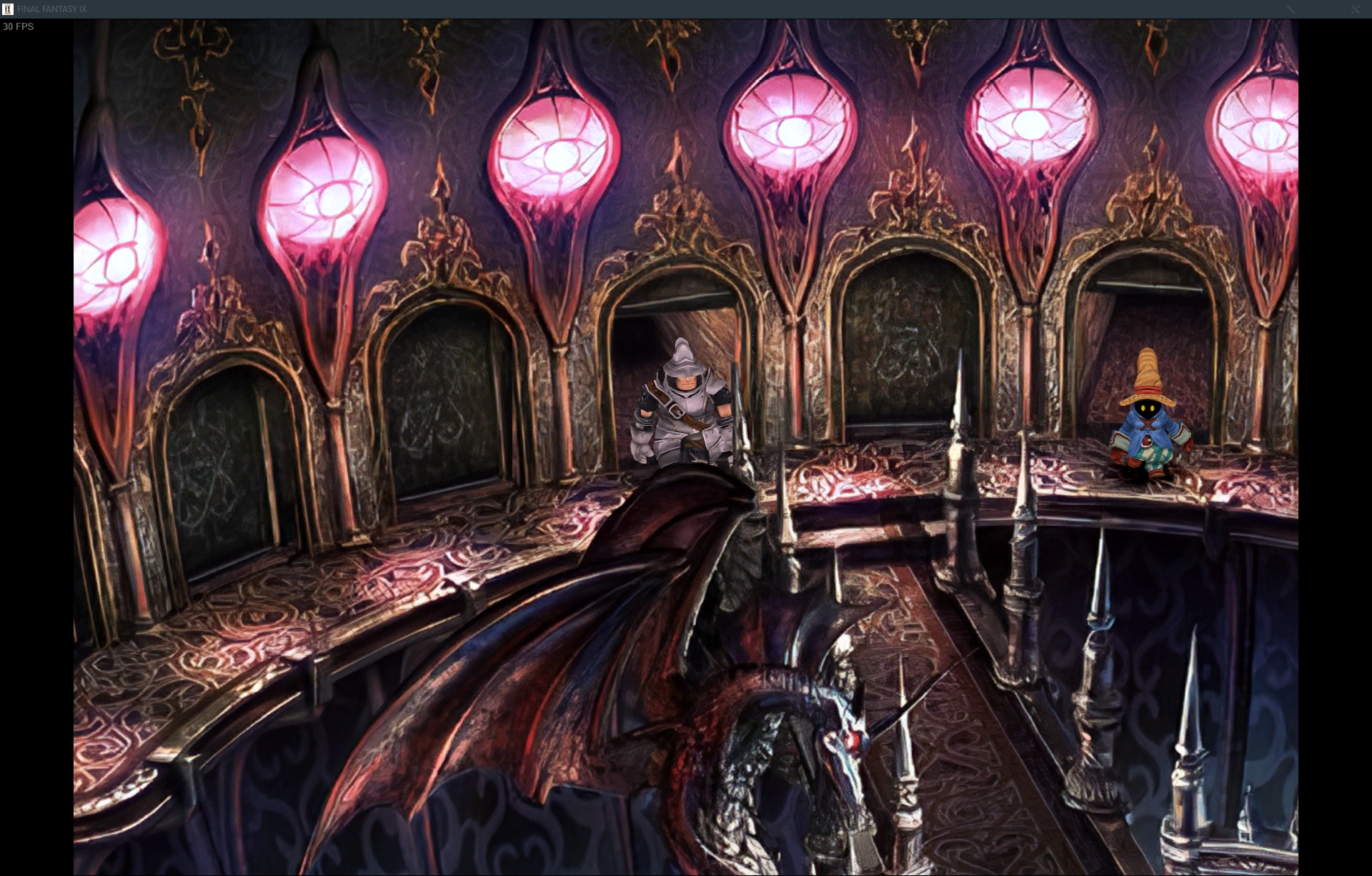
in field Palace/Dungeon 2
in Main_init (beginning of the function):
SetTilePositionEx( 13, 0, 0, 500 )
SetTilePositionEx( 18, 0, 0, 500 )
after " case 9530:" and after " case 9815:"
SetTilePositionEx( 2, 0, 0, -500 )
SetTilePositionEx( 3, 0, 0, -500 )
SetTilePositionEx( 4, 0, 0, -500 )
SetTilePositionEx( 5, 0, 0, -500 )
SetTilePositionEx( 6, 0, 0, -500 )
SetTilePositionEx( 7, 0, 0, -500 )
SetTilePositionEx( 8, 0, 0, -500 )
SetTilePositionEx( 9, 0, 0, -500 )
SetTilePositionEx( 13, 0, 0, -500 )
In Function Zidane_13
replace:
ShowTile( 2, 0 )
SetObjectLogicalSize( 14, 20, 30 )
InitWalk( )
Walk( -1983, 2306 )
InitWalk( )
with:
ShowTile( 2, 0 )
SetTilePositionEx( 3, 0, 0, -500 )
SetTilePositionEx( 4, 0, 0, -500 )
SetTilePositionEx( 5, 0, 0, -500 )
SetTilePositionEx( 6, 0, 0, -500 )
SetTilePositionEx( 7, 0, 0, -500 )
SetTilePositionEx( 8, 0, 0, -500 )
SetTilePositionEx( 9, 0, 0, -500 )
SetTilePositionEx( 13, 0, 0, -500 )
SetObjectLogicalSize( 14, 20, 30 )
InitWalk( )
Walk( -1983, 2306 )
SetTilePositionEx( 3, 0, 0, 500 )
SetTilePositionEx( 4, 0, 0, 500 )
SetTilePositionEx( 5, 0, 0, 500 )
SetTilePositionEx( 6, 0, 0, 500 )
SetTilePositionEx( 7, 0, 0, 500 )
SetTilePositionEx( 8, 0, 0, 500 )
SetTilePositionEx( 9, 0, 0, 500 )
SetTilePositionEx( 13, 0, 0, 500 )
InitWalk( )
In each main character _16:
add before " WaitTurn( )"
SetTilePositionEx( 2, 0, 0, 200 )
SetTilePositionEx( 3, 0, 0, 200 )
SetTilePositionEx( 4, 0, 0, 200 )
SetTilePositionEx( 5, 0, 0, 200 )
SetTilePositionEx( 6, 0, 0, 200 )
SetTilePositionEx( 7, 0, 0, 200 )
SetTilePositionEx( 8, 0, 0, 200 )
SetTilePositionEx( 9, 0, 0, 200 )
SetTilePositionEx( 13, 0, 0, 200 )
In Main_Loop near the end, after "ShowTile( 9, 1 )", i added:
SetTilePositionEx( 2, 0, 0, 500 )
SetTilePositionEx( 3, 0, 0, 500 )
SetTilePositionEx( 4, 0, 0, 500 )
SetTilePositionEx( 5, 0, 0, 500 )
SetTilePositionEx( 6, 0, 0, 500 )
SetTilePositionEx( 7, 0, 0, 500 )
SetTilePositionEx( 8, 0, 0, 500 )
SetTilePositionEx( 9, 0, 0, 500 )
SetTilePositionEx( 13, 0, 0, 500 )
This will re-arrange depth of doors so that no bit gets in front of characters and that they don't appear in front of the texture, while putting the closed doors layers in front of the open one.
This is for mod creators.
With Hades Workshop, open your mod. In "Environment" > "Fields", for each field > "edit script", and each field has its functions, the first one is always Main_init, and second one is often Main_reinit (for when you get out of battle)
Some field names appear several times, so I indicated the number if that's the case.
BUGS OF THE PC version
The two chests appearing in front of objects is due to the Steam version having slightly shifted chests compared to PSX
Gulug/Well 1
In Main_Init and Main_Reinit, at the start of the function:
SetTilePositionEx( 23, 0, 0, 4000 )
In Gargan Roo/Passage 1
Main_Init and Main_Reinit
Change:
SetTilePositionEx( 2, 0, 0, 150 )
To:
SetTilePositionEx( 2, 0, 0, 70 )
In Dali/Production Area 2
In Main_Init and Main_Reinit, at the start of the function:
SetTilePositionEx( 27, 0, 0, -100 )
SetTilePositionEx( 23, 0, 0, 100 )
BUGS OF THE PSX version
These two bugs were present in the PSX version and were likely an oversight from the developers
Crystal World 1
In Main_Init and Main_Reinit, at the start of the function:
SetTilePositionEx( 8, 0, 0, 3000 )
SetTilePositionEx( 10, 0, 0, -600 )
SetTilePositionEx( 11, 0, 0, -600 )
SetTilePositionEx( 12, 0, 0, 2000 )
This fix will need a bit shortening of the top bit of the path, because it makes the path appear in front of the giant boulder. It also makes the magic glow on the right appear on top of the boulder as well.
in field Palace/Dungeon 2
in Main_init (beginning of the function):
SetTilePositionEx( 13, 0, 0, 500 )
SetTilePositionEx( 18, 0, 0, 500 )
after " case 9530:" and after " case 9815:"
SetTilePositionEx( 2, 0, 0, -500 )
SetTilePositionEx( 3, 0, 0, -500 )
SetTilePositionEx( 4, 0, 0, -500 )
SetTilePositionEx( 5, 0, 0, -500 )
SetTilePositionEx( 6, 0, 0, -500 )
SetTilePositionEx( 7, 0, 0, -500 )
SetTilePositionEx( 8, 0, 0, -500 )
SetTilePositionEx( 9, 0, 0, -500 )
SetTilePositionEx( 13, 0, 0, -500 )
In Function Zidane_13
replace:
ShowTile( 2, 0 )
SetObjectLogicalSize( 14, 20, 30 )
InitWalk( )
Walk( -1983, 2306 )
InitWalk( )
with:
ShowTile( 2, 0 )
SetTilePositionEx( 3, 0, 0, -500 )
SetTilePositionEx( 4, 0, 0, -500 )
SetTilePositionEx( 5, 0, 0, -500 )
SetTilePositionEx( 6, 0, 0, -500 )
SetTilePositionEx( 7, 0, 0, -500 )
SetTilePositionEx( 8, 0, 0, -500 )
SetTilePositionEx( 9, 0, 0, -500 )
SetTilePositionEx( 13, 0, 0, -500 )
SetObjectLogicalSize( 14, 20, 30 )
InitWalk( )
Walk( -1983, 2306 )
SetTilePositionEx( 3, 0, 0, 500 )
SetTilePositionEx( 4, 0, 0, 500 )
SetTilePositionEx( 5, 0, 0, 500 )
SetTilePositionEx( 6, 0, 0, 500 )
SetTilePositionEx( 7, 0, 0, 500 )
SetTilePositionEx( 8, 0, 0, 500 )
SetTilePositionEx( 9, 0, 0, 500 )
SetTilePositionEx( 13, 0, 0, 500 )
InitWalk( )
In each main character _16:
add before " WaitTurn( )"
SetTilePositionEx( 2, 0, 0, 200 )
SetTilePositionEx( 3, 0, 0, 200 )
SetTilePositionEx( 4, 0, 0, 200 )
SetTilePositionEx( 5, 0, 0, 200 )
SetTilePositionEx( 6, 0, 0, 200 )
SetTilePositionEx( 7, 0, 0, 200 )
SetTilePositionEx( 8, 0, 0, 200 )
SetTilePositionEx( 9, 0, 0, 200 )
SetTilePositionEx( 13, 0, 0, 200 )
In Main_Loop near the end, after "ShowTile( 9, 1 )", i added:
SetTilePositionEx( 2, 0, 0, 500 )
SetTilePositionEx( 3, 0, 0, 500 )
SetTilePositionEx( 4, 0, 0, 500 )
SetTilePositionEx( 5, 0, 0, 500 )
SetTilePositionEx( 6, 0, 0, 500 )
SetTilePositionEx( 7, 0, 0, 500 )
SetTilePositionEx( 8, 0, 0, 500 )
SetTilePositionEx( 9, 0, 0, 500 )
SetTilePositionEx( 13, 0, 0, 500 )
This will re-arrange depth of doors so that no bit gets in front of characters and that they don't appear in front of the texture, while putting the closed doors layers in front of the open one.
Last edited: