[FF9 PC] UI Stuff -> See Moguri update

  • Thread starter Thread starter snouz
  • Start date Start date
Status
Not open for further replies.
S

snouz

Guest
JrssSrE.jpg


NOW INCLUDED IN MOGURI BETA V2

It's yet another download from me (promise I'll put everything in one big download for the next version)

NEW 2020-04-25 - UI Stuff BETA V2 (fixed)
(outdated) 2020-04-24 - UI Stuff BETA V1

This one is a number of UI changes (no, not the battle UI)
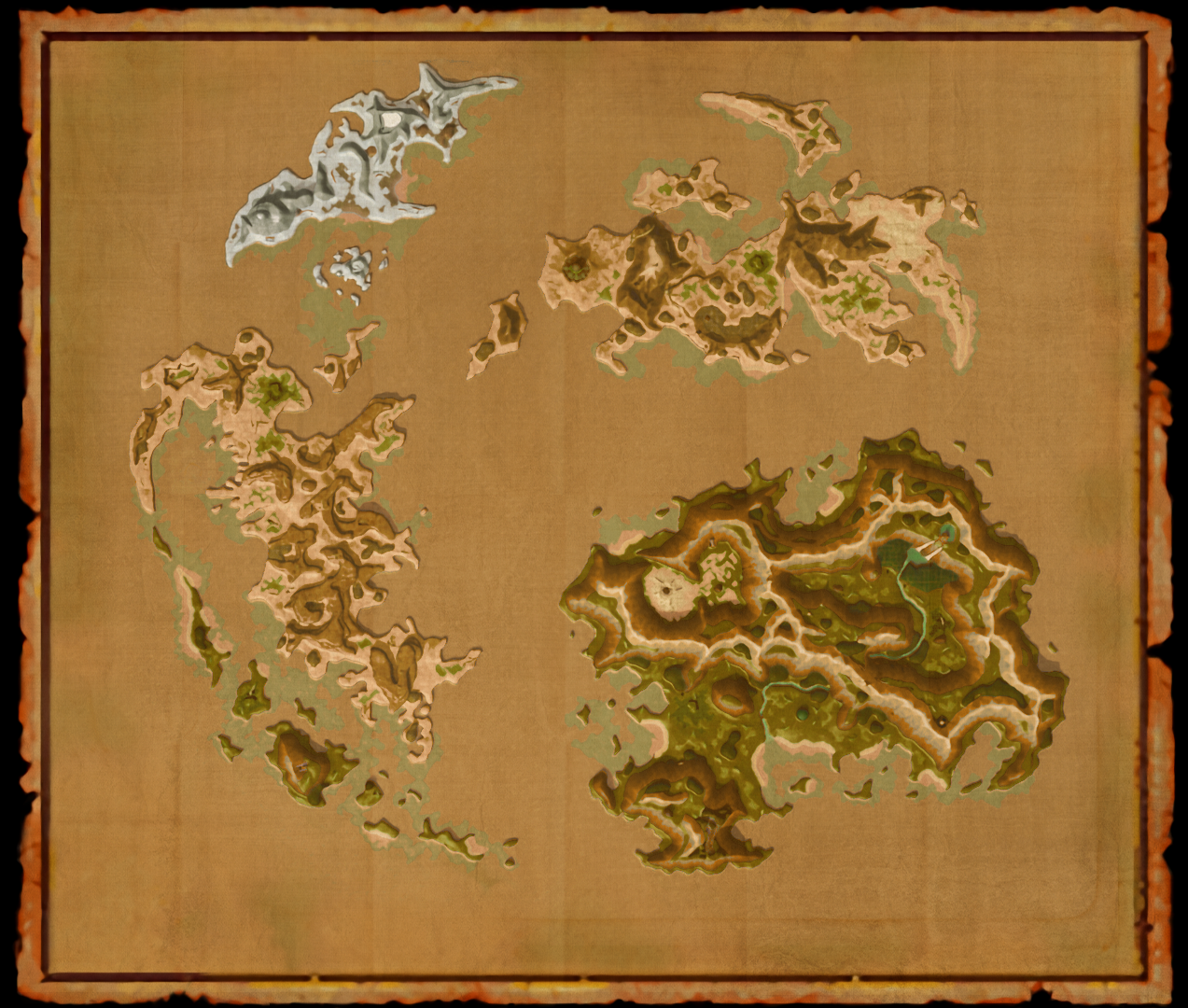
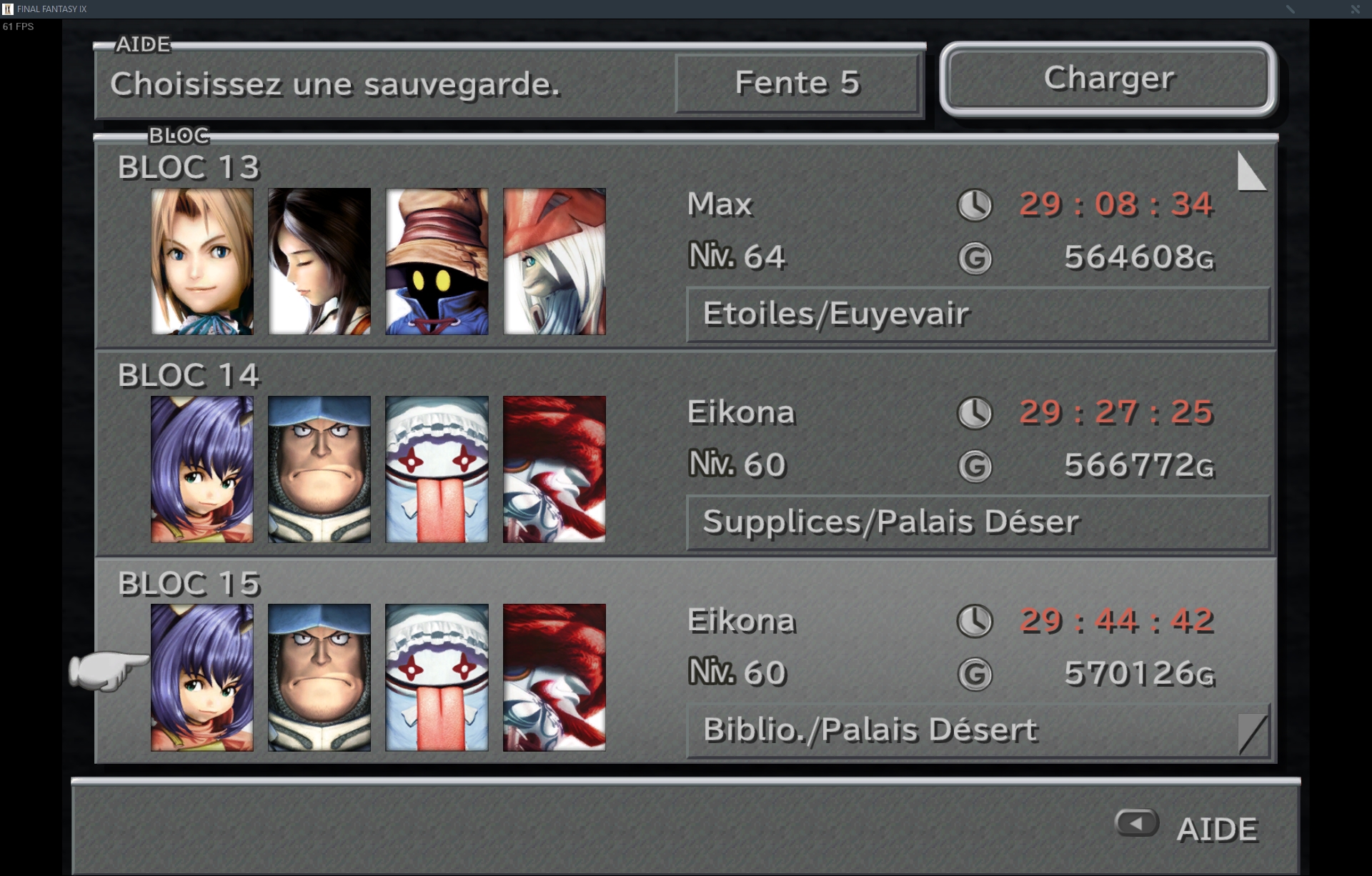
cCilWsY.png
qa9HllG.jpg
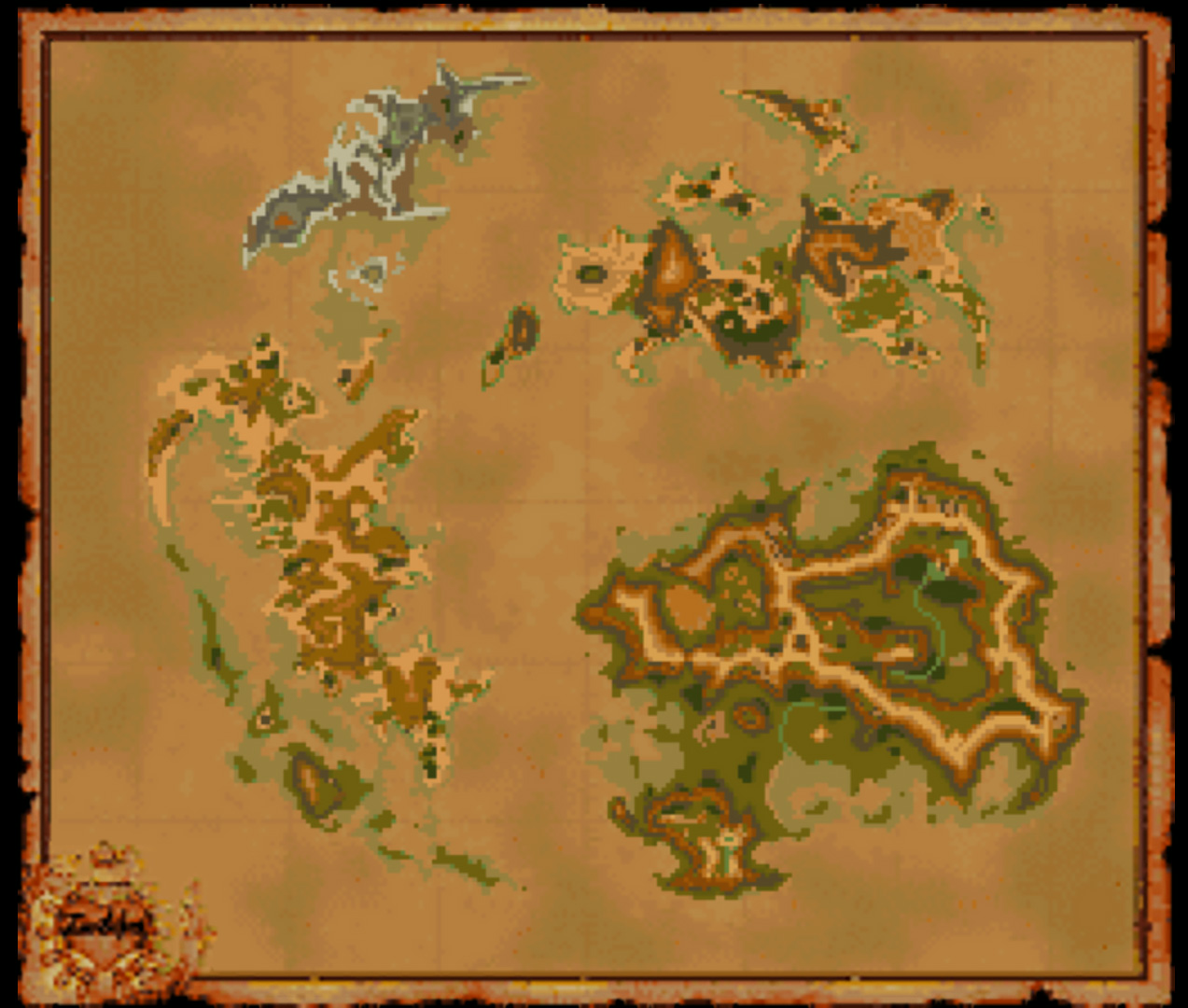
<--- old

Q3ViG9W.png
vcAMSDe.png
<--- old

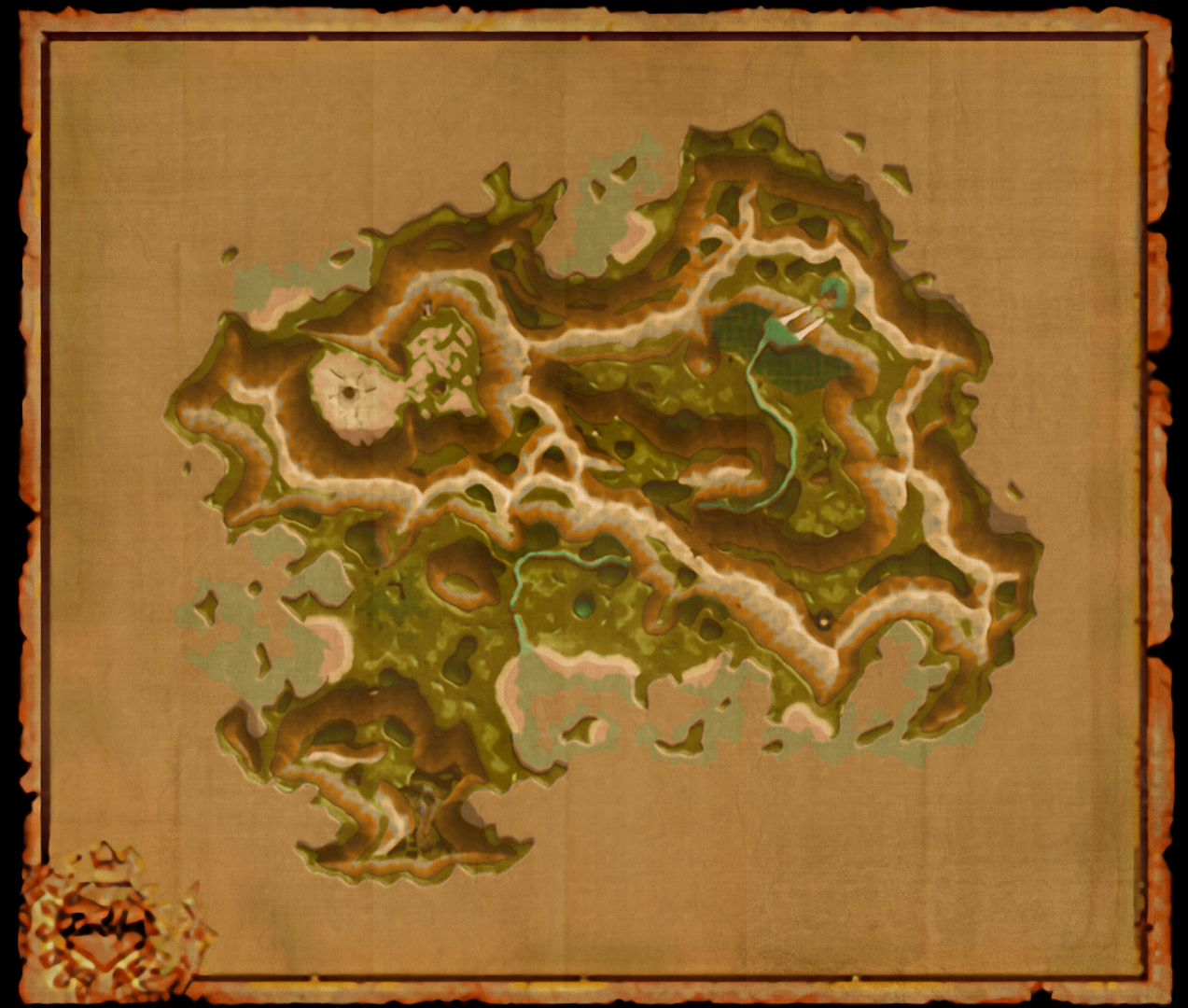
Xgz09s3.png
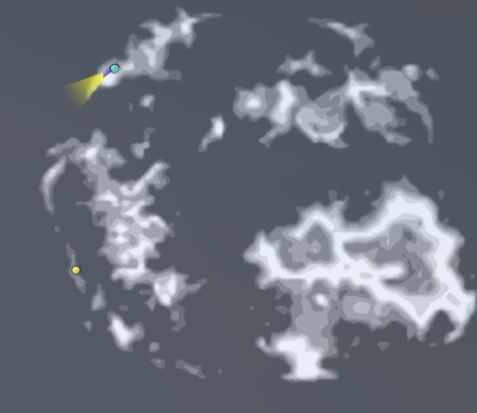
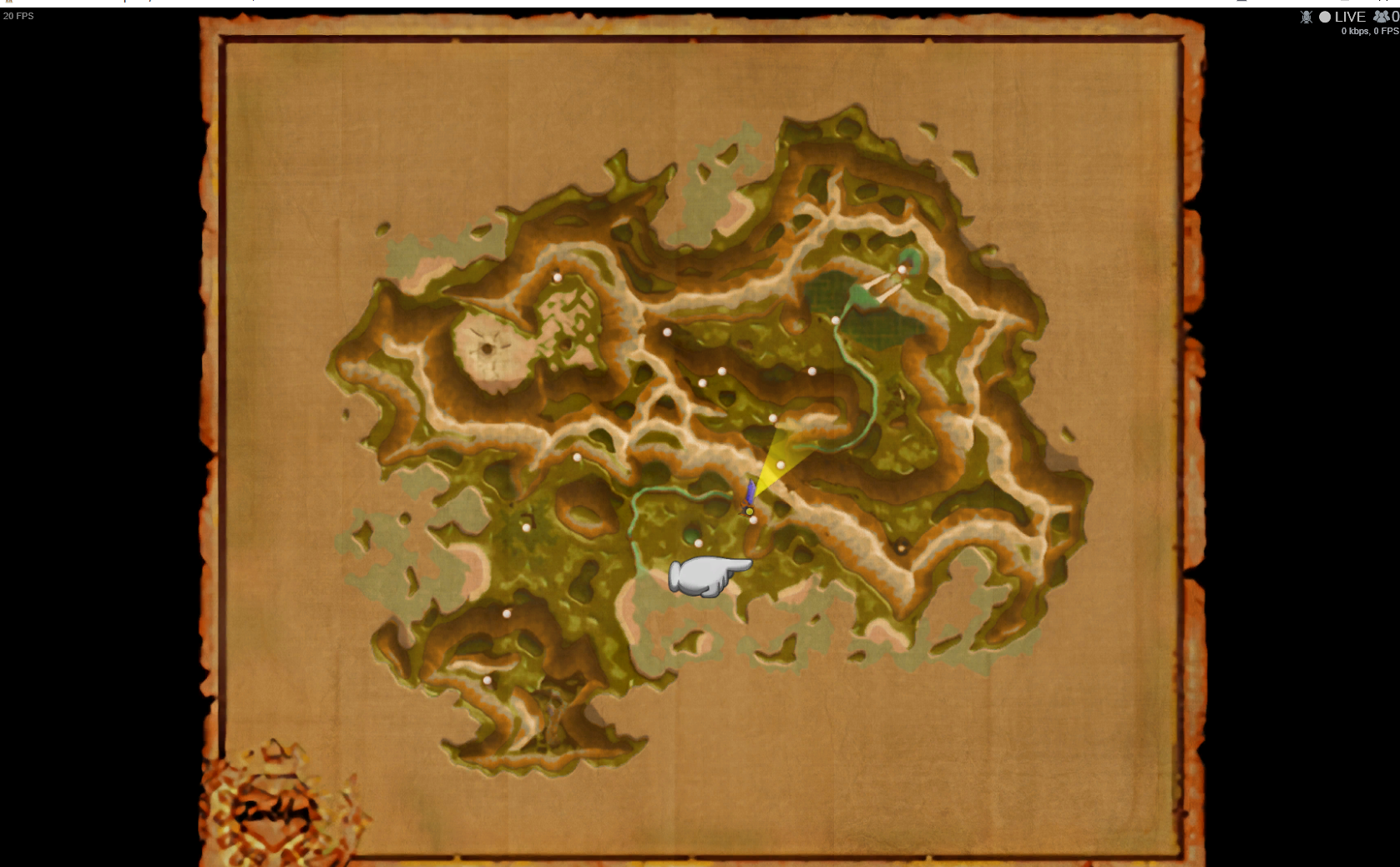
FFIX-00350-Mist-Continent-Burmecia-Map.png
<--- old

B2p5eIT.jpg


y5y1nR9.png
tRL9Kpm.png
<--- old

Pq6cLuw.jpg


Borders around portraits:
OXSfUUq.jpg


- I made the grey bars black.

- I also fixed the misplaced points on both maps.

 - Map points and stuff are sharper
 
Last edited:
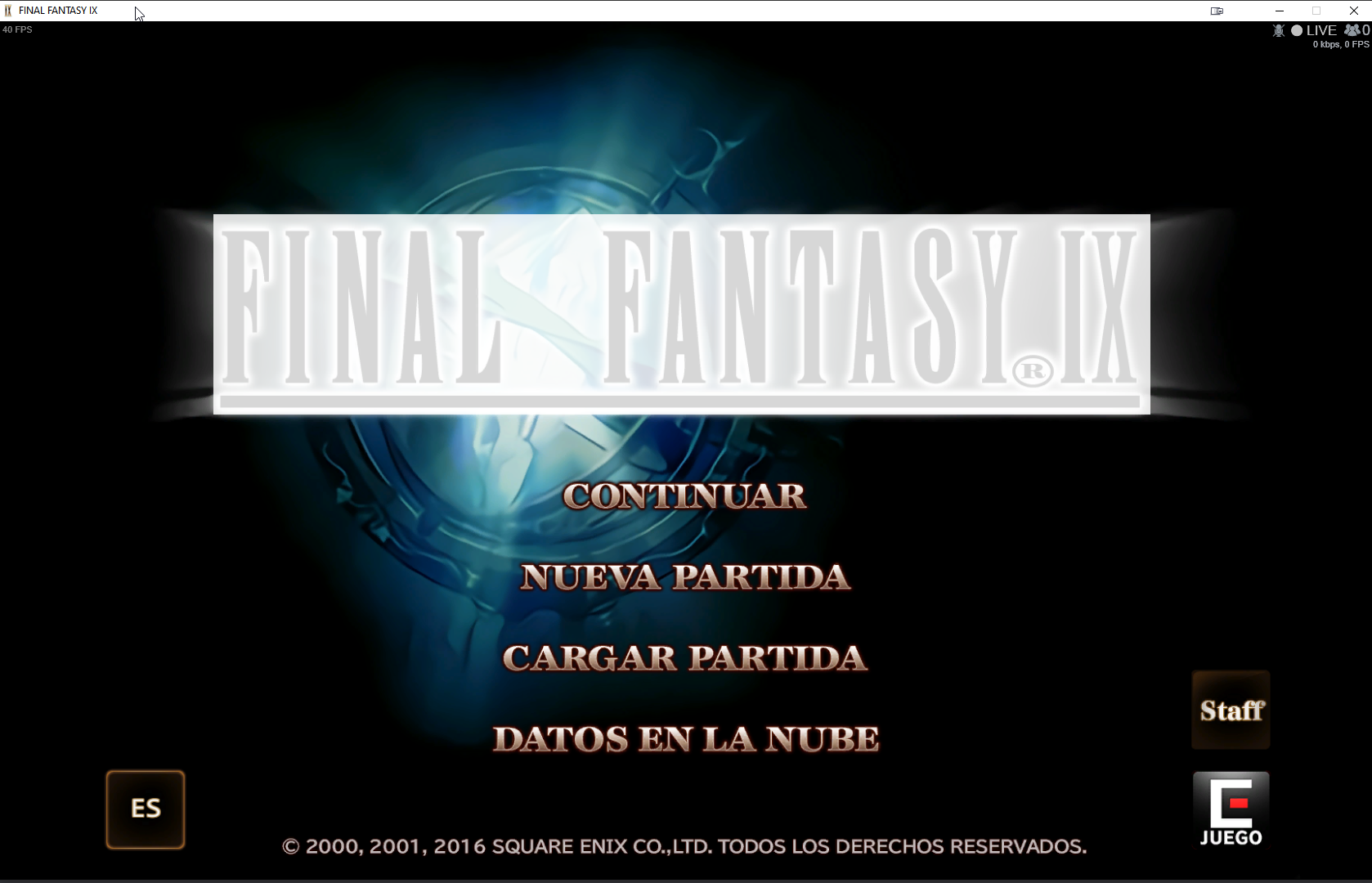
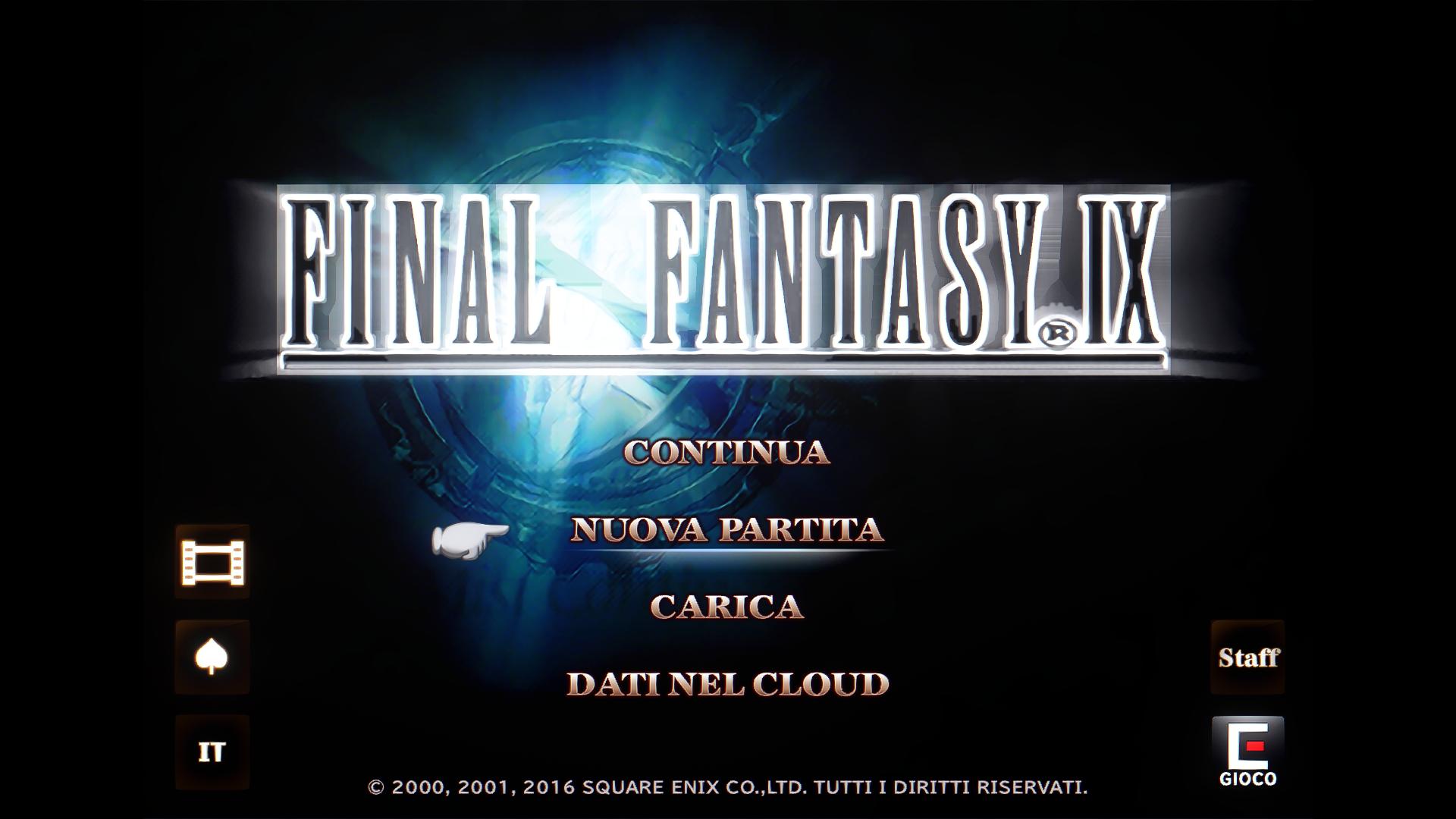
Oh, so I'm not the only one who gets that rectangular transparency glitch on the title screen. I assume it's a Memoria issue?
 
Jesus! You are on fire!!

So far what I see is this in the main menu:

rxGDFaG.png


And the map looks gorgeous, but perhaps some dots are slightly missplaced? Like the South Gate one. It is in the yellow dot, not in the white dot where it's currently... but I guess that's close enough lol

YhE1Qdf.png
 
Last edited:
Fantastic job as usual snouz. Here's some minor suggestions for the UI.

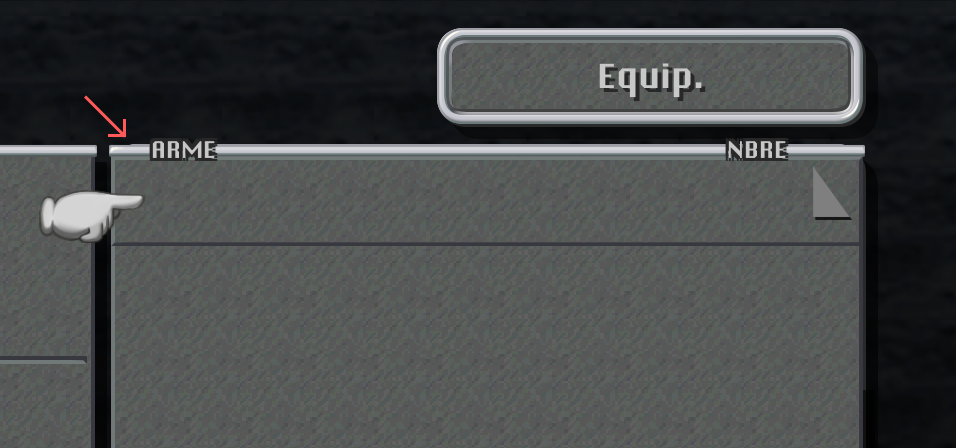
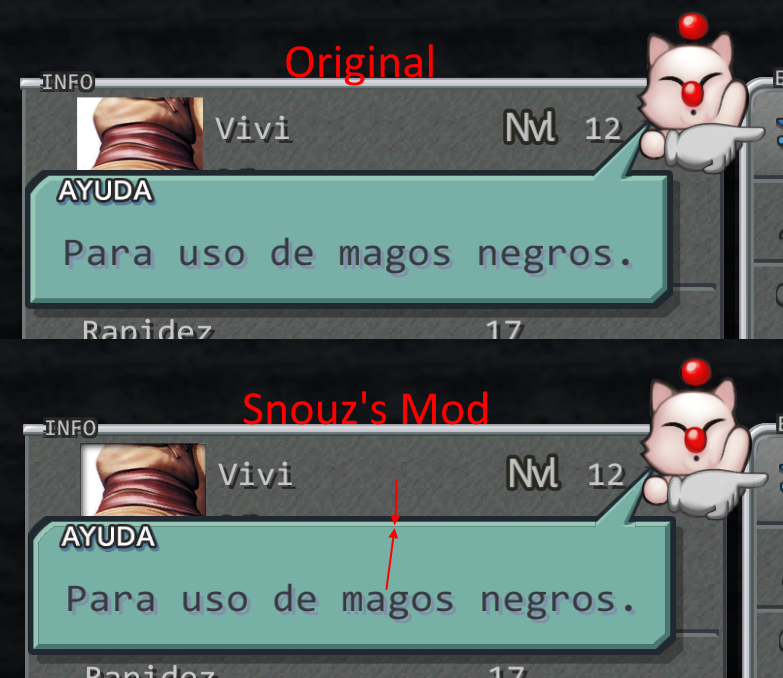
This grey line needs 1 extra pixel in the top to completely cover the underneath box:
yZajFh7.png


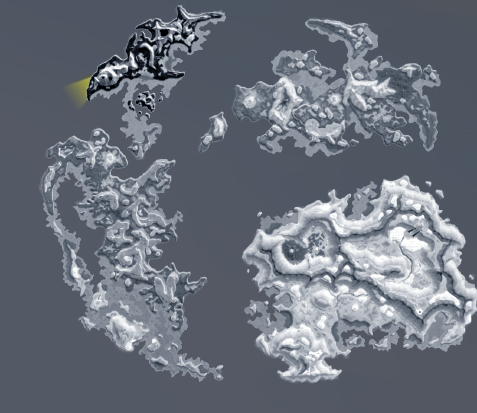
Can you use the full screen wordmap as a reference for the grayscale one ?
However I'm not sure how it'll look in-game but here's the idea:
NyGtAQn.png


And finally, when the interaction bubble appears it is actually black for a few frames so it may be good idea to replace the black bubbles for the white ones.
 
Could you please make all the menus in the game more compact? The mobile UI is terrible. :(
 
This grey line needs 1 extra pixel in the top to completely cover the underneath box.
That's the default behavior, but I agree that could be a little improvement. :)

Here's another thing:
1q7glaM.png


In your version, there's a very small 1px grey border that I think it's pretty harsh and ugly... maybe you can fix that too.  :D
 
Jesus! You are on fire!!

So far what I see is this in the main menu:

rxGDFaG.png
Yep, can confirm the title menu is only appearing this way with ZePilOt's Moguri mod installed. Fixed it by uninstalling Moguri Mod and then doing a clean installation of FFIX with snouz's files (HD backgrounds, items, NPCs, and this UI mod).

I'm not yet sure if any more bugs are introduced with ZePilOt's Moguri mod and this UI mod installed but I'll report back if I come across any.
 
Here's another thing:

1q7glaM.png
Argh that must be the compression method. He's why it's beta =) Ok I'll test other compressions.

This grey line needs 1 extra pixel in the top to completely cover the underneath box:

yZajFh7.png
Is this a fault in the default UI? I never noticed that

Can you use the full screen wordmap as a reference for the grayscale one ?
However I'm not sure how it'll look in-game but here's the idea:

NyGtAQn.png
I'll try that!

And finally, when the interaction bubble appears it is actually black for a few frames so it may be good idea to replace the black bubbles for the white ones.
I'm sorry I don't know what you're referring to. I just checked, you talk about the "!" bubble? It's white all the time for me.

So far what I see is this in the main menu:

rxGDFaG.png
So apparently it's a moguri install issue. I guess you need to uninstall it first. I know the recent steam update (that literally removed the game) broke moguri and forced people to reinstall it.
And the map looks gorgeous, but perhaps some dots are slightly missplaced? Like the South Gate one. It is in the yellow dot, not in the white dot where it's currently... but I guess that's close enough lol

YhE1Qdf.png
I know but I have no power on the dots, only the picture. I took 4 points as reference: treno, lindblum, alexandria and blumecia. I could maybe warp the map, but that's low priority.

Could you please make all the menus in the game more compact? The mobile UI is terrible. :(
It's much more complex than it looks. There's a mod by TehMighty for that, but as we talked about in the main thread, it's still filled with deal-breaking issues...
 
So apparently it's a moguri install issue. I guess you need to uninstall it first. I know the recent steam update (that literally removed the game) broke moguri and forced people to reinstall it.
My Moguri install is clean. I installed the game after I heard the news about SE botching the update and it picked my interest. My FFIX + Moguri installation dates from the 2020/04/21,

I know but I have no power on the dots, only the picture. I took 4 points as reference: treno, lindblum, alexandria and blumecia. I could maybe warp the map, but that's low priority.
Yeah, don't do that. The dots are close enough. :)
 
snouz, your work is impressive! I like your FF9 mods.

So far what I see is this in the main menu:


rxGDFaG.png
It's Memoria bug. Try this. I was extract the texture title_bg.tex from the UI Stuff BETA V1 mod and convert it to png.
 
I wonder why it's doing that. We'll test further with zePilot when we package everything with memoria.
 
Are you guys experiencing name doubling?  Like, ZidaneZidane, SteinerSteiner, etc.
 
Ok my head hurts after trying to get rid of those outlines around UI elements (like bubble borders)
I've tried every available setting for import. If I find the reason for those black outlines, it will help those on battle backgrounds too.
 
Are you guys experiencing name doubling?  Like, ZidaneZidane, SteinerSteiner, etc.
That happens when you return to vanilla from a Memoria-modded version. It's a known issue, albeit not one they intend to fix.

https://github.com/Albeoris/Memoria/issues/83

I'm undecided if I want to start my playthrough with or without Memoria installed. It has some neat features, but also introduces a number of issues, such as being chained to it going forward, due to the messed up names.
 
That happens when you return to vanilla from a Memoria-modded version. It's a known issue, albeit not one they intend to fix.

https://github.com/Albeoris/Memoria/issues/83
I'm undecided if I want to start my playthrough with or without Memoria installed. It has some neat features, but also introduces a number of issues, such as being chained to it going forward, due to the messed up names.
There's a mod that can fix your save, that's what I did.
------------>  https://www.ff7catalog.com/threads/7672/ (it's called memoria but it's another tool)

I found the fix for the black borders and am uploading it.
 
Status
Not open for further replies.
Back
Top