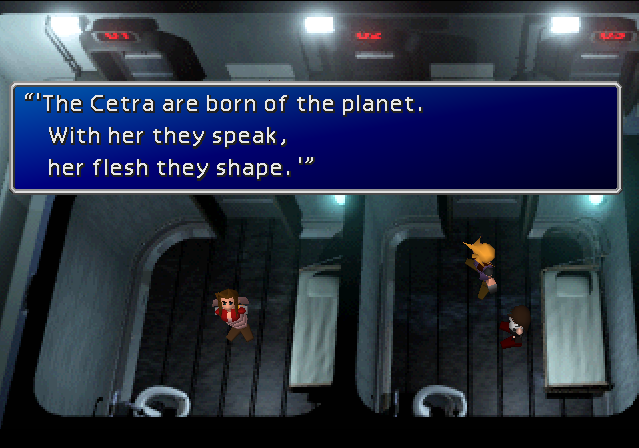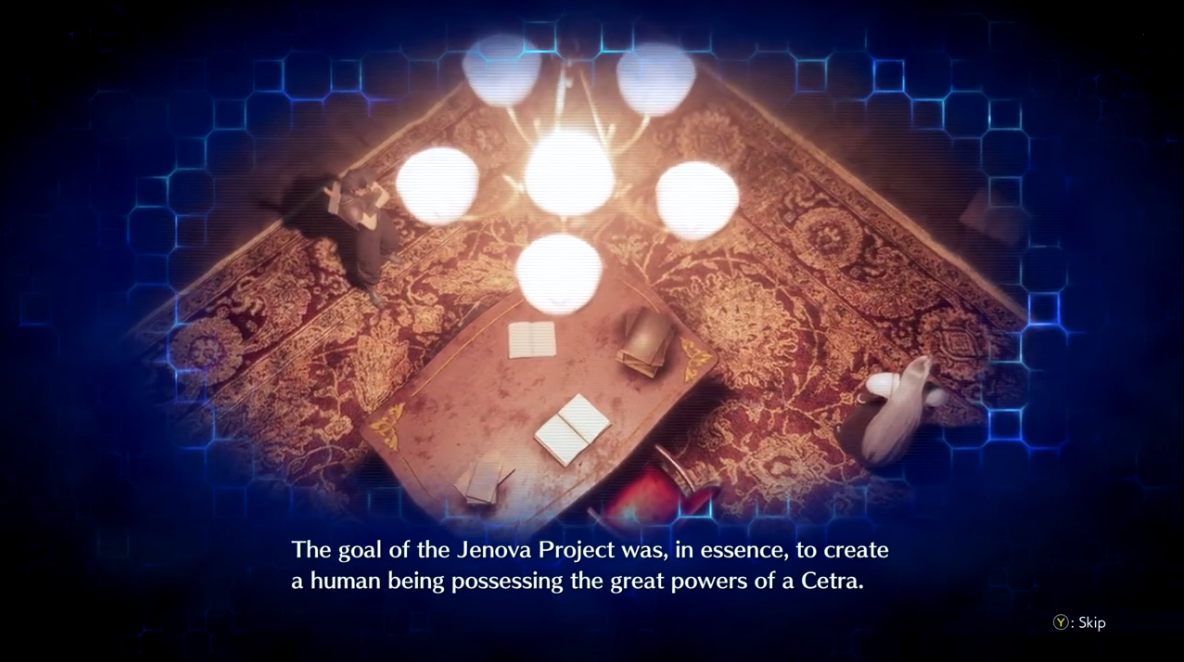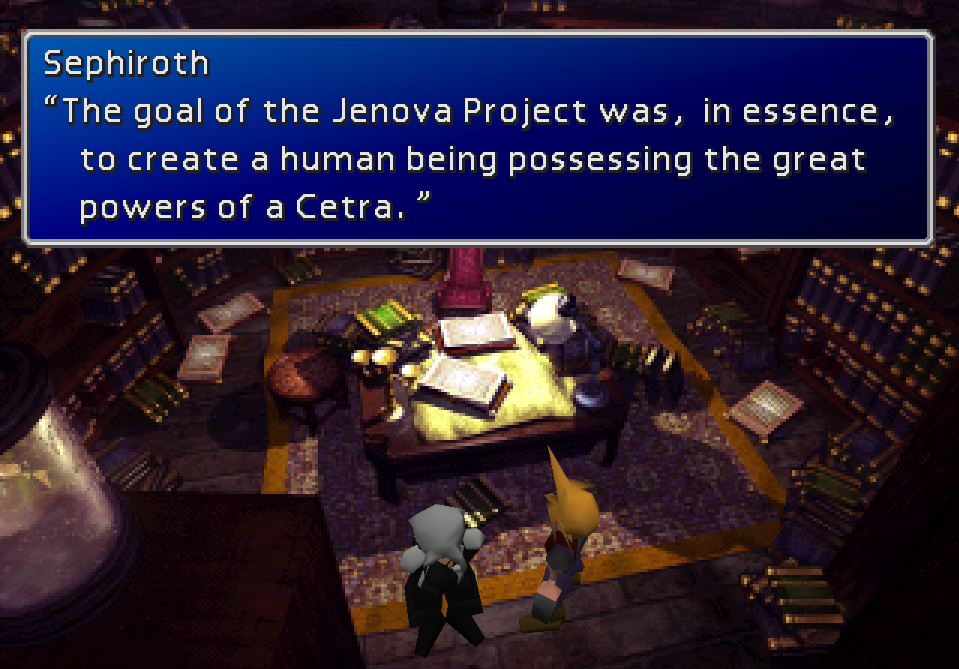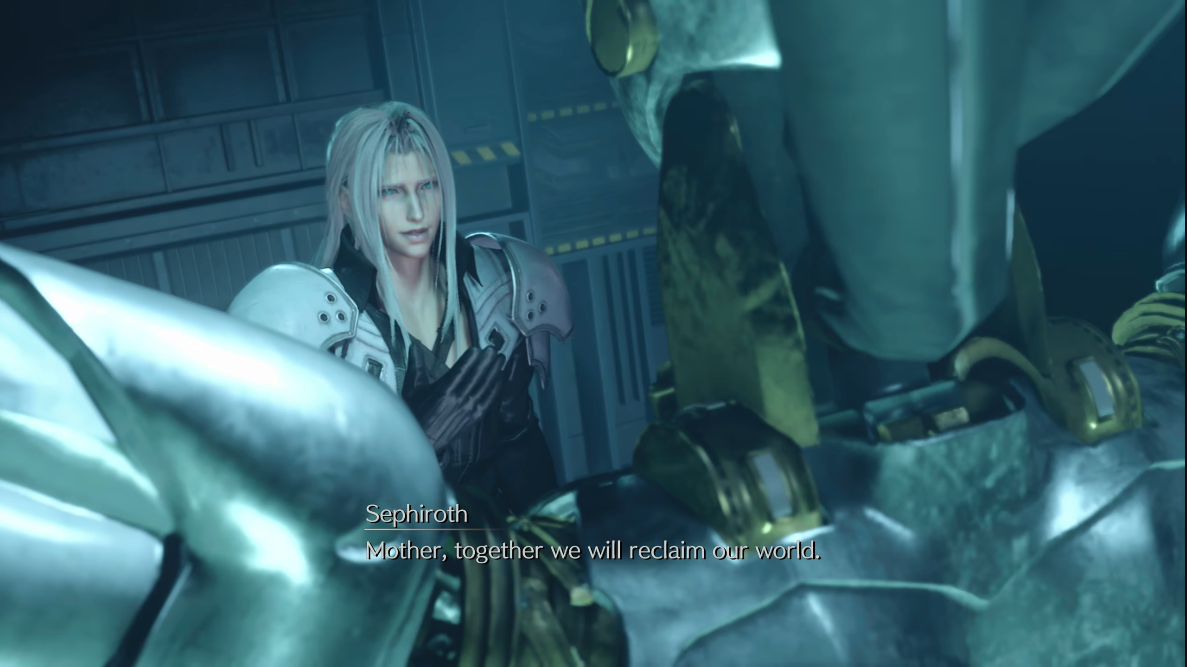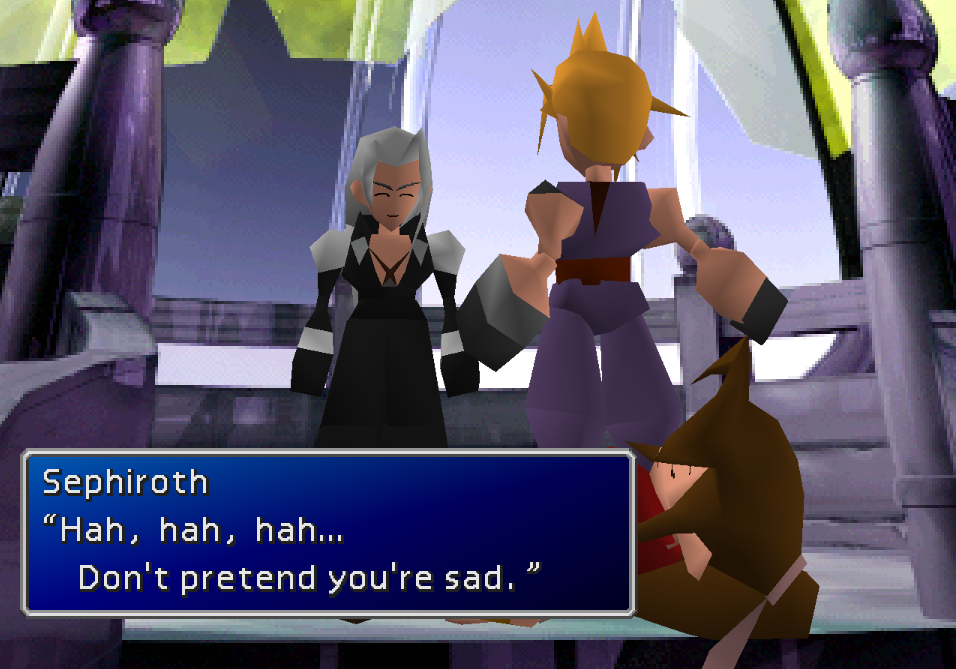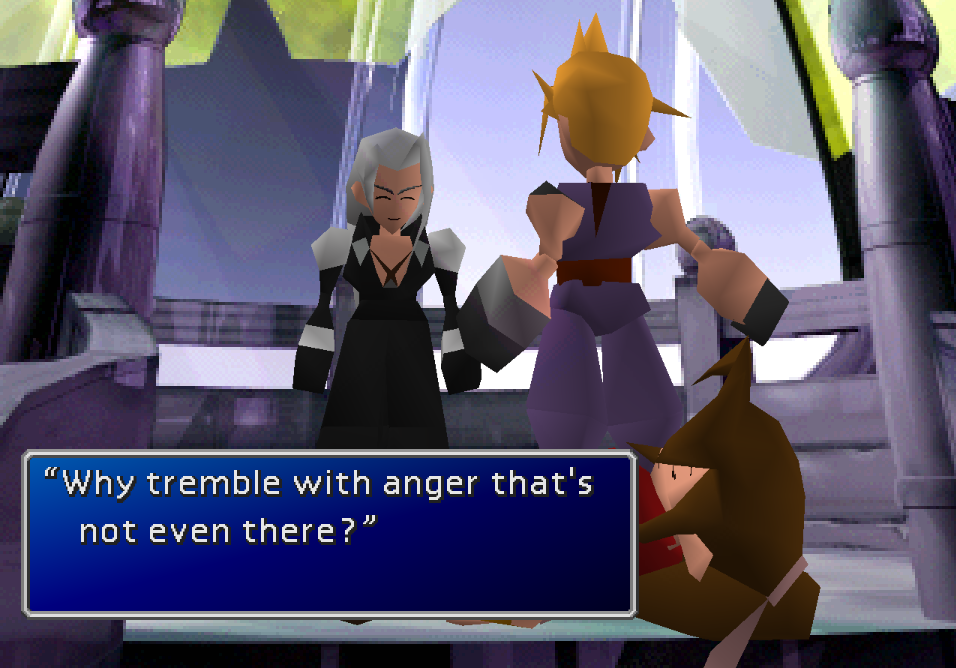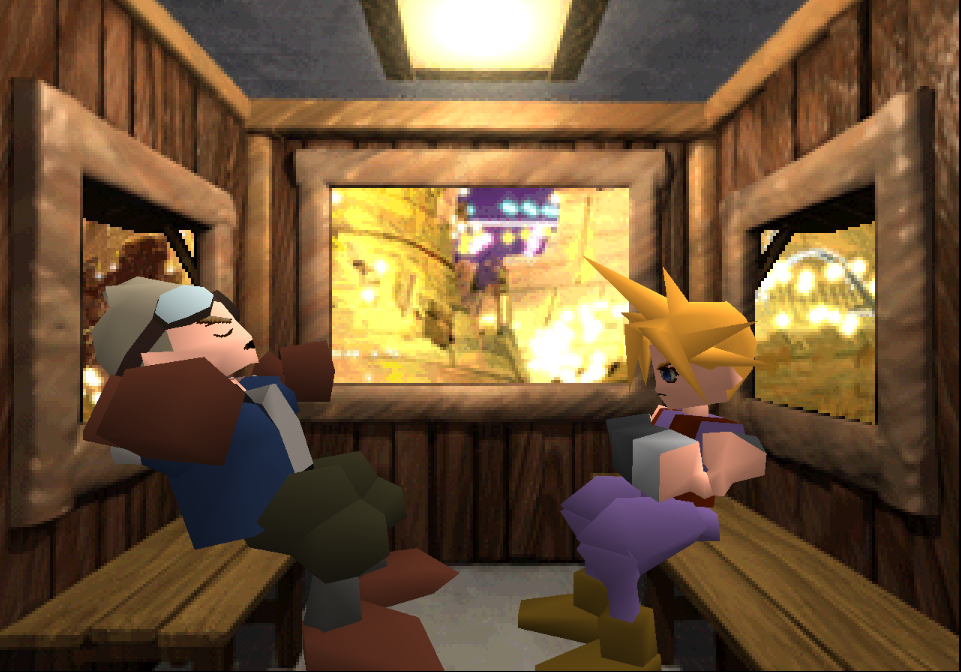
FFVII: Shinra Archaeology Cut

  • Thread starter Thread starter Thestrifeisrife
  • Start date Start date
Status
Not open for further replies.
sLiuh1C.png
About the Mod

This mod for Final Fantasy VII has been created to accomplish two things:

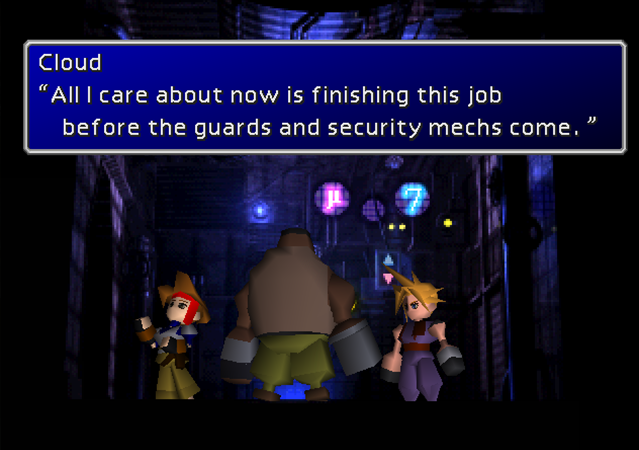
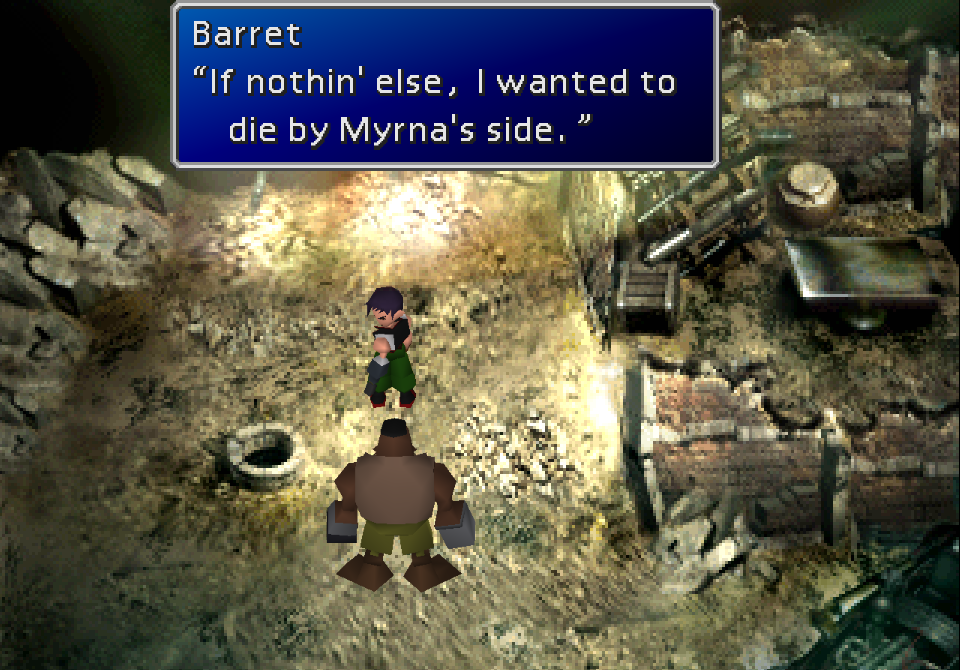
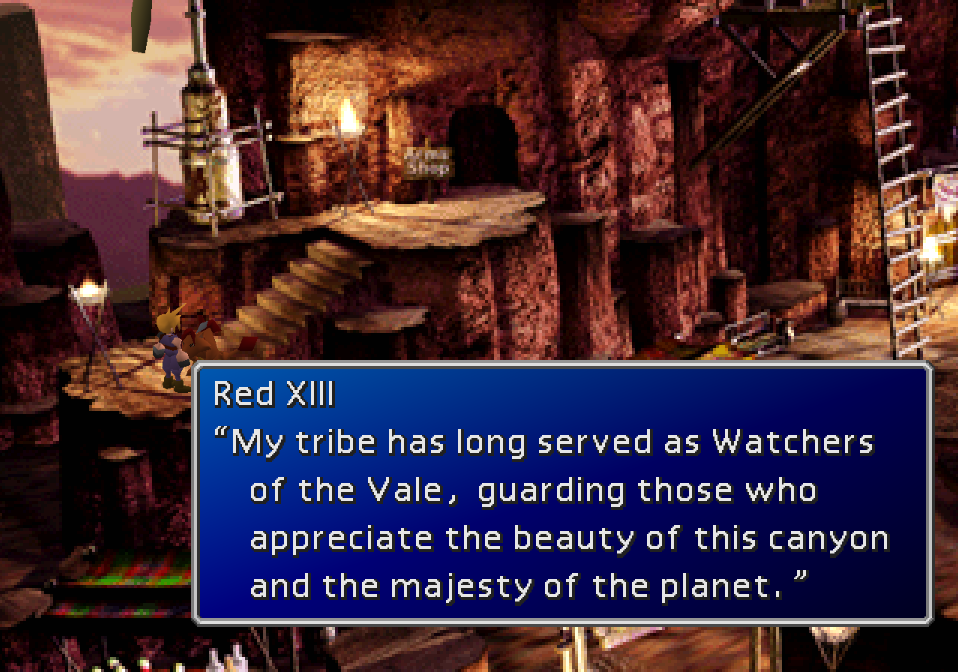
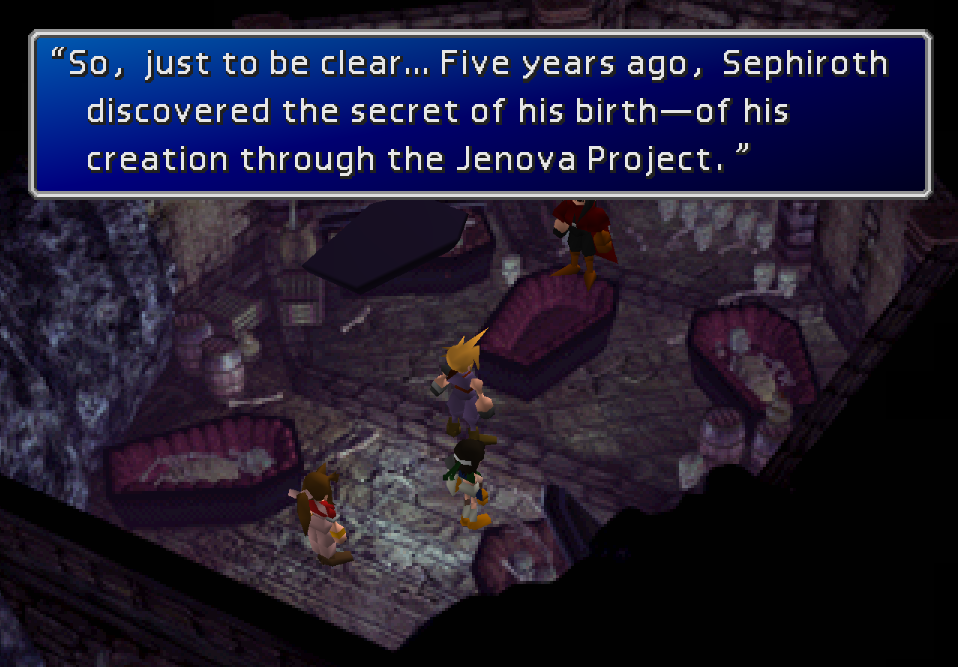
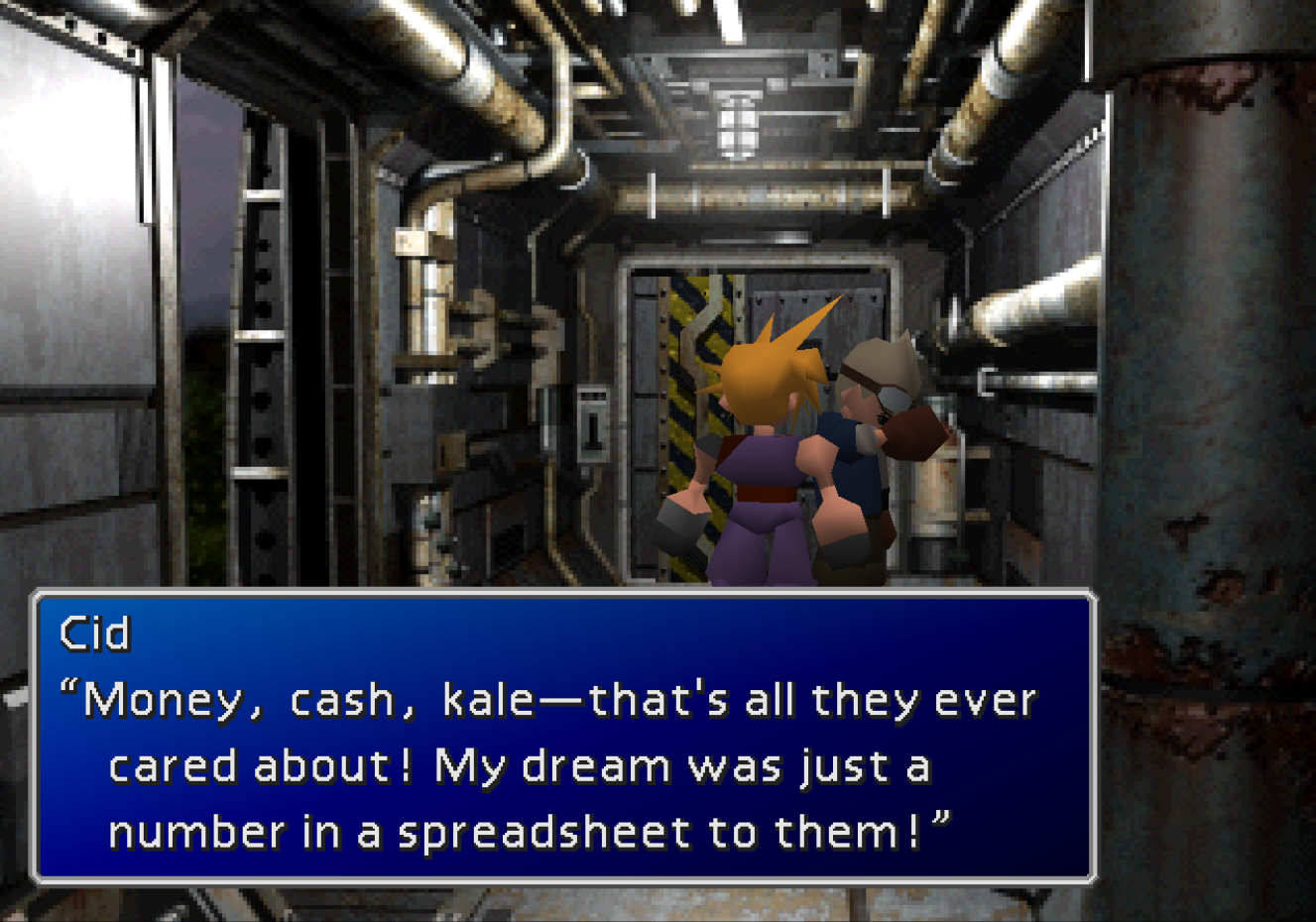
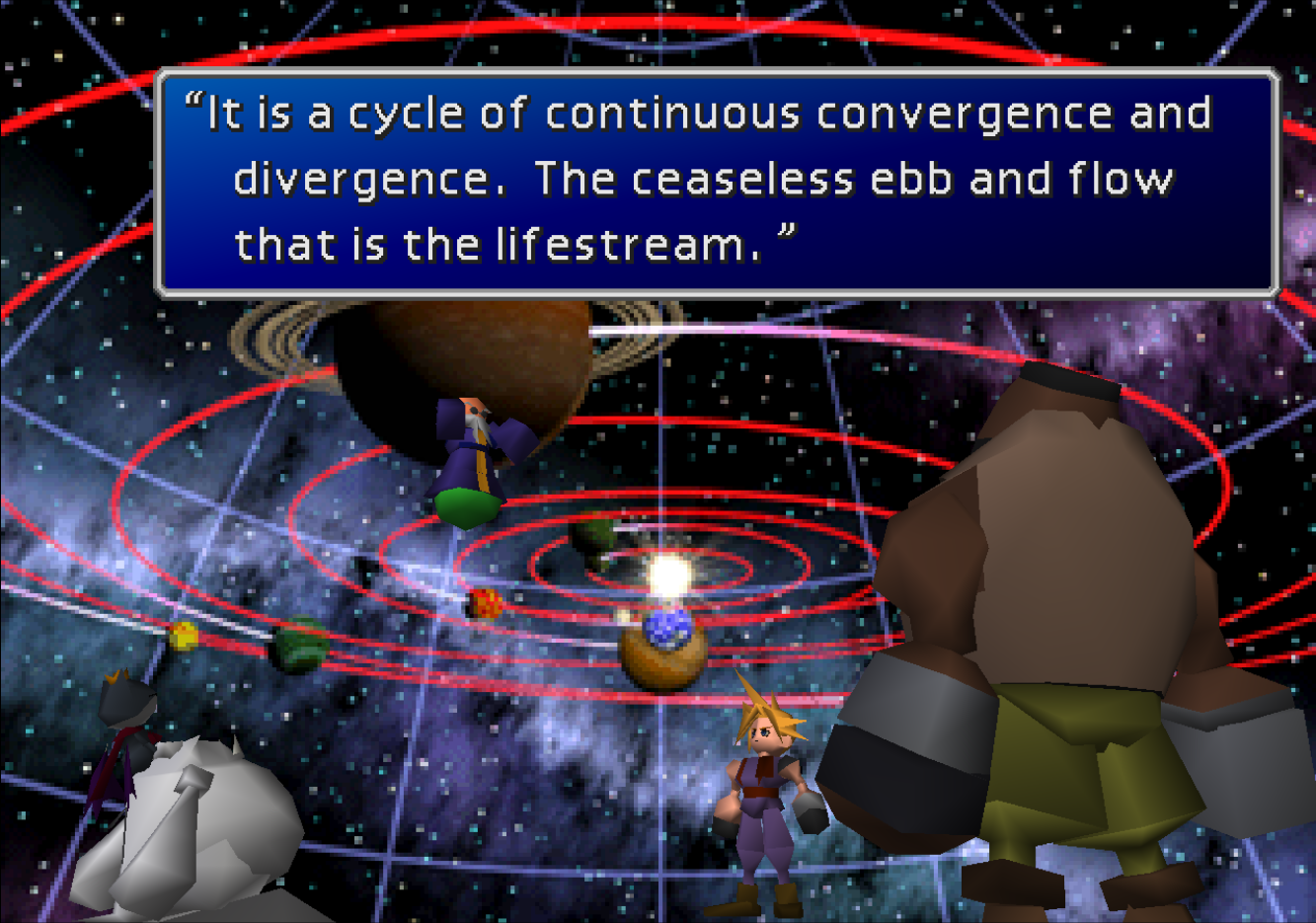
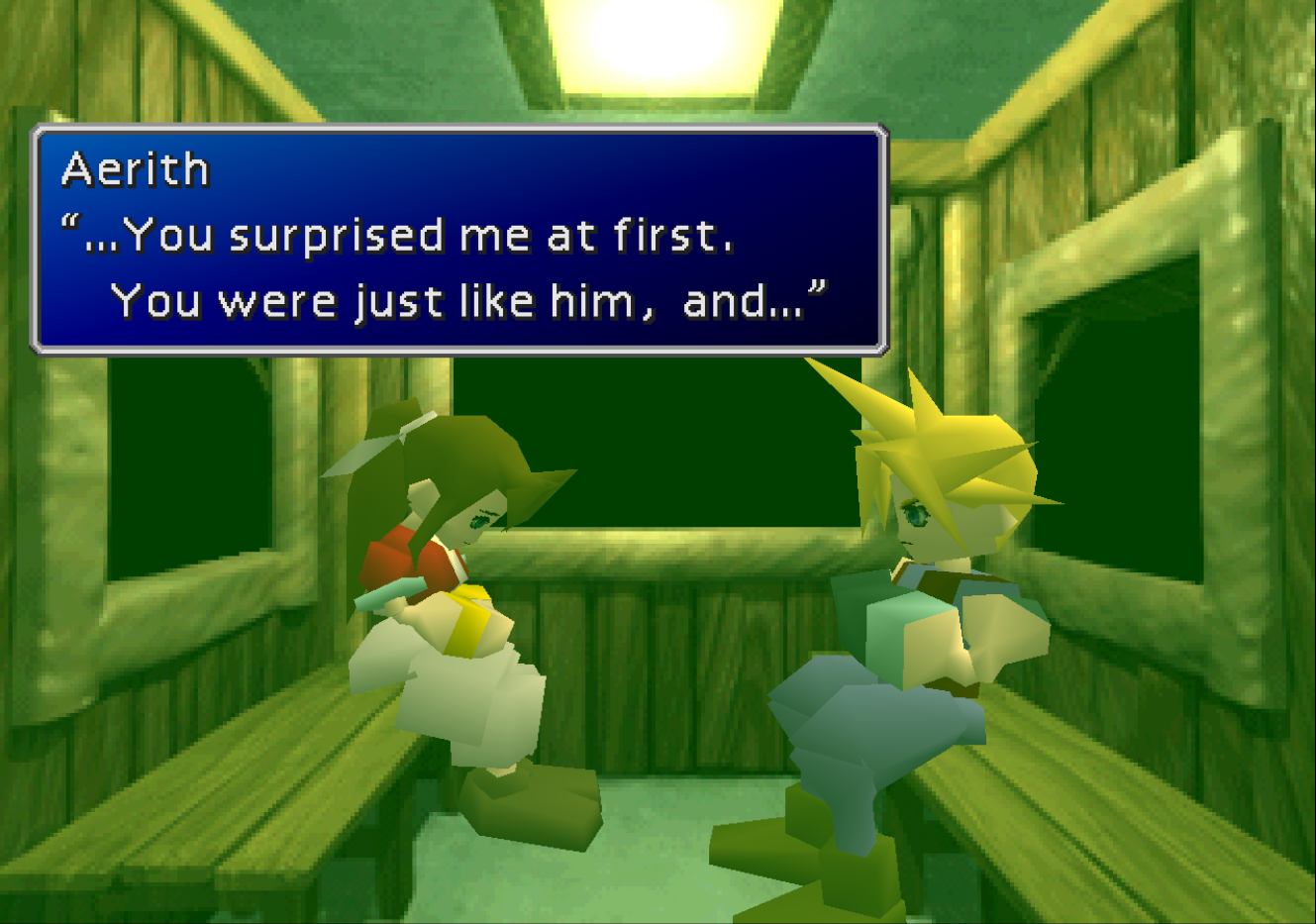
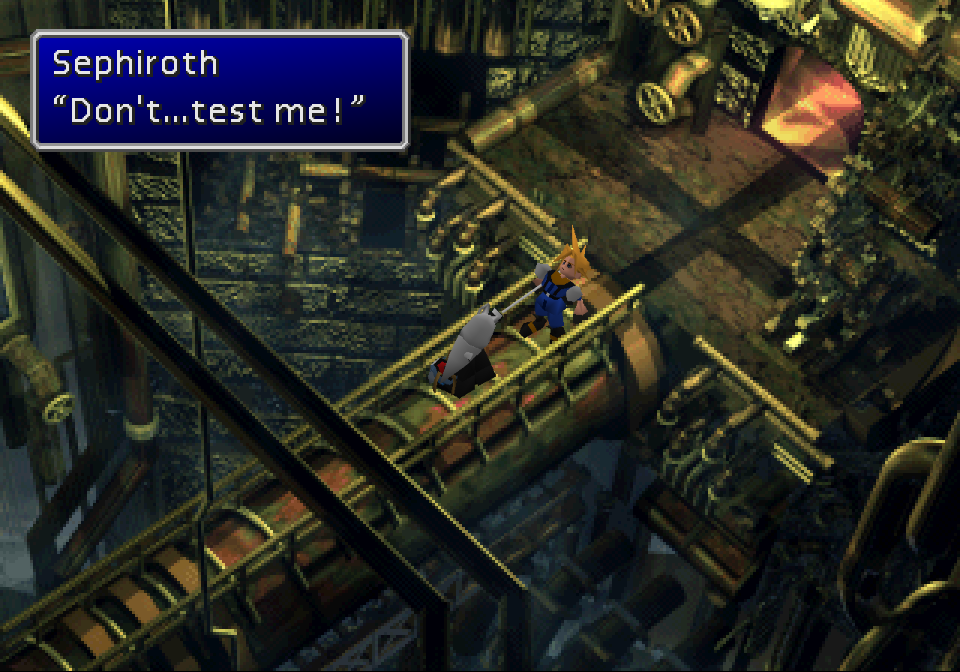
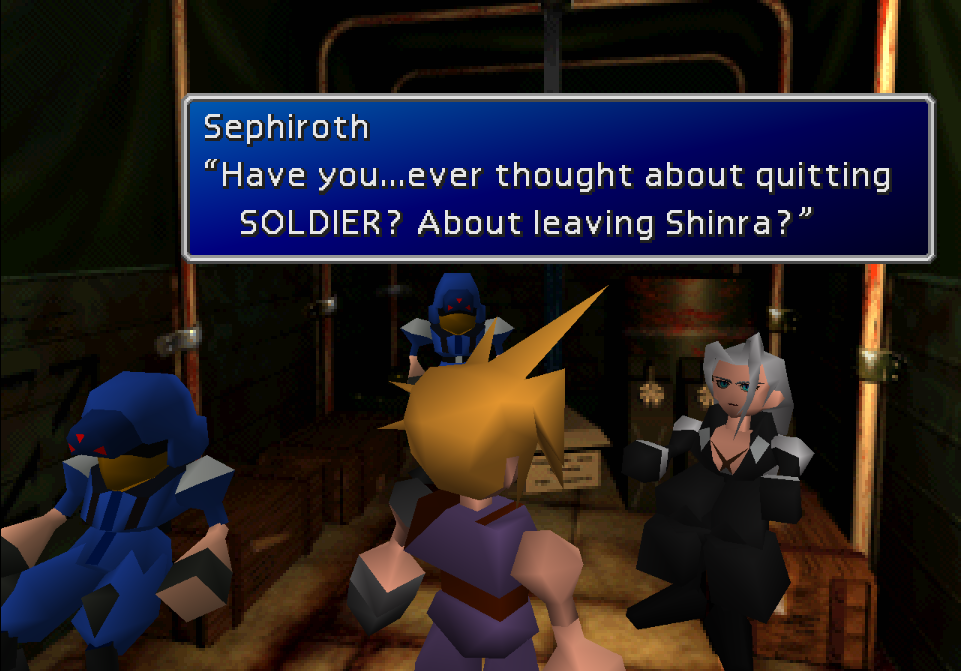
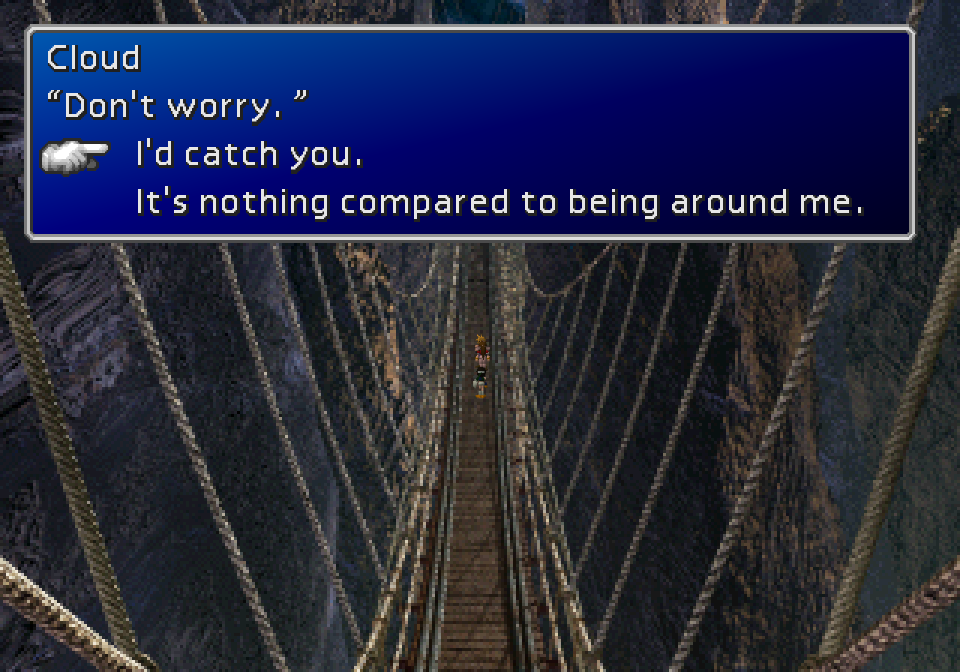
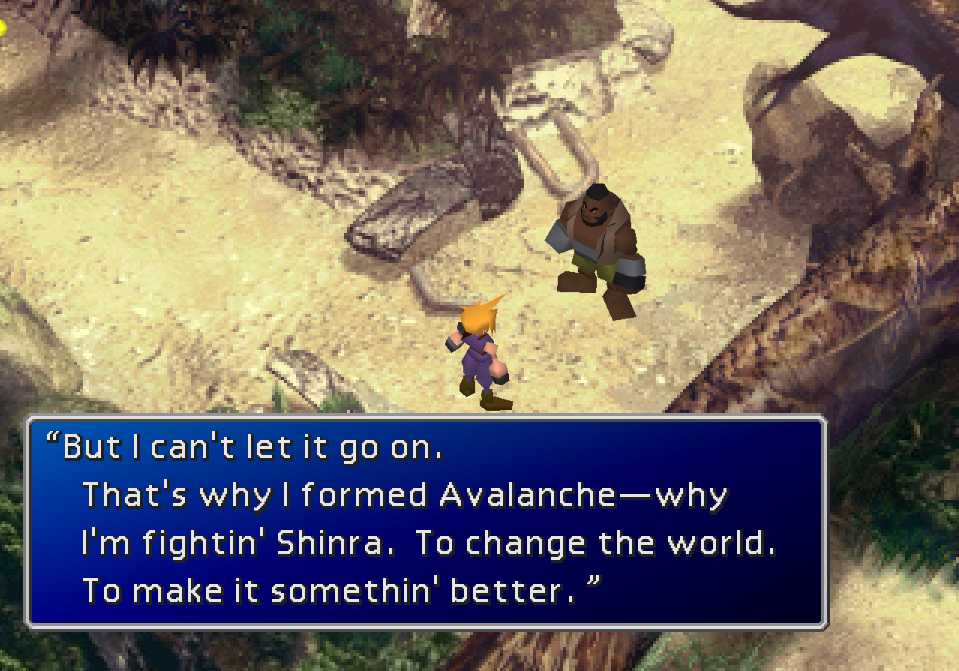
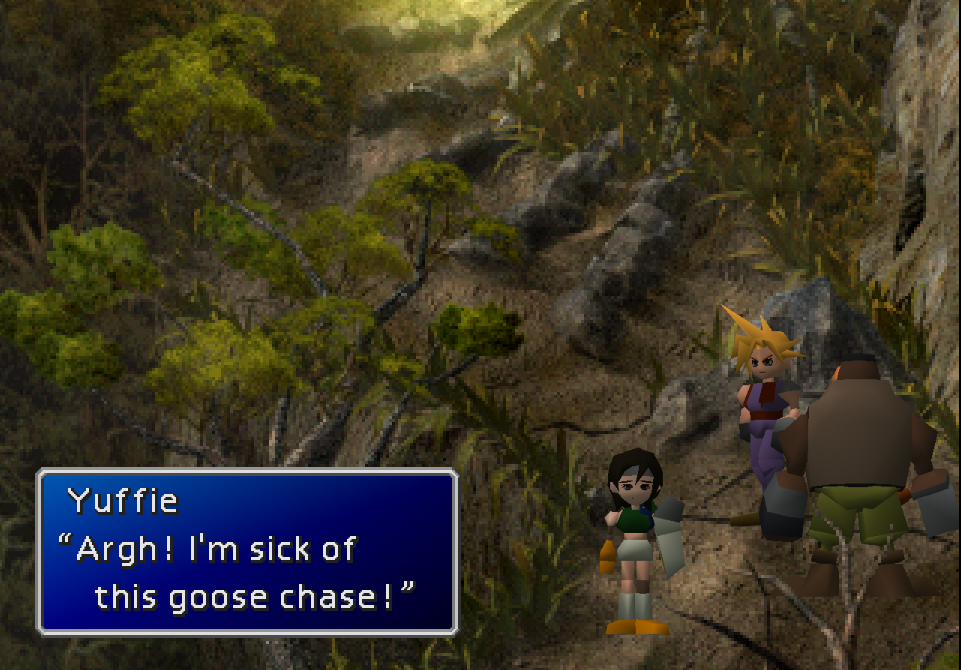
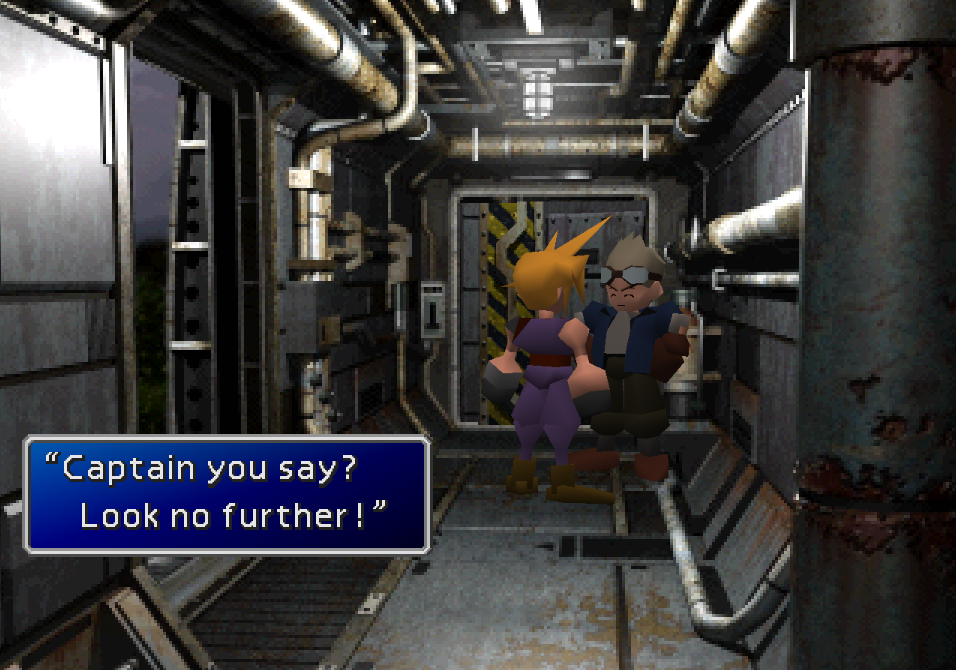
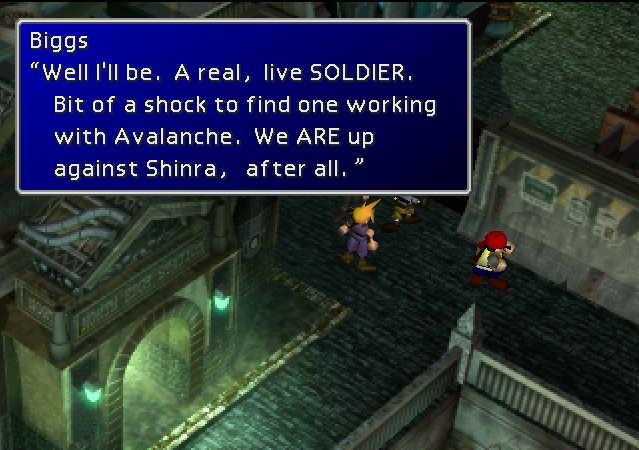
First, it offers a full retranslation of the game's text that fixes mistakes in the original English translation; improves tonal accuracy using idiomatic language; and conforms to the localization choices of the Compilation and Remake trilogy where applicable to ensure continuity through the Final Fantasy VII series. The goal of this retranslation is to give English players a narrative experience and foundation of lore that is as close as possible to that of Japanese-speaking players.

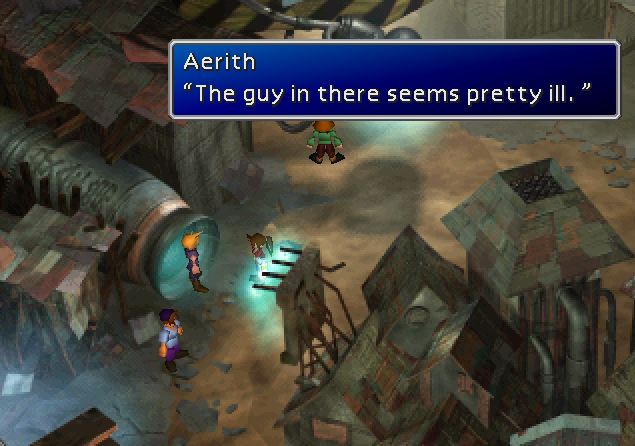
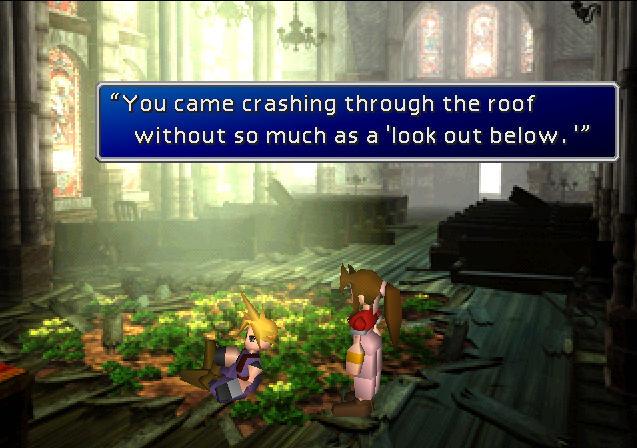
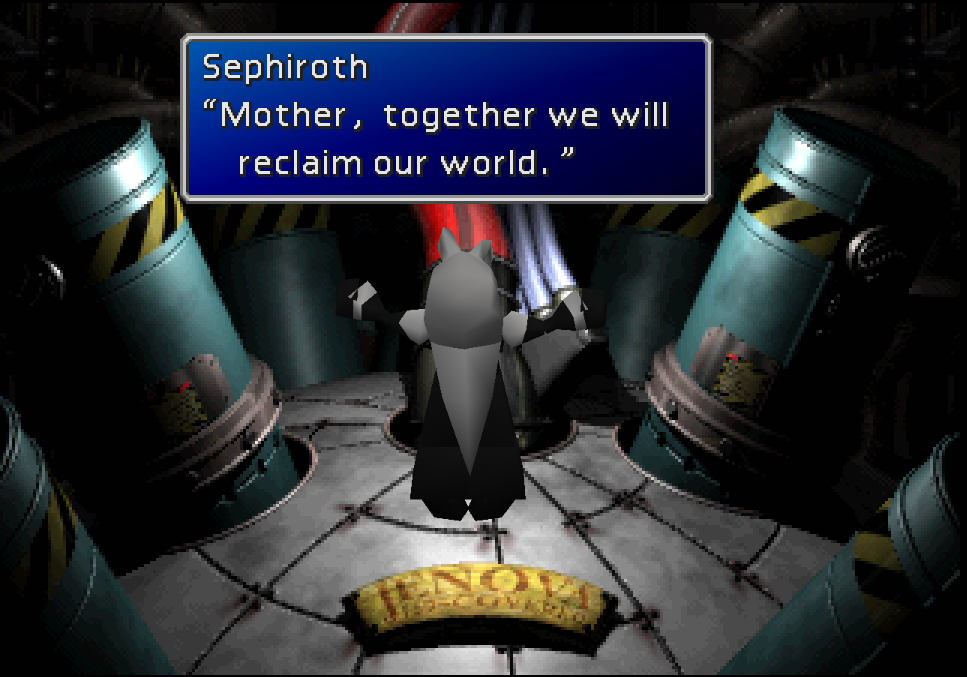
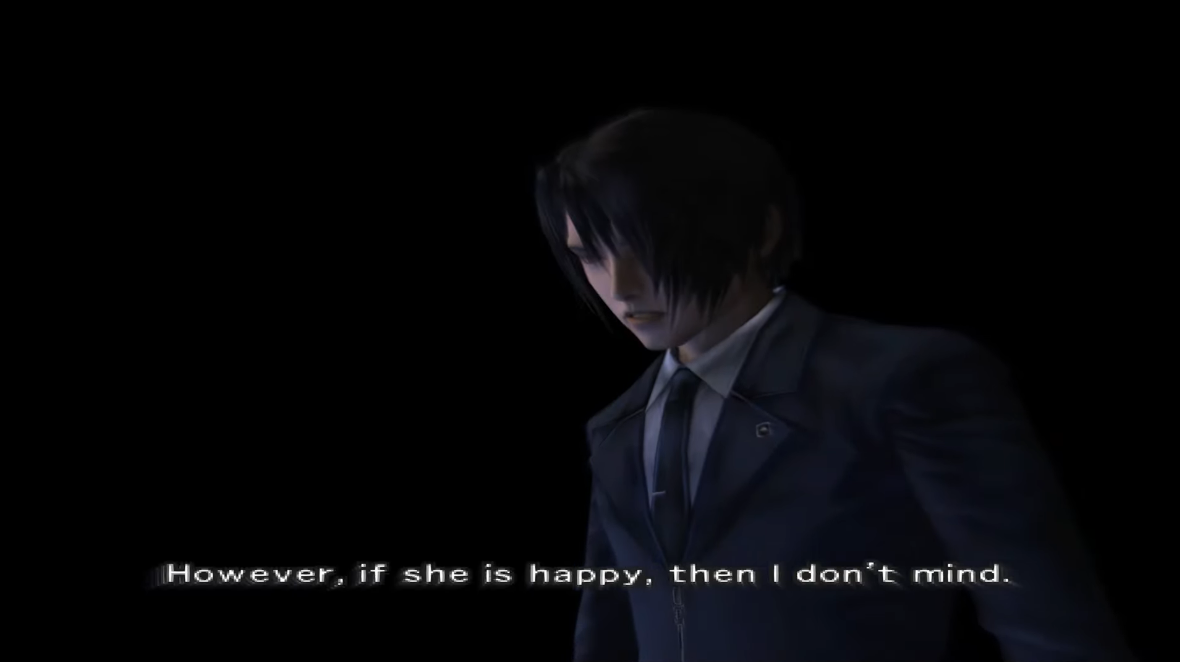
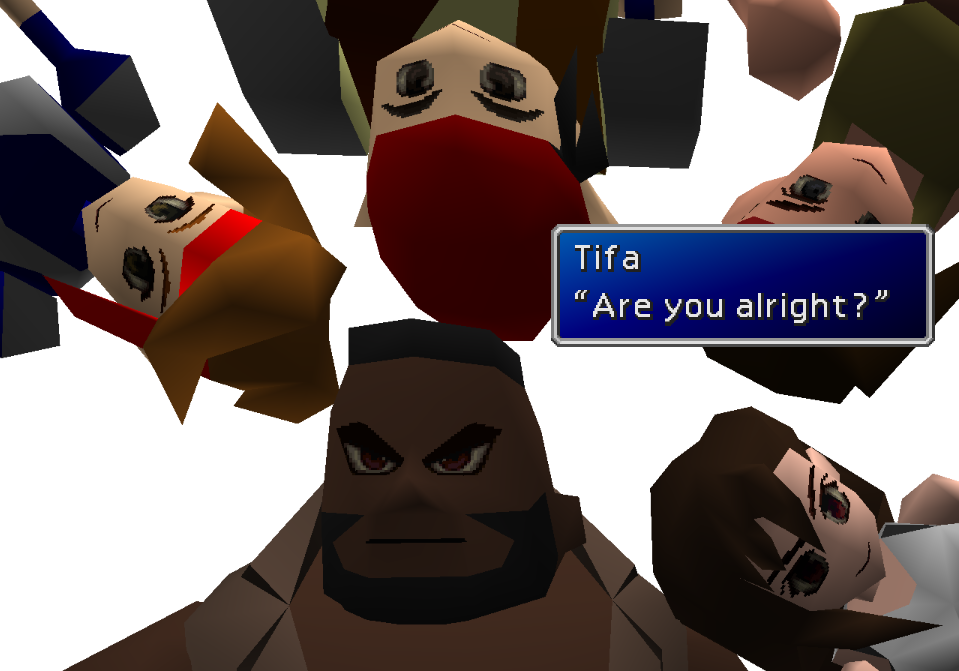
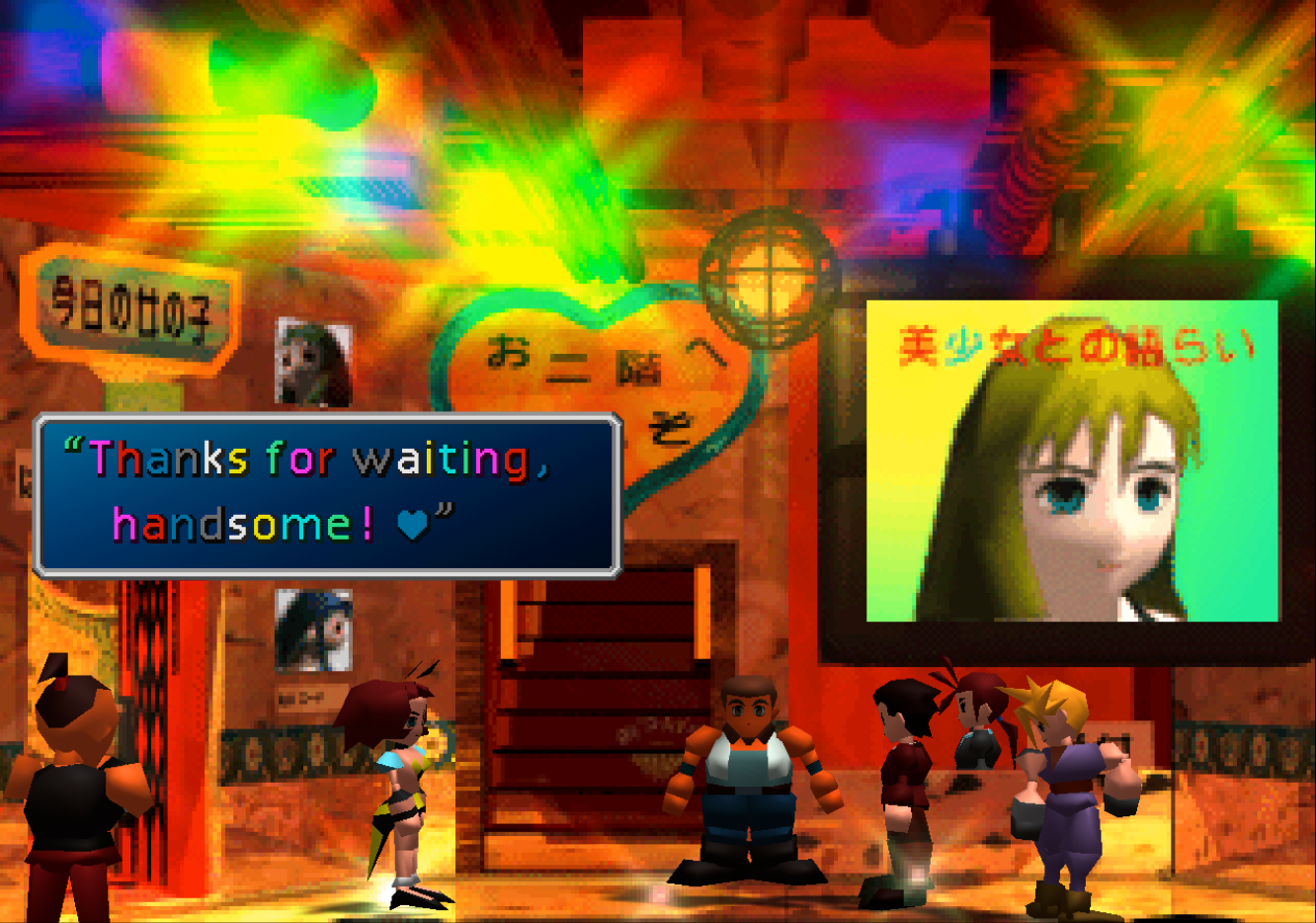
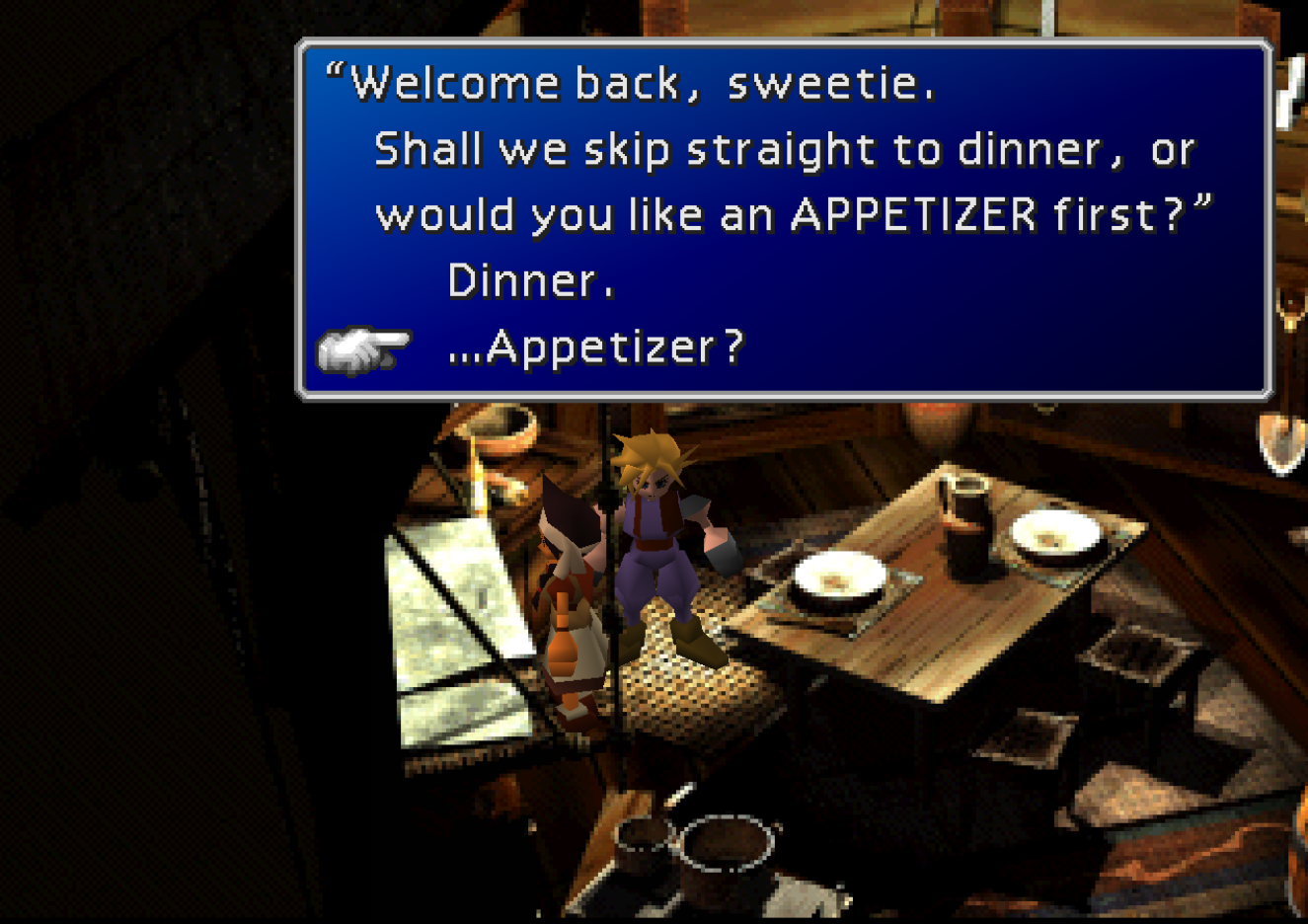
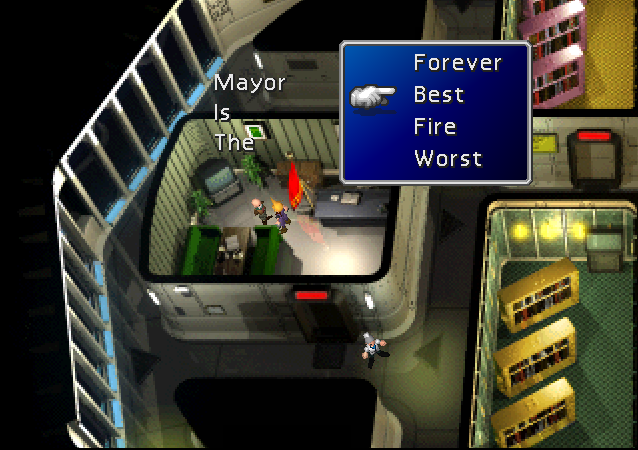
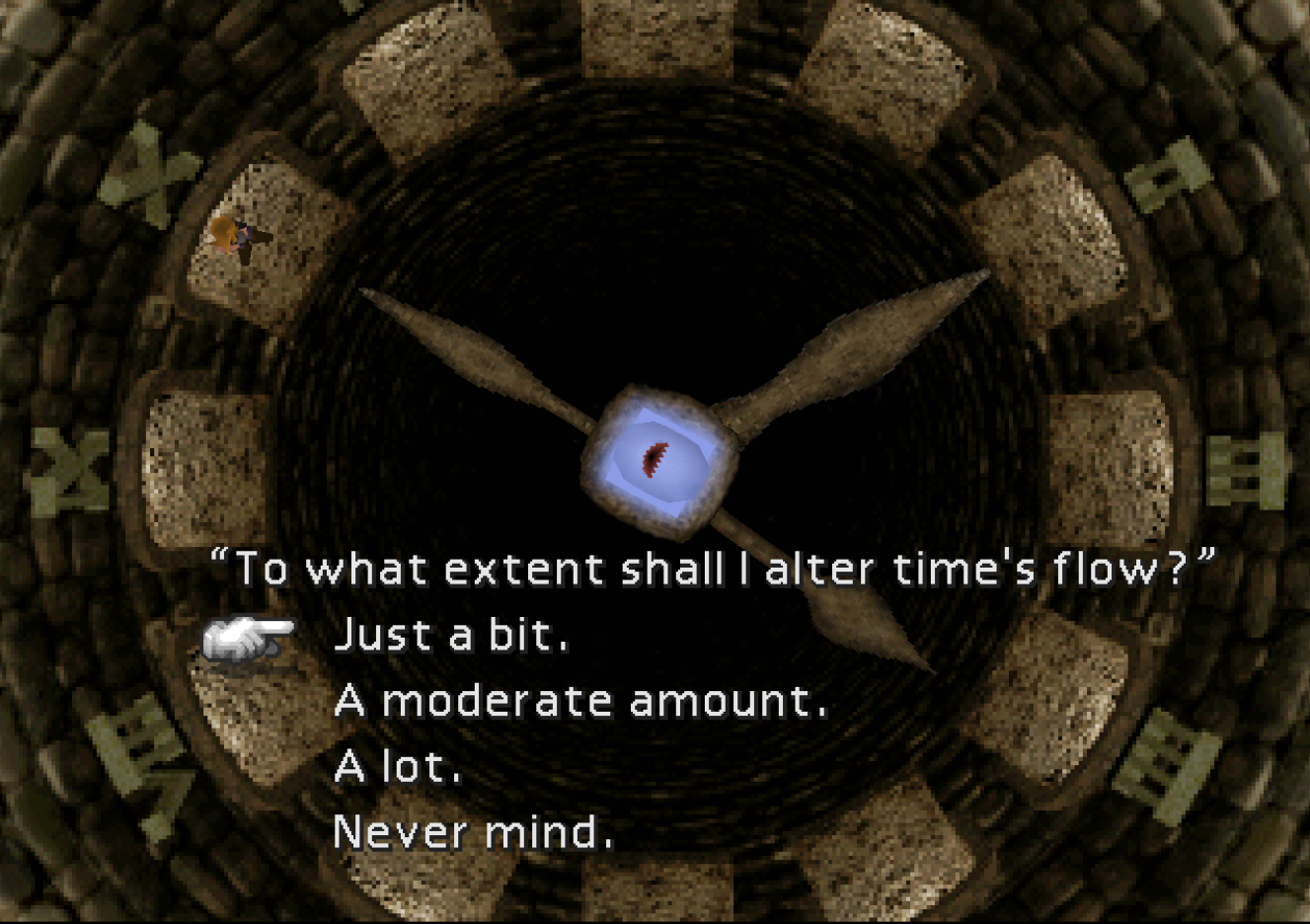
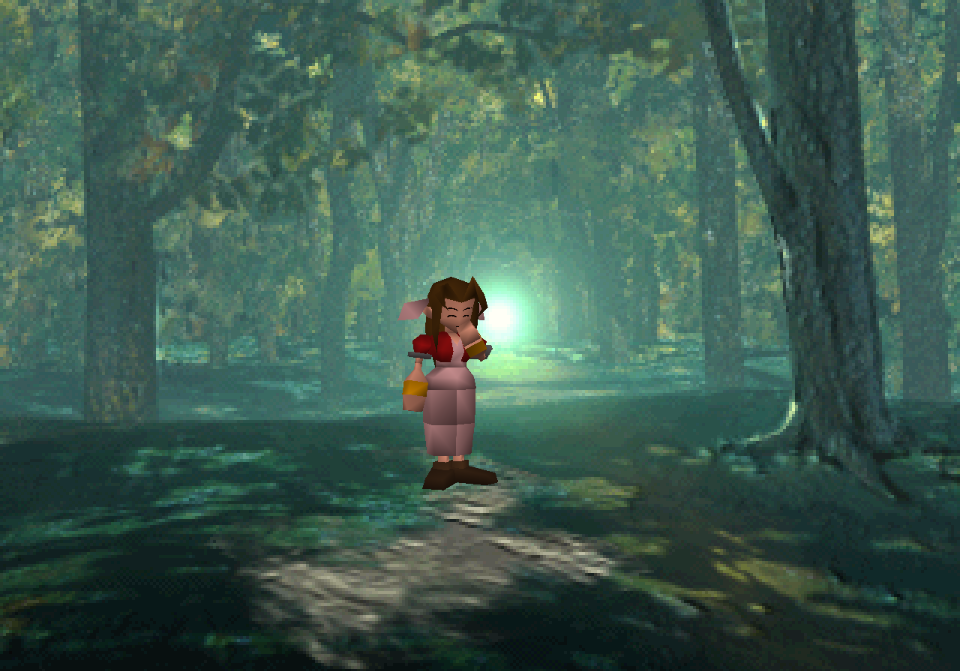
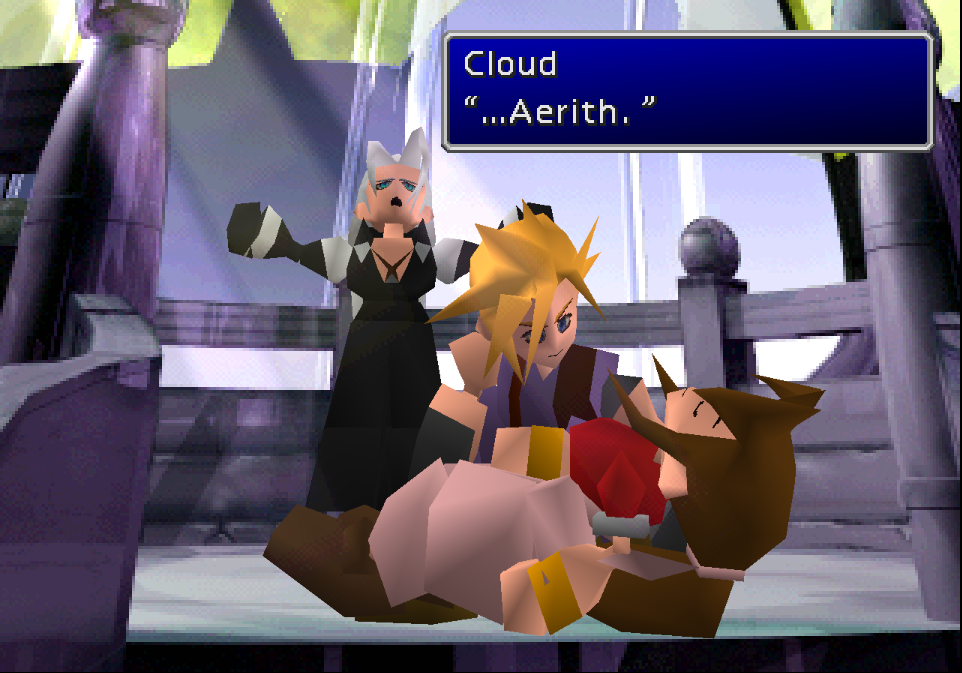
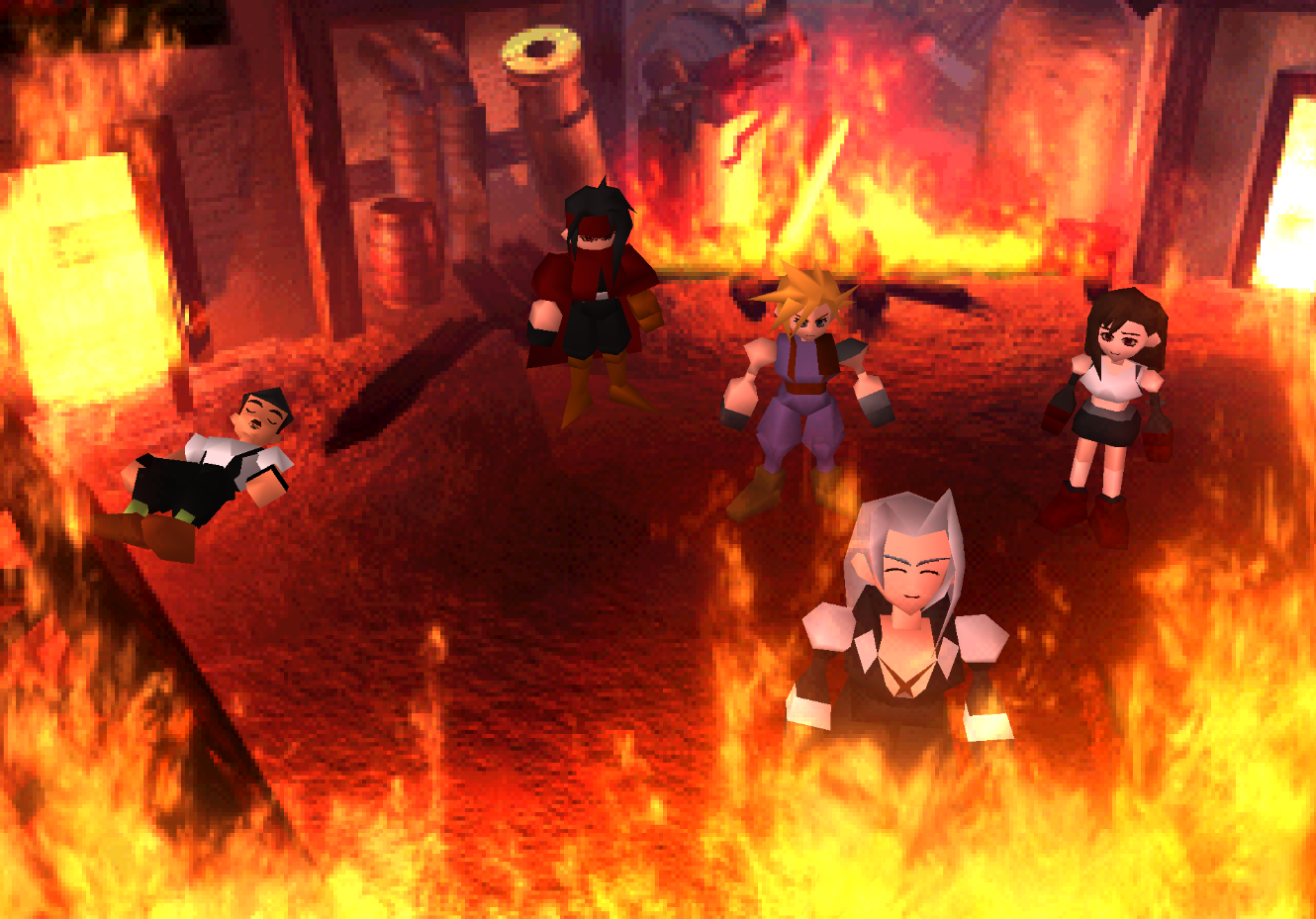
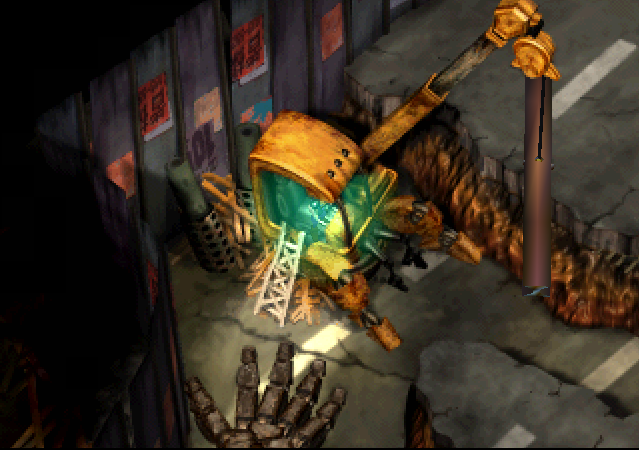
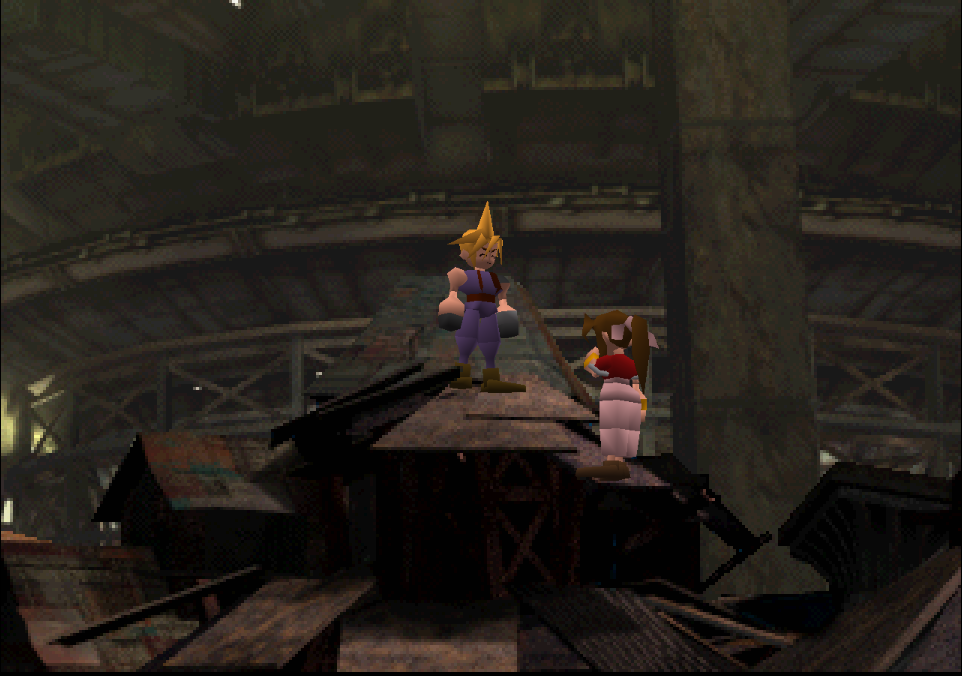
Second, and optionally, this mod restores numerous events, maps, animations, puzzles, and lines of dialogue that were cut from the final release. In 99 cases out of 100, this content has been mined from the original game files themselves. Only when absolutely necessary have the authors of this mod supplied the minimum amount of additional assets to ensure the functionality of the official scrapped elements. A full spreadsheet of this mod's script is available on Google drive, with unofficial dialogue clearly demarcated.

This mod requires the 7th Heaven mod loader to be used.

Custom facial expression system only works with vanilla models and Ninostyle models (with the facial animation fix mod).


Example Images of Contents [CONTAINS SPOILERS]

Main Contents

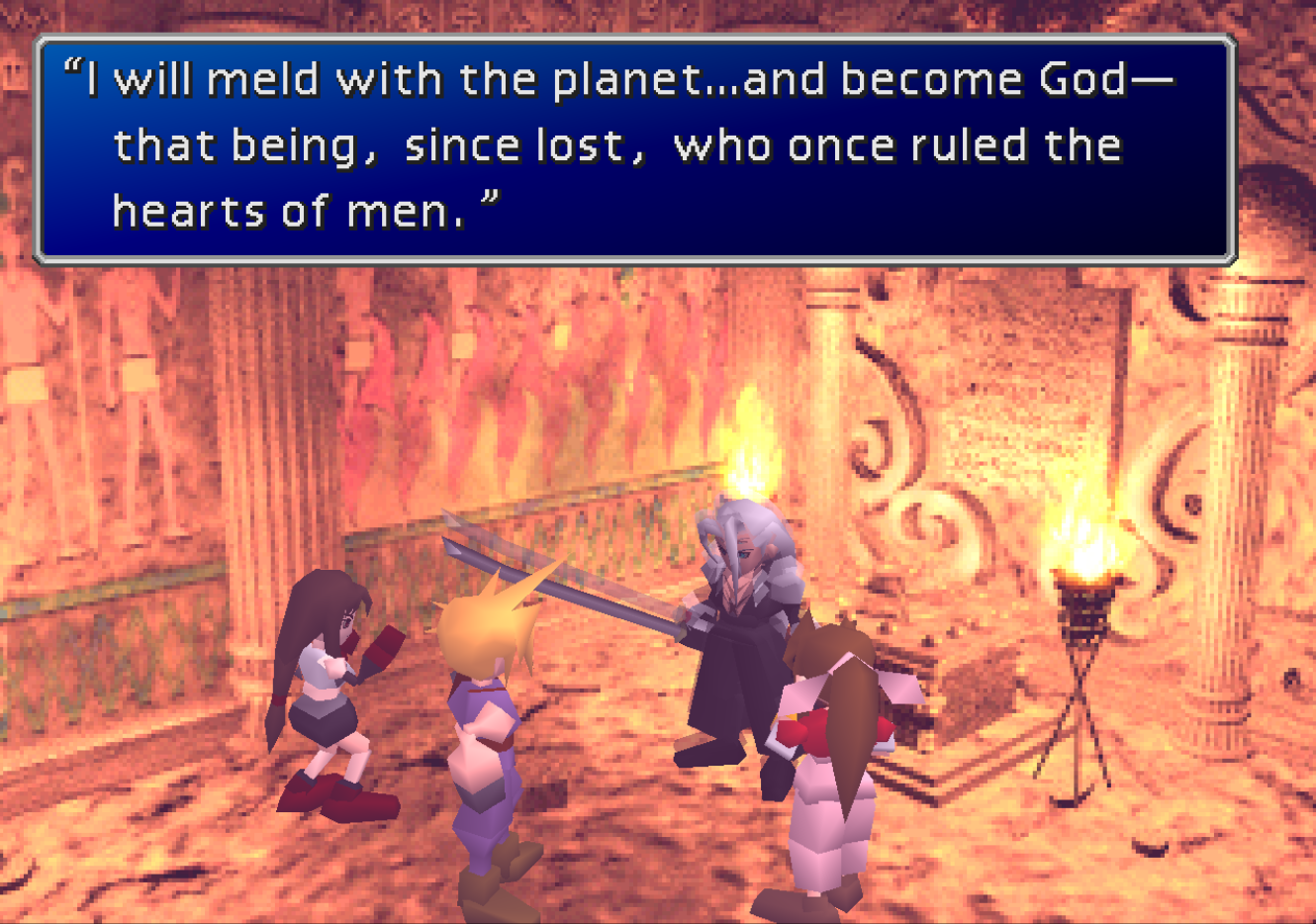
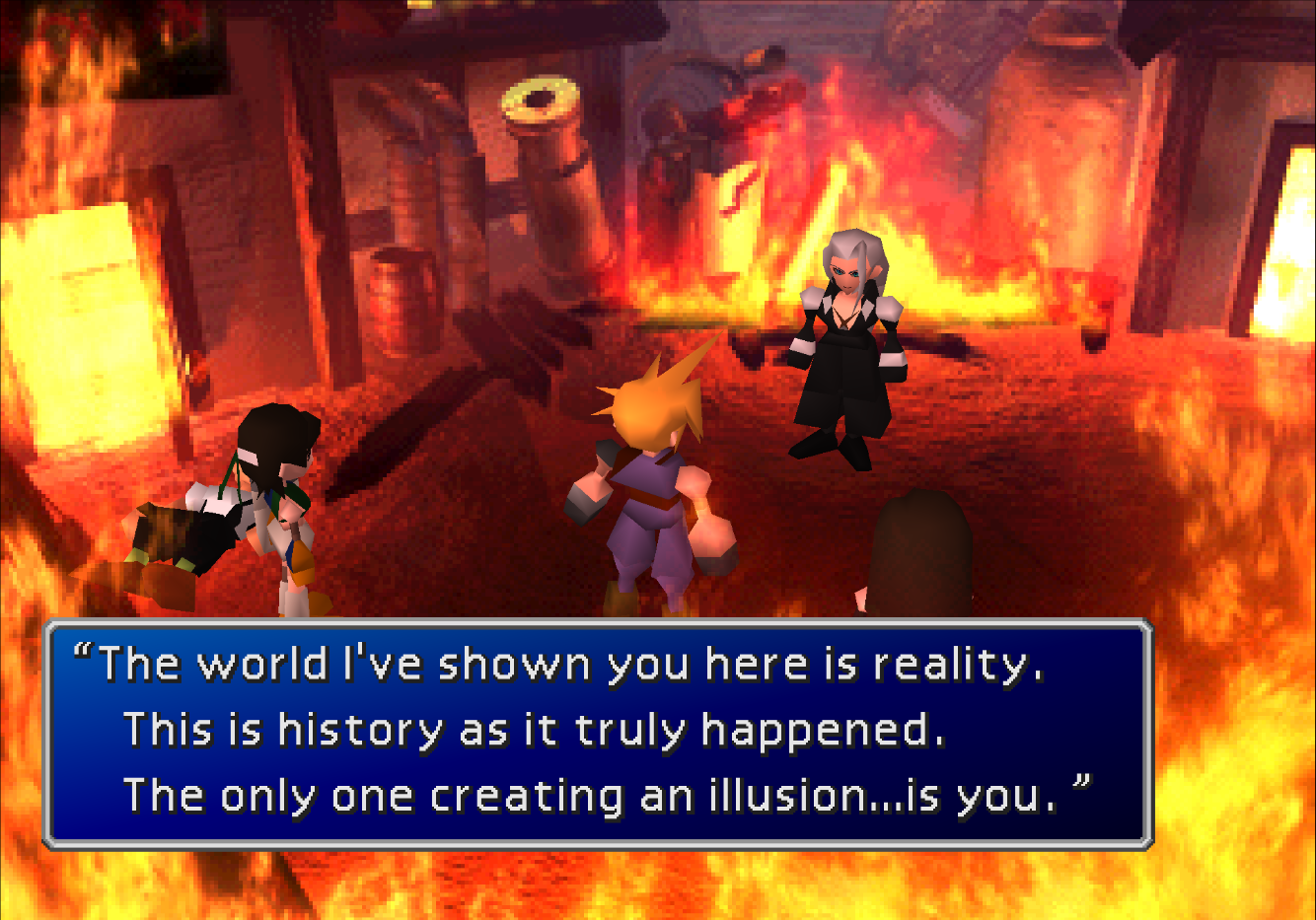
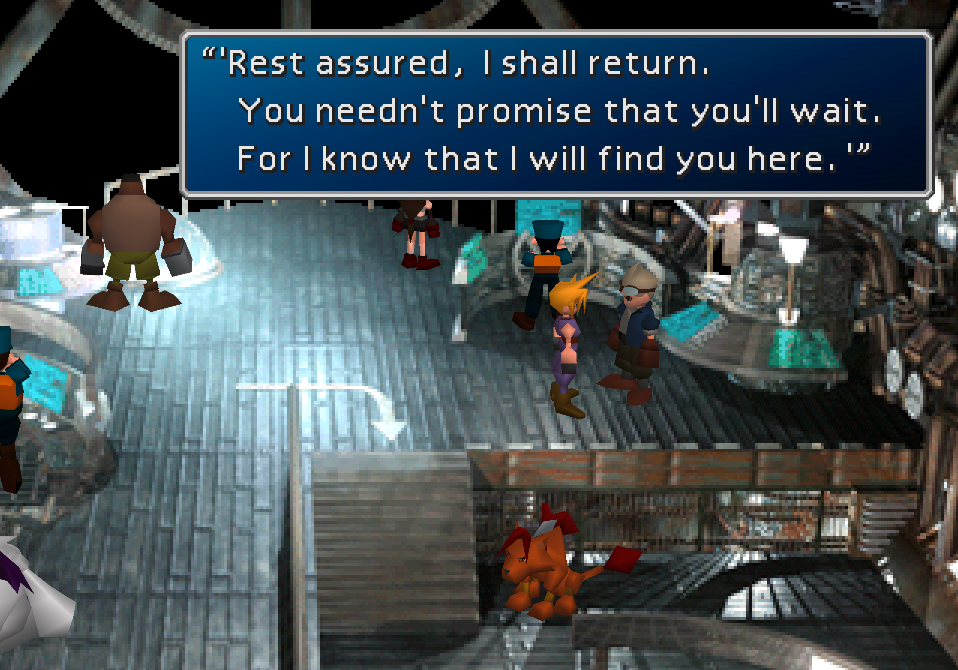
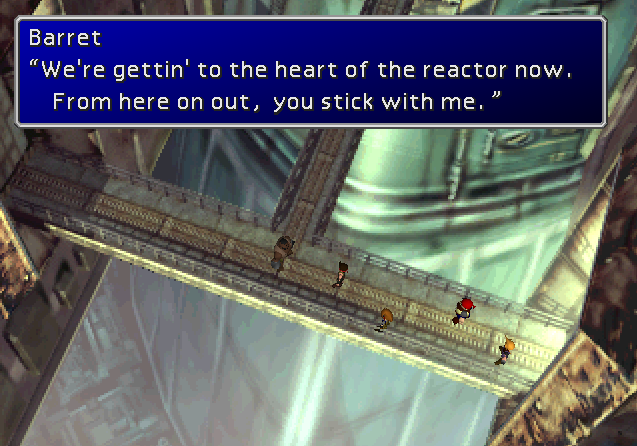
Fully Retranslated Script
mTFarbx.png
         
4MLMmIU.png
N0G0oK7.png
         
hmy5DnL.png
oTH3oPV.png
         
5jjk0Rw.png
pBfUNTW.png
         
Avo5cGh.png
5qodh0o.png
         
fBv4CQj.png
jhiKoGx.png


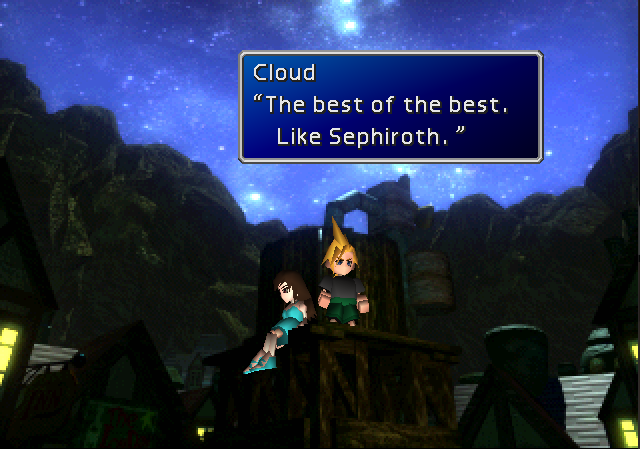
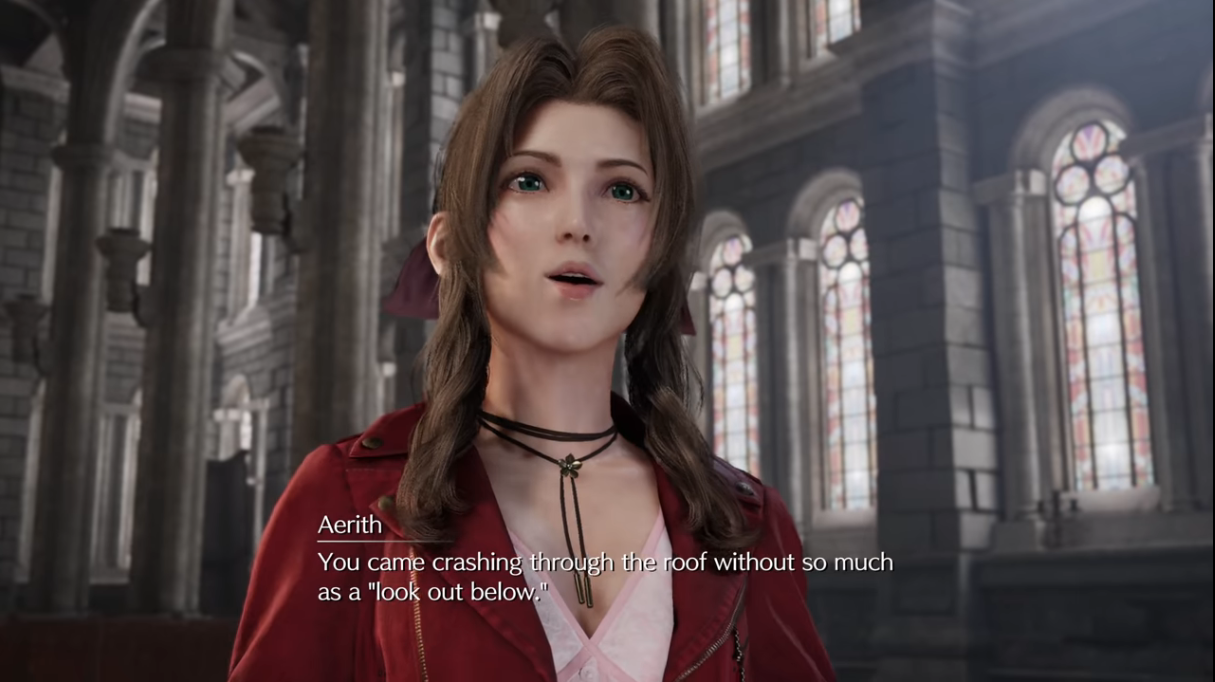
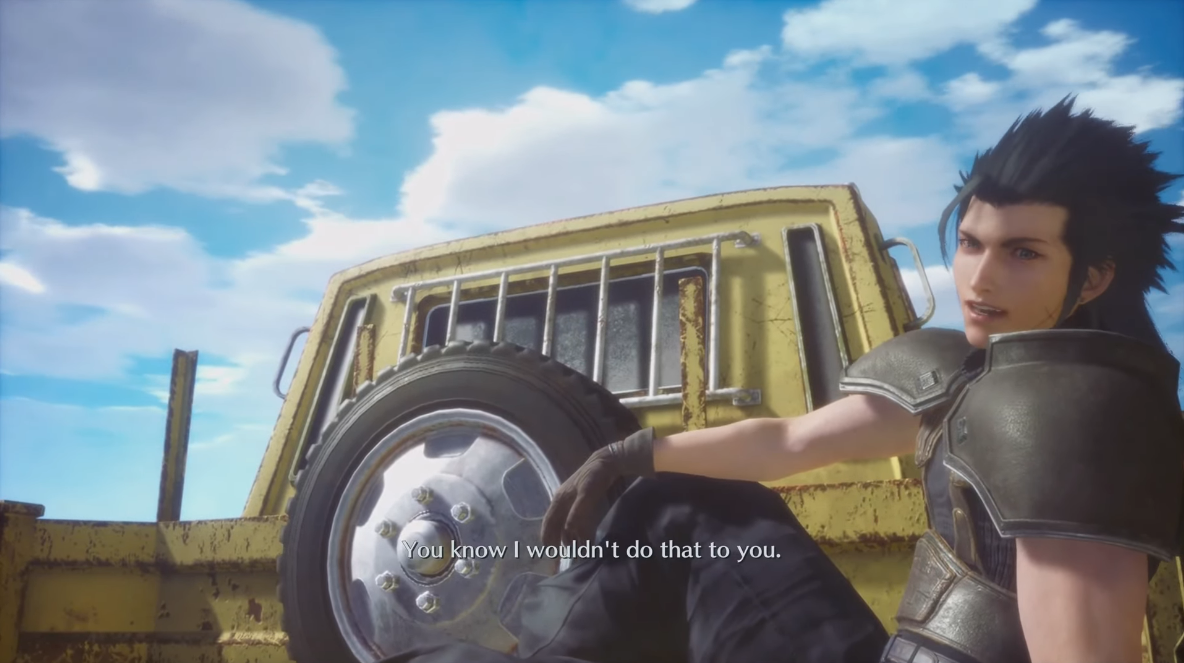
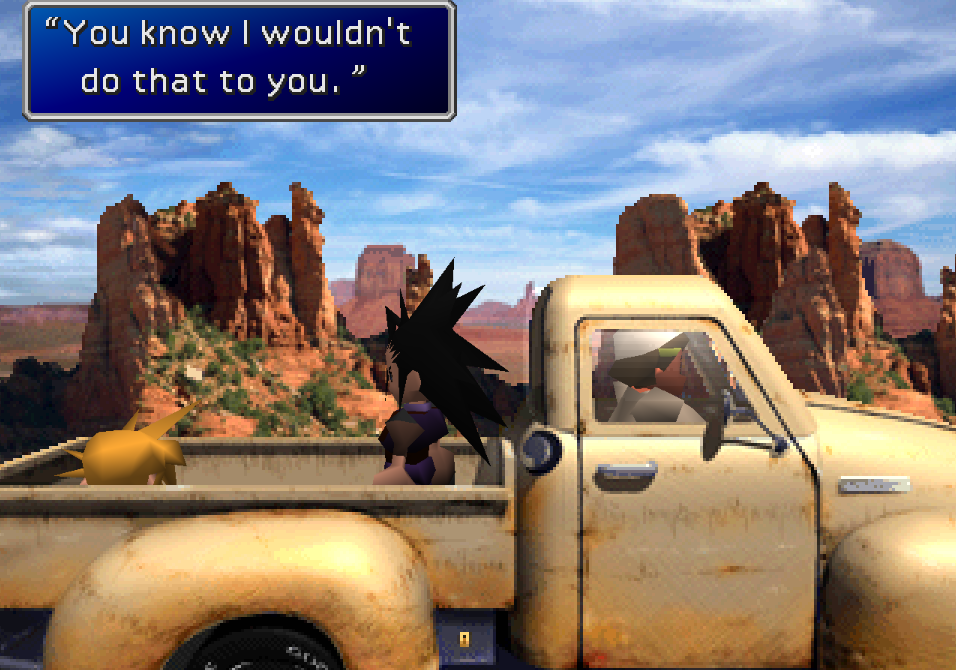
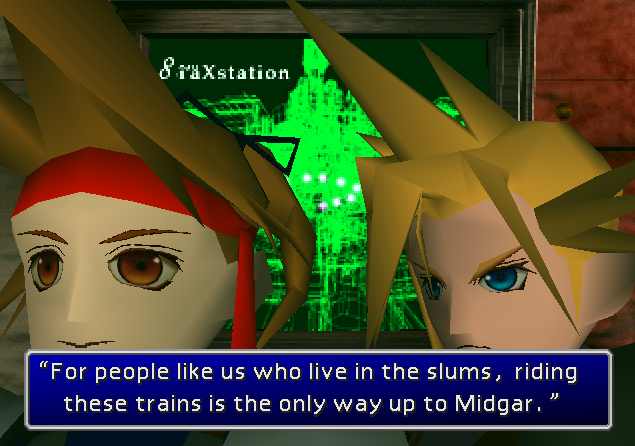
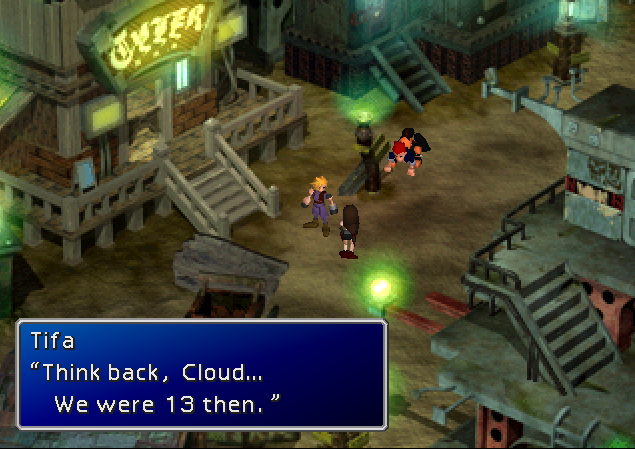
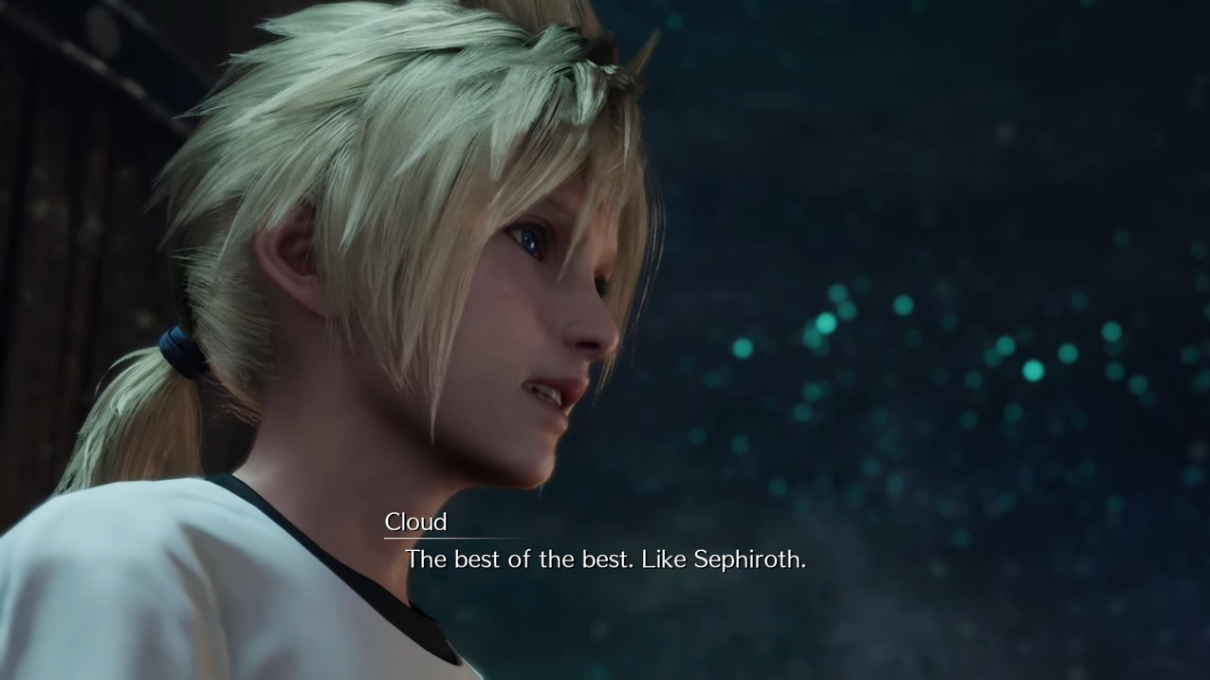
Parity With Compilation of FFVII, Remake and Rebirth Localizations

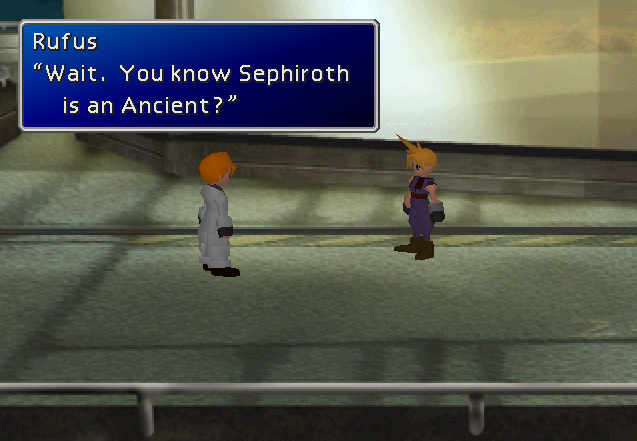
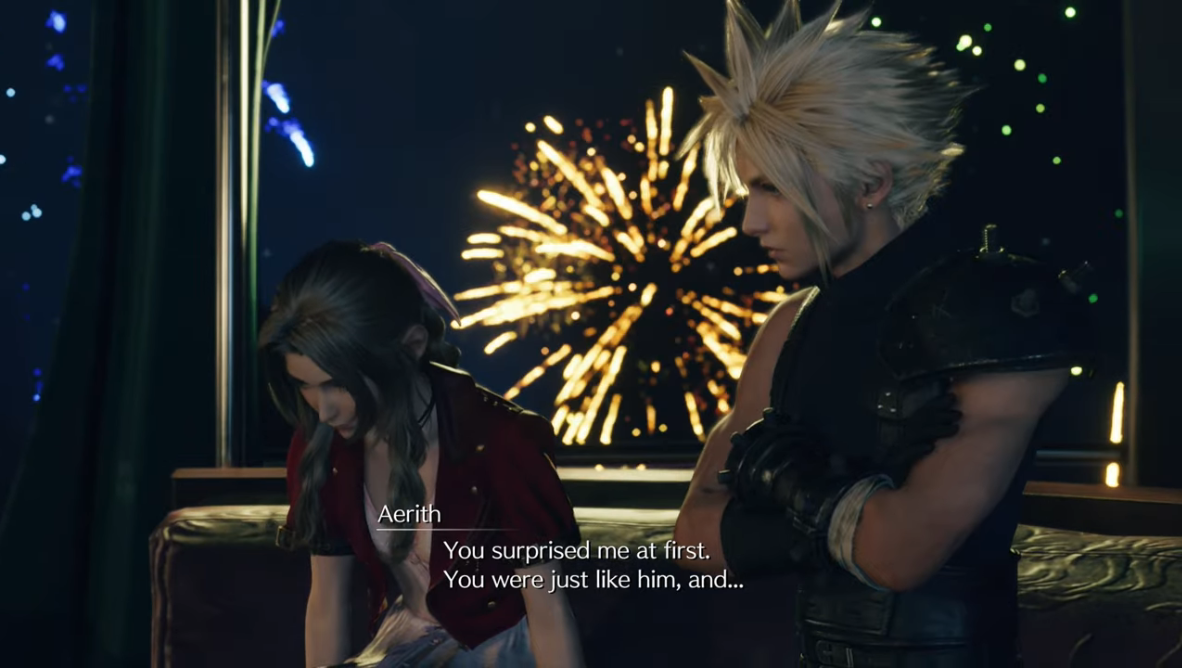
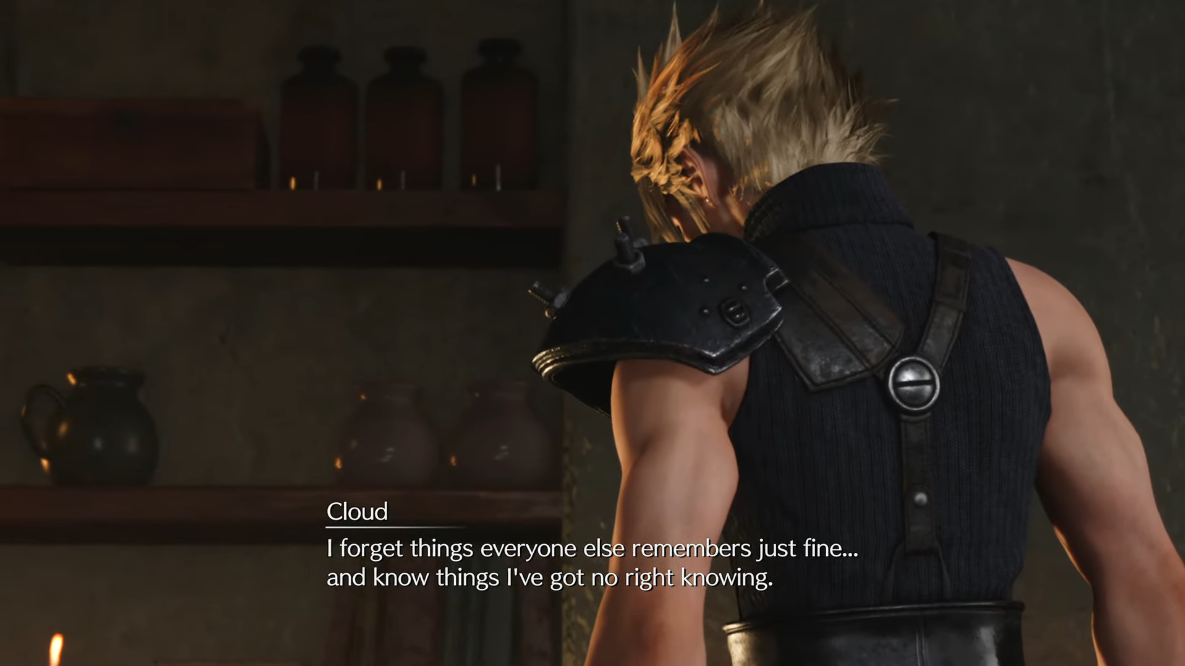
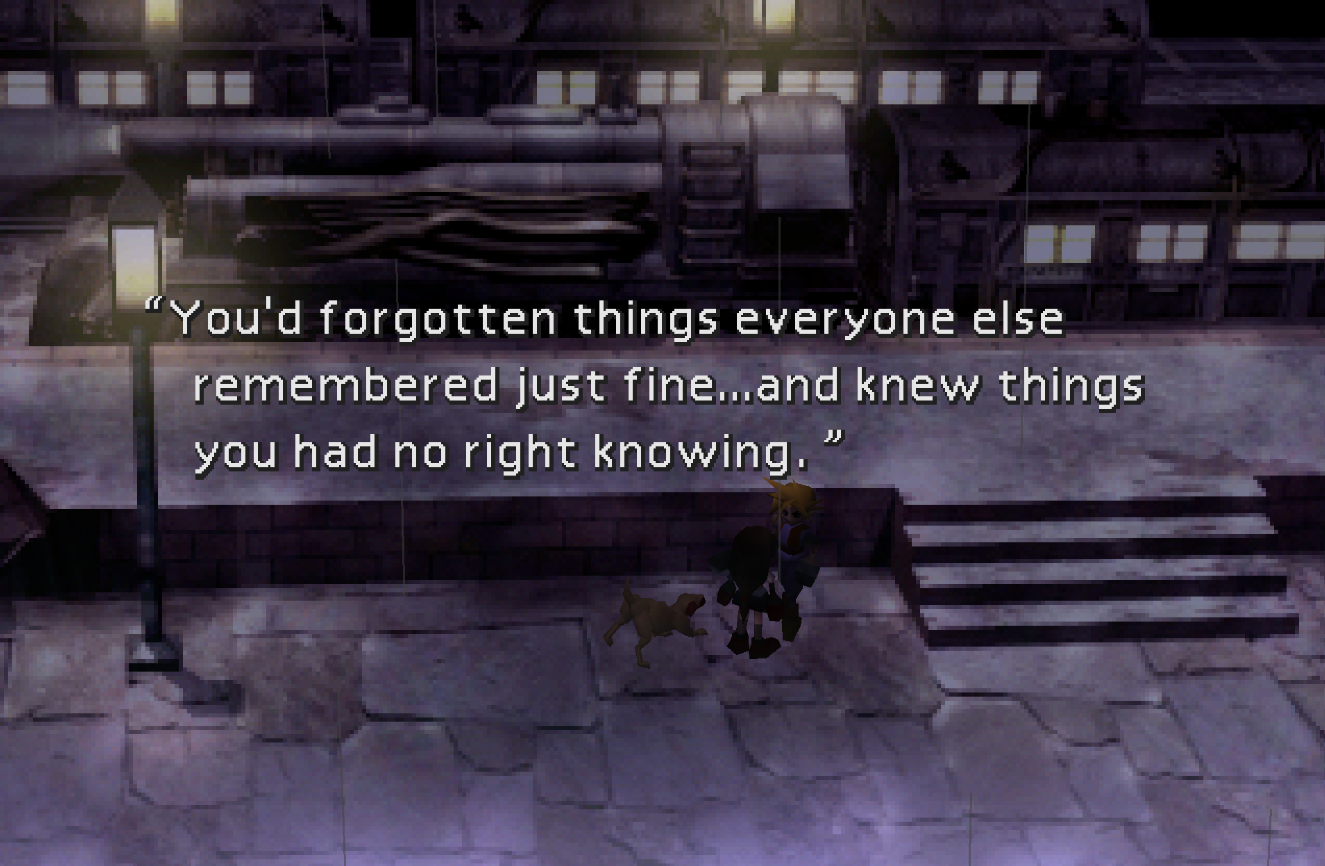
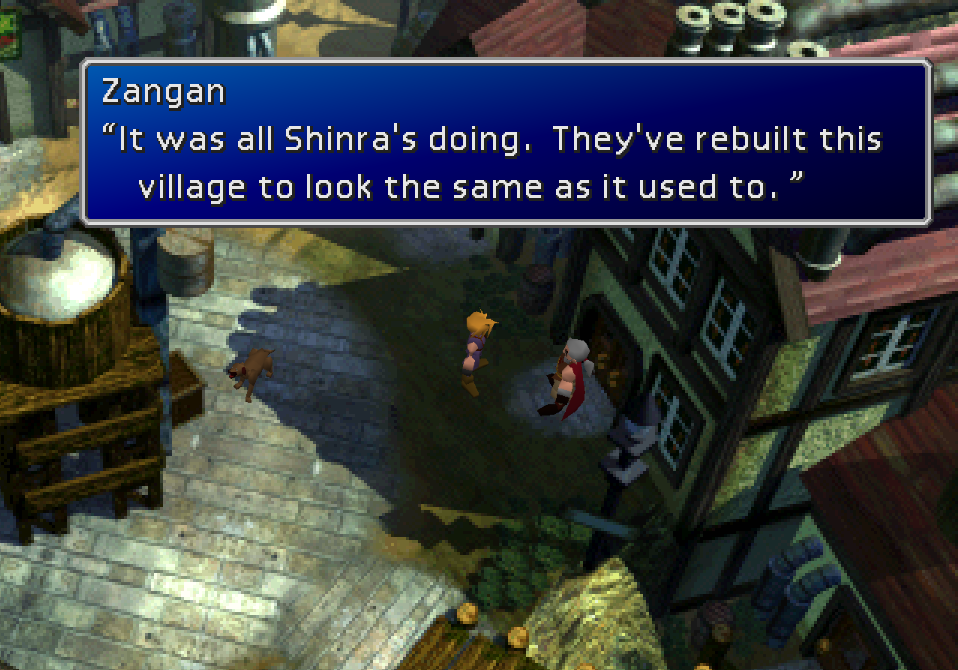
As mentioned, in spots where the Japanese is the same or partially the same between the original FFVII and Remake / Rebirth, we have opted to use the official localization of those lines to create a sense of cohesion akin to what the Japanese side of things has. This also extends to the other Compilation entries, but Remake—as the most recent FFVII entry—gets priority.
2ekODlx.png
          
UHHLwI7.png
j8lDUVq.png
          
B6IB4bc.png
Yy91MUB.png
          
YoRn7tw.png
bY253jf.png
          
4fvYLD3.png
PzO92kQ.png
          
WKxPRIi.png
59YUvpE.png
          
ffupbfv.png
zxpswzv.png
          
r6yH060.png
0mOk2So.png
          
yNkU4YG.png
UL3Vped.png
          
dQw8Hpa.png
3FrkpfW.png
          
0OrCnhy.png
UXKE678.png
          
jhxg5qP.png
THUz3yl.png
          
LiPswGX.png
WKkDMaF.png
          
TYe56iu.png
5j46cQo.png
          
7aS4QTa.png
4Zn7qJu.png
          
fYCwLOY.png
xGcb8mF.png
          
EHlnnYP.png
sf1hAWk.png
          
ynuP3WG.png
Nvi9RaV.png
          
0MteBlV.png


Restored Unused Scenes

Xb16Kl2.png
         
5VpPrBV.png
hd5qYMy.png
         
VIRR8r2.png
AEfQWI3.png
         
Jf6IBWu.png
FwkuBJM.png
         
dj6q5V5.png
JglPmRq.png
         
c1aibWo.png
rOzSoNx.png
         
vaTPSFi.png
YrhRTx0.png
         
yj9jC7A.png
xVXe6hL.png


Restored Unused Puzzles
H46ZxPK.png
         
u5A3sU9.png
sijntmM.png


Restored Facial Expression System

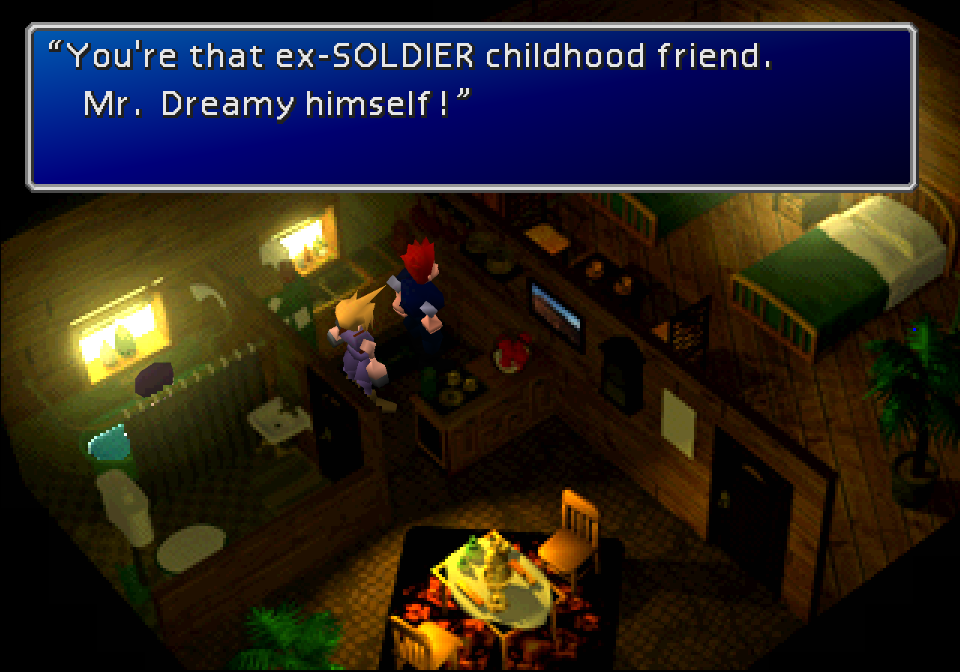
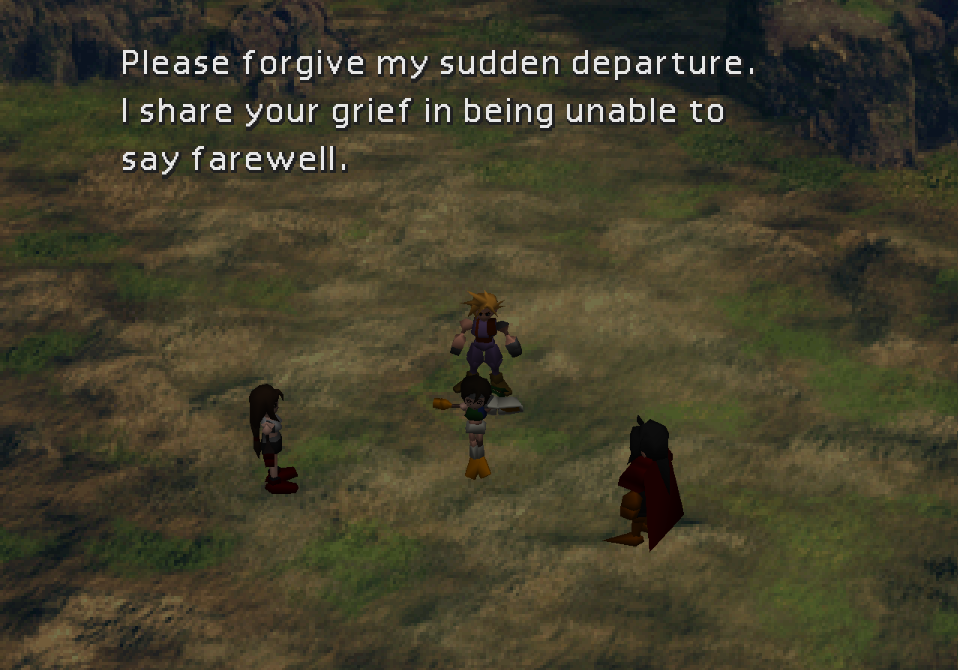
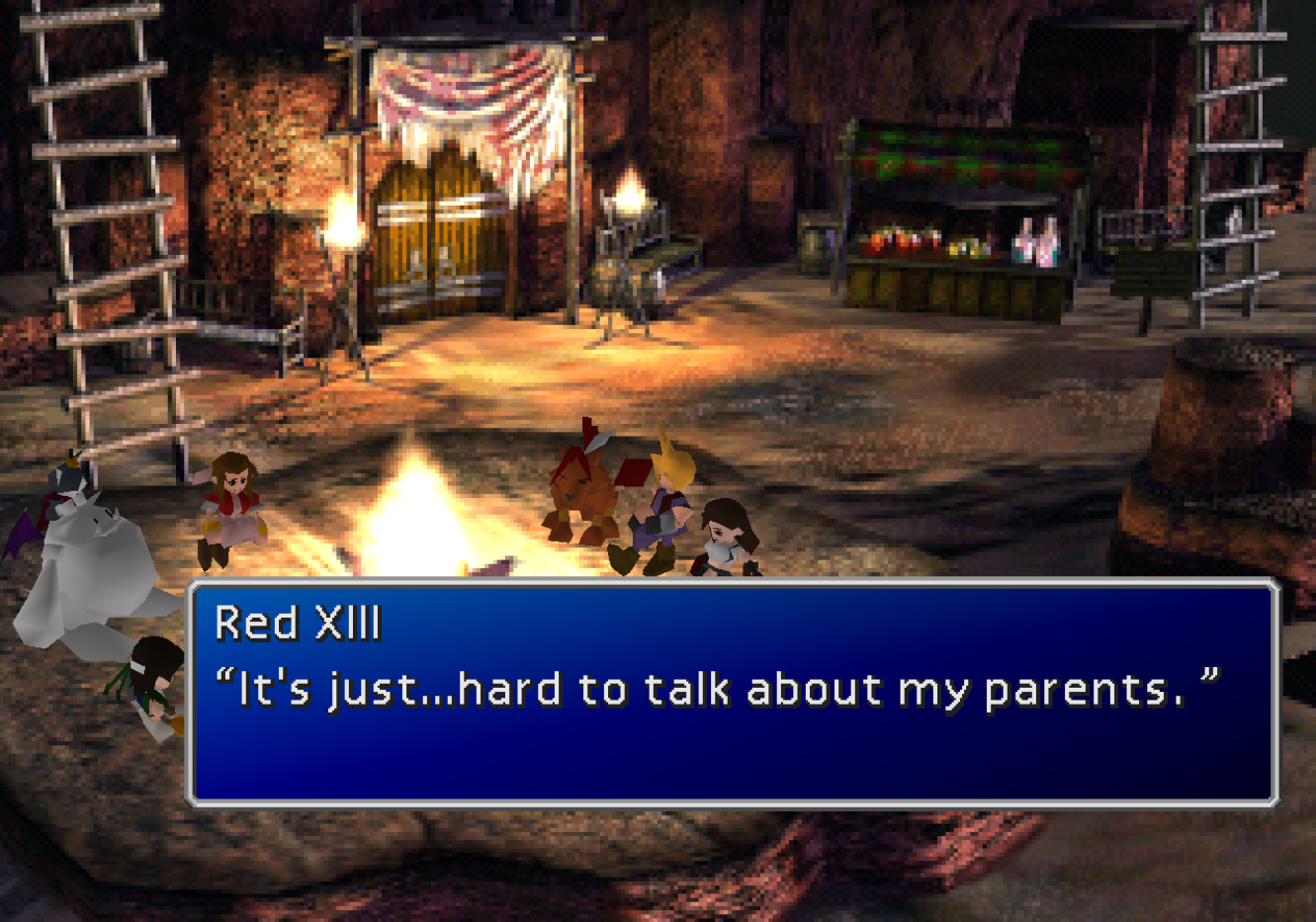
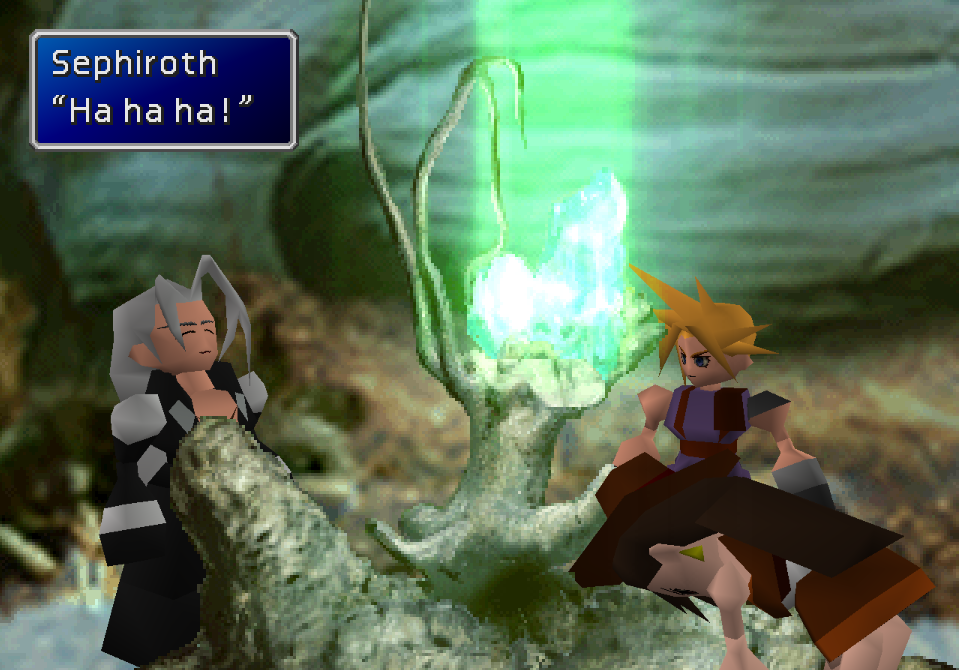
This system existed in the PSX version but was almost never used. It was unfinished in the PC version but has been restored by TrueOdin in recent FFNx canary builds, and I took the liberty of porting over the textures and incorporating new expressions into scenes on top of what few were already in the game. A full list of scenes affected can be found in the iro. Eyes work perfectly but custom mouths are a bit of a work in progress.
SEvmYIB.png
         
gRC5LlR.png
t1pEGGv.png
         
ZPq3k6d.png
0iU7LNt.png
         
LrhyJxL.png
4bBZ5w3.png
         
KzXZwTl.png
DO7kl5M.png


Bonus Features

FMV Options

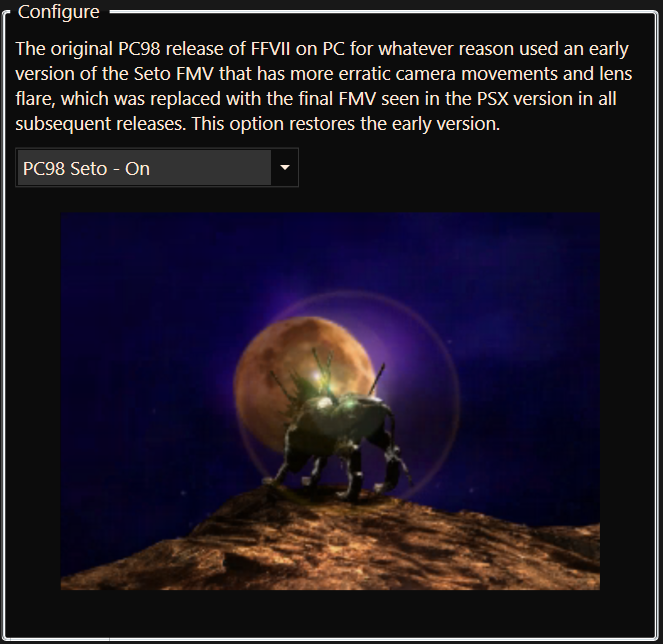
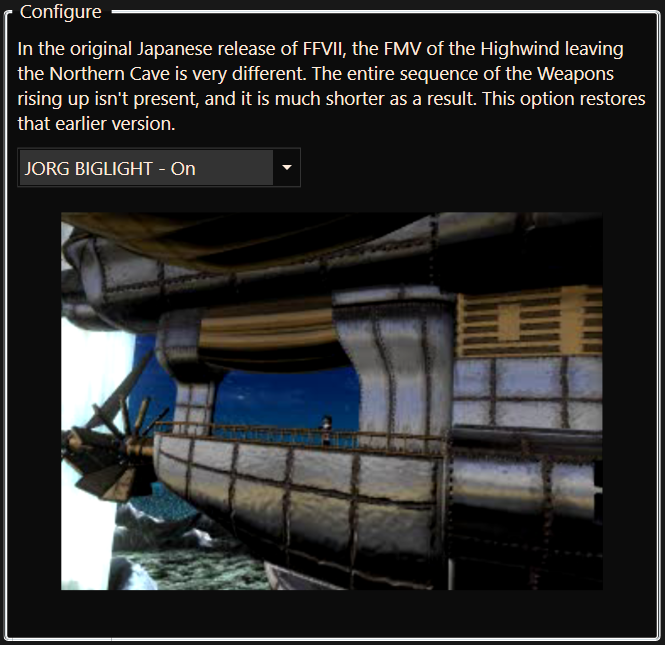
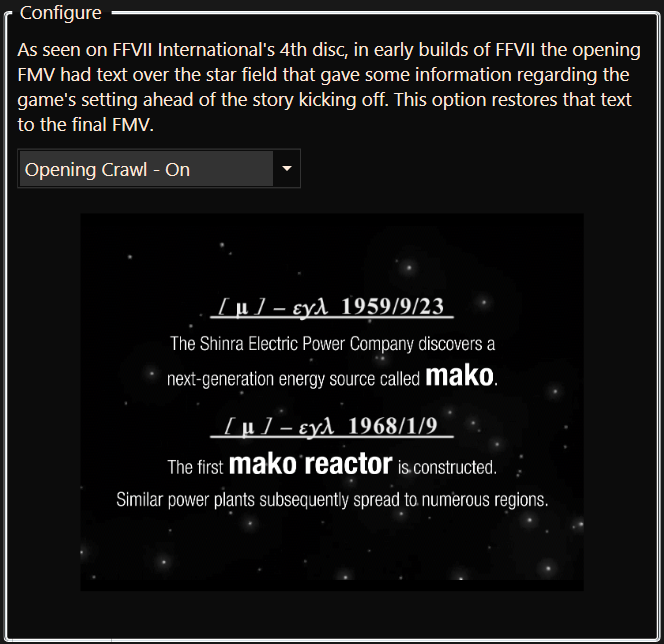
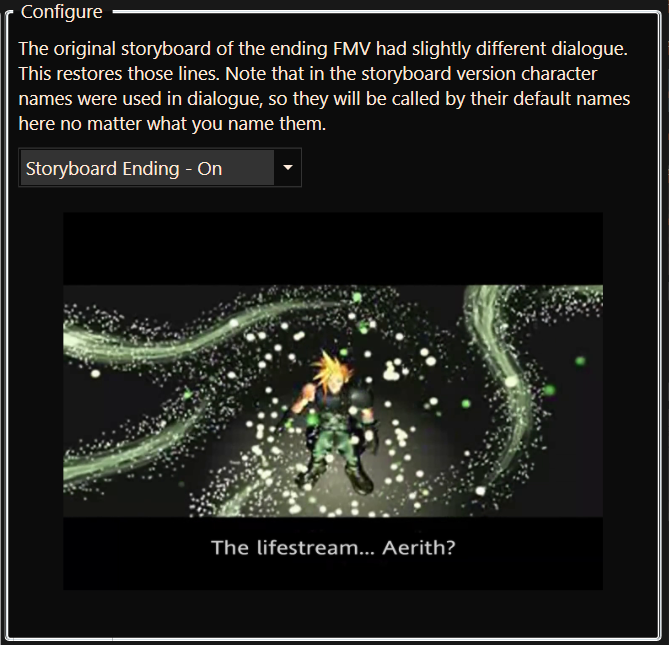
Several FMVs got changes during development, and these options allow those earlier renditions to be used.
cCF5tko.png
         
BSdfEfc.png
yPV074w.png
         
XxhxWAl.png


Beta-style Menu Icons

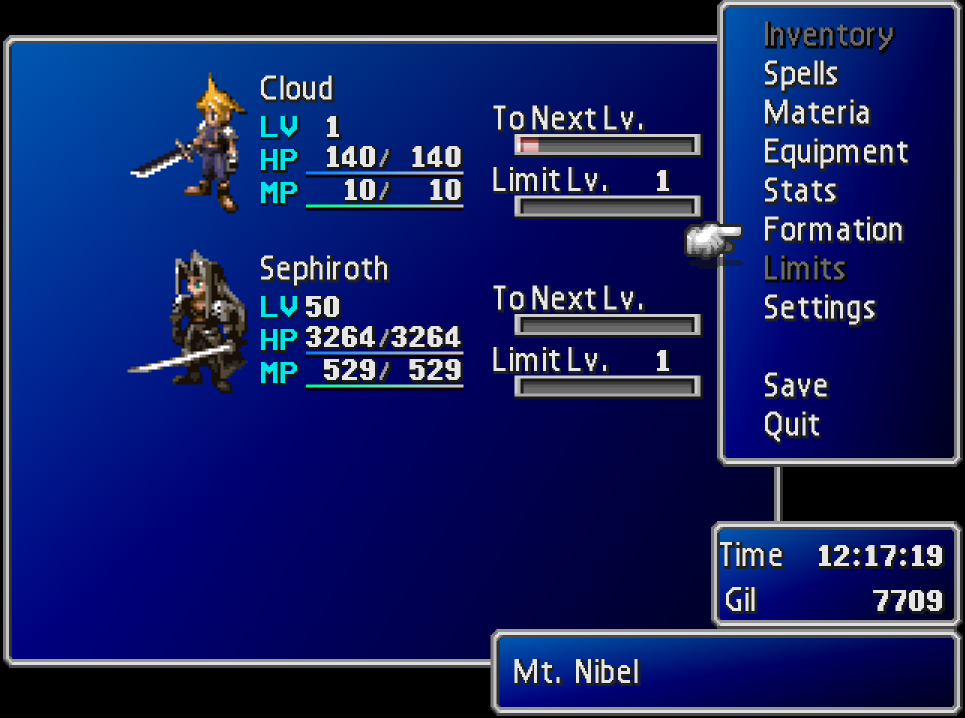
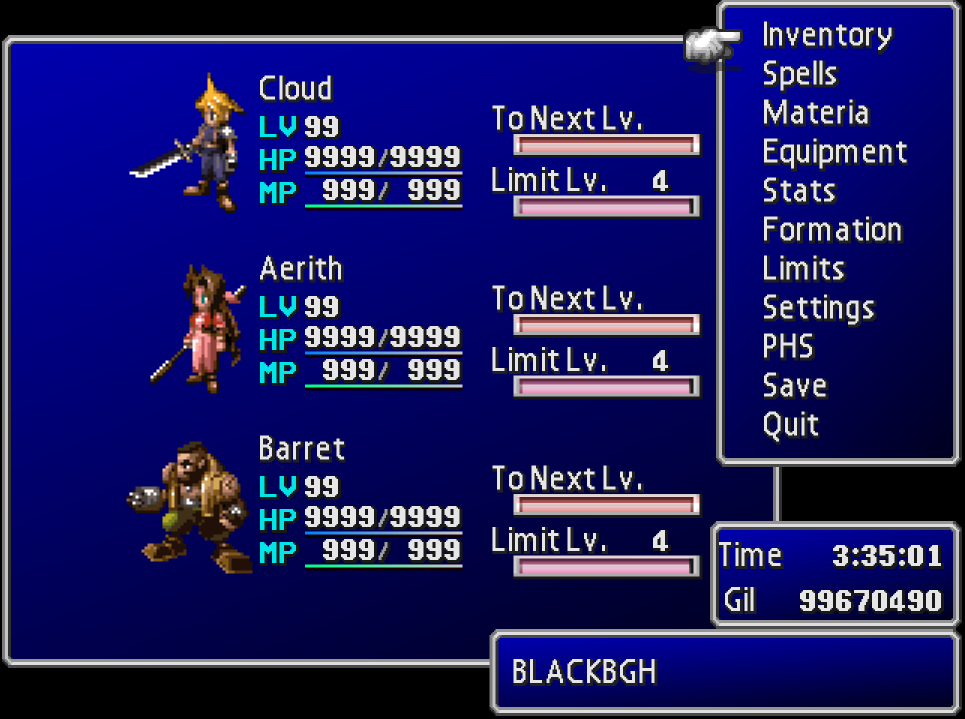
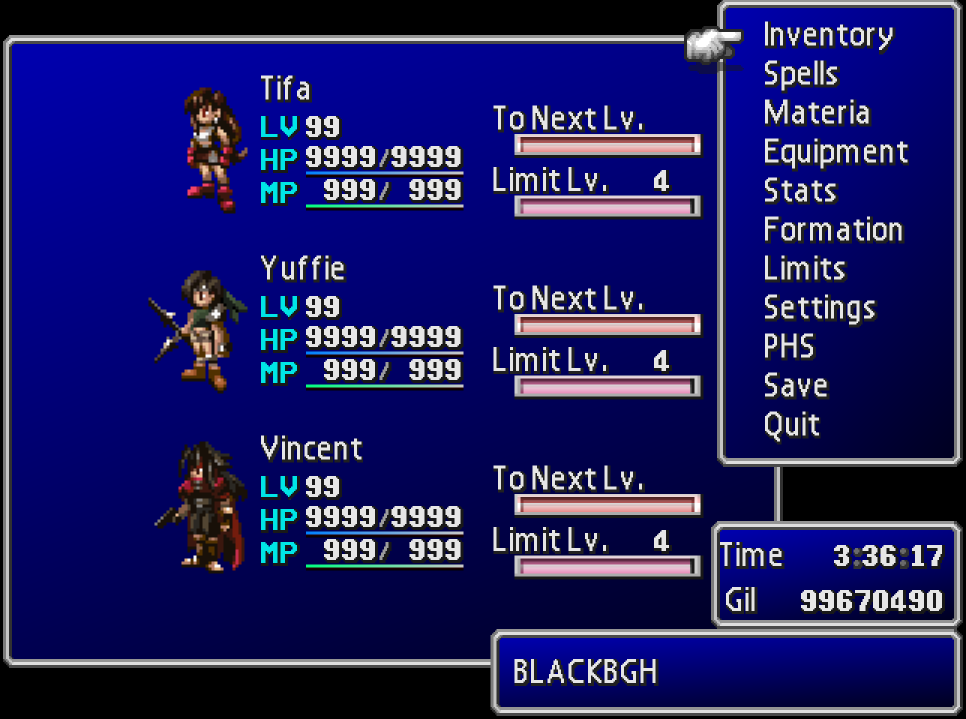
Early in FFVII's development, the characters had pixel art portraits reminiscent of prior entries in the series. The textures for Cloud, Aerith, and Barret's portraits remained in the Tobal No.1 FFVII sampler demo, and with this option you can use them in the final game. Additionally, the incredibly talented pixel artist Prism has provided stylistically-consistent custom sprite portraits for the remaining members so this mode can affect the whole party.
H5XFNaX.png
         
aYMxDBN.png
Zwyv0z2.png
         
wjRWtYd.png


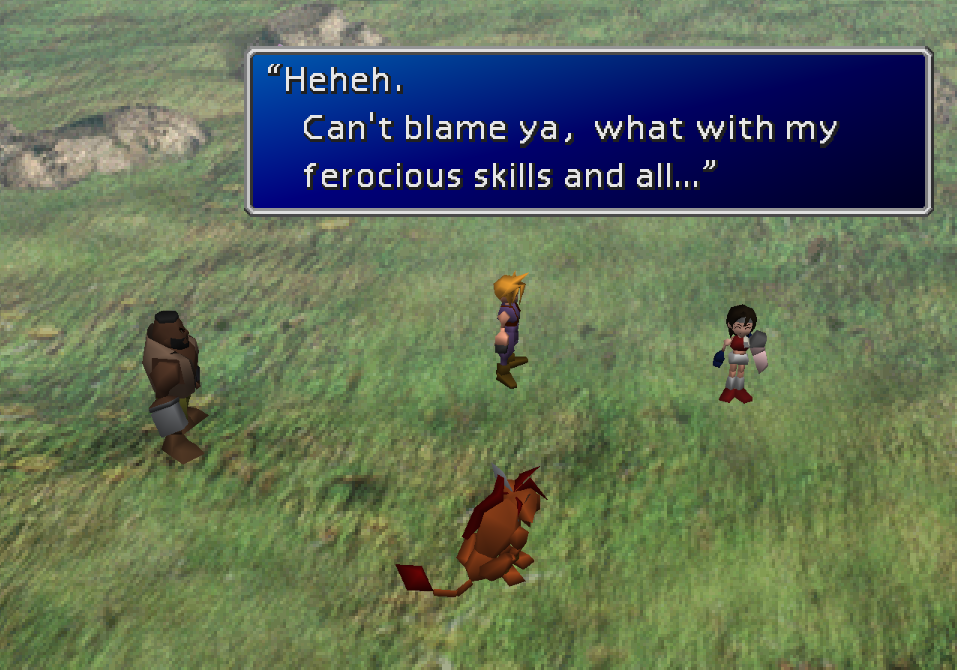
Red Yuffie Costume

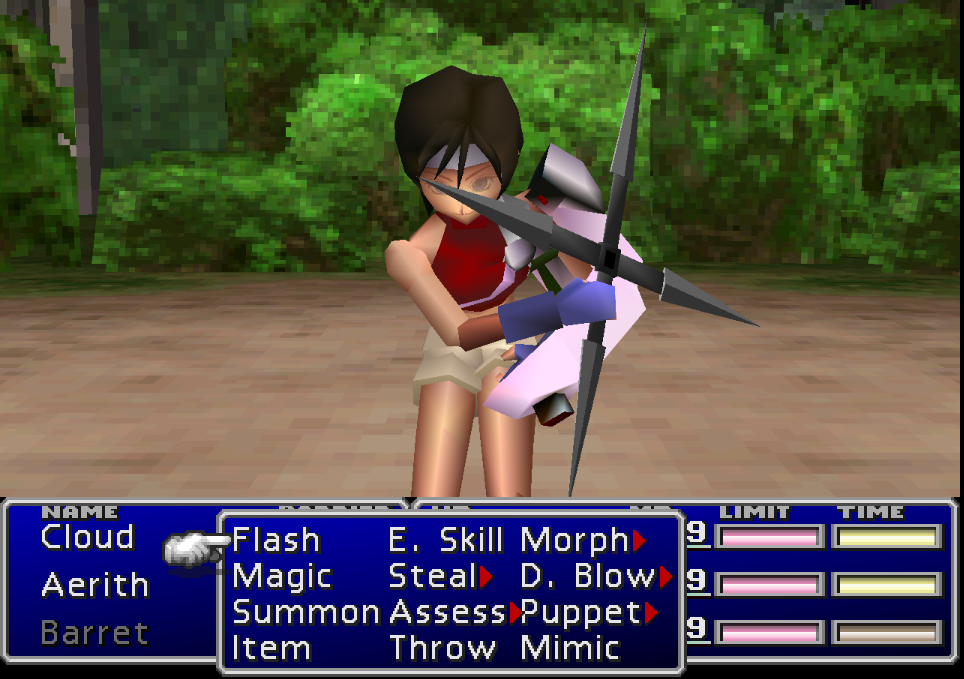
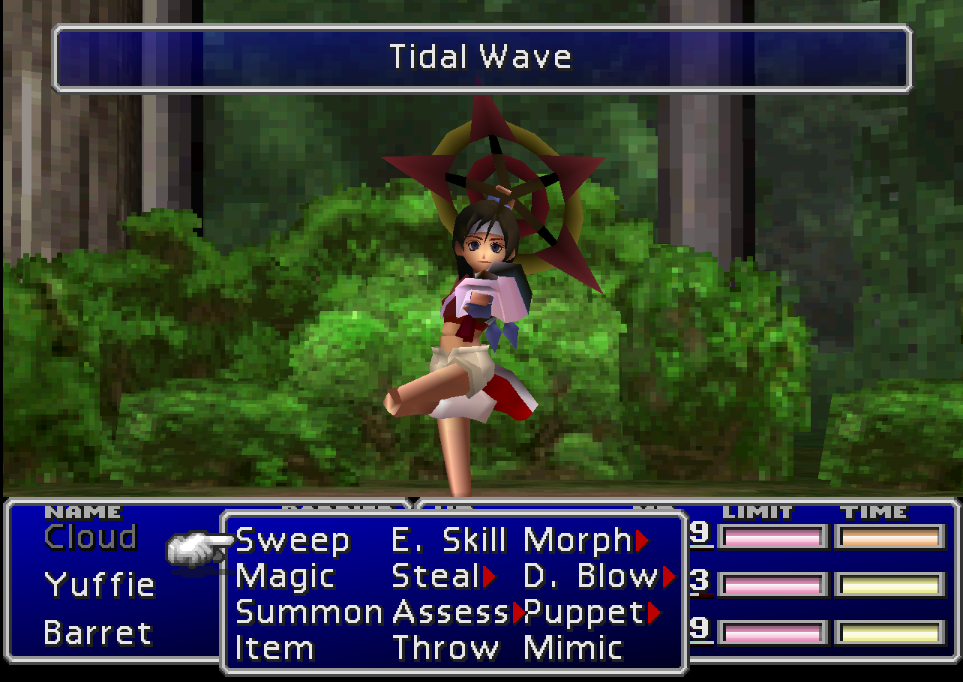
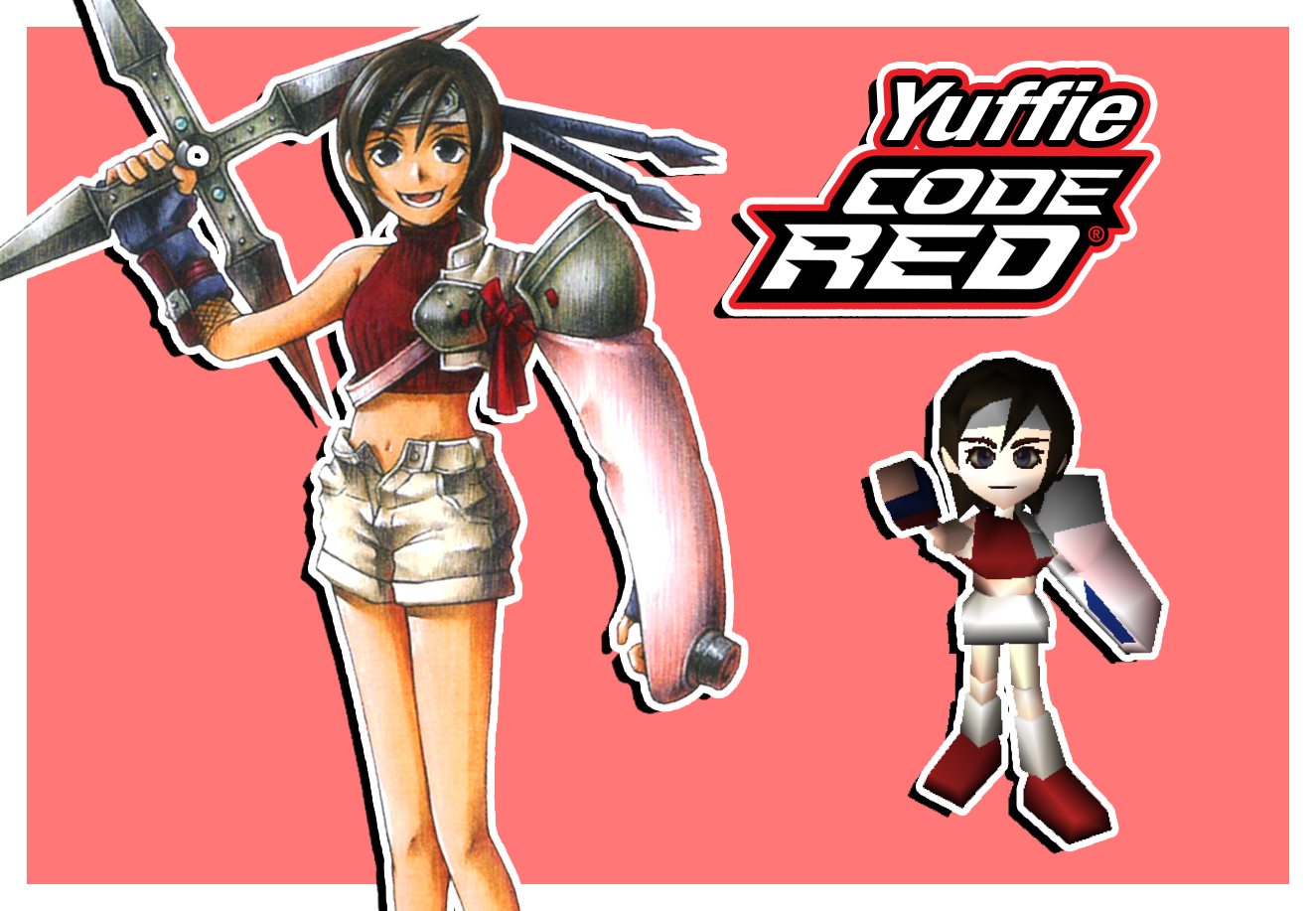
In the planning stage of FFVII, Yuffie's outfit was red and white rather than green and orange. This option allows you to use a costume for Yuffie based on that original design, with a battle model provided by the incredible UpRisen.
vhX4CHZ.png
         
jY6LU4r.png
0K6zaAU.png
         
UURrkTm.png


Option to Restore JORG Backgrounds

The original Japanese release (JORG) of FFVII had a handful of prerendered backgrounds that got revised for the international release, generally to make it clearer where the player needs to go. This option restores the original versions.
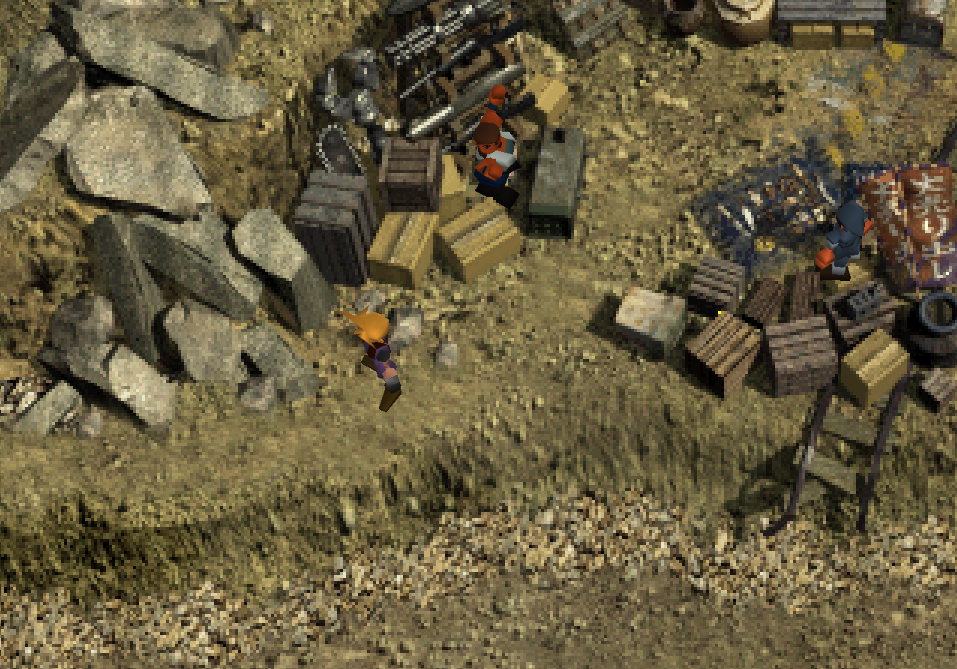
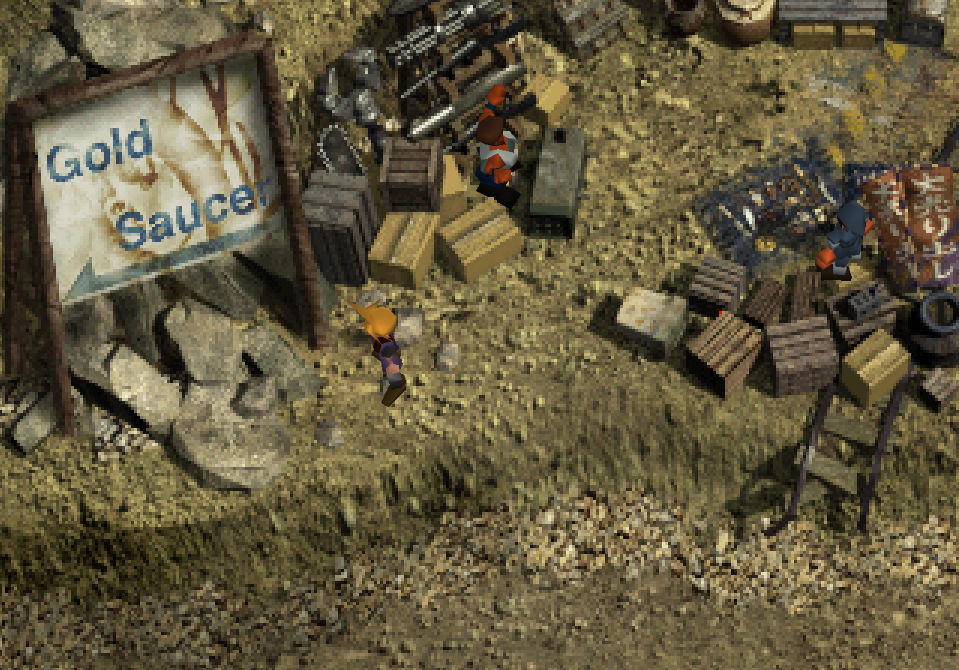
JORG                                                                                                Post-JORG
iIxbdIJ.png
         
33S0XRn.png
wM93lgt.png
         
Nqx0EXi.png
2btts2T.png
         
606T9ls.png
oe6Iu82.png
         
1NJvsEH.png


Mod Credits

This mod is a production of the Shinra Archaeology Department, an FFVII fan group dedicated to translating Japanese interviews and guidebooks and making them available to English-speaking audiences.

Restoration, Implementation, and Logo Graphics: Odysseus (TheStrifeIsRife)

Translation and Localization Continuity: TurquoiseHammer

Data Mining, Organization, and Annotation: Shademp

Original Script Mining: Herman1134 (Jason Maltz)

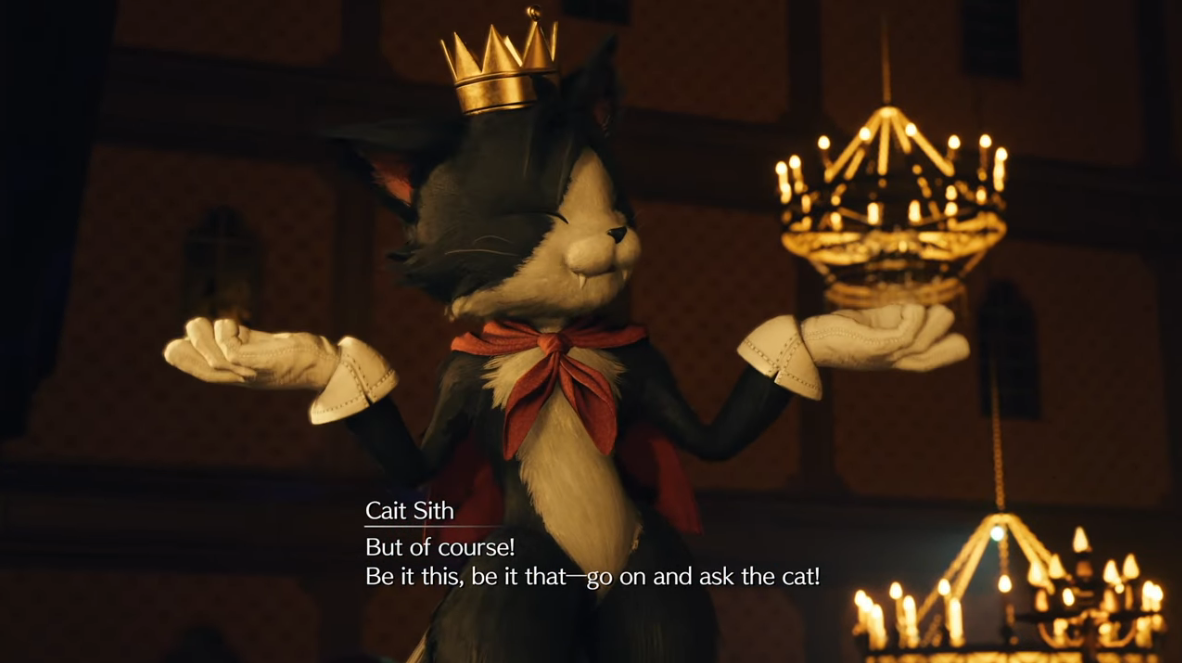
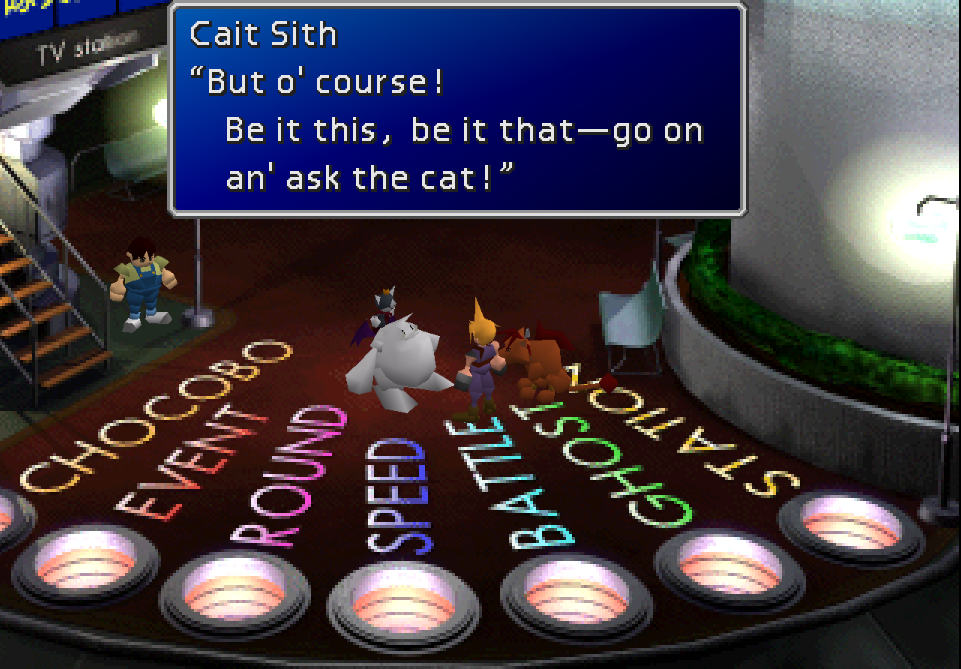
Cait Sith Regional Dialect: M. J. Gallagher (FFVIINovels)

Custom Sprite Portraits: Prism

Red Yuffie Battle Model: UpRisen


Acknowledgements

NPC blink animation fixes provided by Orichalcon.

Unused custom eye and mouth texture system restored by TrueOdin.

The tile set for the TRAP field was decoded by BrutalAl.


Tools used

Makou Reactor and Vincent Tim: myst6re

WallMarket and ProudClod: nfitc1

Black Chocobo: sithlord48

KimeraCS: LaZar00

Scarlet: petfriendamy

Landscaper: Mav
 
Last edited:
T
Okay new version is out.

I finally got around to adding NPC mouths to the facial animation system, meaning they can toggle between closed and open mouths. This will fix the infamous :O mouths they usually have, as I used the mouth replacer mod as a basis to give them all closed mouths and converted their default :O mouth textures to be their "mouth 2"s that are only used when I specifically set the NPCs to open their mouths (usually in scenes where they laugh or yell).

Also, @Chthon, this means you can re-fix shinra office map with this change (I had Palmer open his mouth in the scene where they find President Shinra dead that's why it changed). You have my permission to release your SAC 60fps fixes mod. I think it's less of a headache to just keep it separate because I don't find the hacky solution to detect if 60fps is active on my end very reliable. Just do me a favor and unpack SAC and find the "60fps fixes" folder and include everything in that too (it has 60fps interpolated animations that are unique to SAC).

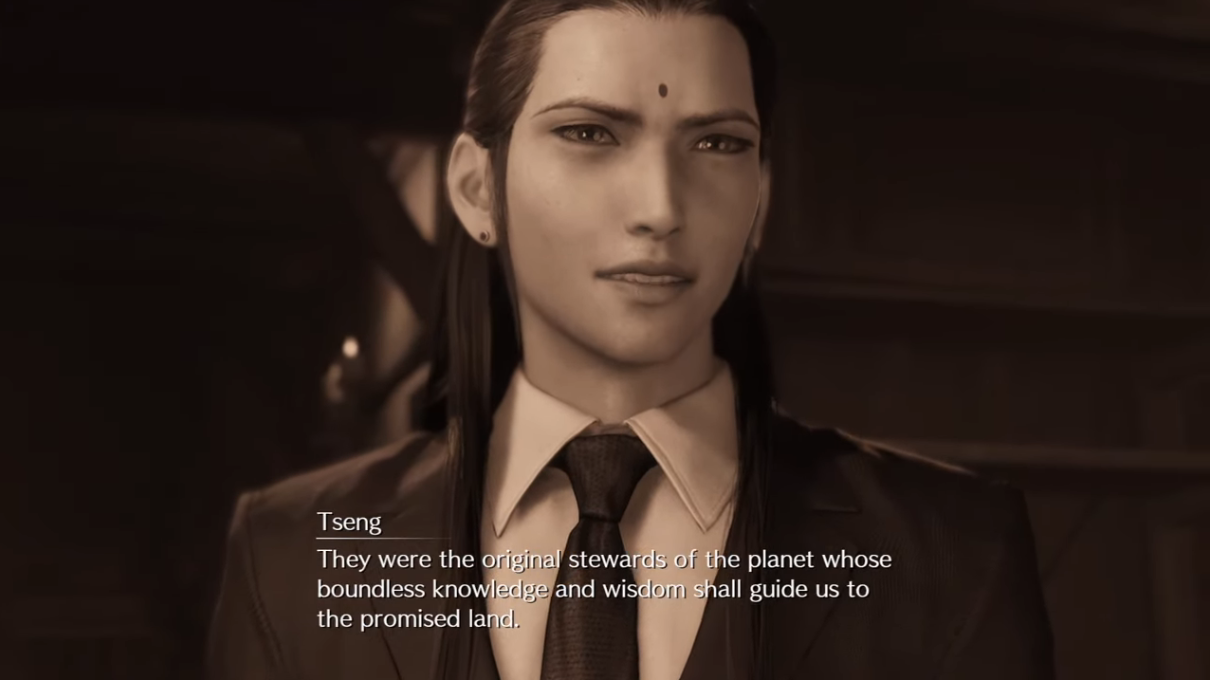
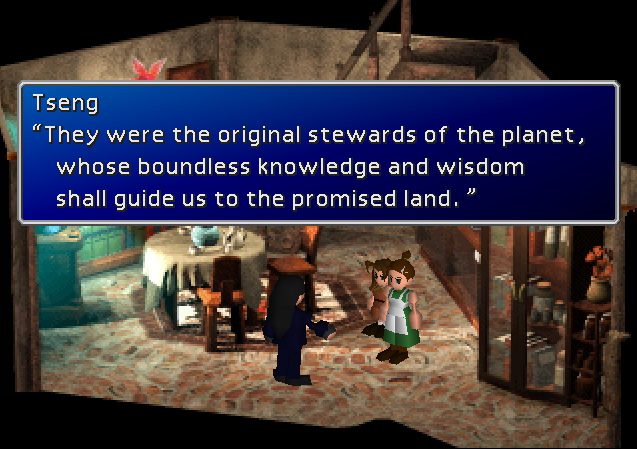
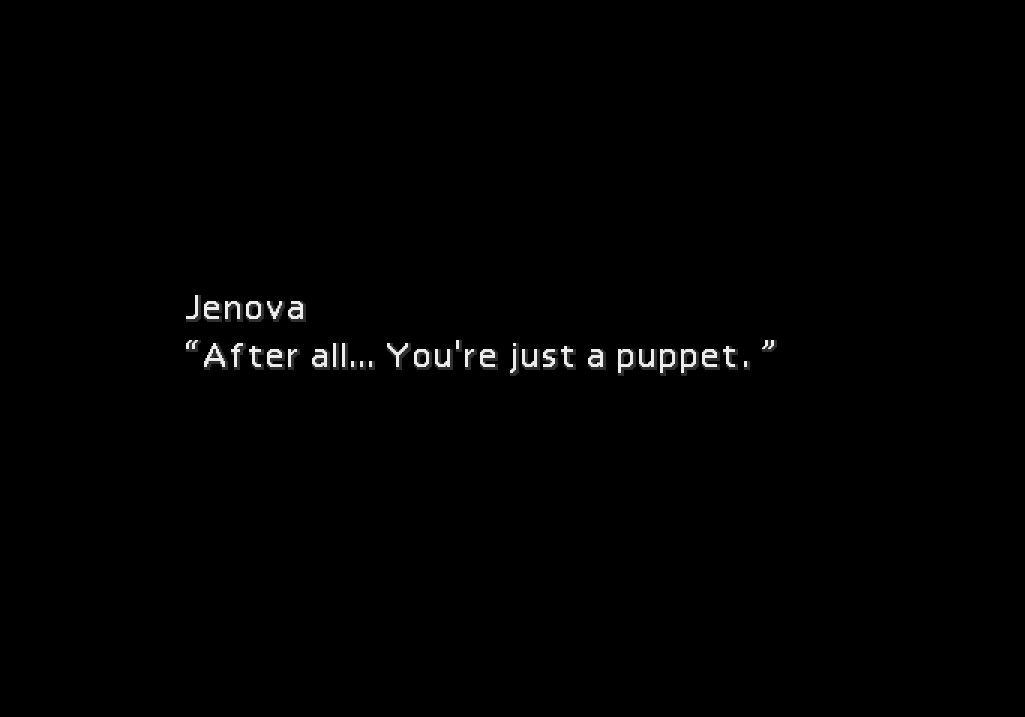
EDIT: oh the FMV fonts. Opening FMV uses Helvetica Nueue Light STD medium condensed and bold condensed for the main text, and I think Times New Roman for the dates. jenova_e also uses helvetica nueue light std medium condensed. I forget what I used for the ending, do whatever you want there. If you want to use different fonts though that's okay. Also you can capitalize promised land.
 
Last edited:
C
Also, @Chthon, this means you can re-fix shinra office map with this change (I had Palmer open his mouth in the scene where they find President Shinra dead that's why it changed). You have my permission to release your SAC 60fps fixes mod. I think it's less of a headache to just keep it separate because I don't find the hacky solution to detect if 60fps is active on my end very reliable. Just do me a favor and unpack SAC and find the "60fps fixes" folder and include everything in that too (it has 60fps interpolated animations that are unique to SAC).
OK, I'll get to work on that when I can. Is it safe to assume that the fields in need of 60-fps fixes (blin70_2, kuro_4, nvmkin1, mds7st_2, sinin2_1, woa_1, woa_2, woa_3) probably aren't going to change in future SAC releases? At least not very often?

EDIT: oh the FMV fonts. Opening FMV uses Helvetica Nueue Light STD medium condensed and bold condensed for the main text, and I think Times New Roman for the dates.
Ahhhhh..... I fundamentally misunderstood something. I thought those opening crawls came from some original videos, so I needed to carefully preserve every pixel of them with a mask. But they're not; they're translations you made in a similar visual style as the Japanese originals. (In retrospect, I'm feeling pretty darned foolish for not realizing Square would have no reason to translate a beta video...) So I can, and should, go redo them as subtitles.

On a somewhat related note, I'm redoing Jenova-E again because I figured out how to use .ass effects to mimic the "letter at a time" way FF7 did the subtitles in this FMV. (Those smart alecks named their file standard ".ass" just so that people would have to say things like "ass effects.") (This effect is also doable in vapoursynth/avisynth using masks, but setting up the mask for each character would be miserably time consuming.)

Also you can capitalize promised land.
OK, I'll do that.
 
C
About blin70_2.chunk.1, it looks like you accidentally reused the "yes cut content, yes controller" version of the file for the "yes cut content, no controller" version.

Unless I missed some, I think there are two text boxes that contain button prompts (97 & 98), and I've already fixed them for the hopefully-forthcoming-very-soon 60-fps-fixes.
 
T
Those two text entries aren't used on that map so it makes no difference. The player will never see them.
 
C
Those two text entries aren't used on that map so it makes no difference. The player will never see them.
Oh, I see. Or, rather, I don't. No one does.

A status update on videos:

For the demo video, I was eventually able to make .ass subtitles that are within a few pixels of the subs in your original video when displayed by whatever version of libav vapoursynth-subtext is linked against. (Probably my system library...) It turns out different fonting engines produce painfully divergent kerning, which I had to hack around by changing character spacing repeatedly.

For the beta video, I'm getting nowhere. The square brackets, epsilon, lowercase y, and lambda are neither Times New Roman nor Helvetica. I can probably fake the brackets, but I can't find anything even close for the others, especially the serifs on the lambda. Do you happen to remember what font you used for those characters? Would it be alright if I gave up and went with some other serif font?

[Edit: aha! The epsilon, gamma, and lambda are Monotype Corsiva. (And it's a gamma, not a lowercase y.) Still no idea what font the brackets, but I can probably fake them.]
 
Last edited:
T
The project file for the video is on my old computer which is sitting in a storage unite currently so i can't check what the fonts were, sorry. You don't have to match it exactly perfectly though.

Anyway, I've done a few more updates recently. Mr. 4-8 Productions has been streaming SAC and made me aware of some enemy AI issues I didn't know about, and Sega Chief was willing to fix them for me. Normally that sort of thing wouldn't apply to vanilla mode but making it Arch mode exclusive would have been a ton of trouble, so everyone gets those fixes. Rude no longer gets brain freeze in the Relnihka fight, you can use a gold needle on gargoyles to defeat their first phase, and a bunch of other minor fixes.
 
C
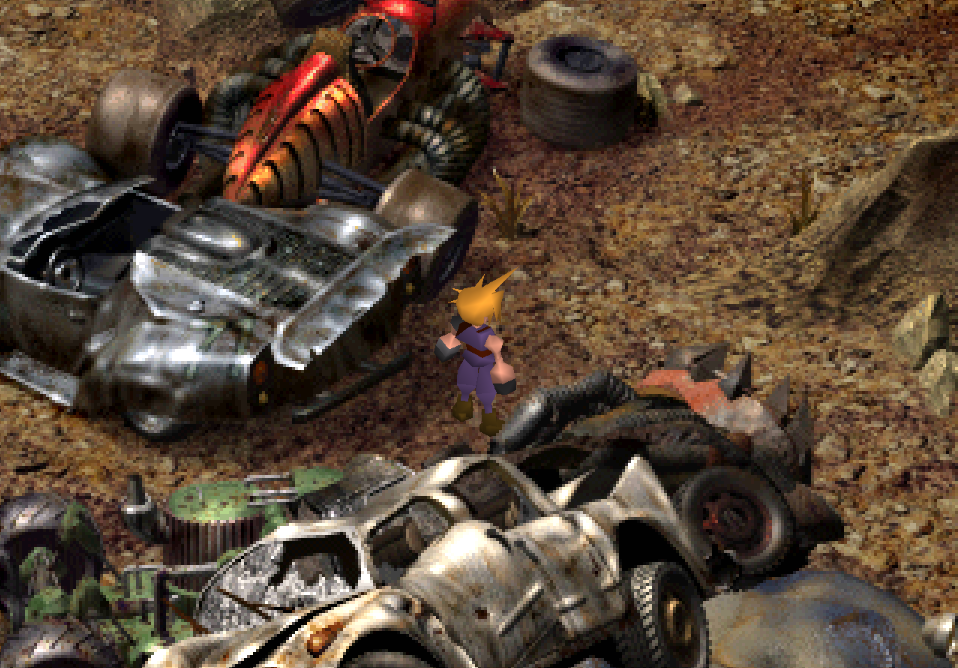
"Restored Test enemies' models from JORG, meaning they are no longer all pyramids."

What animations should I use for them for 60fps?

The best list I can find via googling is:
Test 0 = Guard Hound
Test 1 = Grunt
Test 2 = Deenglow
Test 3 ?
Test 4 = Hedgehog Pie
Test 5 = Serpent
Test 6 = Adamantaimai
Test 7 = Grosspanzer A
Test 8 = Grosspanzer B
Test 9 = Grosspanzer C

Edit: And which Grosspanzer is which? 7=big;8=small;9=mobile?

On the video front, I've worked out how to reproduce the beta text crawl pretty closely. I've just been delayed by some ongoing family stuff.
 
Last edited:
T
There isn't actually a "Test 3" enemy so I don't know what model it uses. There's a pyramid in its corresponding enemy model slot so it probably existed at some point, but I don't have the means to unpack JORG and see what the actual enemy model would be before they all got swapped with pyramids.

If you unpack the latest SAC build and go into main_content\gameplay_mode\Cut Content On\battle, you can find all the models and animations in there. Just use those for your 60fps interpolation.
 
C
Alright, fun and exciting times!

HERE are the 15fp FMVs with SAC subtitles over the latest SWY upscales. Includes Opening-beta, Opening-demo, JenovaE, Ending2-standard, Ending2-storyboard. Unfortunately, the download link expires in a week. Please let me know to reupload if you miss it.

HERE is my "compatibility pack" mod with 60fps fixes for SAC, 30fps versions of the same videos, and some other goodies.

And HERE is the github with the notes, scripts, etc. used to make my mod. These should prove useful if you ever want to move the 60fps fixes into SAC itself, or redo the movies, or whatever.
 
A
It says in the OP that the mod was made to accomplish two things, first a retranslation and second restoring unused content. We're currently able to have the retranslation without the cut content, but are we ever going to be able to do the inverse -- restoring the cut content with no retranslation?

I can appreciate the effort put into the retranslation, and it looks very well done, but honestly I've never had an issue with the original game's translation, even if it is inaccurate or inconsistent with later games, so I'm not very keen on changing it if I don't have to. I do, though, really like the idea of being able to play through cut content like the famous extended Honey Bee Inn scene.

I understand that, with a project of this scope, there's probably a lot involved, so I understand if that's not really feasible to do, but I figure it can't hurt to ask
 
T
Due to the fact that decent chunks of the cut content weren't translated by the original translation to start with (Honeybee Inn especially), from a certain perspective that wouldn't be possible at all lol.

But yeah, while I appreciate that there are people who would want the cut content without the retranslation (you're not the first one to ask) at this point it wouldn't really be feasible to do. SAC is already like five mods wrapped up in a bundle, including two full-game mods (vanilla and arch mode, which are then further sub-divided into versions with and without controller icon support), so in order to do cut content without the translation I'd have to manually go through and re-apply the original translation to the cut content files and start maintaining a third version of the game, which frankly I do not want to do.

My concession to people who want the nostalgia hit was the "Cultural Heritage" bonus option, which reverts a few memorable things from the original translation (i.e. "this guy are sick"). Our main script also just keeps a decent few of those as-is (crispy critters, "is that some kinda disease") just because we liked them lol. I guess I don't mention that option in the OP actually, should add.
 
T
Hi everyone,

Is it possible to make some field and script changes that are compatible with SAC ? I extract my changes as chunks (1 and 3) and load them with 7th heaven, but this erase the SAC scripts for the given field. Changing the load order just makes my changes disappear.
 
T
Any mod that edits a chunk is inherently incompatible with any other mod that edits that same chunk. Such is modding FFVII lol.
 
T
Well the chunk 1 that actually contains the changed scripts edited with makou reactor is absent in schinra archeology cut. I can only find the chunk 3 and 8 in SAC .iro. Chunk 3 is responsible for the field models. So the changed SAC scripts must come from elsewhere. How are the new scripts loaded for SAC ?
 
T
SAC is primarily made by editing chunk 1. I made the thing, I'd know lol. What you saw was the flevel folder in "main content." That's where the other chunks are still stored, and used to be where the chunk 1s were stored as well, but after introducing controller icon support the chunk 1s get stored in the folder for that option instead, which is under "gameplay augmentation." SAC's file structure really wasn't made for anyone but me to see so it is not super well organized lol.
 
T
This is a stupid question, apologies, but with the Shinra Cut mod, why did they fix the W-item glitch? Is there a way I could convince them to release a patch without the fix?
 
T
This is a stupid question, apologies, but with the Shinra Cut mod, why did they fix the W-item glitch? Is there a way I could convince them to release a patch without the fix?
It's not fixed in the PC version of the mod, but the guy who ported the translation to PSX applied a few other common bug fix patches as well because "all the other FFVII rom hacks do it," which I'm not very happy about. Apparently it would be a very big pain in the ass to undo now so that's how it is.

EDIT: Okay he actually just did a patch to un-fix it. There we go.
 
Last edited:
S
Hi. First, let me say that I enjoyed the SAC cut. I have a quick question. There are a few minor changes that I want to make to the magic system. I wanted to use the WallMarket program to do it. But where is the kernel file in the SAC iro to do that? And thank you for your help.
 
Status
Not open for further replies.
Back
Top