L
LeonhartGR
Guest
What a gorgeous scene once more! Aeris's house revamped! Astonishing work! Looking forward for the update!

This means wall market is next?Hi folks,
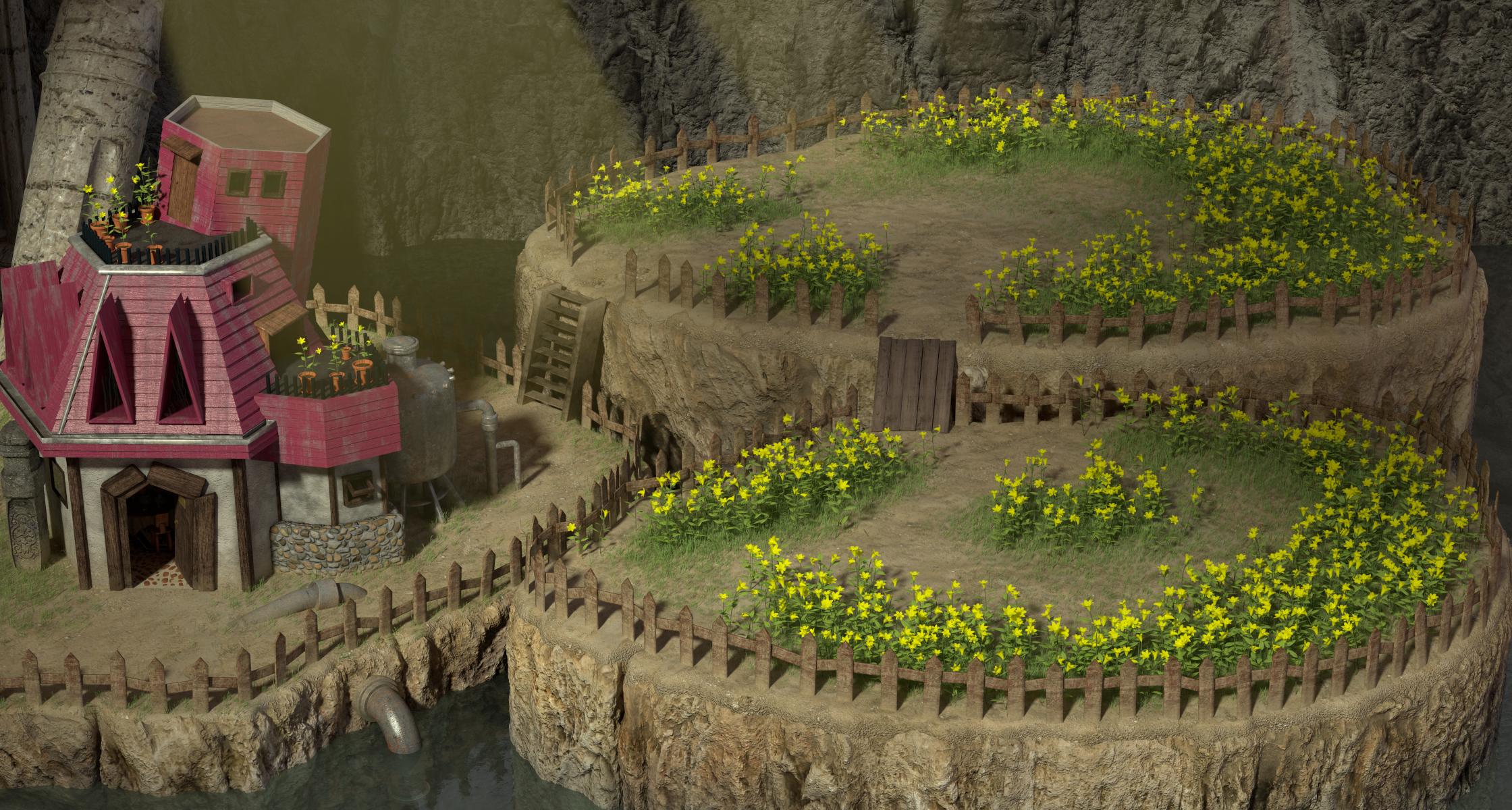
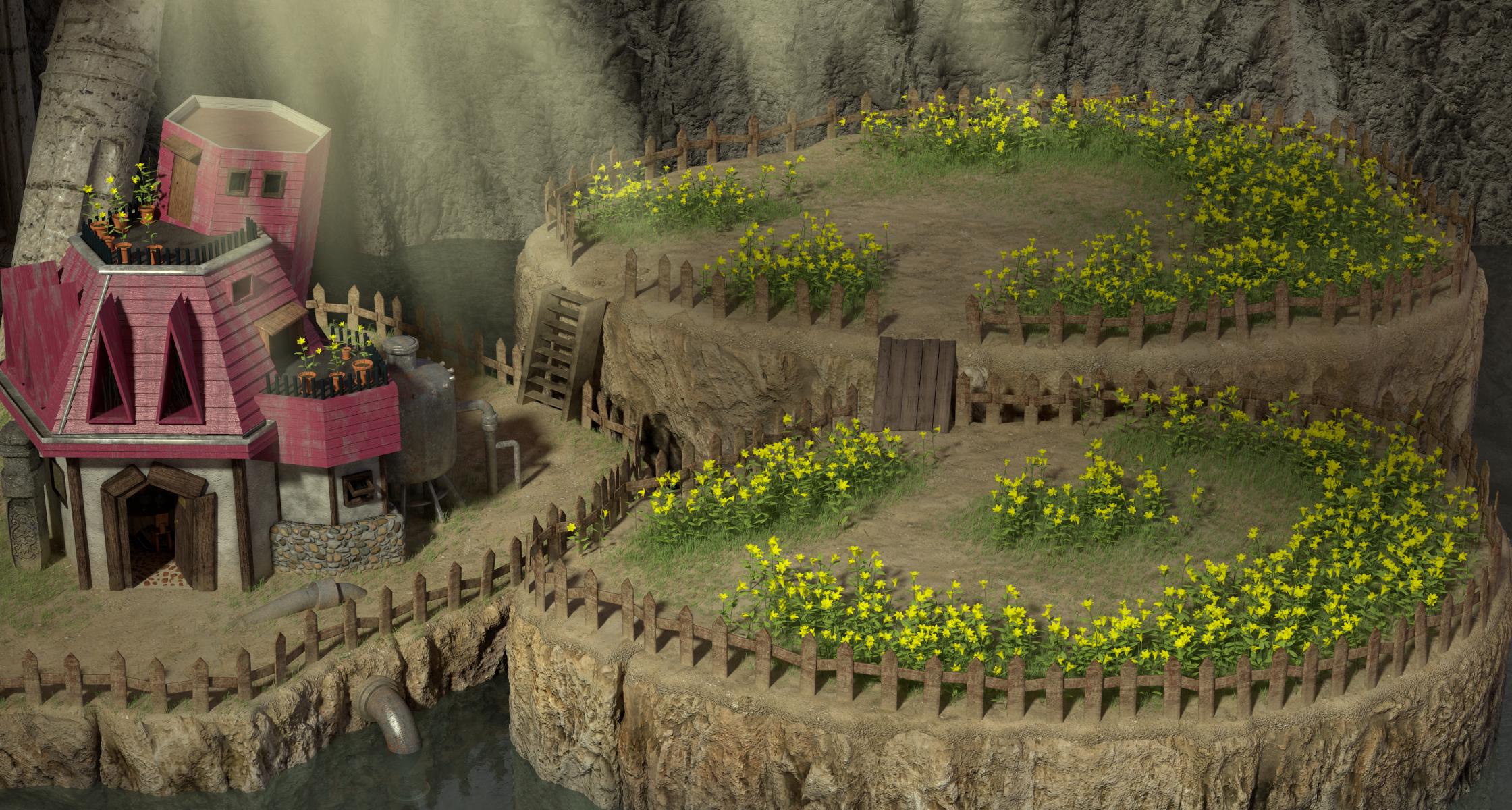
I've released eals_1, the files are on the repo. I'll upload a picture tonight to show you how that looks. Again, if someone happens to be interested in trying out the field, while not having access to the repo, you can PM me so that I can email the files to you. 3 notes about that release:
- Given there's no simple way to get the waterfall to work properly, I've released this scene without the waterfall.
- I changed the color of the crepuscular rays (yellow to emulate a winter sun)
- The default character size (512 in Makou Reactor) works well.
That wraps up Elmya and Aerith's house. Now, onto the Sector 5 slum market.
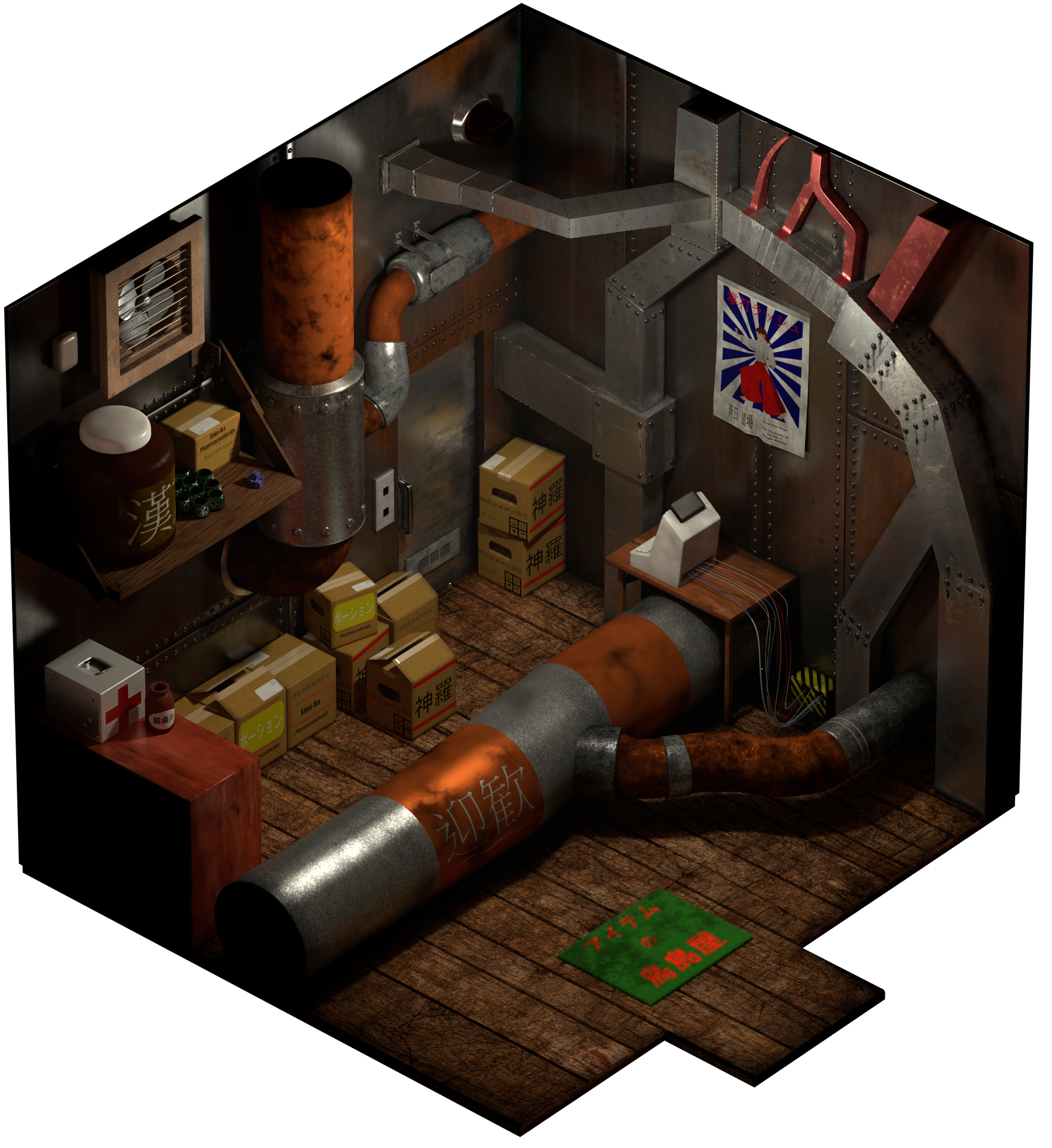
No, it's the big plaza of the Sector 5 slums with a cluster of shops in the middle, and the rusting bus turned into a weapon shop. And all related indoor scenes. In other words, mds5_1, 5min1, 5min_2, mds5_i, mds5_dk, mds5_i, and mds5_m.This means wall market is next?

From your last progress on that scene I thought it looked completedNo, it's the big plaza of the Sector 5 slums with a cluster of shops in the middle, and the rusting bus turned into a weapon shop. And all related indoor scenes. In other words, mds5_1, 5min1, 5min_2, mds5_i, mds5_dk, mds5_i, and mds5_m.
I do not intend to model the Wall Market afterwards.


What he said.Cheap %#*^......
Amazing work. You are a beast.Hi folks,
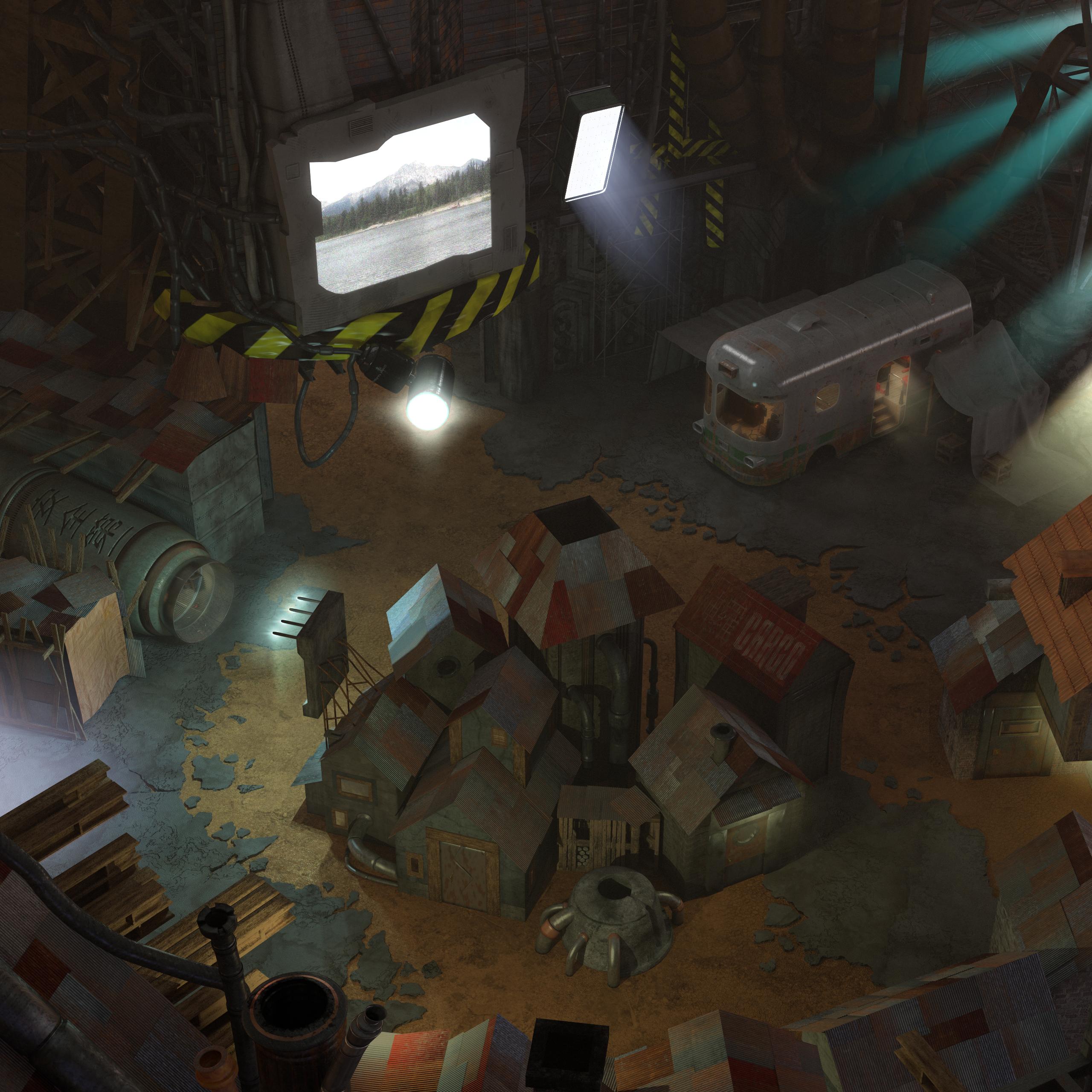
mds5_1 is finally done and uploaded to the repo. Below is the final render with light layers:
Again, anyone who wishes to try it without having access to the repo, please PM me. I hope you like it.
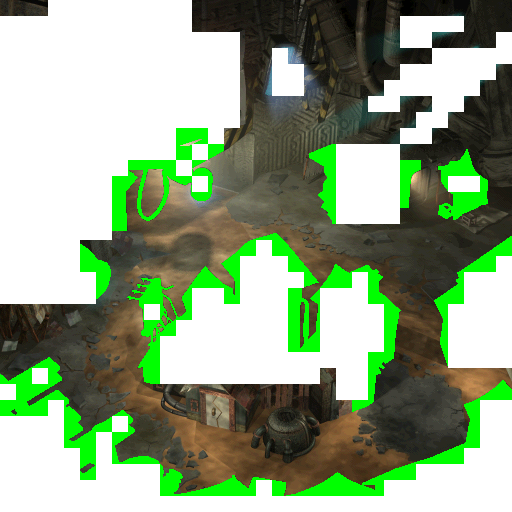
As a side note: finalizing this scene has been tedious and painful. As a lesson for future scenes: when modelling a new scene, it is key to refer to the background layer as given by Palmer. Referring to this layer in particular is helpful in preventing the following issue: Considering the background layer given by Palmer such as the one below
It is essential that the tiles in white shown on that layer be covered by objects located on a foreground layer. If not, it will instead reveal an area not covered by foreground objects, where the background layer will not be displayed either, resulting in black pixels. I had to go through an awful lot of troubleshooting to get that fixed, because I had been basing my modelling on the complete scene (where all layers are displayed together). The tiling process of the various layers is very limiting (not to mention the problem of alpha values).
Anyway, I need something more straightforward to do next - I've lots a few neurons and some hair completing that one.