Jmp's Field Scenes

  • Thread starter Thread starter jmp434
  • Start date Start date
Status
Not open for further replies.
Sorry I left football lol. To add a warm color , tick the Temp tab, and then adjust the temperature with the bar. To c 0 is warm up cold c ...
 
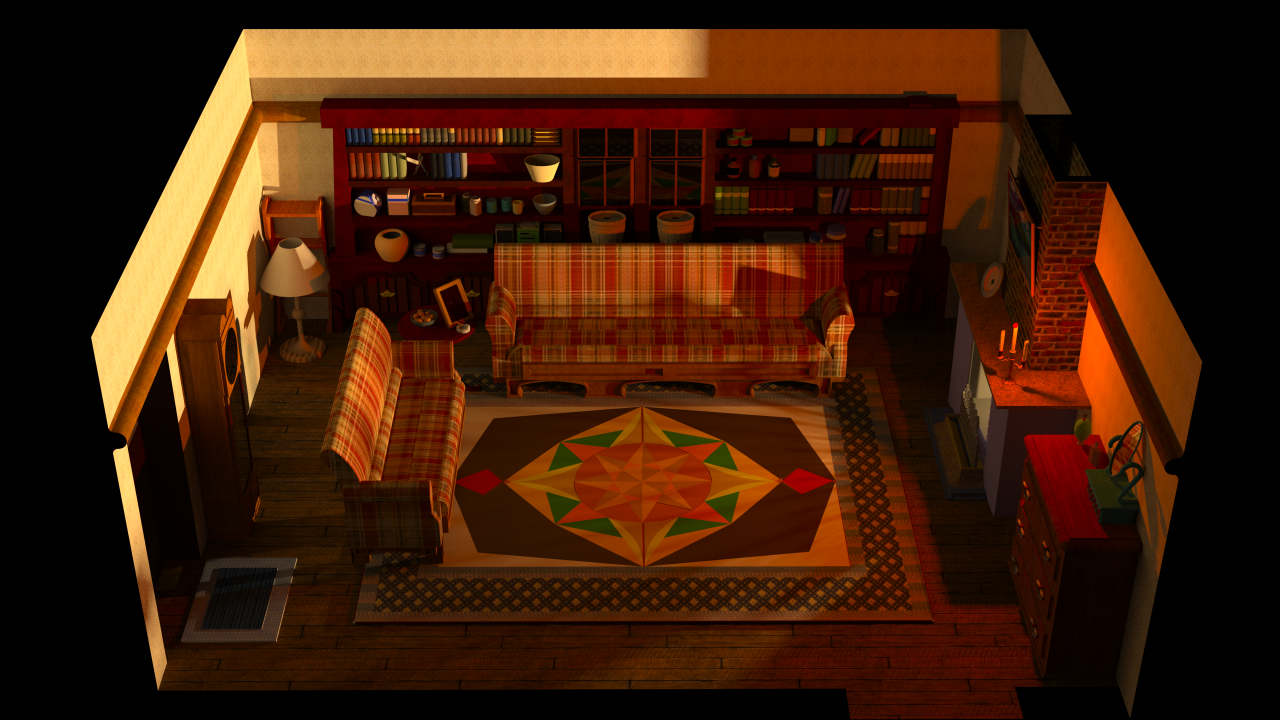
The problem I was having was assigning the correct material to the light source, it wasn't that straight forward. Anyway, here is a render of my work so-far

zxctWVG.png


It still needs some more work, the fireplace is too white at the core, the light source in the top-left corner isn't right; it's supposed to be emanating from within the lamp (the pointlight is in the lamp itself so I don't know what's going on), and the windows aren't transparent enough (easily fixed), but other than that I'm quite pleased with the result.

the next step is learning how to test the scene within FF7 itself.... I haven't got a clue how to go about doing that....

Also, how long should the render take? Using the Unbiased TR1 engine it was still rendering after 3 hours! I cancelled in the end and just saved the render in it's current state
 
Last edited:
using the adaptive mode basic inside you will have a good record . You can correct your display brightness in . In the light of small lamps such as blinds, you have to use a material. Take a walk on my tutorial , it is explained in picture how. J had pointed at my clock that was a little too big .
the texture of my walls is repeated enormously and see , watch . The carpet is beautiful but it is paper. Uses a displacement to give her a fur effect.
You used too little bump ... After I find that your work is very beautiful . Congratulations!
 
Yes, I shall read you tutorial again, I've read it many times, but everytime I read it I learn something I missed previously, I'll spend some more time with my scene later on

In regards to the carpet, I actually think i can get it better. Look at the shapes of the original carpet, I don't think that they are too hard to recreate... but does it need it? If people think that the current carpet is good enough then I'll leave it as it is! In terms of texture I mean; you are correct about the carpet being too thin, I shall add displacement!

 :D
 
The reason I say it is a bit too flash , may be tarnished a bit , if not as I explain in my tutorial , colors, details etc can sometimes be changed to add his style, that's what gives a new charm to the game , such as the mog I add a scene and something else style :)
 
Yes, I understand, the scene doesn't have to be absolutely perfect to that of the original; it can also be a reflection of ones style. If you look very closely, you'll notice a mini figure of Cloud on the shelves  ;)
 
I am glad to see there is now someone that can help jmp434 out with recreating the scenes!

Your work is surely promising, DynamixDJ!

Keep it up!
 
Thanks Salk!

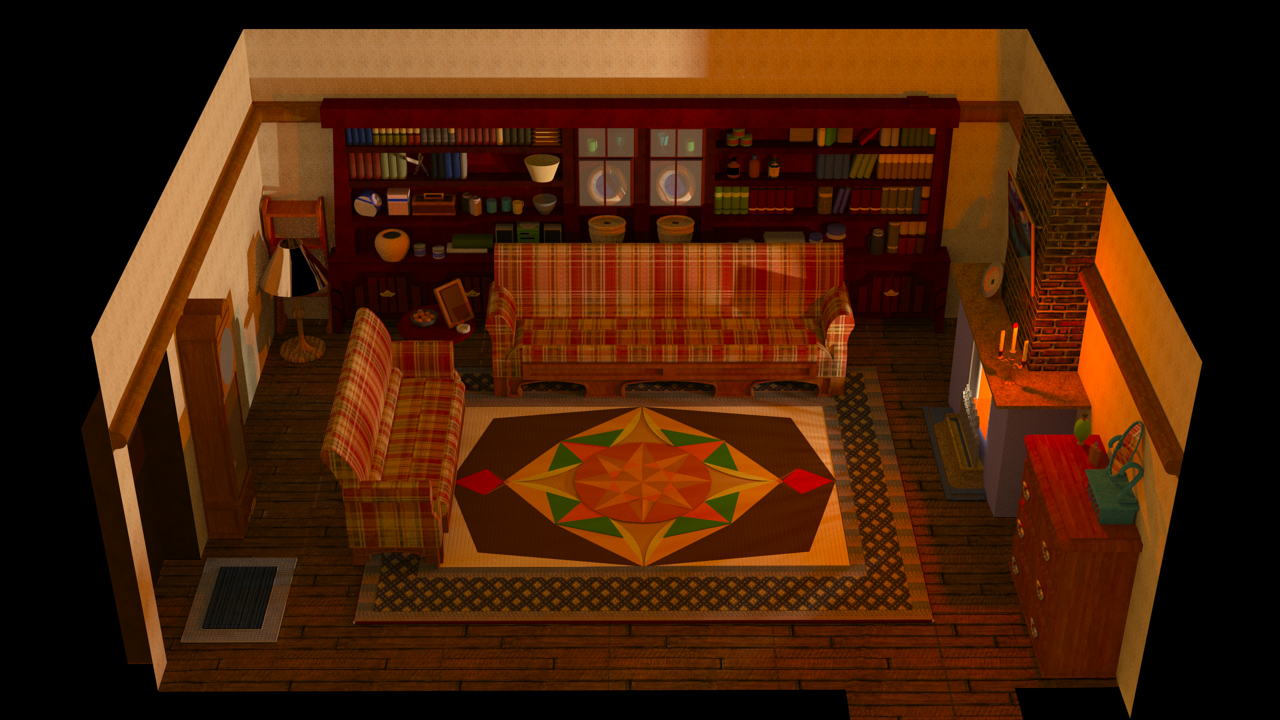
Ok, the light is good, the windows are good, the very last thing I'm struggling with is the carpet and floor. what displacement and bump settings are good for a carpet / floor? Also, what black & white texture should I use? Th tutorial is slightly vague in this area.

qY3M9Hz.png


Once I get the carpet and floor correct this scene is done  ;D
2 weeks to complete! The next one should be faster because I know my way around the programs now.
 
To create the rug is best to make a black image with thousands of small white dot . When this is done you have to place it in the displacement ... The most complicated is to settle the subdivision, with all the time I spend on it still hurt , my lack of English understanding does not help me not more .. And the lack of graphics power also
 
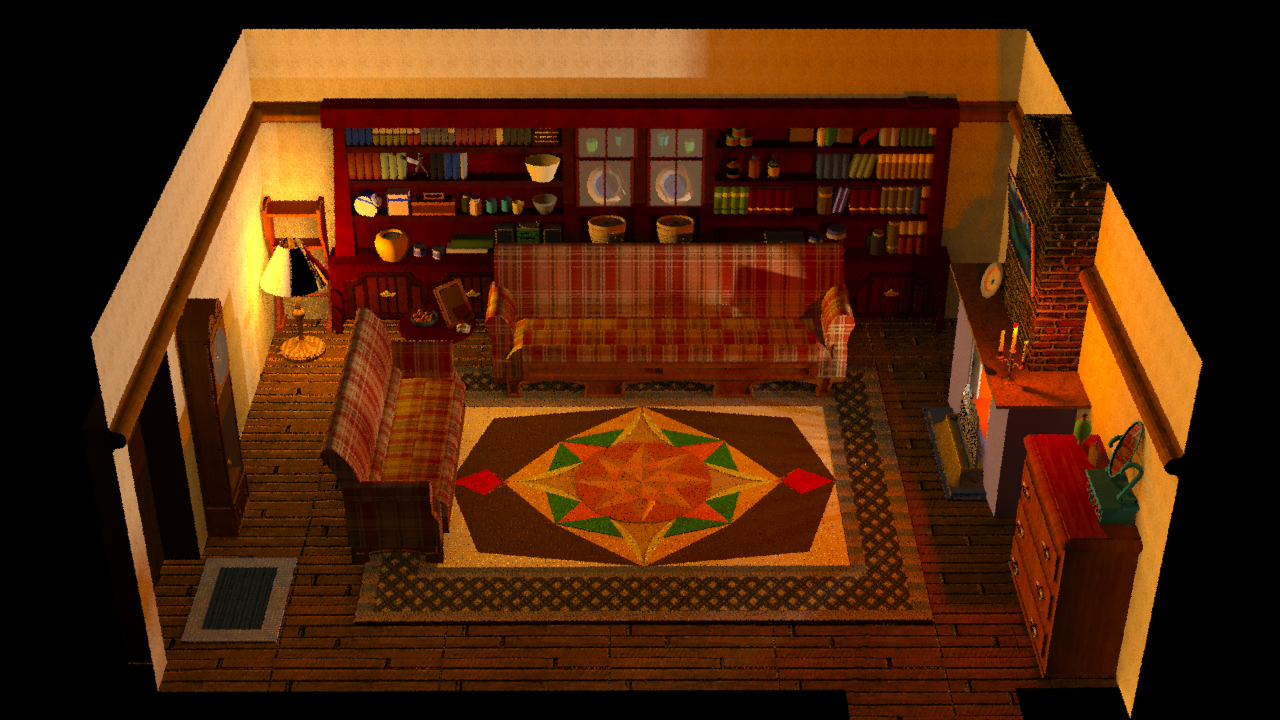
Thanks for the tips, they helped. It's done! I've added the right bump and displacement to the floor, carpet and chimney wall. I'll send you over the .skp file so you can judge for your self.

Here is a rough render for now, I'll start a full unbiased render before I goto bed and I'll upload in the morning

UX8XNvO.png
 
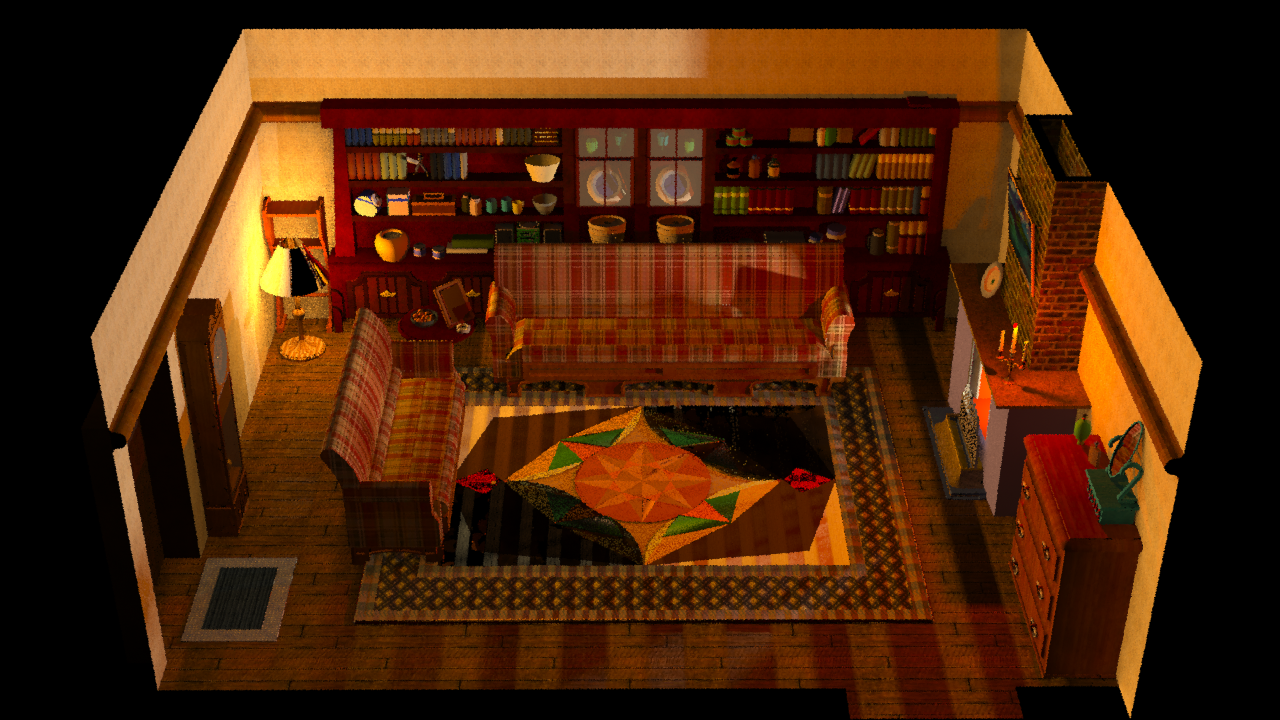
Something strange is going on. When I run a full, unbiased render, the light source coming from the lamp disappears, however when I run an Adaptive (BSD) render, the lamp is on. What's up with that??

Unbiased (TR1):

lEGoKYj.png


Adaptive (BSD) - Interior Basic:

see picture in previous post
 
Well that's annoying, I've spent enough time with corelin now, looks like I'll have to spend a little more  :(

I'll try messing around with the settings, if that fails then I shall try to render via Thea Studio and see if that works
 
@DynamixDJ
Really awesome work! However I wouldn't use Cloud in the back. Sephiroth, Soldier (because these models can be explained historical) or even characters of other FFs (Squall springs into my mind) are fine. To see Cloud there looks a bit paradox.

Why does the lamp have such a strange material? I also like the glass material you used before because now it looks like a transparent white plane.

Still I say congrats for the great work so far.  ;)
 
Thanks Kal! You make a good point about the Cloud model. My reckoning was that the model is so small that it is more of an Easter Egg than anything else, but nevertheless you are correct and I shall consider which model to have in its place. Vivi sounds good (also, Cloud would have been what... 16 years old??)

That lamp shade is giving me a world of trouble, and I'm considering replacing it altogether. The material is reflective because I didn't really know what I was doing when I was messing with it, I'm a lot more experienced with Thea now, and I know how to change the reflective settings, so the material is no longer reflective (or at least it shouldn't be), but the main problem is the light source; it only appears when I run the lowest quality rendering, otherwise it is not lit, and it's wearing me down.

JMP - I've just thought, do you think that it's because the pointlight is within the group of the lamp? If I remove the light from the group of the lamp, so it's on its own, do you think that would fix my problem? I can't see why it would, but it's the only thing I haven't tried. I'll try it when I get home, if that doesn't work then I'll swap over the lamp shade completely.

 
You should remove completely this light! also remove the reflection it has. Place a sphere in the shade, Give him a hardware add color and luminance like neon in my tutorial .. It's tiring moin, after coming back to this scene, I send you a tool to remove the repetition of which I speak to you, look at the walls of your scene. The wheelchair also be able to correct with this one :)
 
I create a scene on my side, but I've not yet textured. I have received my new graphics card dice tomorrow ... I can not wait! This one permettras me not to have bug with my software, delaying me a lot ... And I could do my has made a tremendous speed (normally)
 
Status
Not open for further replies.
Back
Top