New field scenes, just need some help achieving it

  • Thread starter Thread starter Tsuna
  • Start date Start date
Status
Not open for further replies.
Okay so first off i use Waifu to upscale the image to 2k resolution.
(As far as a i know this is what all packs are so far)

After that i take the images into gimp and create my own Normal/Bump maps for them and apply them on top of the original. This adds deph and detail to the image.

This process may be improved very shortly to a system that will increase the time needed to complete it tenfold but with exceptional results. BUT i'm not going to be doing that until i have this pack ready. I'll make a second after when i have more time
 
Yeah I use gimp for it actually. If you head to my YouTube channel listed under my avatar I have a quick tutorial showing exactly how I do it

Yeah some help would be fantastic. Besides I'd much rather an awesome mod have as many authors to take credit as possible
 
Last edited:
Is it much different? Yeah I'll take any improvement methods lol and glad to help others
 
First and formost you can do batch conversion with it.
You also have more options to choose. There's also a mode which takes a little longer to upsize but the quality gain is sometime worth it.
 
Hi guys, I have another method to improve the backgrounds.Here some pics(left waifu 4x, righ my filtered version):

https://cdn.knightlab.com/libs/juxt...html?uid=c2aa7ca8-52e1-11e7-baf8-0edaf8f81e27
https://cdn.knightlab.com/libs/juxt...html?uid=f14917d6-52e1-11e7-baf8-0edaf8f81e27
https://cdn.knightlab.com/libs/juxt...html?uid=14e08b0c-52e2-11e7-baf8-0edaf8f81e27

I need help with the batch import option of palmer. I don´t know how it works and the palmer front end is not working for me, always says this:
captur42.jpg

Palmer.exe is in the same folder as the fontend  :oops: Someone know how to figure out this?
 
Last edited:
You loose detail with that method and you will lose it with every automated method. This is an image where I have mixed two Waifu2x outputs one with no noise reduction and one with full.

Ui64qsp.jpg


The Gold Saucer needs mostly the full noise reduction due to the many vibrant colors but the low color resolution of the BGs. The problem is that full noise reduction eats a lot of detail from objects. The solution is to use both upscaled images and use the detail which fits best. Sand and rocks are 10 time better with no noise reduction while plane things absolutely profit from the full noise reduction. Yes, this needs manual work, but I think this will be better than another generic pack I can choose from. Though, since I started with the Goldsaucer and it really is an eye killer I probably make all other images of it that way, too. But I should use a better program than paint.net. Even if some people would do only a few manually it would be much better since they would merge with the current't Waifu upscale pack much better as some pre-rendered upscale.
 
That one looks good. I compared that one with mine and you are right, the colors are better on yours but I think that my method works very good on non brighter colors and grass,sand, rocks, etc. Maybe we can combine our projects and choose the best background of each one. On other hand, do you know how to use the batch function on palmer?? xDD

 
My god, that's the clearest image i have EVER seen! You had this potential for this long lol, why wait till now hahaha
 
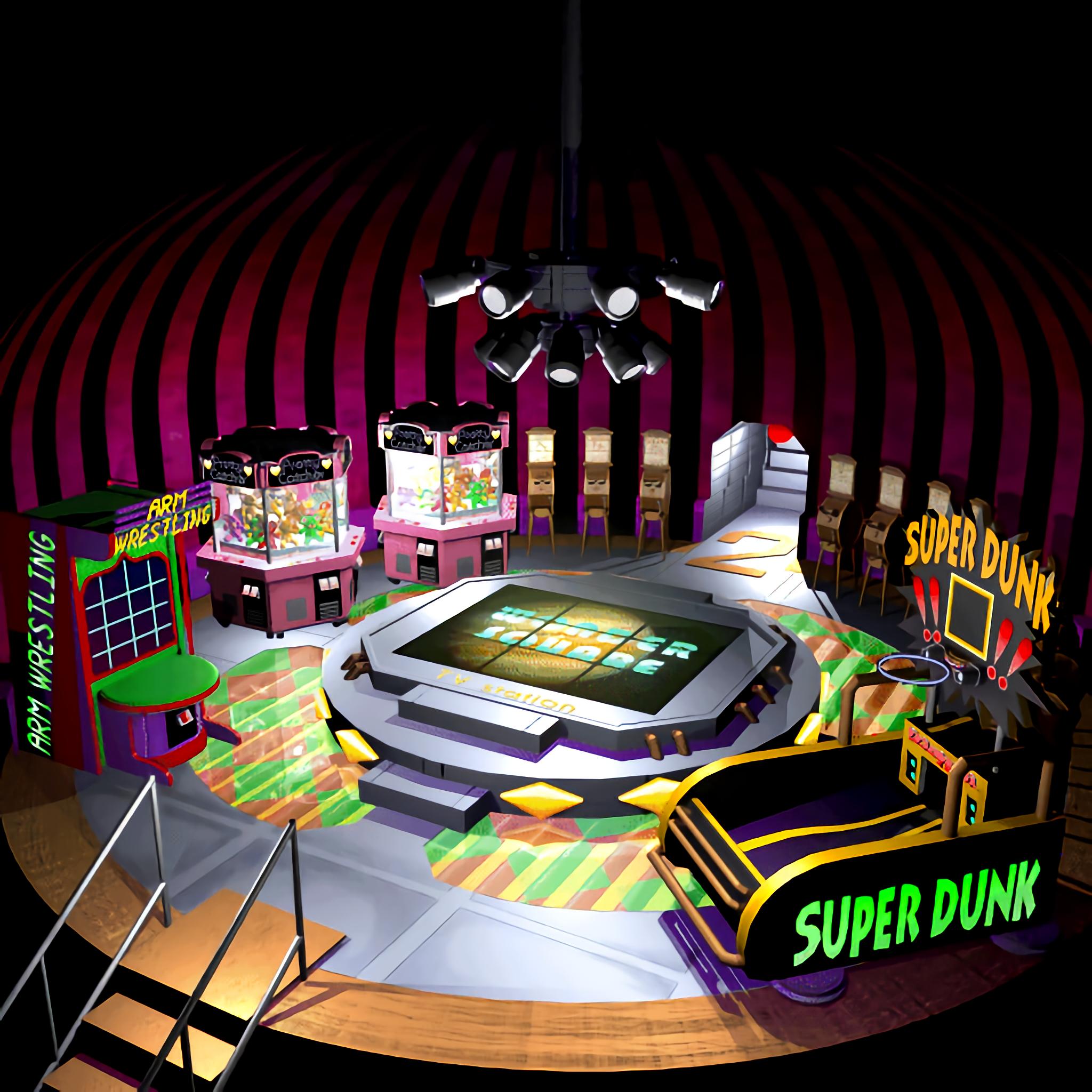
This is no magic but manual work. There is an image on the TA threat of sector 6 which is only upgraded by Photoshop and I think that it is the best way to upgrade the original images to HQ. With the two Waifu outputs you get a good base for the upgrade, but a bit additional work is needed. I used the rough no noise reduction as base, added a layer and put the (too) smooth output image to that layer. Then I erased areas from it where the rough image did look better. I also added some lines and worked out some details like the letters on the platform (TV Station) and smoothed parts which even Waifu couldn't blend.

This could probably be improved with a better tool and more practice. A bit fake AO with the burn tool or using a generated noise texture to give some surfaces more detail, stuff like that.

@jusete
So far I have no idea how Facepalmer works, sorry.
 
Nice, I will try your method and see If I can find the way to do it quickly. Thanks mate
 
I don't know if my method brought us to this but either way I'm glad I made this haha. Best field nod ever is incoming !
 
Well, Kaldarasha is a great FF7 graphics artist and I am really glad to see him give his contribution which is truly invaluable.

Hopefully you can combine forces and really provide FF7 with the best possible retouched background screens.

I fear it is a long and tedious work though.

All my best to you guys!
 
I currently have given GIMP a try to I guess with it some further improvements are possible since I can use some brushes and perspectives. Anyway, I only do the Goldsaucer, but first I finish my ChaOS update. When this is all done I have to train my programming skills to create tools for my needs.

My suggestion is to do the cities (also the Chocobo Farm) first since this are places you visit pretty often, though I would say Midgar should be done at the end since its very big and can be demotivating if you do it alone. A city can be done fast and you have also the success of a full finished pack.
 
So far I really like Gimp.  ;D

Source (edited)
mUNbQbk.png


Upscale
3eFsY1f.png


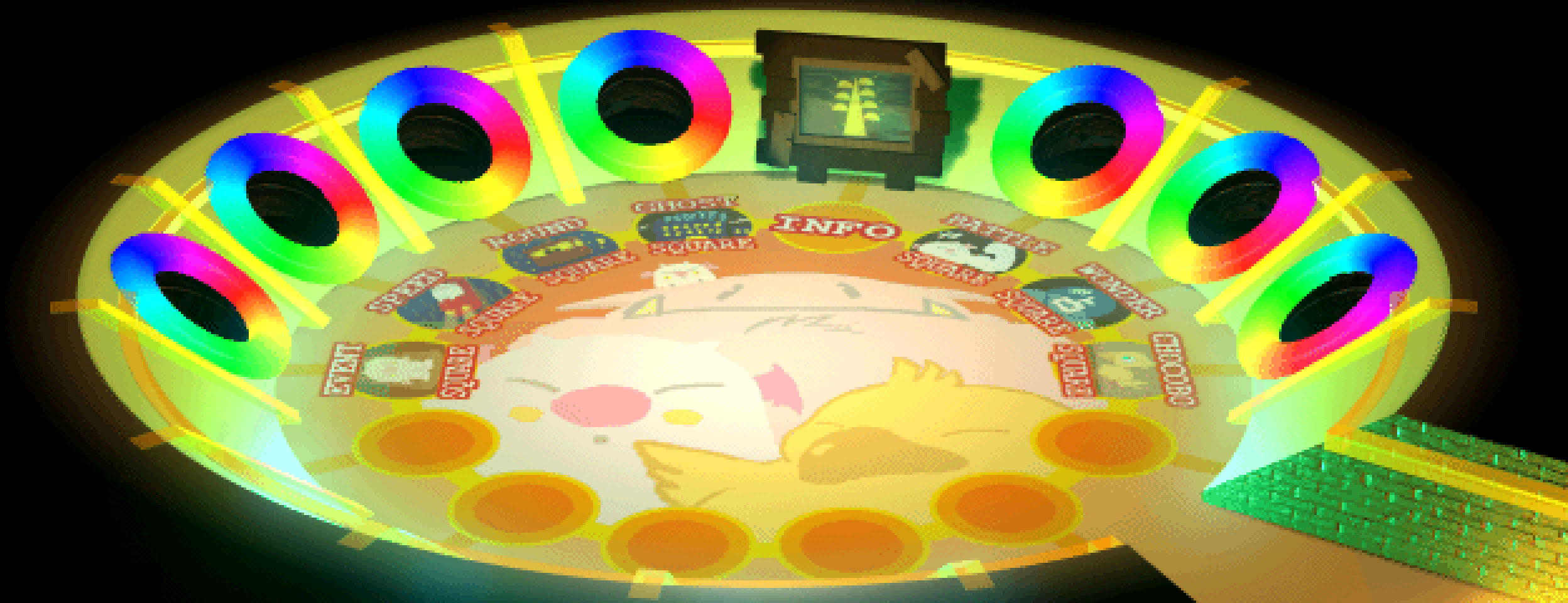
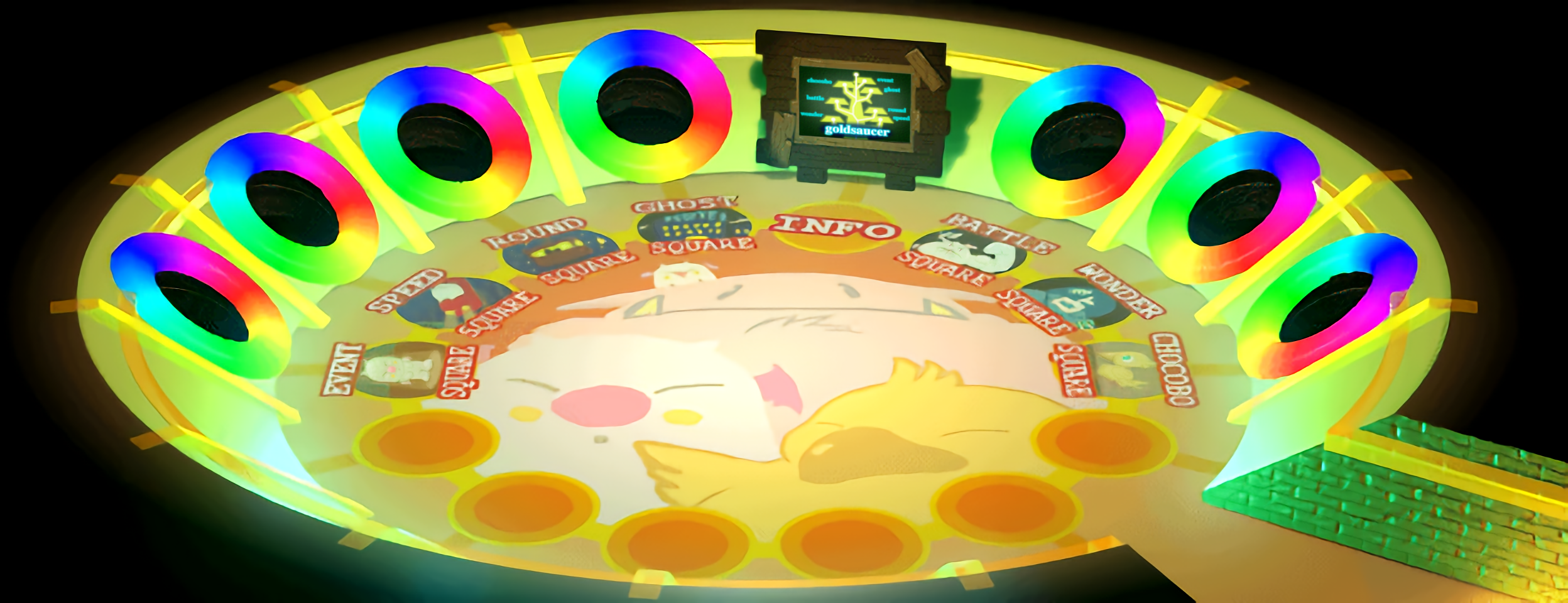
I did use Waifu and then edited the image in Gimp. The info is the BG you see when you are going close to it. Thanks to the perspective modification tool I could embed it into the scene pretty well*. Then I tried to work out the letters and worked out some detail to certain objects with the darken/lighten up tool. After that, I used Waifu again to make the image 2k.

*I added it in that step because I want a coherent result. If it would be added to the final upscale, it may clash with its higher detail to the rest of the image.
 
Status
Not open for further replies.
Back
Top