Project Edge (Jusete's field scenes)

  • Thread starter Thread starter jusete
  • Start date Start date
Status
Not open for further replies.
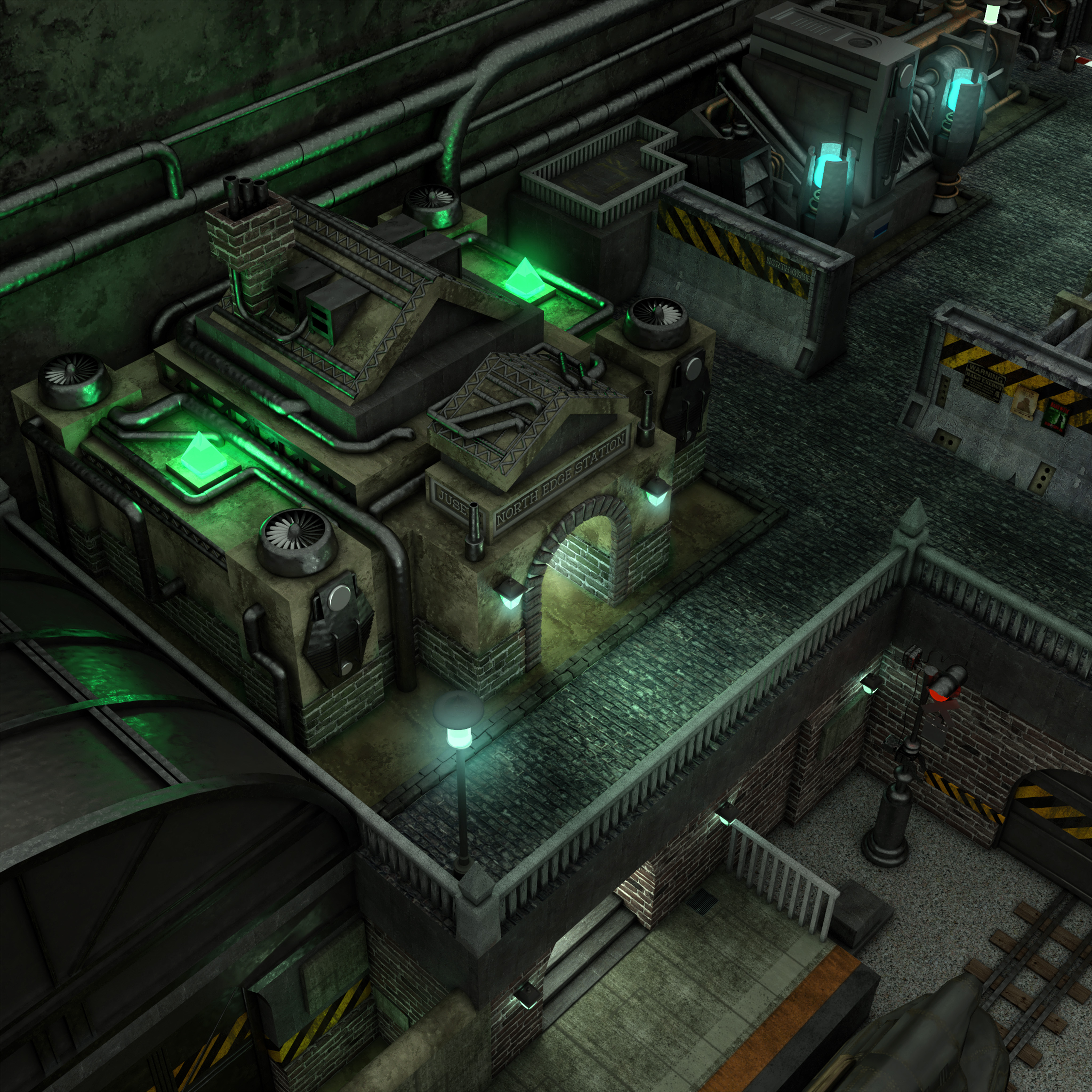
md1_1 finished!!!
XQf2WkX.jpg

It´s going to take a while to start the next one as I´m really busy with the las preparations for the big day and with work. I´ll probably come back on Decembre or maybe January so that will give some time to Shampignon to finish the backgrounds xD.
Thanks guys!


As  the time of rendering and load of work on my computer is too much, I started to use a rendering farm service to have the renders in less time. As obvious, they are charging me some money for the service and unfortunately I can´t afford that so I´ve opened an account to top-up the service when needed. If you can contribute to the project any donation will be appreciate. Thanks for your support!
 
It's beyond imagination. I wish you the best for your coming important day.

And again amazing incredible job!!
 
Incredible jusete! This screen is for me the better you make! Really really great work!
 
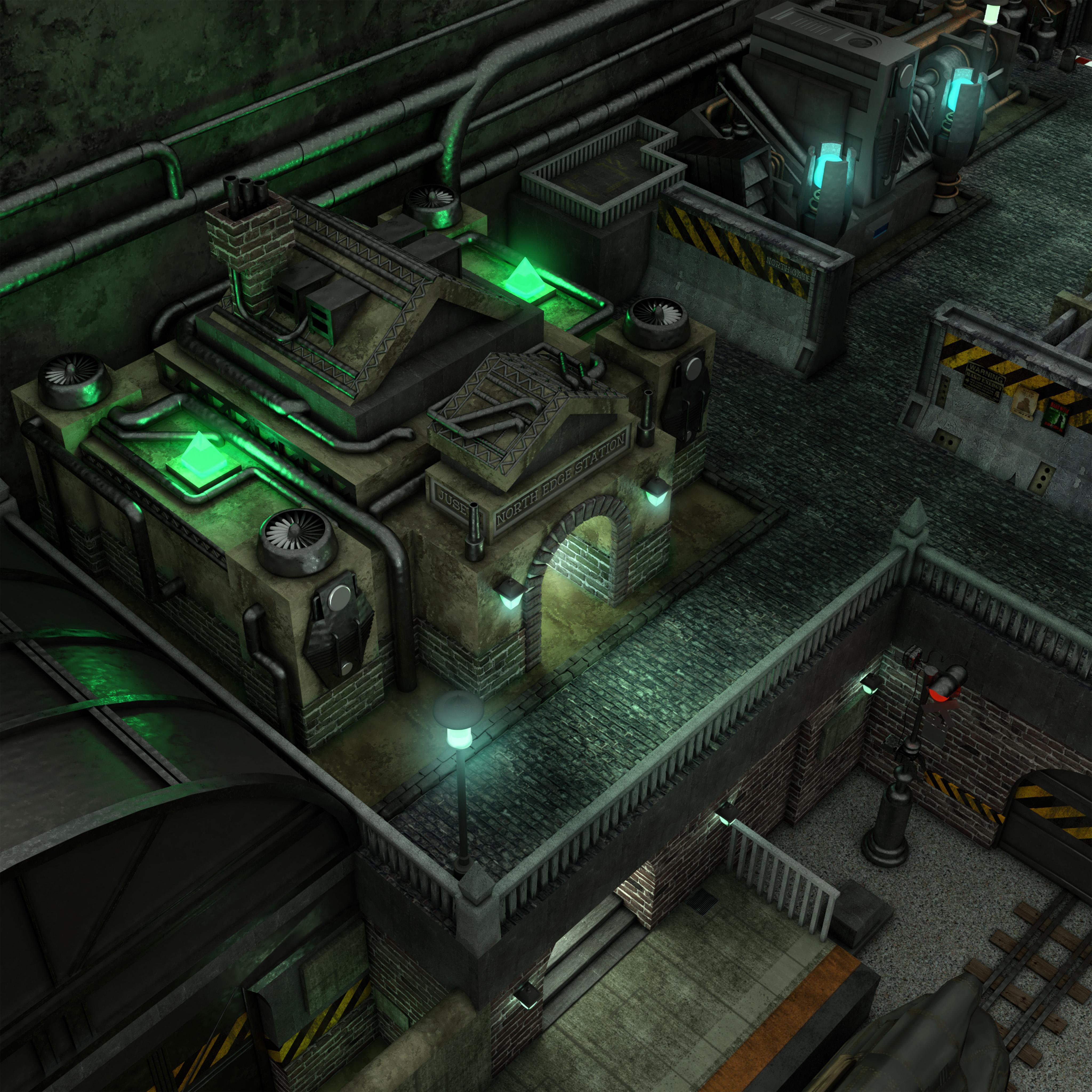
Great work but why is there so much aliasing around the lights ?
Just in case, here a 25% downscale then upscaled with esrgan, realy less aliasing if you want to mix it with your to reduice lights aliasing.

testj.jpg


Thanks for all your works
 
The problem with the ai upscale is that you loose all the detail. Check the signs next to the reactor gate, you can´t even read "NORTH GATE". I don´t see any issue with the aliasing to be honest, only few places but nothing that photoshop and the smoothing tool can solve xD
 
I know esrgan eat up detail decause of the downscale first.
I just wanted to share it with you so you can overlay both in gimp of toshop and keep only the aliased lights edges part from waifu.
But if you can solve it with other methods, go for it ^^
 
The problem with the ai upscale is that you loose all the detail. Check the signs next to the reactor gate, you can´t even read "NORTH GATE". I don´t see any issue with the aliasing to be honest, only few places but nothing that photoshop and the smoothing tool can solve xD
Absolutely my thoughts. The details with the written text is something that I noticed first at viewing the picture of satsuki. I did not notice any of the anti aliasing problems. Better a readable text, than an anti aliasing problems solved. Just my two cents. hehe :D
 
Last edited:
I think what satsuki is saying is that you can mix the two together in post, as such:

Bukvo76.jpg


What I've done here is used the edges of the lights from satsuki's version, and everything else from jusete's version. It's more work, but the results are a best of both worlds, thanks to that manual touch.
 
Thanks Covarr! This one looks satisfying with enough details and clarity!
 
Nice one. I'll try to adjust the rendering settings for the next one, I'm sure there is something I can do to prevent aliasing without external editing. Thanks guys
 
Hello guys

I made the layering of the two last scenes of Kalm, but I saw a little default in the pub that I can resolve, and I didn't test the main town yet.
I'm in holliday for the week, I'll probably finish when I'm back.

So, some news soon !
 
Status
Not open for further replies.
Back
Top