Unfortunately no joy there. This is all that there is in the folder.
I think I'm going to have to resign myself to the fact that it's never going to work for me. I get the feeling it may be something to do with my ultrawide setup as looking at the spacing on the save menu, the extra width used is broadly in line with the horizontal ratio difference between 16:9 and 21:9. Not even setting my desktop resolution to 16:9 resolves it though which is what confuses me, perhaps somewhere in the game driver it's still calculating based on ultrawide. Regardless, the UI is lined up correctly and so are the numbers in the battle UI, it's literally just the text so the game is still playable, just not as "perfect" as I wanted it to be ;D
I remember the last time I tried modding FF7 I asked you for help regarding your Cosmo Memory mod as I have barely any sound output despite everything appearing to be as it should. Guess what? That's still the same for me so I've given up on that too I'm afraid
Edit: I just noticed that if I change my desktop resolution to 2560x1440, the "active signal resolution" is still 3440x1440 so it keeps the correct pixel ratio on the display. I change the active signal resolution to 2560x1440 and set the desktop resolution to 2560x1440 to get a stretched display. Still no movement with the font spacing so I officially give up :-D
Thanks for your help
You need to come to the discord. It is a lot easier and faster to troubleshoot there. And there are a lot more people around than just me. I doubt it's because of your widescreen. I've seen this exact thing before and they didn't have ultrawide screen. I've even seen it on my on setup and I don't have one either. I just don't remember what the issue is exactly.
Your CM problem might actually be solved as of yesterday funny enough. I mistakenly had it chainging everyone's sample rate to 96000hz, which could definitely lower the overall volume.
I was long overdue a reinstall of Windows and this has done the trick. Every mod (including ESUI and CM) works absolutely perfectly.
What happened may have been a system drive conflict - I'd changed the default drive for program files and docs to another drive before eventually moving it back to c: and I was never able to delete the system folders that had been left behind. I wonder if this may have been the culprit or something related to it? Either way it doesn't matter now as we're 100% cooking :lol:
Thank you Bonez and all the other modders past and present for making the real FF7R we all wanted. It's outstanding and beyond what I ever hoped this game could be :-*
You need to come to the discord. It is a lot easier and faster to troubleshoot there. And there are a lot more people around than just me. I doubt it's because of your widescreen. I've seen this exact thing before and they didn't have ultrawide screen. I've even seen it on my on setup and I don't have one either. I just don't remember what the issue is exactly.
Your CM problem might actually be solved as of yesterday funny enough. I mistakenly had it chainging everyone's sample rate to 96000hz, which could definitely lower the overall volume.
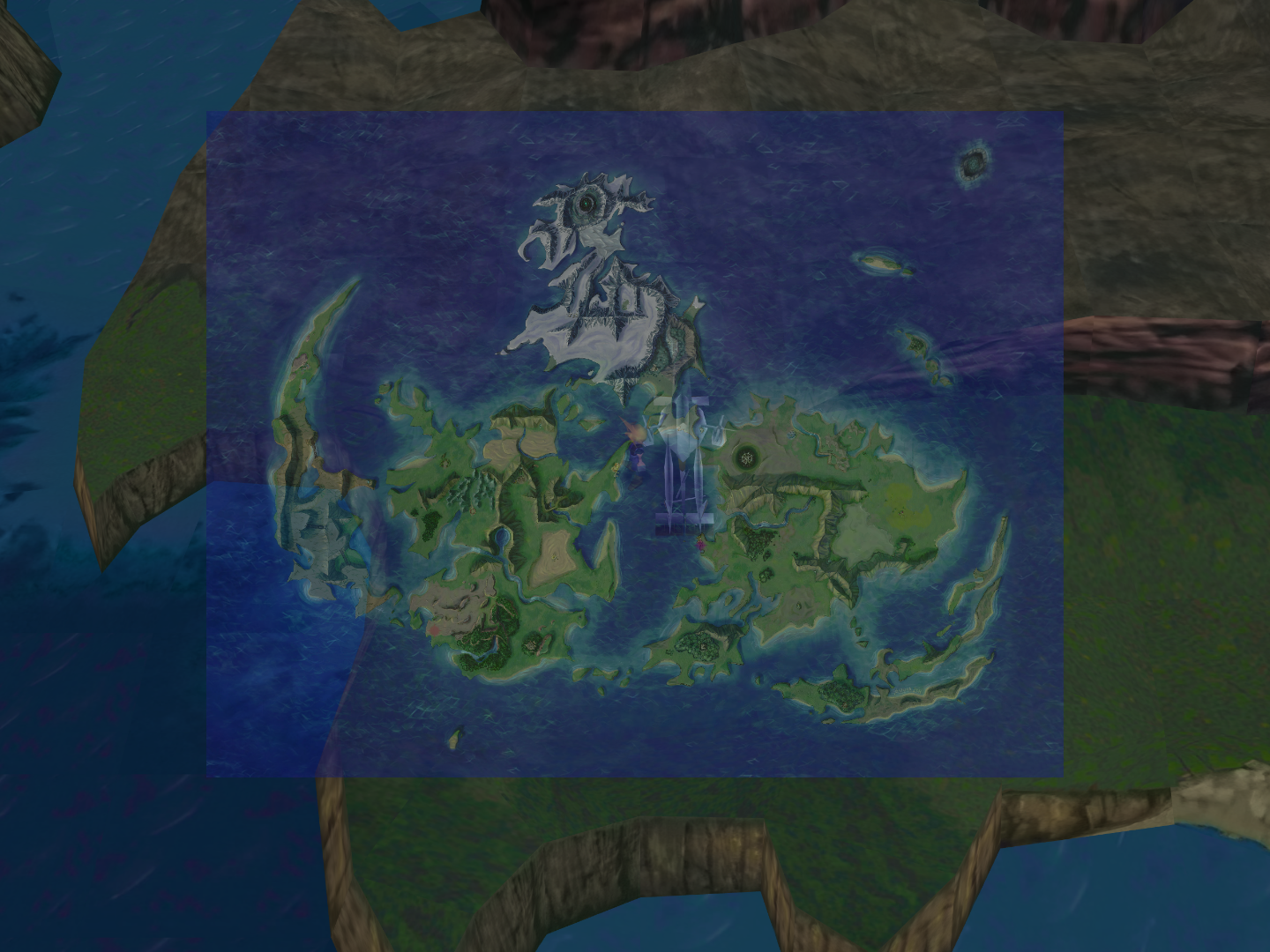
I have added the rescaled map into a test build and will post a link in the next few days, but I currently do not know the opcode for changing the world map transparency, it probably would be better disabled or with reduced intensity so I may look into it soon.
First of all, thank you for this mod! It's literally game changing, and has allowed me to get into a great game whose pixelated UI was otherwise a turnoff.
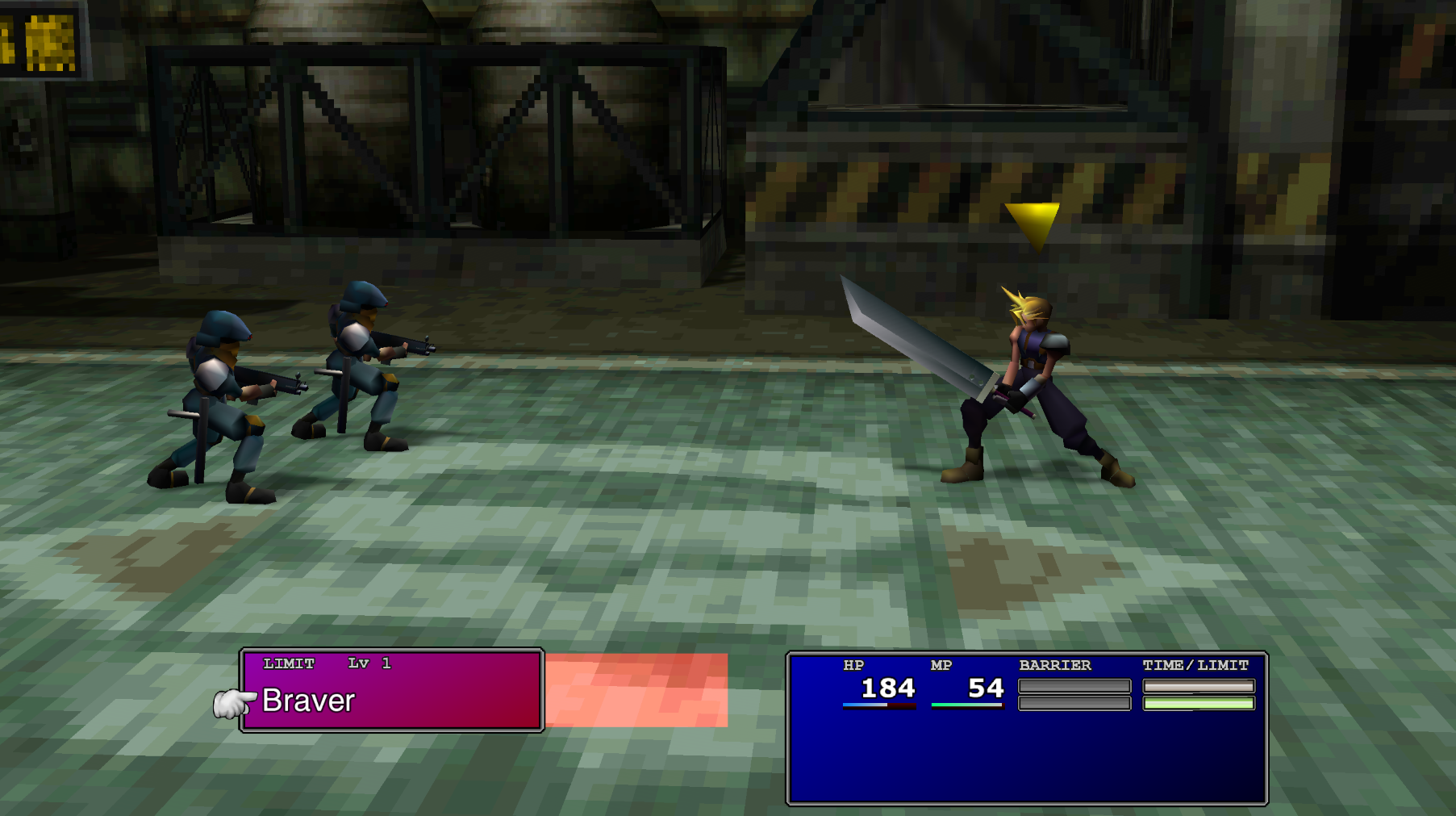
I just wanted to let you know that there's a slight graphical error that's happening to the limit break window with the new 16:9 FFNx settings, where the background color extends beyond the box border. I screen-capped it.
It only seems to affect this window, but it does this for every character. Yours was the only mod running at the time I took this image. Thanks again!
Hi, i have a problem with the mod or, must say , a compatibility problem :/
Recently, i updated the Esui mod, and its seems that now it changes, by hex code ,the font spacing . The problem is that i also has my own text fonts with the window.bin edited, and the hex codes has more priority that the window.bin. So...i cant do nothing to make my mods and ESUI compatibles, except.... that i need permission to use the hex edits ,modified with my values, to use it in my mod, so with this i can maintain my own settings for my mod ,with ESUI activated.
Of course i will give the corresponding credits to the mod and the person that found this hex codes (Chrysalis i suppose xD)
This is the hex code that i need to use,i modified to check if i can replicate the same changes of my window.bin and it works:
Oh, i see, thanks Orichalcon.
i suppose im gonna try to ask directly to DLPB also, I remeber that he has his own web for the Reunion mod(if im not wrong), maybe i can contact him there .
Hi, i have a problem with the mod or, must say , a compatibility problem :/
Recently, i updated the Esui mod, and its seems that now it changes, by hex code ,the font spacing . The problem is that i also has my own text fonts with the window.bin edited, and the hex codes has more priority that the window.bin. So...i cant do nothing to make my mods and ESUI compatibles, except.... that i need permission to use the hex edits ,modified with my values, to use it in my mod, so with this i can maintain my own settings for my mod ,with ESUI activated.
Of course i will give the corresponding credits to the mod and the person that found this hex codes (Chrysalis i suppose xD)
This is the hex code that i need to use,i modified to check if i can replicate the same changes of my window.bin and it works:
The block at the top is just the window.bin addresses (which he doesnt want he is using his own spaces), the code that modifies it I added to ESUI, it was not a part of menu overhaul (which was distributed with window.bin for the spacing).
This site uses cookies to help personalise content, tailor your experience and to keep you logged in if you register.
By continuing to use this site, you are consenting to our use of cookies.