C
Chrysalis
Guest
Glad to hear we solved it. 



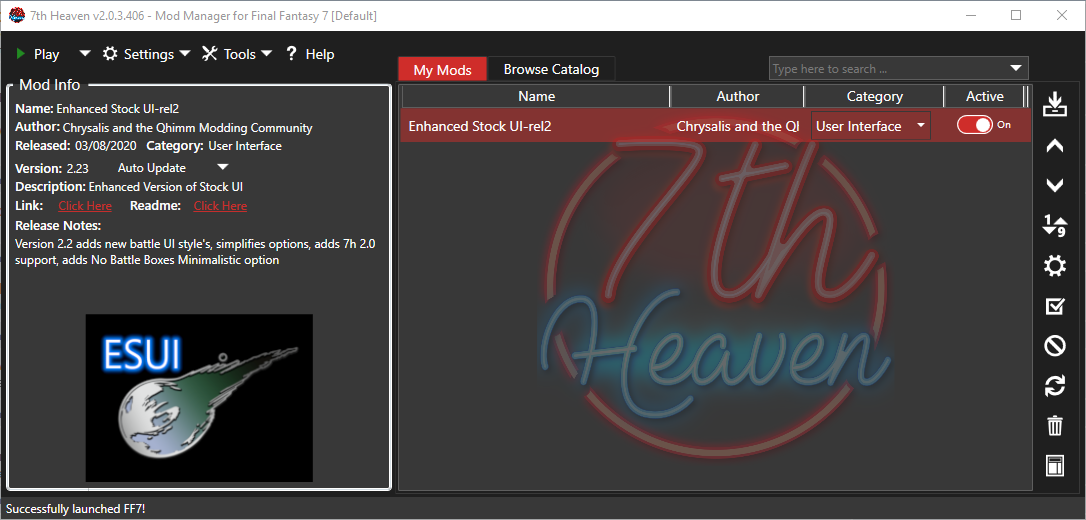
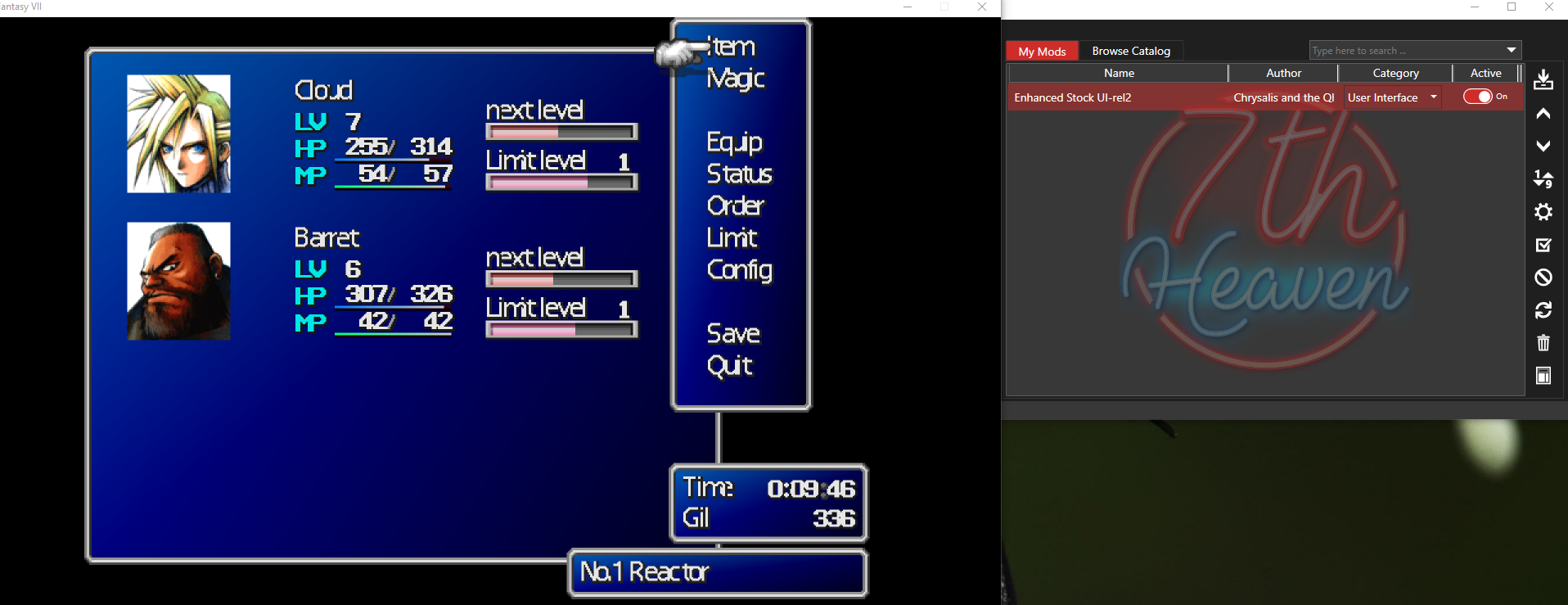
That seems to have resolved it. Thanks.Felagrog, your textures are failing to load, and you running the game from a protected folder, I suggest you move it to a folder that doesnt have the game inside "program files". Then reconfigure 7h to point to the new folder, and it should work properly then.
That worked perfectly thank you!! Not sure why i didnt think to restart before lolOk Flash0429, please do this to resolve this problem.
Remove the mod from 7h, using the trashcan icon, if you have to, do this for each duplicate as well.
Close down 7h, and relaunch it, very important this step.
Check there is no instances of it in the library (my mods)
Download it again from the catalog, the problem should then be solved.
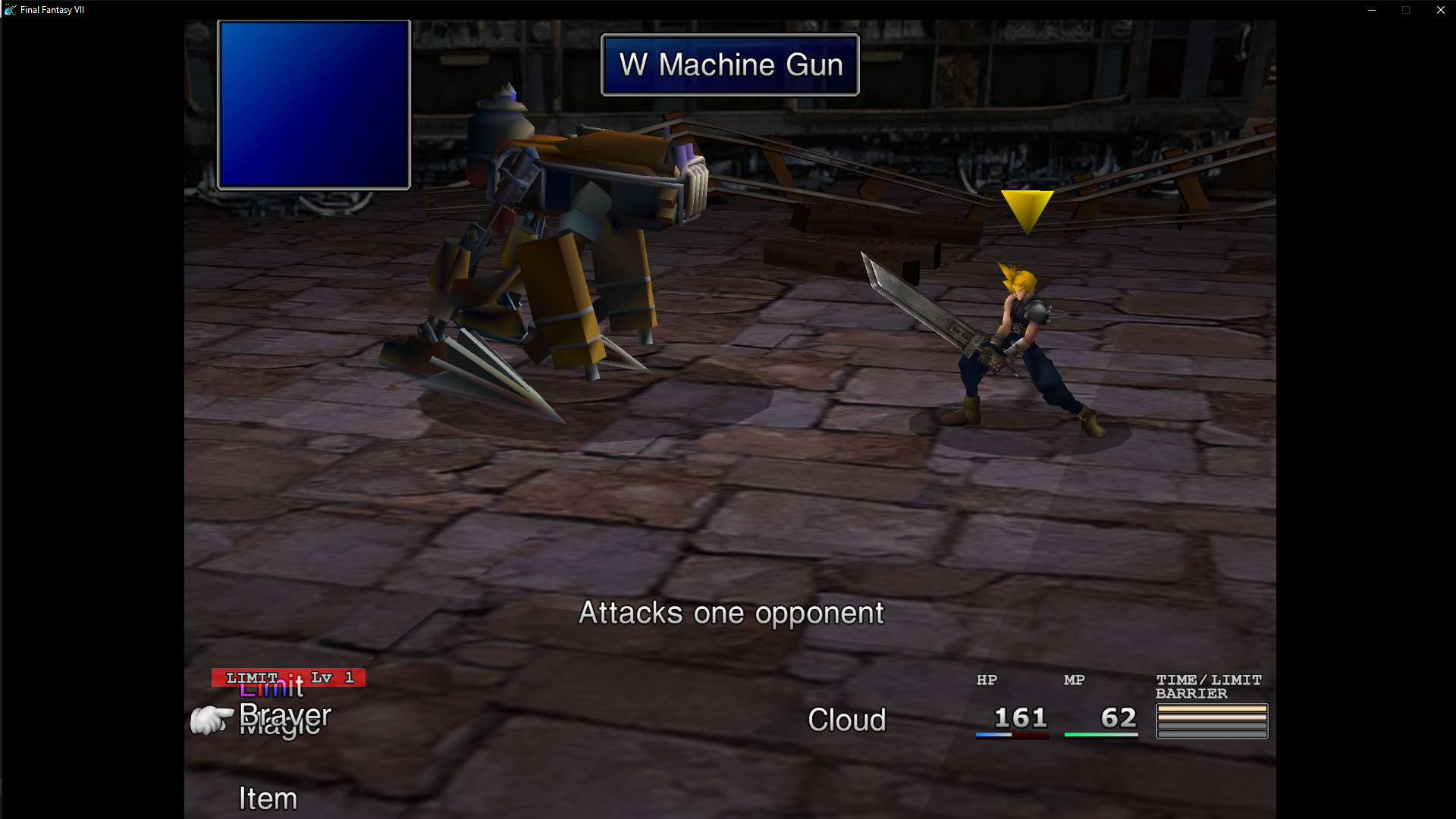
 Turns out I got it slightly wrong, I apologise. So 1280x720 doesn't work, 1280x960 does work which ties in with the whole multiples of 640x480 resolution thing you've mentioned. I must have just got mixed up somewhere.
 7th Heaven Version: 2.0.3.406# ESUI Controller Addon ID: 135478f5-b53f-4960-b411-b93370dc45da Version: 1.02 Is Active: True "Controller Button Type" (controls) = "Controller Reversed A/B X/O Buttons" (2) # Enhanced Stock UI-rel2 ID: 2b49d831-6556-41df-9ddb-d1a6e937f548 Version: 2.23 Is Active: True "Enhanced Stock" (enhanced) = "Enhanced Stock - On" (1) "Field Dialog Style" (fds) = "Menu Overhaul" (1) "All Status Visible" (status) = True (1) "Items + Materia Icons" (items_materia) = "Standard Items + Standard Materia" (1) "UI Bar Thickness" (bars) = "Thinner Bars" (1) "Font Brightness" (fonts) = "Gradient Fonts" (1) "Battle View" (battleview) = "Optimized UI v2" (3) "Minimalistic No Battle Boxes View" (nbb) = True (1) "Help Box Transparency" (hbb) = "No Box, Text Only" (1) "Controller Icons" (controller) = "PSX Icons" (2) "EXP Bar Toggle" (nt) = "Exp Bars Enabled" (0)