
G
grifmoney
Guest
SOLVED. Instead of using FF7_GameConverter_7H, do:
[list type=decimal]
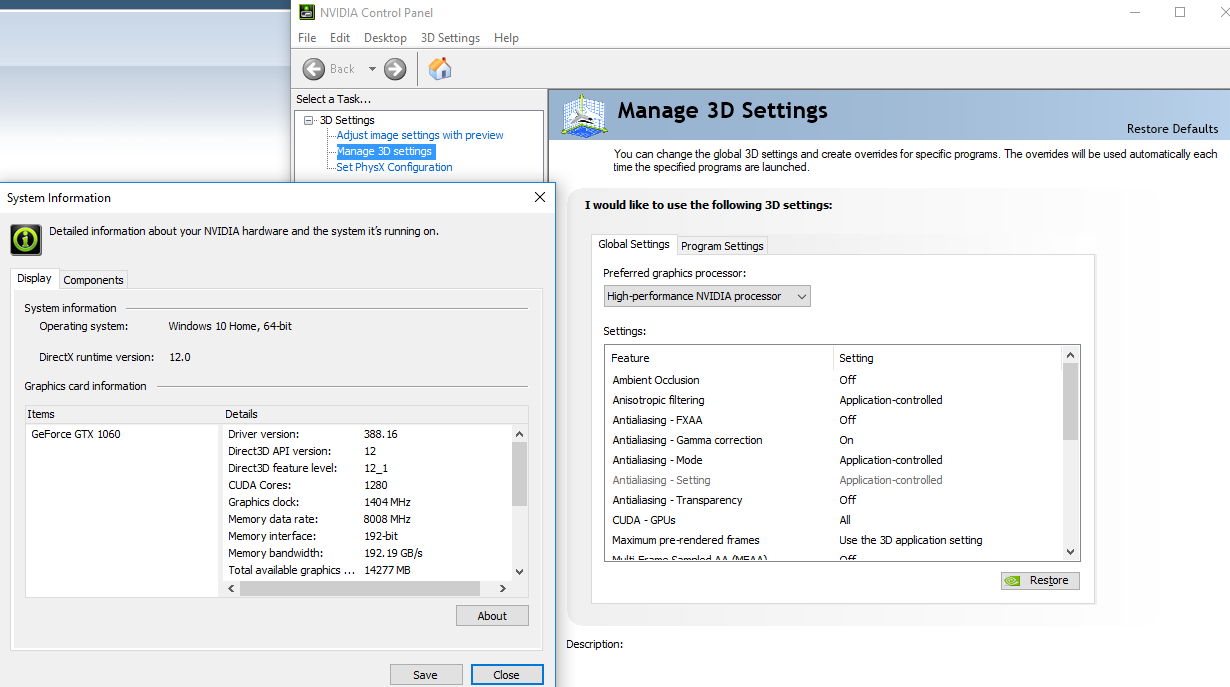
[*]Update NVIDIA driver (make sure OpenGL 2.0 is supported), change preferred graphics processor to High Performance NVIDIA processor
[*]Clean install from discs
[*]FFVII 1.02 Official Patch
[*]Run FF7 Config
[*]Aali's custom graphics driver 0.8.1b (extract into game folder, run ff7_opengl.reg, adjust settings in ff7_opengl.cfg)
[*]Install mods
[/list]
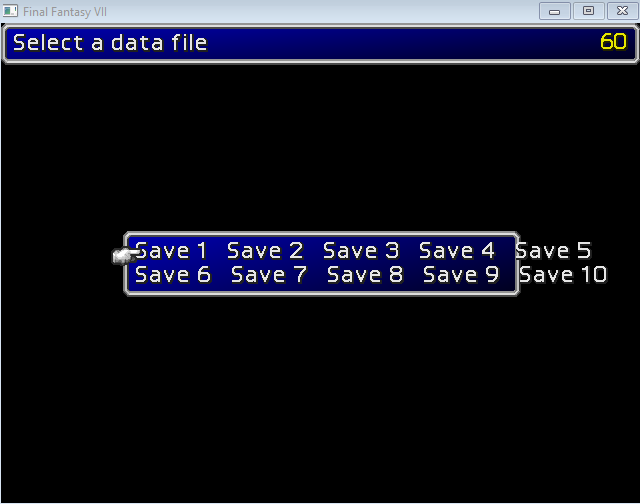
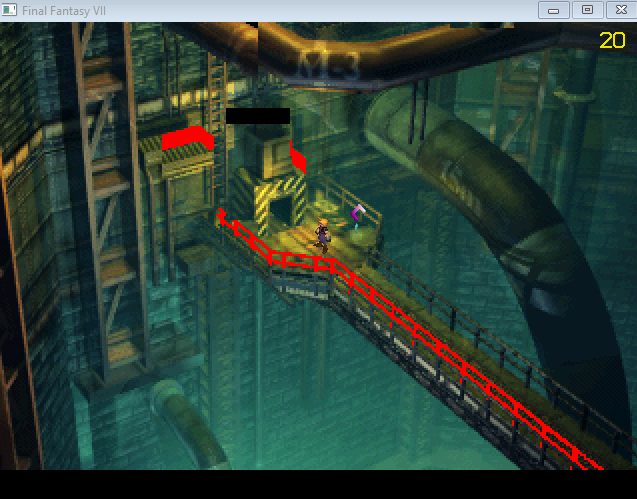
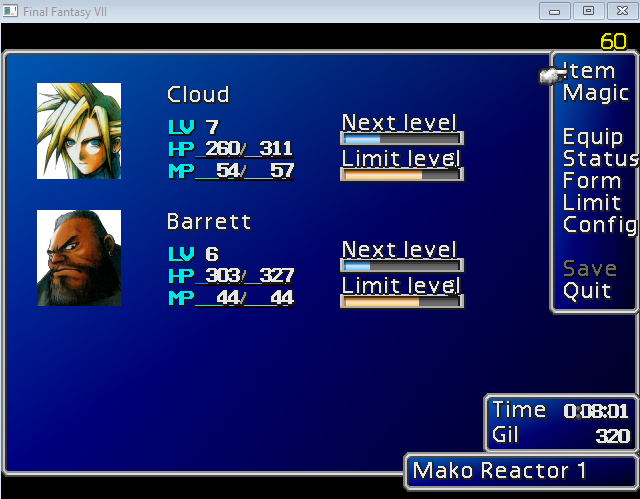
Hi, I'm sorry if it's been asked and answered but I've been poking around for several days and still can't resolve this issue. My game runs extremely slowly, the background is glitchy, and the text is jank.
I can install correctly from my PC-1998 discs and the game works as intended, but as soon as I convert to 1.02 with FF7_GameConverter_7H things break. API.log indicates that the setup is correct:
Code: [Select]
When I reattempt I always uninstall the game and then delete the folder, then reinstall fresh from the discs. I want to get Reunion 05c running. I've tried downloading Aali's driver manually and running the registry keys, but that didn't help.
Screenshots:
Thanks for taking a look!
Edit: Changing the internal size in ff7_opengl.cfg from 3840 x 2160 to 800 x 600 helps with the background glitches, but there's still red peeking through when I move around, text is still jank, and the framerate doesn't improve very much.
[list type=decimal]
[*]Update NVIDIA driver (make sure OpenGL 2.0 is supported), change preferred graphics processor to High Performance NVIDIA processor
[*]Clean install from discs
[*]FFVII 1.02 Official Patch
[*]Run FF7 Config
[*]Aali's custom graphics driver 0.8.1b (extract into game folder, run ff7_opengl.reg, adjust settings in ff7_opengl.cfg)
[*]Install mods
[/list]
Hi, I'm sorry if it's been asked and answered but I've been poking around for several days and still can't resolve this issue. My game runs extremely slowly, the background is glitchy, and the text is jank.
I can install correctly from my PC-1998 discs and the game works as intended, but as soon as I convert to 1.02 with FF7_GameConverter_7H things break. API.log indicates that the setup is correct:
Code: [Select]
Code:
[00000000] INFO: FF7/FF8 OpenGL driver version 0.8.1b[00000000] INFO: Auto-detected version: FF7 1.02 US English[00000000] INFO: NVIDIA Corporation GeForce GTX 1060/PCIe/SSE2 4.6.0 NVIDIA 388.16[00000000] INFO: OpenGL 2.0 support detectedScreenshots:
Thanks for taking a look!
Edit: Changing the internal size in ff7_opengl.cfg from 3840 x 2160 to 800 x 600 helps with the background glitches, but there's still red peeking through when I move around, text is still jank, and the framerate doesn't improve very much.
Last edited: