S
Scitu
Guest
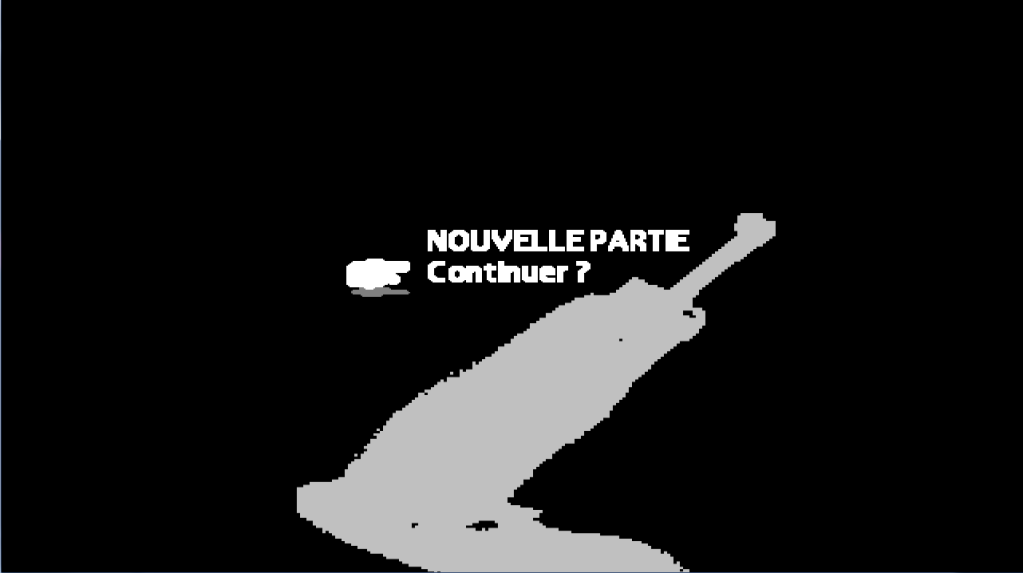
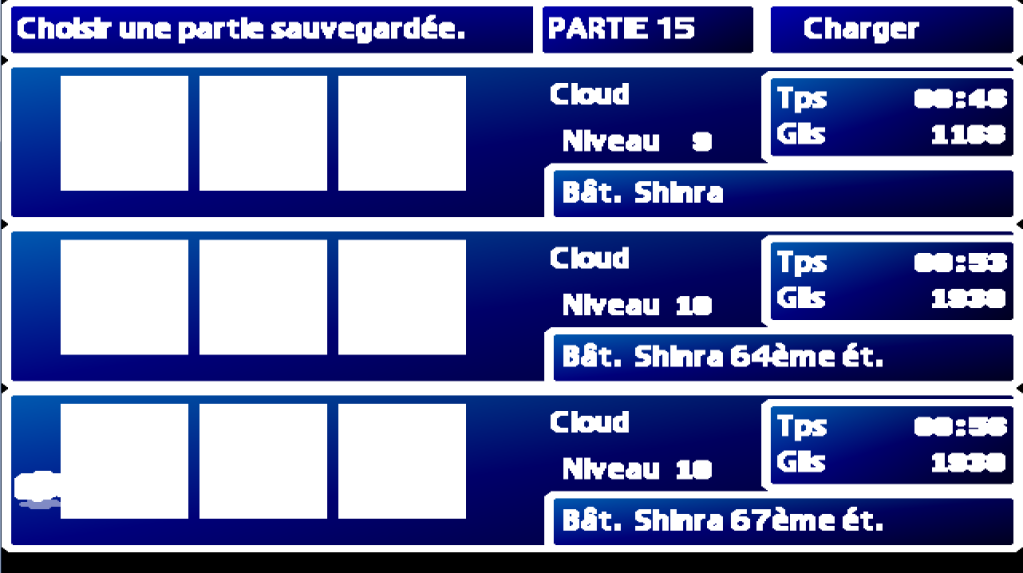
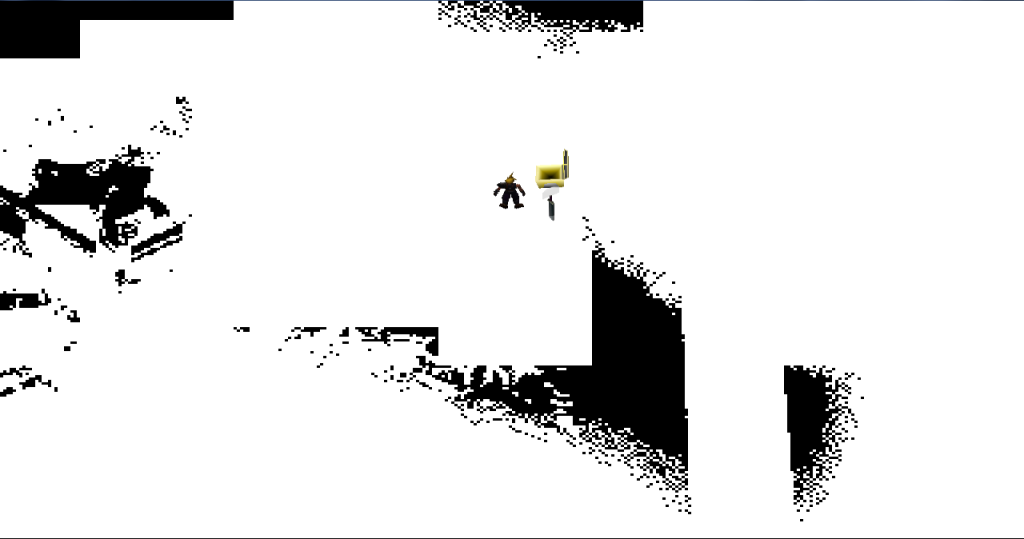
My installation worked just fine a month ago. Now I wanted to continue my playthrough and everything looks like this
 . Is it common bug? Maybe my firewall/antivirus messed something up, because I got some alerts, I just clicked always ignore option. This is SE store version of the game. Yes i'm Noob with all this stuff =)
Code: [Select]
Thanks!
Code: [Select]
Code:
INFO: FF7/FF8 OpenGL driver version 0.7.11bINFO: Auto-detected version: FF7 1.02 US EnglishINFO: NVIDIA Corporation GeForce GT 635M/PCIe/SSE2 4.3.0INFO: OpenGL 2.0 support detectedINFO: Using PBOINFO: Found swap_control extensionINFO: Max texture size: 16384x16384INFO: Number of texture units: 4INFO: Original resolution 640x480, window size 1920x1080, output resolution 1920x1080, internal resolution 3840x2160INFO: FBO extension detected, using fast scaling/postprocessing pathINFO: Shader limits: varying 124, vert uniform 4096, frag uniform 2048INFO: FFMpeg movie player plugin loadedINFO: FFMpeg version SVN-r25886, Copyright (c) 2000-2010 Fabrice Bellard, et al.INFO: FF7Music helper plugin loadedINFO: Loading external library Multi.dllLOCK UNLOCK TEST MATRIX INITIALIZE INITIALIZE DD/D3D END initializing sound...creating dsound primary bufferreading audio fileloading static soundssound initializedset music volume: 127set music volume: 127Entering MAINExiting MAINSTART OF CREDITS!!!INFO: D:\FINAL FANTASY VII\movies\eidoslogo.avi; h264/ac3 1280x960, 25.000000 FPS, duration: 153.664000, frames: 3842set music volume trans: 127->0, step=60END OF CREDITS!!!Entering MAINset music volume: 127Exiting MAINSTART OF MENU SYSTEM!!!END OF MENU SYSTEM!!!Entering MAINExiting MAINField StartUNEXPECTED: zero countWM_CLOSE Field QuitUNINITIALIZE DD END UNINITIALIZE DD
Last edited: