Washed out FMVs

  • Thread starter Thread starter Perfect Zell
  • Start date Start date
Status
Not open for further replies.
P

Perfect Zell

Guest
In 7th Heaven 2.0, I've noticed that every FMV, including the originals, shows a lack of contrast. This makes the colors look bright and washed out. The pre-rendered backgrounds are fine. It's just the FMVs. This was both without post processing and with every post processing option. Is there something you can do on the back end or something I can do to fix the FMV colors?
 
Last edited:
Unfortunately there's nothing I can do about this. The driver is very complex. It uses FFMpeg and seems to work fine for 99% of people. I'm not sure what would cause them to look washed out in your specific case. Perhaps a graphics card driver setting attempting to apply filters/enhancements to video playback? Check your video card's driver control panel and turn off that kind of stuff. Perhaps uninstall completely and reinstall the latest version of your driver with a clean install (most drivers have an option to perform clean installs when updating). As far as your rendering options, none of that would affect FMVs, only textures. You can try toggling the renderer under the advanced tab but I don't think that will help.
 
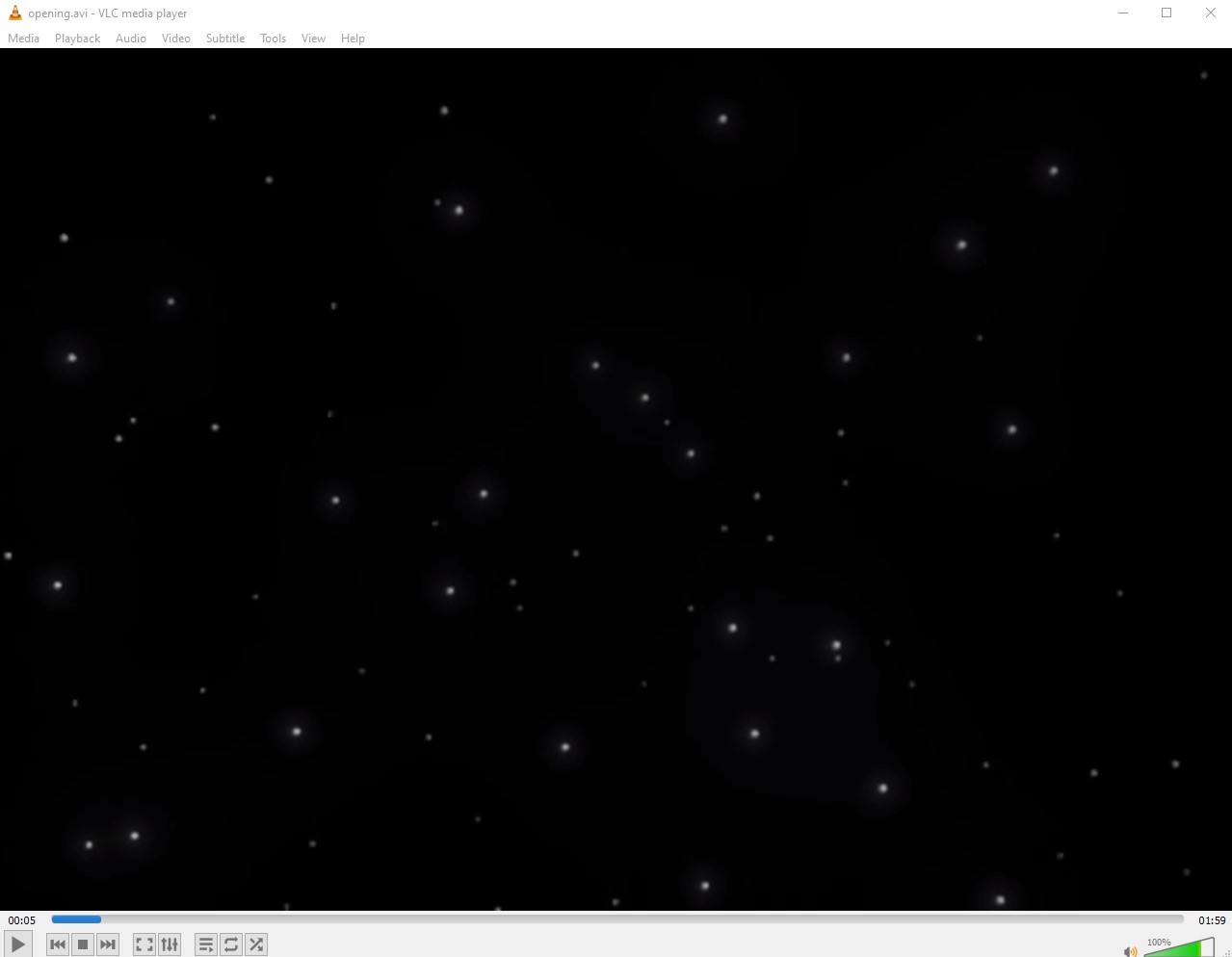
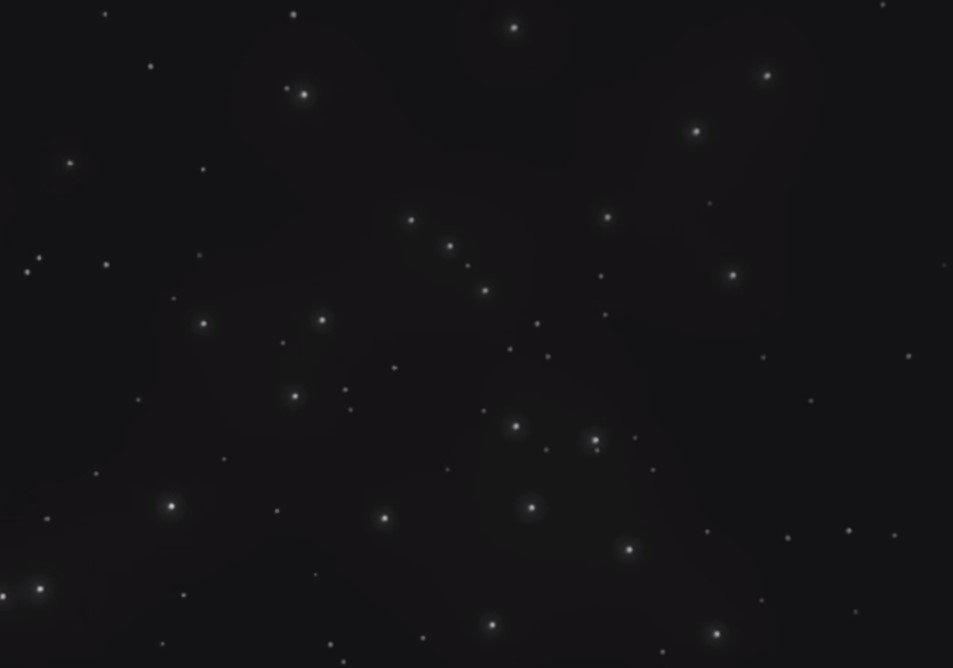
Thank you for the suggestion. I'm not so sure about it being something on my computer. I tried it on my laptop too. The videos show exactly the same, even with the original renderer. Please see the images below of the opening  star field. This is with no post processing. Opening the movie files in Windows Media Player, Movies & TV, or VLC they show correctly.

7th Heaven
j3YmOUJ.jpg


VLC
Ll1PTcw.jpg
 
Last edited:
I don't think you could have chosen a worse comparison if you tried.
 
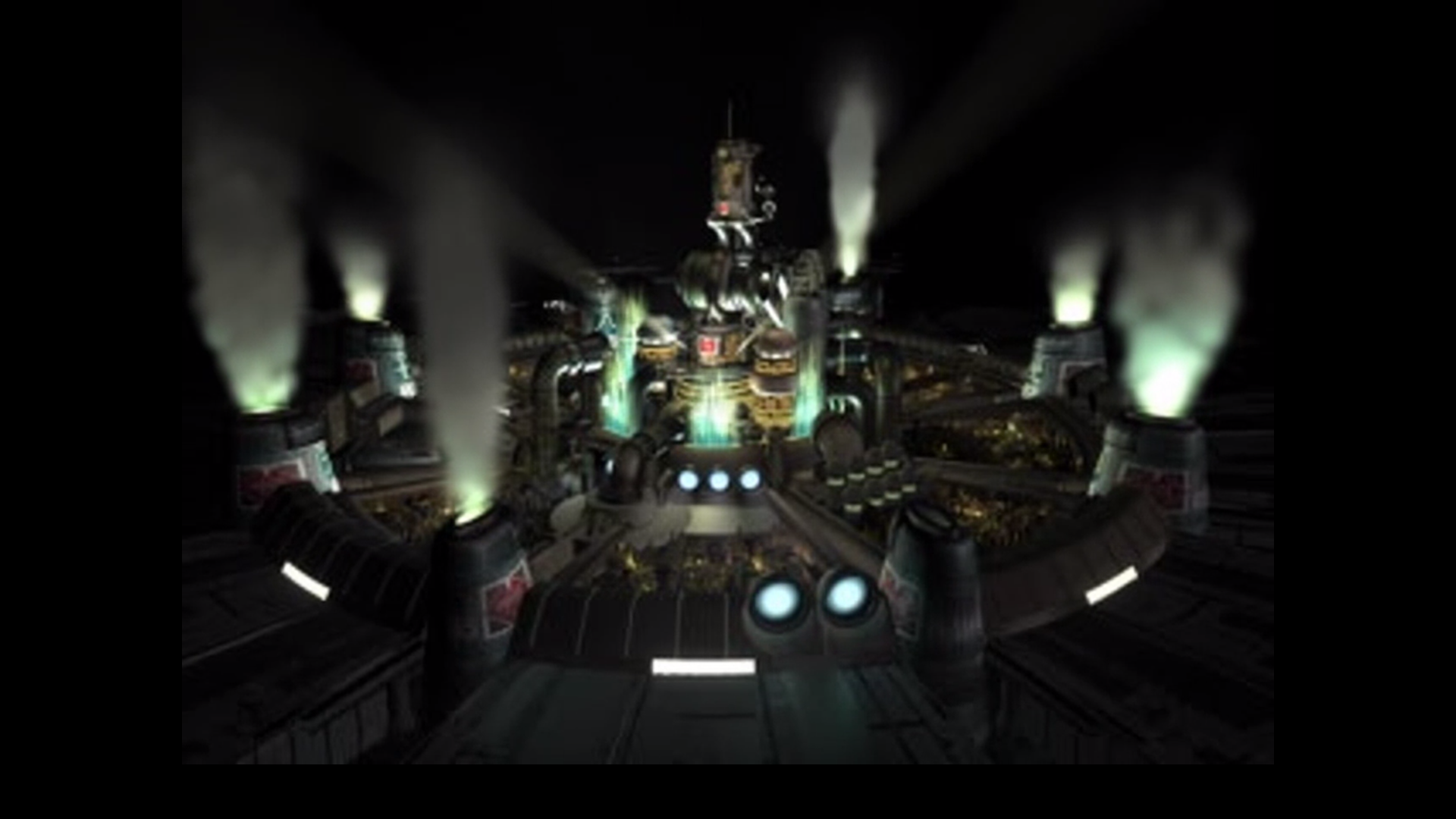
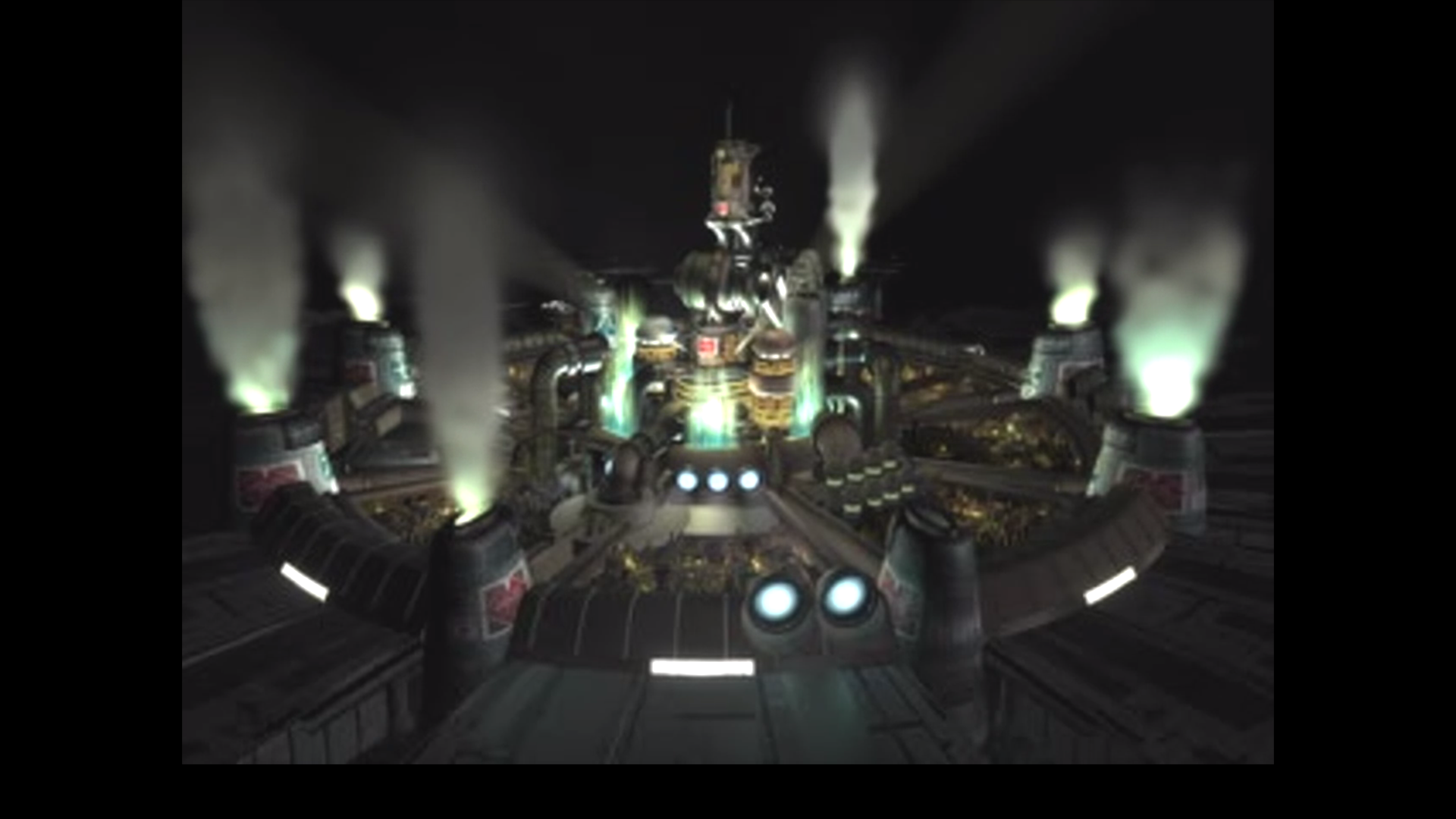
Here is another example. The first 1 is from the Steam version. The 2nd is from 7th Heaven.

0FZSqI2.png


ePV2ncs.png
 
Yep, I get the same thing. I've never noticed. I quite like the rendering from the Aali driver when comparing them though. The others seem too dark and you lose some detail.
 
Yep, I get the same thing. I've never noticed. I quite like the rendering from the Aali driver when comparing them though. The others seem too dark and you lose some detail.
Yeah, for the videos like the intro can be fine, but it's a bit jarring when a video is used to "move" the background and then the lighting changes quite a bit (Cloud looking at the reactor or the explosion to open the passage before Avalanche splitting up, for example).
 
Yeah, for the videos like the intro can be fine, but it's a bit jarring when a video is used to "move" the background and then the lighting changes quite a bit (Cloud looking at the reactor or the explosion to open the passage before Avalanche splitting up, for example).
taking the elevator from upper Junon to Lower does the same thing cuts to washout transition as elevator moves then back to rich color when its done ive kinda grown used to it but i can def see how its a bit jarring for sure

Hers is a clip of it happening on the elevator https://clips.twitch.tv/WildObservantPlumberAMPTropPunch
 
Status
Not open for further replies.
Back
Top