Aavock UI 1:1Remastered

  • Thread starter Thread starter Aavock
  • Start date Start date
Status
Not open for further replies.
ESUI is not the same logic and is realy complex to adapt, so ATM it won't be done (by me at least)

 
New update.

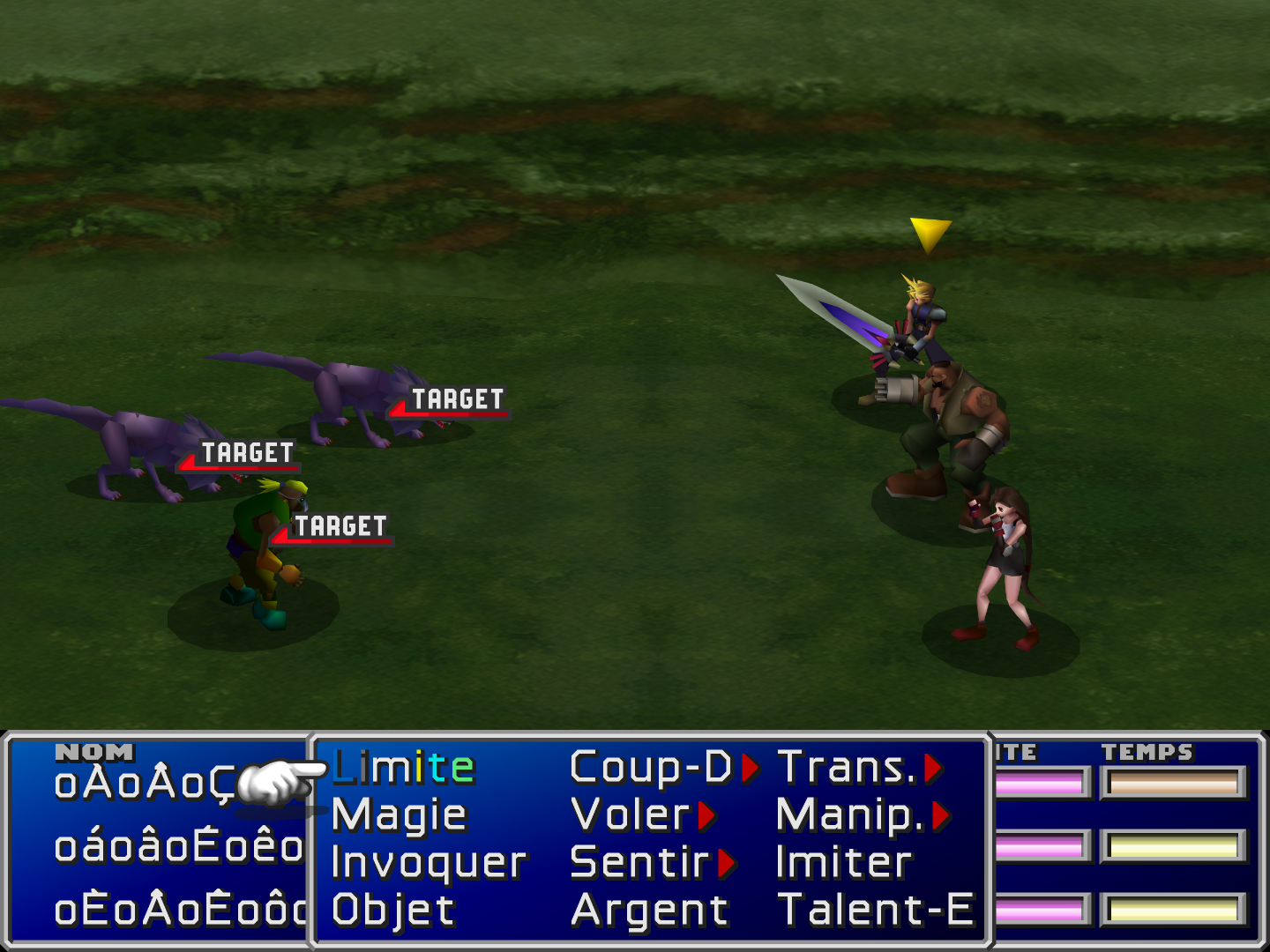
"Target"
IvQHpNX.png


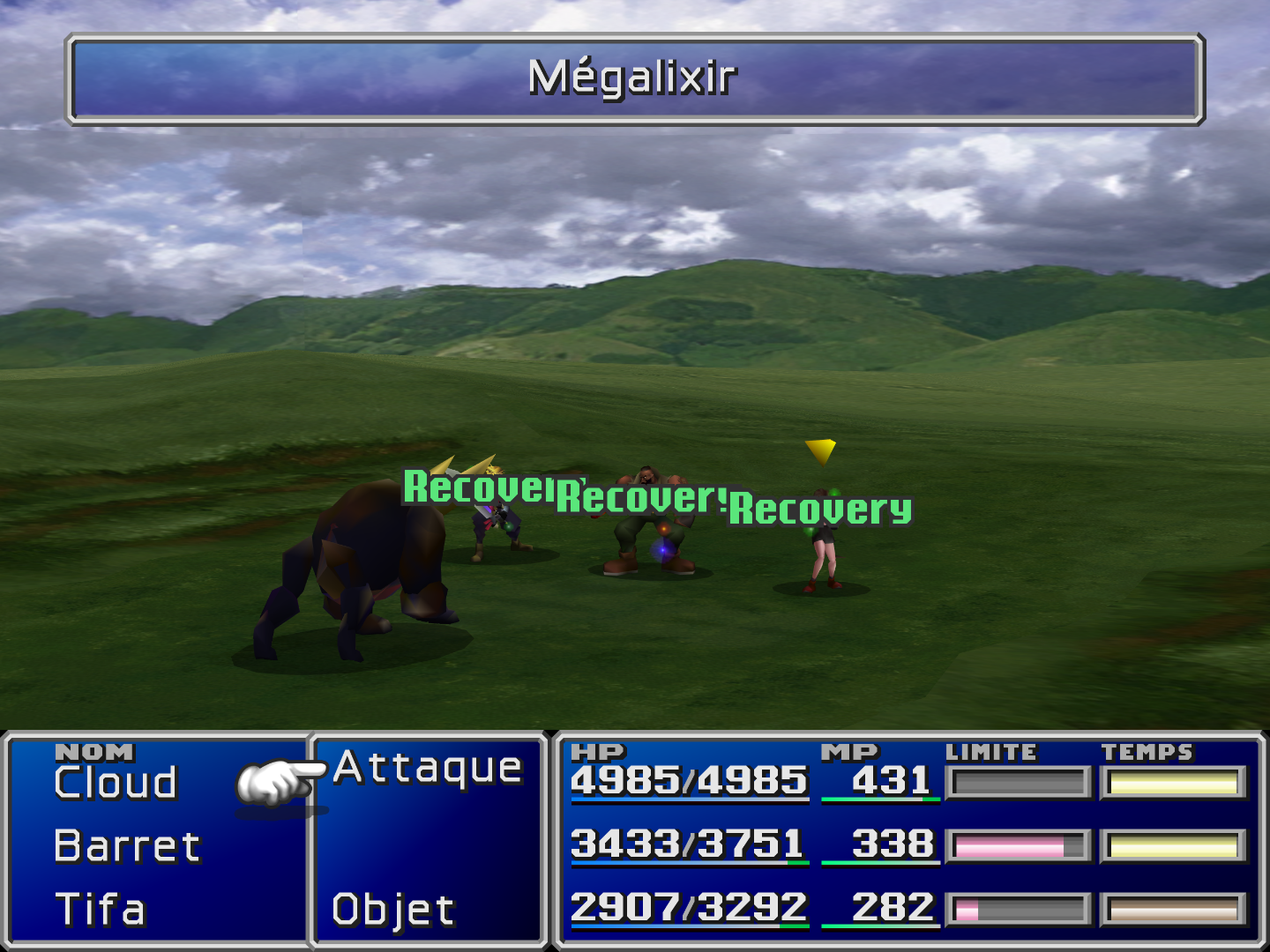
"Recovery"
Sh22S5V.png


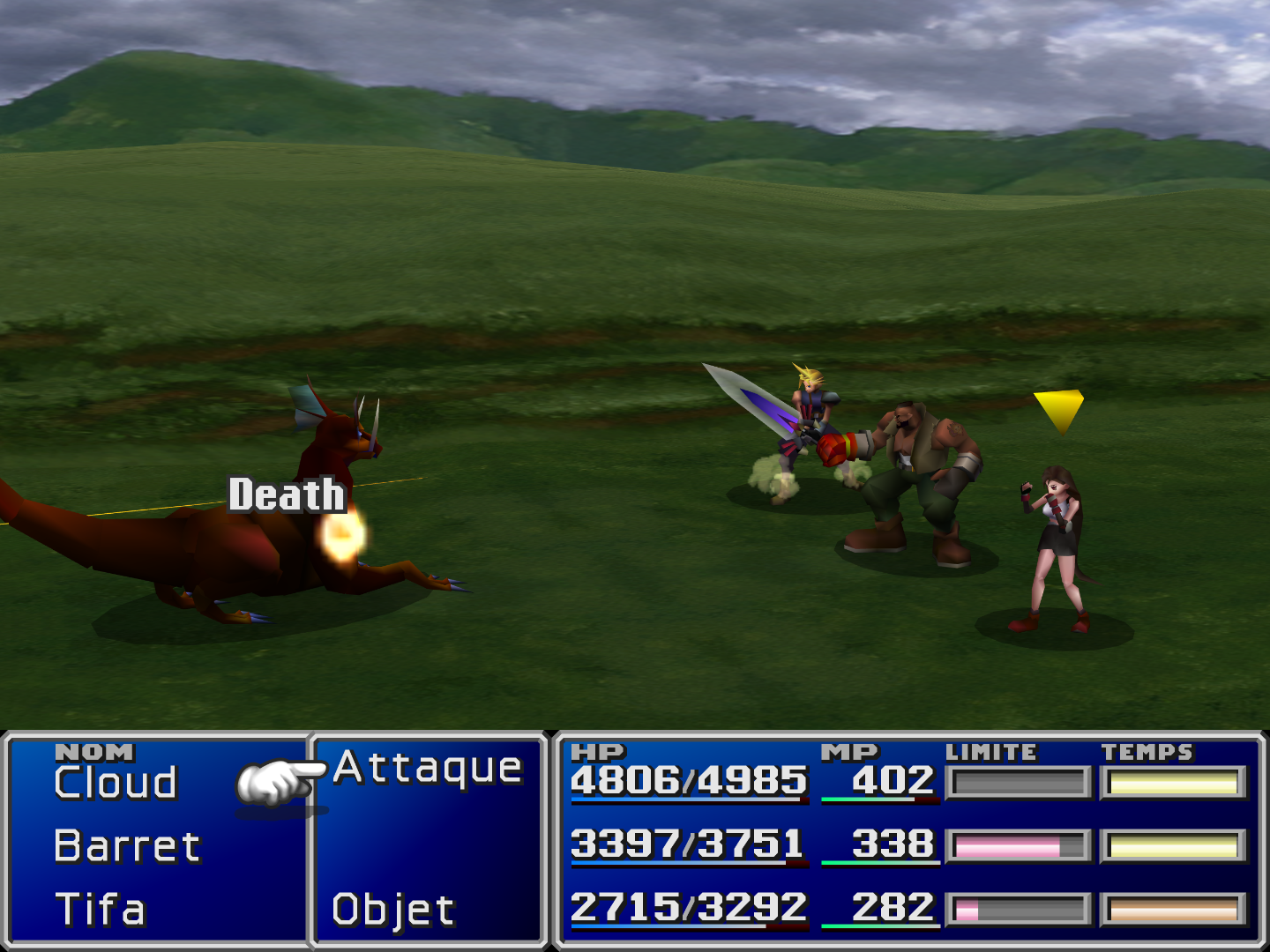
"Death"
fncnc8f.png
 
Aavock this is really insane, your addition is so important. Thanks for this incredible gem.

Cheers,
Kuraudo
 
Looks great ! "soon" all people can use your great work in an "internationnal" way
 
this is so awesome, aavock! keep up the great work! with your hd UI mod, satsuki mod pack will be truly complete this time. i really want to be the first person to play with your mod lol ;D

@satsuki, you are right about ESUI mod, this one seems really complicated to adapt for FFNx, guess the only way to use the mod is to install 7th heaven and play with it. i am sorry if i misunderstood your words there when you say "Only need textures and one hext file
so can be used by root FFNx". did you meant by need having Aavock's menu texture mod and a hext file to make it somewhat similar to ESUI or reunion menu overhaul?
 
Last edited:
Thanks for the kind words Kimsiudog!

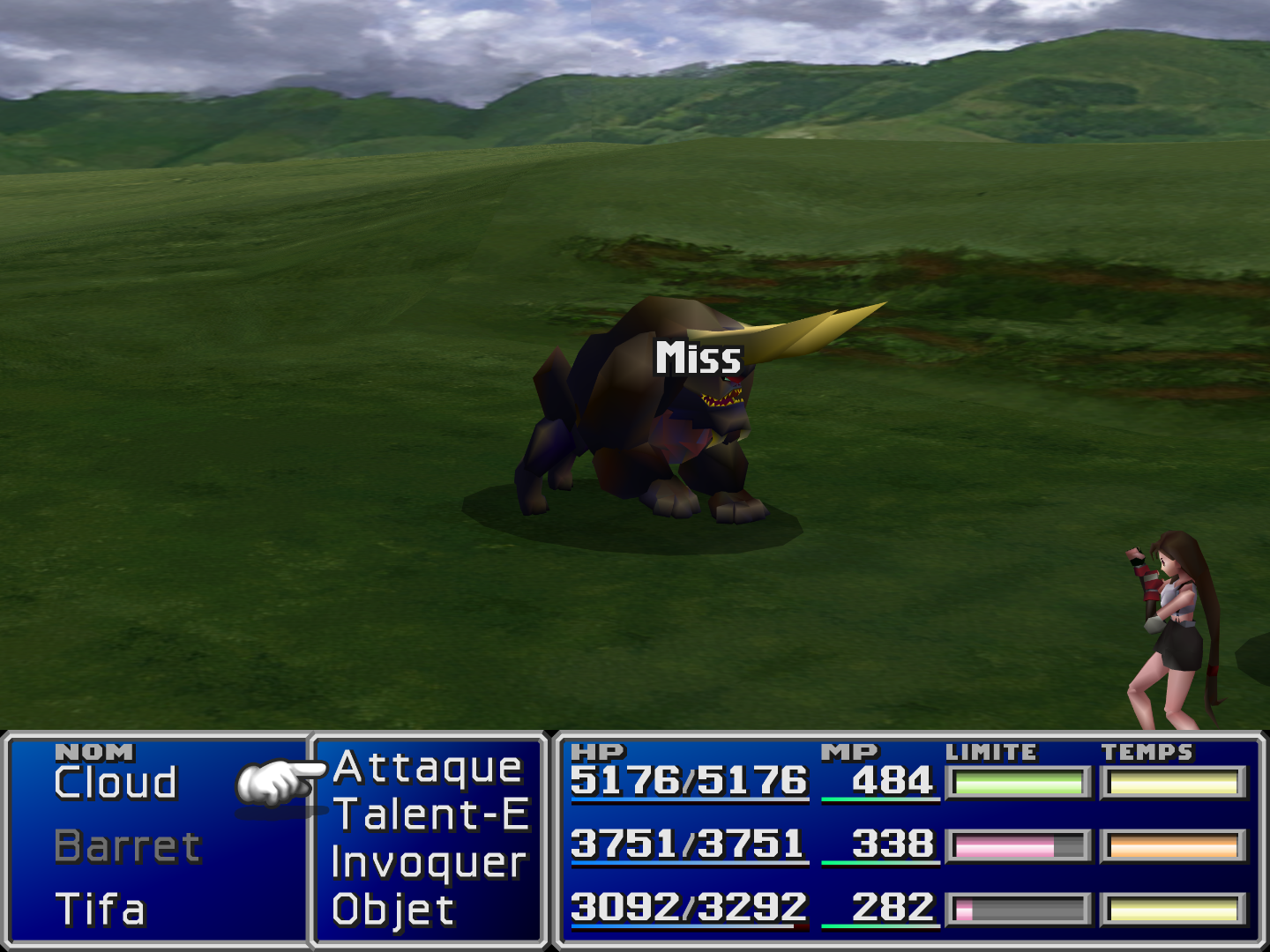
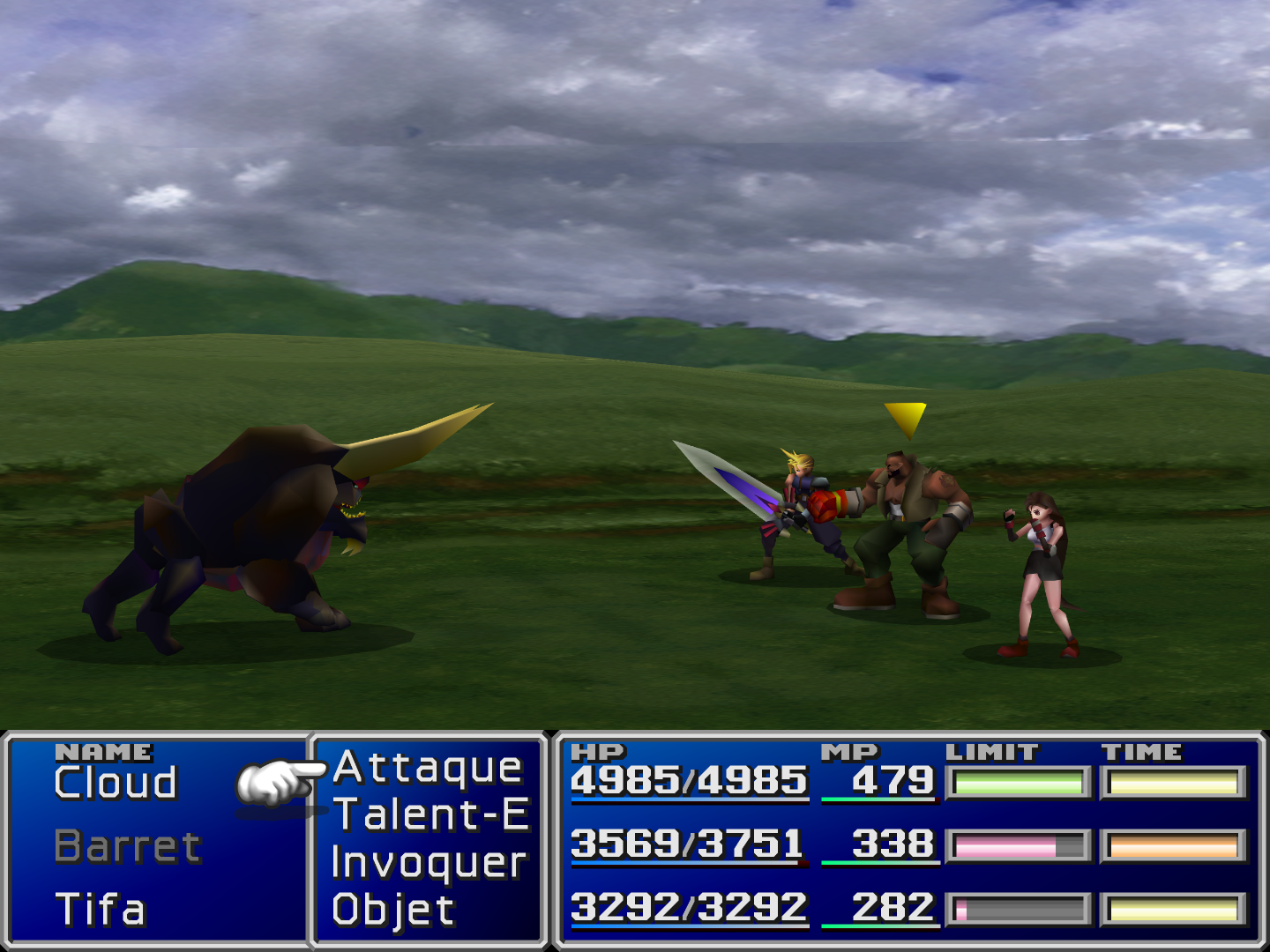
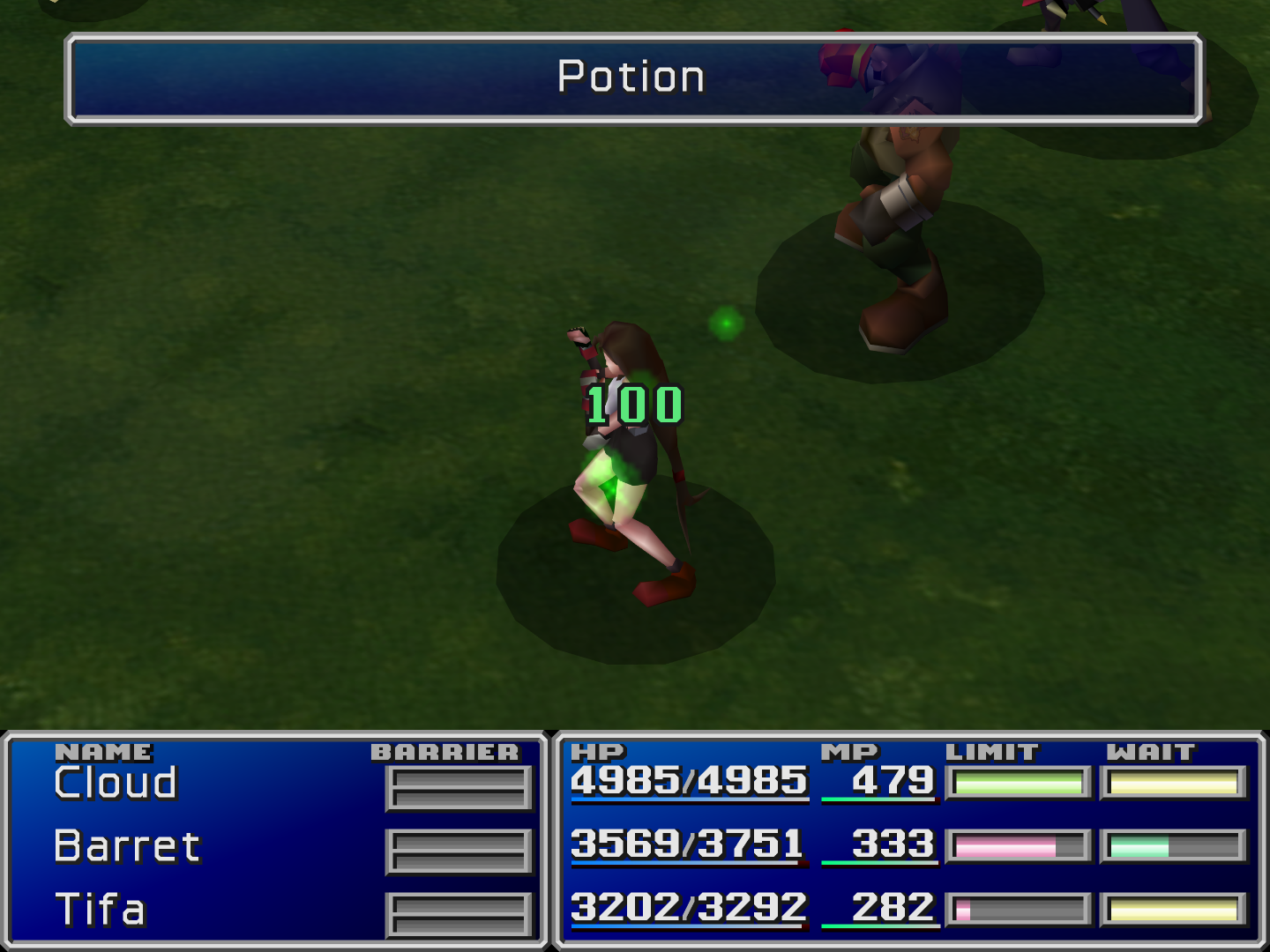
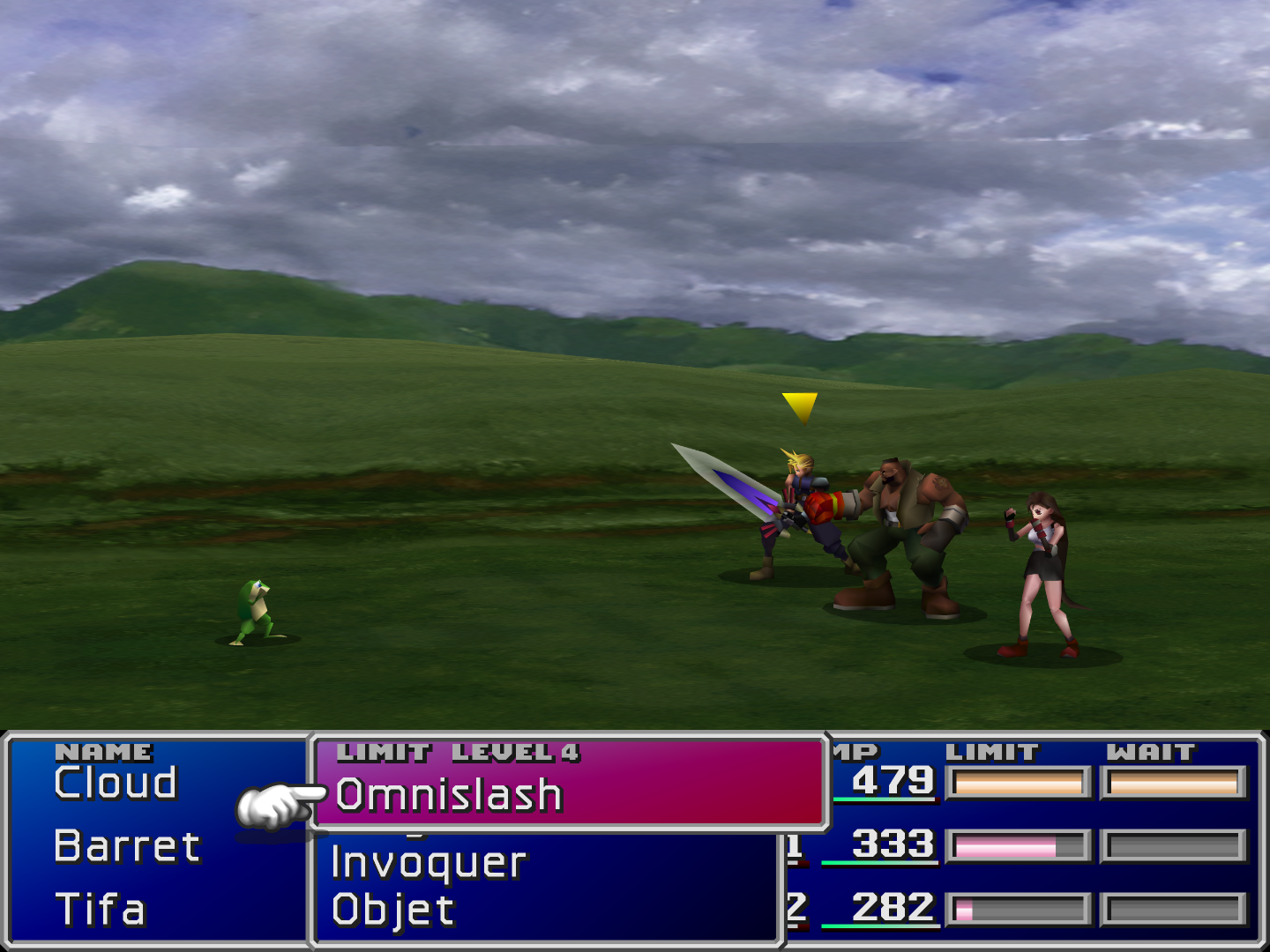
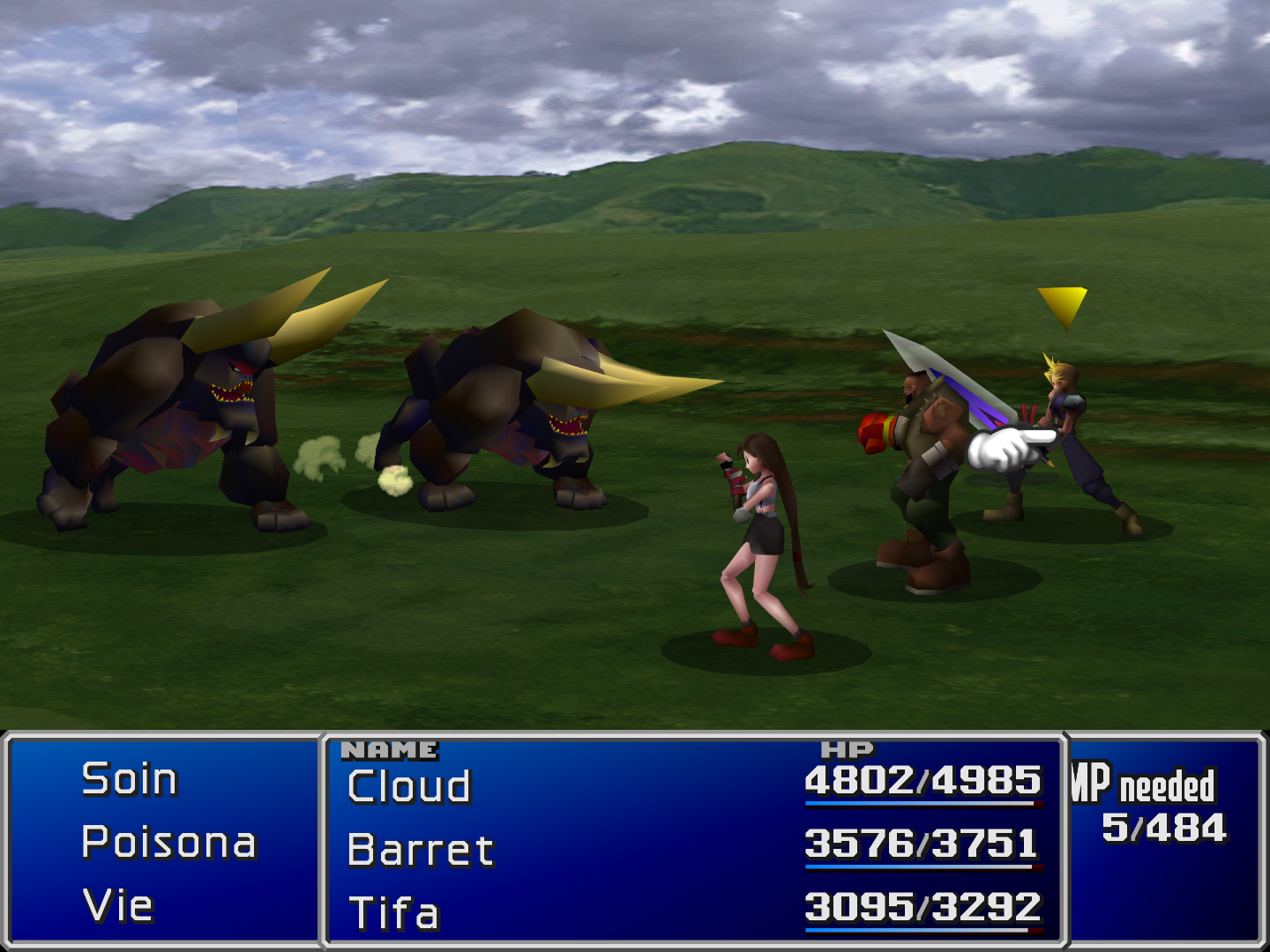
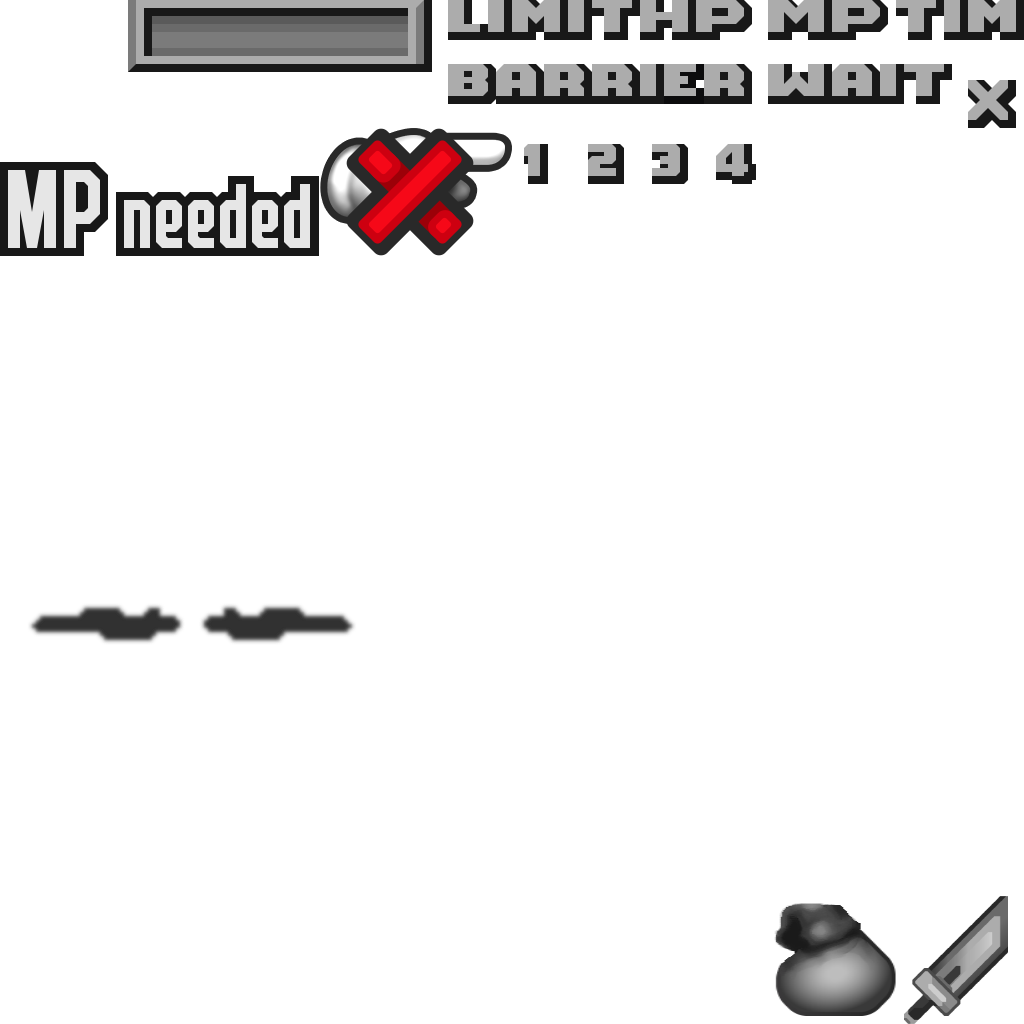
New update:
"HP", "MP", "STATUS", "LEVEL 1/2/3/4", "LIMIT", "TIME", "WAIT", "NAME", "BARRIER".

yA9zfKi.png

f7QKu7F.png

P0gTvD3.png

3nCF9hY.png
 
oh wow, such amazing update, aavock :D looks pretty neat and beautiful for view.
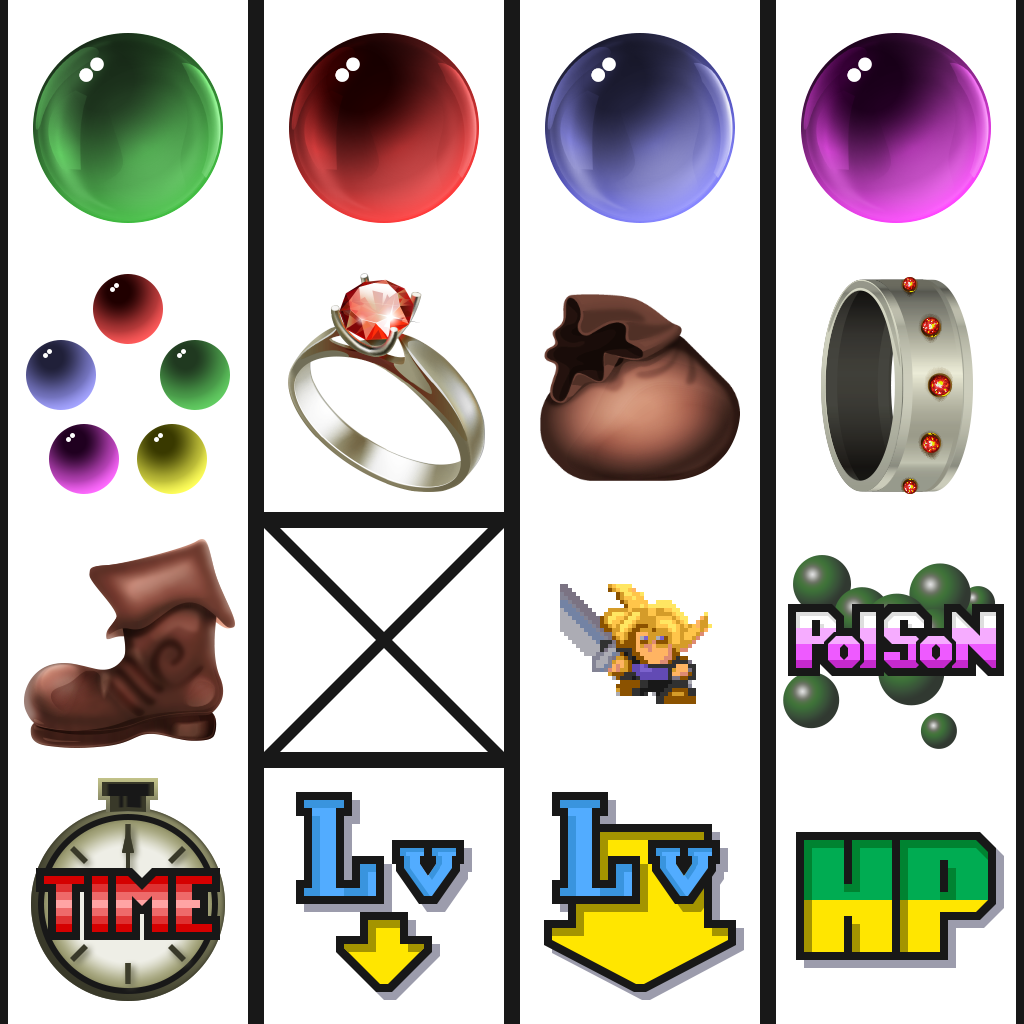
 
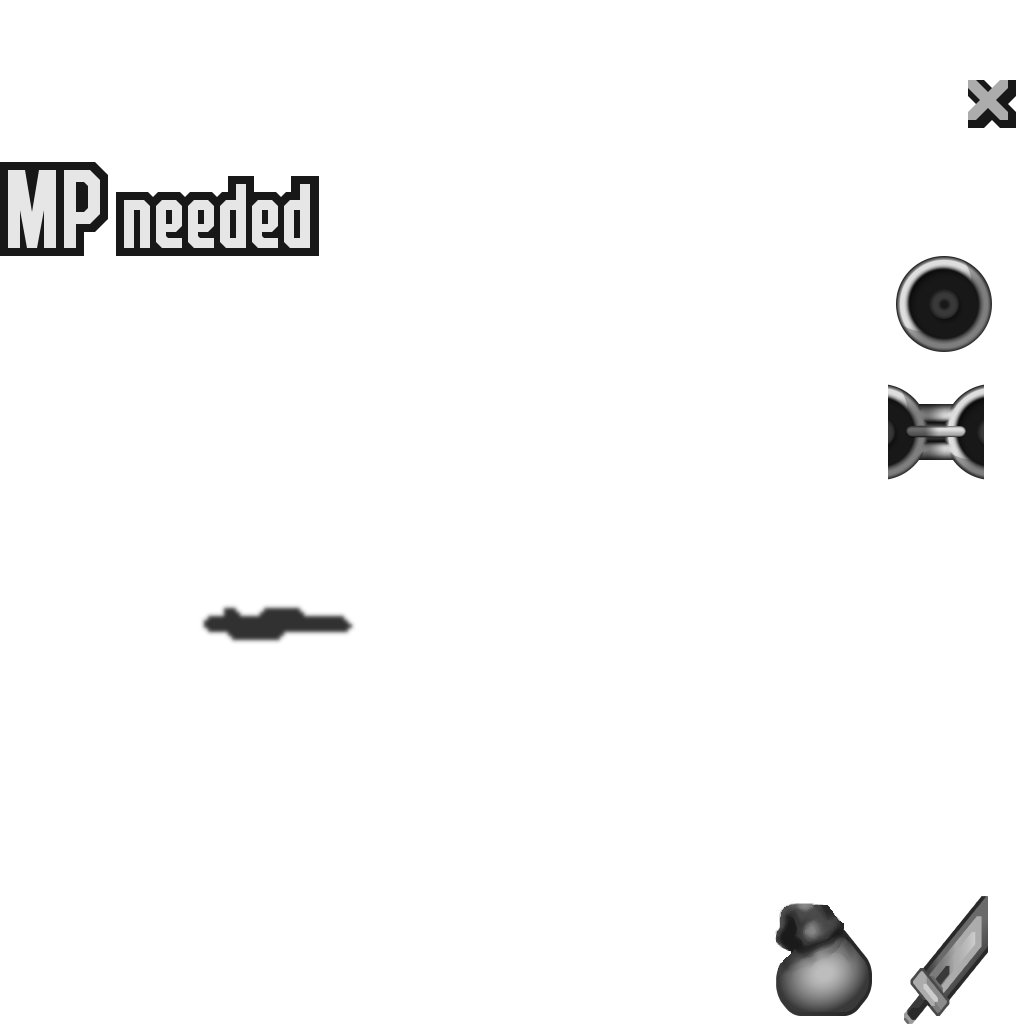
Thanks, much appreciated!

Here's the final "translated" texture:
MacaSnQ.png


Hopefully, I'll release the full english pack this weekend.

Please keep in mind that this projet needs some polishing and some objects like the ring above and frog slots to name a few are placeholders for now. I'm currently working on mini games UI textures (french version for Moto-G, Snowboard and Torpedo Attack are done). Next step is the Chocobo racing and Fort Condor UI. Only then, I'll revisit the main interface and polish things up for top notch results.
 
Download link for english version (both in *.png and *.dds format) available in first post. In case of missing element, untranslated word or misalignment please let me know. Enjoy!
 
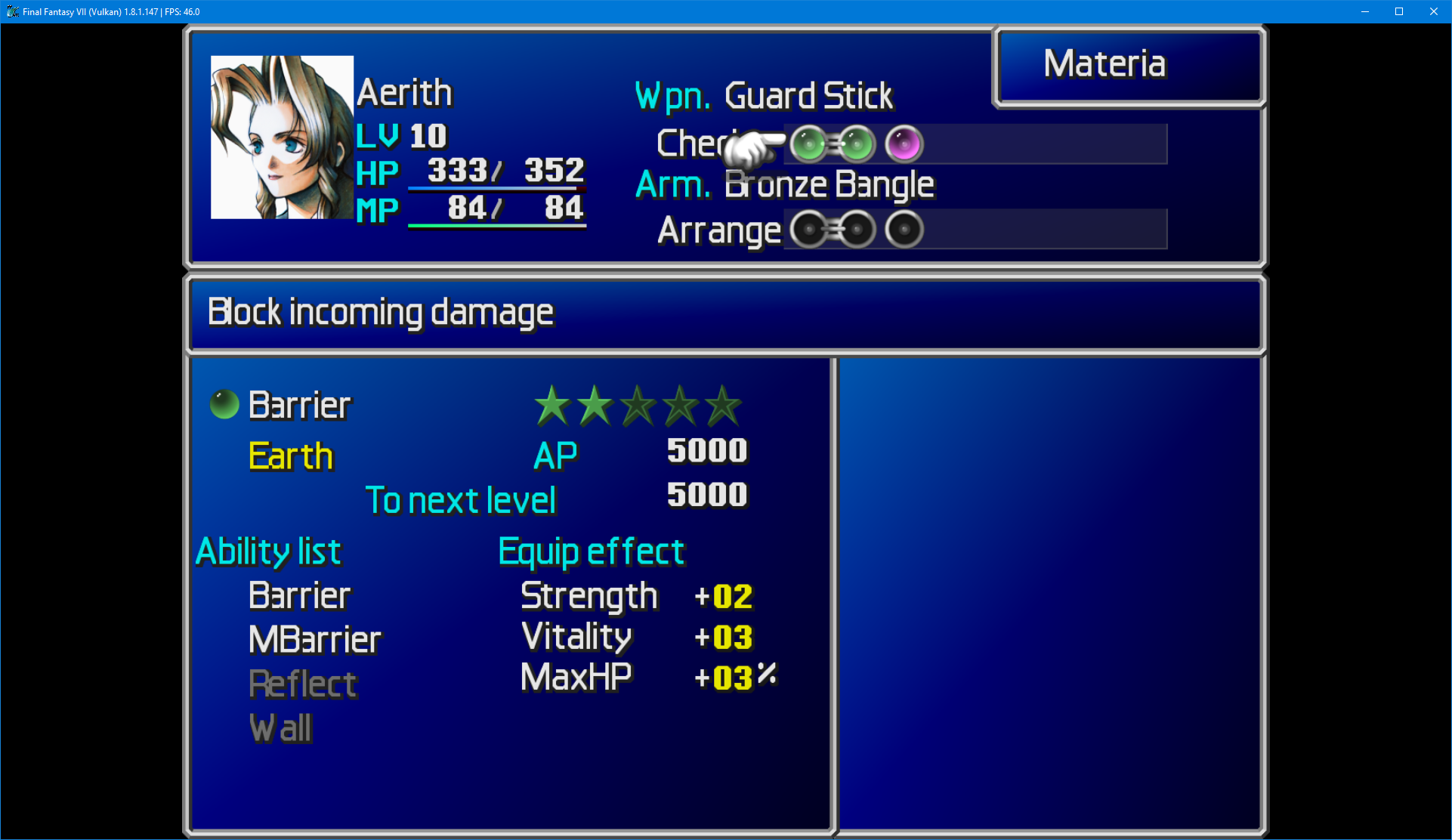
Excellent work Aavock! I'm loving the remaster to the OG UI. That aside, I have noticed there appears to be some misalignment with some of the font in certain windows.

24v9iVk.png


Specifically, certain letters overlapping each other. Other than that, I see no other issues regarding the english version! Nice job! :)

Edit: I forgot to mention this is in IRO format with 7H and FFNX
 
Last edited:
Thanks for the feedback! I'm not familiar with 7th Heaven but the overlapping characters are caused by the missing custom window.bin file (included in the pack) that needs to be placed in the *\data\kernel folder (make sure to backup the original one).
 
Thanks for the feedback! I'm not familiar with 7th Heaven but the overlapping characters are caused by the missing custom window.bin file (included in the pack) that needs to be placed in the *\data\kernel folder (make sure to backup the original one).
Oh! Now I see, thanks! I'll do that.

Edit: Yup, that did it! Thanks Aavock! I'll be using your UI from now on, I love how you made the materia slots look in the menus, super clean!
 
Last edited:
Hi Aavock, I've made some edits to the "general" items icon, which I think is more faithful to the original.

Let me know what you think about it.

R0y8hMN.png


MydEPQS.png
 
Last edited:
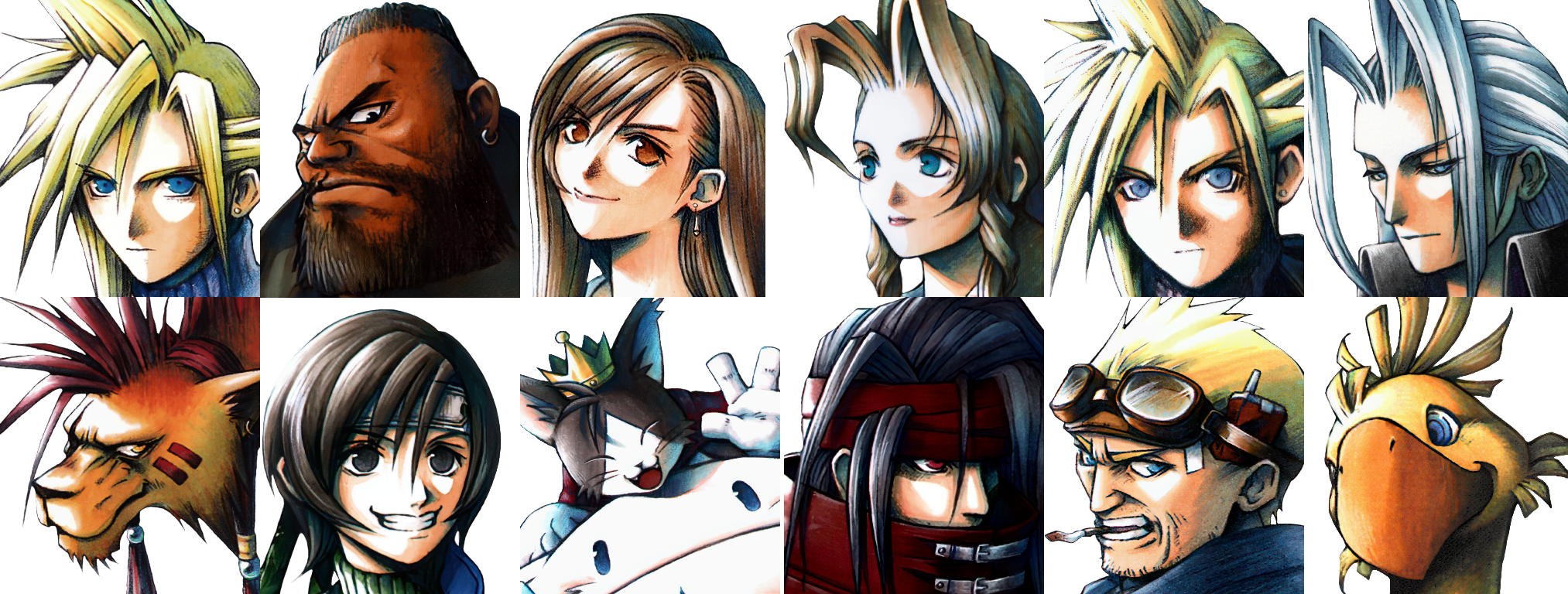
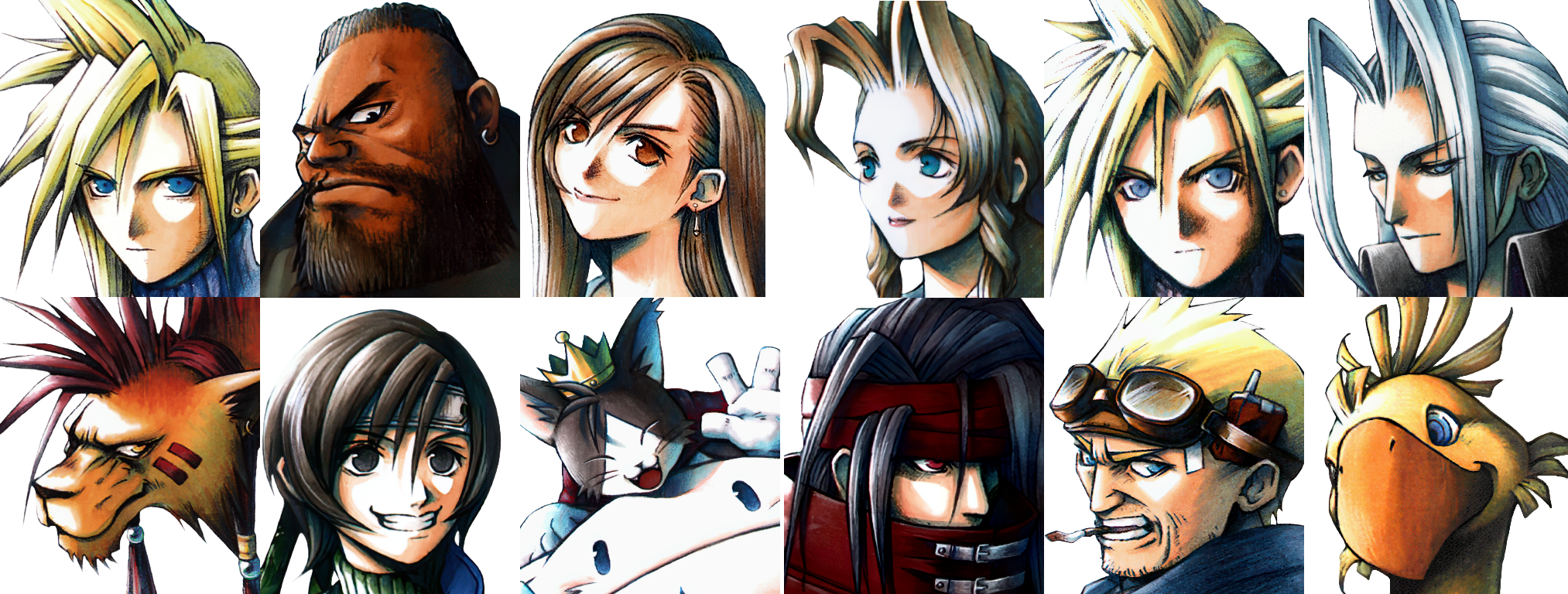
Great work. Definitely the most faithful UI. I started another playthrough with your UI and noticed how high quality the menu portraits were, so I decided to spend some time in Photoshop to make the backgrounds transparent and thought I'd share my work here if anyone wanted to use them.

https://www.mediafire.com/file/xyynkj7biemuv36/Transparent_Portraits.7z/file
yE2iq5o.png

Edit: Uploaded a finalized version with more accurate outlines and finer details. Every portrait should be completely smooth with no visible edges or white pixels. As with every mod of this kind, the transparent backgrounds will look weird in the shop interface, but that can probably be fixed by changing the overlay texture to something else, but I'm not sure where this file is located as I don't have an asset dump of the game at this moment.
 
Last edited:
Hi Aavock, I've made some edits to the "general" items icon, which I think is more faithful to the original.

Let me know what you think about it.
Hey daedrixx2, as for the cursor shadows there's no point in using the blocky ones with some blur effect. Additionally, borders most won't display correctly. The shadows were done using the upside down redrawned cursor for perfect alignment.

Same for the item bag, all I see is a messy blur effect applied to my work.

Great work. Definitely the most faithful UI. I started another playthrough with your UI and noticed how high quality the menu portraits were, so I decided to spend some time in Photoshop to make the backgrounds transparent and thought I'd share my work here if anyone wanted to use them.
Thanks Az, I did spent good amount of time searching across the web for the optimal artwork quality for each characters. Then, came the proper upscale, cleaning process, color correction, white balance and more.

I know some people love transparent backgrounds, so it's a nice addition. Thank you!
 
Great work. Definitely the most faithful UI. I started another playthrough with your UI and noticed how high quality the menu portraits were, so I decided to spend some time in Photoshop to make the backgrounds transparent and thought I'd share my work here if anyone wanted to use them. I could probably have made one more pass, but I personally can't see any remaining white outlines or artifacts on my 4K display. Anyone can do what they please with them, given Aavock (or whoever upscaled/scanned/cropped/edited them) gives their permission, of course.
https://www.mediafire.com/file/m3aacnu44g7qd8n/Transparent_Portraits.7z/file
jZyXV8d.png
Someone did a very similar job on the french board: https://ff7.fr/forum/index.php?page=post&ids=463806&pg=0 Maybe you can compare both of your versions?
 
Status
Not open for further replies.
Back
Top