FF7 Crisis Core Upscale Project

  • Thread starter Thread starter eqprog
  • Start date Start date
Status
Not open for further replies.
Bug Report:

In the first visit of Wutai, when Zack examine the Leviathan statue, the first sentence he said to the crescents, he don't move the mouth.
After defeated the two anti-shinra monsters every sentence that he speaks, are spoken with the mouth closed untill the CGI.
 
Last edited:
Bug Report:

In the first visit of Wutai, when Zack examine the Leviathan statue, the fist sentence he said to the crescents, he don't move the mouth.
After defeated the two anti-shinra monsters every sentence that he speaks, are spoken with the mouth closed untill the CGI.
First sentence*
 
You can post images here.

As far as the bug report, that is weird. It doesn’t behave that way for me.

We actually have pretty similar hardware, except I have a 1080. I also use an SSD for storage.. maybe that’s the difference?
 
You can post images here.

As far as the bug report, that is weird. It doesn’t behave that way for me.

We actually have pretty similar hardware, except I have a 1080. I also use an SSD for storage.. maybe that’s the difference?
mmh... i use an M.2 for the emulator, but the iso is on my HDD.
 
Did you download the files from the github repo or from google drive? It probably doesn’t make a difference here, but the version on google drive is a little older. If you’re using that version, I will try to get the latest release uploaded to google drive for you sometime soon - I’m at work now. (Lurkers - I will be doing this anyways. It takes me a little over an hour to upload everything because my upload speed is slow. Keeping the drive version up to date is inconvenient for me).

As far as performance goes, moving the ISO to the same drive might help.  I’m using a regular SSD and I’m not having the issues you’re having or at least not very often.  Without getting too technical I think it’s reasonable to assume the issue is how texture replacement is implemented by the PPSSPP emulator. There are more texture files that the emulator needs compared to the number of texture files the ISO actually contains. I don’t think the developers had complete texture replacement packs in mind when designing it, but rather stuff like replacing textures for the main characters, UI, or whatever.

I think the audio issues are caused because your system is loading the replaced textures as soon as the game “needs” them, slowing down performance. The audio shudders/distorts because it trying to stay in sync what’s being displayed on screen. As far as I know they aren’t preloading or caching any of the replaced textures in RAM, either.

As we continue working on the project, the over all file size is slowly going down because the files are getting optimized. Hopefully we can get the file size reduced enough to alleviate some of the performance issues.
 
Did you download the files from the github repo or from google drive? It probably doesn’t make a difference here, but the version on google drive is a little older. If you’re using that version, I will try to get the latest release uploaded to google drive for you sometime soon - I’m at work now. (Lurkers - I will be doing this anyways. It takes me a little over an hour to upload everything because my upload speed is slow. Keeping the drive version up to date is inconvenient for me).

As far as performance goes, moving the ISO to the same drive might help.  I’m using a regular SSD and I’m not having the issues you’re having or at least not very often.  Without getting too technical I think it’s reasonable to assume the issue is how texture replacement is implemented by the PPSSPP emulator. There are more texture files that the emulator needs compared to the number of texture files the ISO actually contains. I don’t think the developers had complete texture replacement packs in mind when designing it, but rather stuff like replacing textures for the main characters, UI, or whatever.

I think the audio issues are caused because your system is loading the replaced textures as soon as the game “needs” them, slowing down performance. The audio shudders/distorts because it trying to stay in sync what’s being displayed on screen. As far as I know they aren’t preloading or caching any of the replaced textures in RAM, either.

As we continue working on the project, the over all file size is slowly going down because the files are getting optimized. Hopefully we can get the file size reduced enough to alleviate some of the performance issues.
I see what you're saying :D. I used textures for monster hunter 4U and if i didn't mistake, those are more or less 1,4GB. About this package of thextures, sometimes on my screen i see a message who say that the textures trying to adaptate to FullHD. Are you working in QHD/2k?

I Downloaded the github version because of your warnings in the main page hahahaha. As for the Audio issues, think i resolved them changing the audio in the PSP2 options putting the "compatibility filter"

The only thing i can do now is waiting for the complete project, sadly im not so competent in this kind of modifications. I don't even know how to start  :'( .
All I can say is that i really believe in this your work and that i'm your greatest fan :D :D :D

Good Work and good luck!!!

P.S. Is this project compatible with other versions of the game or only for ULUS10336
P.P.S. If i can do something to help, pelse ask! :D (you only need to say to me what should i study for the project  8-) :P
 
As far as I know, it’s only compatible with the ULUS10336 as far as I know. I haven’t tried it on other versions yet. I do speak Spanish, so I’ve considered making a version for that as well. But again, the way texture replacement is implemented in the emulator makes conversion to another language difficult. The way the game replaces the textures is based on memory addresses the emulator uses for each texture. That’s why the file names for the textures are all hexadecimal to correspond with the memory address. I haven’t tried it yet but the memory addresses are almost certainly going to change with another language.

Edit: you know, converting the texture pack should be pretty easy, in theory. If I could get a dump of all the textures for whichever language, it should be easy to the filehash from the dumps and cross-reference it with the English dumps and just translate the textures.ini file over. The fonts would have to be redone for a language but I think if I make the tool then I’ll leave the fonts up to the community.

After the English version is completed I wouldn’t mind playing through the Spanish version myself to get a new texture database and try making a conversion tool.
 
Last edited:
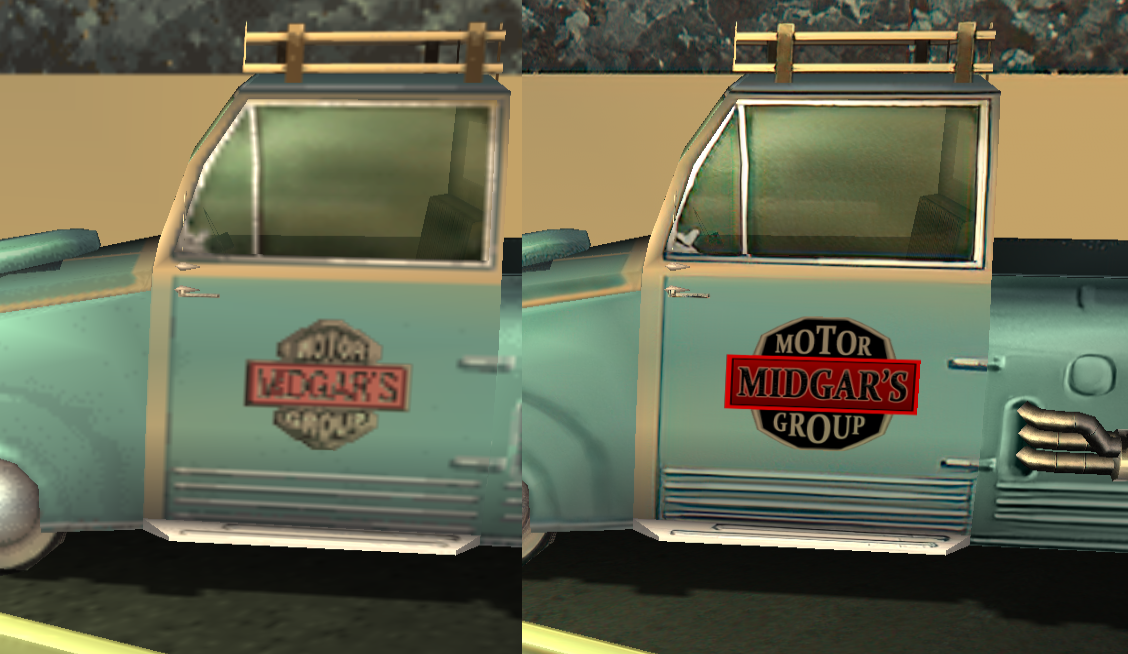
Not my best work (it's hard to get the right font), but it's passable for now:

wTnLwoZ.png


Also, you know how to desaturate using the lasso tool, right?

bNmEvJn.jpg


You should go into the character textures and and desaturate the uniforms and Zack's hair (and whatever has chromatic abberation) to get rid of the blue areas. I don't want to touch the characters now since you said you're working on them.
 
Last edited:
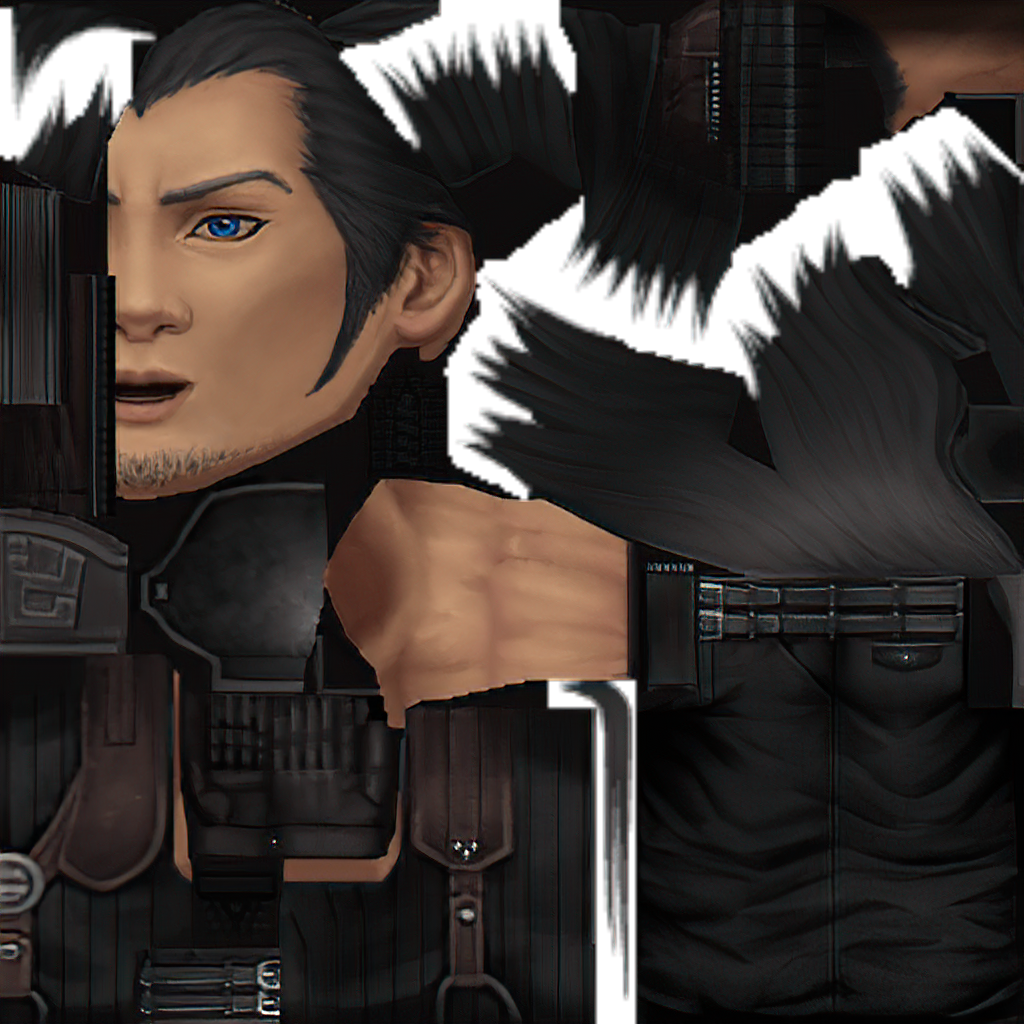
I know how to do it. I actually use the brush and set the blending mode to “Color” and select the color from the original texture. Are you using the latest build? I thought that I did mostly fix that, at least for the sweater on the zack models. I need to go and fix up Angeal and the other random soldier models that use basically the same skin.
 
Last edited:
I use a different method. I select the area in Photoshop and control + shift + u. This creates a perfect desaturation.
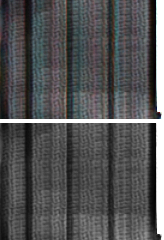
For example, here's Zack's sweater brightened in Photoshop. The top is what it currently is, and the bottom is a perfect desaturation.

BRCcO3V.png


I'm also pretty sure I have all the latest stuff and Zack still looks like this:

https://i.imgur.com/fJrx3eS.jpg

His hair, sweater and gloves still have some faint color in it.
Zack's model will still need some work to fix his odd belt, but I guess you're working on that. Maybe once you're satisfied with your work on his clothing, I can go over all the textures and perfectly desaturate them.
 
I spent like an hour on this in Gongoga:

EJqK92k.jpg

WZkhJQR.jpg


I fixed Gongoga's sky because the clouds looked weird.

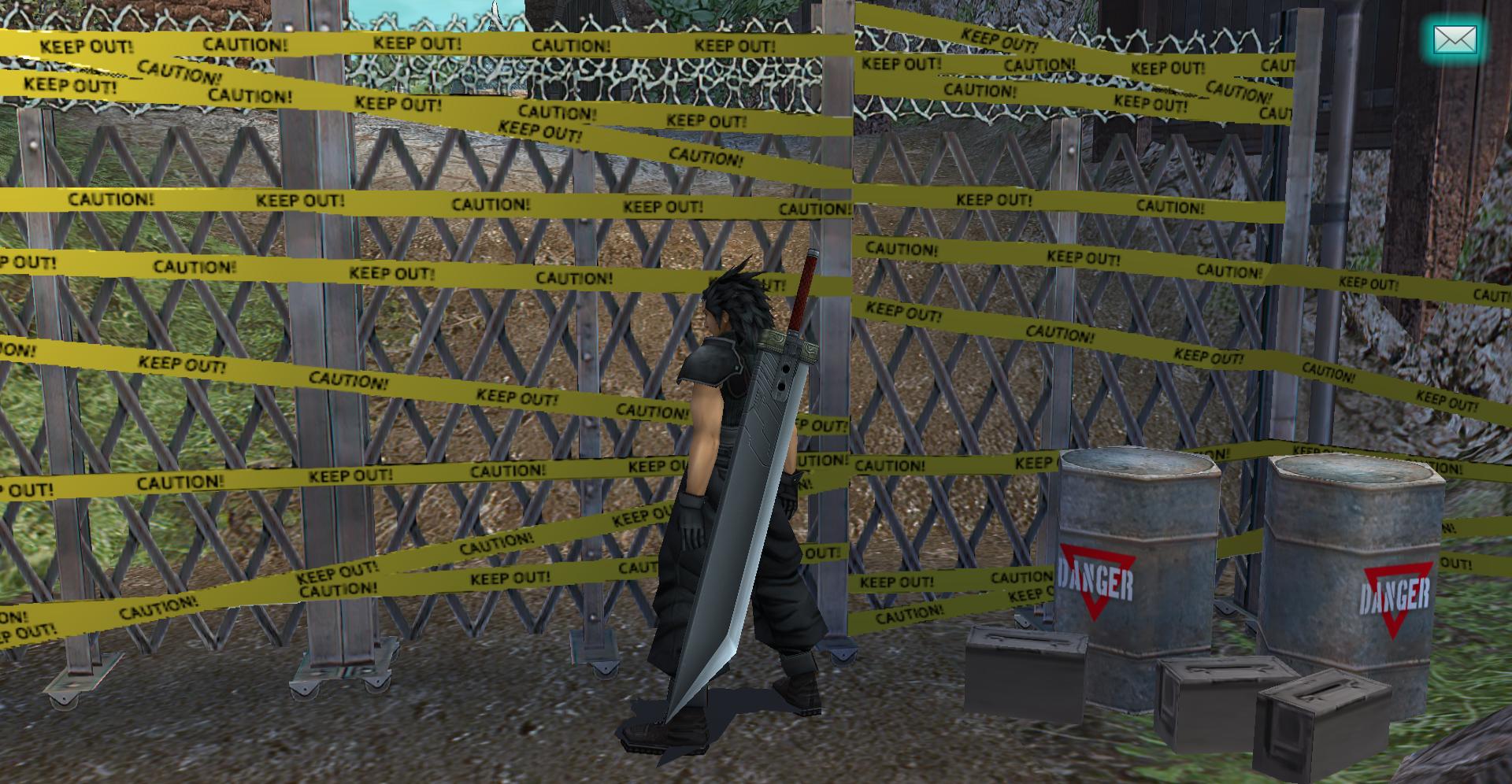
The weird box things had some yellow stuff on them which I don't even know if it's supposed to be text so I just got rid of it.

I edited my second post in this thread to be a list of current issues and who can work on them so we can better coordinate stuff, and anyone reporting bug issues will already know what's been mentioned or not.
 
Good idea, thanks. I really appreciate all you are doing to help make this a success.
 
CURRENT ISSUES LIST

Shinra Building:
-There's a close-up of a pixelated tree with poor masking when we see Zack after the prologue, could use better masking
-Shinra Building elevators have odd transparency (Devina)
-Briefing room item pods could use work (Devina)
-The large airship photo in the Exhibit Room could use improvement
-Directory could use more darker noticeable text: https://i.imgur.com/PAOJfBl.jpg

Midgar area:
-Loveless alley floors are messy: https://i.imgur.com/Kgq8mwE.jpg
-Aerith's church floor texture seam issues: https://i.imgur.com/PU6Vyes.png
-There's an item display with ribbons that could use improvement (Devina)
-Debris outside Aerith's church has poor masking: https://i.imgur.com/fGKDzFB.jpg

Main missions:
-Banora dumbapples could use HDifying: https://i.imgur.com/C55zYne.jpg
-Banora wire on the wall after defeating robot has poor masking: https://i.imgur.com/Kxbohro.jpg
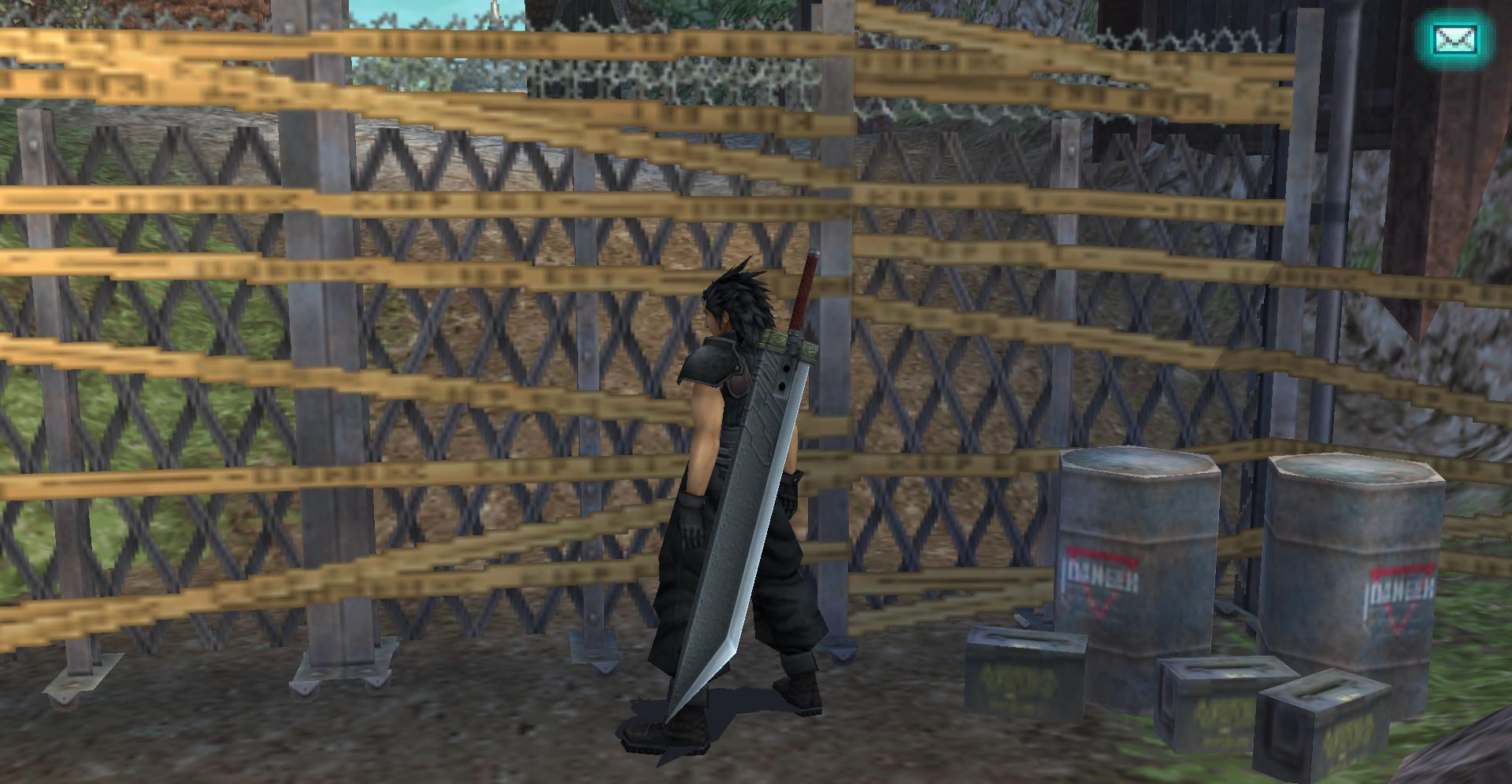
-Banora fence has poor masking: https://i.imgur.com/HzVtJ1c.jpg
-There's a small glitch on the bed blanket in the Shinra Manor (I tried fixing it but can't find right texture): https://i.imgur.com/OMyEBMx.jpg
-Cryo containers in lab in Shinra Manor basement (Devina): https://i.imgur.com/P5apCnF.jpg
-Modeioheim clouds in the sky looks poor: https://i.imgur.com/QgfdBFd.jpg
-Nibelheim inn floors look bad: https://i.imgur.com/3wfmoAn.jpg

Character models/animation errors:
-Cissnei and Sephiroth hair high quality models have artifacting on bangs
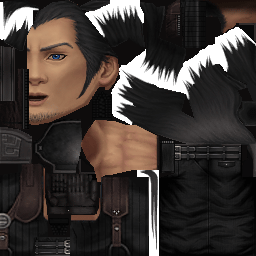
-Zack's models need an overhaul (eqprog)
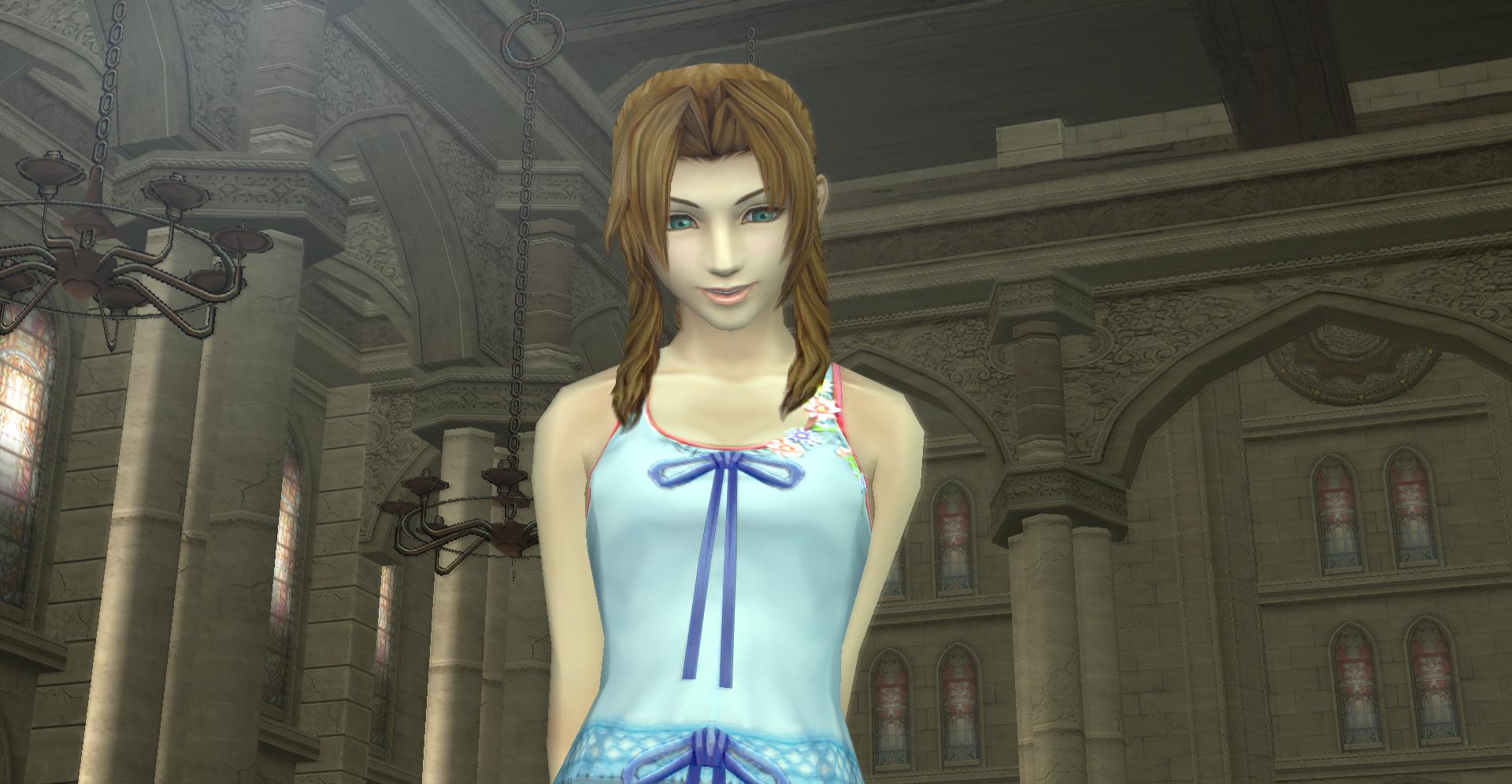
-I can probably try HDifying Aerith's flowers on her dress (Devina)
-The rest of the character models will be overseen by egprog for now
-Zack has an animation error in the church while speaking to Aerith (eqprog): https://i.imgur.com/A29mW9U.gif
--After the above error, immediately go outside and encounter the enemy. Zack says "Don't sweat it". If you wait 15 seconds, you should see an animation error, might be fixed if the above one is.

Other:
-DMW memory flashback pics need upscaling (we can do this later, I have a folder collection going for eqprog)

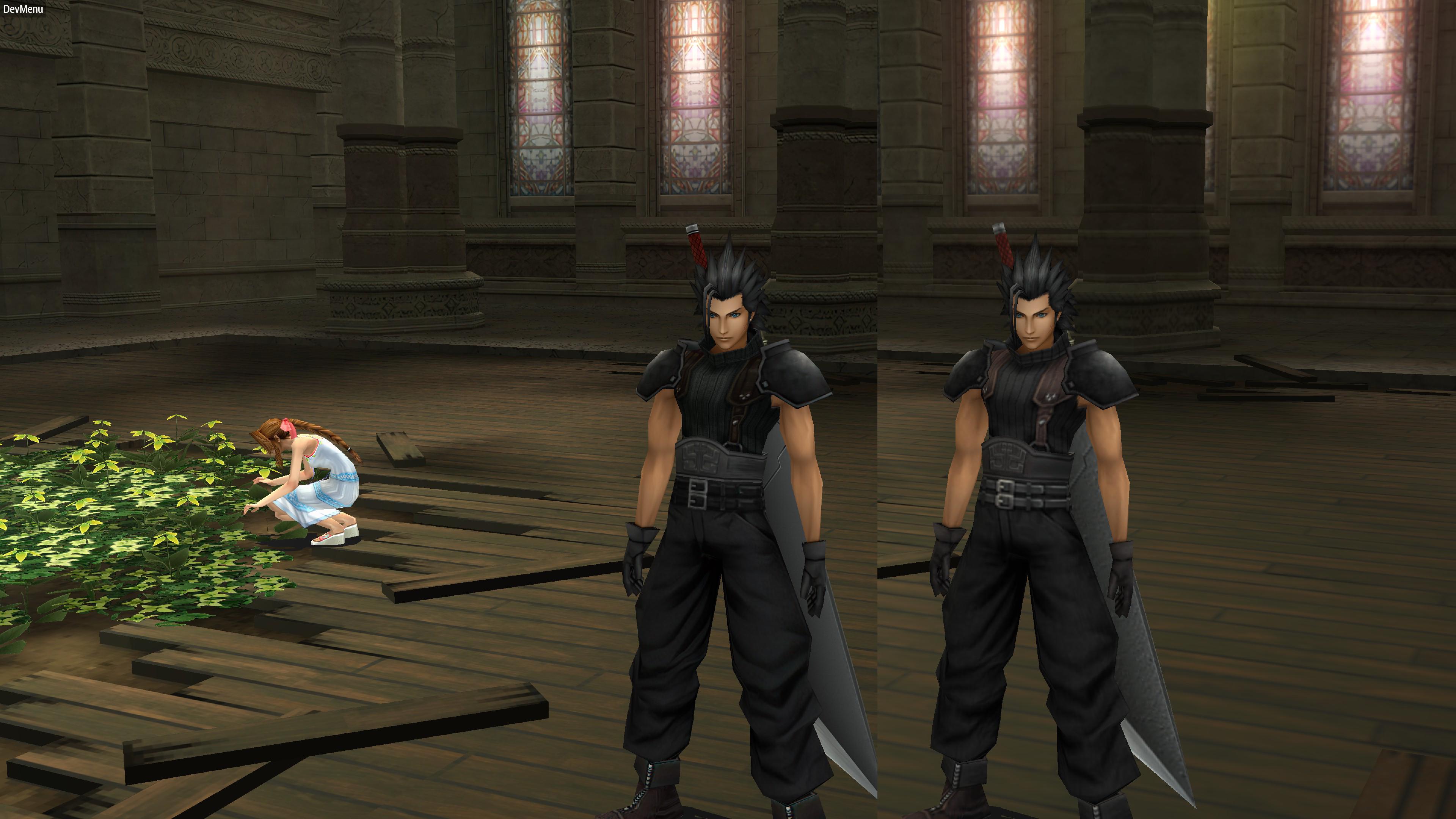
Fixed: Church floor texture issues

Di7l0UP.jpg


Kinda just reverted back to the original and added some more detail. The AI really doesn't know how to handle this texture for some reason. Its subtle but it does add a bit. I'll try to keep doing a little each day but I won't have a day off until Thursday/Friday.

Fixed: Zack animation error.  I might have fixed it awhile ago just doing work in on his skin in general. Never replicated it, at least. Let me know?
 
Just downloaded the archive, church floor looks good, nice work.

The animation error still isn't fixed, not sure why you aren't seeing it. I erase everything in the ULUS folder and download the zip of the master build whenever I upgrade.

I dumped the textures for you. There's also my list of DMW flashback pics (some are already upscaled, but the textures.ini isn't properly linking them, so I think you know how the handle that.

https://filebin.net/j7sr7f2wigw56k52

Can you also update the texture.ini with my findings here?

https://www.ff7catalog.com/posts/243183/

I uploaded my save files in case you need them (right under the current issue list). I recommend you do two things:

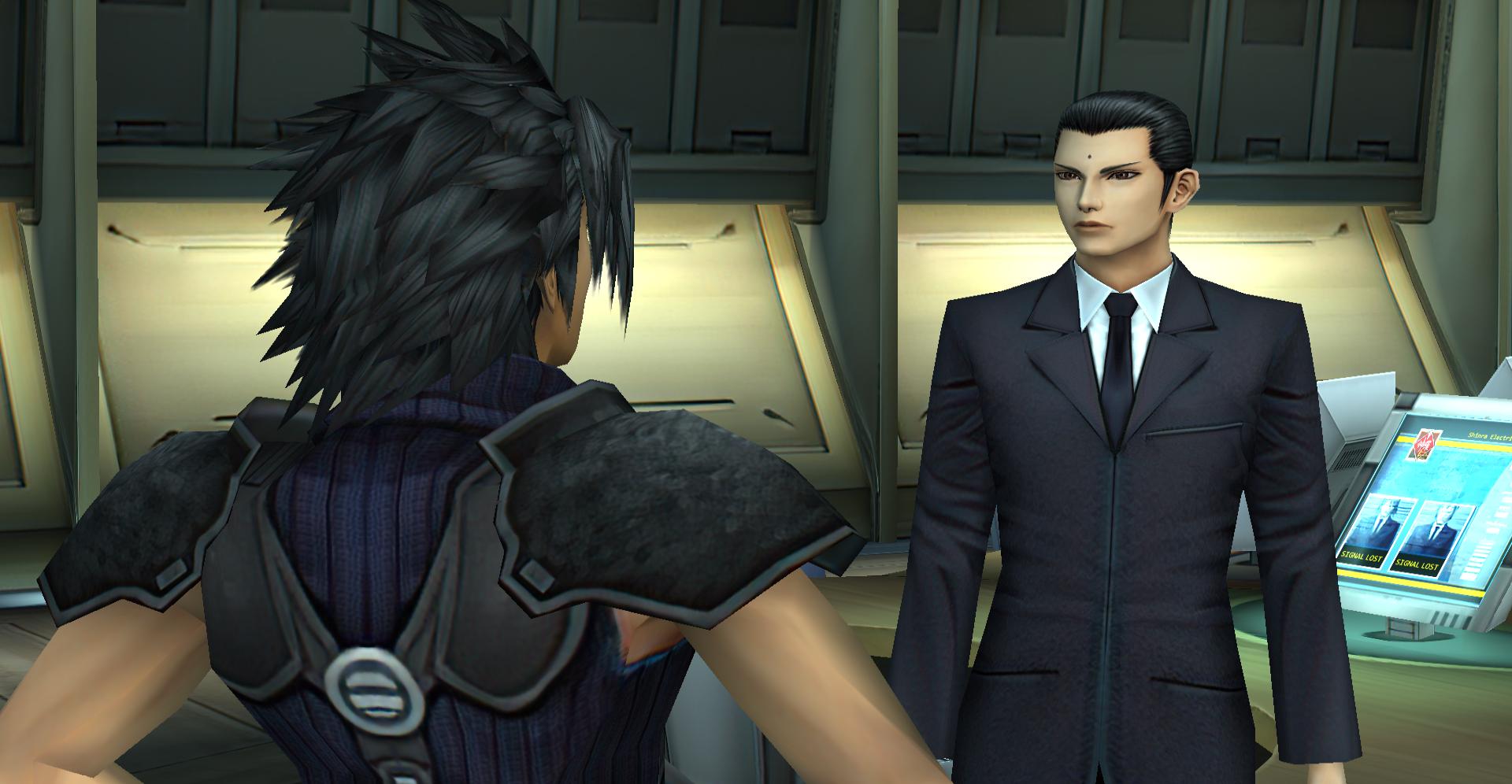
- Open Briefing Room (6 hours), go to Shinra Entrance, find the man. You'll notice he has an animation issue (he *does* have the upscaled texture it seems but they're not all synced up)
- Open Shinra Manor, go to Nibelheim, and there's also poorly upscaled hardwood you can fix in the inn - check the second floor too, they might use the same textures or different ones, not sure

Right now, I've decided to work on the entire shopping district where Shopping Paradise since the low-res textures ruin what should be a fun moment with Aerith.
 
Last edited:
Ok, I was able to track down the missing animation frames for Zack's black uniform. Got it fixed. Probably won't have time to do much else before I got to work.

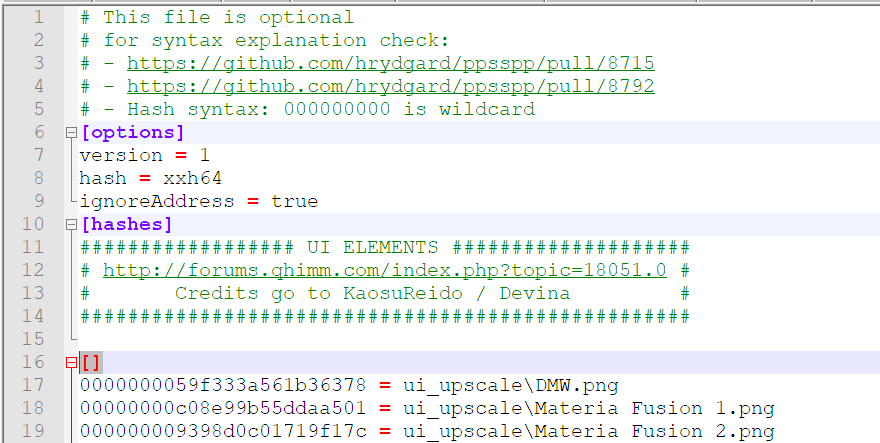
By the way, if you're dumping the textures by changing the name of the textures.ini file, its not going to work right because it won't be using the right hash type.

Here's another way you can do it - just put a line above everything else with "[]"

Zg1ra7Q.png


For some reason this will break the file and it won't load any of the textures underneath it. But notice at the type it will keep the hash type. To be honest, I haven't had time to try your way to see if it even works but I don't think it will. We need to have to right original hashes for them to show up properly.

edit: Well, I tried to at least download your DMW files and apparently Filebin is down. I'll try it whenever I get home from my work.

Edit 2: Tried to work on Angeal a little to see if I could easily transfer my work from Zack to his textures and I noticed that Angeal has 6 fingers on his right hand! At first I thought it was maybe an error from the AI, but the original texture has it, too.  :o

SC2fju1.png


Bayu3bC.png
 
Last edited:
Yeah, the six fingers is odd...

The animation glitch is still there for me, so I just fixed it myself.
Your sorting program may not be working, I guess.

I added these two photos in the 1st Class folder:

000000004bb54918e0eda9d6.png
000000004bb54918a088a17e.png

https://github.com/eqprog/FF7CCUP/tree/master/textures/characters/zack - 1st Class

And the texture.ini now has these two lines:

000000004bb54918a088a17e = /textures/characters/zack - 1st Class/000000004bb54918a088a17e.png
000000004bb54918e0eda9d6 = /textures/characters/zack - 1st Class/000000004bb54918e0eda9d6.png

I don't know if my Zack additions/save artwork/summon icon additions to texture.ini will be reverted if you update it using your programs (they might), but I'll just keep an eye out anyway.
 
Last edited:
I use the github desktop tool so it will update itself with only the changed content, so no worries on that front.

I’m curious, where did you find those files for editing?
 
Last edited:
Which files? If you mean those texture dumps, I just got them via the new folder while dumping files in the church.
Then I combined the HD ones already present with Zack, and spliced the correct mouth and eyes using Photoshop.

I think Filebin is working again too.

Are you still working on the church floors to fix the pixelated look? If you want, you can give them a break and let me have a go at them.
I also noticed the chandeliers in the church have poor masking.

9sxCQJY.jpg

XU2K40S.jpg


I played the game far away from my TV, so I saw a few scenes closer up, and now I'm noticing some more errors.
 
Status
Not open for further replies.
Back
Top