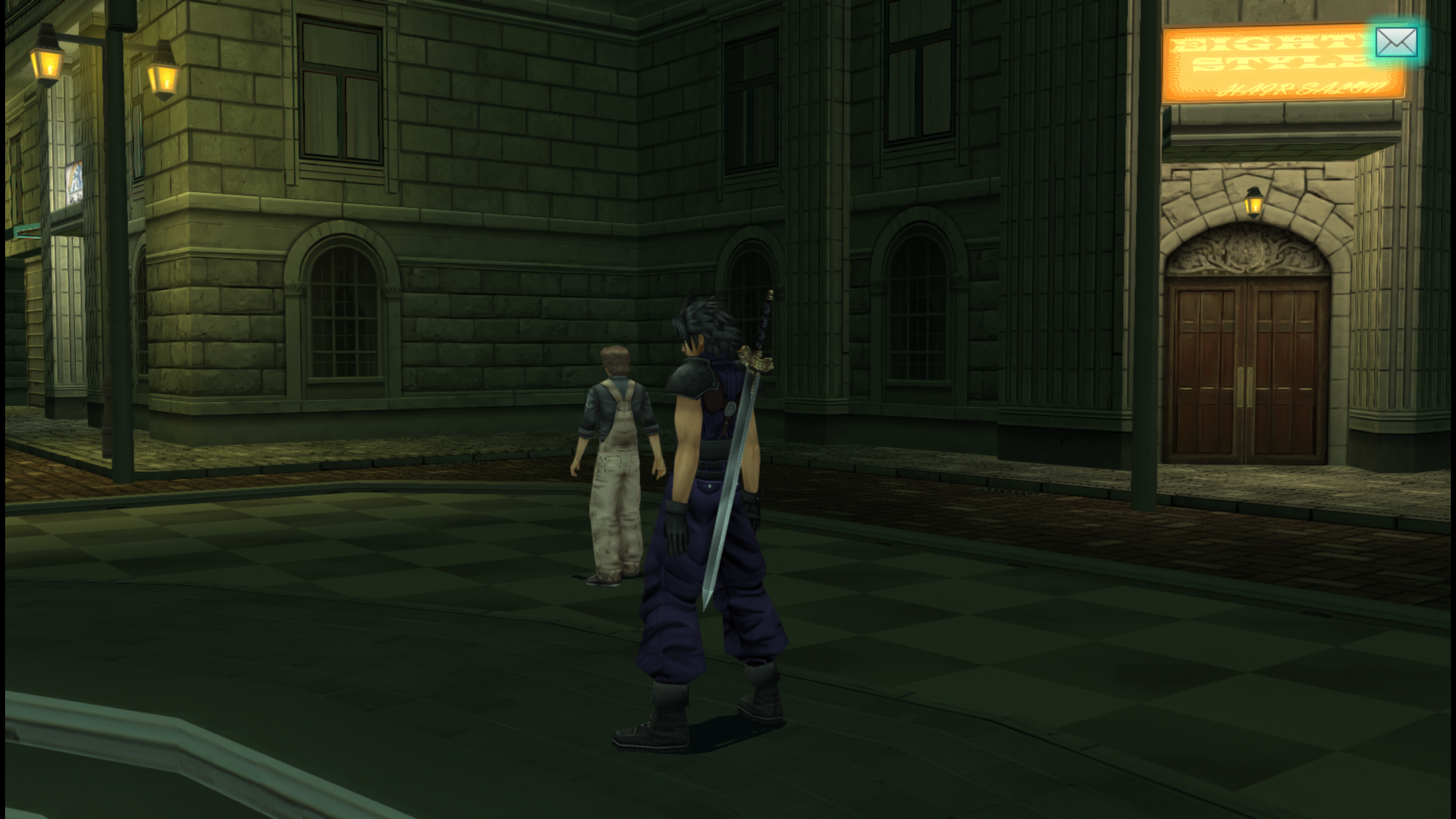
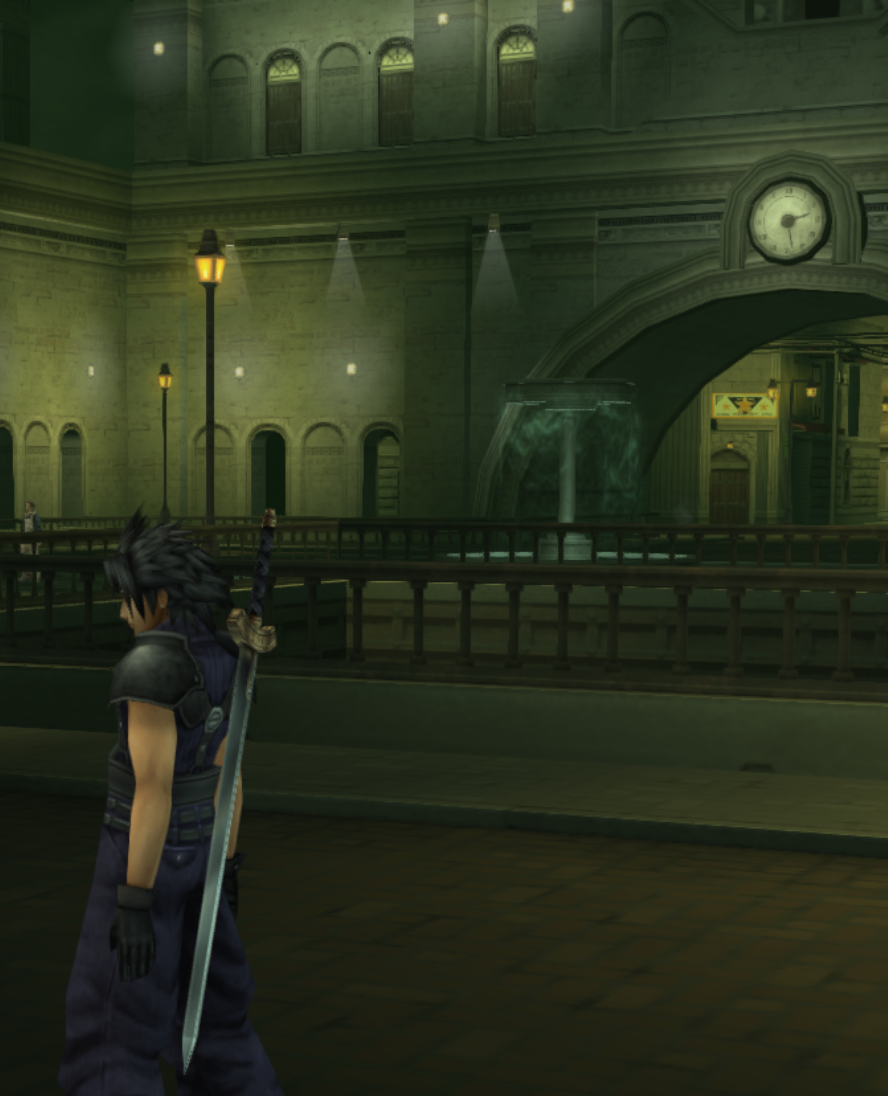
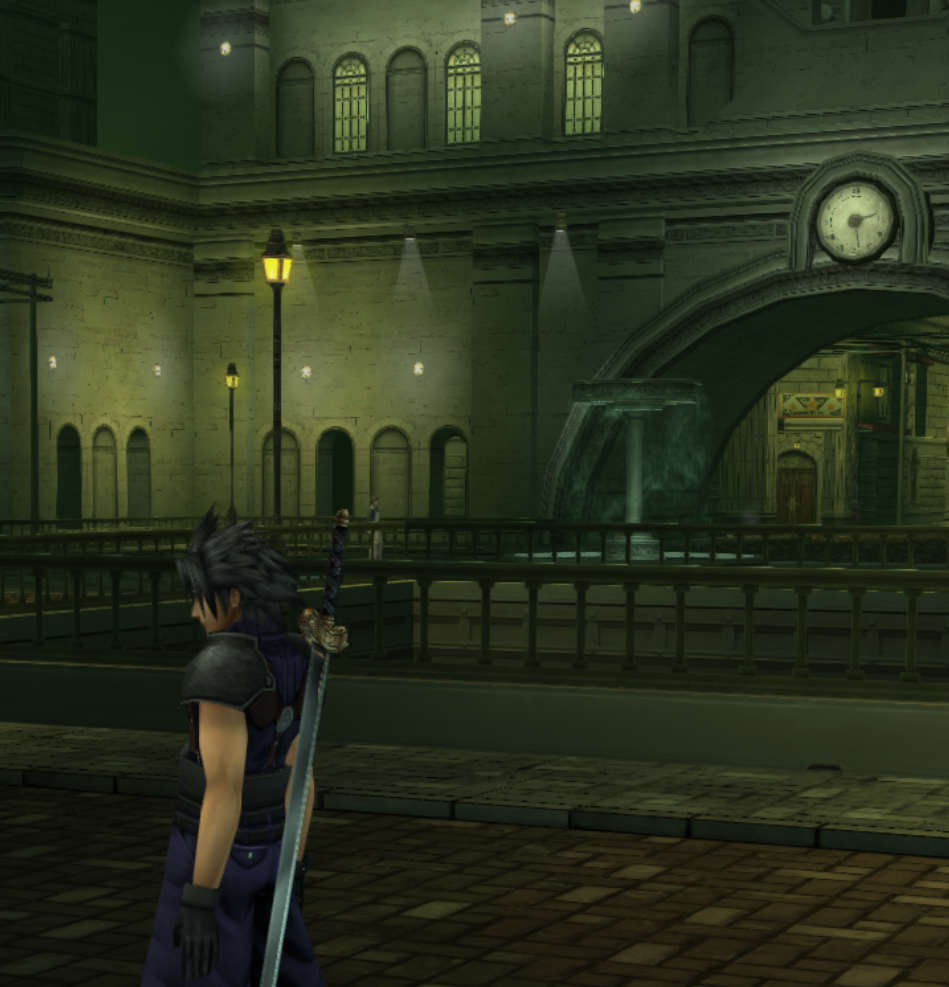
FF7 Crisis Core Upscale Project

  • Thread starter Thread starter eqprog
  • Start date Start date
Status
Not open for further replies.
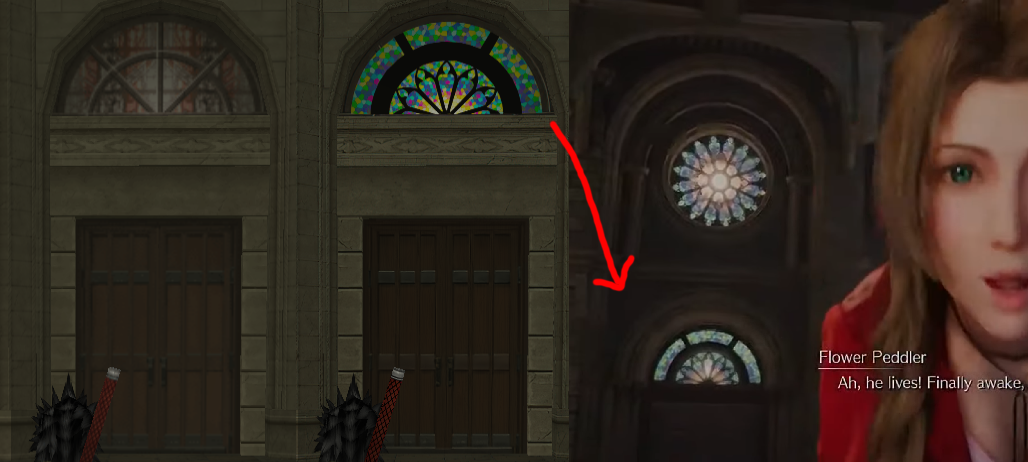
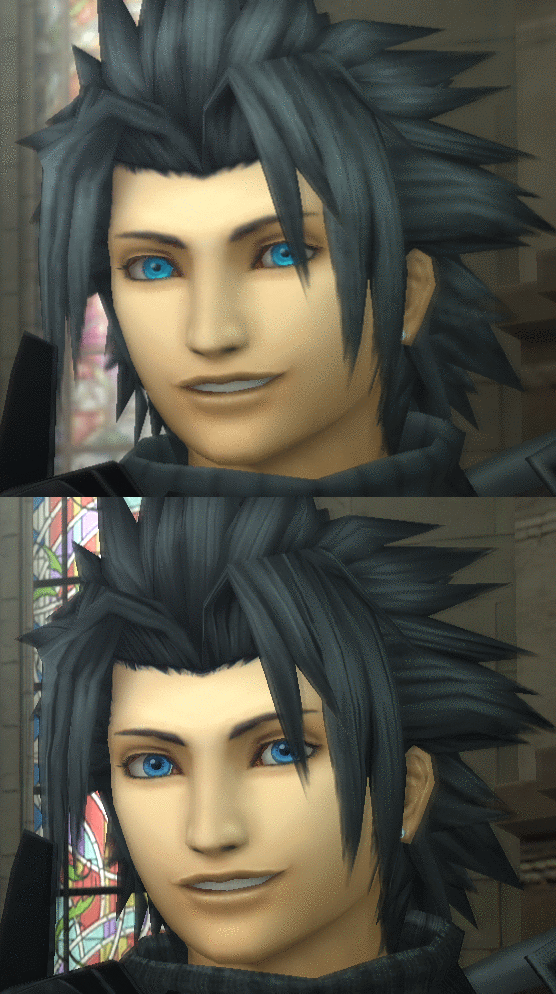
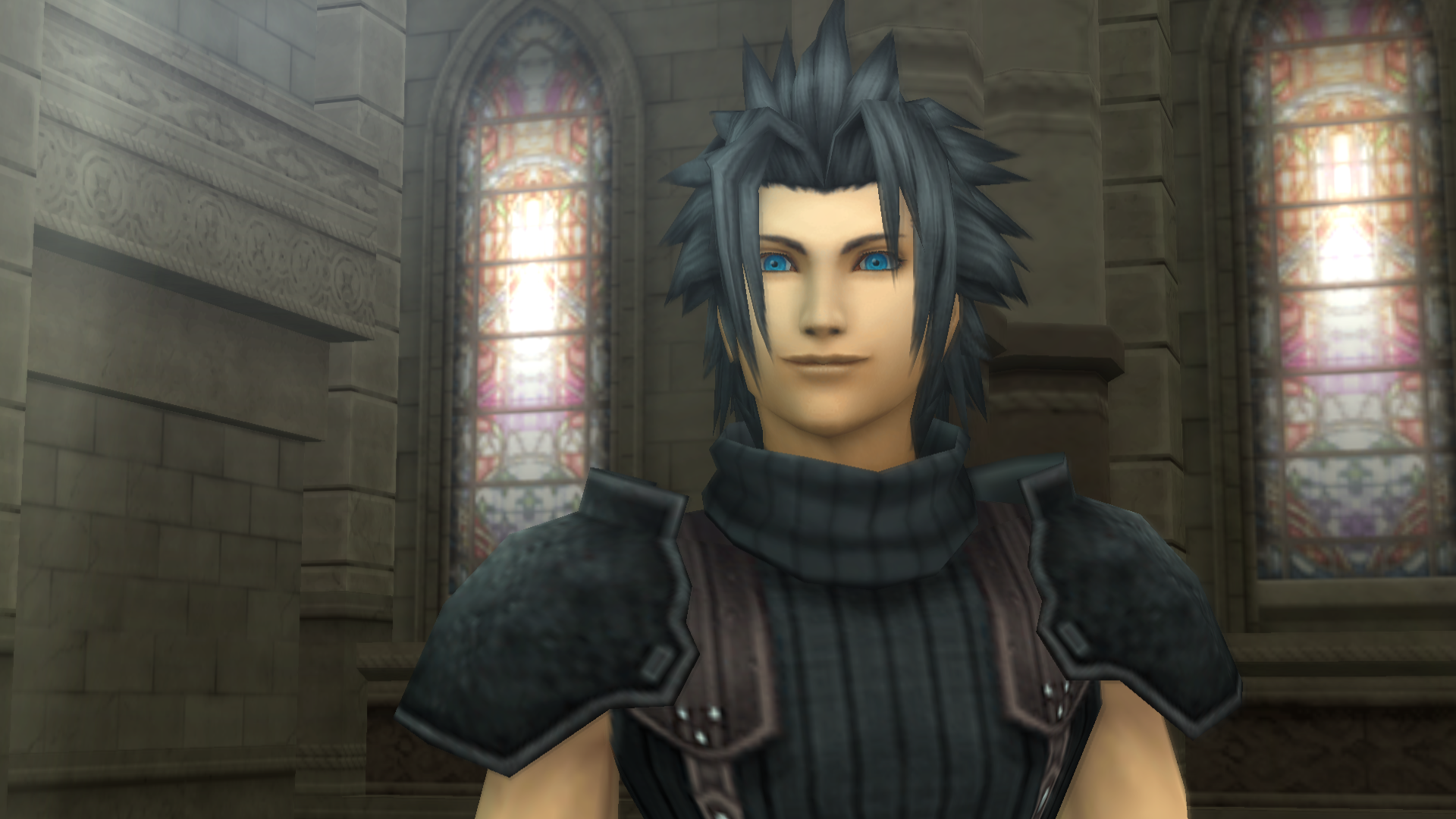
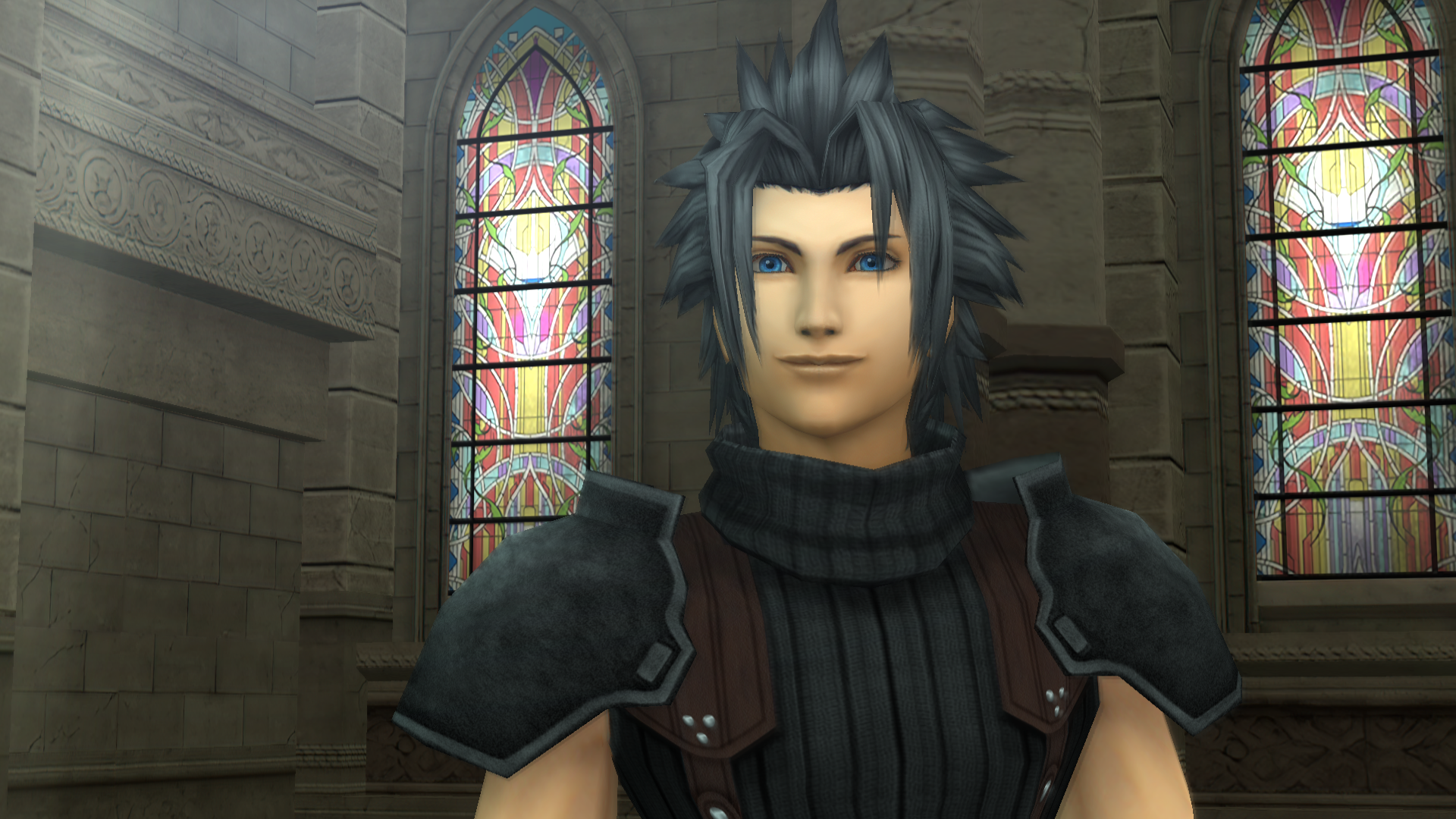
I replaced the stained glass using assets from FF7make found here:

https://www.deviantart.com/oo-fil-oo/art/FF7-REM-AERITH-CHURCH-842124835

This account has a lot of FF7make assets so it can be useful for some texture work.

The stained glass in CC is the same as the one in Advent Children.
While I would love to use it, I don't want to spend 10 hours trying to recreate it.

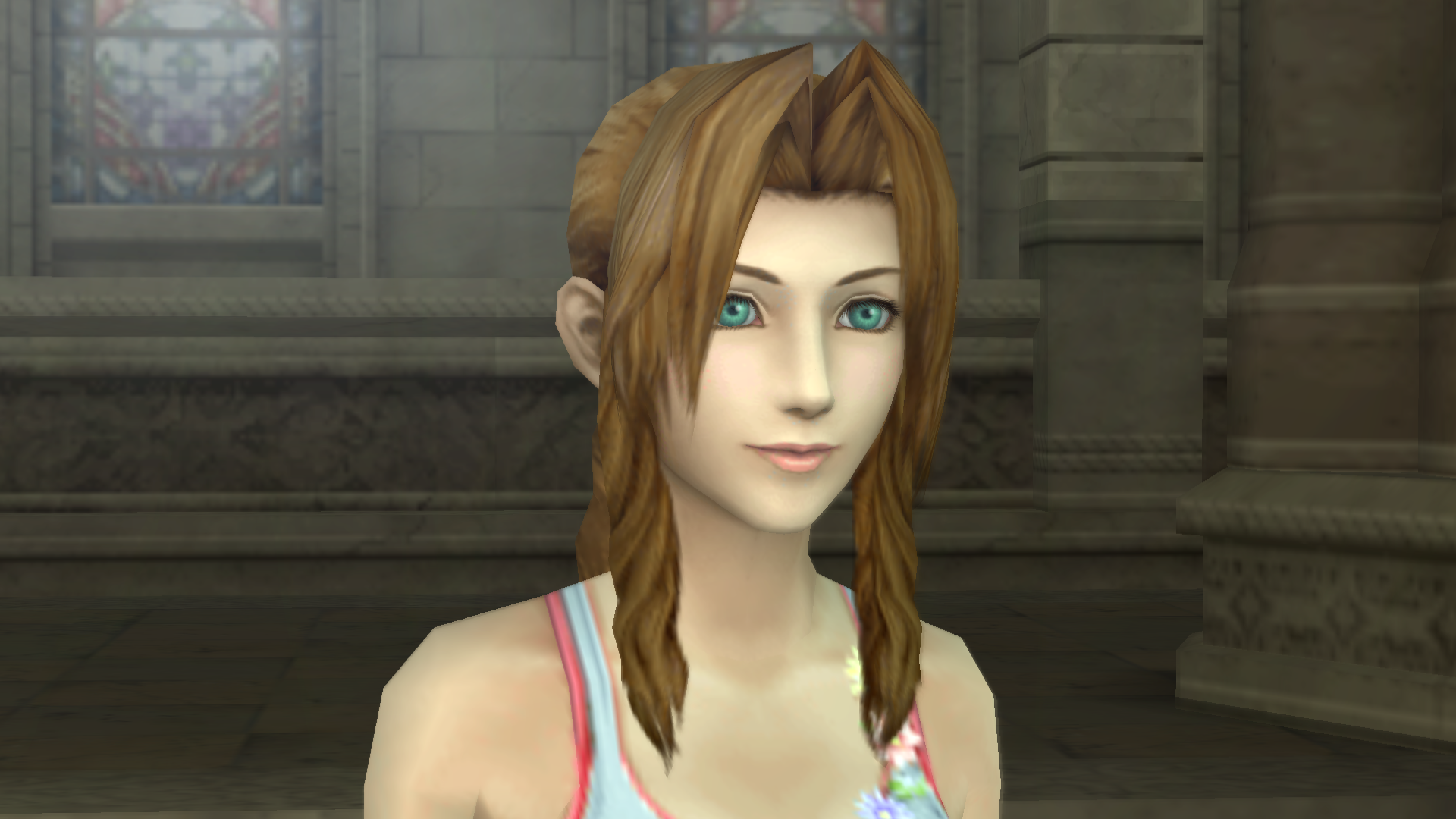
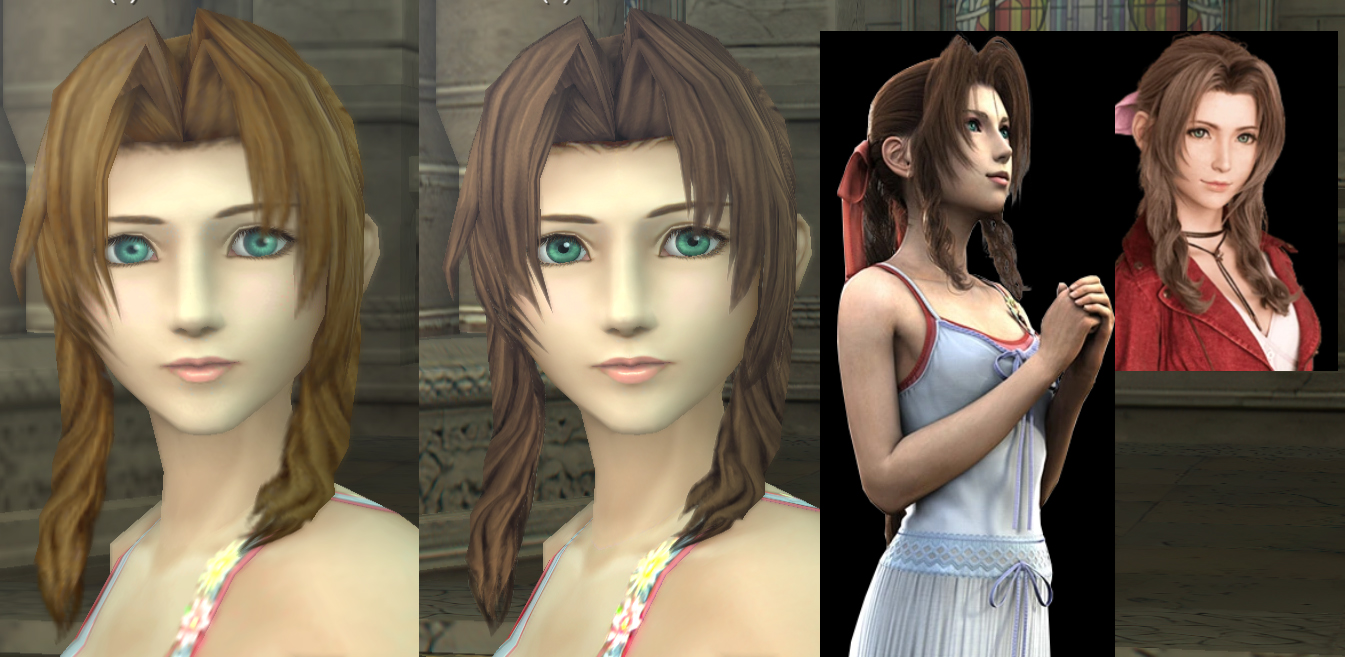
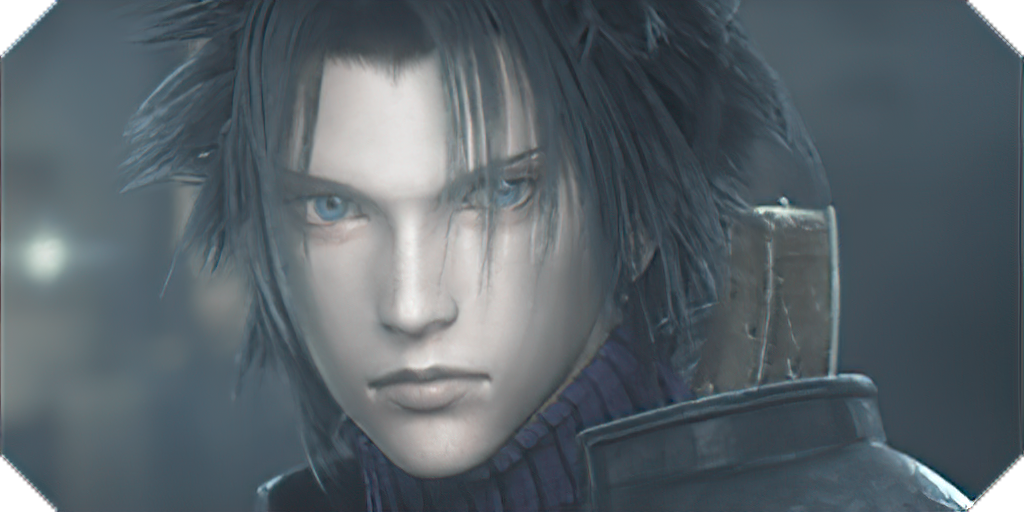
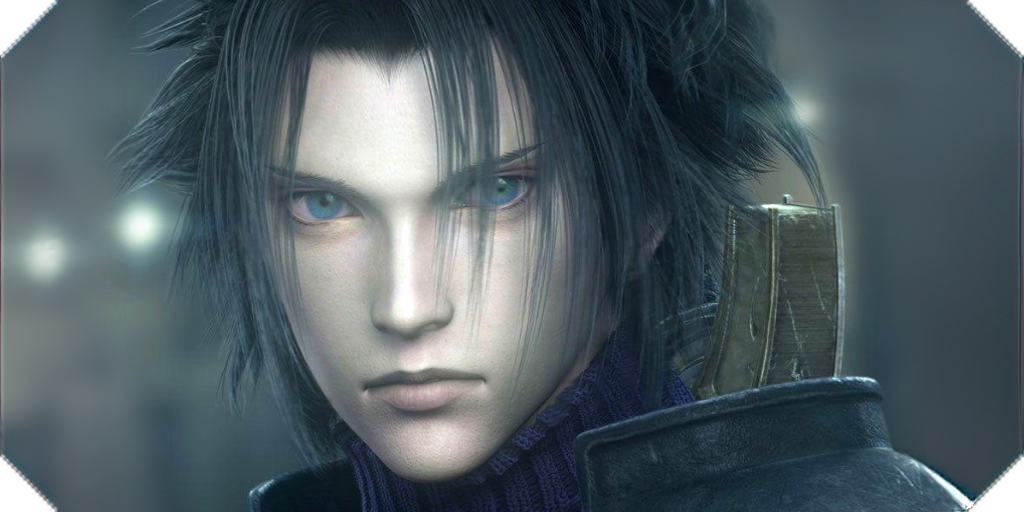
I'm also in the process of making new eyes for Zack and Aerith because I feel they don't look "real" enough. Zack's is too blue (I know they're supposed to be "eyes infused with mako energy") but they're too different from other cutscenes and it looks like someone slid the saturation to 100 in Photoshop. Aerith had more shading on one side.
jiYXUcX.png

eMlcr7g.png


lvbVz30.png

PPSSPPWindows64-2020-09-29-05-50-20-99.png
 
Last edited:
I don't think it's worth it because if you use this method, you can identify any texture in 2 mins and all:
[...]
I know. That's essentially. what I've been doing. I was just saying that in retrospect organizing all the textures by their area in the game would have been a lot easier because it would have avoided so much of that.
BTW, in textures.ini you can just take out the "#" on this line.
#IGNORE FMVS#
; videos
000000000000090900000000 =
#[]

For some reason if you have the brackets there, the emulator will ignore all the lines after it. Putting the # before the [] makes that line ignored. In other words, changing it to just say "[]" will ignore all the texture replacements besides UI replacements and FMV frames.  You don't have to rename the file. Do it however you want though, I'm not going to nitpick whatever work flow you have. Its just easier to remove one character :).

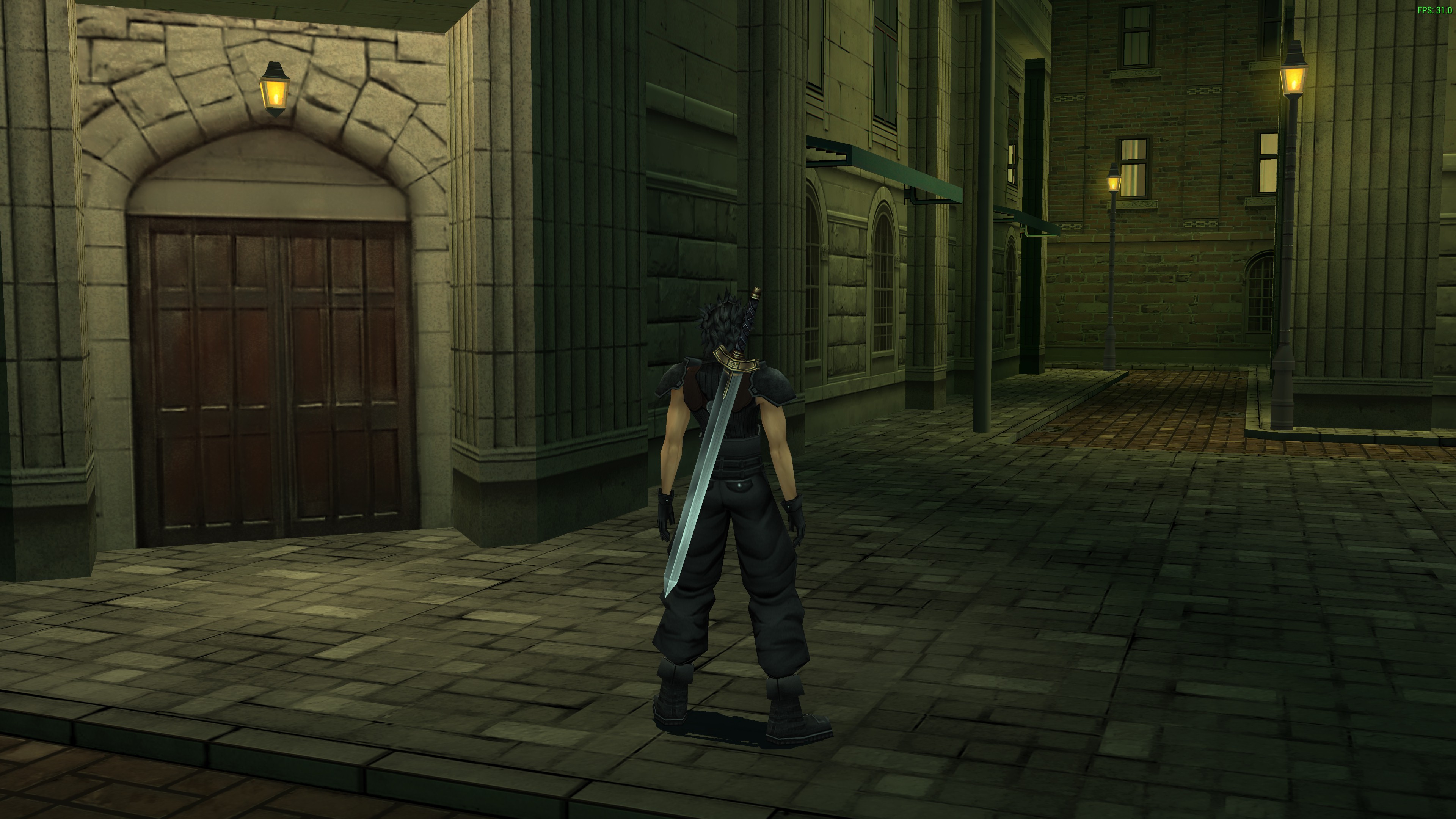
I have an idea where each week, we go into a specific room/area in the game and try to "oversee" everything, dividing up tasks.
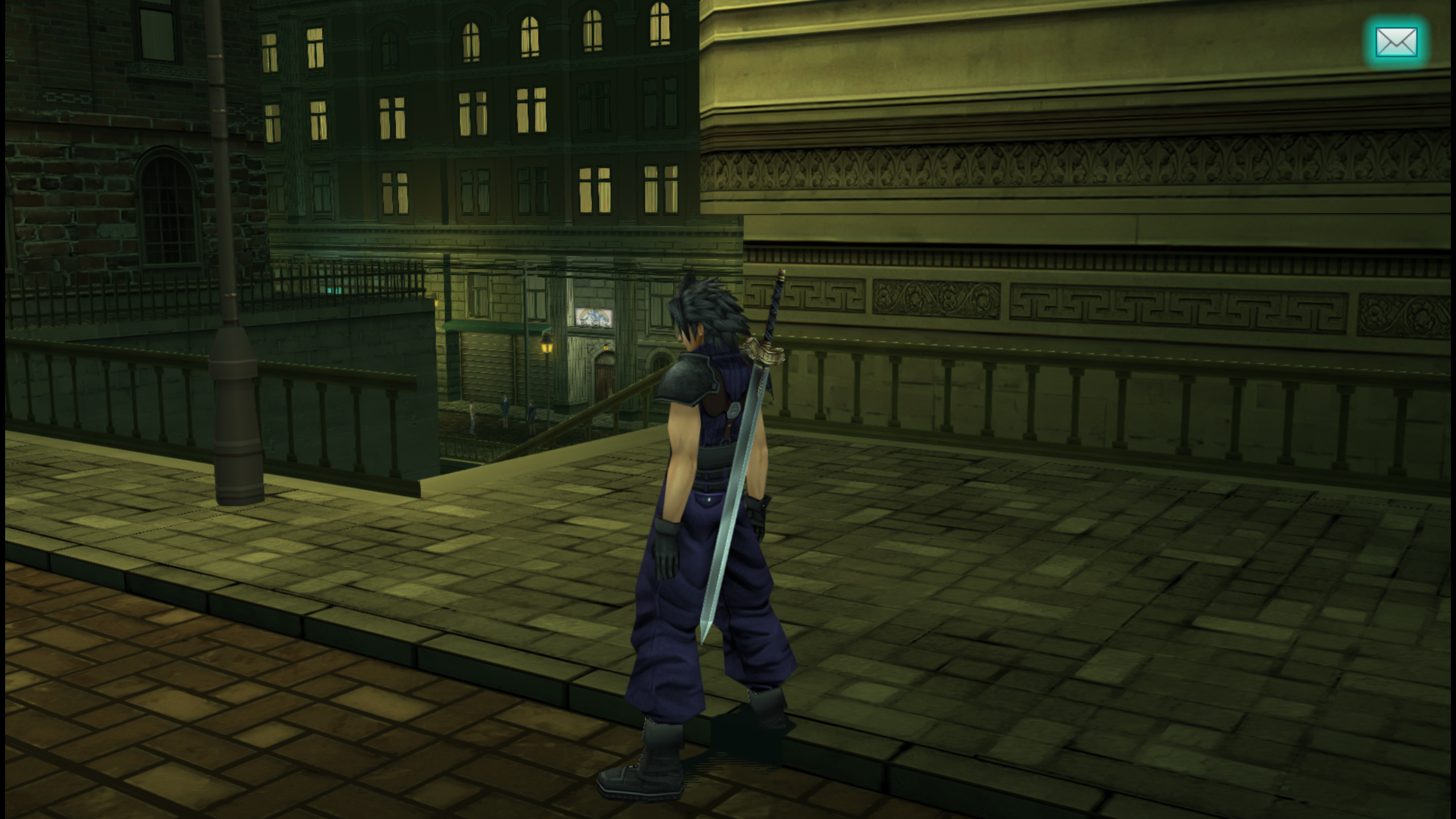
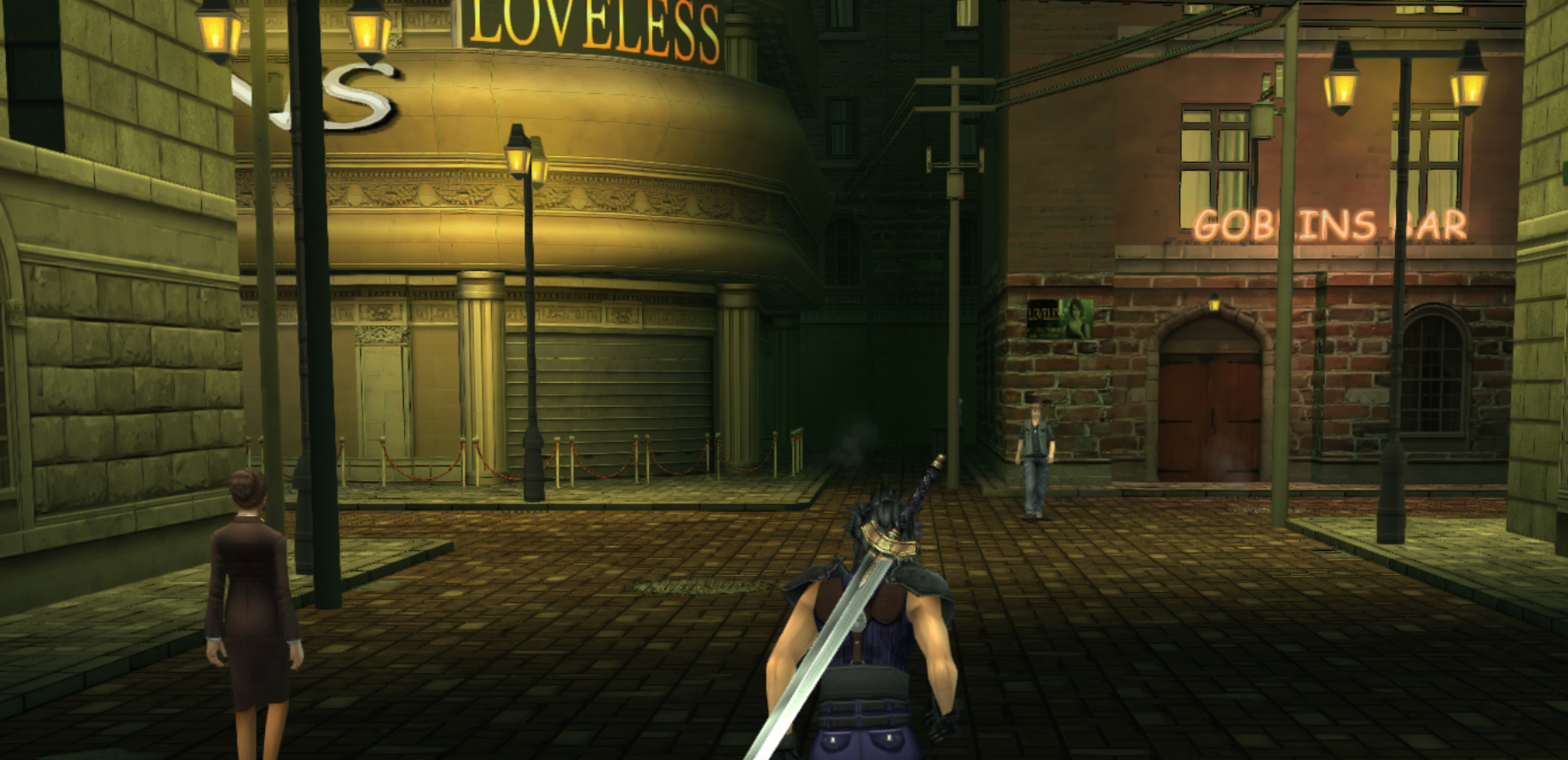
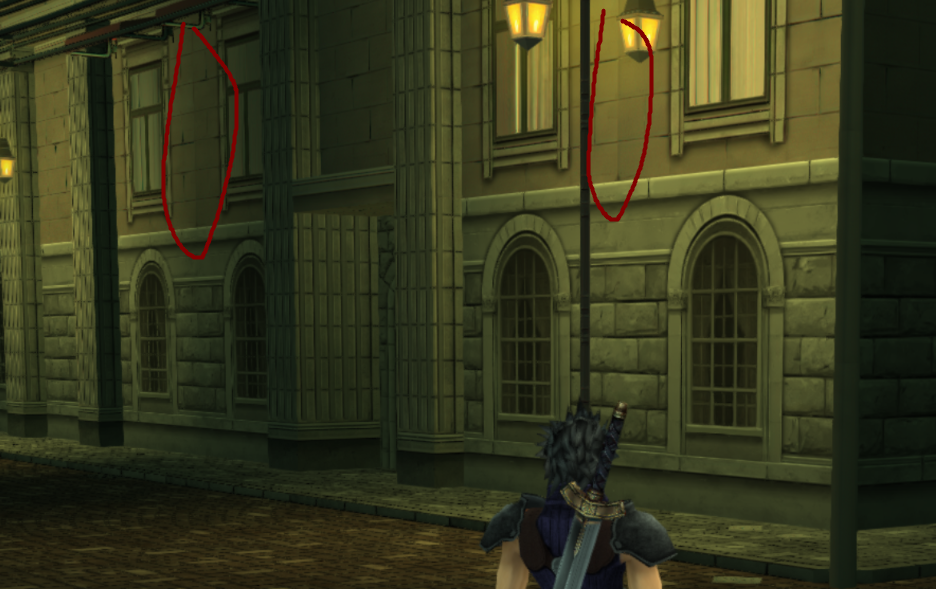
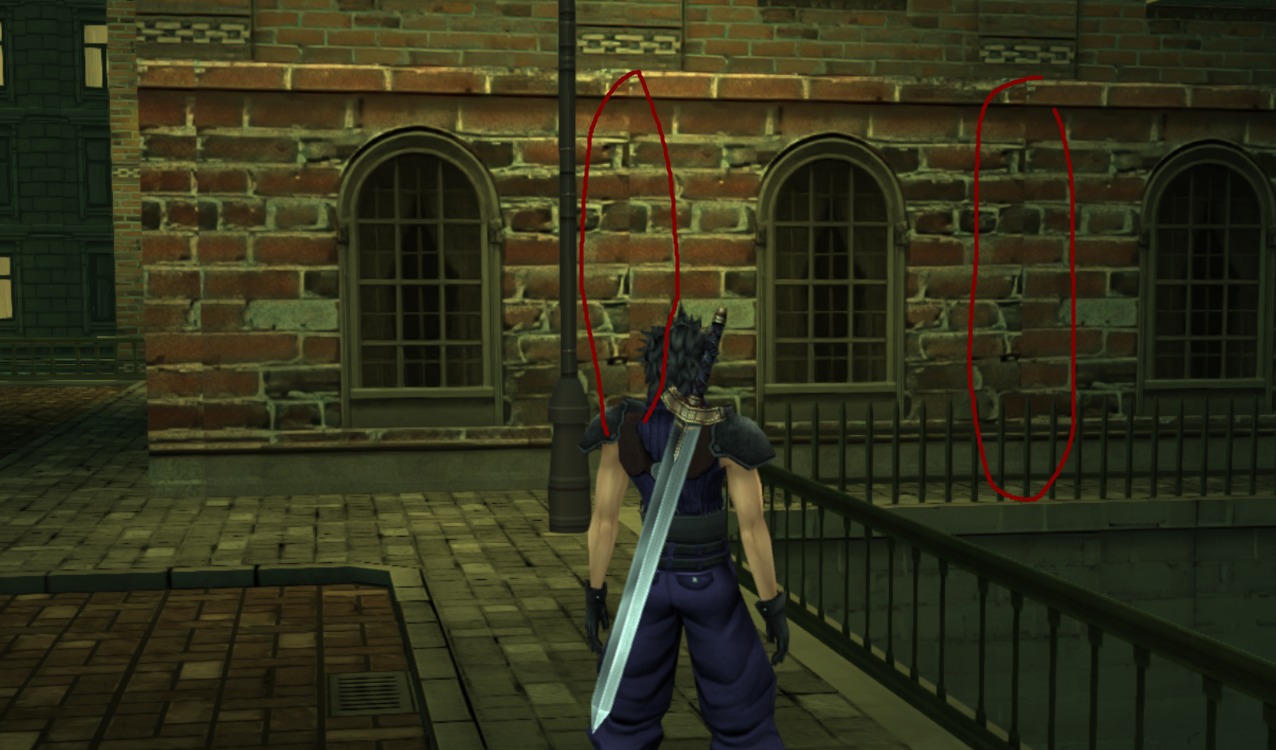
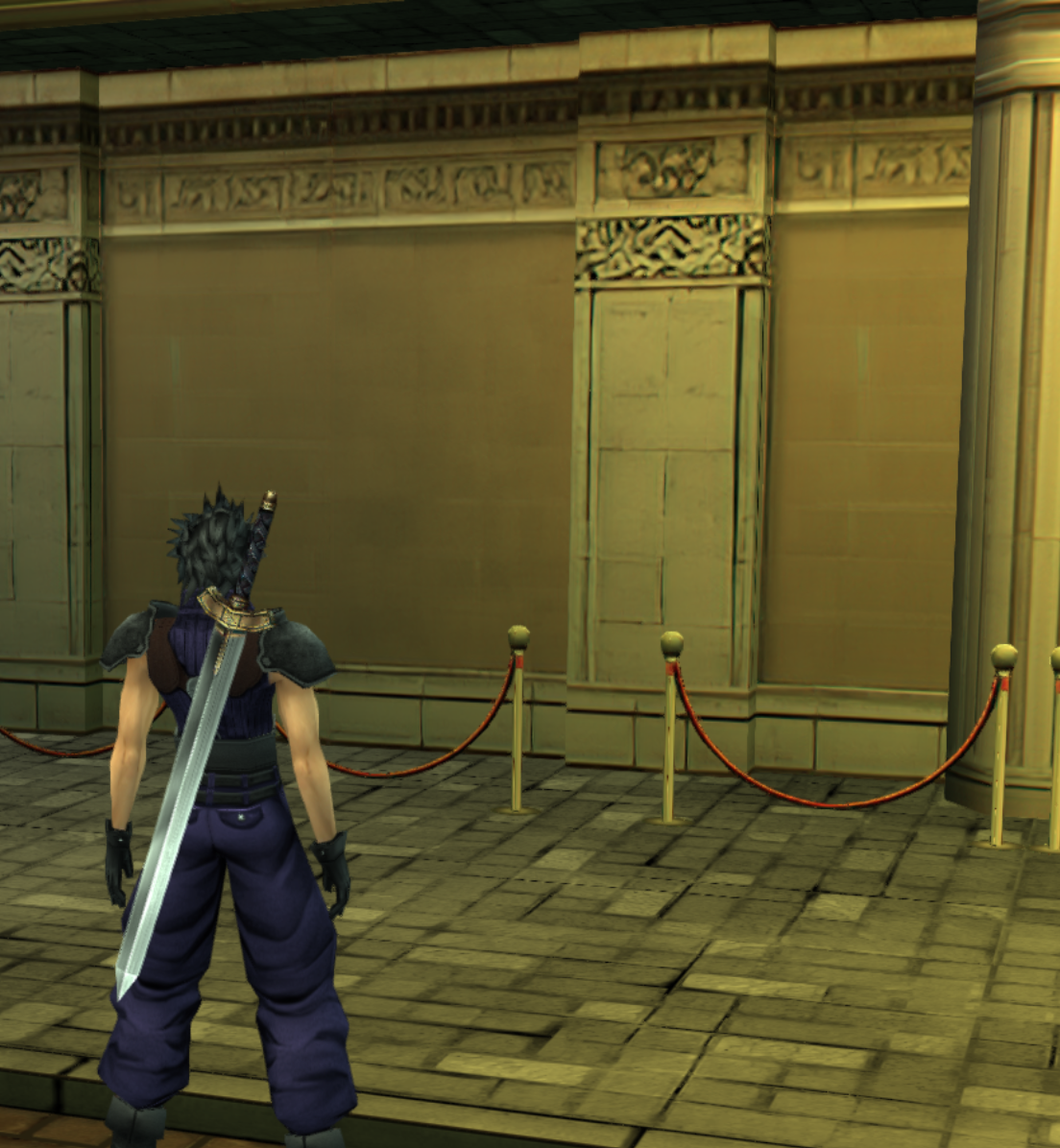
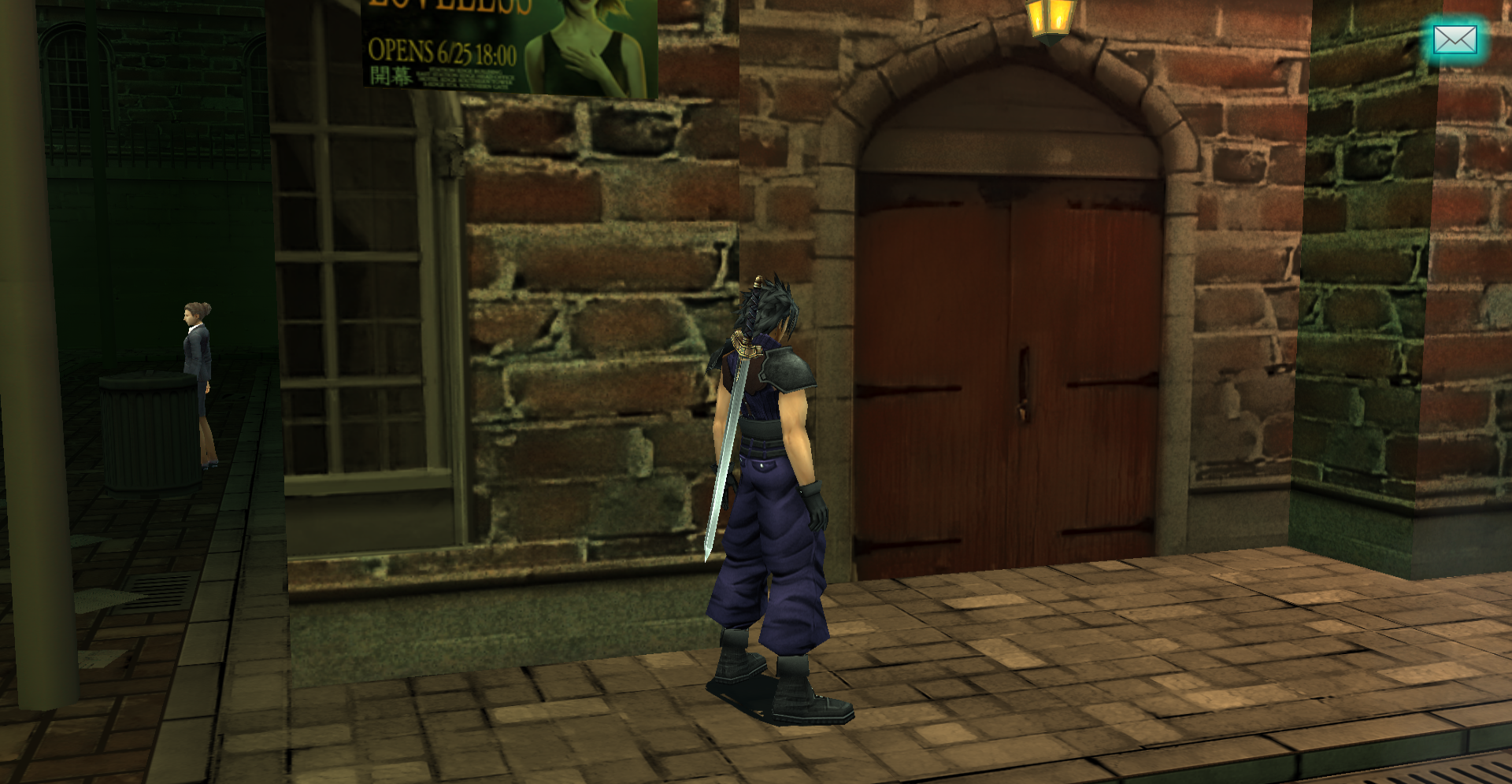
For example, me and Zakkura are doing Loveless alley, and I'm doing the floor and Zakkura is doing the walls.
That way, it can feel funner and we can talk about our changes and ideas.
Sounds good to me. Should we just start from the beginning of the game?

I think we should aim for a max time of one week per area, but if we can finish a zone more quickly or if we all agree it looks fine already then we should just move on. Of course, if an area takes longer than a week that's fine too.

I also think we should make a new folder for all those DMW flashback scenes just because they're organized all over the place so I'm going to work on getting all of those right now.

EDIT:

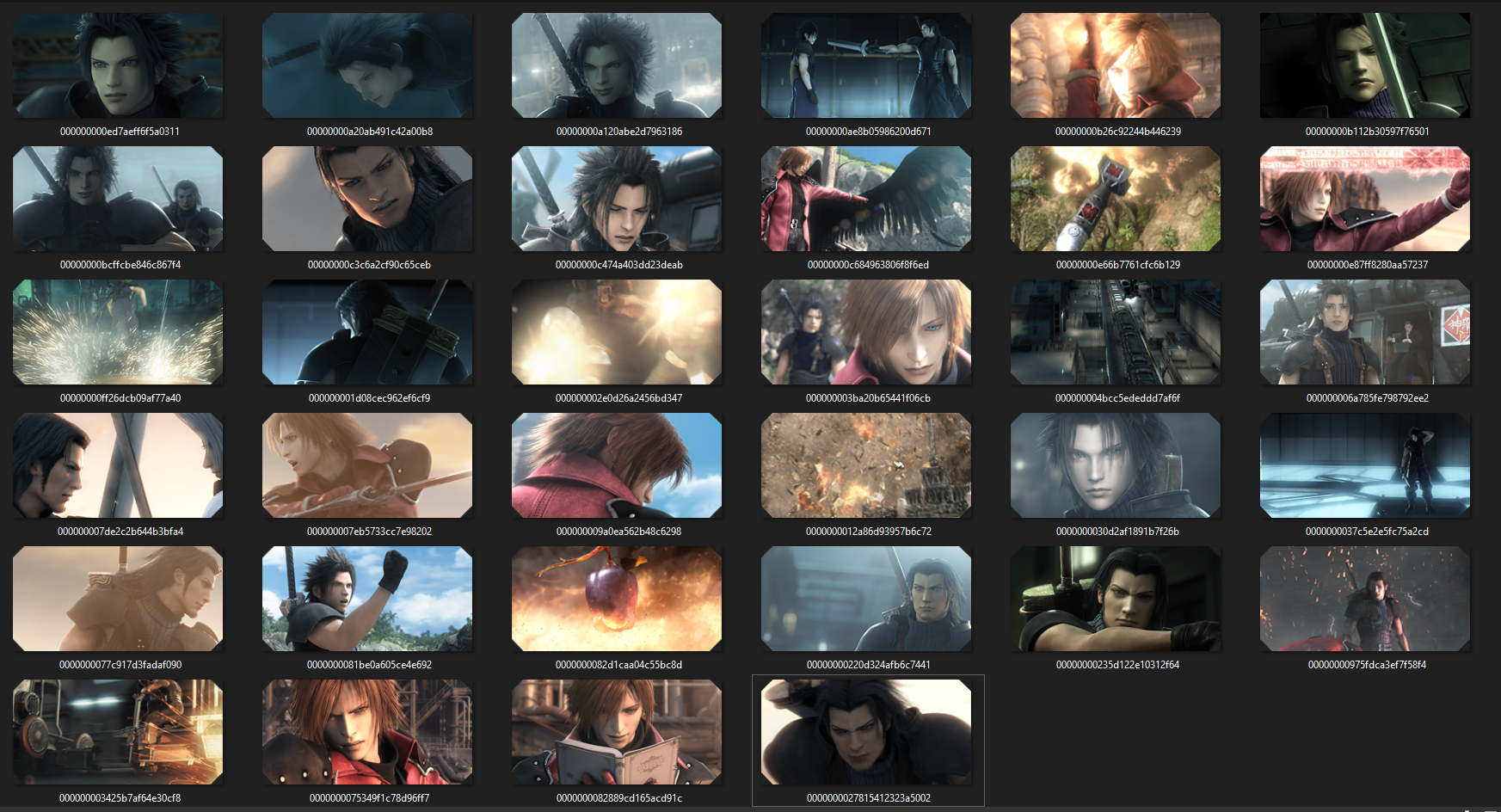
Just made a flashback folder in the environment folder which is live on github now. There's 34 of them and I think that might be all of them, not sure.

1yOqtBw.png


If you want to adjust textures.ini for these, you can. I need your help to upscale these ones:

00000000b26c92244b446239
00000000c3c6a2cf90c65ceb
000000002e0d26a2456bd347
000000007de2c2b644b3bfa4
0000000037c5e2e5fc75a2cd
00000000975fdca3ef7f58f4
0000000027815412323a5002
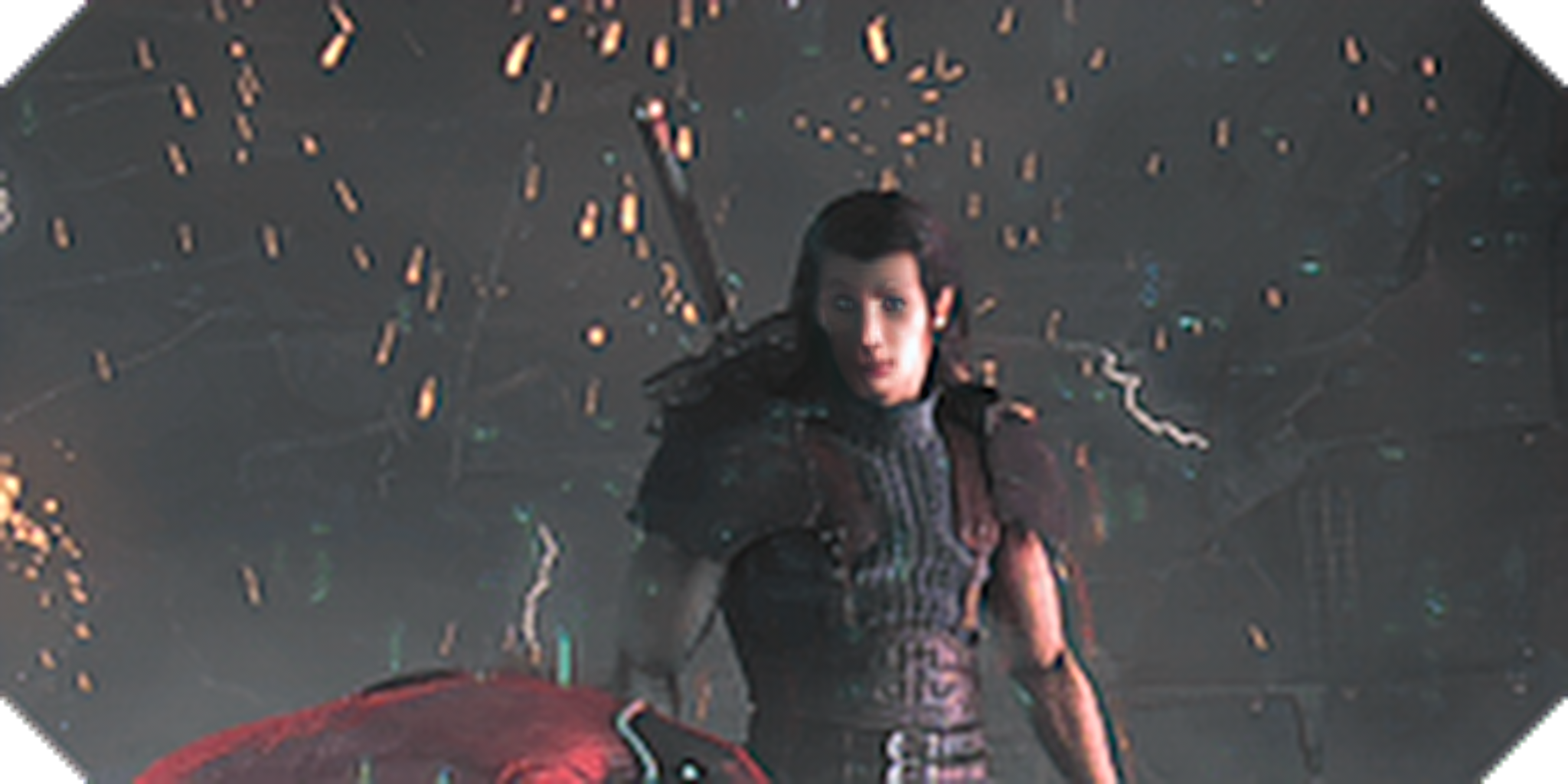
Done. Also, I gotta share this one. The "face enhancement" feature of Gigapixel really tried to hard. I had to turn it off for this one file.
e4emXWw.png
 
I think 2 weeks is healthier than 1 week because some areas might be big and 1 week might make me feel a bit rushed, although 1 week should be fine for smaller areas like the train station. And yeah, we can start at the beginning. I think this could be our rough schedule:

Now to Oct 7: Loveless alley
Oct 8 to 15: Train station
Oct 15 to end of month: the entire Shinra Building

Now for some updates.

Aerith's door stained glass is now the same as in the remake. I wonder how people would feel if we used more assets from the remake since I know the church doors are different in the remake. I've just been trying to be careful not to touch anything seen in a pre-rendered FMV (like the scene where Aerith hugs a crying Zack, where there's shots of the back doors so we can't put stained glass above them).

AlbbrAM.png


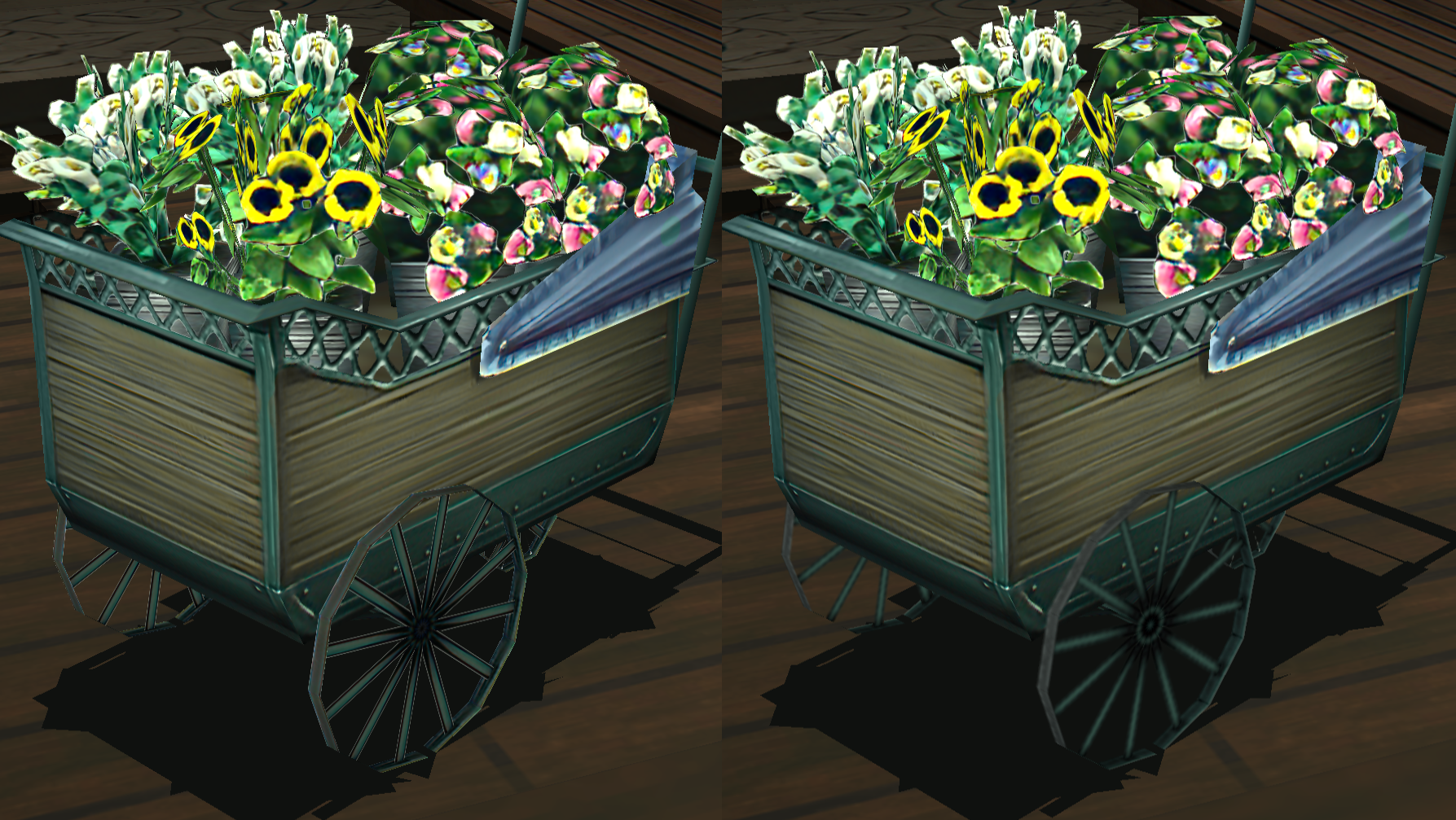
The wheels of the flower cart have been changed back to get rid of white lines.
People shouldn't have to spend all that time building a flower cart only to see ugly textures:

XpfoOhm.png


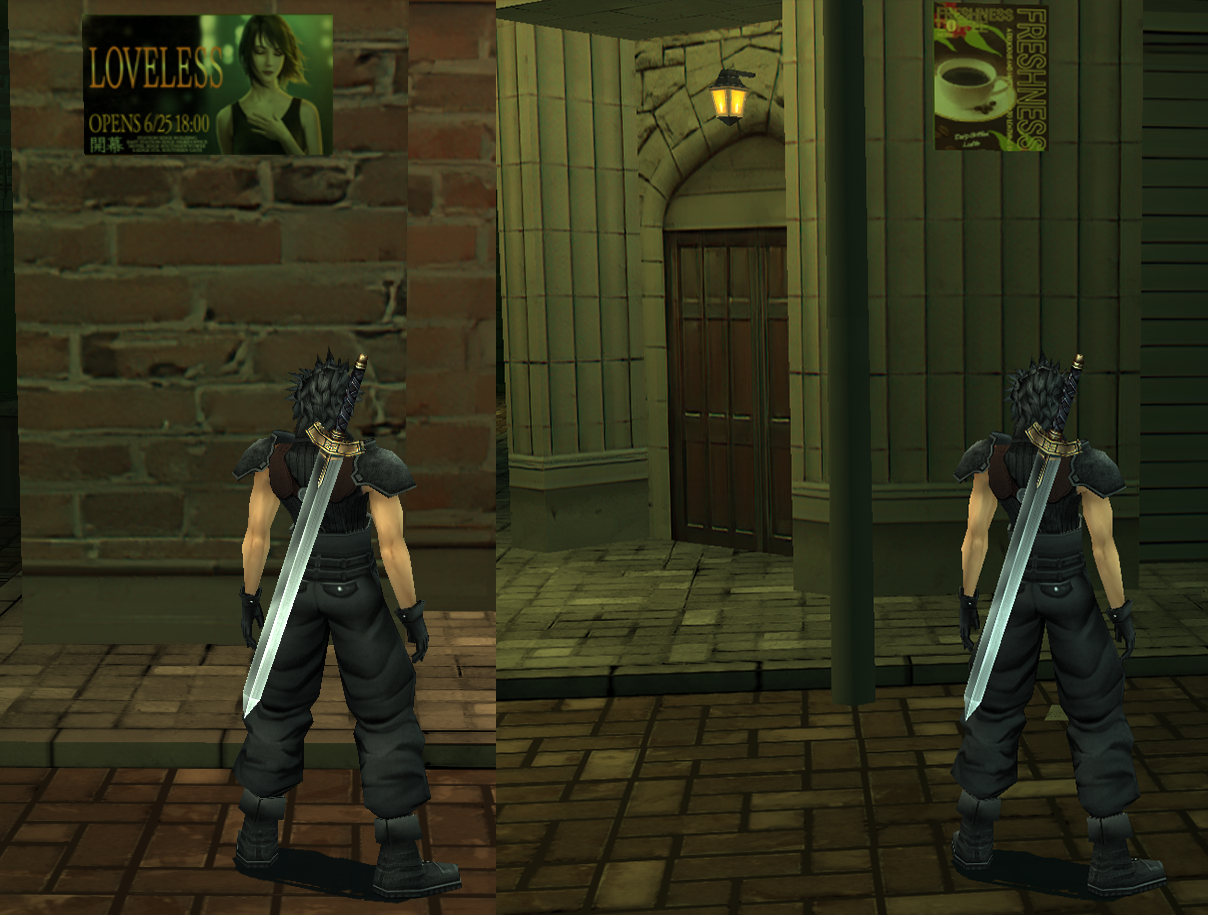
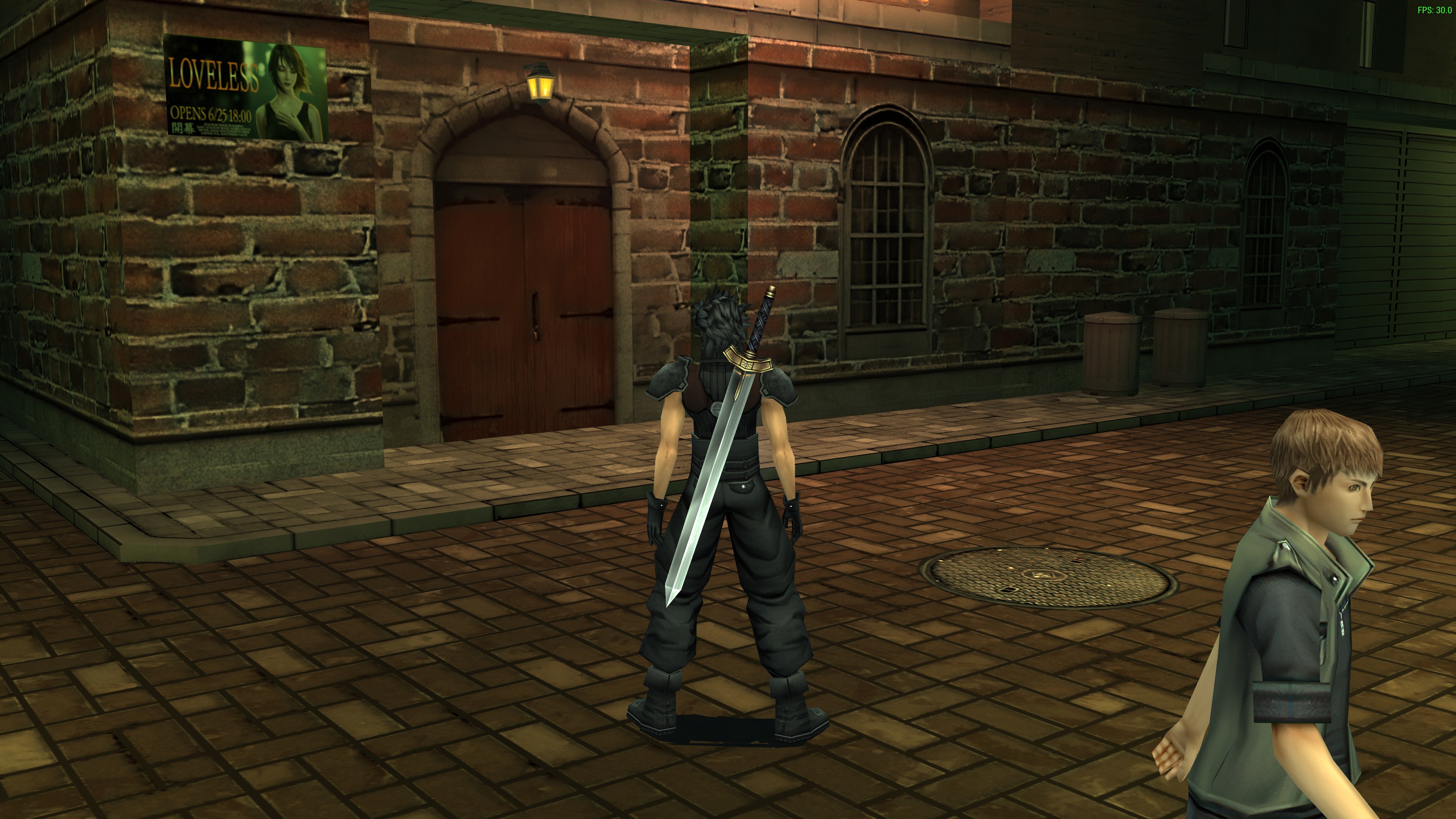
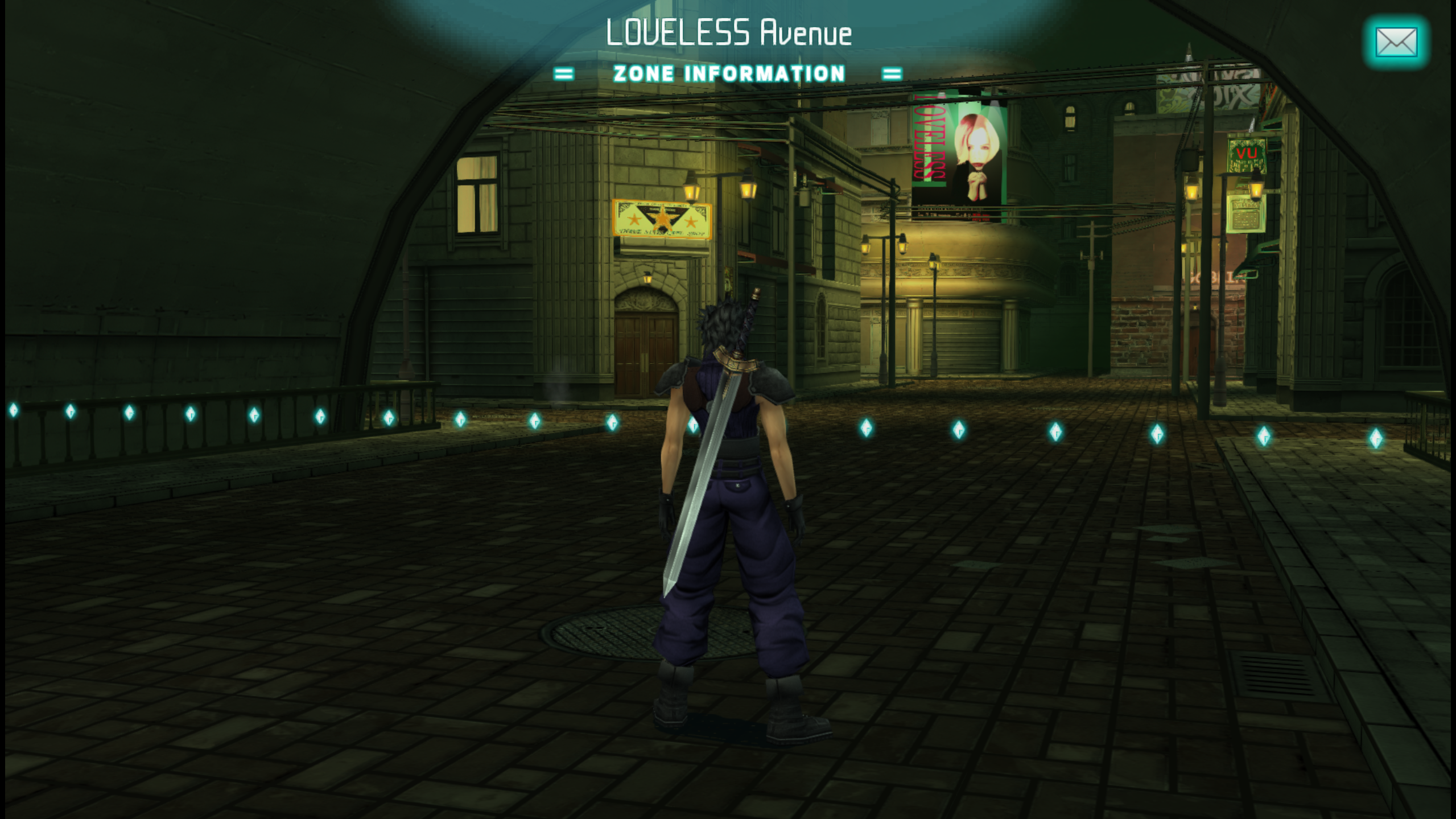
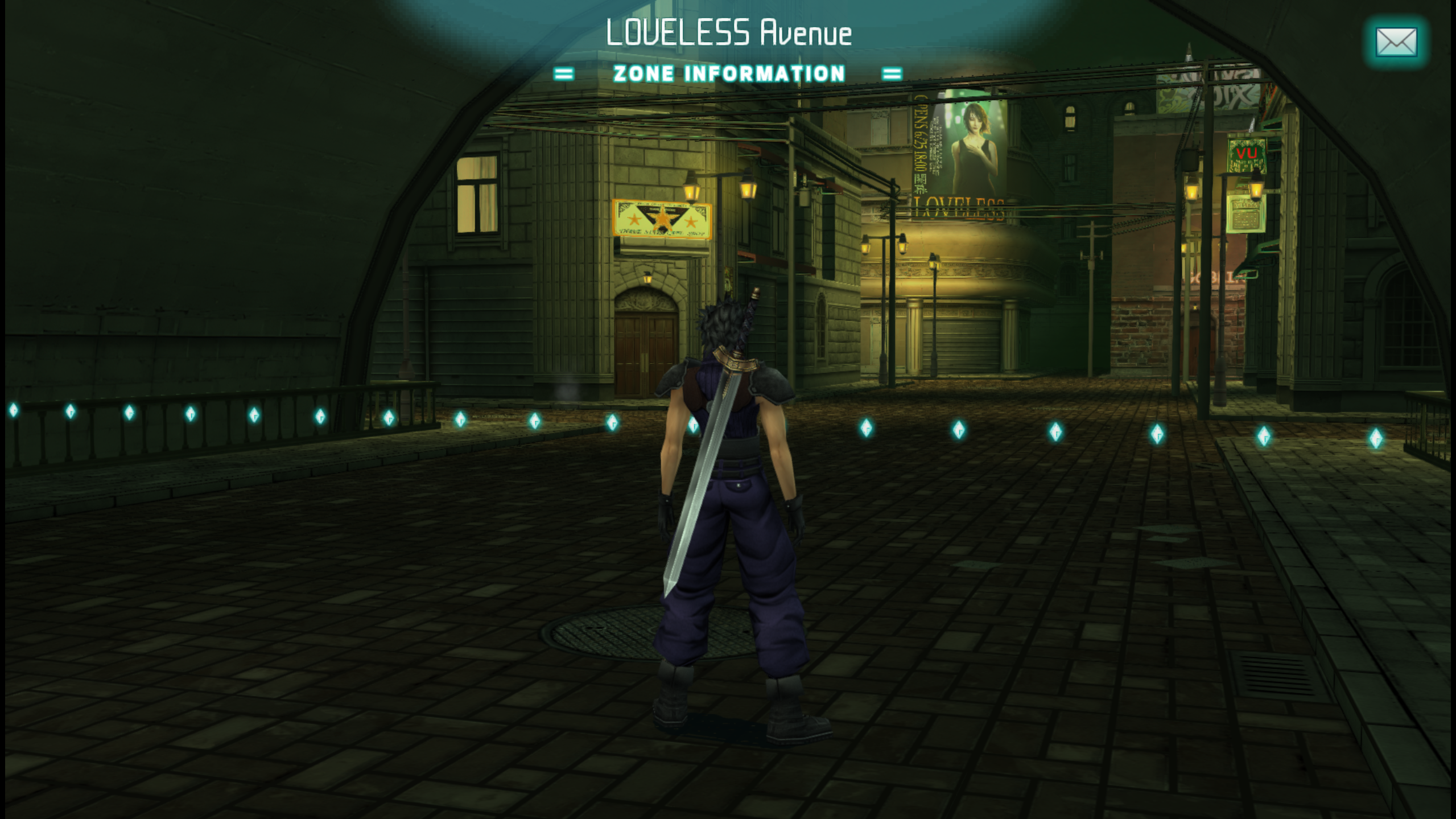
I decided to change the green poster into a LOVELESS poster from the remake (since it's a pretty big thing in Crisis Core, and it helps people understand that LOVELESS is a famous play in the city). Also changed the cafe poster to a coffee poster from remake:

ek1S1r7.png


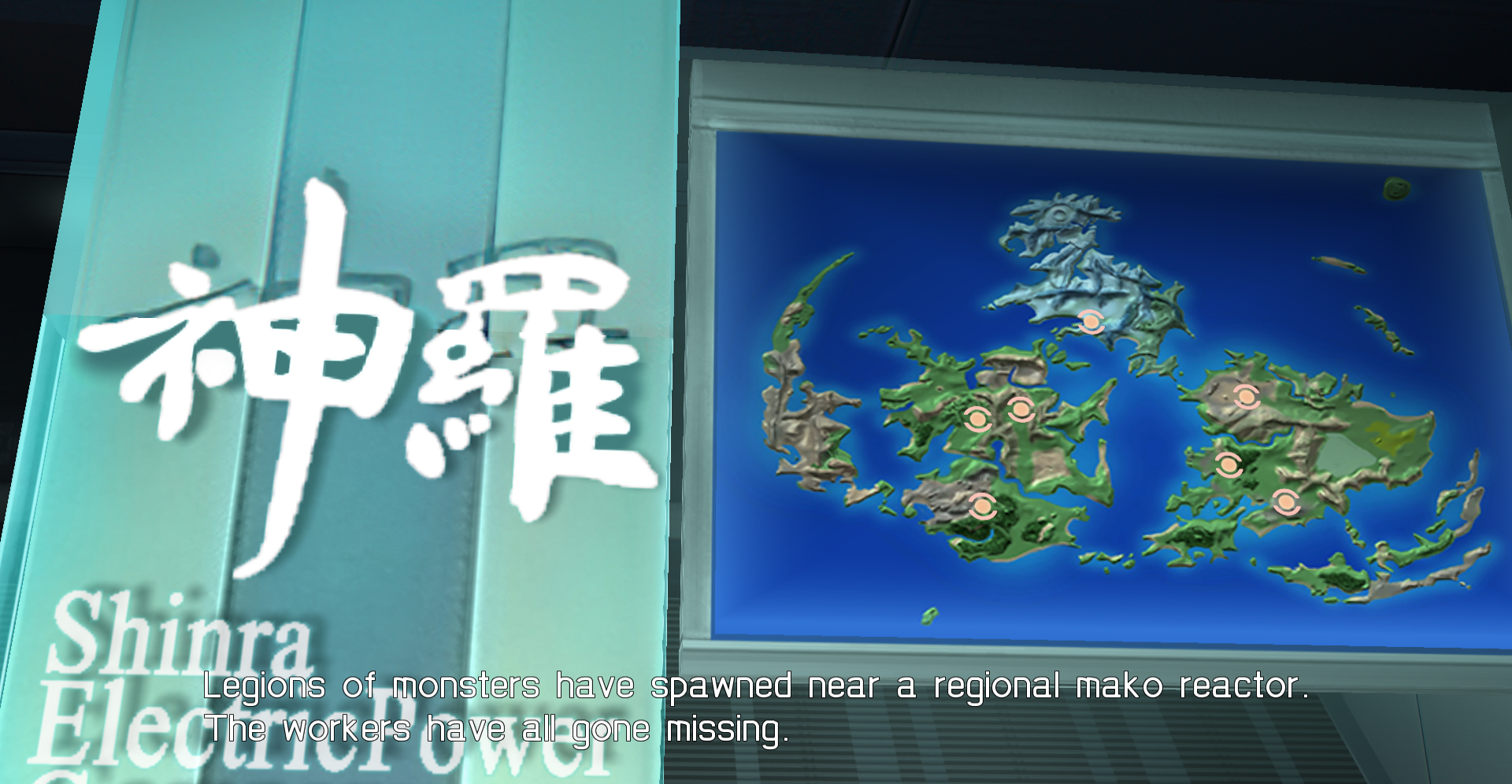
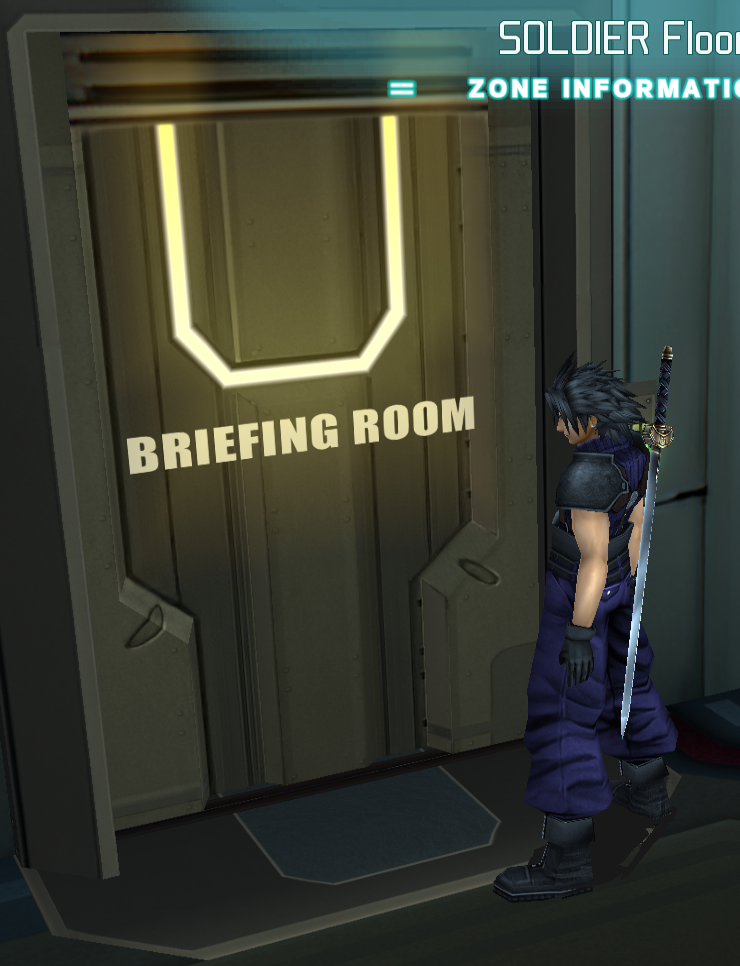
So I looked into the folder structure and texture.ini is missing links to a few needed elements (in the "ignore" folder). These include a wooden board in the slums, the map in Lazard's room, and the "ROOM" signs. I did all three, and even found the exact same font it uses (Impact Regular). Sadly, the transparent thing left of the map still could use some improvement due to different camera angles, but I want to leave that alone or else my brain will get tired:

2ERt4i5.png

gWa4yRI.png


Something that I need your help with is that Cloud's HD outfit doesn't seem to be upscaled:

0BZzSzU.png
 
Last edited:
Did some improvements on those doors and the walls.

4DtKrQ5.jpg


cwVSAdv.jpg


edit: Things are really starting to shape up now. :)
 
Last edited:
I agree, it may have been easier having textures organized by area for me too but it's ok that way too.
Thank you Devina for explaining how you find texture, I'll try it next time. I was so slow finding what I needed.
Zack and Aerith look great with these eyes color ! And it's nice to see the church's glass pattern now.

I'm still working on the walls textures, I hope I can finish tomorrow. I want to make sure all those fixed textures I did go well together. I used Sector8 door from FFVIIR for the shape on the stone above the door. I still need to fix the door on the red brick wall. I realized it's not only used for the "Goblin's Bar". There are like 3 of it in the other section of Sector 8, so I will not add a bar sign on it. Not sure yet what we can add on it that can be seen multiple time without being strange. Maybe just nothing on it. I still have to fix the window on the white brick wall too.

w3r0KJH.png
PDWLvJS.png

qRoR6Cs.png
oN8GK5k.jpg

wpFJ1cX.png
UP5hasj.png


Two weeks per area sounds good to me too. I might be too slow for one week

Edit : I just saw you worked on the red brick walls too eqprop. It looks good so I'll stop my fix on those ones. I think maybe I can at least fix the window shape on your fix version since it's the same window as on the large stone wall that I've already redraw last time.
 
Last edited:
I've submitted my fix for the grey walls but I'm not sure if I did it right this time with the GitHub app. I might only do it on the website next time. I'm really sorry if I made a mistake, feel free to tell me if it's the case
 
You did it perfectly. I really prefer the desktop app because it automates syncing everything.

Check this out if you want to streamline your testing environment: https://www.howtogeek.com/howto/16226/complete-guide-to-symbolic-links-symlinks-on-windows-or-linux/

tldr version for Windows: Open up command prompt (admin) and run this command
Code: [Select]
Code:
mklink /j "C:\Users\[you]\Documents\PPSSPP\PSP\TEXTURES\ULUS10336\textures" "[path to your github FF7CCUP folder]"
What this is will do is basically make a linked folder so that ULUS10336\textures points to the ff7ccup directory so that whenever you "fetch" the current build everything will sync up nicely. The only thing you may have to do is copy over textures.ini if thats been updated.
 
Thank you eqprog, I'll try that !

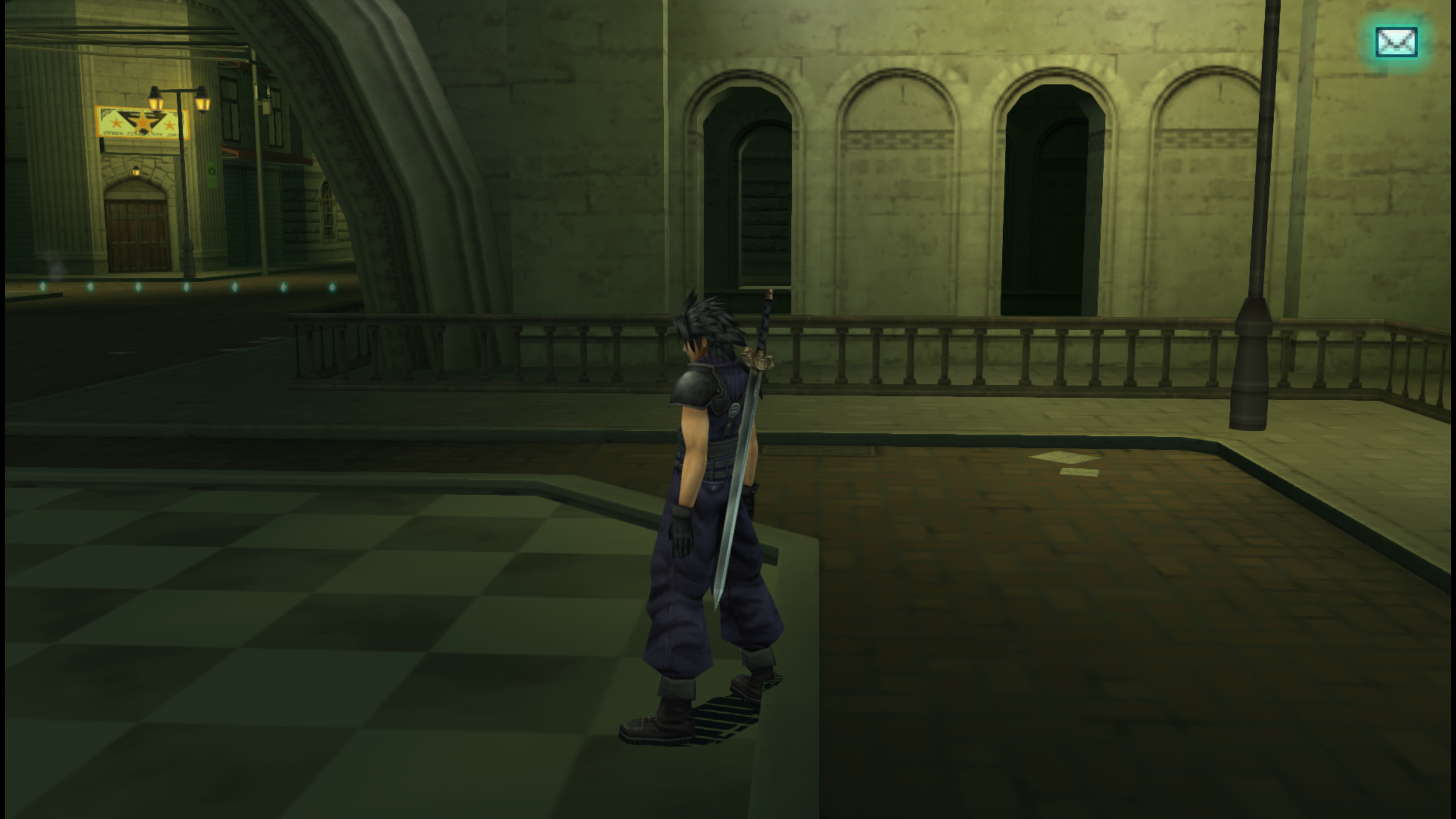
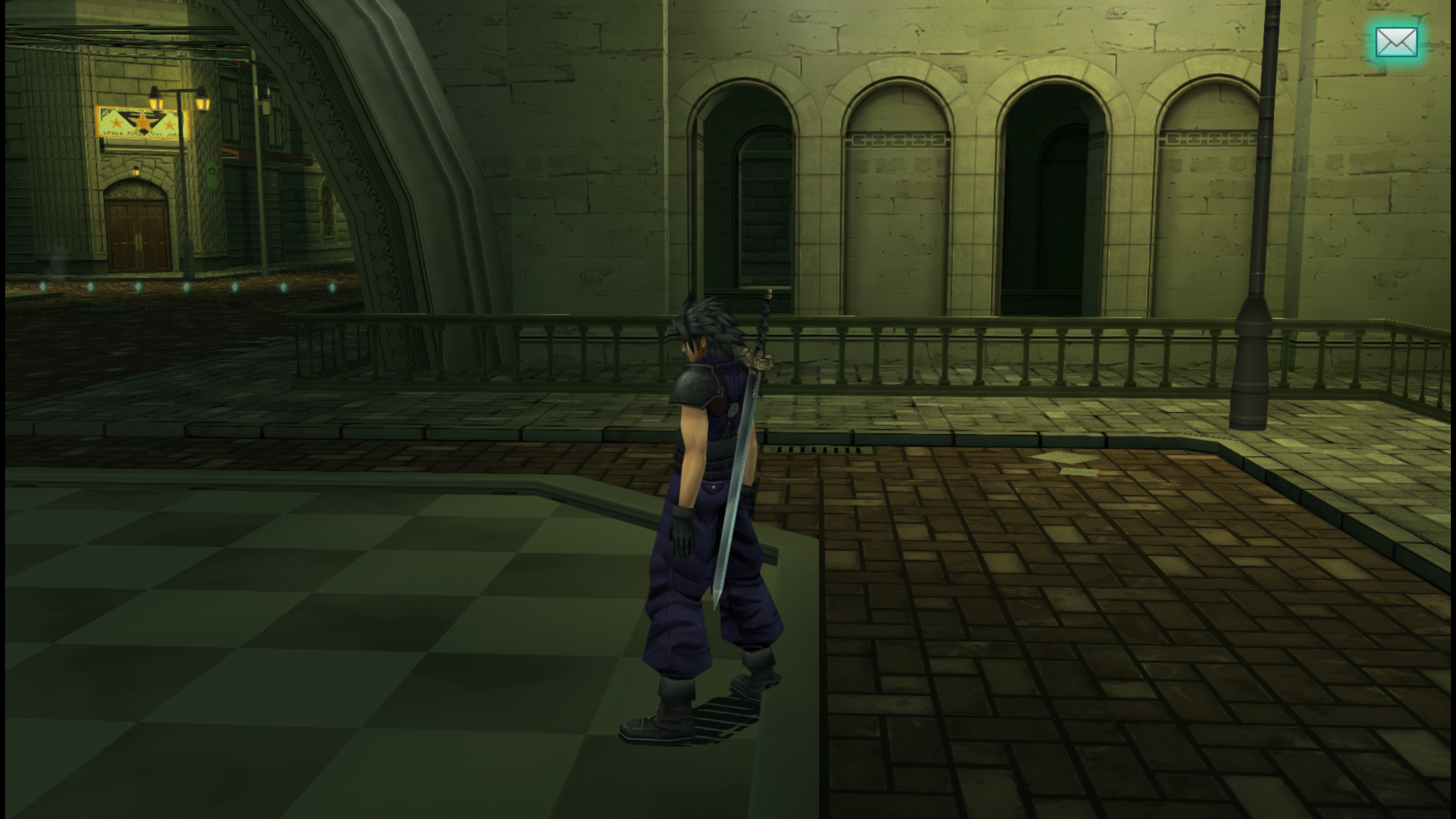
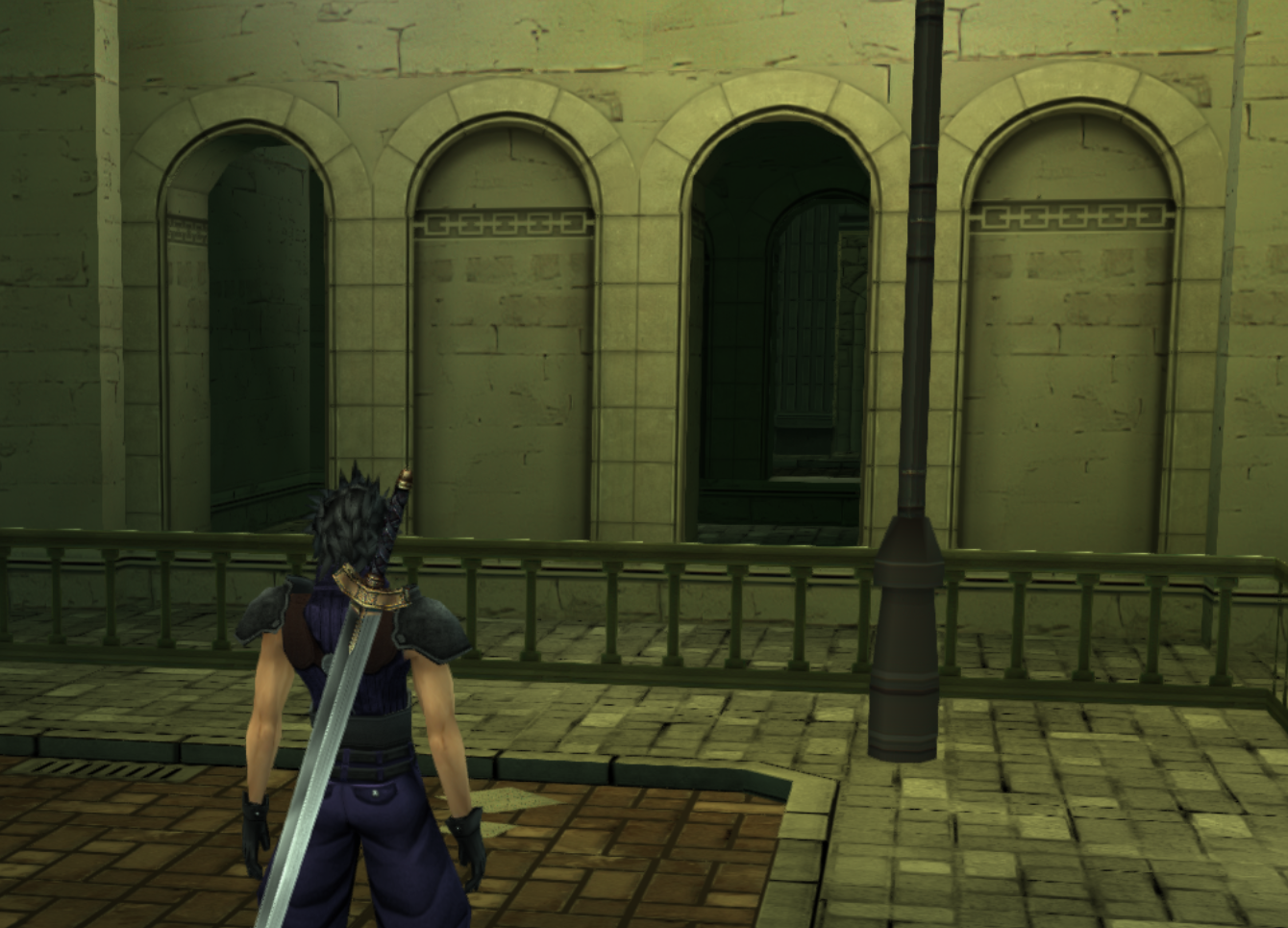
I'm currently working on this arch wall texture. I've made it lower so it can hide the low poly shape of the mesh.

Ll9IRpF.png

EDXr8Nb.png


I'll fix some windows texture tomorrow using the previously fixed one I've done, so all windows should be fixed in Sector 8.
 
EDITS :


I've finished to fix the arch wall texture
0EBBFlv.png
z2mSzbJ.png


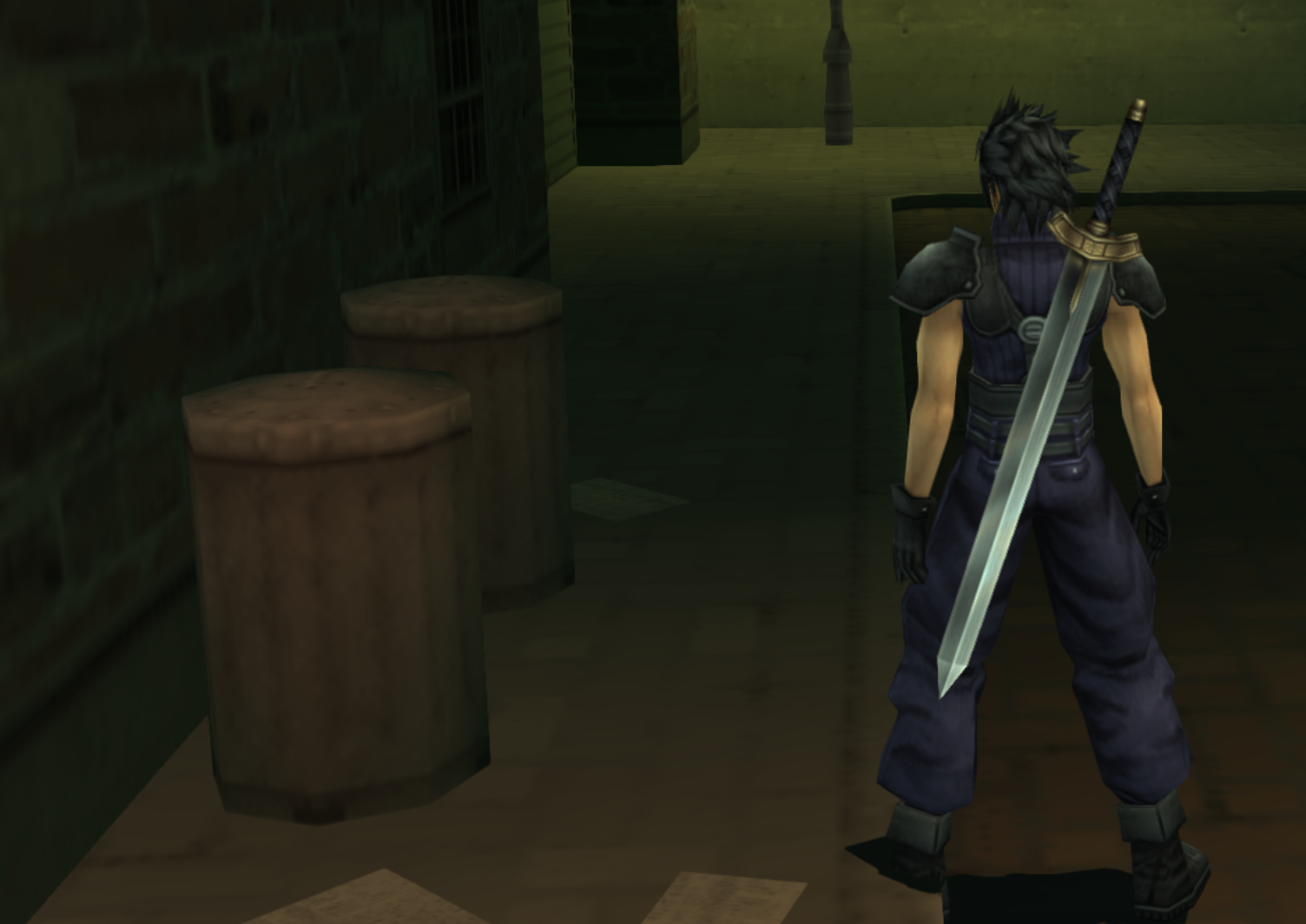
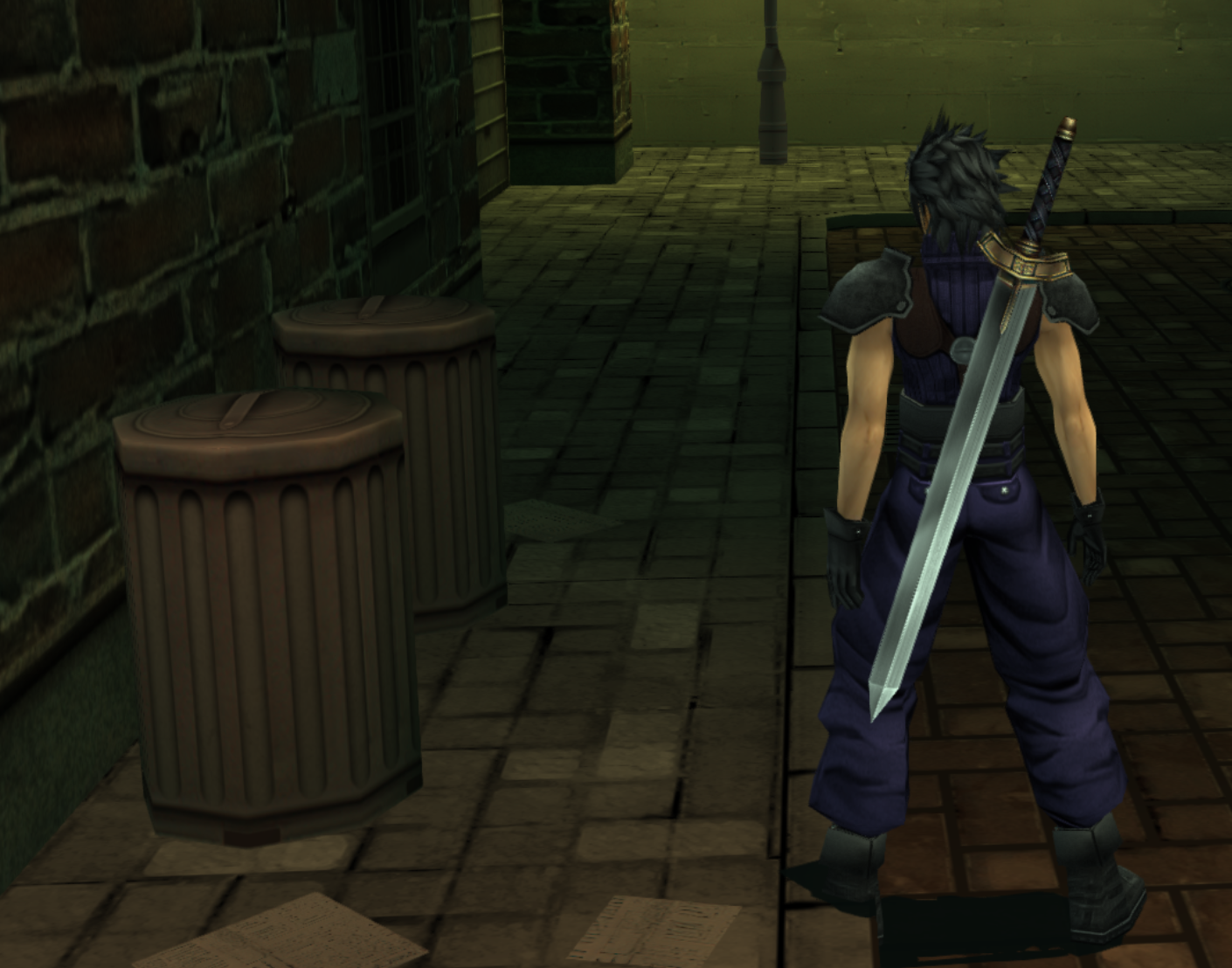
I've updated the trash can because there are a lot of it in Sector 8. In this texture there are also some paper that we can see on the ground. Maybe we can try to put a Loveless flyer

12mqLEF.png
hggghSH.png


WIP - I've also recreated some ornaments on these two textures that were blurry

iZW9R0C.png
Zv5BJJL.png


I've replaced the "Loveless" huge poster with FFVIIR one. I think this design looks cleaner and better with the lighting setting and it's easier to read when walking

bGLhHSs.png
GmJJ0eQ.png

gfY890l.png
XvhAzZG.png


I've edited the windows below. I might work on the brown wall behind the window later to fix the little tiling issue. Same on the brick one there is a small tiling issue that can be fixed.

LGD5SNM.png
zpG6dxD.png


Next I plan to fix this column texture below. I'm also thinking about replacing some shop sign with FFVIIR textures to make them easier to read

xBZYcBj.png
 
Looking good. When we start an area, we need everyone to announce what they're going to be working on so we don't have two people working on the same thing.

I updated the eyes for everyone so you should see them.

I would advise against replacing everything from FF7R. While certain things are unsalvagable because they're too blurry, I think if we start replacing the names of actual stores, the game loses too much of its identity. I'm fine with the large Loveless poster since I think the photorealistic woman looks too weird in a game full of anime people. Instead, I would just update the current store signs as best as you can. If you think it'd take too much time to recreate it, don't feel pressured to get it done now since we'll be done the outside alley in a few days, you can always return to this later.
 
We also need to be careful with copyrighted materials. The project is a gray-ish area as it is, but arguable fair-use due to being derivative works. Straight up ripping textures from ff7r and putting them into the game does not fall under fair use.
 
Okay, I'll keep that in mind.

I updated the folder and now I'm seeing this corner window thing, it should be changed back, I assume it was an accident?

Wo4Koaz.png


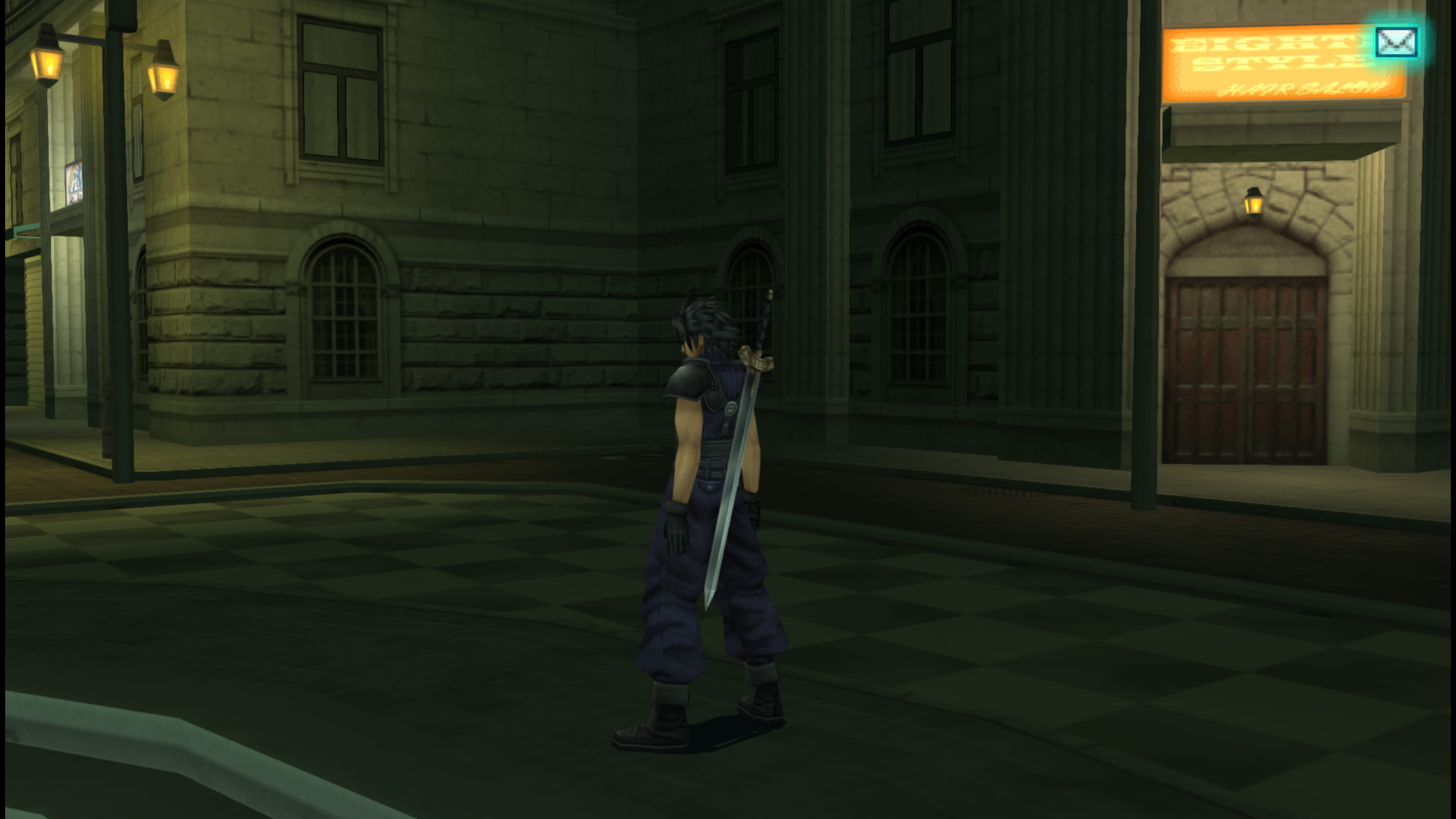
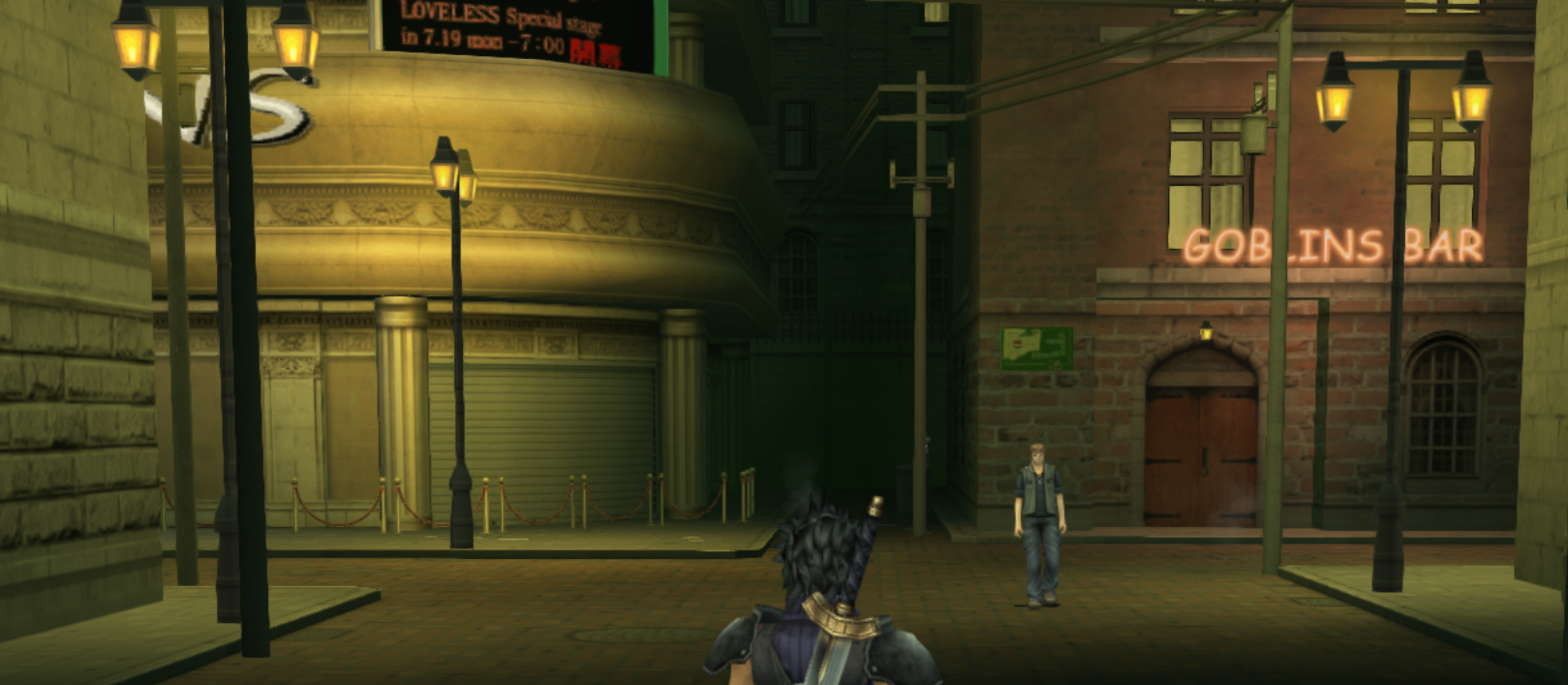
Other than that, I have no issues with this area so when Zakkura is done those walls, I think I'll add a CLOSED sign to Goblin's bar door (and fix light smudge above it), then we'll be done.

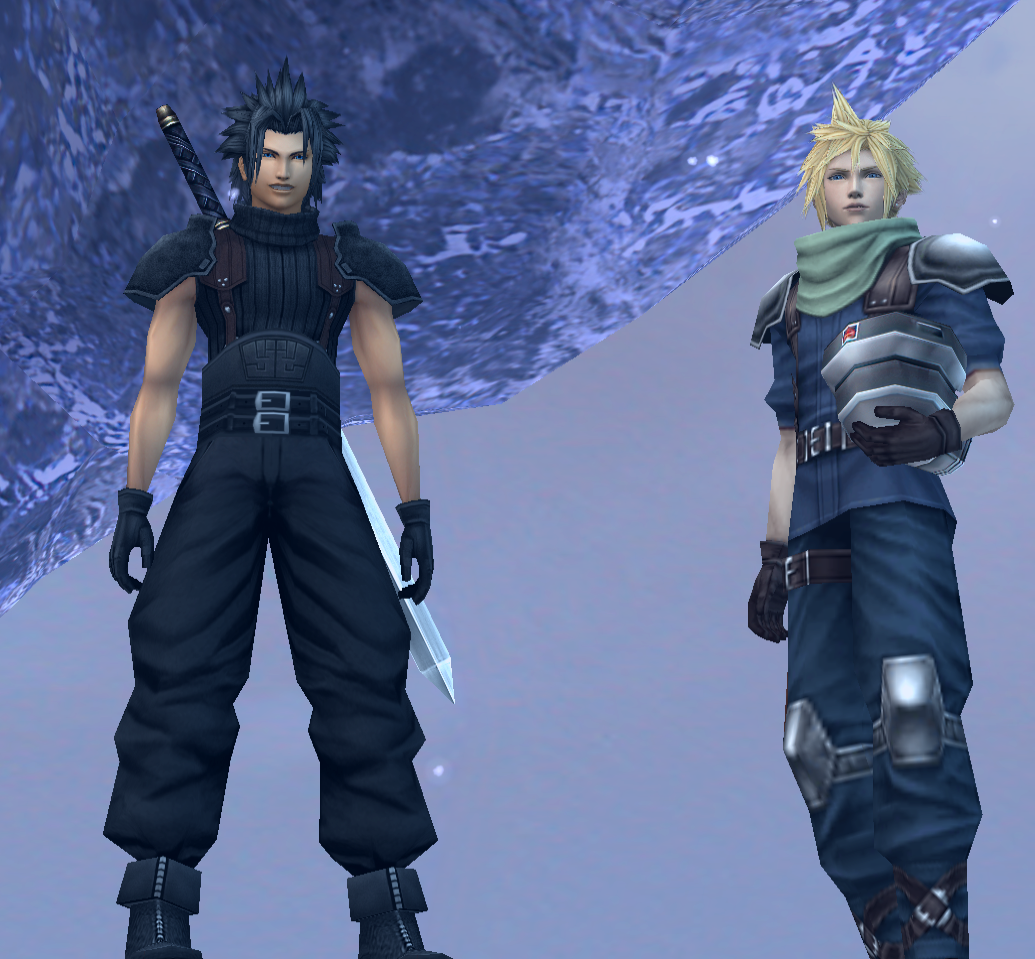
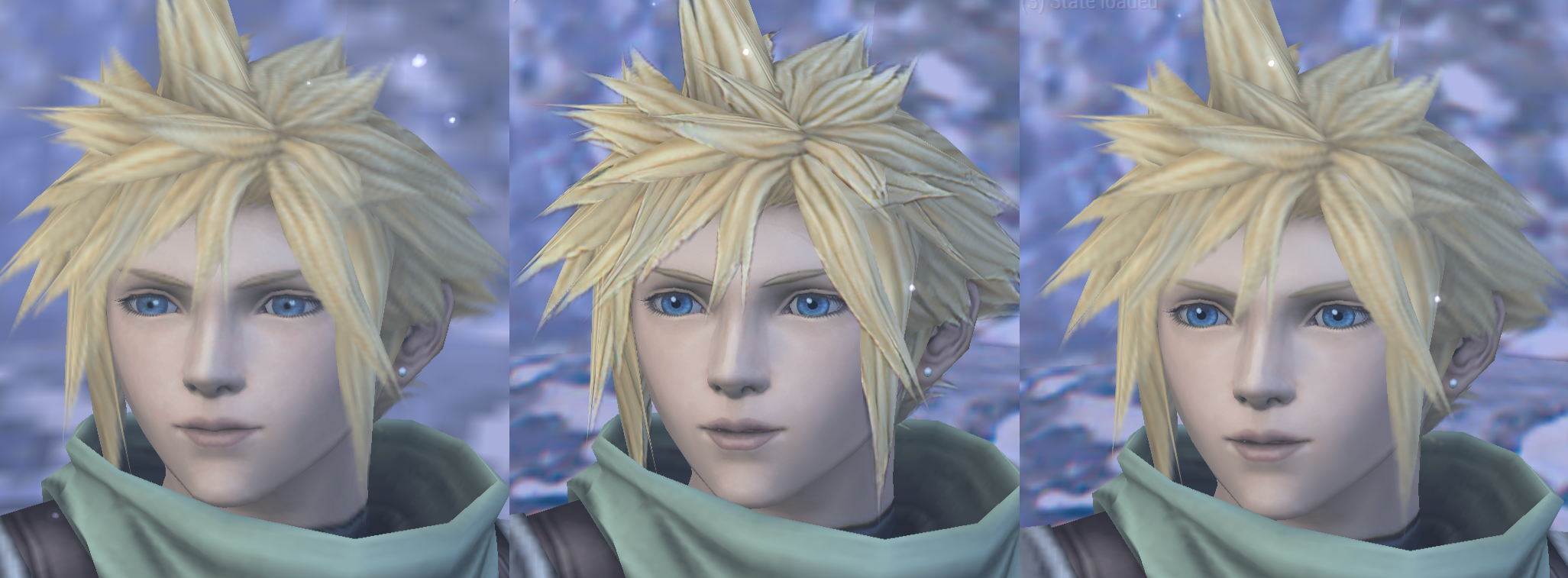
I also adjusted Cloud's high poly head a bit (his clothes still need to be upscaled by eqprog).

(original/basic filter/my edit)
b72jnUv.png


He now has:

-New eyes to make him look less stoned
-Smoother lip lines
-Redone eyebrows so it looks less outlined and closer to what a blonde's eyebrows would resemble
-Hair reverted back to a bicubic upscale of the original (it looks pixelated but that can fixed later, just too lazy to do it now). Cloud may have had the worst hair upscaling done by the program.
-Fixed forehead lighting

I haven't seen low-poly Cloud close up but I remember him looking fine.
 
Last edited:
You're both right about the FFVIIR textures, I don't want to loose to much of the game identity too. I will try to recreate the blurry sign.
Sorry for my mistake, I've accidently swapped the wall and window texture. I've submit my fix for that. Thank you for reporting the issue.

Your Cloud edits looks great !
 
Thanks. I realized that during the FMV where Zack calls Sephiroth on his phone, there's a shot of Goblin's Bar so I decided not to edit it really, although I made the hinge in the middle more noticeable.

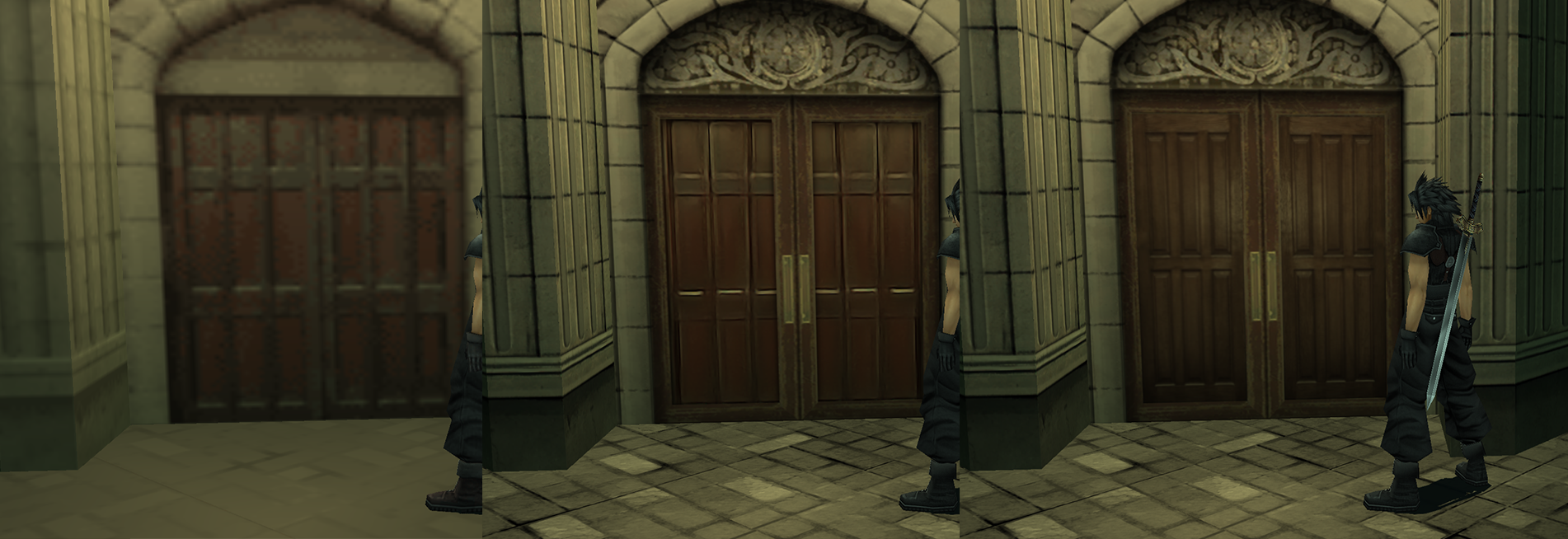
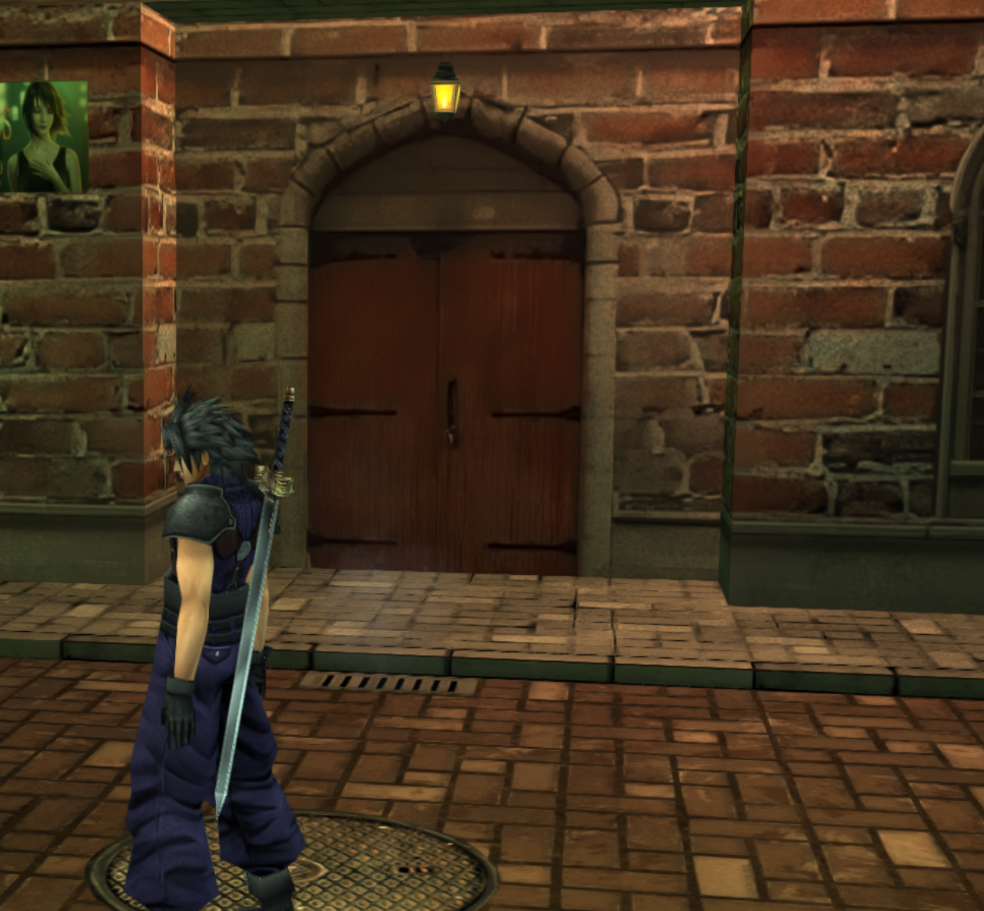
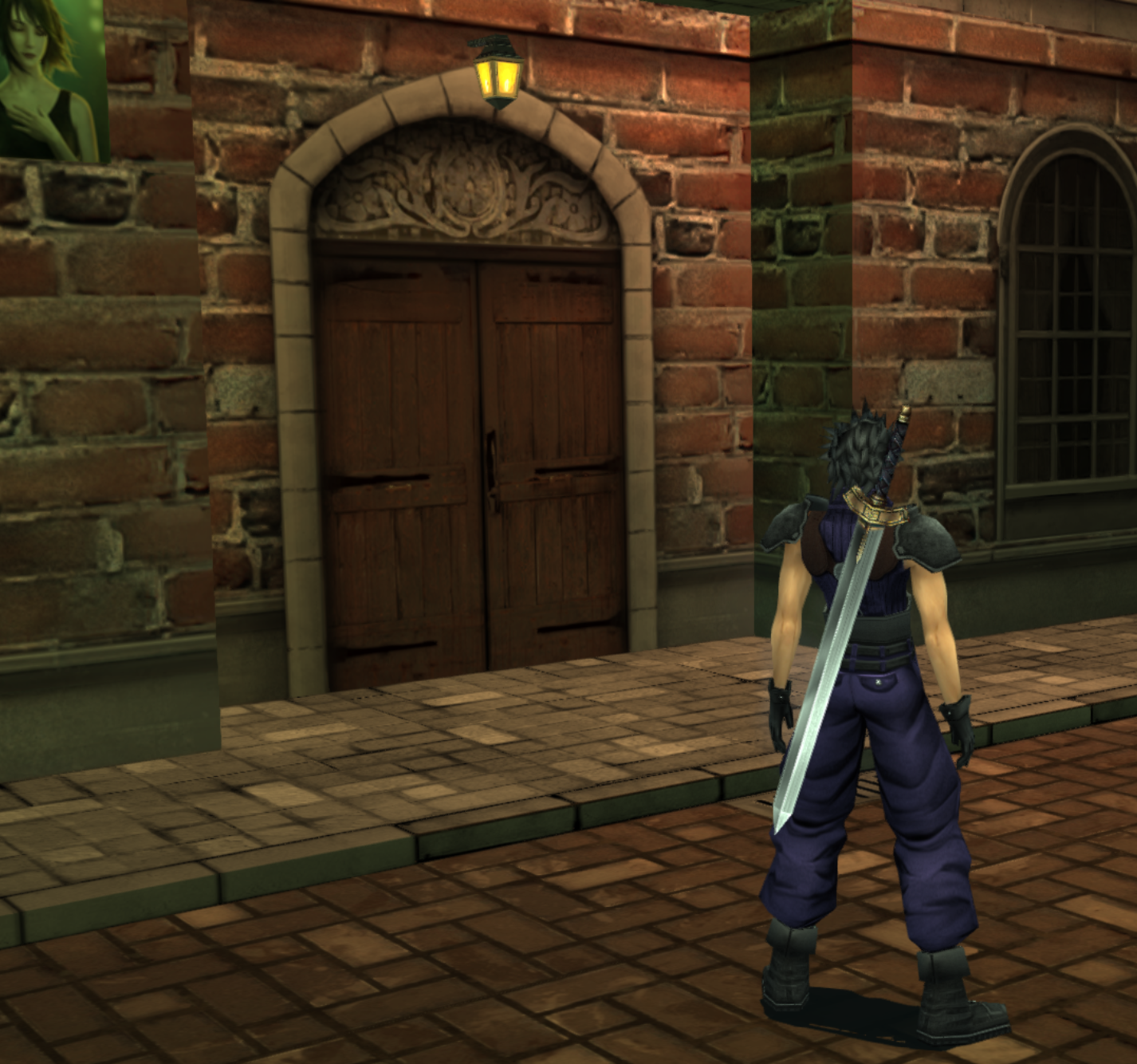
I also decided to replace this door texture because I didn't like the look of it (too uneven and filtered):

u4sipRn.png


Instead of trying to salvage it, I found a free door texture online which resembled it a bit and edited the lighting, so do that for whatever purpose if you think the situation is appropriate. I was concerned it looks too photorealistic, but in the end, I think we should aim for photorealism as much as possible.

I also like the addition of the awning mural above the door, I think it adds finesse. I know it's not exact to the original, but in this case, I'd say it's a worthy addition. If you can find places to insert extra detail not there originally, go for it. I also like the door handles, so if you can find situations to make logical sense of things (why are there no door handles in the first place?), add it.

With that said, I think I'm done Loveless Alley for now. Just don't spend 10 hours on those shop signs since you can't even tilt the camera up in this game, so don't spend a lot of effort on things which the player probably will never see. I'd say other than Wing Motors and the Three Stars cafe, the other signs are barely noticeable and not worth that much effort.

I am going to see if I can fix that car tho (if you look at the tire area, you'll see it has weird masking).
 
Last edited:
The door definitely looks better this way. I like to use photo too as a base when details are too damaged on the texture.  I also like to add a simple texture, like concrete one with a mask, on top of my layers to get some "clean/realistic noise" when needed.
Thank you about the added details, the no handles door bothered me too x) I think it can makes environment more natural without loosing the game identity to add some details too. I think I'll add the details above the door on the bricks one too. I still have to fix that texture seam it has too.

Edits :
I've edited the Loveless theater wall/column. Maybe I still need to add a little of shadow on the flower ornament ?

BeaMSi9.png
9S4Az4w.png


I've updated all those brown window/wall. Also I've updated the fake interior/curtain to add a little more diversity to get a more natural setting.

LpPi30m.png
jrnOlf3.png


I've edited this wall too just to get some details back

WT2wjF1.png
JAFmzOW.png


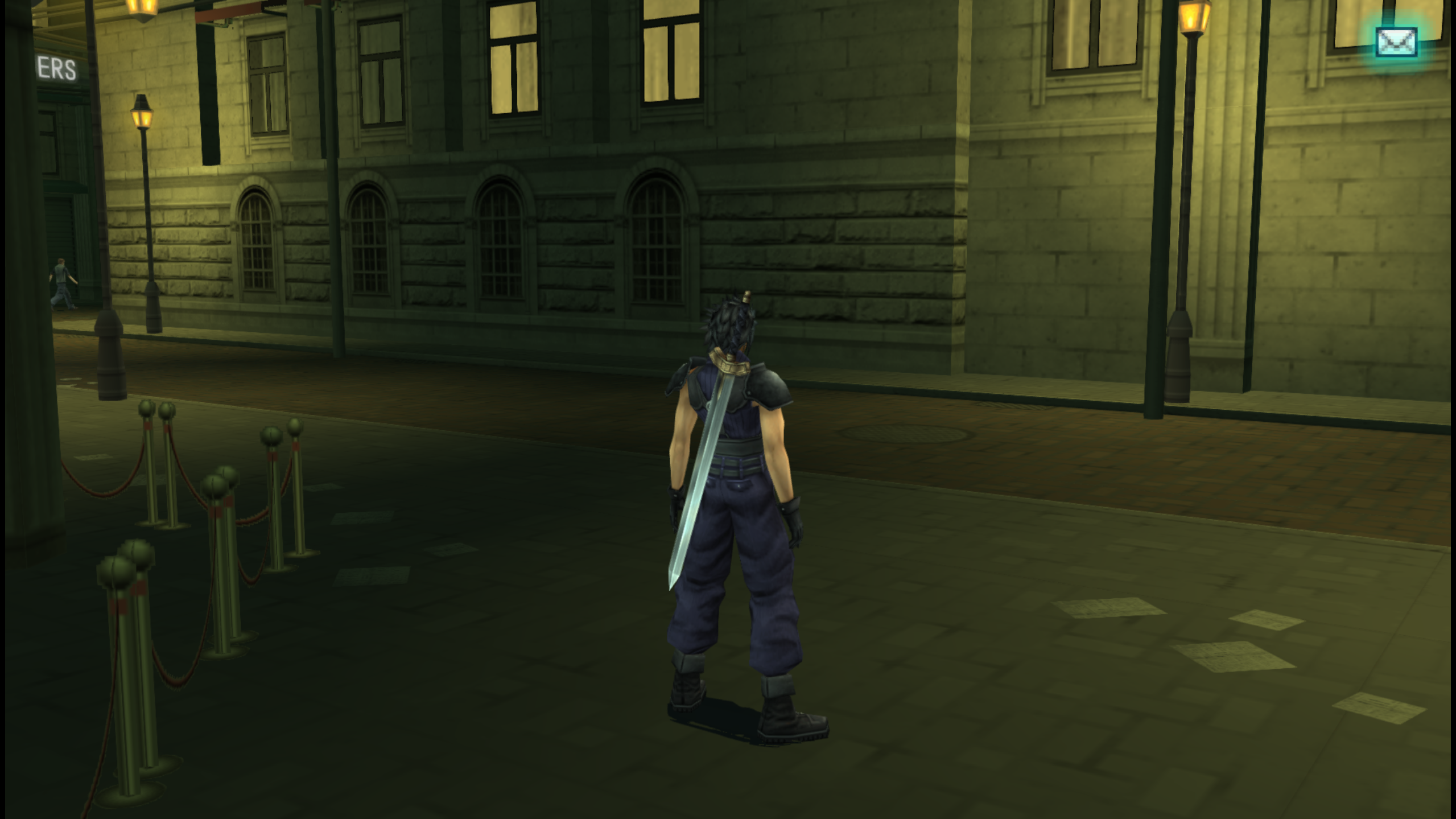
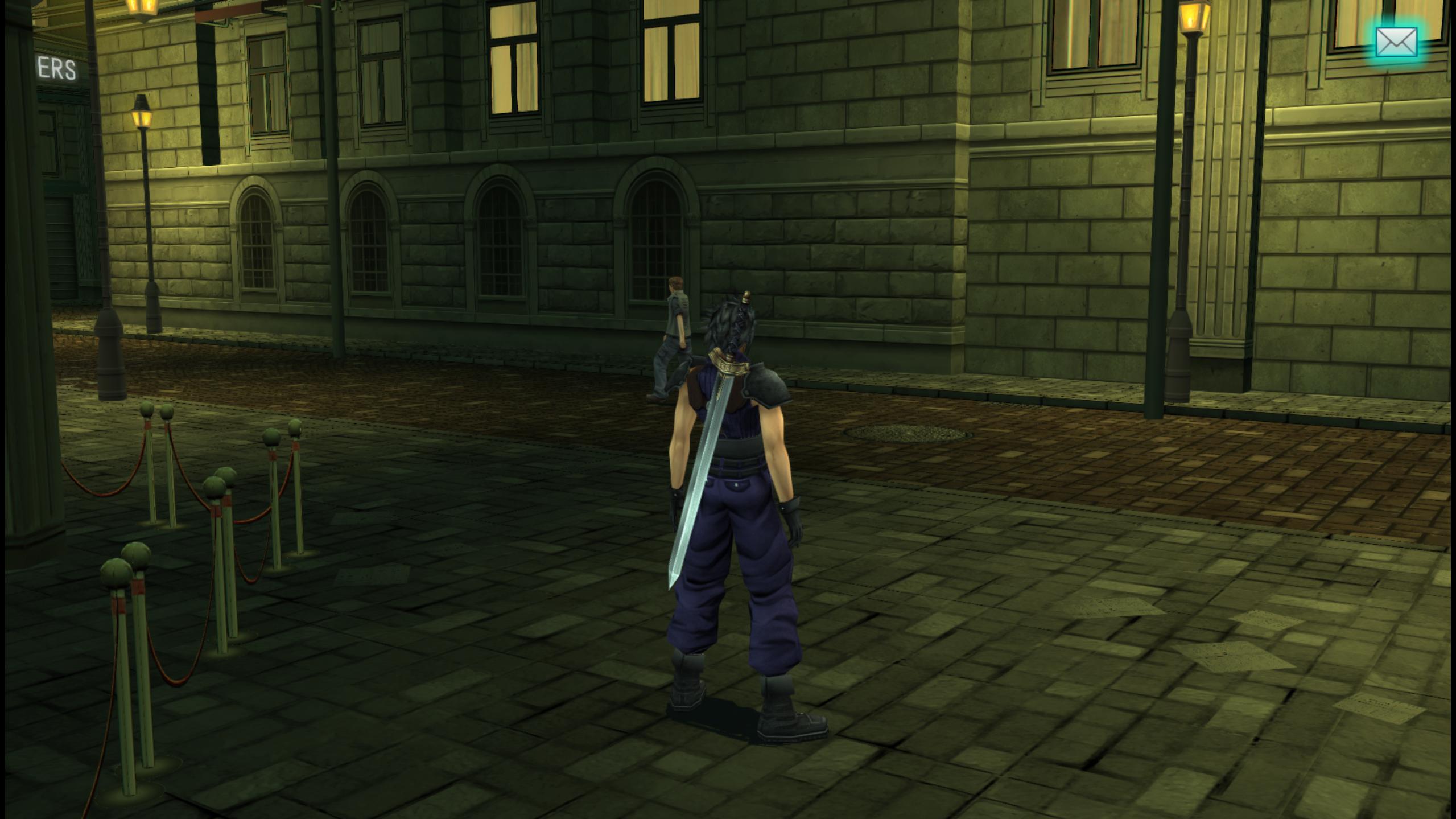
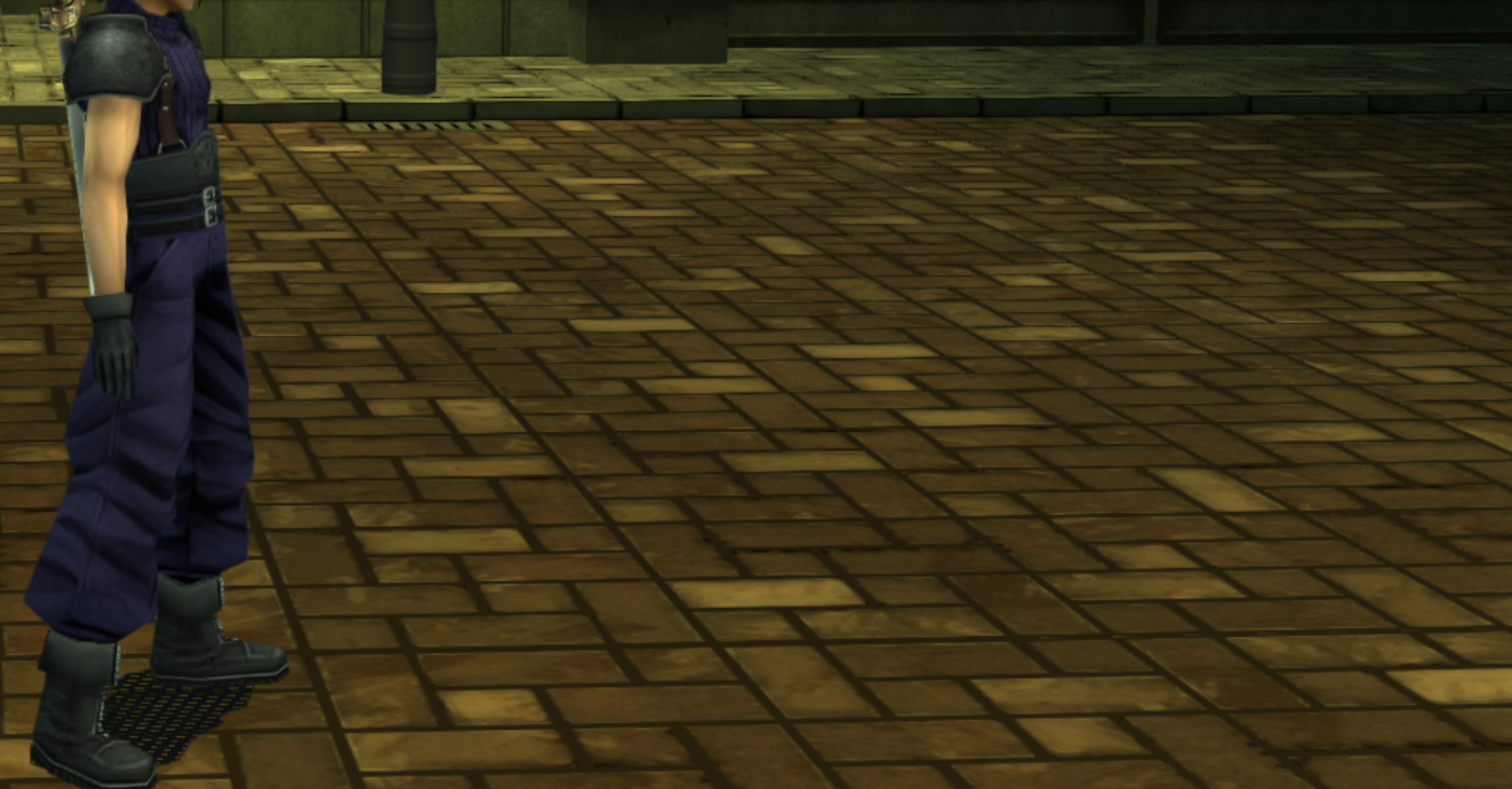
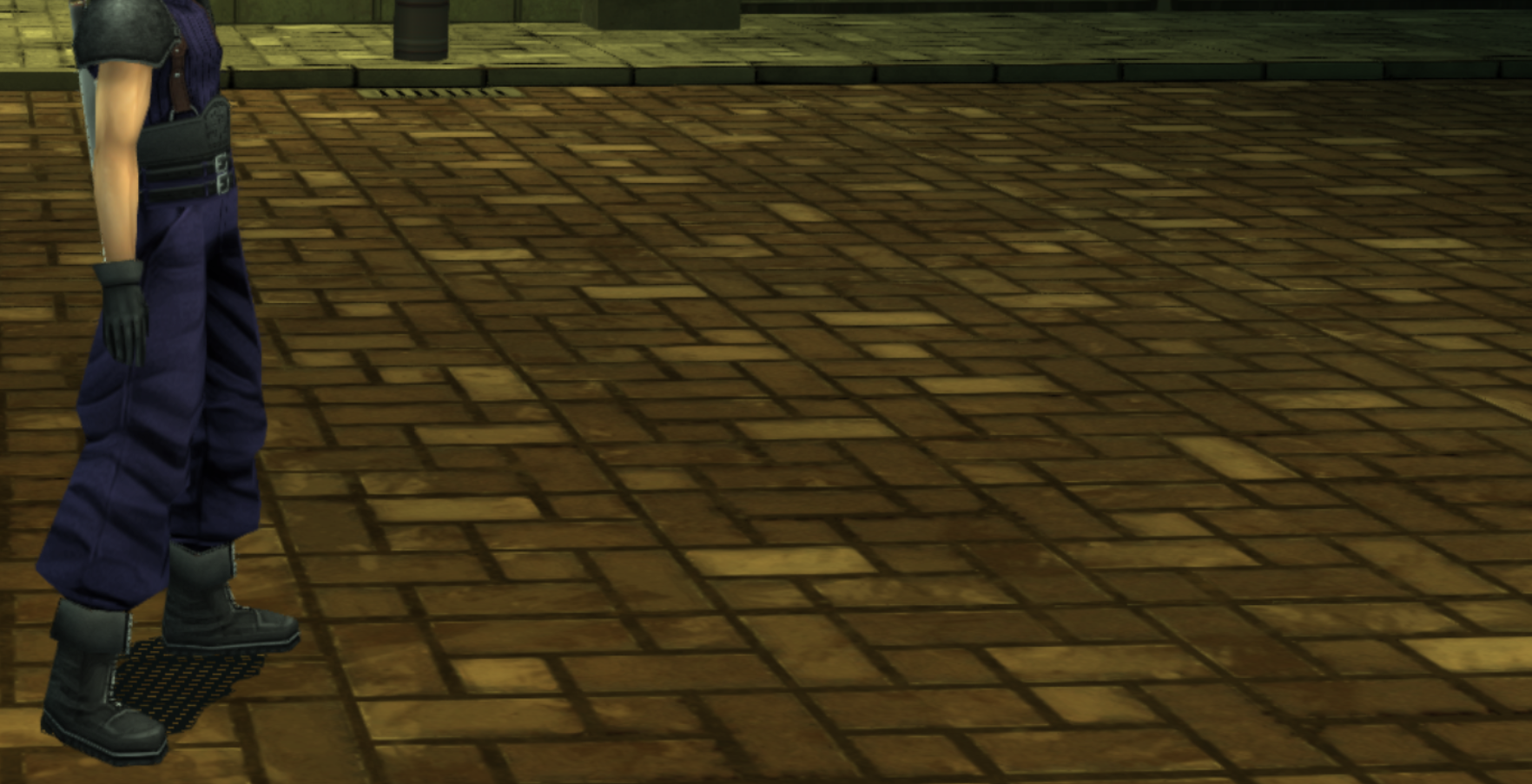
I made a really small update on the ground by adding more color detail between the brick instant of a uniform color.

P1vMjZE.png
uRoETbH.png


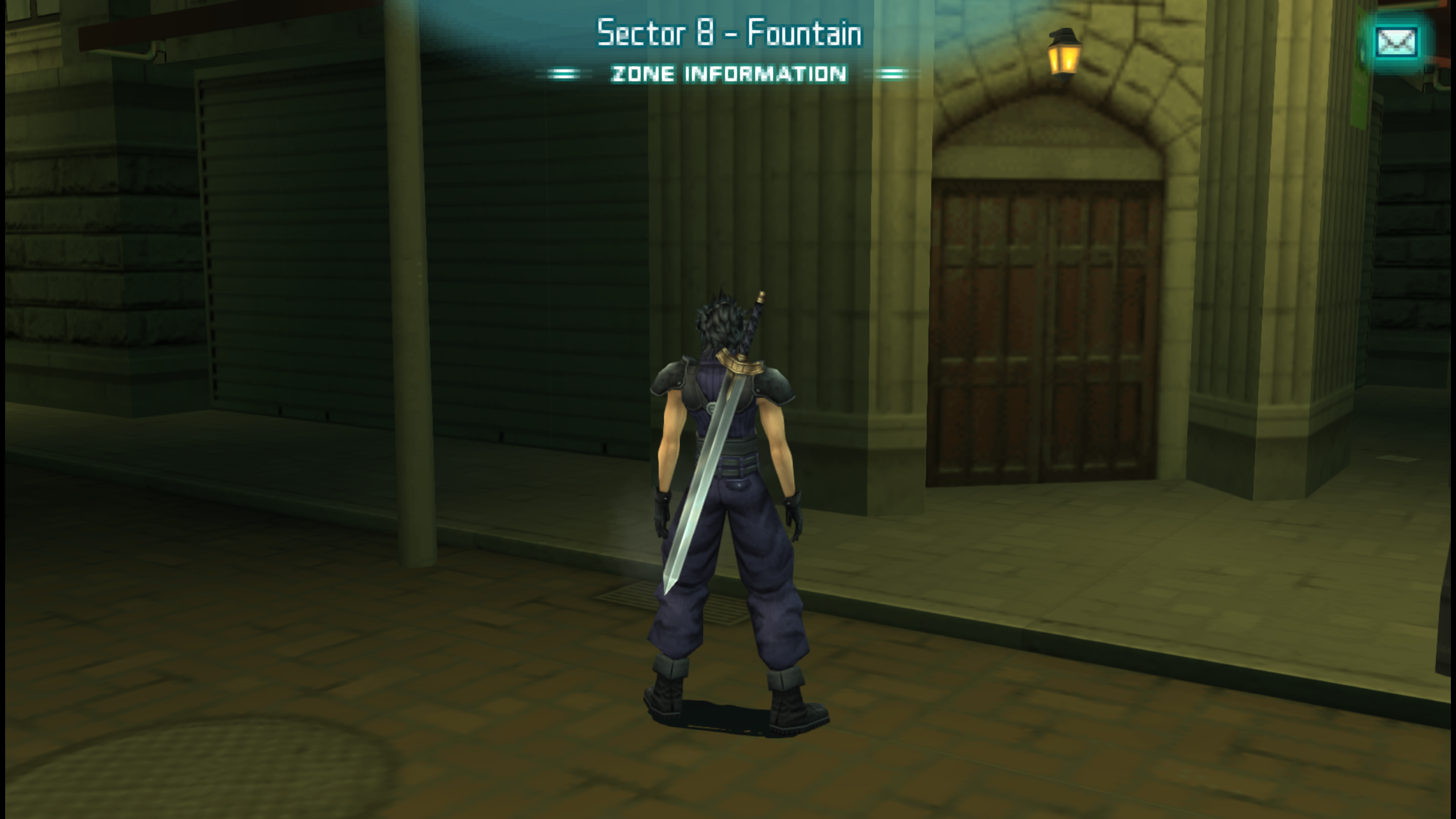
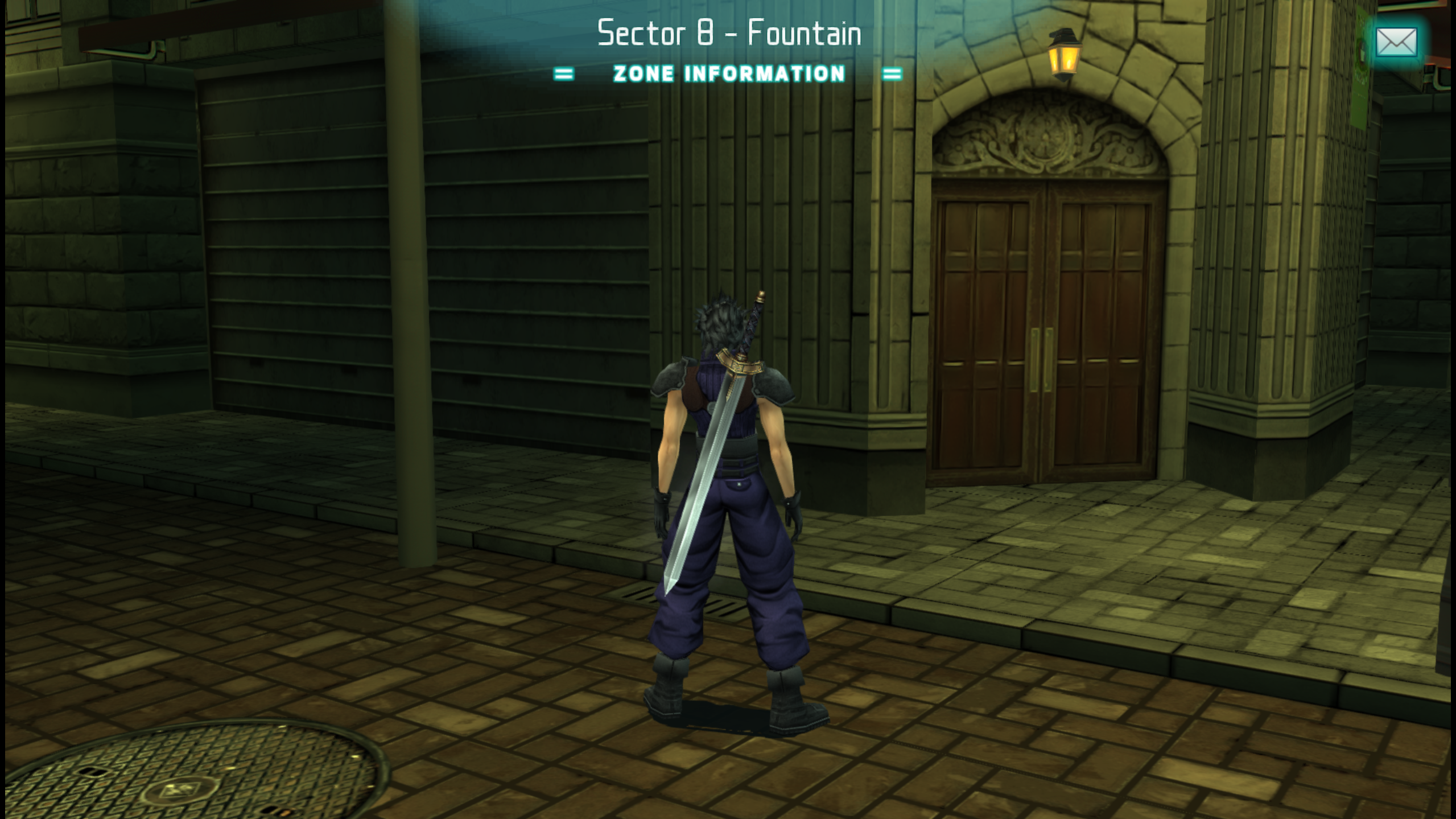
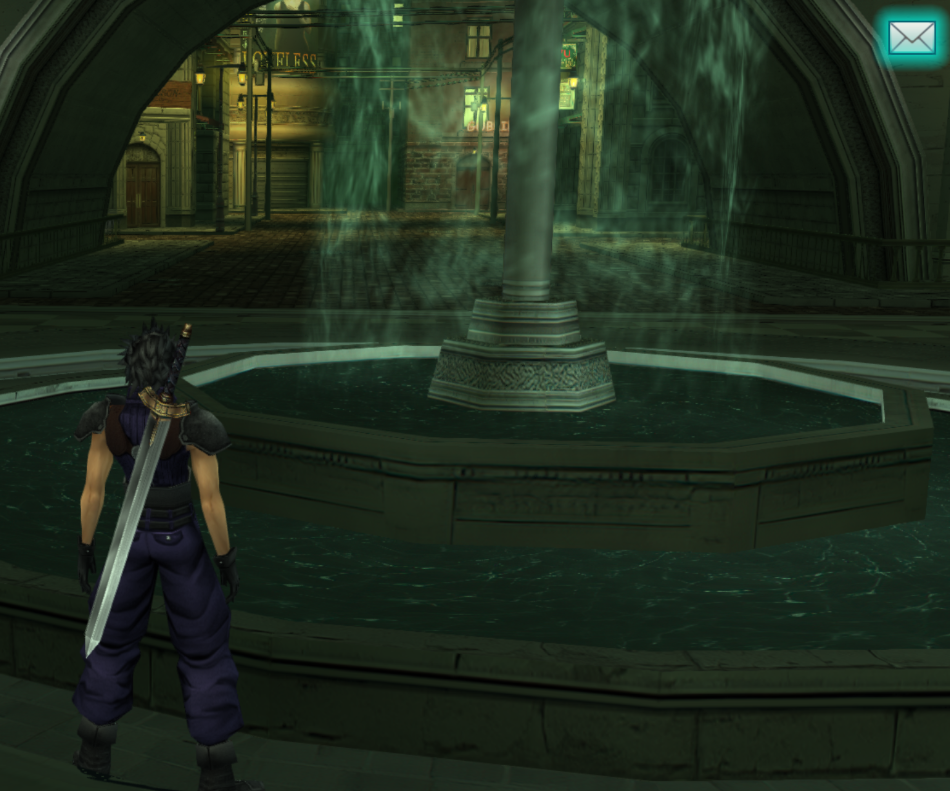
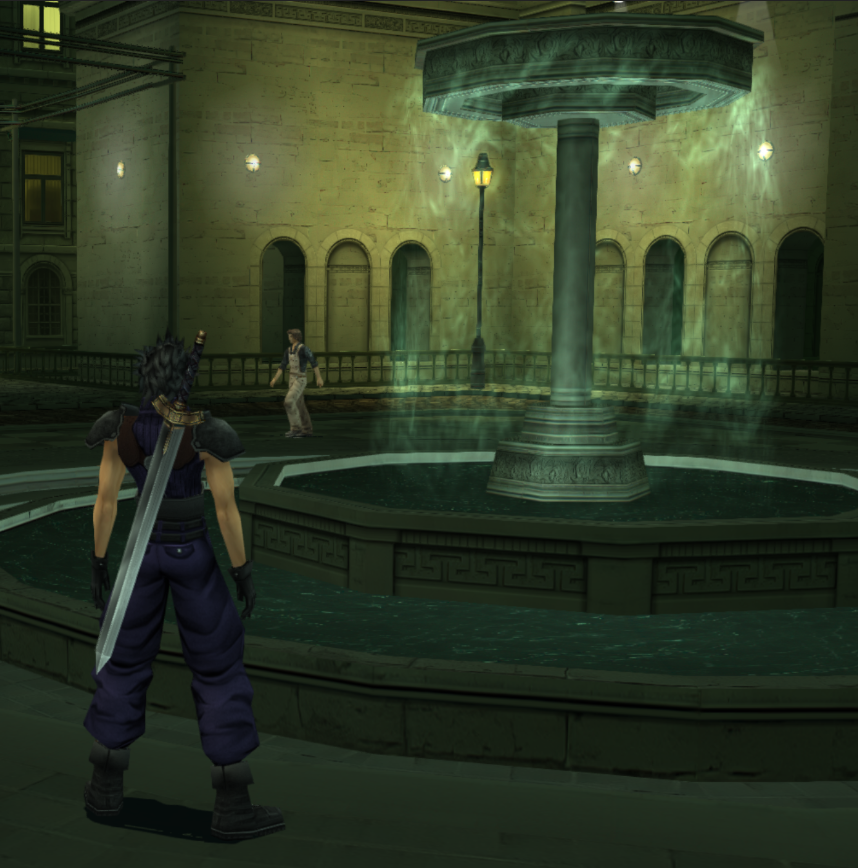
The fountain is also updated

9Wgwt2u.png
3D4oN3M.png


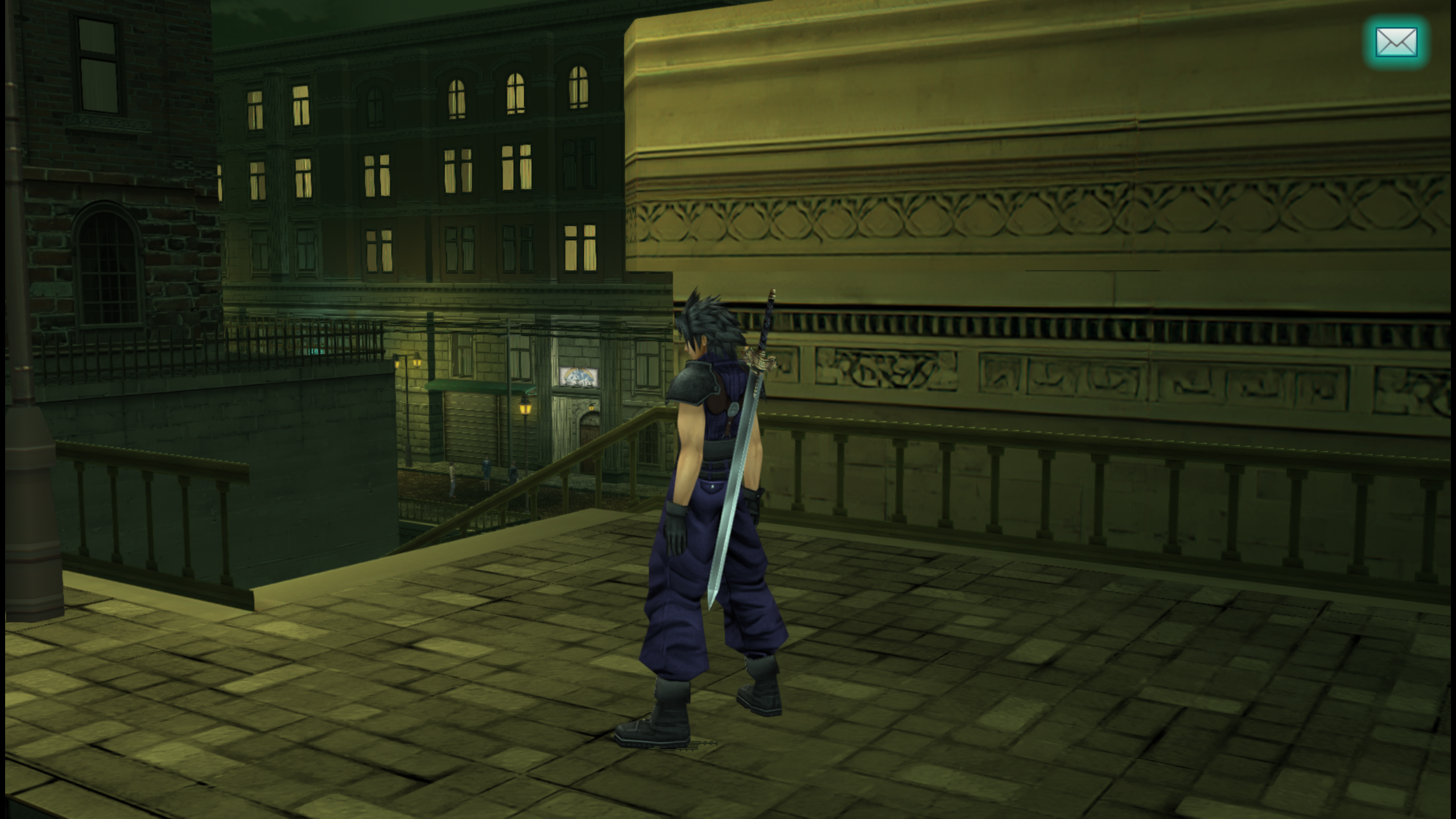
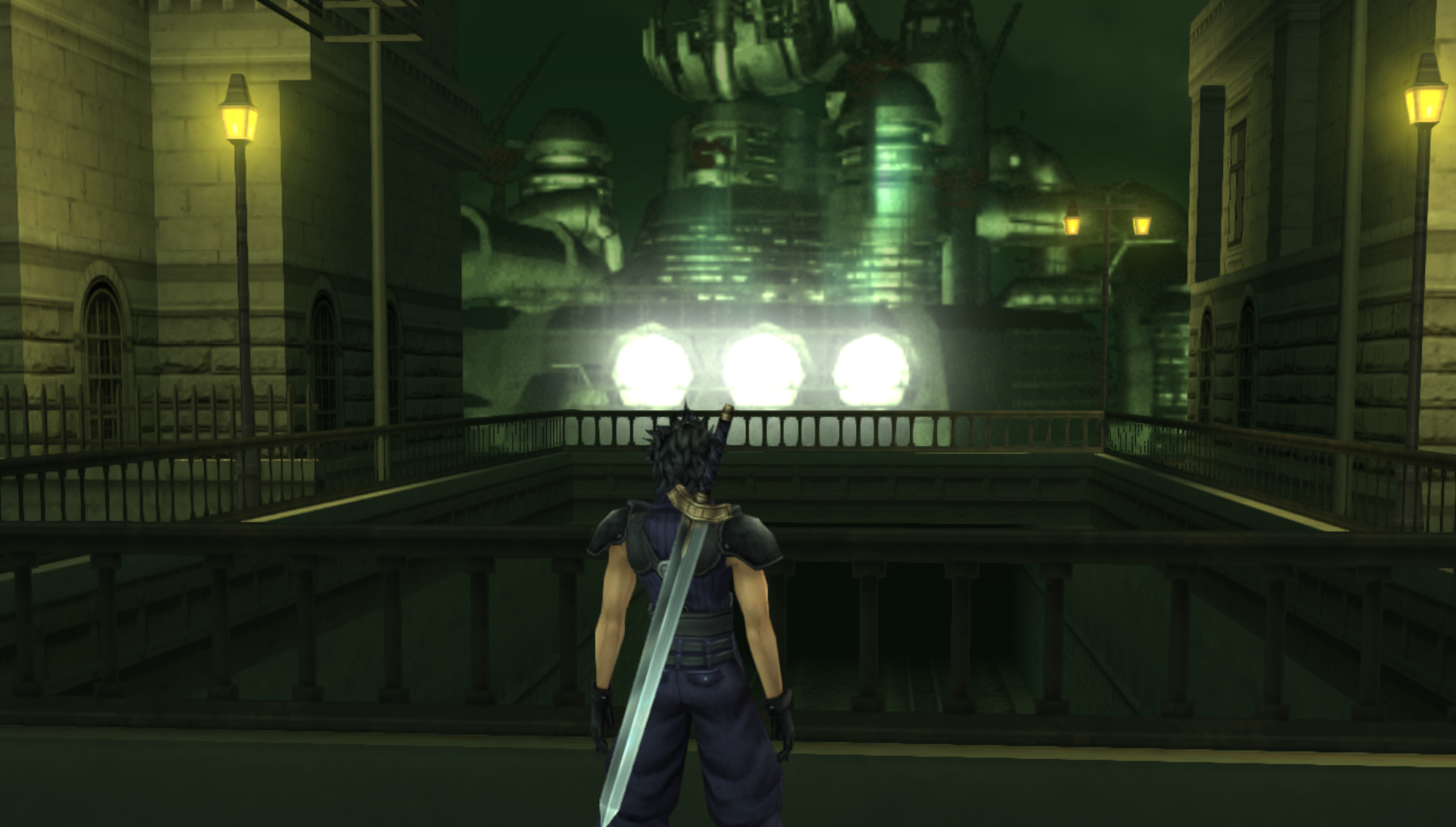
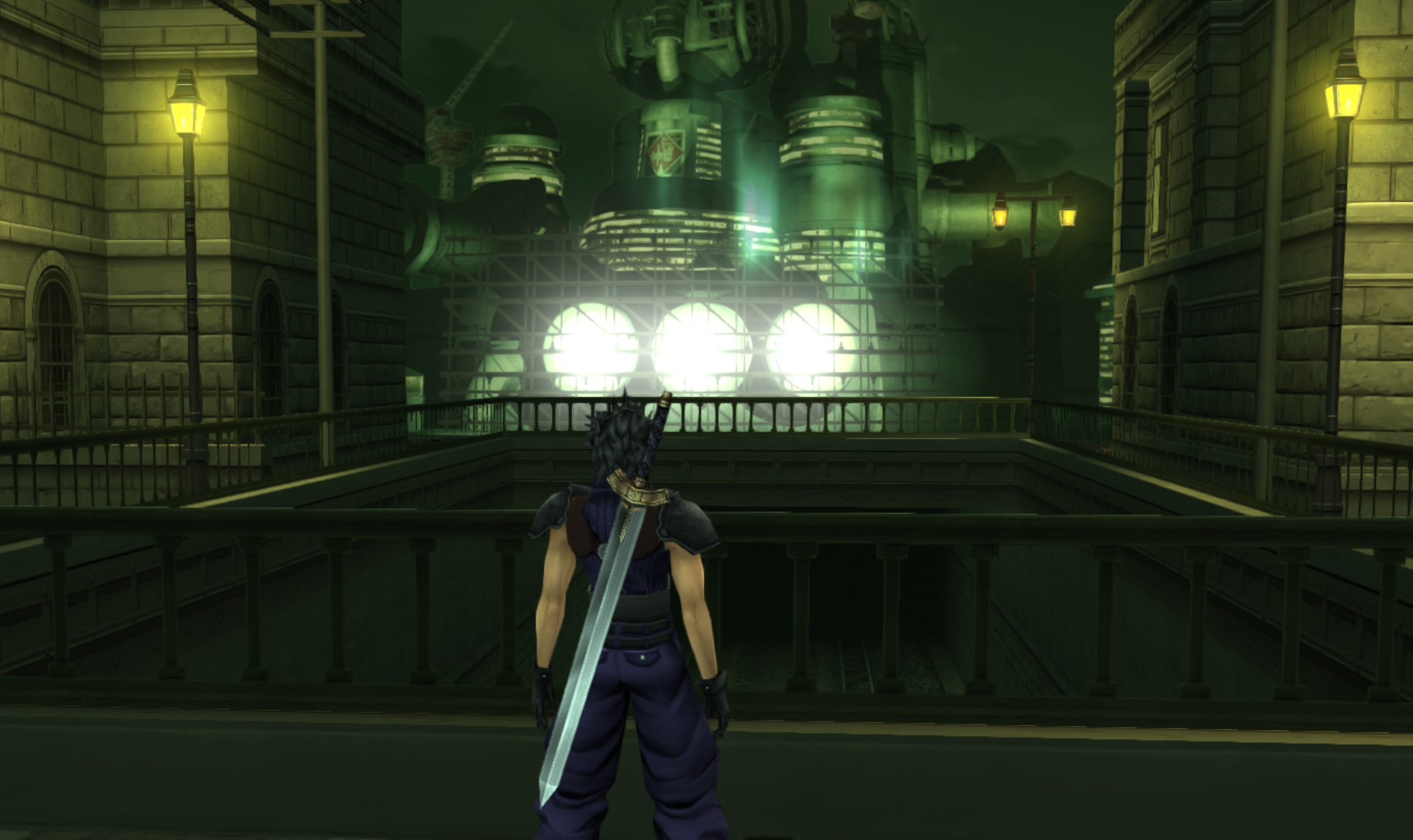
I didn't fixed the shop sign yet, I didn't got enough time. I though it was not that important so I fixed the shinra building texture instead. I've exported the shinra building model from an other scene, added more edges to the spotlights to make them less low poly,  added lights and rendered it as a new png. By the way, is that possible to edit Psp game models or only textures ? I'm just curious

muTRhKv.png
O8tps9R.png

AmSAWFV.png
lUiKEmk.png


I still have minor fix I'd like to do (texture seam on the brick walls + at least the text on the shop sign would be nice + I'd like to edit the lamppost too and the strange door that make no sense upstairs behind the clock. I'll try to finish that tomorrow
 
Last edited:
Thanks for adding the floor grit, it's something I wanted to but got lazy about doing.
Shinra Building is also looking more real.

I'm actually having a bit of artist burnout so I'll take a few days to relax.

By the 10th, I think we should work on the train station.

And it's not possible to edit models, only textures, AFAIK.
 
Here's some samples of Zack's and Aerith's redone models, and closer shots of their new eyes.
I hope to roll them out by the end of the month.

XAu2onr.gif


Apart from the eyes, his eye whites have been brightened for a more realistic look, and his hair has been darkened (-50 brightness) because it looks too greyish.

e2qtFhB.jpg


Aerith will be given a new hair shade color closer to her art and remake.
If you look closer, you can also see that I made the lower eye outline less prominent for a less eyeliner look which makes her look more realistic.
Desaturation, warming filter 2 (uncheck lumi, slider 100) -10 hue, -20 saturation is the formula.

These changes are a bit minor individually, but all together, they add up.
I hope this makes the player identify them more as "human" and less like "virtual fantasy dolls".
Even a little change, like making Zack's pupils bigger, can subconsciously make him feel more friendlier.
 
Last edited:
Everyone just about ready for the train station?

I'm almost done HDing the flashbacks.
Sadly, Square never released HD FMVs so we have to rely on filtered cutscenes or art.

I'll have to delete all the redundant flashbacks through the various folders, then delete all the redundant lines in textures.ini later.

ho62PQ9.png

GQNtRsn.png


r1njHjV.png

JEZOaFN.png


Nwu6dtn.png

6pBouZ0.png


fza8aOH.png

njSRz6K.png


One of them was too poor-looking so I just changed it to a pic that conveys the same intent (Angeal looking out for Genesis).

xwwp5pk.png

WiuhOxm.png
 
Love your edits !
I'm ready for the train station. Sorry that I didn't submit my work earlier like I said I would.

EDITS :

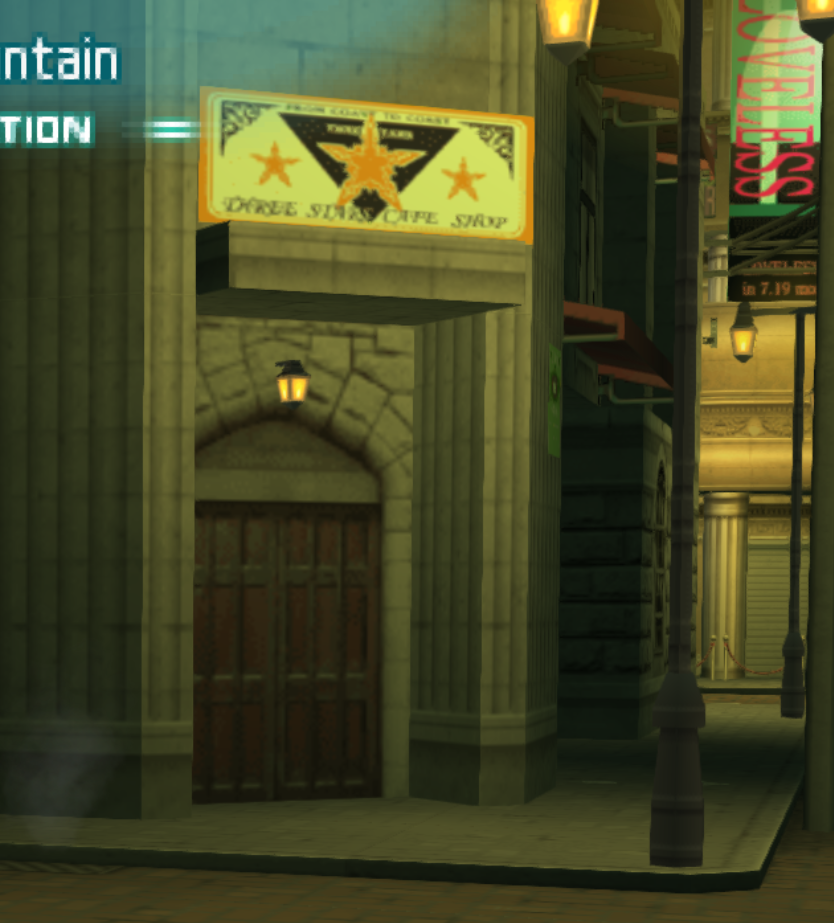
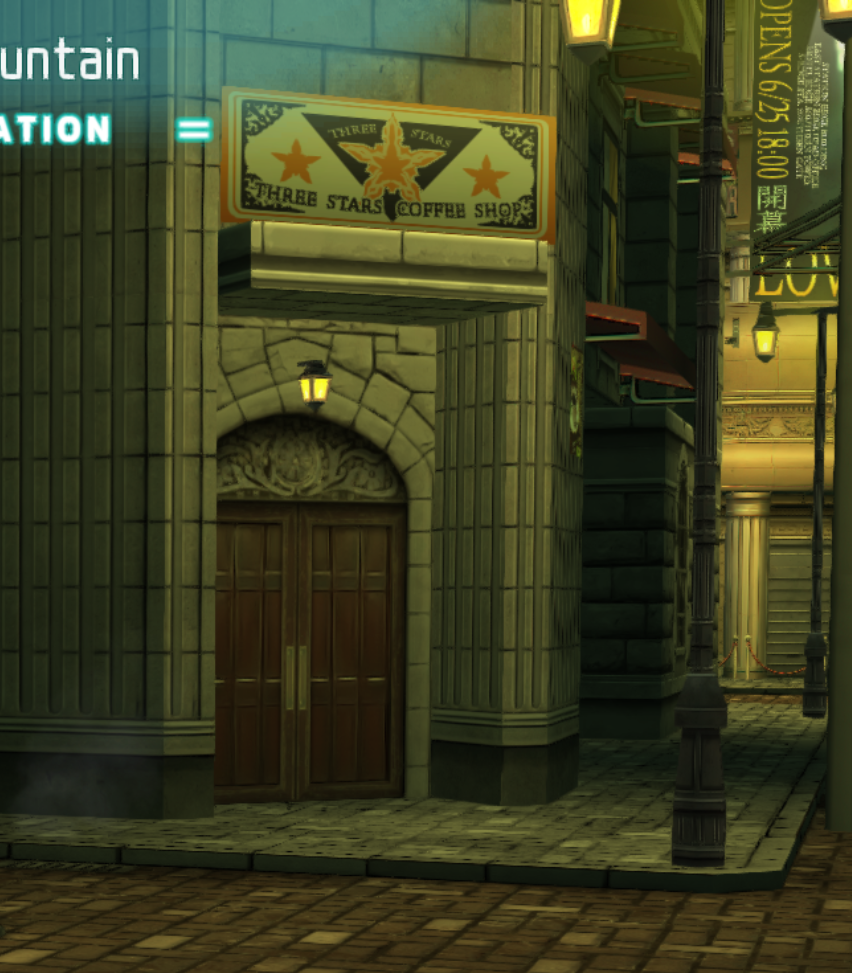
I've recreated the "Three Stars coffee shop" sign, so we can now read it. Also I've added some details on the lamp post

jcePYr7.png
42QEb5N.png


I've fixed the texture seam on the red brick textures + add details on the door that was blurry

o0d9hkL.png
M14lBUu.png


The strange doors upstairs are now normal windows

wTwrDFa.png
dkQaedJ.png
 
Status
Not open for further replies.
Back
Top