FF7 Crisis Core Upscale Project

  • Thread starter Thread starter eqprog
  • Start date Start date
Status
Not open for further replies.
I don't think they're entire compatible.

For example, in our project, in the sign folder, this is the rope block:

00000000d9034ac76bbcf50f

https://github.com/eqprog/FF7CCUP/blob/master/textures/environment/sign/00000000d9034ac76bbcf50f.png

In your folder, it's 000000002d164594828aa3d5

If I try to copy over the entire enemies folder, nothing gets replaced.

I was able to copy Aerith's wagons at least, those were compatible.

I also don't really see much salvagable with your character edits either. They seem based on very old versions, or they're missing animation frames that would clash with ours and be a strange quality difference.

While I would like to copy your textures over, there's not much really feasible I can do with it given the organization. I should be able to copy the rope block over I posted above, that should be easy. Is there anything you think I should be able to easily copy over that you put a lot of effort into and think it's a good enough quality upgrade? And if so, where can I find it in the game (since I'll need to locate the texture addresses)?
 
I don't think they're entire compatible.

For example, in our project, in the sign folder, this is the rope block:

00000000d9034ac76bbcf50f

https://github.com/eqprog/FF7CCUP/blob/master/textures/environment/sign/00000000d9034ac76bbcf50f.png

In your folder, it's 000000002d164594828aa3d5

If I try to copy over the entire enemies folder, nothing gets replaced.

I was able to copy Aerith's wagons at least, those were compatible.

I also don't really see much salvagable with your character edits either. They seem based on very old versions, or they're missing animation frames that would clash with ours and be a strange quality difference.

While I would like to copy your textures over, there's not much really feasible I can do with it given the organization. I should be able to copy the rope block over I posted above, that should be easy. Is there anything you think I should be able to easily copy over that you put a lot of effort into and think it's a good enough quality upgrade? And if so, where can I find it in the game (since I'll need to locate the texture addresses)?
You're wrong, the block of rope you sent is not the same one that I put, it is another and both are in the game, that one appears before reaching reactor 5 when genesis attacks shinra, the characters only improve in ersgan, no they are edited, but we are going with so much trouble that you are putting me I think I prefer not to collaborate with you and take my project in the future as an independent project since I think I am being not received in a good way, so I would appreciate if you would remove my textures of your project and sorry for the inconvenience, regards.
 
I think I see what you mean with the ropes. Still, the folder is just too disorganized for me, there's not a lot I can do about it. I also tried copying over Sephiroth's face, for example, to both the sephiroth and priority folder, but nothing got replaced.

You don't have to create an independent project, you can help us, I didn't mean to discourage you. All you have to do is send stuff in a way that works and meshes with our system, and the structure we've established.

The thing is tho, I'm tired of working on collab projects where someone's feelings get hurt somehow, and they decide to take down the whole project with them, which could happen with you from 6 months or something if you did help us out, since you're so eager to start your own project and not allow us to use your wagon textures, just because I'm having difficulty trying to merge your work.

Just think about this if you want to reconsider. If not, I'll have to upload some new upscaled wagons myself soon.
 
I think I see what you mean with the ropes. Still, the folder is just too disorganized for me, there's not a lot I can do about it. I also tried copying over Sephiroth's face, for example, to both the sephiroth and priority folder, but nothing got replaced.

You don't have to create an independent project, you can help us, I didn't mean to discourage you. All you have to do is send stuff in a way that works and meshes with our system, and the structure we've established.

The thing is tho, I'm tired of working on collab projects where someone's feelings get hurt somehow, and they decide to take down the whole project with them, which could happen with you from 6 months or something if you did help us out, since you're so eager to start your own project and not allow us to use your wagon textures, just because I'm having difficulty trying to merge your work.

Just think about this if you want to reconsider. If not, I'll have to upload some new upscaled wagons myself soon.
Sorry, but I think that we will not understand each other. I'm really sorry for the inconvenience and wasting your time.
 
It's okay, best of luck.

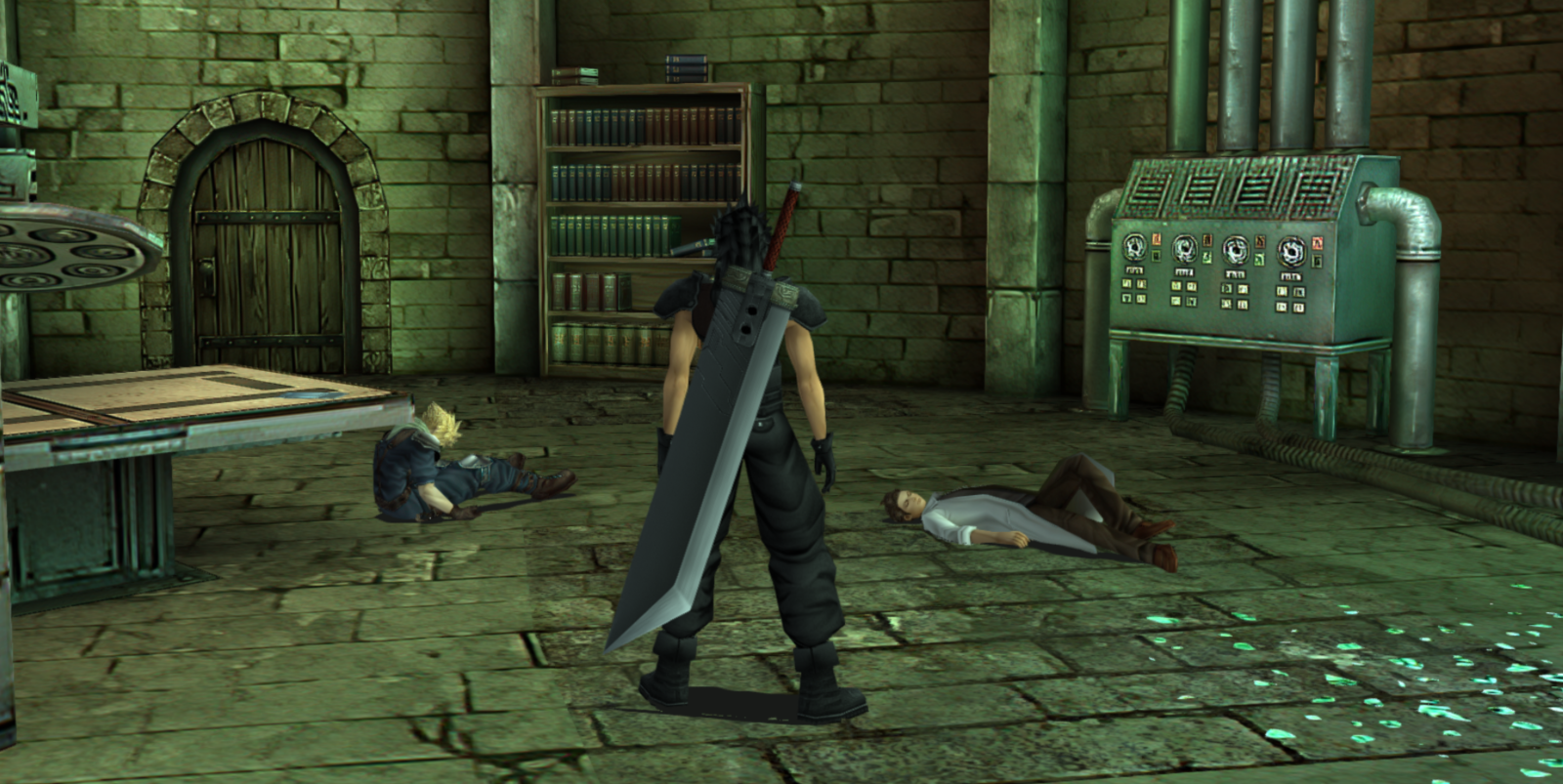
Zakkura, once you're done the train station, I think it'd be a good idea to do the underground lab in the Shinra manor because it's the worst place in the game imo. All the textures got dumped in the upscaling deep fryer. I think it's important we do this room before the Shinra Building in order to even the overall quality so if people decide to play, they don't see how jarringly bad it is compared to the rest of the game.

You can get to it using the "See You Soon" save in my original save file pack. Go wild, I trust you and thanks.
 
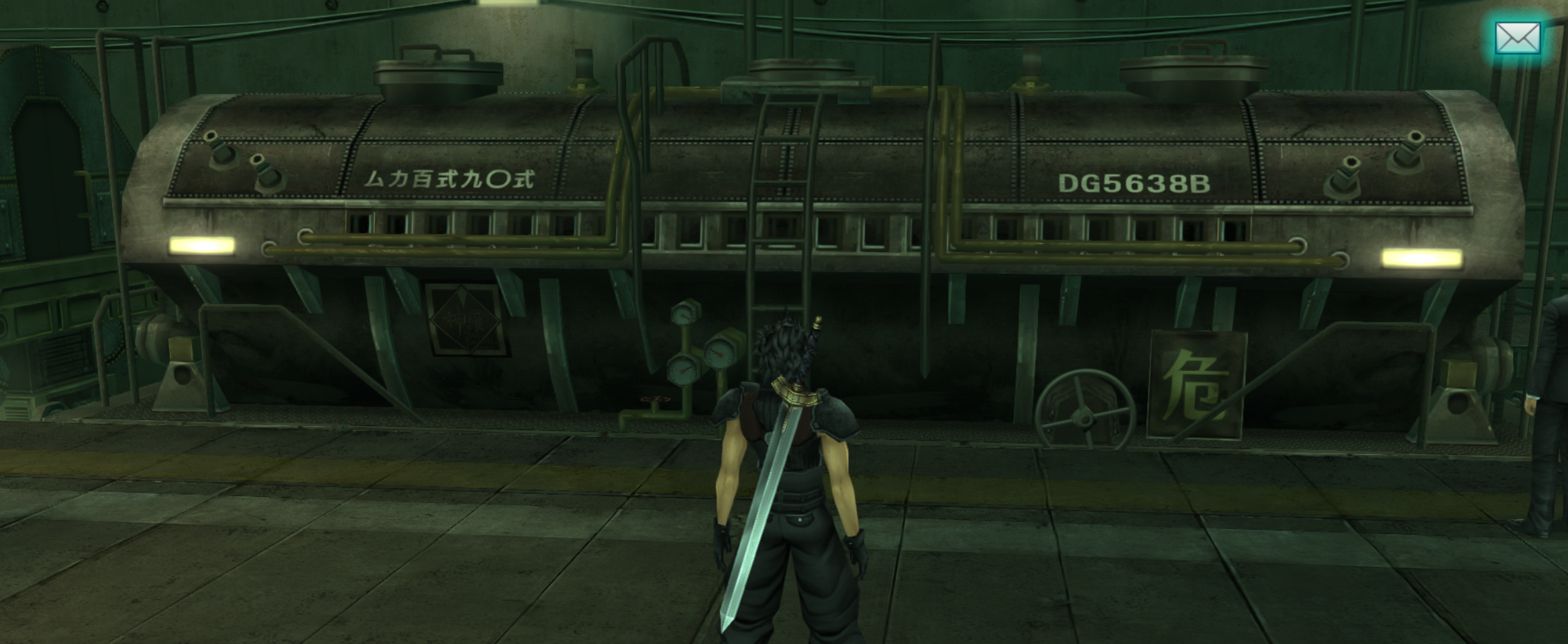
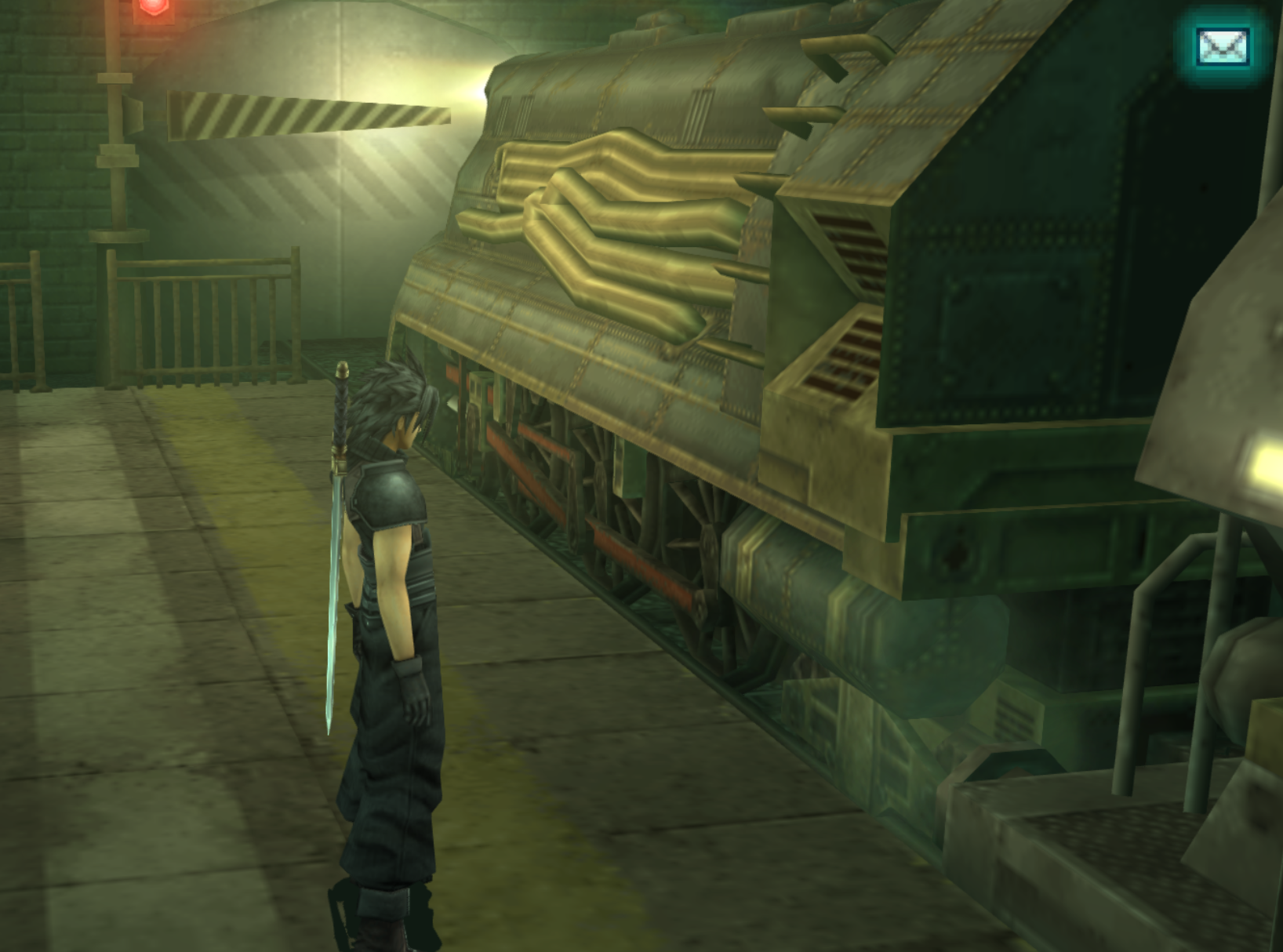
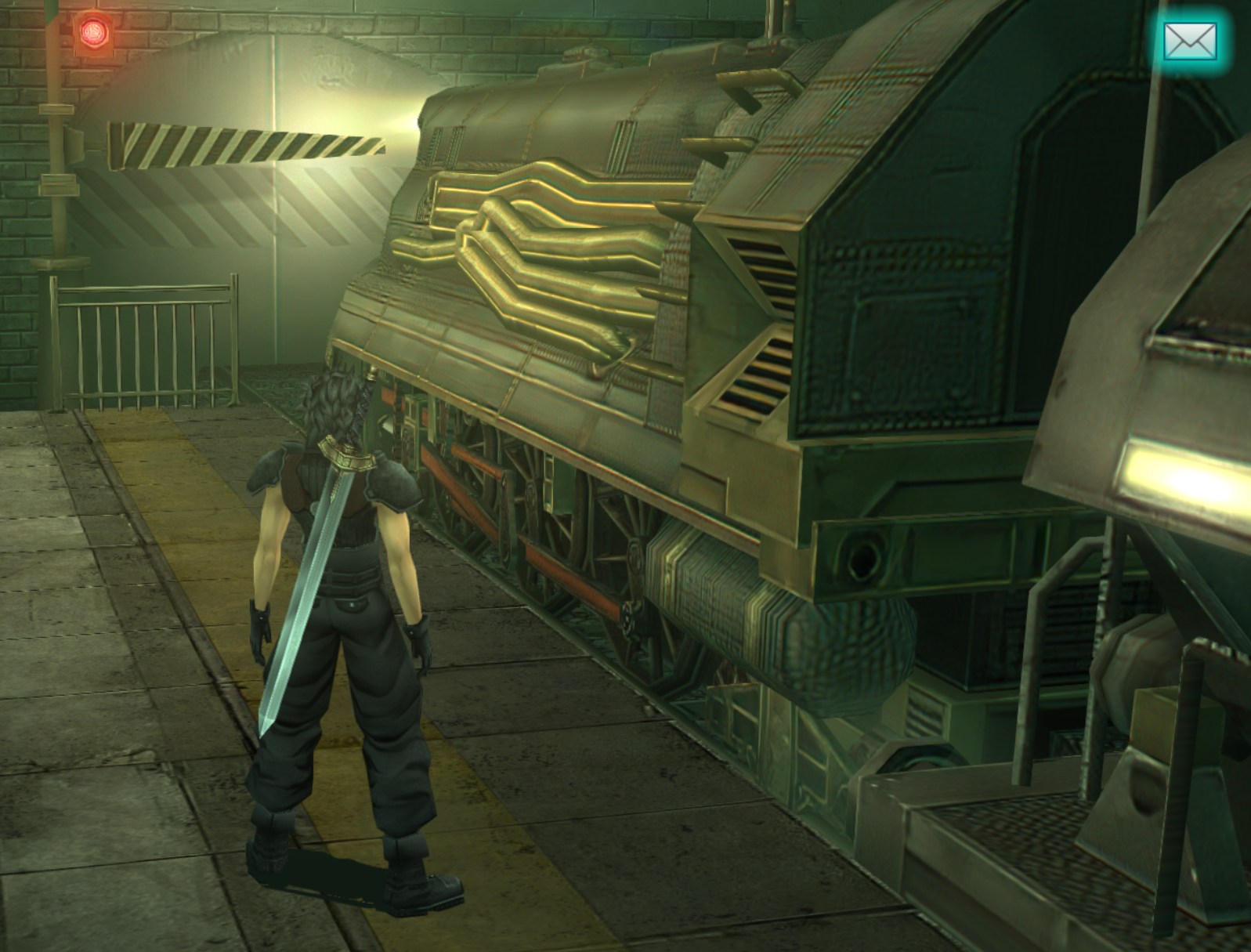
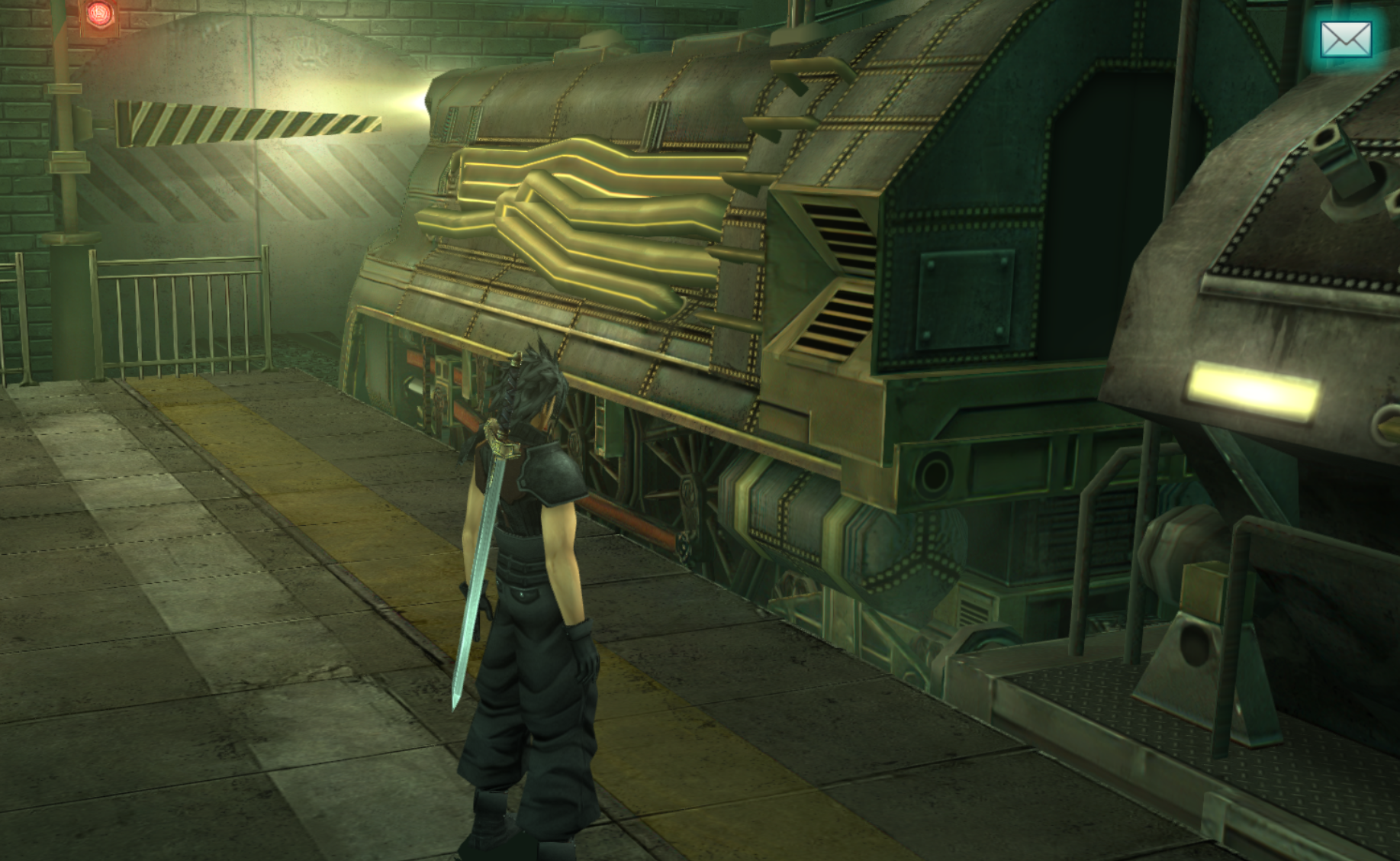
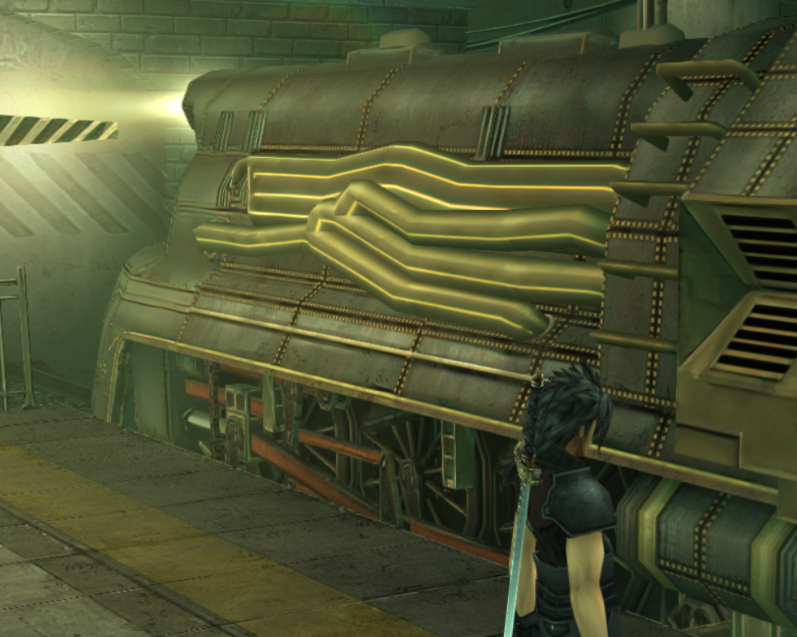
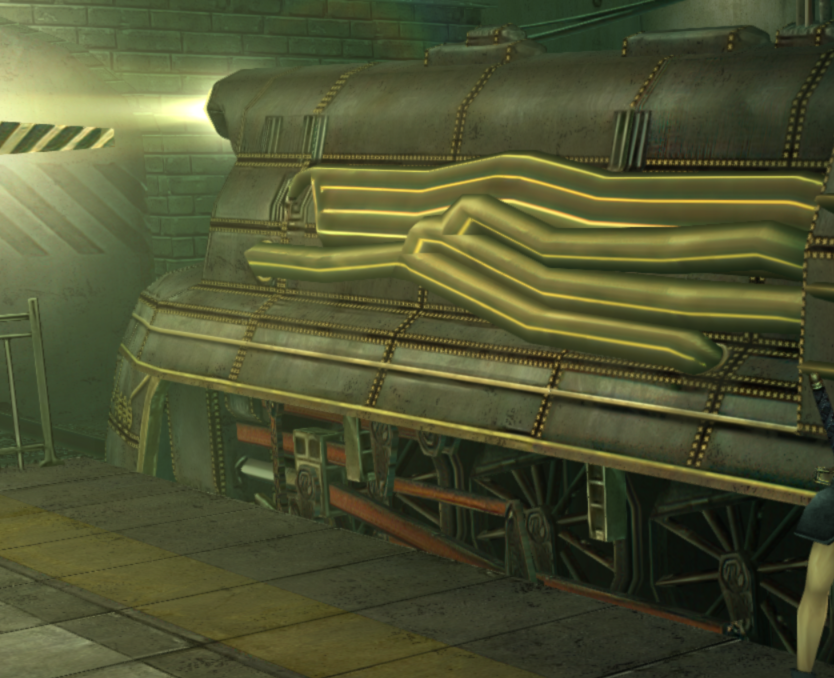
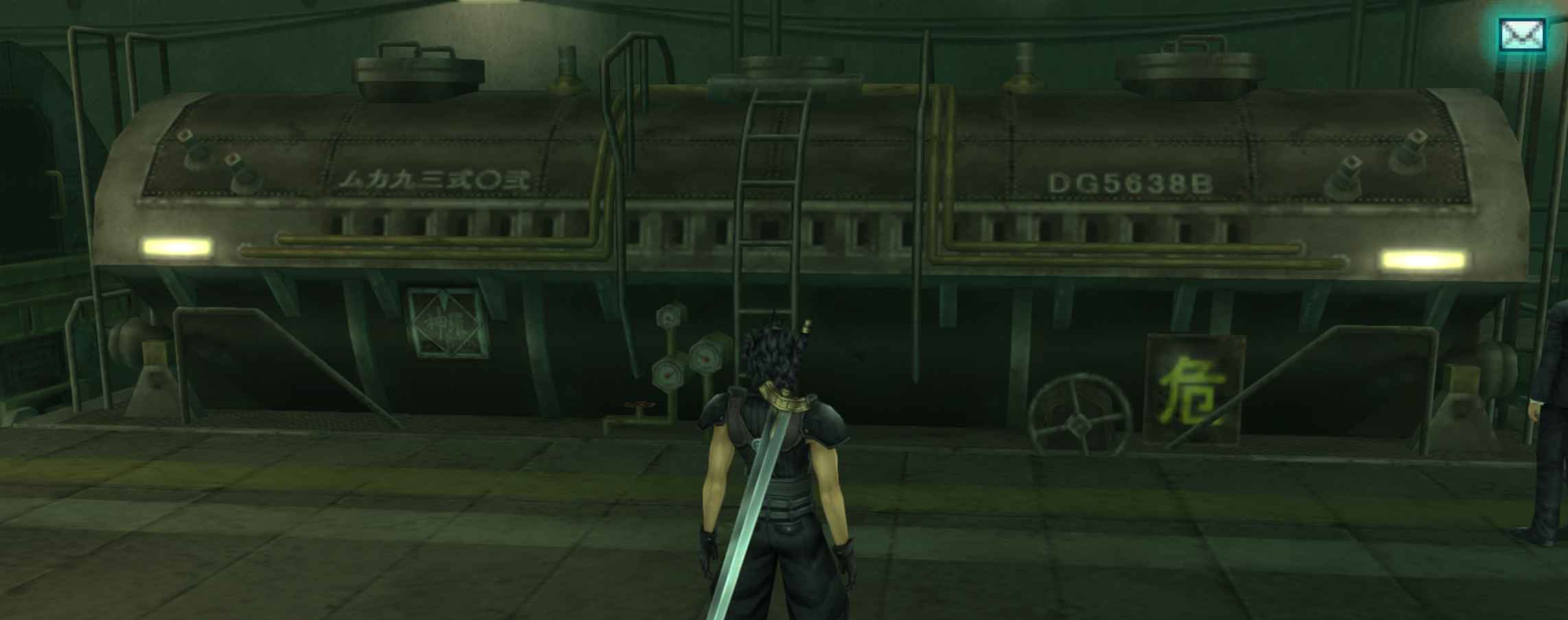
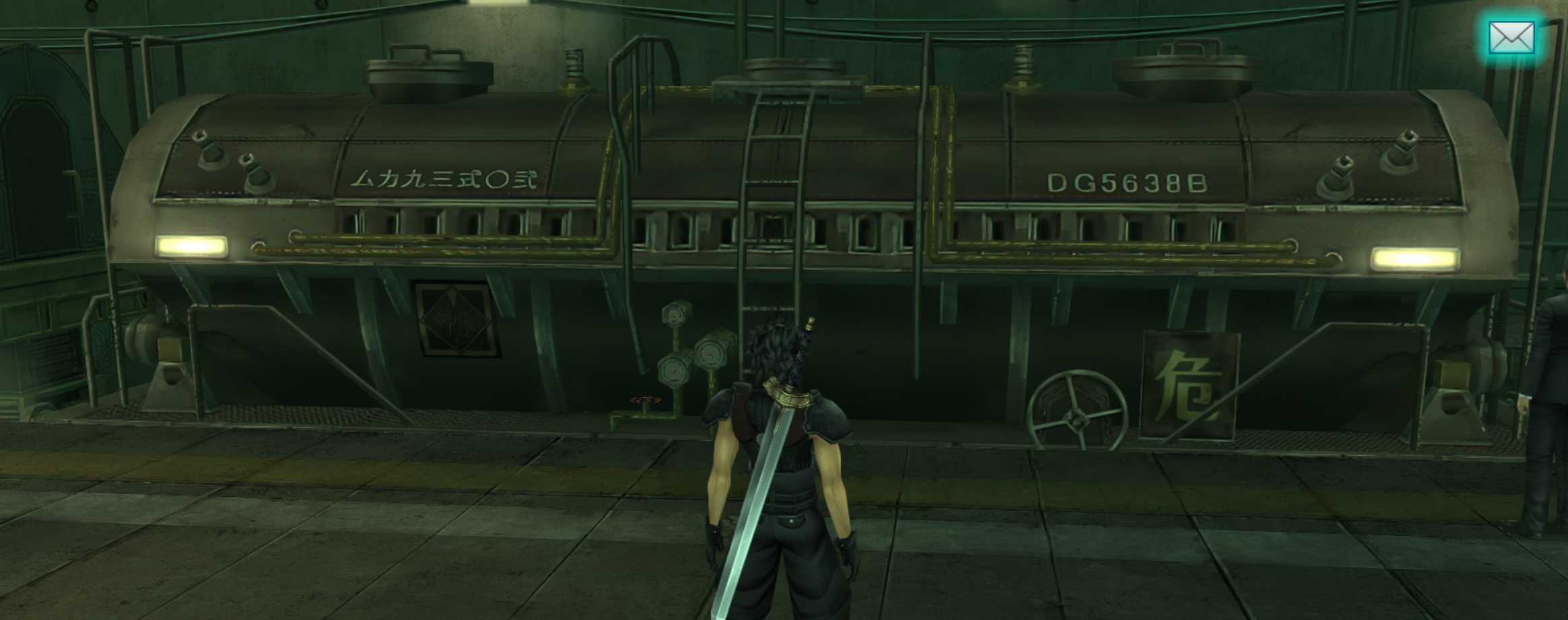
Here's my edits for the train :
8M7gjXD.png
673E7BP.png
L2HbttR.png

dhOW8eT.png
zcUEJly.png
Heqbkmw.png
Hi Zakkura, I just saw your train in the game and it's really good, my congratulations, I think you forgot to upload a texture in object folder "000000009d89e545d954689a"
 
Hey, I noticed the master and dev branch were out of sync (master had files dev didn't) and I tried to sync them up again and I screwed it up. Original masterdumps are gone.  Anyone know how to undo that?

edit: I managed to fix it, I think. Please let me know if you're missing anything. I had to learn a bit about using git with the commandline :X
 
Last edited:
I added a "mods" folder to the main branch since people might like them and they're low-size.
I've been adding my texture edits to both the main branch and dev branch.
Zakkura should start putting the edits to dev, then doing pull requests if you want them to be consistent, eqprog.

Anyway, here the the three mods:

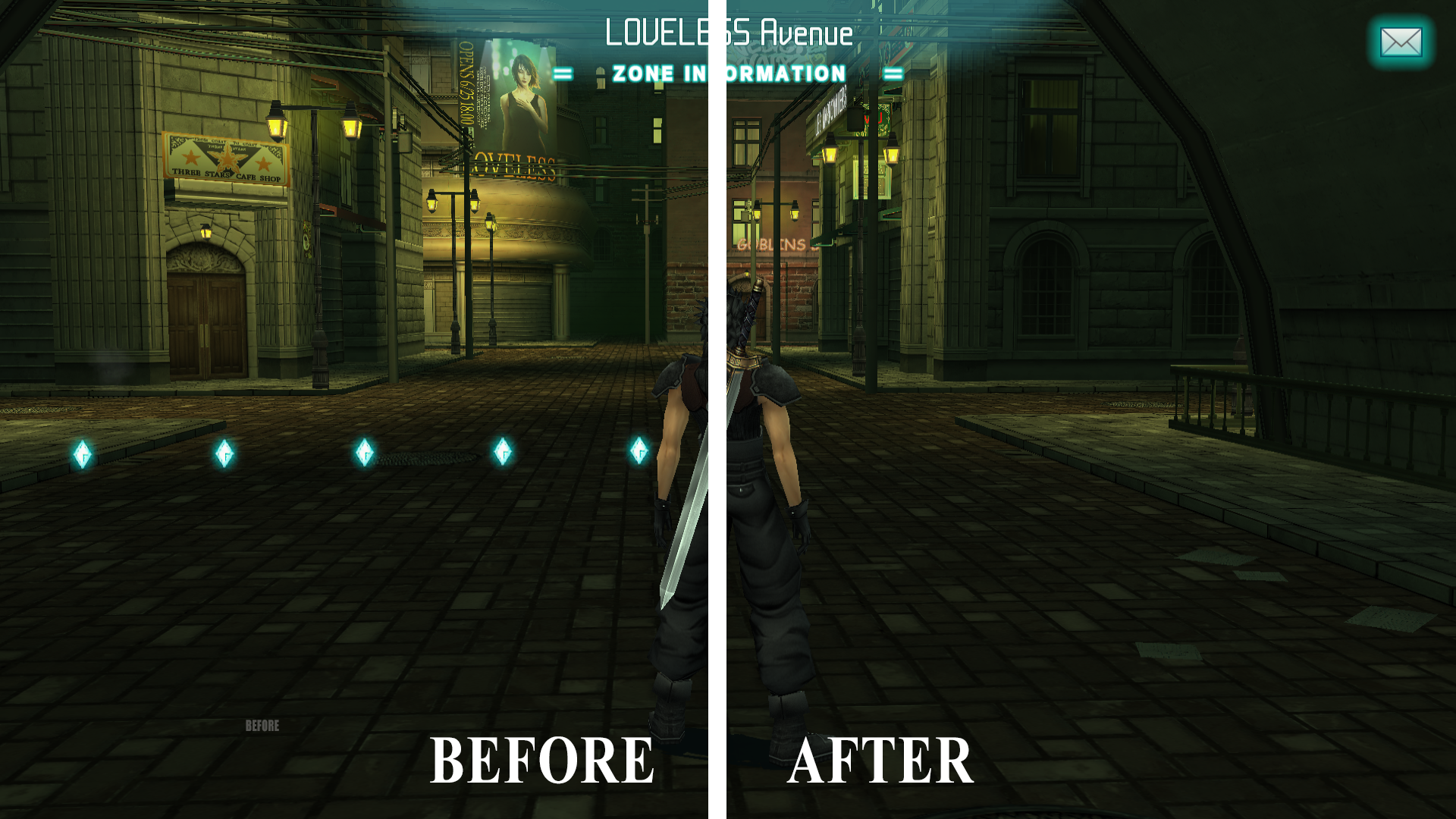
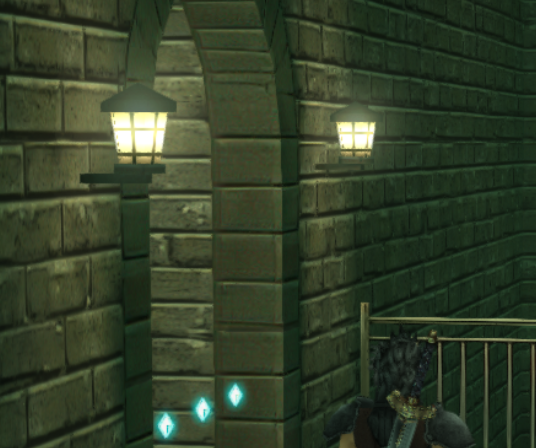
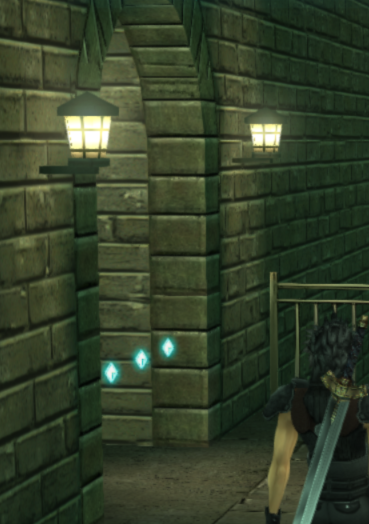
ZONE GEM REMOVAL
F0l6e7D.png


Removes the zone gems that appear when entering rooms so the game has a more realistic feel.
This only applies to removes you can enter, not blocked rooms which have red zone gems, so you don't have to worry about invisible walls.

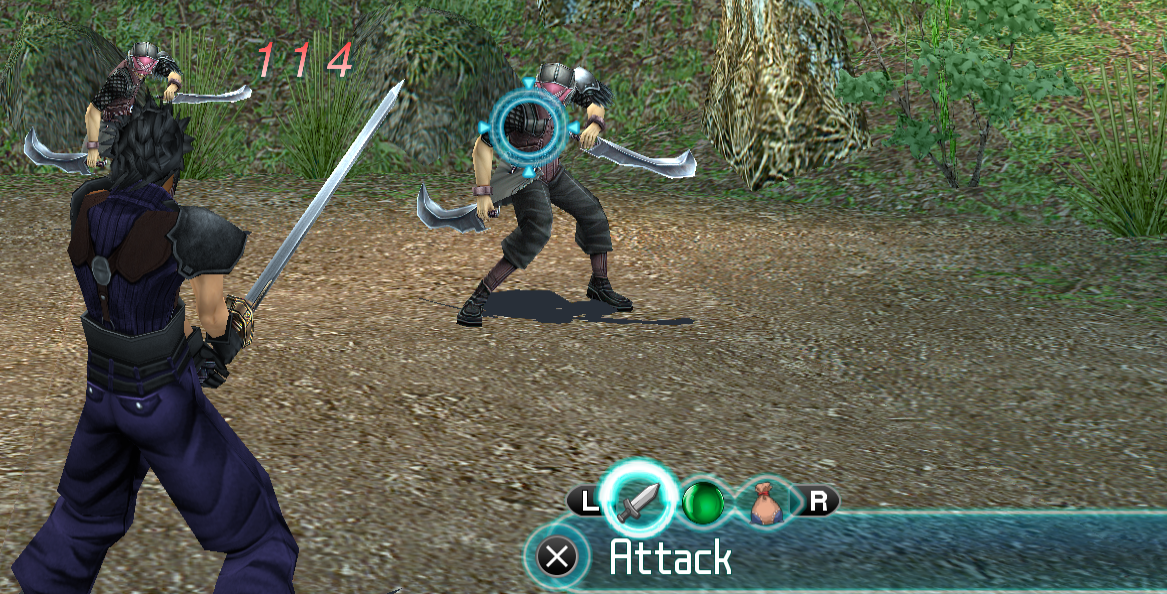
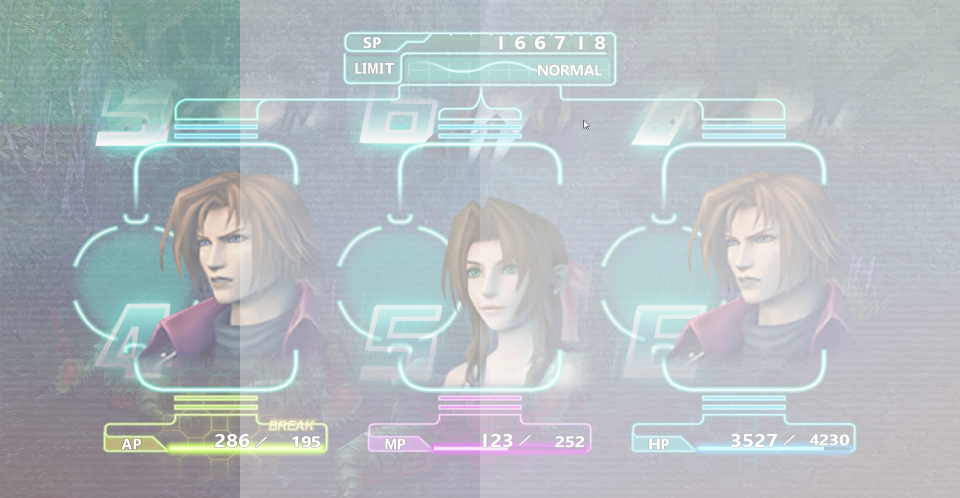
TRANSPARENT UI

My2qx68.png


The battle HUD in the bottom right is semi-transparent for a cooler look.
It also removes the unnecessary "NEXT" icon.

SLASH REMOVAL

https://i.imgur.com/nTFJWb6.mp4

Makes it so that when Zack attacks, you don't see huge giant swirls which look a bit unrealistic and silly.
You still get a flash of light and sparks.
Unfortunately, removing the light flashes removes glows from other parts of the game so I just had to settle with the swirl removal for now.
 
Hey,
I've just submit the fix I did last week. I've submit on the "Dev" branch this time. Is that ok ? Or do I still need to do it on the "master" branch too ? Let me know if you need me to do something else.

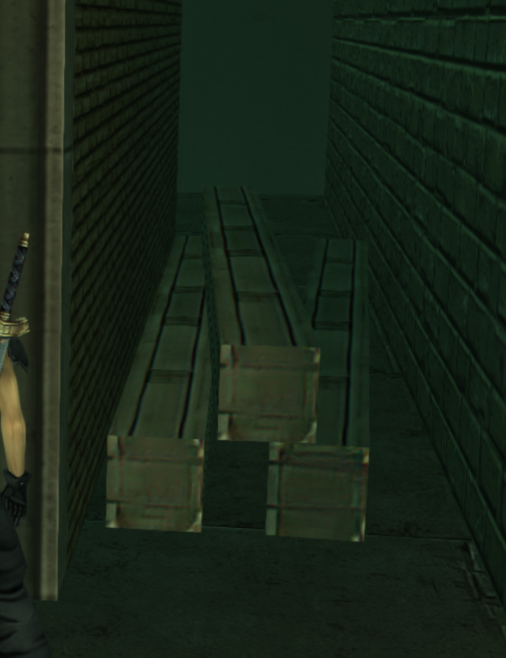
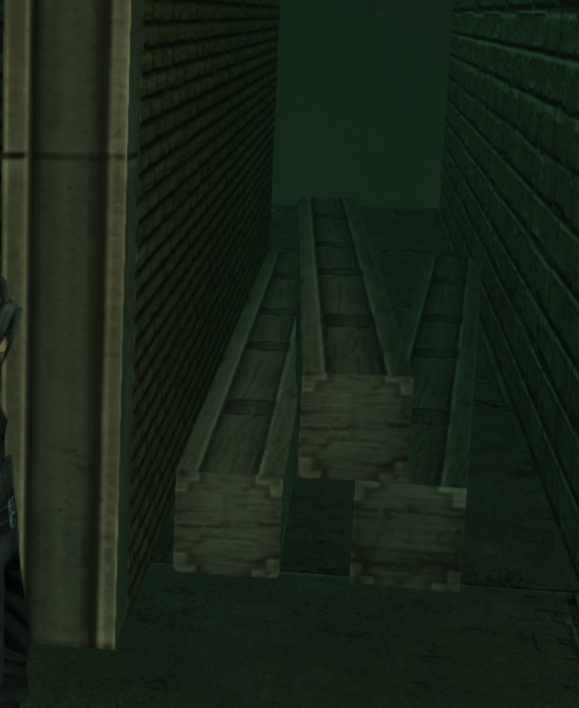
I've fixed the CA on the brick gate + added details and fixed the small issue on the floor. I've edited and submit the missing train textures too (front side).
0yuQJx4.png
mH2ZBsl.png

ZB3pLbk.png
37j1z1k.png


I've also fixed the beam as a wood beam as you said -Ori.

uodaFek.png
W6TdrwM.png


I'm currently editing the floor of the Shinra laboratory. Here's a WIP screenshot

nmcyhg9.png


I've sent you an email too as you asked eqprog.
 
Last edited:
I think some textures from the train are still missing, I didn't realize it, I'm sorry I didn't warn before.
I think these textures are missing "0000000031dd51fcb38fac21" in object folder and "00000000da4e357ac1df27c9" in sign folder.
 
Hey, I'm back.

GameCore are you using the US version of the game? Keep in mind that if you aren't some textures will be missing.
 
Welcome back, I've been a bit busy too lately.

I think we'll let Zakkura work on the train station and basement lab until December, then all do Shinra Building that month.

I think I'm going to fix some transparency issues around Shinra Building and remove some CA in Nibelheim soon.

eqprog, if there's something I really think you could do if you're up to it, is redoing the Shinra directory:

https://i.imgur.com/PAOJfBl.jpg

The text is hard to read (should be less transparent and enlarged), that Sector 8 instead of Sector 0 thing is still there, and the map is off-center. If it's too daunting, I could take a look at it.
 
I'll see what I can do. If I recall correctly the original version didn't have readable text so what text there is in my version is all made up. I didn't want it to be too distracting. The other thing is that the texture is the same from both sides, so any specific information I put on it with regards to orientation is going to be "off" depending on the perspective of the player. Theres not much I can do about this.

Also, check your PMs for discord link.

Zakkura, I emailed it to you.

The link expires in 24 hours.


Scratch that. Here's a permanent link to the #general channel. Once you join I'll invite you to the dev channel. Anyone else reading this can join, too.  https://discord.gg/HHMC2UBq4s
 
Last edited:
Some updates:

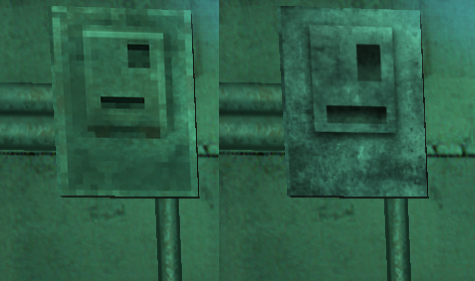
An electrical box in Midgar market has been redone:

K6ivr1j.png


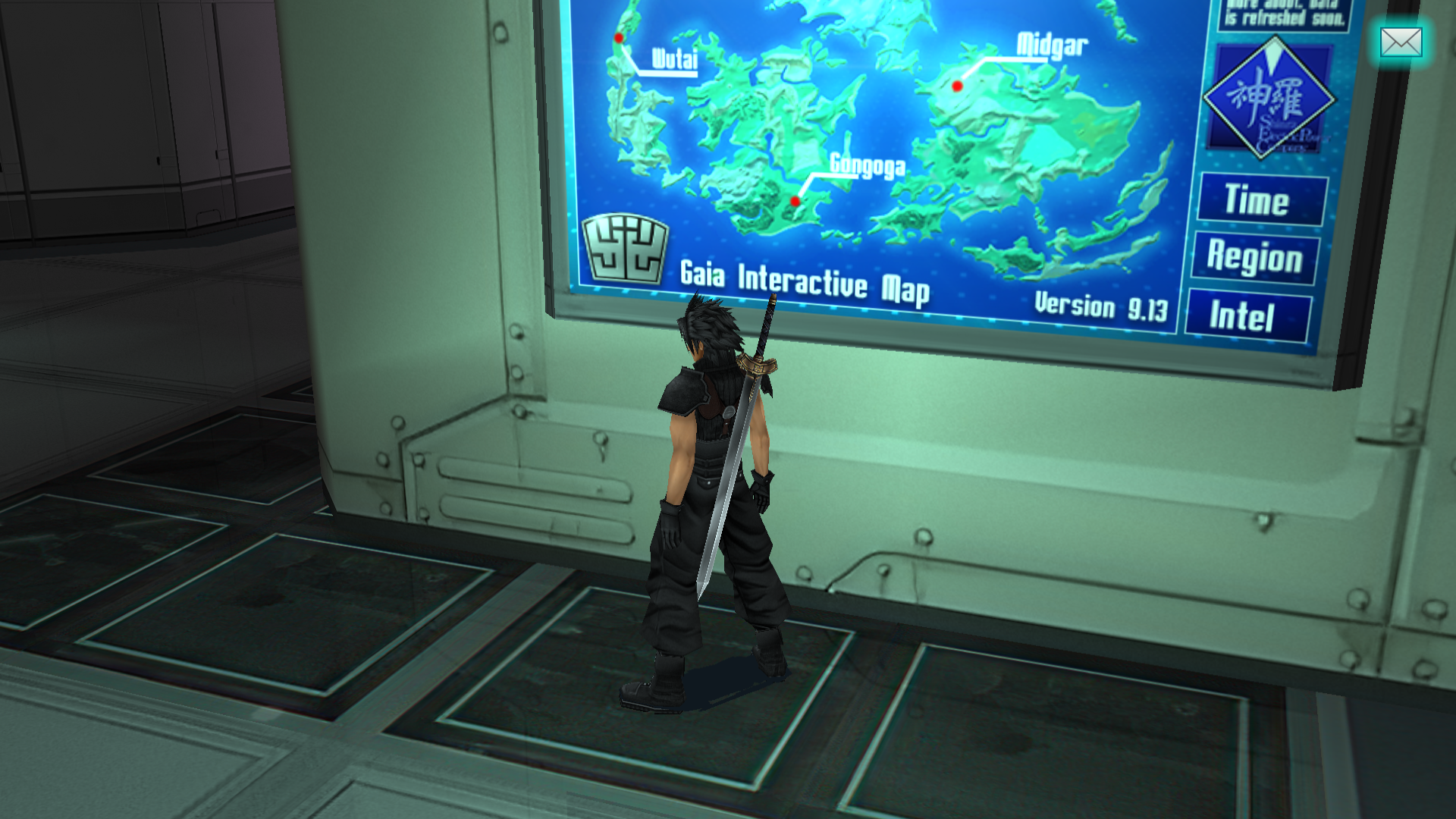
The map has been redesigned so it looks more virtual.
Could the 9.13 I added in the corner be a secret reference to something?

GGGRlir.png


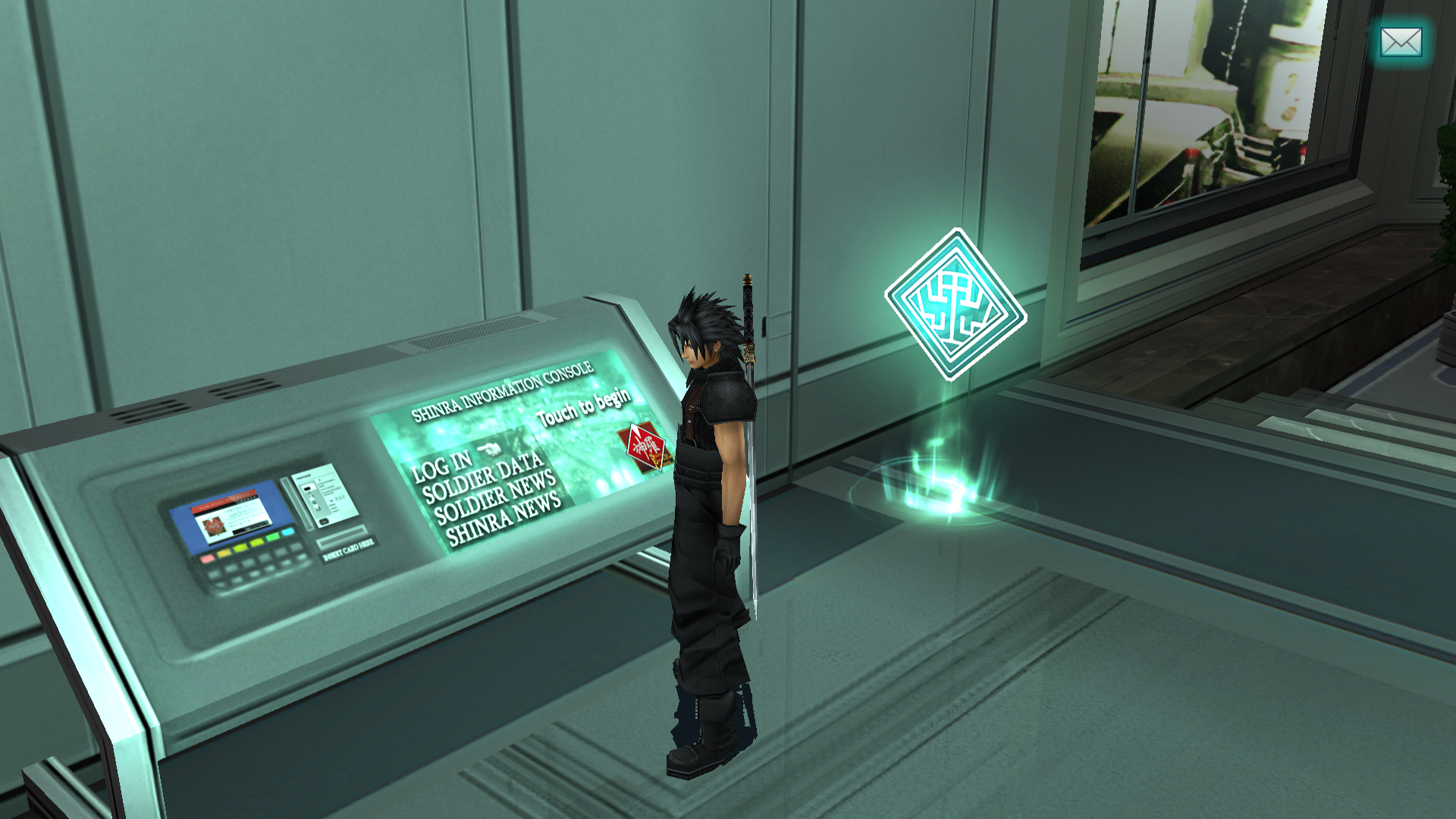
I redesigned this console so it looks like people actually use it.
Before, it was just a vague screen:

UCOQEmk.png


The ugliest clouds in the game are now in HD:

3WJrc5c.png

zbdOjiu.png


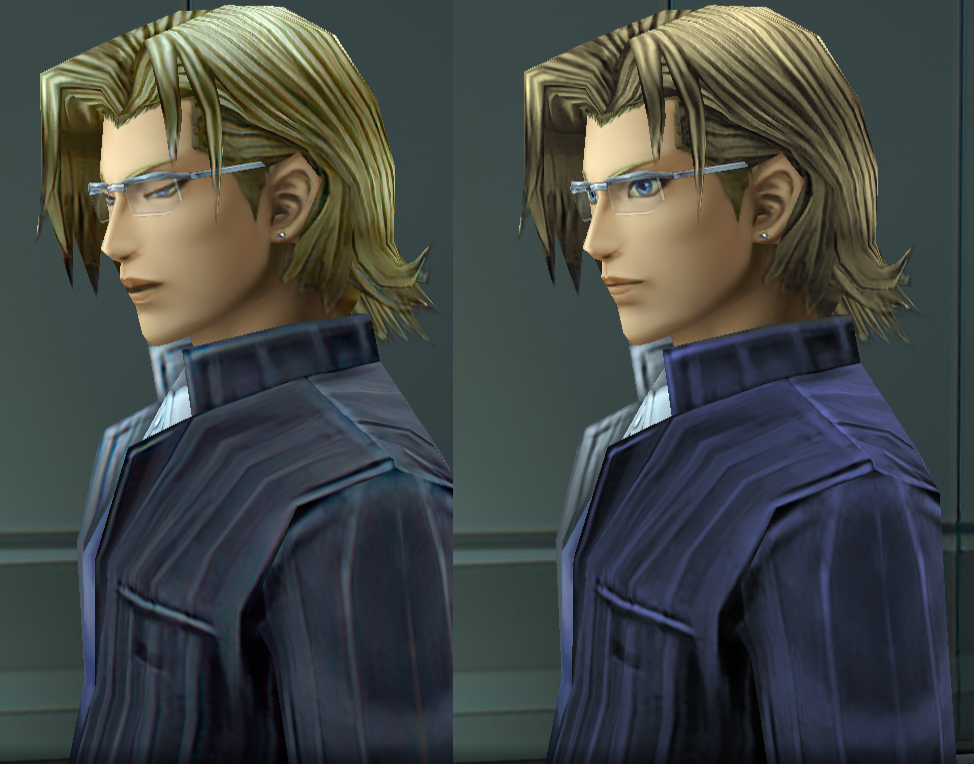
Lazard's coloring (hair and jacket) is retouched:

kiWoozp.png


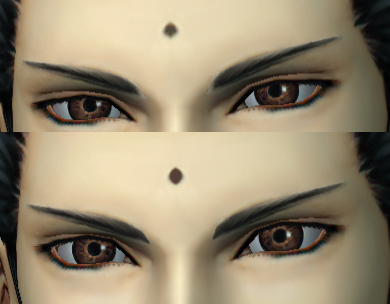
Tseng had a weird coloring error where the inner portions of his eyebrows were off, so I needed to thicken them a little to fix it. Also retouched the forehead dot:

zbRrDfG.png


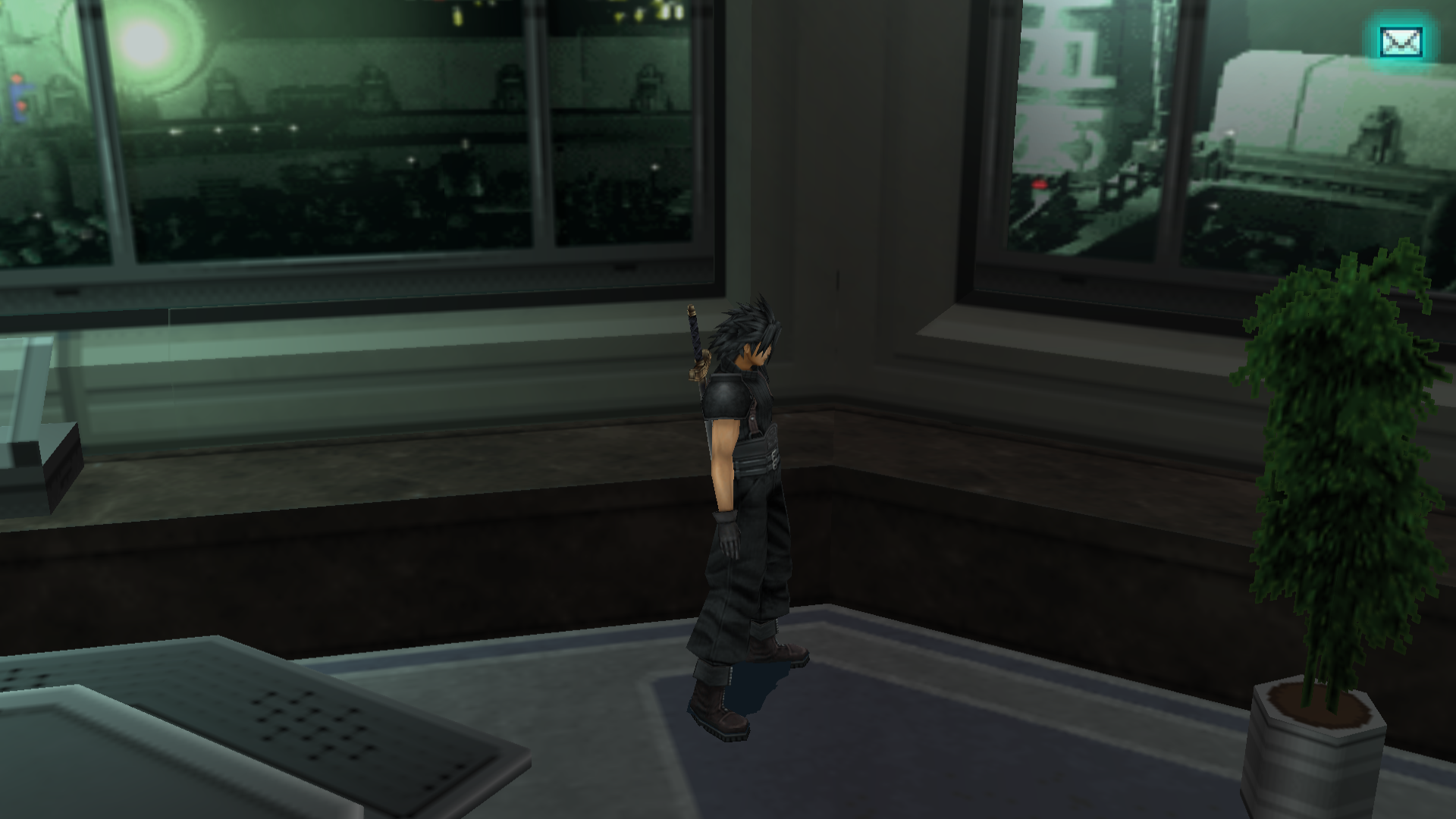
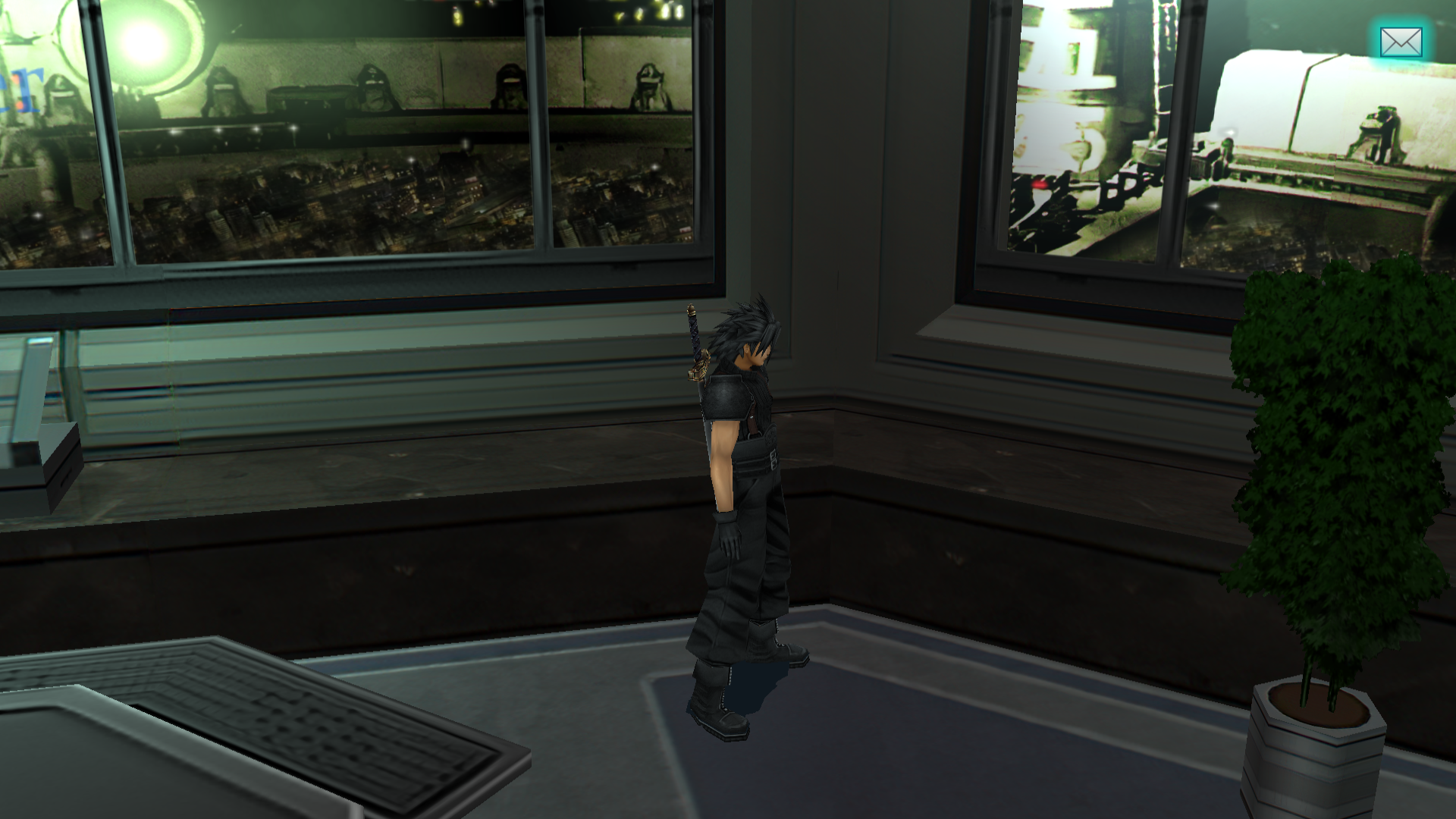
I fixed two animation errors that could happen when Angeal's and Zack's low-poly model first appear in Shinra HQ in the beginning of the game. For some reason, it didn't always appear, meaning I think some animation errors might be cycle-timing related somehow. If anyone sees any errors, please tell us..

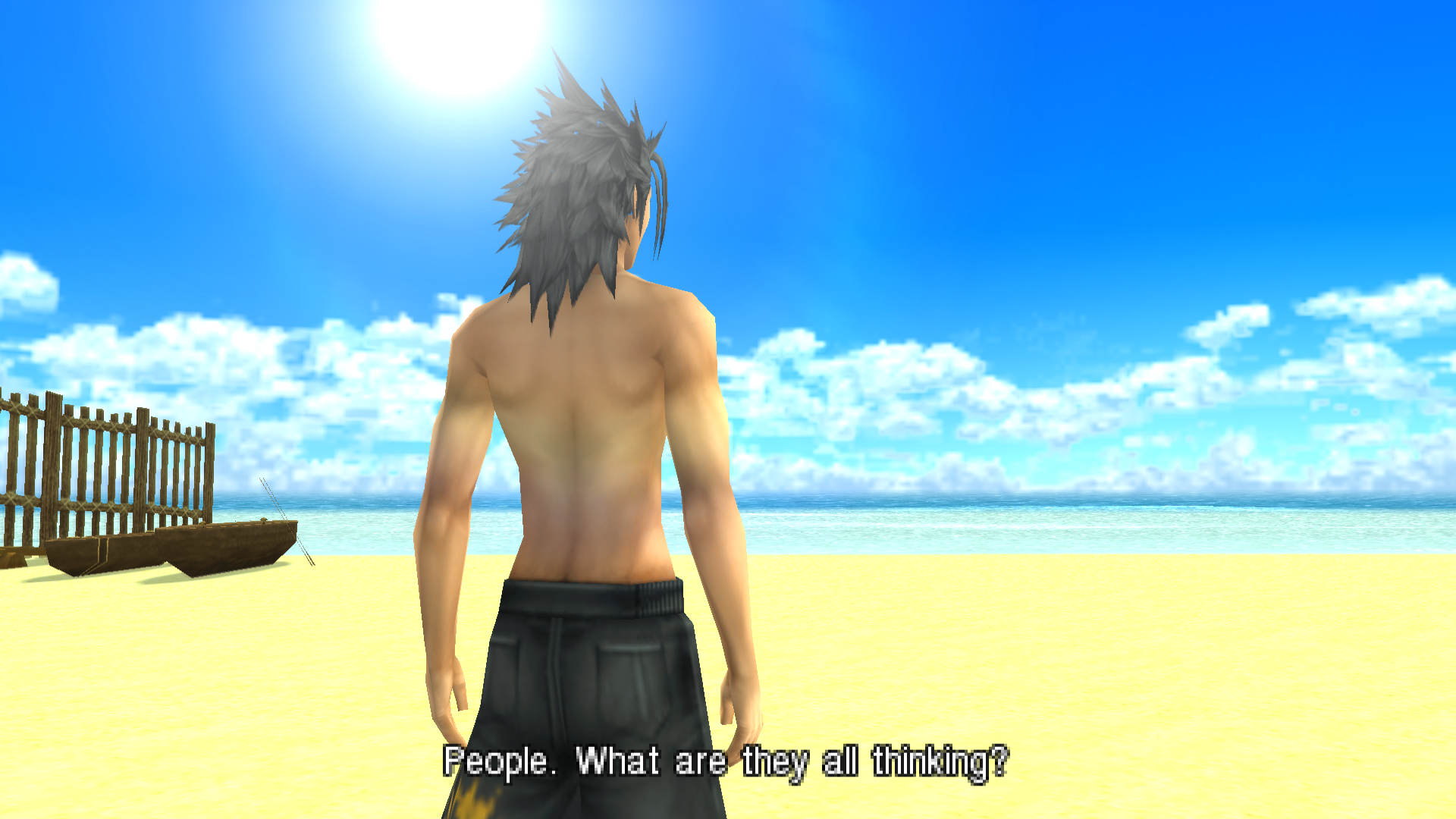
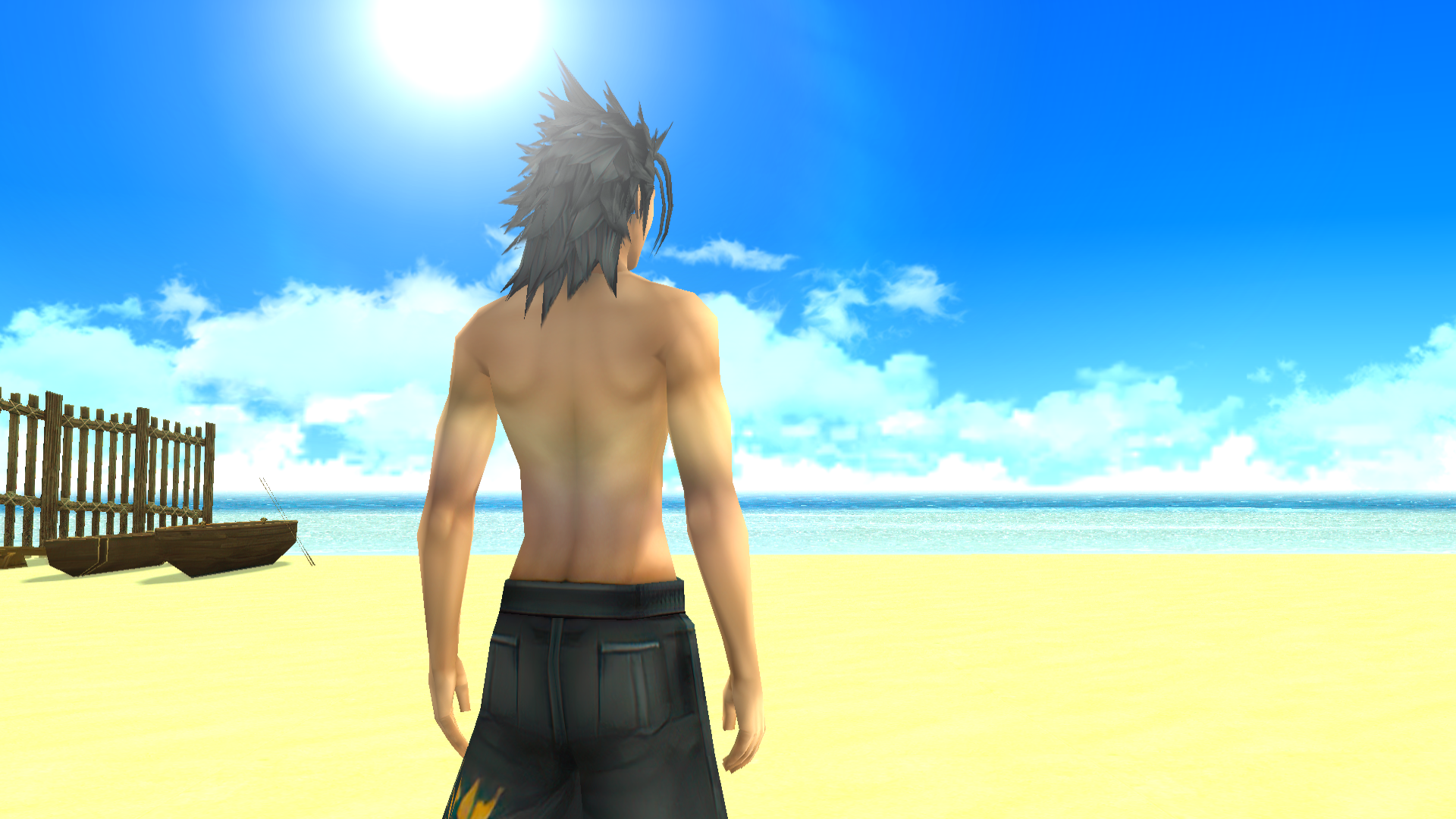
Right now, I'm currently working to darken all of Zack's low-poly hair so it's consistent with his high-poly and looks less grey.

I'm also trying to make this view look better and more realistic:

StTfz9Q.png

e28SGYf.png
 
Last edited:
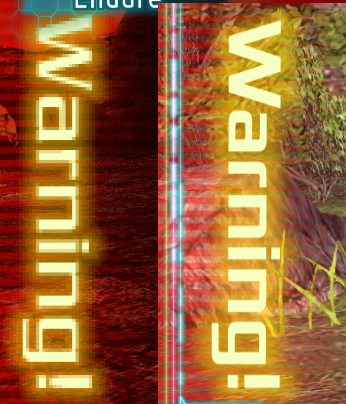
First off, I'd like to say that I love the effort put into this project, it's refreshing seeing someone  update this amazing game. While playing with these textures enabled I noticed two things, the first is that when Zack's health is low or critical the Red/Yellow WARNING text appears to not have been upscaled:
Screenshot_189.png

Another issue is with npcs, during their animations the textures seem to glitch out, showing the original textures and the new ones swapping at a constant rate. (For some reason this doesn't happen to any Shinra or enemy npcs)
 
It's been a while since the last update so I wanted to share some stuff.

- Zack's low-poly model now has darkened hair as well so it's consistent with high-poly.

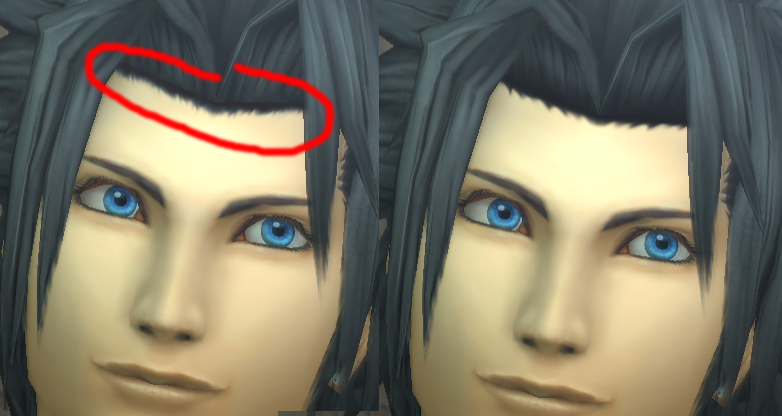
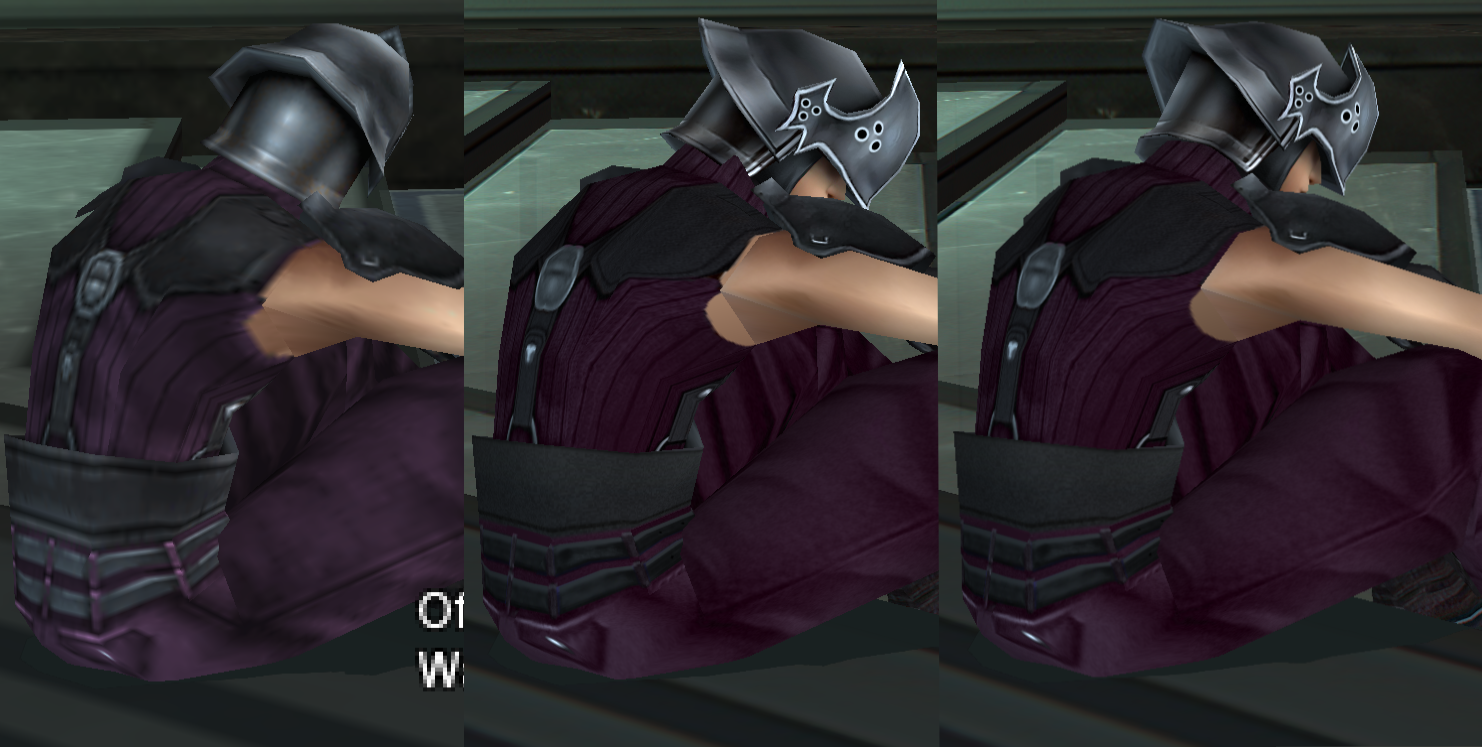
- Zack now has a new hairline (fade to black). I didn't notice how messed up it was because I didn't have the right brightness.

wgCPdnE.png


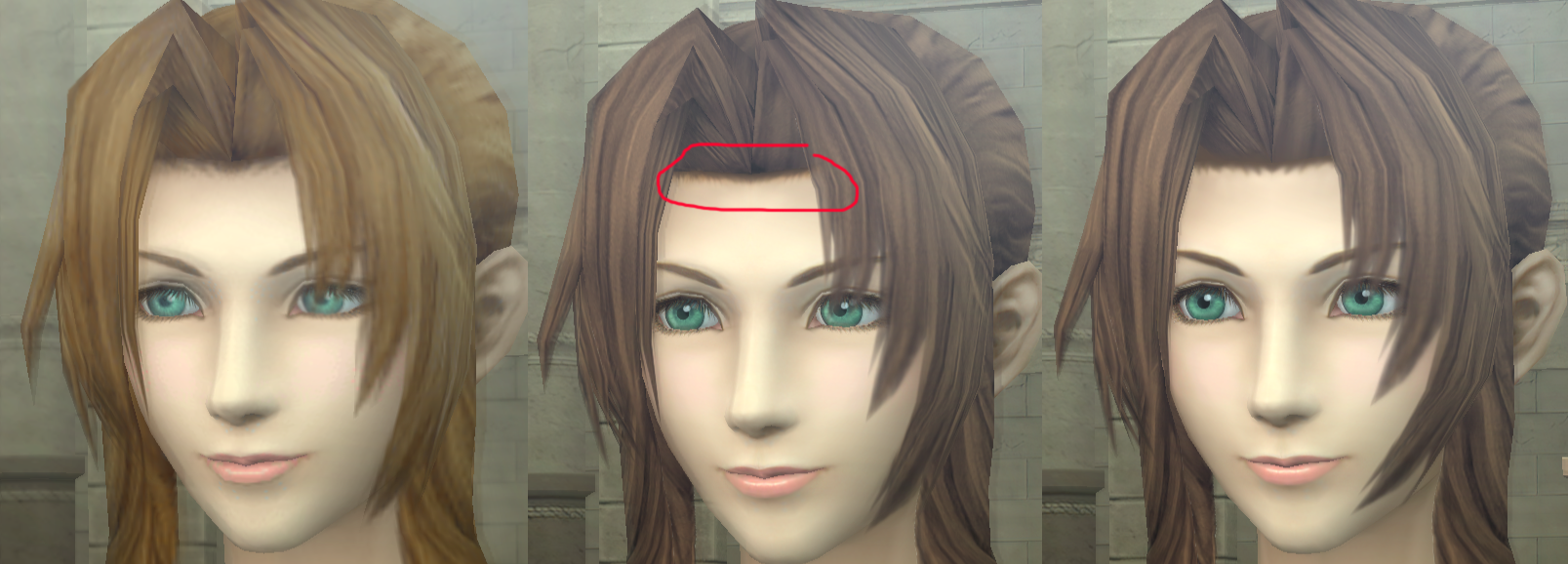
- Aerith has a new hairline. It isn't perfect but better imo.

SOH3MKC.png


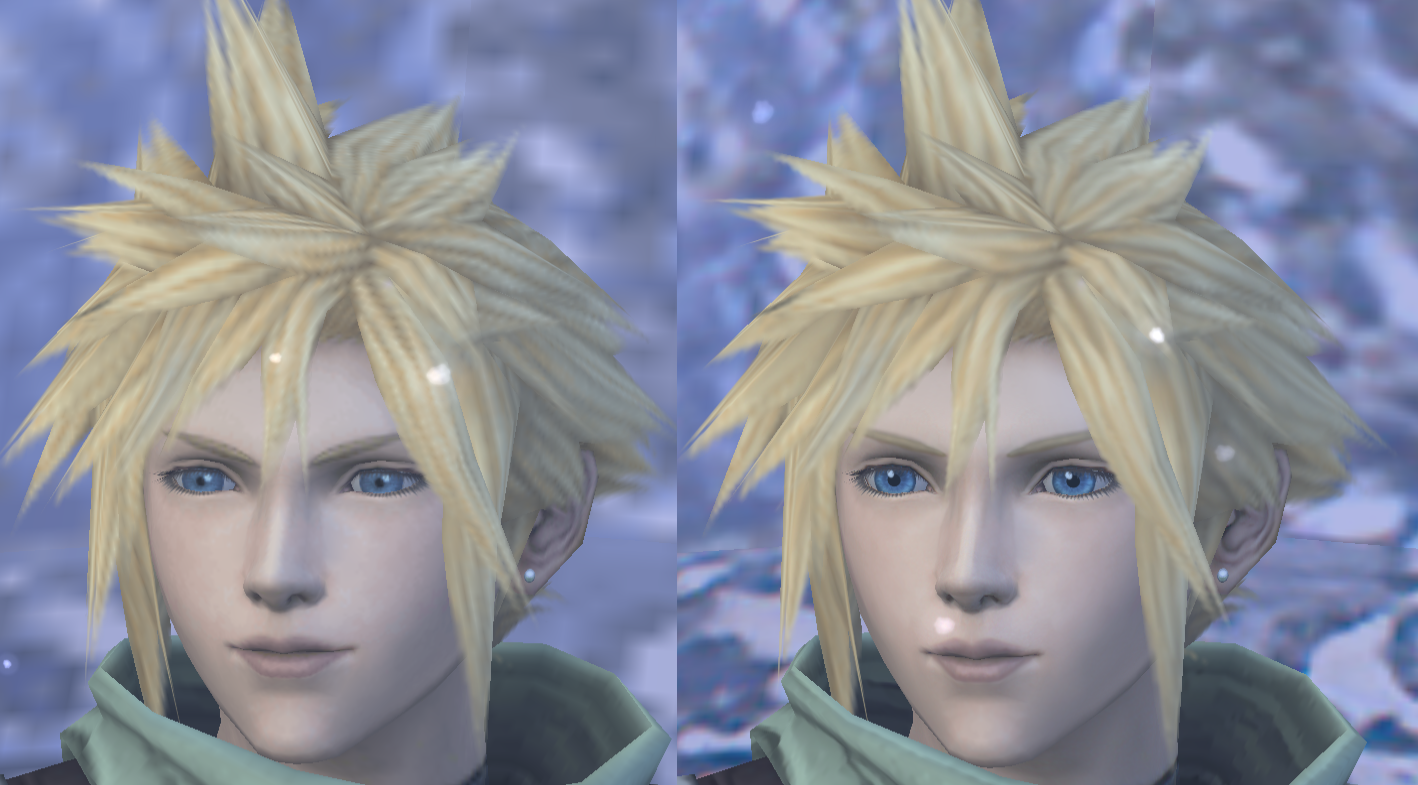
I filitered Cloud's hair so it looks less pixelated.

13WSQtY.png


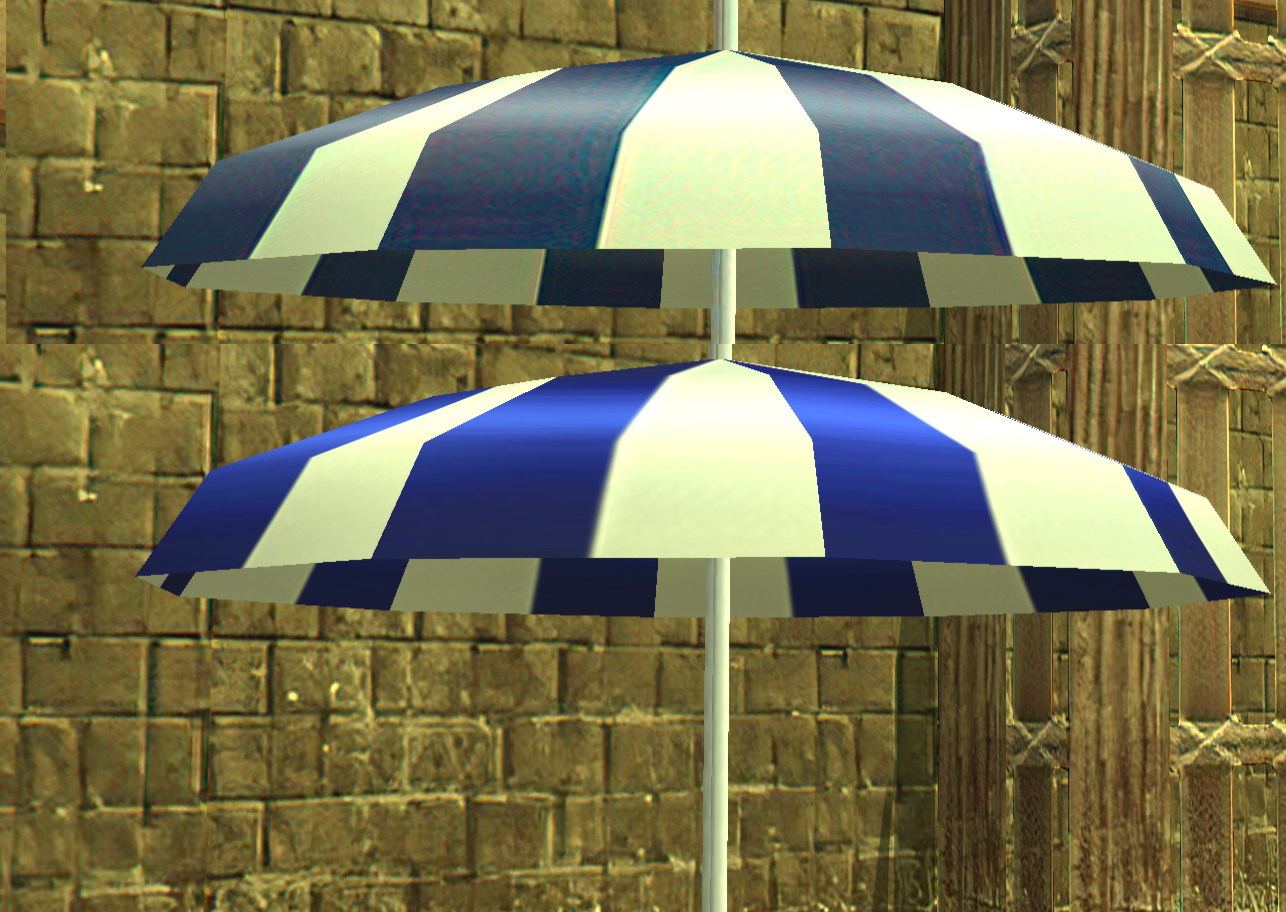
I also fixed the umbrella here:

gIYmpqj.png


Currently, I'm going to be remaking the Buster Sword and will be doing some minor fixes around the Shinra Building. I haven't really heard from eqprog or Zakkura much, probably because it's this time of the year.

I'd like to see more feedback about the project from players, like people saying what they really feel could use improvement the most. It's been pretty silent from this angle.

As a reminder, everyone is welcome to contribute and this is open-source.
 
Hi Tellilum, I just saw your post (didn't notice it before), I fixed the warning, using almost the exact same font (Xolonium).

0xOCQBA.png


When entering Gackt mode, the white flash would look cut off like this.
This has been fixed.
CNqgiSZ.png


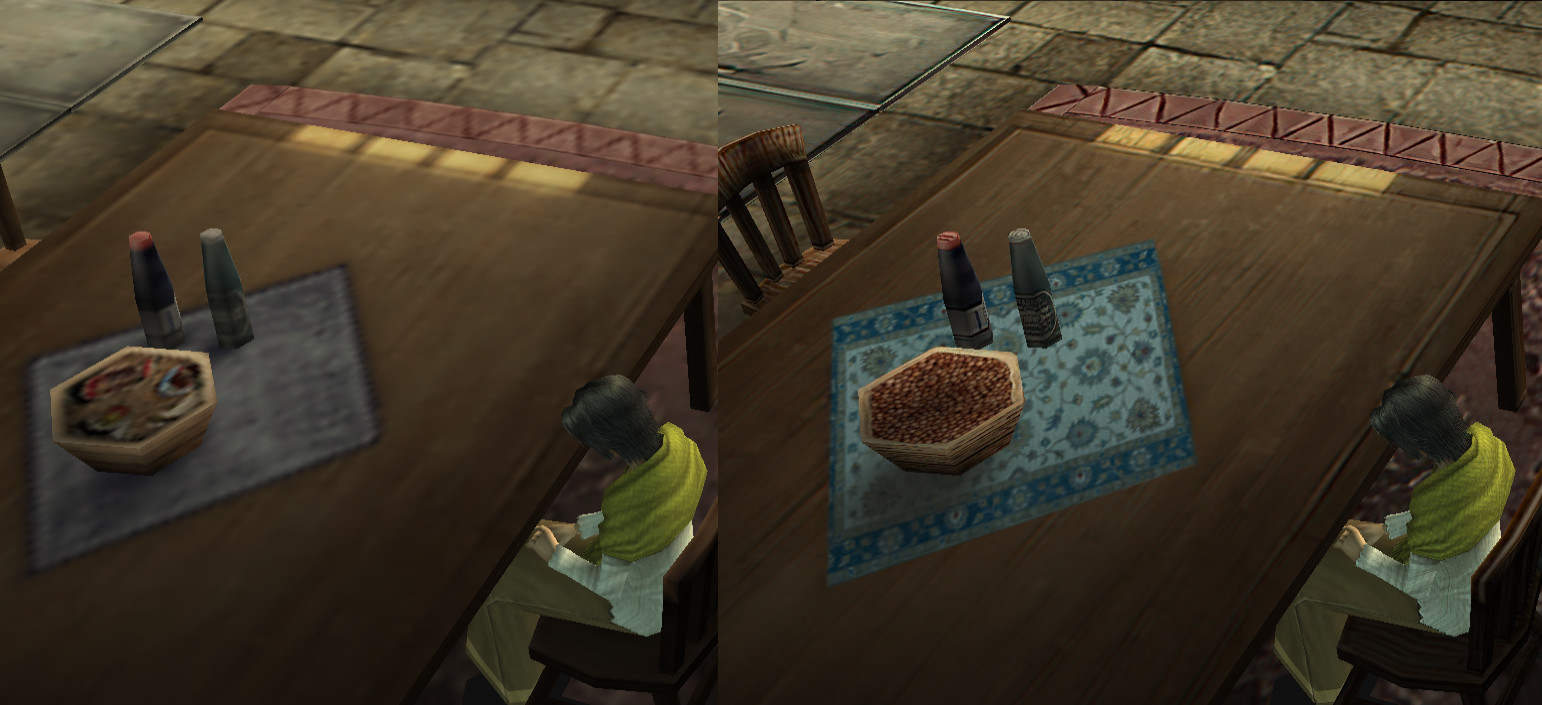
The tablecloth in Angeal's house has been redone. Yes, I know it's not exactly the same, but I don't think anyone cares, I like the more intricate design over a plain one. I also changed the bowl of.... something.... into a bowl of nuts or seeds or whatever anyone thinks it might be.

OFaXqsS.png


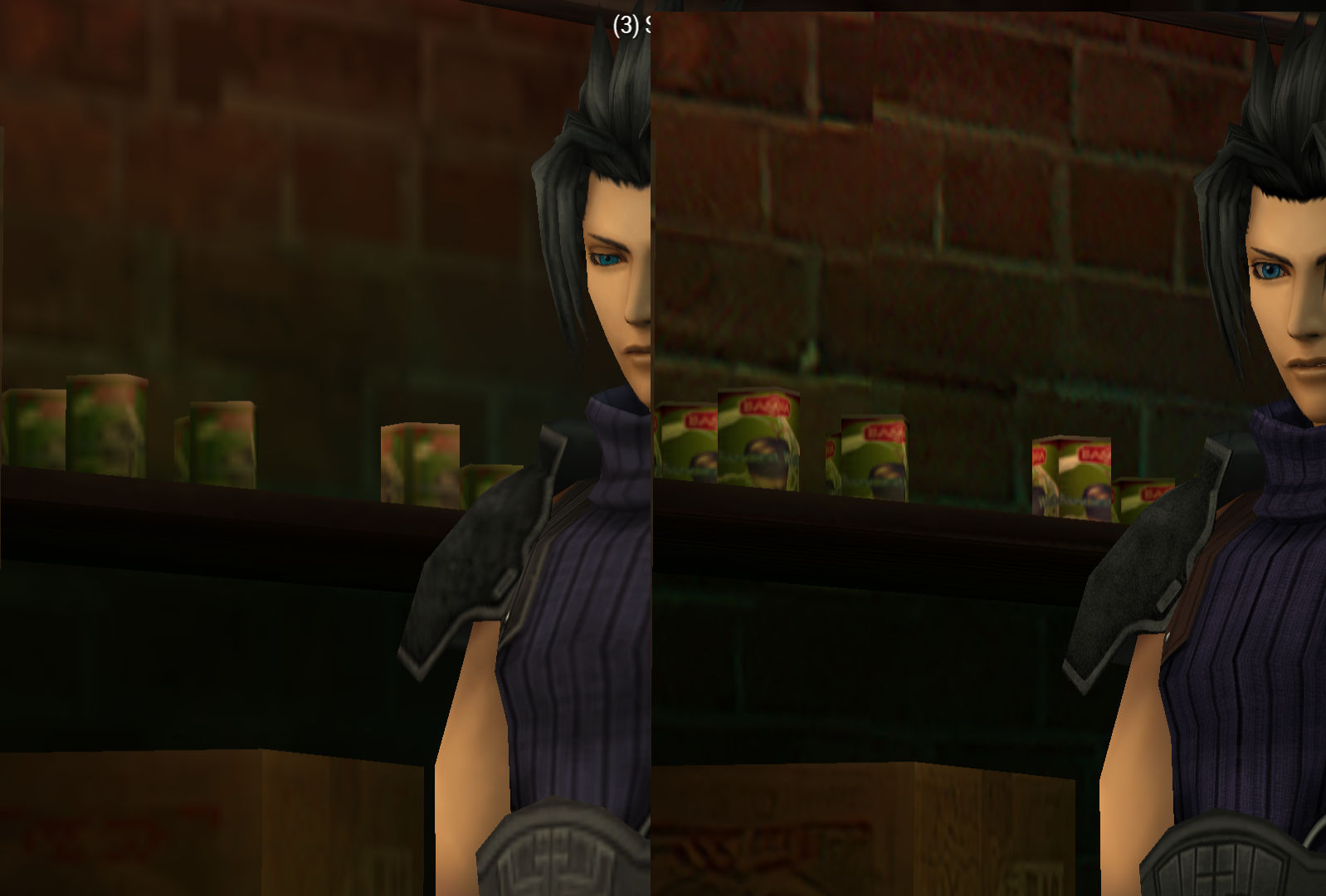
Some cans in the (dumb)apple factory have higher resolution. If anyone spots any low-quality dumbapple cans somewhere else, please let me know.

hYbVXU8.png


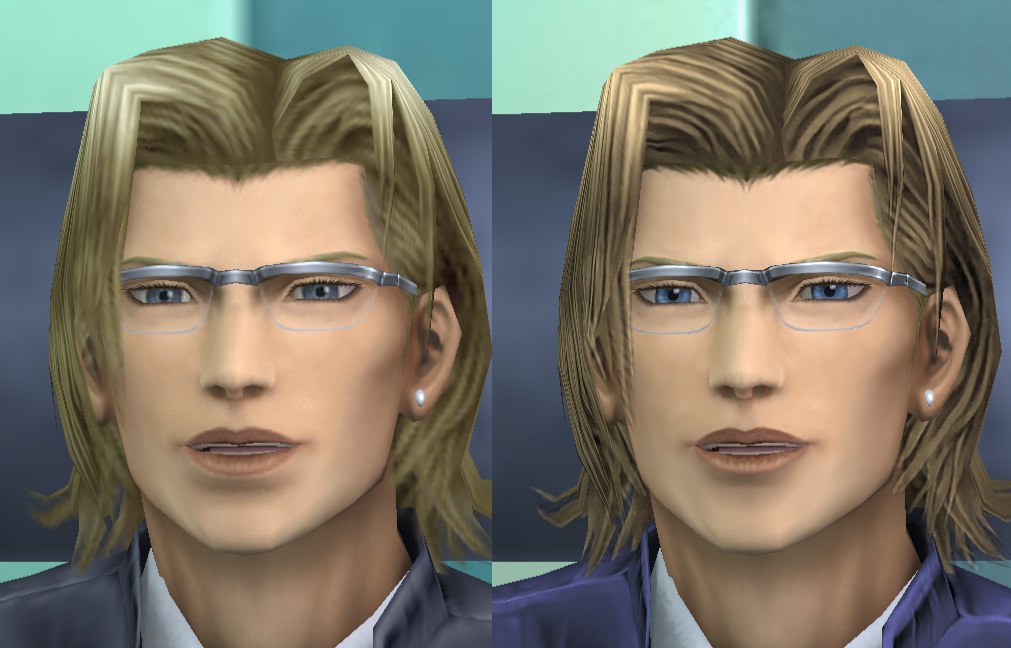
I edited Lazard's widow's peak area to match his new hair tone, made his eyes a more pale blue like they were originally, and tried to get rid of the weird bright line under his lips.

2fofNae.png


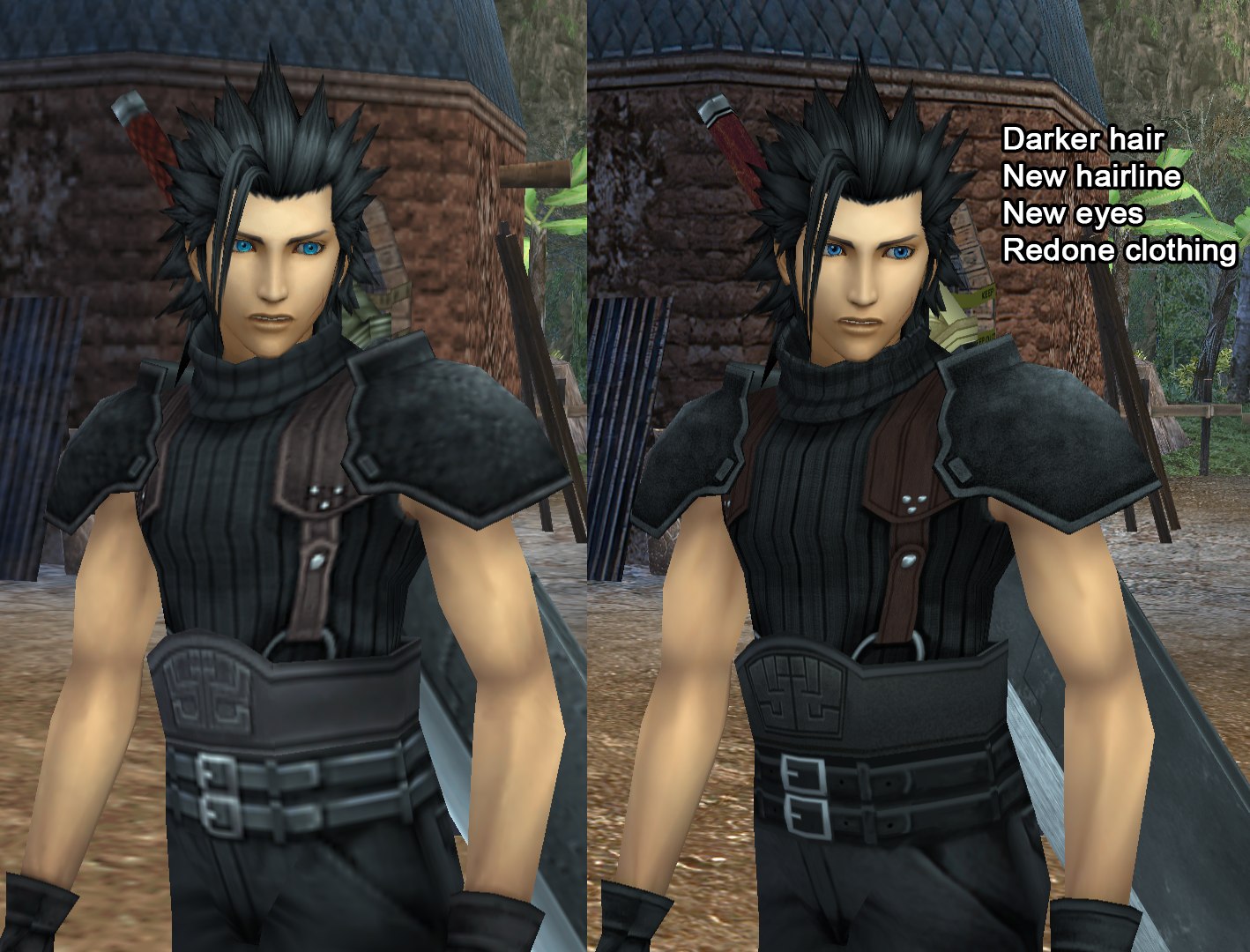
Here's a Zack before and after for those curious, because I've never really done a full comparison with all these changes before:

GR0Fg6L.png


Here's some future stuff I plan to do:

-I discovered if you do Cait Saith in the DMW, Zack model isn't updated with his long hair.
-NPC phasing, I'll take a look at and try to improve.
-I'm almost done the new Buster Sword.

I've also noticed people joining the Discord which is nice. I don't really know what people want from the project there, so I figure I'll just post updates and sneak-previews earlier there.

Finally, the RE4 HD Project is almost done so props to them. I hope our Crisis Core project can reach that level of finesse some day.
 
We got some publicity yesterday from PCGamer.com so that's nice.
The Discord had like 20-30 people join after. I think a lot of people don't want to make Qhimm accounts, but I've been reading some supportive comments so thanks.

The pack had a few updates, so if anyone downloaded the pack a few hours ago, their copy might have some errors. It's fixed now. The project is now Android-compatible as well.

CL6vnch.png


I fixed Mr. Red's armpit here. Armpits have been a bit challenging since a lot of skin tone blends together there. It's not perfect, but you don't see them often.

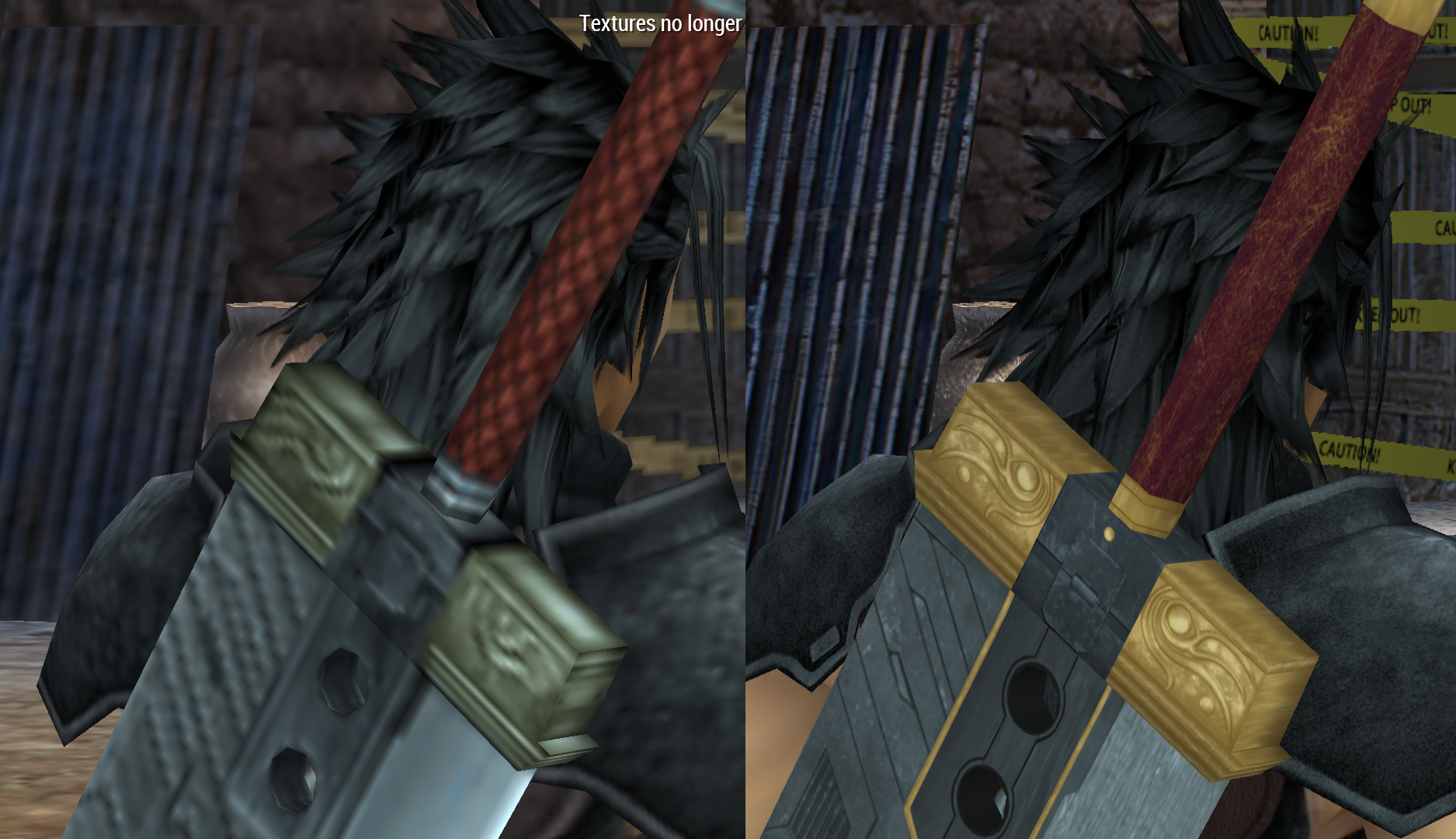
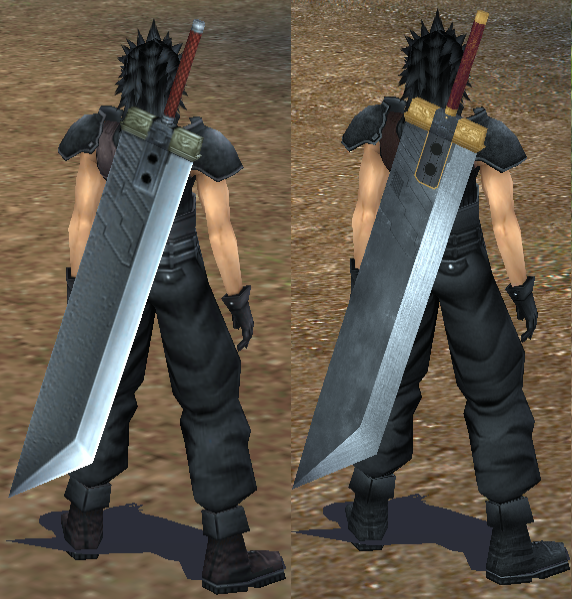
Another new addition is the Buster Sword is now HD.

QzSZlWA.png


xYgHYSX.png


It's not totally finalized but it's good enough to be replace the original.
I have no idea why the original is so inconsistent with official art and the FMWs.

For future plans, I need to work on NPC phasing and updating the DMW portraits on the rest of the UI for consistency.
 
Still working on things. Most small updates are being posted on discord now.

Question for some of the forum veterans: is there a tool to export a 3D model in the .ff7ccmodel format? Yesterday I used noesis to extract the models in collada format and put them into blender so I could get the uv mesh outline. (Wish I had done this before as I believe it will be very helpful understanding the way certain models work with their textures.)

But that got me thinking about doing some mods to the original game which would then be used in the emulator. I just need to get the models in a compatible format first. After that I think I could make a patch for umdgen easy enough.

Edit 2: did some research and realized that am in way over my head

Edit: Obviously someone figured how to extract the data from the iso so there’s gotta be a way to reverse it, right?
 
Last edited:
Status
Not open for further replies.
Back
Top