A
Antonia
Guest
Tried disabling all post, no good. Also tried the "default settings" and "safe settings" -same results.You should disable post processing.
This feature can cause problems.
enable_postprocessing = no
Vista doesn't play well with Bootleg.
Bear in mind also, the settings I posted here *were* working on an install using the exact same discs, same bootleg, and same mods 3 days ago. It's possible the options weren't utterly identical in bootleg setup, but they were definitely very very close.
I don't think it has to do specifically with the options I'm selecting though. Just tried a clean install and as minimal as I could go with Bootleg. Think I had to pick some swords, music and movies, since none of those have a "no change" option. But it STILL crashes.
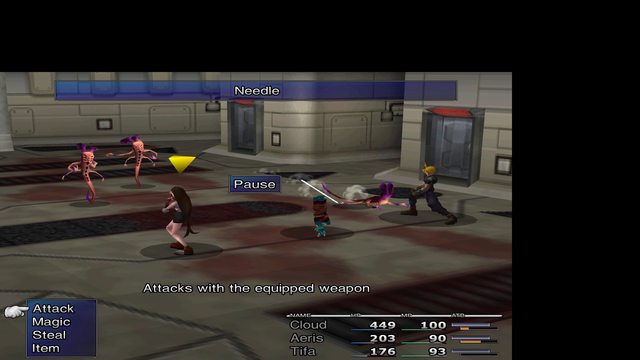
Though this time, it always gives the "FF7.exe has stopped working" error box, rather than the silent crashes. App log looks the same though...
Blah. I hate when logical machines do completely random things. =/