[FF7] Original and Outdated Tutorial - Bootleg Configurator

  • Thread starter Thread starter PitBrat
  • Start date Start date
Status
Not open for further replies.
My current path is C:\games\SteamApps\common\FINAL FANTASY VII, because of Steam autonaming them. If i try to rename FINAL FANTASY VII folder, Steam cant detect it anymore and prevents me from booting the game.

 
Hi,i miss only 2 mod,ffviiremix mp3's part1.rar and the second part...But the page tell me that i have to request the access...
 
Sorry about that i accidently set it on private before now it's in public now people can download it
 
Last edited:
Thank you! :)

i Have one more problem...i can'i play in full screen mod,when i try to play a pop up appear and give me an error "Failed to set the requested fullscreen mode,reverting to original resolution window mode"
 
The way i get round that is change the res to like 800 X 600 or untick the preserve aspect in the configurator
 
Thank you! :)

i Have one more problem...i can'i play in full screen mod,when i try to play a pop up appear and give me an error "Failed to set the requested fullscreen mode,reverting to original resolution window mode"
What screen resolution and internal resolution are you trying to play with?
 
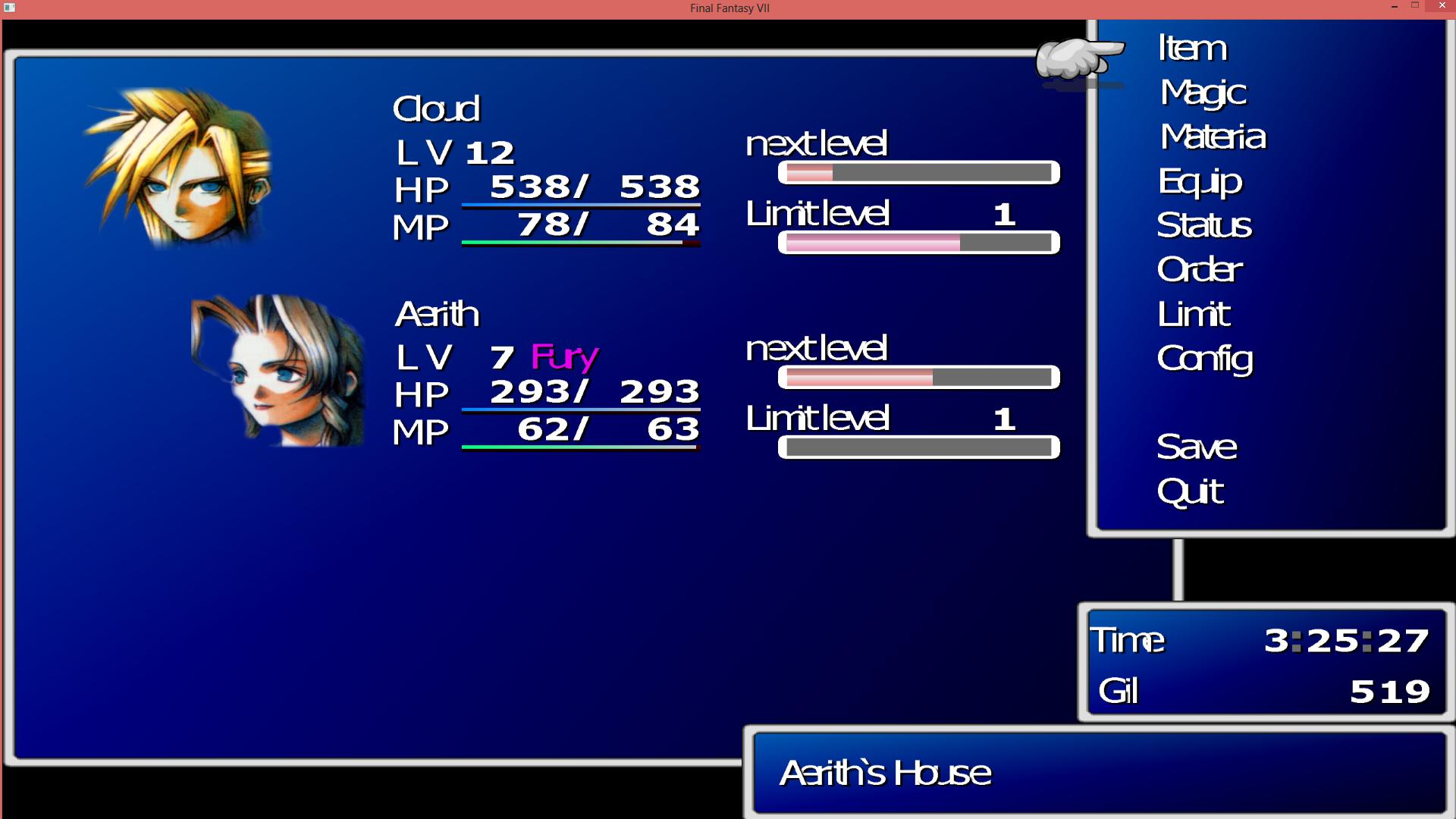
I'm not sure if this is the right place to put it I'm having a strange issue with my FF7 -- specifically, the font in the menus, and the battle menu.

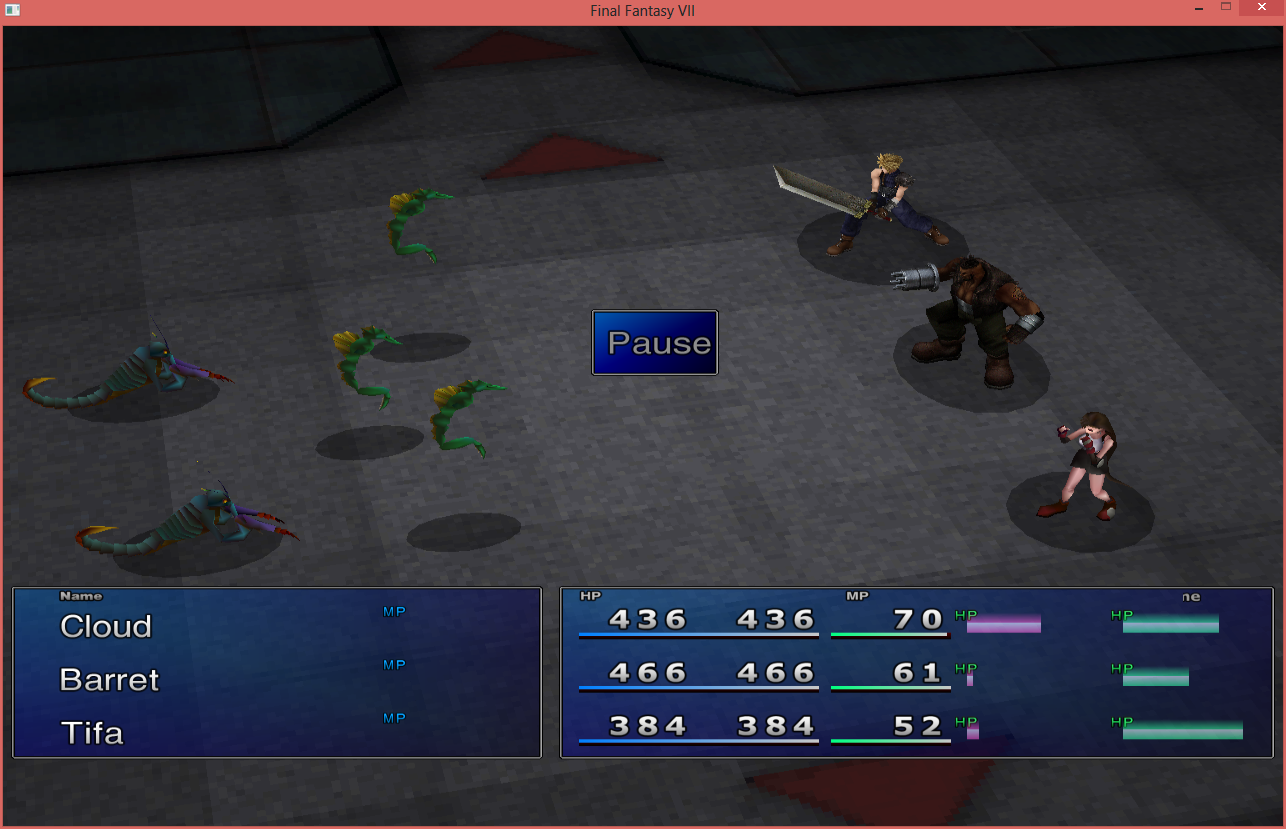
Here's how my menu looks like:
wFpKU3v.jpg
The letters are all smashed up against each other.  I tried uninstalling Avalanche GUI, but that just changed the font, not the spacing of the letters.

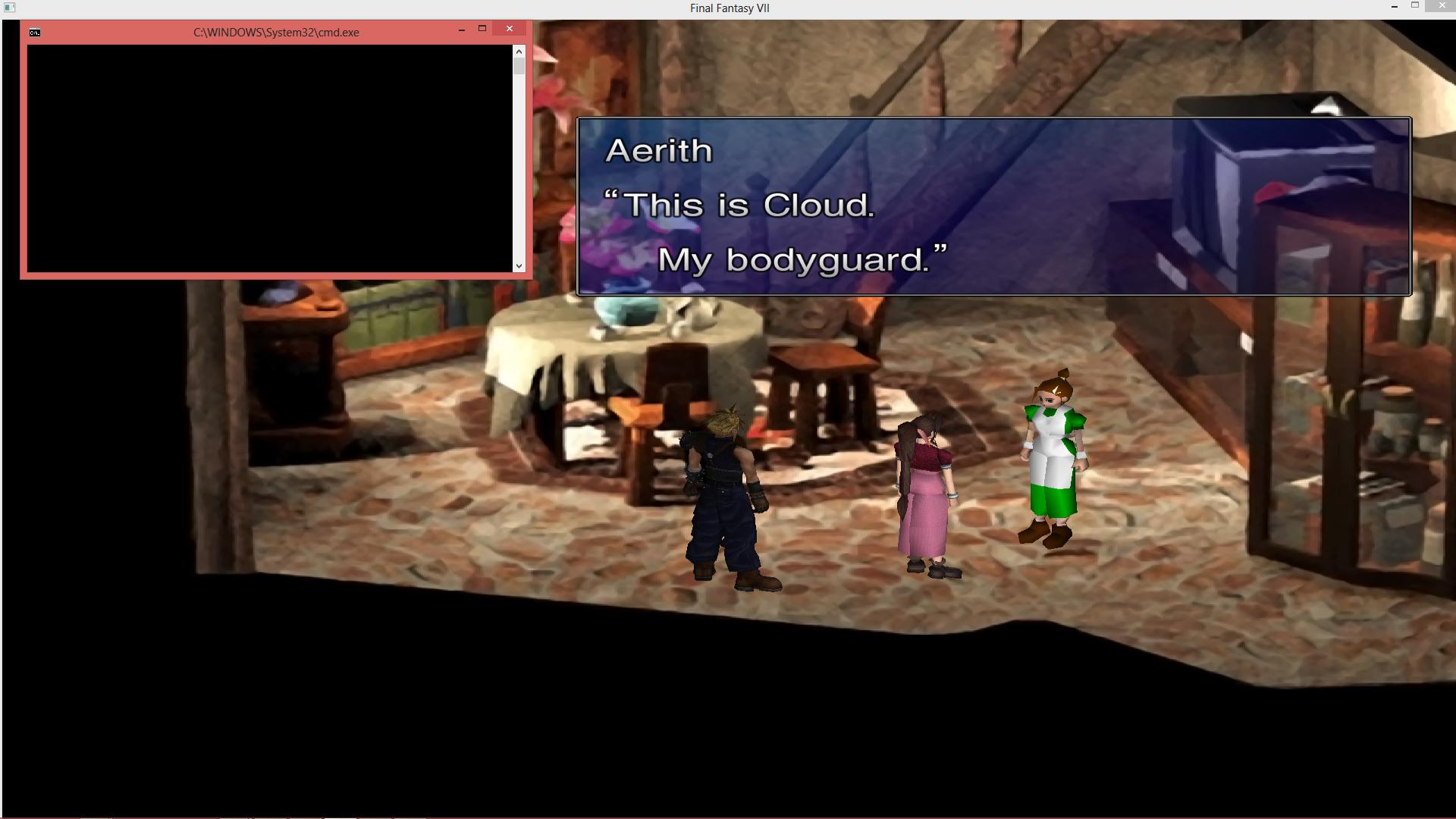
In-game, the font is 100% fine:
Also, I've tried to get the FFX battle menu (or FFIX, even!) that I've seen in some videos, but instead, mine looks more normal:
And while that looks fine, I prefer the cleaner look of the other battle menus.  If I try to switch to them, instead of switching properly, the battle menu gets all jumbled up, to the point where I can only see one character's HP/MP and ATB bar.  I have to restart the game to get it back to normal.

I used Bootleg040, Steam version of the game. Used PitBrat's built-in config, and didn't change much aside from a couple character models and turning off Aeris Revival.  However, everytime I'd run Bootleg, the Menu Overhaul installer would freeze, requiring me to force quit it through the Task Manager.  I'm on Windows 8 (yeah yeah..), and it does it most times without fail -- I think I got it to half-way install properly once? Installing it after the fact didn't seem to...help.  I'm pretty sure other elements of the Menu Overhaul are working (Retranslation seems to be working, complete with Canon names/item names). 

I'm not sure if these are related, but any advice would be greatly appreciated X.X.  I love what the community has done for this game, and aside from these two issues, everything else has been a breeze to setup.
 
I'm interested in knowing if this project will attempt to preserve the new wrapper on the Steam version, in the future? I assume the main reason why this is setup to "downgrade" is because of when this program was made, but I admit my knowledge is limited at best.

As a side question, do these 'updates' that SE seems to be enjoying make it easier, harder, or have no effect on the progress of the project?
 
This and almost everything will never be possible without downgrading your game.
 
I'm going to go ahead and sum what Steam users should do to mod the game:

You need to copy (or move) the game contents into another, non-system folder like C:\Games\FF7 to be able to mod it. I got 6 help requests email regarding Bootleg in the last 24 hours, 4 of them were because the game was installed in the Steam folder still.

You honestly lose nothing by downgrading the game. Downgrading is simply moving/copying it into another folder.

I reply to all the help requests mails I get to the best of my knowledge.

~Vgr
 
Plutoknight, as far as i remember to fix that problem you have clear the cache folder, in the config disable compress textures and reinstall Menu Overhaul
 
Plutoknight, as far as i remember to fix that problem you have clear the cache folder, in the config disable compress textures and reinstall Menu Overhaul
Pluto did you install menu overhaul separately from bootleg? Or reinstall menu overhaul? If so, it will change your mod path to DK and a buncha files will end up in the game directory mods/DK/. Those files need to be copy pasted to the mods/bootleg/ directory and overwritten on anything prompted about. Also need to change modpath in bootloader back to Bootleg.
 
I'm going to go ahead and sum what Steam users should do to mod the game:

You need to copy (or move) the game contents into another, non-system folder like C:\Games\FF7 to be able to mod it.
My GC reads the registry keys to determine the path to FF7.
Copy brings nothing there, move results in a termination of the GC (hopefully).
I strongly advise to reinstall the game in a non-system folder.
 
Copying allow for modding without using anything else and keeps a copy of the unmodded game.

Moving achieves exactly the same purpose, except without backup.

I provided this solution for people to not have to use other programs than Bootleg itself.

~Vgr
 
That does not convince me!

That bootleg the folder structure of the rerelease can not maintain, is not my fault.
If the folder is copied. one has twice 2GB data lying around, which is probably used only once.
If you move it, the rerelease (or Steam) you can not play anyway.

Copying is only useful if you want to play both variants mutually, otherwise that only creates confusion.
 
Of course, move it if you need the space, but I - uninstalling more often than not for testing purposes - prefer to keep a fresh copy lying around. Zipping the contents of the folder also works.
 
Hi, I have a problem. If I active "Shaders" option in the Bootloader I have icons, text, backgrounds, textures, .... all is white!  :-(
I use last bootleg and a Steam version of game.
Solutions? Thanks!
 
Everything is made of light

Q: My game is all black/white! It goes away when I disable shaders, but I don't want to! What do I do?
A: In your FF7 directory, copy and replace the files .\shaders\main.frag and .\shaders\main.vert into .\shaders\nolight\ (however, the shaders need to be enabled for this to work!) or you can download the shaders-fix (thanks to UGerstl for this).

Credits go to Xion999 for the fix.
 
I'm going to go ahead and sum what Steam users should do to mod the game:

You need to copy (or move) the game contents into another, non-system folder like C:\Games\FF7 to be able to mod it. I got 6 help requests email regarding Bootleg in the last 24 hours, 4 of them were because the game was installed in the Steam folder still.

You honestly lose nothing by downgrading the game. Downgrading is simply moving/copying it into another folder.

I reply to all the help requests mails I get to the best of my knowledge.

~Vgr
Dont you lose the ability to gain steam achievements, use cloud saving, and use the booster instead of hacking a savefile?

And what about the supposed increase for newer hardware/OS's and the extra filtering option? Is any of this affected at all?

Ultimately I'm going to try this mod setup as it's intended to be setup, but I'm trying to understand the hows and whys of the above questions.
 
Status
Not open for further replies.
Back
Top