S
Sachichan
Guest
My current path is C:\games\SteamApps\common\FINAL FANTASY VII, because of Steam autonaming them. If i try to rename FINAL FANTASY VII folder, Steam cant detect it anymore and prevents me from booting the game.


What screen resolution and internal resolution are you trying to play with?Thank you!
i Have one more problem...i can'i play in full screen mod,when i try to play a pop up appear and give me an error "Failed to set the requested fullscreen mode,reverting to original resolution window mode"
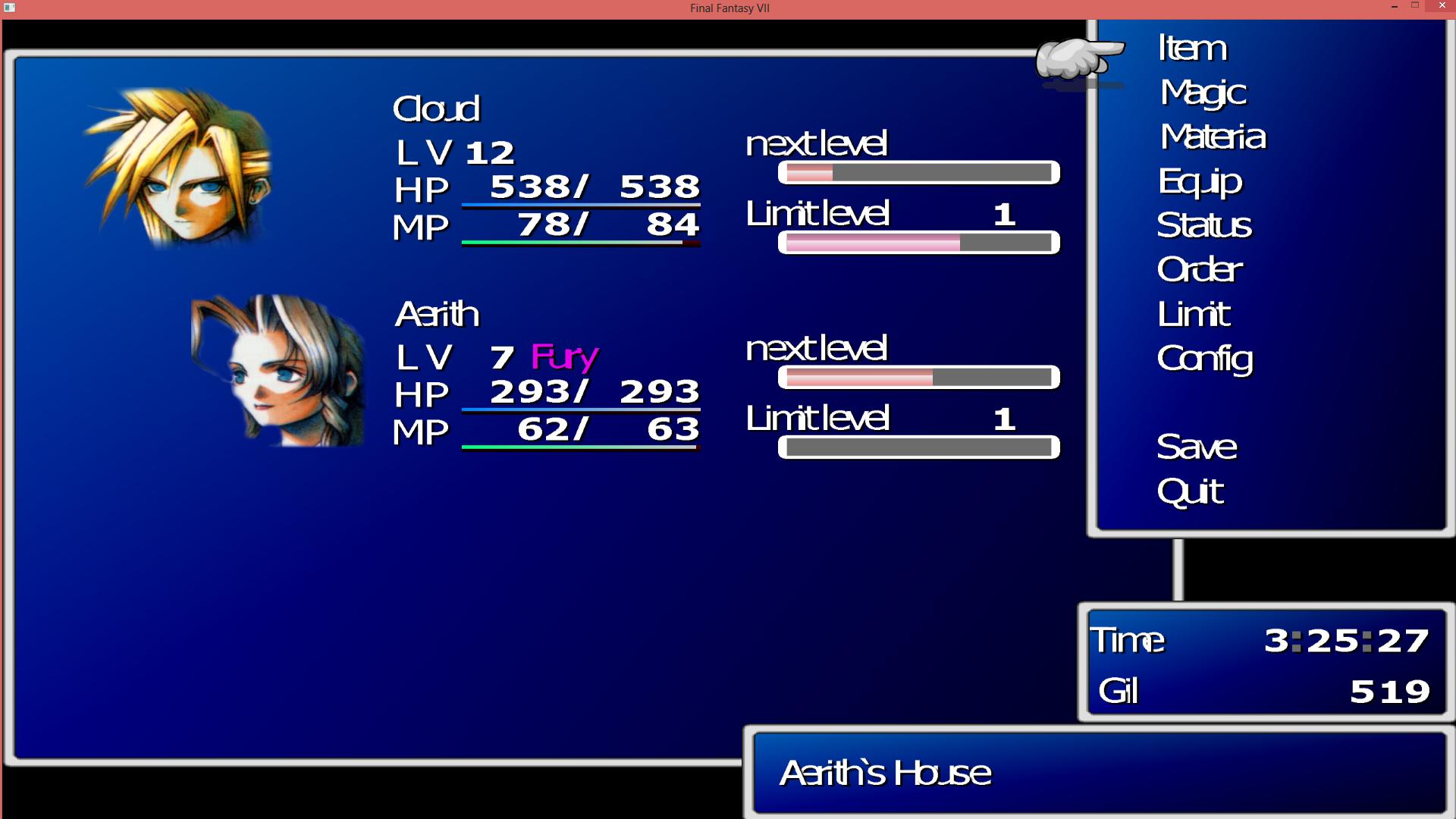
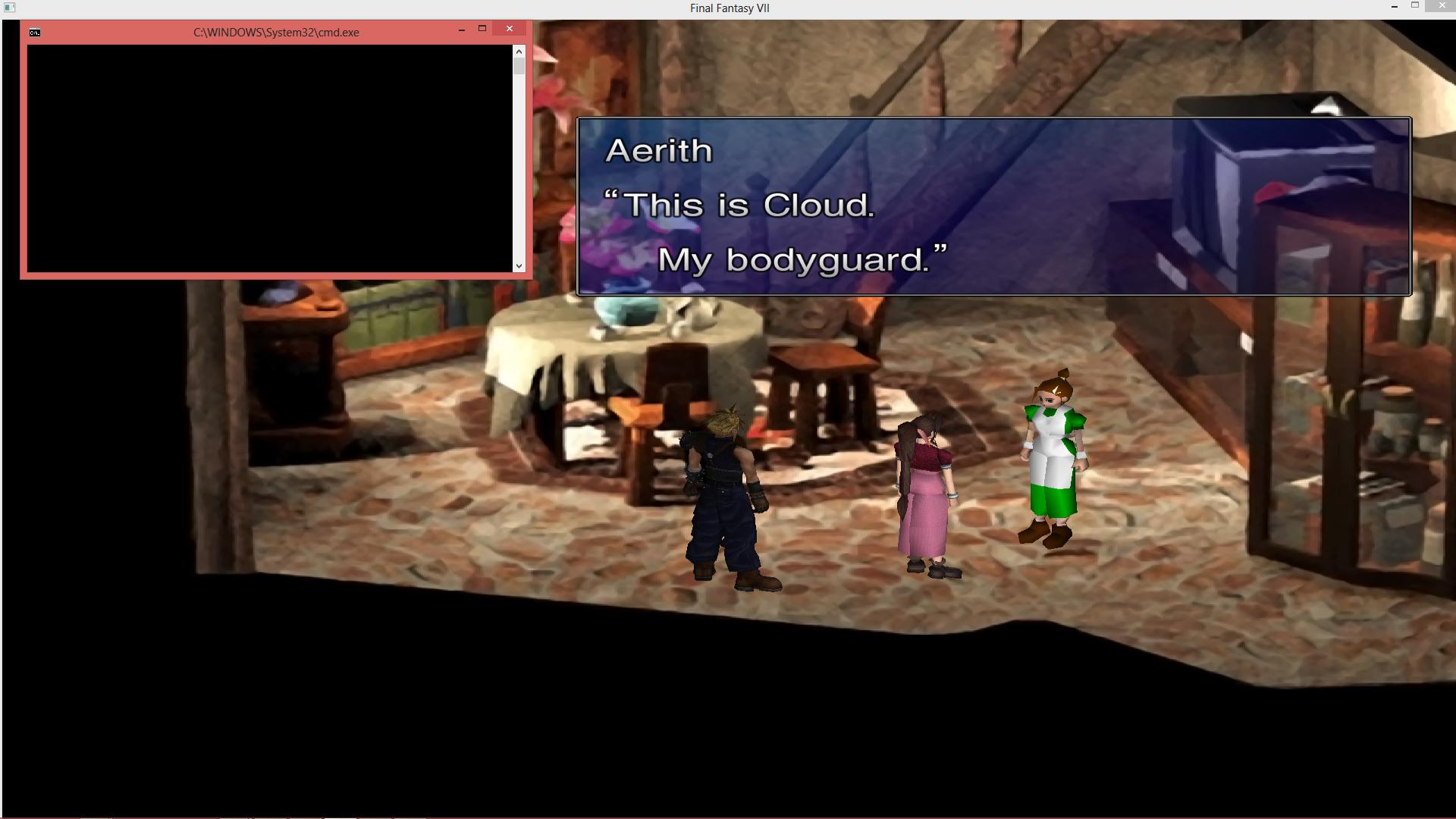
The letters are all smashed up against each other. I tried uninstalling Avalanche GUI, but that just changed the font, not the spacing of the letters.
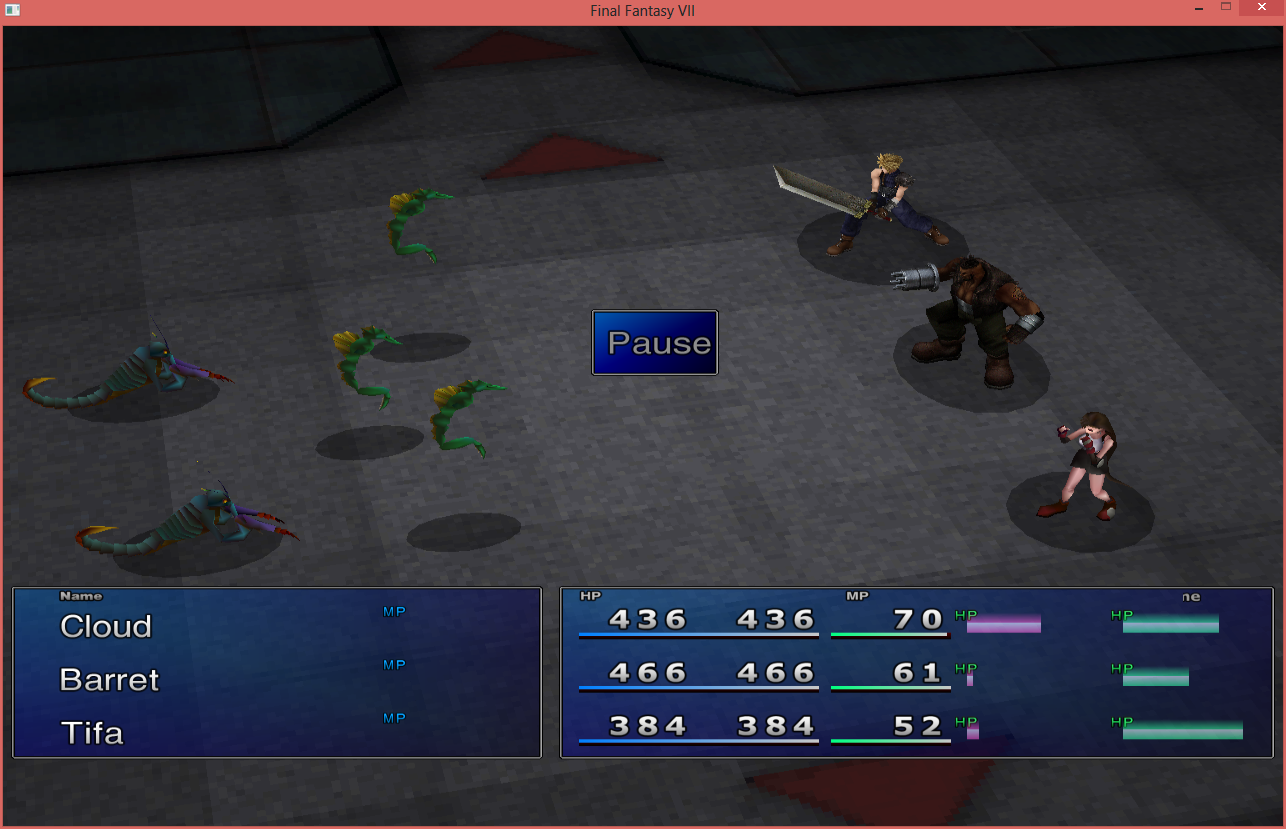
Also, I've tried to get the FFX battle menu (or FFIX, even!) that I've seen in some videos, but instead, mine looks more normal:
And while that looks fine, I prefer the cleaner look of the other battle menus. If I try to switch to them, instead of switching properly, the battle menu gets all jumbled up, to the point where I can only see one character's HP/MP and ATB bar. I have to restart the game to get it back to normal.
Pluto did you install menu overhaul separately from bootleg? Or reinstall menu overhaul? If so, it will change your mod path to DK and a buncha files will end up in the game directory mods/DK/. Those files need to be copy pasted to the mods/bootleg/ directory and overwritten on anything prompted about. Also need to change modpath in bootloader back to Bootleg.Plutoknight, as far as i remember to fix that problem you have clear the cache folder, in the config disable compress textures and reinstall Menu Overhaul
My GC reads the registry keys to determine the path to FF7.I'm going to go ahead and sum what Steam users should do to mod the game:
You need to copy (or move) the game contents into another, non-system folder like C:\Games\FF7 to be able to mod it.
Dont you lose the ability to gain steam achievements, use cloud saving, and use the booster instead of hacking a savefile?I'm going to go ahead and sum what Steam users should do to mod the game:
You need to copy (or move) the game contents into another, non-system folder like C:\Games\FF7 to be able to mod it. I got 6 help requests email regarding Bootleg in the last 24 hours, 4 of them were because the game was installed in the Steam folder still.
You honestly lose nothing by downgrading the game. Downgrading is simply moving/copying it into another folder.
I reply to all the help requests mails I get to the best of my knowledge.
~Vgr