[FF7] Tutorial for Bootleg - Tifa's Bootleg

  • Thread starter Thread starter EQ2Alyza
  • Start date Start date
Status
Not open for further replies.
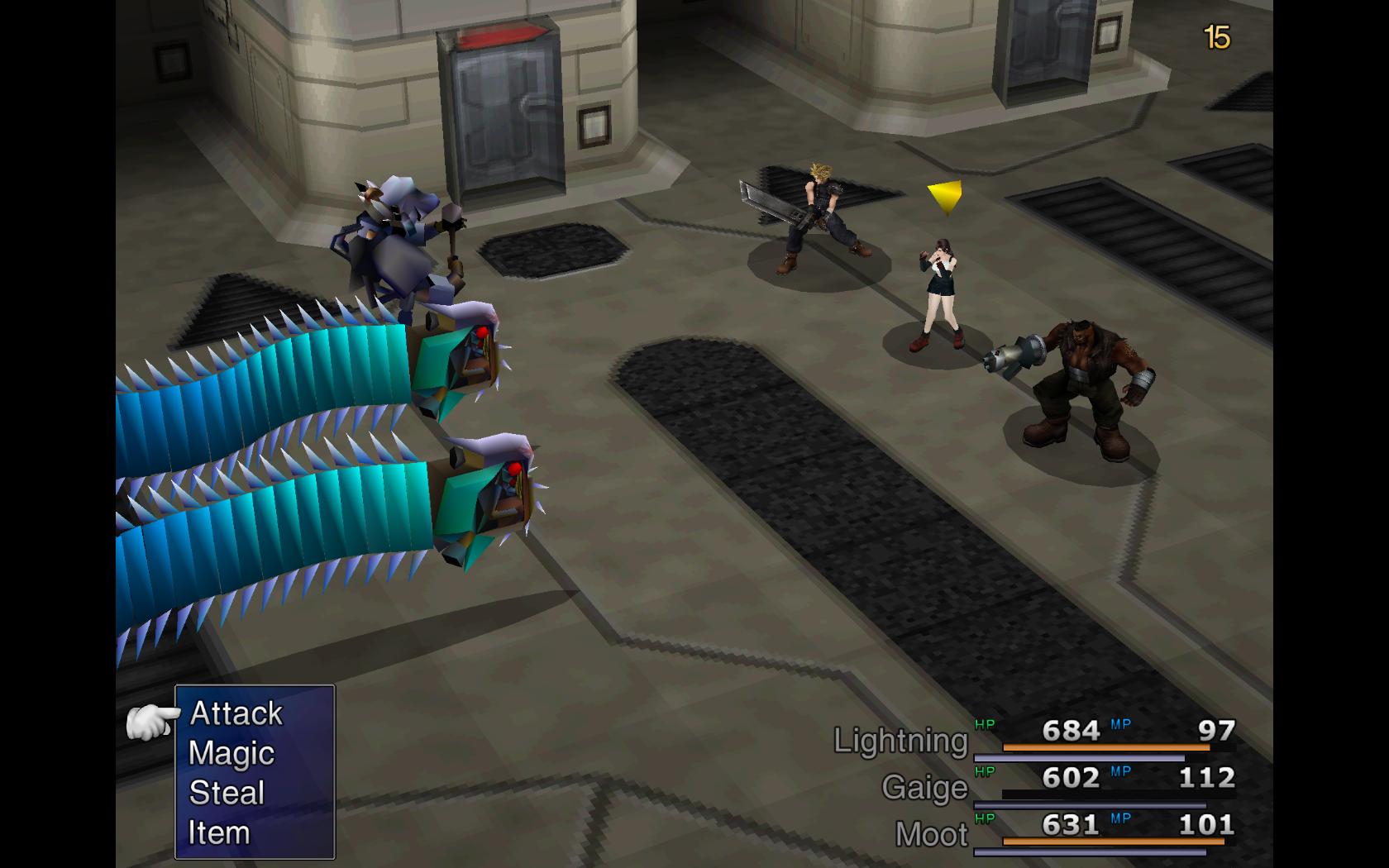
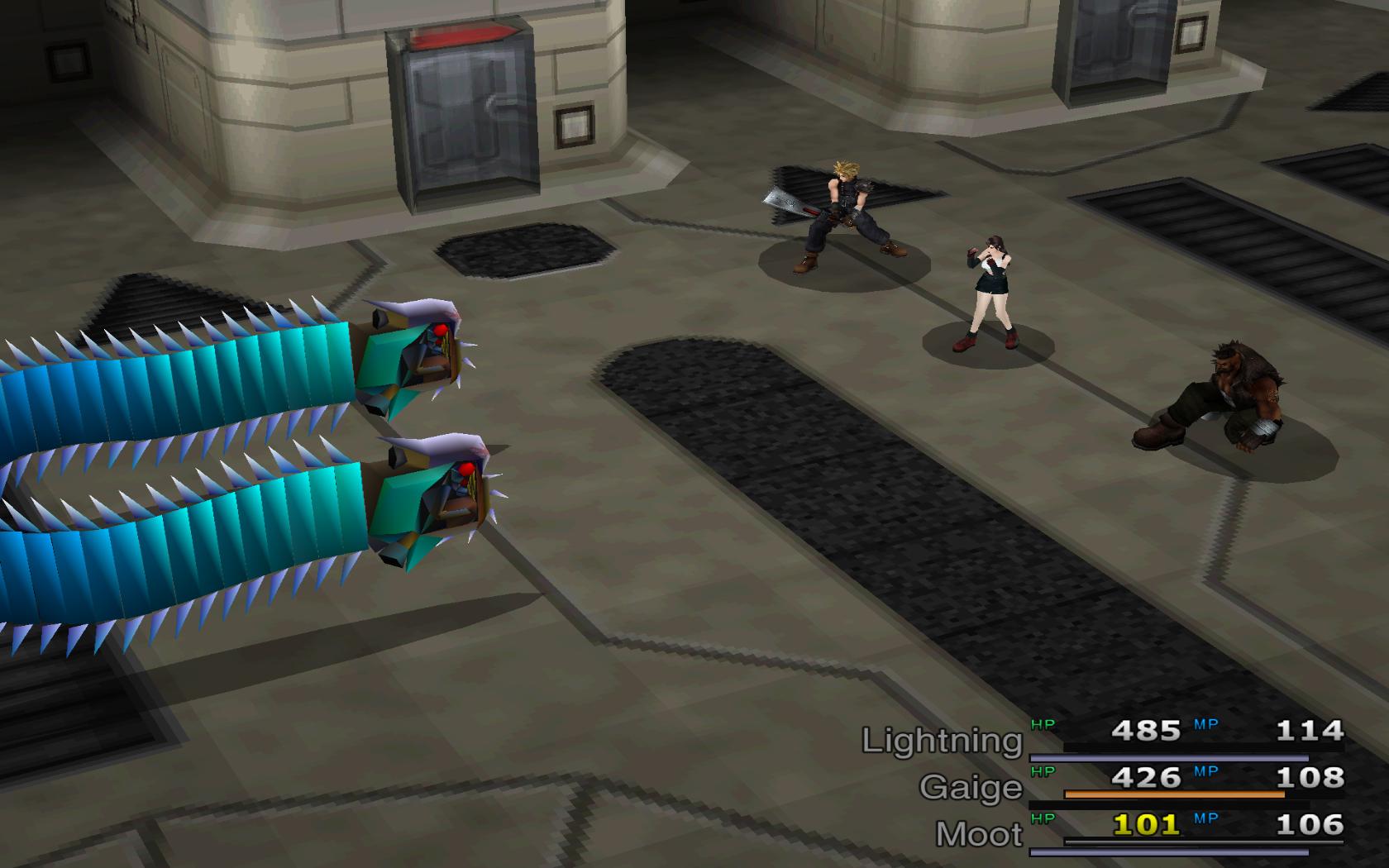
this gonna sound funny but is it just me or are the enemies stronger and seem like they take longer to die? Also i got it to run hoperfully nothing occurs in the future but it seems to me that the blue jaguar enemies in the beginning are a little op lol
 
would the problem be fixed by maybe unchecking the 9999 break barrier thing?
 
i just noticed you can change the mode im assuming "difficulty" i have no modes the config says so it should just be standard difficulty correct?
 
If a MOD messed the English condor.lgp, what can I do then ?
If you've used my GC a folder "BackupGC" should be there.
Since also the original condor.lgp is inside.


@xvdieselxv
Would you please do not write new posts but recent edit your post if go together?
 
Last edited:
If you've used my GC a folder "BackupGC" should be there.
Since also the original condor.lgp is inside.


@xvdieselxv
Would you please do not write new posts but recent edit your post if go together?
sorry man will do!
 
If you've used my GC a folder "BackupGC" should be there.
Since also the original condor.lgp is inside.


@xvdieselxv
Would you please do not write new posts but recent edit your post if go together?
Ha... but then, I have to confess that I used your GC again when Template mentioned it thinking it could help. So the backup file I have is the one which is wrong :'(
Is there any other way or will I need to reinstall it all over again ? :p And if so, is it possible to keep the save data apart and copy/past it in the new installation ?
 
I need help fixing the field and battle music.  There is a slight delay when entering a new area, such as entering into the mako reactor for the first time. The music doesn't kick in until 5 seconds in. The victory fanfare when the battle is over is delayed. The worst part is when entering into a battle, the field music is still playing while the battle music is playing. Another example would be when entering into 7th heaven for the first time. The field music is still playing while Tifa's theme is playing. Anyone know how to fix this?
 
Ha... but then, I have to confess that I used your GC again when Template mentioned it thinking it could help. So the backup file I have is the one which is wrong :'(
Is there any other way or will I need to reinstall it all over again ? :p And if so, is it possible to keep the save data apart and copy/past it in the new installation ?
Already damaged files can not repair with my GC...

Under these circumstances, it is probably the best solution to reinstall.
You can move the "save"-folder out of the Gamefolder, also the folder with BFE.exe and the MODs in it.
Uninstall the game and clean the registry with my "FF7 REMOVE Regitstry Keys".
Then reinstall the game in a non-system folder and run my "FF7 Game Converter".
Start the game, that should first call the config, so the last registry key to be set.

Now you can install other mods or start BFE.exe.

Side Note:
In the folder "BackupGC" only the files are backed up, which can also be changed by the GC.
If you want to save more files, you should do before you start BFE.exe.


@islandboy0707
have a look here
 
Last edited:
to cloudstrife996:
look here
PS: I took your picture  :)
Thank you very much. It worked perfectly :D.
It seems that only AMD Catalyst_13.5 Beta2 driver work with FFVII for those who use Radeon card. My previous version is AMD Catalyst_13.6 Beta2 does not work either.
 
You can't use a direct replica of a battle model in the field because they have more bones and such, but there are good field models.
Yeah, i can see the complications, I've been looking for a few days now for a solution. Cloud's hi-rez PPR classic model looks the best to be honest.


UnshadedSephField_zps224afcbb.png

This is Kaldarasha's unshaded Sephiroth field model. I believe it's been or being adapted for the few battles he shows up in, but the battle version is not yet released, AFAIK.
That is a very good Sephiroth model, seeing him shaded in my roster of field characters would really make my day!

I'm not too fond of seeing sehpiroth glamored up with a typical smirk on his face. I'm looking for something mean,

This.
2enoxs1.jpg


uLGP and unlgp work fine on windows 8, I imagine. Check the tools section of The Big List of Mods, I use uLGP GUI .7 because I am too dumb/lazy for command line stuff.
I'll take a look at them, thanks. I'm interested in making the ultimate roster of characters, but i want them to all blend with one an other and with the NPCs and environments.  a high rez rendition of the PPR classic Tifa and Aerith would be awesome too.
 
So, just to be clear, there is no way to have ALL "canon" names work even with Canon Names checked when Retranslation is installed to fix the counters? Marlene will permanently be changed to Marin, and so on? Is there a specific file I can edit manually to change these myself? :?
 
Already damaged files can not repair with my GC...

Under these circumstances, it is probably the best solution to reinstall.
You can move the "save"-folder out of the Gamefolder, also the folder with BFE.exe and the MODs in it.
Uninstall the game and clean the registry with my "FF7 REMOVE Regitstry Keys".
Then reinstall the game in a non-system folder and run my "FF7 Game Converter".
Start the game, that should first call the config, so the last registry key to be set.

Now you can install other mods or start BFE.exe.

Side Note:
In the folder "BackupGC" only the files are backed up, which can also be changed by the GC.
If you want to save more files, you should do before you start BFE.exe.
Thanks a lot ! Worked perfectly !!!!

PS : got trouble to access forums last night to give the good news
 
Piccolo113, that retranslation is very old and unfinished. There will be a new release soon that is three years in the making.
 
Piccolo113, that retranslation is very old and unfinished. There will be a new release soon that is three years in the making.
Oh, what? There IS a new wave of mods incoming? I thought everyone was just satisfied with the status quo and weren't going to bother. Do you know how soon "soon" is?
 
Sorry if this has already been fixed by someone who had the same issue, but i couldn't find a way to fix it


I'm currently using this setup and i'm in the Shinra HQ floor 65, but during one fight the game just freezes if i kill a certain enemy.

IgsZQai.jpg


The left enemy (Hammer Blaster) is the only enemy which has this happen to me, Other fights work fine and if he dissapears before the fight is over it works fine also, but if i kill him the game freezes in terms that i cant select any more options and i cant run away.


YOnRNeD.jpg


Here is a picture of what i mean, I can't do anything anymore.
 
Last edited:
That is a very good Sephiroth model, seeing him shaded in my roster of field characters would really make my day!
UnshadedSephField_zps224afcbb.png
It is a screenshot taken from Kimera. It is unshaded because the game engine shades them... thus the name of the exact type of NPC project you are looking for is the Unshaded Models Collection or UMC by Kaldarasha. That collection includes the best Sephiroth field model on the market. AND it has working transparency... There just isn't another alternative. It's what anyone who isn't willing to use the new fixed rerelease Chibis should be using. He's good old angry-looking nutso Sephiroth. One humble request on behalf of the troubleshooting team: If you are going to repost screenshots, as I have a habit of doing, please try to make them small, like I have done here with the img tag including [img width= height= ] before the image url. Original screenshots to illustrate the issue you are having as the post above mine are excellent, but I am constantly having to remind myself to make my posts as physically short as possible lest these TS threads get harder to research back through.  :)

The left enemy (Hammer Blaster) is the only enemy which has this happen to me, Other fights work fine and if he dissapears before the fight is over it works fine also, but if i kill him the game freezes in terms that i cant select any more options and i cant run away.
That enemy combination is not possible and makes me think your flevel.lgp is messed up. Something about Aeris revival maybe, anyway... I've seen this before, but I had to reinstall. Did you make any sudden moves during the bootleg install?   :P
If you are going to reinstall ff7 this is my procedure: uninstall ff7music and ff7 from the windows control panel uninstaller first, make sure to delete the entire contents of your install folder, if it hasn't been removed (depends on version and mods), use Kompass63's ff7 registry key removal utility, reinstall ff7, use Kompass63's Game Converter, run the game to make sure it works, then run bootleg. Be careful about skipping things in Bootleg manually. I wouldn't recommend that unless you are an experienced Bootleg user with some time on your hands.
 
Last edited:
I finally got around to overclocking my i7 and decided to replay FFVII, I installed bootleg like I normally do on my laptop but for some reason this time after the initial movies all I get is a black screen with a couple of red triangles.

I can move the cursor and I hear it, but I cannot see it, if I enter the game after the intro sequence All I can see are character models, everything else is blacked out.

I am on an i7 920, overclocked to 3.8, Ati Radeon 5880 1gb ddr5 and 12gb of ddr3 1600. Windows 7x64 and bitdefender antivirus. I have tried to reinstall the game a couple of times now to the same results.
 
I finally got around to overclocking my i7 and decided to replay FFVII, I installed bootleg like I normally do on my laptop but for some reason this time after the initial movies all I get is a black screen with a couple of red triangles.
Please uninstall your current graphics drivers and install the ones discussed in this troubleshooting forum post: Error in AMD Catalyst
 
That enemy combination is not possible and makes me think your flevel.lgp is messed up. Something about Aeris revival maybe, anyway... I've seen this before, but I had to reinstall. Did you make any sudden moves during the bootleg install?   :P
If you are going to reinstall ff7 this is my procedure: uninstall ff7music and ff7 from the windows control panel uninstaller first, make sure to delete the entire contents of your install folder, if it hasn't been removed (depends on version and mods), use Kompass63's ff7 registry key removal utility, reinstall ff7, use Kompass63's Game Converter, run the game to make sure it works, then run bootleg. Be careful about skipping things in Bootleg manually. I wouldn't recommend that unless you are an experienced Bootleg user with some time on your hands.
I don't remember installing Aeris Revival, reinstalled the game before but i'll try it again.
 
Status
Not open for further replies.
Back
Top