
[FF7PC-98/Steam] Multiple mods and Modding Framework-The Reunion [R06f]

  • Thread starter Thread starter DLPB_
  • Start date Start date
Status
Not open for further replies.
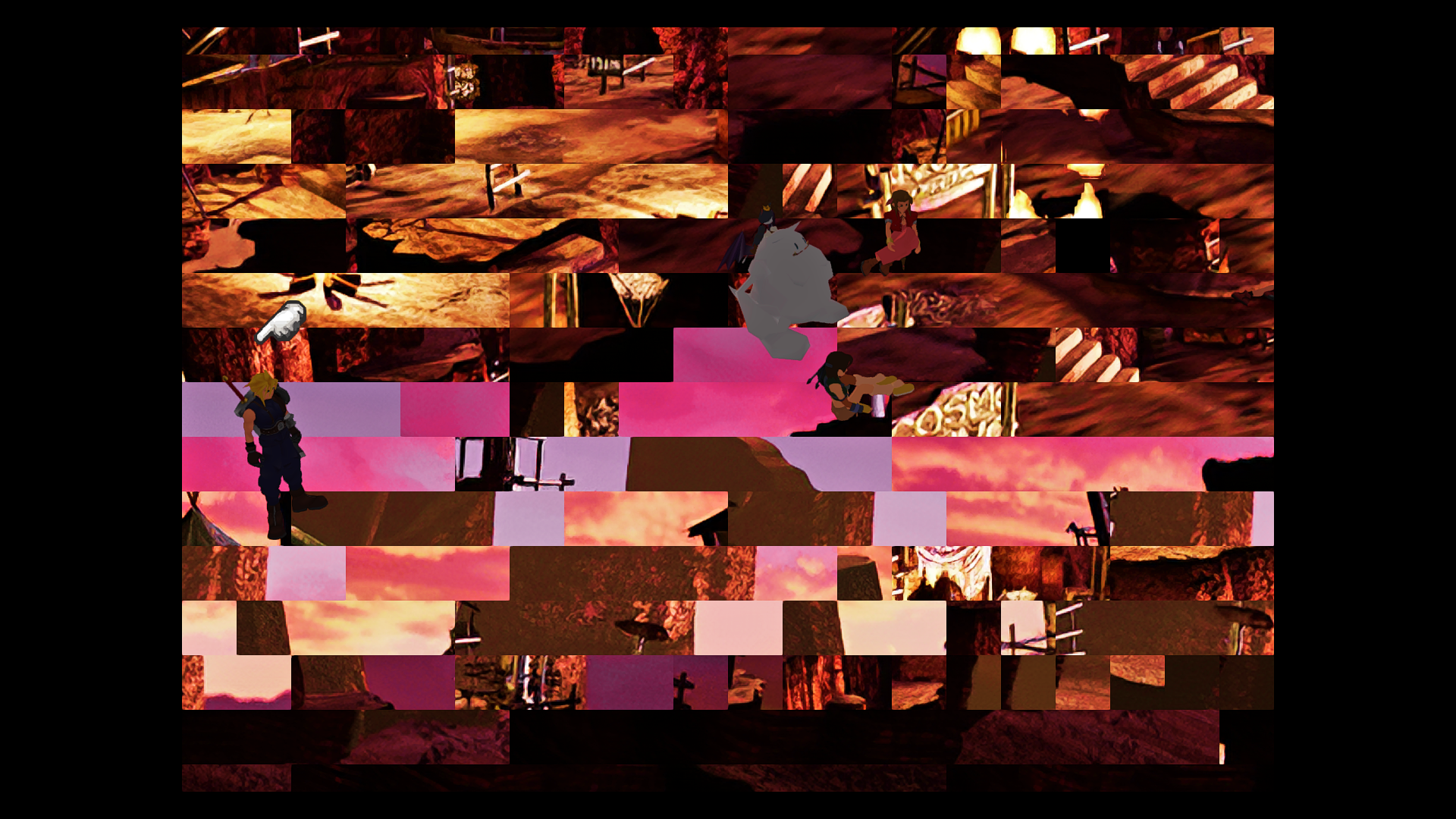
I also get the image corruption using aali.dll from hotfix9. I then replaced that dll with the one from yesterday and played for about 1.5 hours, no crashes but some world textures were changed to the wrong ones after an hour of playing.  Btw this is with the magic upscaled textures as well as remako. There were no errors in app.log but i can send it if you want.
7vviYoM.png
 
Last edited:
Definitely a new issue with the hotfix 9, im after the aps fight and going that way thru the train graveyard's final screen with the movable trains. upon moving to the "train station" screen i'm instead taken to a scene MUCH further in the game where tifa is chasing cloud against a black background then to when she remembers finding him at the train station, then im tifa waking up in doctors office goddamn meteor is here and im lvl 10.
I've had the same thing happen but in different area, I thought it was because I used a save made before applying the hotfix. That Tifa scene starts playing regardless of which direction you go from the save point in slums. Reverting to original R06c files fixes the problem. Here are the files if it helps:

https://drive.google.com/open?id=1b0i2NkpmLmdIE71-Ow3r1mP8J9Z1EqRg
 
Ah, I had no idea it was gun-dependent. Here's a GIF because it's so funny. :P

gif.gif


I did some testing and this is what I got:

Quicksilver - fine
Riot - bad
Winchester - bad
Peacemaker - fine
BB gun - fine
Sniper CR - bad
Outsider - fine
Death penalty - bad

Unfortunately, I never unlocked these guns during my playthrough:

Shotgun
Shortbarrel
Silver rifle
Buntline
Lariat
Long Barrel R
Supershot ST

So I can't tell you whether or not the animation is fine for these guns.
 
Last edited:
It might be hard for you to discern, but his idle animation is also too fast.  Vincent has 3 different models. The game loads one at a time depending on which type of gun you are using (pistol, shotgun, rifle).   I somehow forgot to do the other two, but have since done them and sent to DLPB which will be included in his next release.  In the meantime, if you want to add these to your 60i folder in reunion, it will fix it
https://www.mediafire.com/file/dtuumgb9u146ijh/vincent_60.zip/file
 
Looks like he hasn't been interpolated (so he still has same number of frames as vanilla, meaning he'll appear to move much faster). There are several Vincent models to handle his 3 styles of firearm so I guess maybe one or more of them haven't had it applied.
 
Since we're on the subject of broken animation, is the limit break behavior on my end, as I reported earlier, expected and unfixable?

 When using 60 fps battles set to 2 (animation interpolation), it cuts the casting animation and goes straight into the attack, desyncing the camera if you set it to default dynamic instead of static in the game options, so that for some LBs there isn't even time to see the damage because it's still focusing on the character that used the limit instead of the enemies.

Another defective instance is the choco mog summon running animation. The chocobo wildly teleports back and forth while running toward the enemy.
 
https://idioms.thefreedictionary.com/What+a+nerve!

It's perfectly normal English.  Please use Google before posting things like that as it clutters up this thread.  Though to be honest, grammar issues alone should be left until R07.  Only definite mistakes with spelling / translation should be noted.
even if its not completely incorrect, it sounds really, really dumb (and it IS incorrect - they meant as in "what a nerve you've got") , and no american in the history of america has ever said that phrase (i have american english checked)

could be "You've got some nerve" or even "What nerve"

need to pick your battles bro, i understand you have bigger fish to fry at most times but the posts aint going anywhere when you ARE ready to make dialogue changes and "what a nerve" is absolutely worth changing, its worse than the original dialogue

stuff like that really takes me out of the game, and i'd bet my left testicle that i'm not the only one
 
Last edited:
It's accurate English.  In fact, it's actually more accurate than "What nerve" as that phrase as a double meaning of keeping ones nerve.  The American (I assume it is) version is not good grammar.  Now, if the "bug" report had been "I think this needs adding to American option"  I'd run it by covarr.  That wasn't remotely what happened, was it?  What did happen was a statement of fact that this was a grammar mistake and it just isn't.  Not even close.  And any Google search would have concluded it.  Not to mention Brits use this phrase a lot more than "what nerve".
 
Last edited:
It's accurate English.  In fact, it's actually more accurate than "What nerve" as that phrase as a double meaning of keeping ones nerve.  The American (I assume it is) version is not good grammar.  Now, if the "bug" report had been "I think this needs adding to American option"  I'd run it by covarr.  That wasn't remotely what happened, was it?  What did happen was a statement of fact that this was a grammar mistake and it just isn't.  Not even close.  And any Google search would have concluded it.  Not to mention Brits use this phrase a lot more than "what nerve".
to be honest it has nothing to do with being grammatically correct, its about sounding like how real people talk for me, and i've literally never heard someone say "what a nerve" but HAVE heard the other alternatives a bunch

could be different for you since we likely live in 2 very different areas with own dialects, so thats why i just post it and let you decide what to do with it - even if its nothing

to be honest i thought you were going for "what a jerk" (which would also be better IMO) and just forgot to change nerve to jerk or something, didnt know "what a nerve" was a british thing (making it sound very normal to you, obviously)
 
Last edited:
Since we're on the subject of broken animation, is the limit break behavior on my end, as I reported earlier, expected and unfixable?

 When using 60 fps battles set to 2 (animation interpolation), it cuts the casting animation and goes straight into the attack, desyncing the camera if you set it to default dynamic instead of static in the game options, so that for some LBs there isn't even time to see the damage because it's still focusing on the character that used the limit instead of the enemies.

Another defective instance is the choco mog summon running animation. The chocobo wildly teleports back and forth while running toward the enemy.
Who's casting animation is cut? and during which limit break?  I don't have a ton of free time, and probably won't get around to looking at this until the weekend.  The more time you can save me, the more likely I can fix it
 
Who's casting animation is cut? and during which limit break?  I don't have a ton of free time, and probably won't get around to looking at this until the weekend.  The more time you can save me, the more likely I can fix it
Pretty much every single one? It's more notable on some than others because of the camera, but they're all doing it faster than the camera can follow.

Example that is easy to verify: cloud's Blade Beam/Rending Light. He shoots the projectile and the camera doesn't follow it immediately because he cast too fast. By the time the camera moves to the enemies the damage popups have already vanished.

Even with Cloud's Braver you can feel that the casting aura is cut short, the casting sound doesn't play completely and Cloud rushes to the target with the camera lagging a little bit behind.


Unrelated: haven't tested the latest hotfix yet, but I did discover some behaviors of the fanfare bug

1. Going to the world map seems to banish the repeating song. And it has never happened to me while battling on the world map. Maybe in the instances where it WOULD occur while in the world map it crashes the game instead? Because crashes only occur when winning a battle while on the world map. Seems like too much coincidence that both bugs happen while the fanfare starts playing.

2. I've tried getting into amother battle while the repeating fanfare was hapoening and using the pause function there, which is supposed to mute the music. It did mute the battle song, but the fanfare kept going on. Oh well...
 
Hotfix 10.

https://drive.google.com/file/d/14BwIvHxhtNgkwxk7Gvx8Ine_Vgrk8DNh/view?usp=sharing

I played for 3 hours and no bad textures or crashes.  Hope you guys get similar results.
Sorry... already managed to crash it with hotfix 10.

Link to the logs and savefile: https://drive.google.com/open?id=1uXJlGOULTmU20mAgaDozdvAVLpiF7nus

Crashed when I won a fight on the world map. Save slot 1. Was at 4x speed and mashing confirm when it happened. Took about 10 fights for the crash to occur.
 
Maybe try with battle 60fps set to 1 and not 2.  See if that helps.  I didn't use mode 2.
 
Maybe try with battle 60fps set to 1 and not 2.  See if that helps.  I didn't use mode 2.
Will test and report back.

The shopkeeper from Tiger Lily ArmsShop in Cosmo Canyon doesn't have a model overhaul version. Not sure if already reported.
 
First of all, I just want to thank everyone for all the work they have put into this game and this lovely mod.

Secondly, I am having a problem getting battle textures from Satsuki's upscale to work with Reunion. I've done my best to dig through the pages and see if there was someone else that had my problem, and have followed the instructions posted elsewhere all to no avail. I have them in the the file structure CUSTOM\Satsuki Upscale\Texture\battle. For whatever reason all the other stuff seems to load like movies, field models and magic, but for some reason not the battle textures. I have yet to make it to the world map to see if those textures are correct or not. I tried popping them in the GLOBAL folder structure as well but that didn't seem to work either. Any help would be greatly appreciated. Not sure if it's needed but I attached my latest APP.LOG file.

https://drive.google.com/open?id=1HeqtFD9qE7K55G5PMMo07PimxRSbnPoL
 
Status
Not open for further replies.
Back
Top