P
Panteleimon
Guest
Hi. I'm trying to do my font mod (font isn't mine, just adapting it to FF7). I use Photoshop CC 2017.
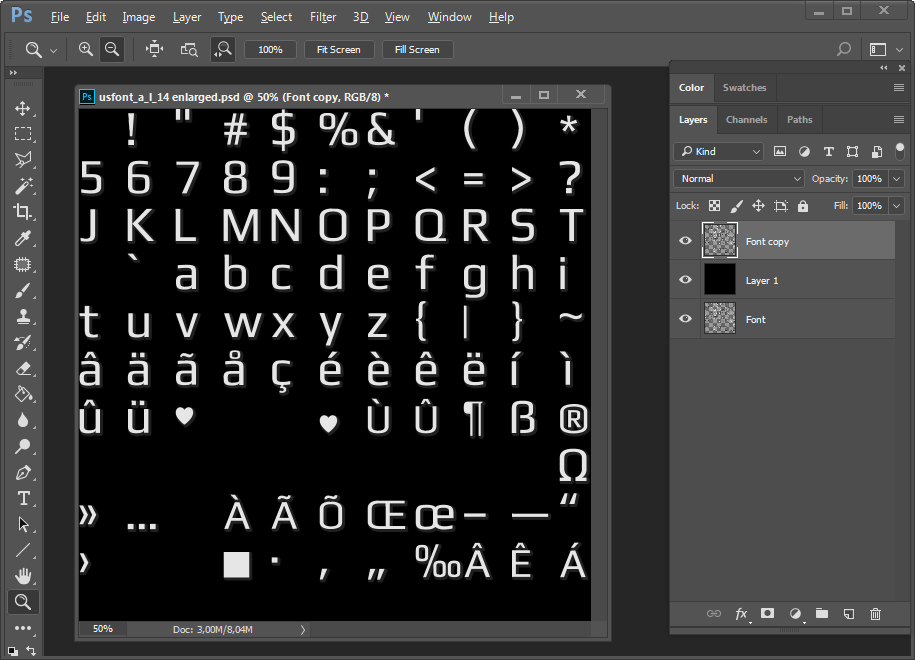
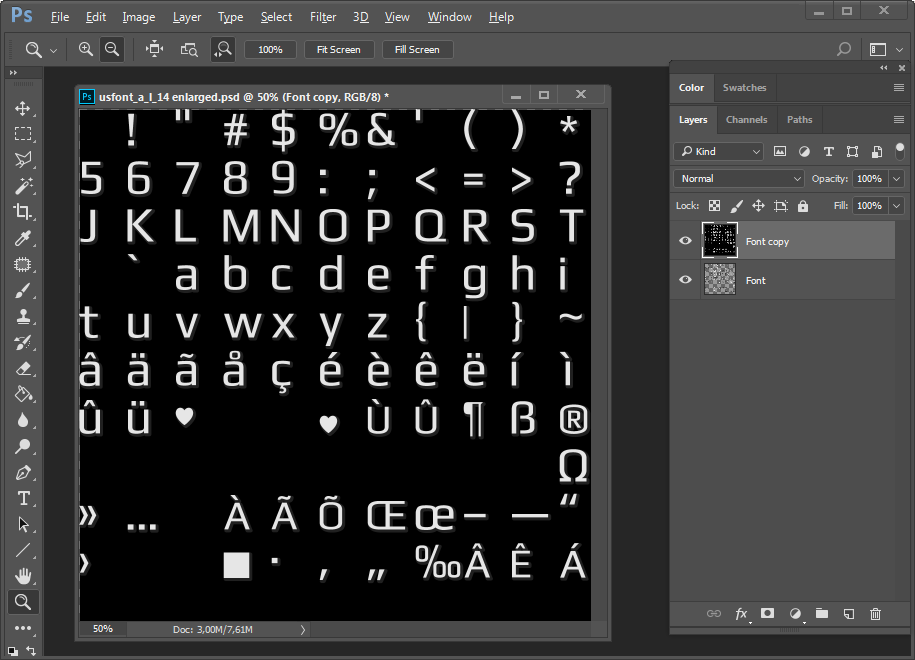
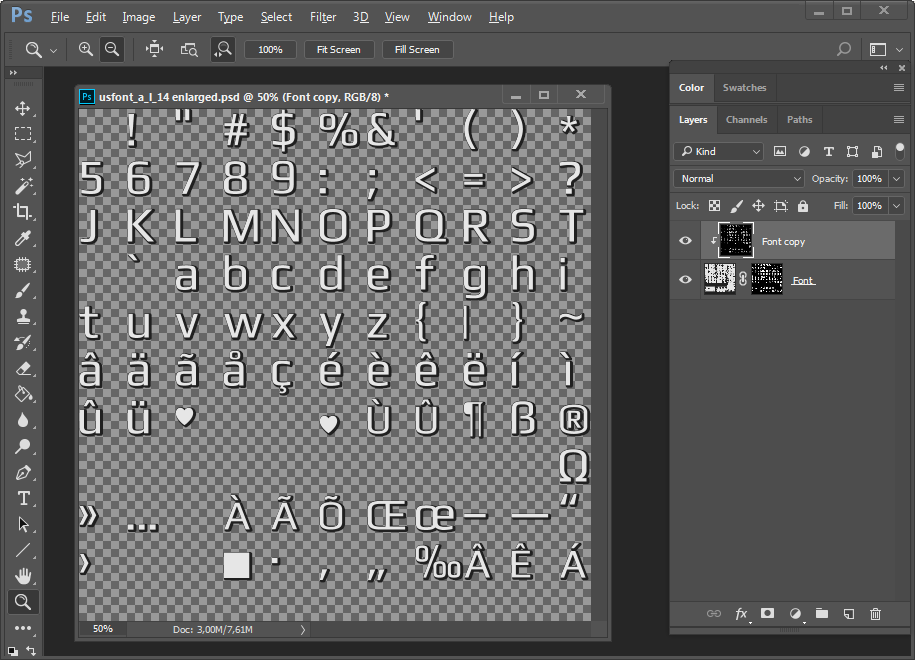
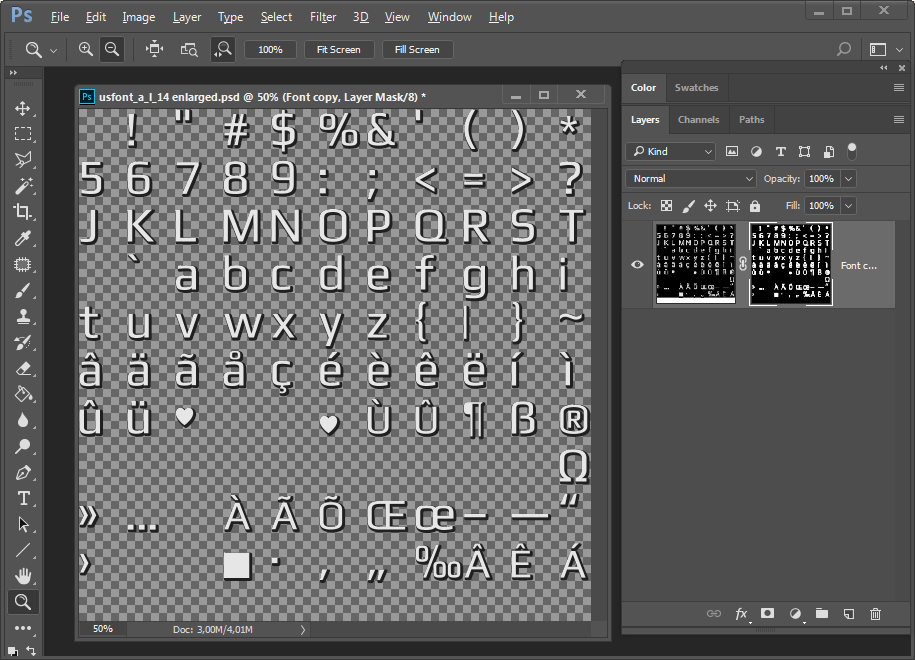
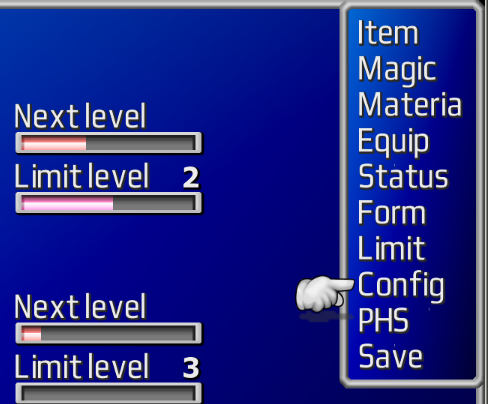
Everything went fine. I just used "Font tool" in PS with selected color. But when i needed to get various colors fonts, I used Layer Style "Color overlays" thing. And transparency glitches appeared in the game:
First one is with "Font color", and the second is with "Color Overlay" (enlarged)


See that light area especially on the bottom of shadow?
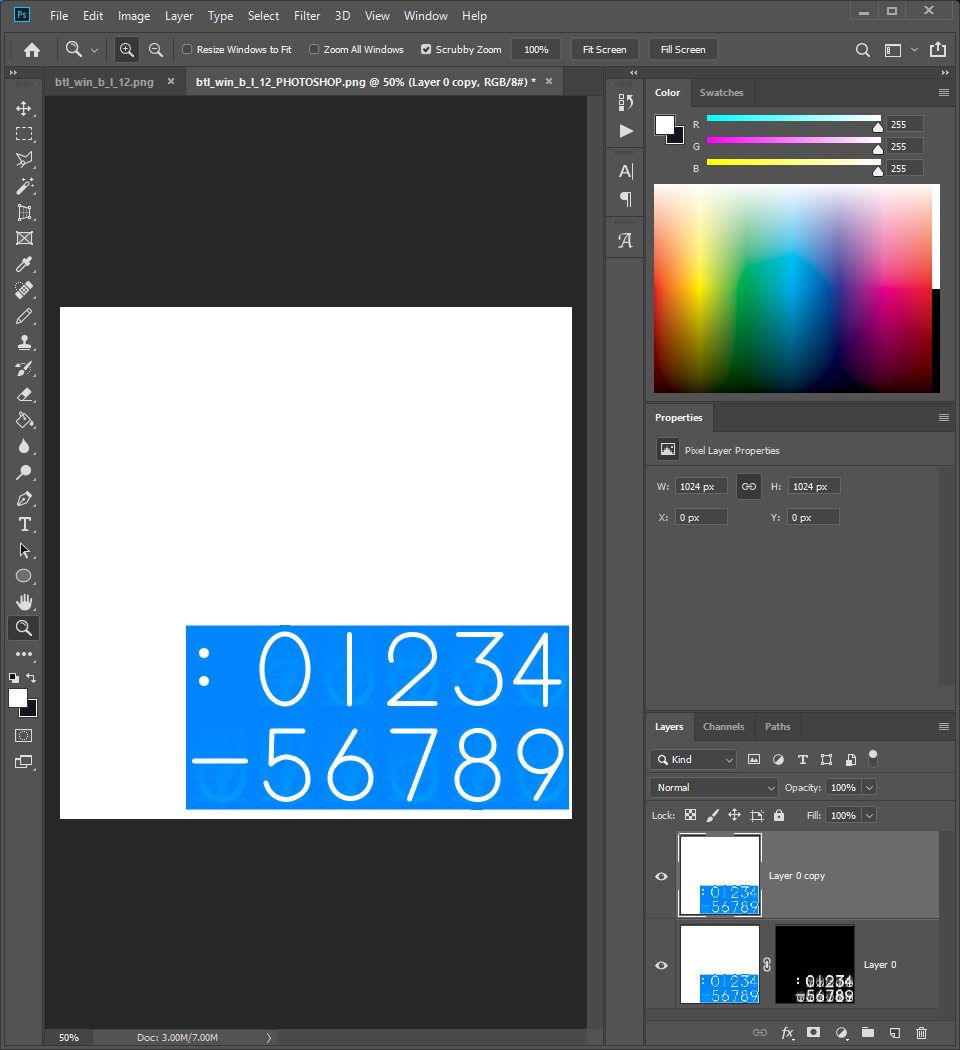
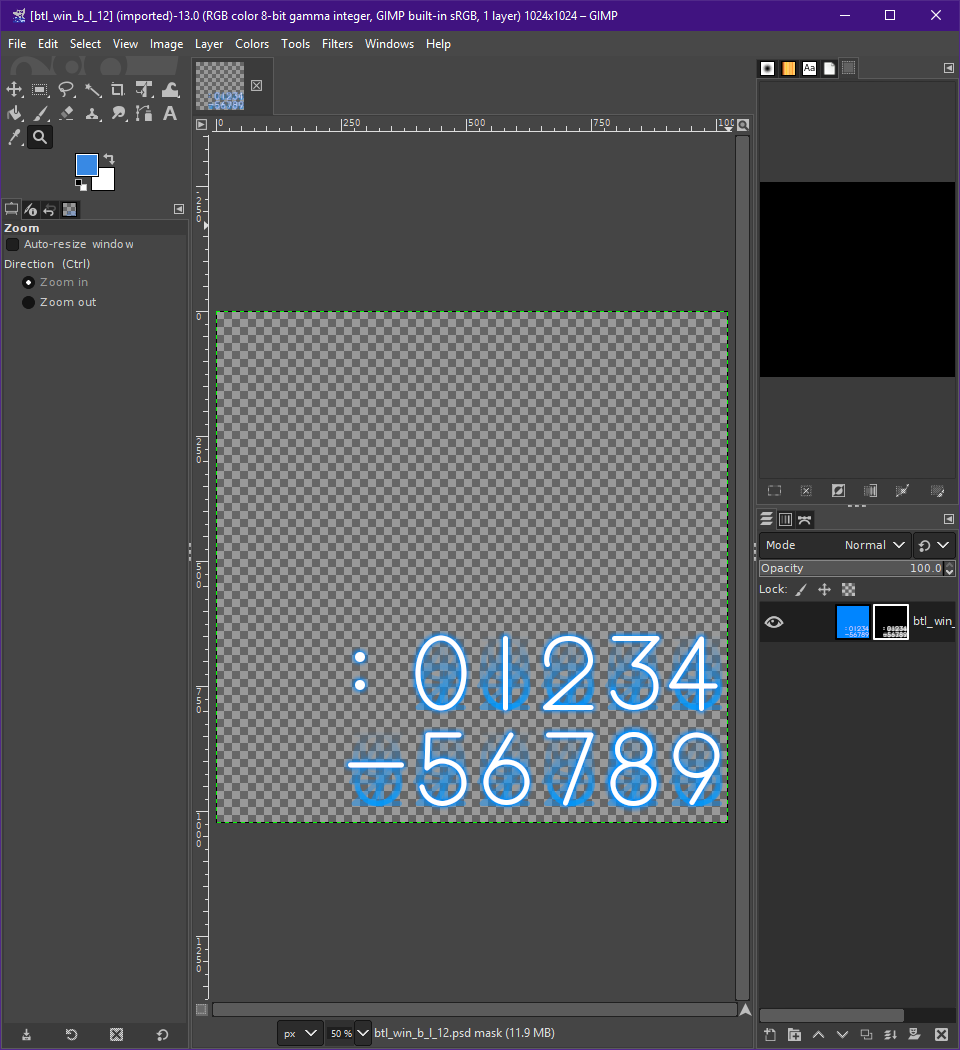
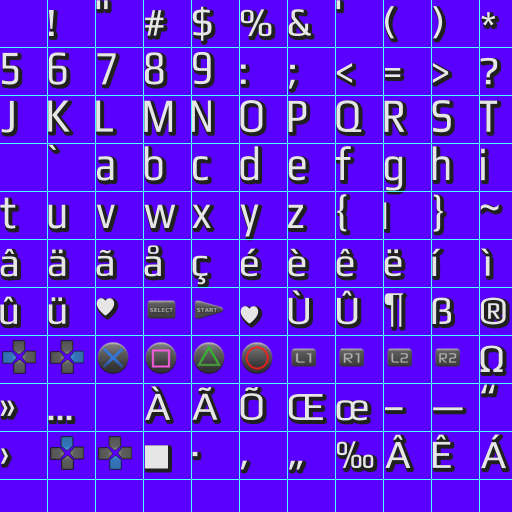
If I open my completed font sheets in PS (png format), they look identical. Letter "a" enlarged:
First one - "Font color", the second - "Color Overlay" (I used blue background):


So no light parts on the shadow. Those two font sheets looks the same, but the game shows it different... Why is that? Anyone knows?
Everything went fine. I just used "Font tool" in PS with selected color. But when i needed to get various colors fonts, I used Layer Style "Color overlays" thing. And transparency glitches appeared in the game:
First one is with "Font color", and the second is with "Color Overlay" (enlarged)
See that light area especially on the bottom of shadow?
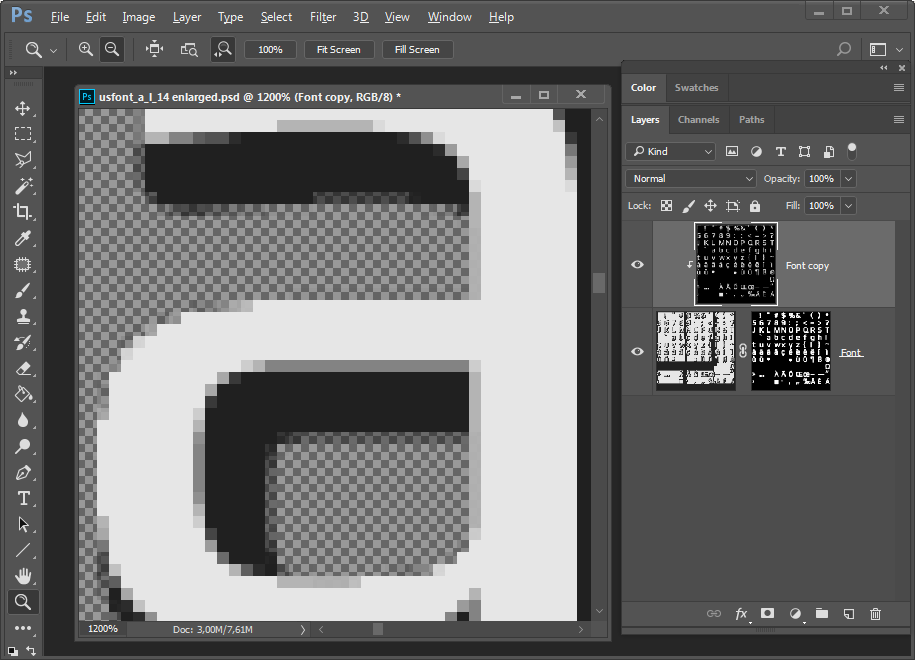
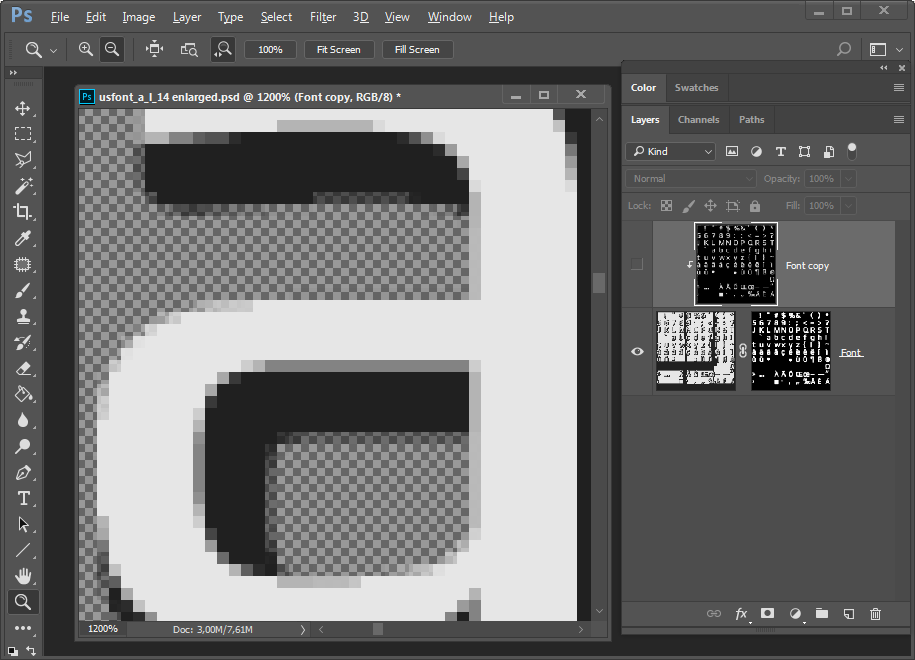
If I open my completed font sheets in PS (png format), they look identical. Letter "a" enlarged:
First one - "Font color", the second - "Color Overlay" (I used blue background):
So no light parts on the shadow. Those two font sheets looks the same, but the game shows it different... Why is that? Anyone knows?