[FF7PC]FF7 SYW "ArkTsukiVock" (v4) upscale : Battle, world map, fields, videos

  • Thread starter Thread starter satsuki
  • Start date Start date
Status
Not open for further replies.
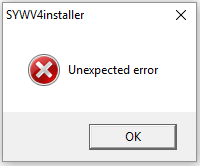
I get this error when opening the installer:
Z1GqAei.png


Does anyone know what the issue might be?

 
@satsuki: would it be possible to pack the program separately from the dds files when there are no changes to the dds?
That way we can avoid downloading 2+ GB every time there's a new version.
 
I get this error when opening the installer:

Z1GqAei.png


Does anyone know what the issue might be?
most likely has to do with antivirus, make sure you disable or add the .exe file as exception

@satsuki: would it be possible to pack the program separately from the dds files when there are no changes to the dds?
That way we can avoid downloading 2+ GB every time there's a new version.
with every fix the associated dds file does indeed need to be updated (changed), and he posted the fix by itself so you dont need to download the whole thing again unless you deleted the installer  AND need the png file

but i will be uploading the png files shortly since i would convert it anyway and might as well save the time for everyone else

Edit:

Satsuki's Wutai table fix in PNG format
https://drive.google.com/file/d/14xfmHqzuwan1AziZHrAVKFtvFM2Iur0w/view?usp=sharing

this time i tried to take out all the files but the uttmpin2 files inside SYWV4 and then try to convert from the installer and it hung, anyway to make it so when doing this function if the file isnt there the process can just move on to the next? would be nice to just be able to convert the fix instead of the entire mod
 
Last edited:
I'm getting the same error as Chrestomanci with the latest version (no AV installed, W7 x64).

@Orichalcon: There are some changes to the program that are not related to the dds files. If you want to download the new version of the program, you HAVE to download the whole pack again.
 
@Orichalcon and ssjkakaroto
I don't kown why you would have this error, witch windows do you use ?

@Orichalcon
ATM it's not possible as all convert list are hard coded, but you can edit them in \tools\lst, or i can use an option to my dds converter (https://www.ff7catalog.com/threads/13816/) so it can convert back dds to png, would be easiyer for that
 
Hi Satsuki, I want to thank you for your wonderful mod to begin with. I wanted to ask you something: is it normal or a known problem that in sunken gelnika the game crash sometimes when, after defeating an enemy, reaching the battle end screen? At the beginning I thought it was Reunion's problem so I removed your mod and tried to fight some battles there but everything was fine. As soon as I installed your mod again, after 2-3 battles it crashed again.
 
Hi Satsuki, I want to thank you for your wonderful mod to begin with. I wanted to ask you something: is it normal or a known problem that in sunken gelnika the game crash sometimes when, after defeating an enemy, reaching the battle end screen? At the beginning I thought it was Reunion's problem so I removed your mod and tried to fight some battles there but everything was fine. As soon as I installed your mod again, after 2-3 battles it crashed again.
Not my mod related, but as Reuinon use png, there is memory issues with textures mods witch can crash the game or corrupt textures
 
@Orichalcon and ssjkakaroto
I don't kown why you would have this error, witch windows do you use ?
I use Windows 10. I thought it was the antivirus at first, but I checked the antivirus history (I use Avast) and it doesn't list any recent threats. I also tried adding the whole folder and also Winrar's temp folder into the exceptions list before extracting, and I still get the same error.
 
Only changed the 32bits icon for a 16bits icons .... realy strange but i already add this bug in a old software version (maybe if dpi > 96)
As i need to add mipmap for fields, i'll do a full update later
 
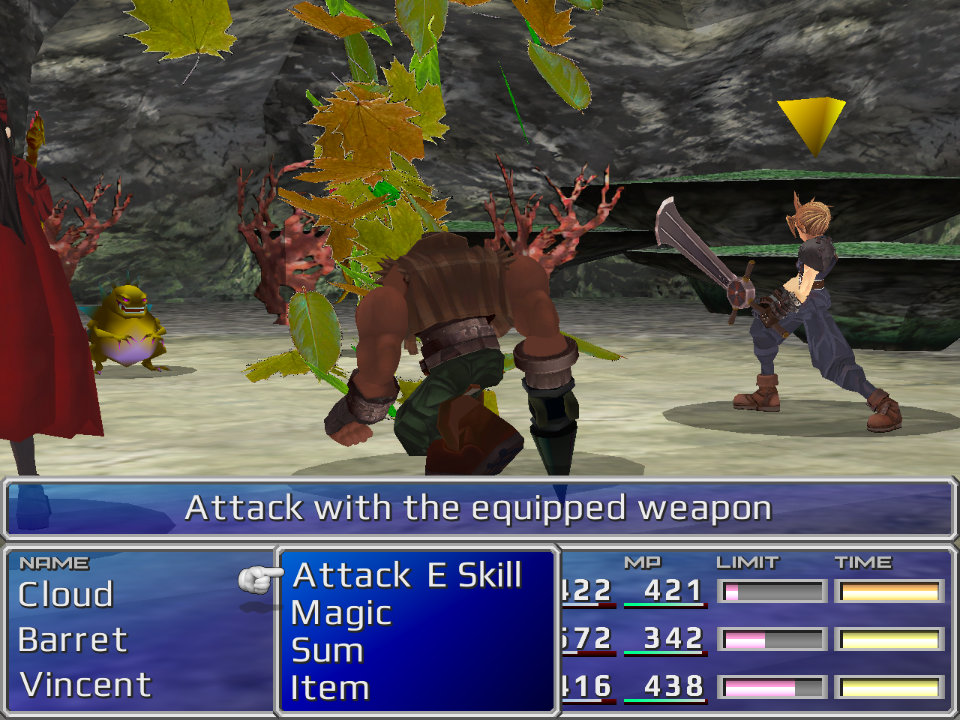
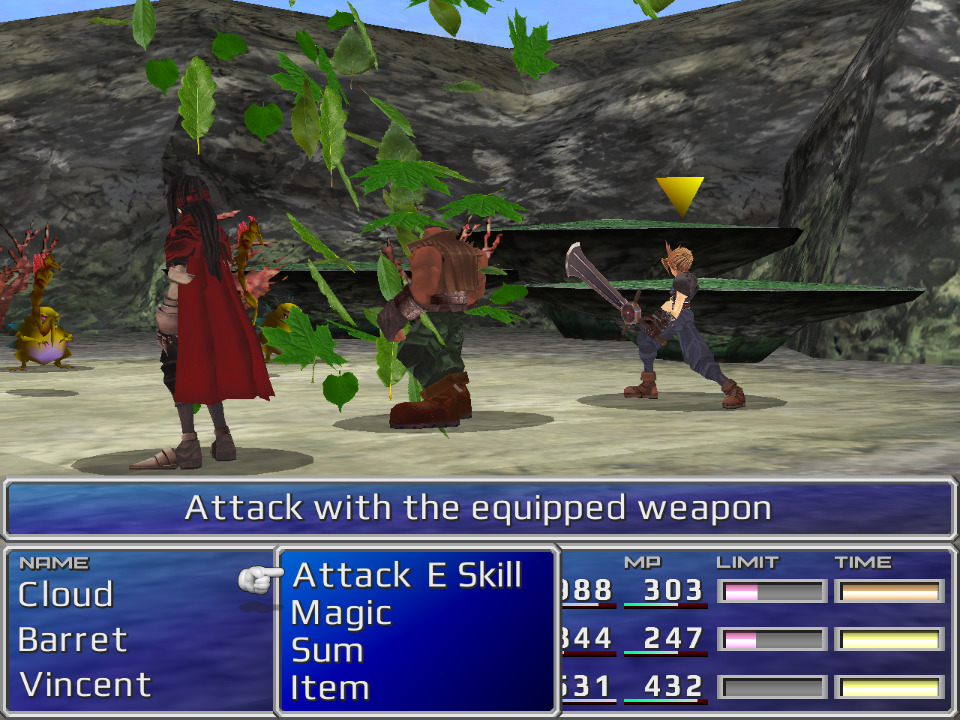
New version 4.20:
-Corrected the icon to avoid crash at launch with some config
-Added mipmap to dds for fields, battle, and magics (need lastest ffnx canary to get a small quality boost)
 
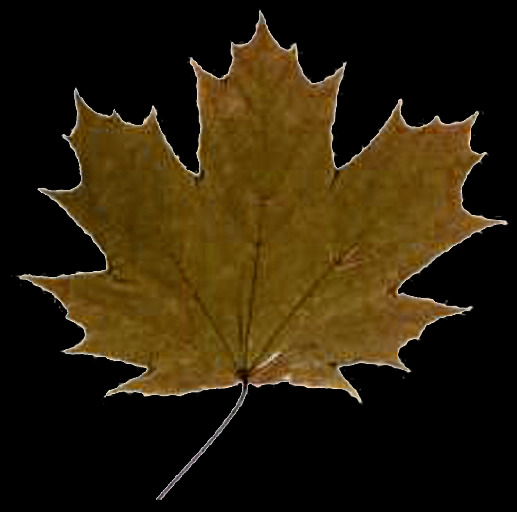
Inaccurate magic Dance. It is in Konoha folder. White noisy edges and very poor quality. Plus as you can notice the right side of the Maple Leaf is cut in the game, cause some leaves need to be shifted left (I don't know why game developments did it):

hzZwIv3.jpg
novmEjh.jpg


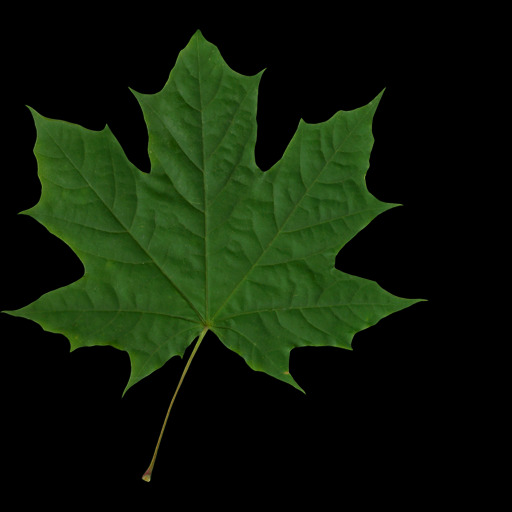
I have made my version. If you like it, you can use it, no credits needed.

jipny1V.jpg
21cjQvg.jpg


P.S. There are 6 files but in original game only three kinds of leaves with two different colors each. I've made 6 different kind of leaves.

Link https://drive.google.com/open?id=1V2QxDExFN_vDj9-GZZGZzXgVyqLYW73R
 
Last edited:
thanks for the report and the fix !
i'll test it and add it if it's ok ^^
 
do you mind if i add some colors for the leaves, one single color is "flat", i like your leaves but like to have 3 or 4 colors, do you alow me to mod in that way ?
 
do you mind if i add some colors for the leaves, one single color is "flat", i like your leaves but like to have 3 or 4 colors, do you alow me to mod in that way ?
Do whatever you want to do)
 
Last edited:
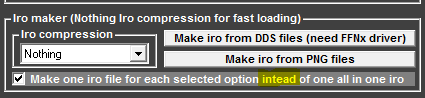
Having trouble running the installer. Keep getting a runtime error when trying to make iro files. Not very savvy with modding FF7. Any way to just download the iro files directly?
 
Having trouble running the installer. Keep getting a runtime error when trying to make iro files. Not very savvy with modding FF7. Any way to just download the iro files directly?
Witch runtime error ?
This installed is done to cover all possible installation type, manual, iro pgn, iro dds, and reunion.
Too much work and trouble to update to do 1 archive for png, 1 for dds, 1 for iro dds, 1 for iro png, and 1 for reunion
 
Since you're doing manual tweaking, do you need help with the kanji?
 
Status
Not open for further replies.
Back
Top