O
orichalcon
Guest
winrar may very well be able to open .7z files, but have you tried using 7zip?

it extract everything except the EXE file (i am using my admin account which is the only one i got in the computer)winrar may very well be able to open .7z files, but have you tried using 7zip?
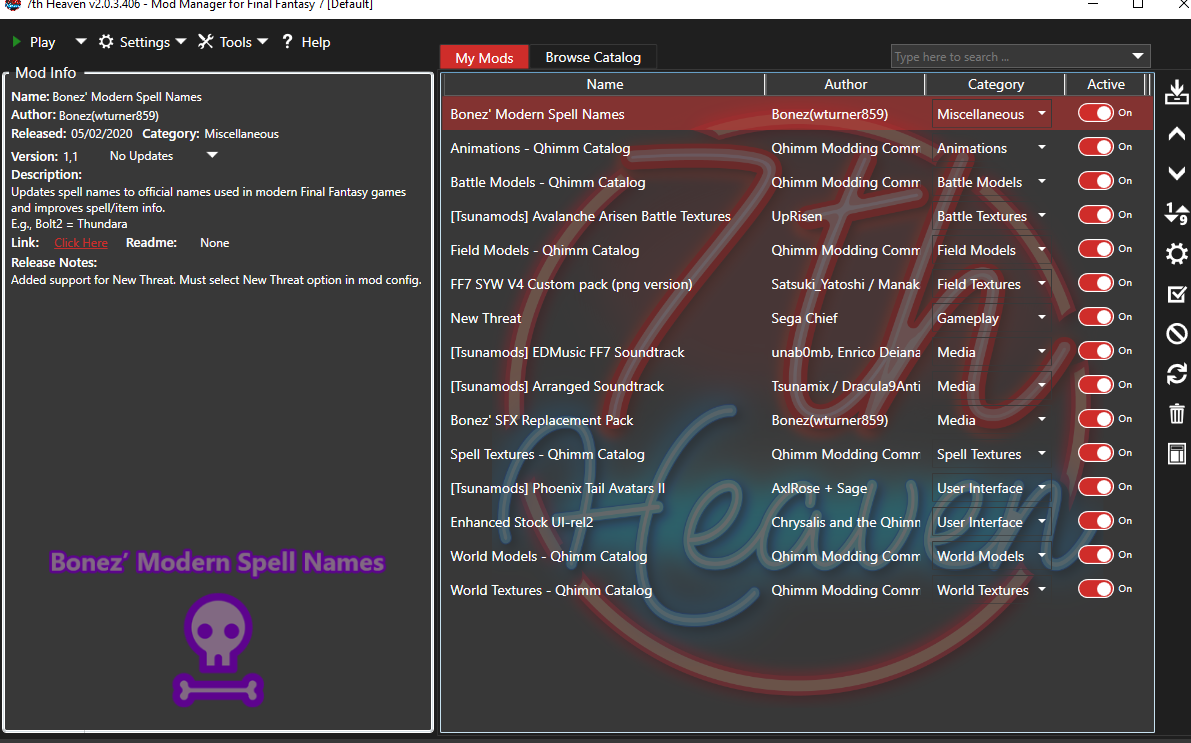
It has an Installer program. Point the installer to the directory 7th Heaven mods are stored in (usually "<FF7 Install Path\mods\7th Heaven\").
There should be a button labeled "create IRO using PNG". Use that, and wait. When its done, the next time you load 7th Heaven, it should be there. Activate as normal.
So you have a software blocking it.it extract everything except the EXE file (i am using my admin account which is the only one i got in the computer)
could you try my mod without the "magic" part ?
because magic is realy high quality, and if you use it in png version instead of dds (with ffnx) you can get game memory overflow > crash
Seems to have helped. I will have to play more to know for sure.could you try my mod without the "magic" part ?
because magic is realy high quality, and if you use it in png version instead of dds (with ffnx) you can get game memory overflow > crash
If you're using FFNx, then DDS all the way, and never look backI have a question, does anyone know if is better to make an IRO file with the DDS files (FFNX driver) OR is it better to make the IRO from PNG files?

Thank you LordUrQuan but I tried it and all the mods I have activated before stopped working, am I doing something wrong?? Or the FFNx doesn't work with certain mods???If you're using FFNx, then DDS all the way, and never look back
Probably the former, but FFNx absolutely HATES the 60fps mod, so if you're trying to use that combination, kill 60fps and see if things improve. If not, come join us on the discord and we'll figure out what's going wrong.am I doing something wrong?? Or the FFNx doesn't work with certain mods???


Said YWARNING: DESTINATION is in a system folder...
This can cause some errors with mod installations...
Should I use a non-system folder?
[Y,N]?
Did just that, everything was fine.Please check over the settings for FF7Config...
1) Sound tab should have a Sound device set.
2) Perform the Sound and MIDI tests.
3) Graphics-Tab can be ignore.
Said NInstall the Laptop Keypad patch?
(Only necessary if keyboard does NOT have a NUMPAD)
[Y,N]?
Installation complete.
Press any key to continue...
At first the game was wider than the screen (and cropped) and I realized that changing the "Scale and layout" in the display settings from Windows 10 to 100% solved it.[OPENGL]
full_screen = y
vsync = y
[MAIN]
Model_Overhaul = y
_60fps_Battles = 2
[TWEAKS]
Game_Time_Is_Realtime = y
[FIXES]
Battle_Arena_HPMP = y
Battle_Key_Press = y