[FF7PC] Post bug reports here [use The Reunion thread instead]

  • Thread starter Thread starter DLPB_
  • Start date Start date
Status
Not open for further replies.
Is your monitor calibrated? If so, check vibrance option. And contrast
Good thing you mentioned, a while back I set the monitor up to display certain colours more vibrantly cause it looked very washed out on normal settings. That's probably what it was.
 
Finally, if you really want the PSX experience, a Gaussian blur needs adding to the above shader.  I like 0.5, but 1.0 pixels in Adobe makes it look very close at the expense of less detail (like the PSX)

Observe:

http://pho.to/AhWQH/ma/original

The models, of course, are still too rendered to fit with the background.  That's why the filtering for 3d objects needs to be disabled in aali's driver (like Steam allows). I'll see if JWP knows how.

Also, PSX is in 4:3 AR. For some reason, 1280 * 960 does not seem to give the exact same result as Mednafen does. Checking.


edit

http://forum.fobby.net/index.php?t=msg&goto=3778&
 
Last edited:
Looks a bit like the ps4 images I've seen. BTW. there is a problem with try the new light setting. As it looks now only the body and the head gets the light from above, but arms and legs get the light from below.  :|
 
Finally, if you really want the PSX experience, a Gaussian blur needs adding to the above shader.
I mean, if you really want to be authentic to how the art looked in the '90s, you'd need a CRT shader and/or a NTSC (or PAL) signal shader. The emulation community loves that stuff. I'm not sure it's really worth the effort, though.
 
True.  The gaussian + shader + disabled filtering of 3D will be very close though.

@Kal. Yup. I'm aware it ain't perfect shading and probably never will be.  I think the entire thing would need recalculating, but I'll keep on looking. They've decided to shade this way.
 
Last edited:
Tbh the blurriness in that last image is just butt-ugly. I just booted up my PS2 and did a comparison, and the PS2 has a much sharper image. It is, of course, slightly blurred when compared against a completely unfiltered image, but only very slightly. It is so slight, in fact, that I'd say it's more or less perfect, as it doesn't smoothen out any details, but it smoothens out a little of the pixellation. If you're curious, I used a Component cable and a modern display, so it's not a CRT or composite signal thing either.

I did take a couple of screenshots for you to compare as well, but I don't think they'll be much useful since I don't have a capture card, and had to take them with my phone camera. So ignore the stupid blue tint, that doesn't belong there.

Either way, a postprocessing effect that destroys any and all detail is certainly not the way to go. If anything, that would be a major downgrade.
 
That is more or less exactly what mednafen gives out.  You have to compare it like for like.  A PC is never going to give you the PSX look, as Covarr said. And we can't really emulate it.  But Mednafen is about as close as you're likely to get for a PSX game output onto a screen (minus the scan lines you can artificially add).  Output from a real PS with cables has already done things that no shader is probably capable of.

The gaussian + shader looks almost identical for me when compared to Mednafen (I prefer 0.5 pixel Gaussian or no Gaussian at all - but that's because I think the PSX is inferior to the PC when it comes to the blurriness and all the dithering).

To me your screen shot looks just as bad in other ways (dithering / scan line / jagged).  Can you get me one in Kalm in the same place I took the Mednafen shot?  I can put them all along side then too.
 
Last edited:
To me your screen shot looks just as bad in other ways (dithering / scan line / jagged).  Can you get me one in Kalm in the same place I took the Mednafen shot?  I can put them all along side then too.
Yeah the jaggedness and lines going here and there was definitely my bad, the display was configured like bollocks so it stretched the image one way and shrunk it the other way. Dithering, however, is unavoidable, simply because it is a PS1 game. Still, the fact that the dithering is visible through even a shitty screenshot, is a testament to how much more accurate the Component signal is next to that old PAL/NTSC crap. :P

I can get a Kalm screenshot too, but it'll probably take a couple hours because I need to fiddle around with save files and get them on the Memcard.

Update: Well, here it is. This time around, I decided to use the screen (HDTV) I always use for pretty much everything since the other one turned out to be a big hunk of $#!!.

Now, this picture will only tell you so much, but it confirmed my gut feeling. The pixellation is very much there, but then again so is that dithering, because, well, HDTV. Also, using an external camera to make screencaps for this sort of purpose is bad since each screen has adjustable sharpness and brightness and all that (although mine are set to default.) It also adds that blue tint and the picture is much brighter than the image itself was.

So, just for reference, I wanted to see what another emulator produces. With a color depth of 32 bits, there is obviously no dithering involved, and no external camera involved. Which results in this.

I may have been wrong the first time. Neither PS2 nor ePSXe look like they make an effort to blur the image in any way, unless instructed otherwise. The blurring is not part of the game, it's part of the displays of that era. Mednafen might be simply trying to replicate that, because it's often considered part of the nostalgic experience. I know the GPU plugin I use with ePSXe has an option for fullscreen smoothing, which produces an almost identical result, but if it's disabled, it doesn't blur anything.

What do you make of this?

 
Last edited:
You may be right. Mednafen may be adding something... but I am not sure why it would when it's supposed to be direct.  Perhaps it does (it could be the bilinear filtering).   Either way, we can safely say that gaussian as an option would be ok.  Personally, I'd never use it.  I much  prefer the output from the tweaked shader I posted on its own. I think that beats the lot, tbh.

Do you think that needs any more work?  Any thoughts on it?

Edit.

Yeah, it's bilinear filtering with mednafen.  I thought I'd disabled it.  It looks awful without it, though.  I think we have a winner then.... it's the shader alone. No blur.
 
Last edited:
Gaussian could work wonders if it's applied in a very, very small dose, but any more and it's just going to make the details vanish. Also, it should be configured to avoid blurring 3D geometry, because it does slightly negate what you gain from using a high internal resolution. It would make battles especially look as if you'd been drinking for 14 hours straight.

I haven't even tried out the shader yet, but if it breathes life into the colors, then why the hell not.
 
fr_e field bug.

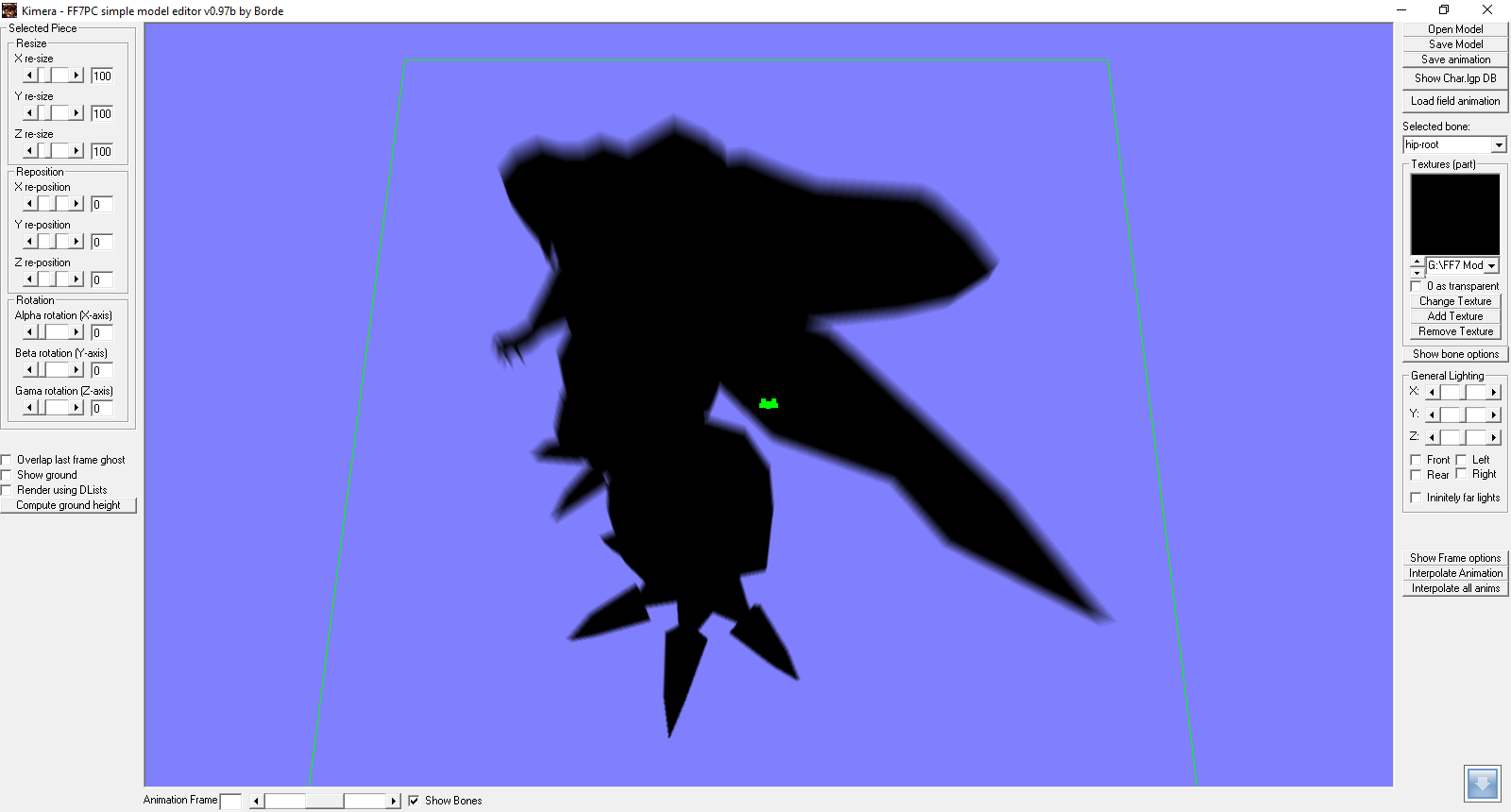
I think everyone is about ready to sign off on this problem. The Diamond Weapon shadow that traverses the screen in the PSX version seems to have been deliberately disabled in the PC version.  Placing it back, even by altering tiles, has failed (Ilducci and Spy__Dragon tried). It could well be that this particular effect cannot be made to work due to some sort of limitation with the PC field files. Importing a working field from PSX doesn't work either, because Makou Reactor cannot properly import field backgrounds.  Even if it could, it again may be that PC field format doesn't allow for this layer to work properly.

So, I've started thinking about other ways to add the effect back into the game. For me, the only good way would seem to be adding the shadow shape to a file and using that in-game (a hrc / p file, like the Great Glacier map).  Transparency could be added using the field model function. Of course, I'd need someone else to make this.  Do you think you could do it, Kaldarasha?
 
At the time I read it I got the idea to use a model object to solve the problem.
I have an already textured plane from my drop shadow tests. I could use that and add a texture with the shape of Dimond to it.

Edit:
How's that?
No4fYnZ.png


Blending is on by default.

Edit2:
https://mega.nz/#!3d0QDZjC!mI3i1s_FwcXH2AFcZCr1OkvMbnXhtSq2CMcNrfo9__I
 
Last edited:
Since the shadow cast is supposed to be part of it from a distance, this is how it should look (note only black with outline is needed... since I can make it move right to left)

>>


8:56

It's a very simple shape.  Straight on one end (since that end will never be seen),  and a curve shape on the other end.  Width 512 pixels.  Height 256.

Then I just make it move right to left... which simulates Weapon moving.

In fact, I could probably record the psx game and send you the exact shape.

Edit.  Actually, it has a shape on both sides, but on PSX version's release you never see the left side (maybe even because of bad script programming).

Here is the final shape:

Left
http://pho.to/AhazS/e3/original

Right
http://pho.to/AhazS/6y/original

So, that's what I need.  That shape. 512 pixels across. A rectangle, starting with the left side curve, ending with right side curve. 224 pixels high.
 
Last edited:
You could maybe just fade the tint of the screen to be darker then fade it back to normal as a replacement effect if the shadow thing doesn't work out.
 
That would be plan C...  but it would suck not to have a good shadow.
 
I'll also be adding dialogue issues, but only if it's an original Japanese error.  For example, chocobos having belly buttons :P  Charlie Beer discovered one recently in his proof check of the Japanese...  Aerith isn't told that Tifa's bar is the Seventh Heaven, but later knows its name.  I've added exposition earlier to compensate.
 
I'll also be adding dialogue issues, but only if it's an original Japanese error.  For example, chocobos having belly buttons :P
But do they have ears?  ;D
 
Myst6re has informed me that layer 3 of fr-e is special because it uses transparency. It doesn't seem to be right in the field file (PC) and even if it were, I'm betting the engine wouldn't display it right, unless aalis driver fixed it. I think were forced to use char.lgp with the shadow

And yes, they do have ears.  ;D
 
Last edited:
Seems that the layer is really broken. Even Palmer shows only a black layer. Also, compared to kuro_1 the shadow has a strange set of functions, maybe the game should render the shape in real time?
 
The only way to fix this is by putting a shape into char/lgp and using it in field (using makou to add it).

A page or so back I added the shape needed.  If it's possible to create that then I'll have a go at fixing the field that way.  The layer method isn't going to work.  The current PC field has had the background layer disabled due to issues with the transparency effect - and I don't think the engine supports transparent layers in the PC port.

So we're stuck with a workaround.  Luckily the only field in the game that uses transparent layers is fr_e (rootmap does too, but is debug menu only).
 
Status
Not open for further replies.
Back
Top