G
GameMusicMaker
Guest
Is there a tutorial for modding a Linux Steam version of the game?

How did you use the Ironite tool? Did you run it with wine? And are you using FFNX as well?Yeah it wasn't too bad. I was able to organize Satsuki's textures into one big textures folder in the root. Satsuki also had some lgp files, which I manually put in the data folder, making backups of the original, since I'm using Linux, and the overwrite and direct folders don't work with Wine. Works pretty good. I'm not sure what the point of moviecam.lgp is? The movie camera when the fmv plays? "cd" and "movies" had their own moviecam, so I think cd was just for those short transitions to fmvs that happen a lot throughout the game. PS1 games were something huh? So many transitions from in engine to cinematics. You won't find that stuff nowadays.
Here's the source for 3d models and psx musics:Could you also upload the modern 3d model and psx music iros to make the iros package complete? They are included in the installer but not as iros.
If you use my AIO pack, just don't check the cosmo part, if you use my iro it's not providing any sound, so you should have original sfx, if not, it's a 7th question, nothing i can do hereHow can I install this without Cosmo sound effects? I just want original game SFX.
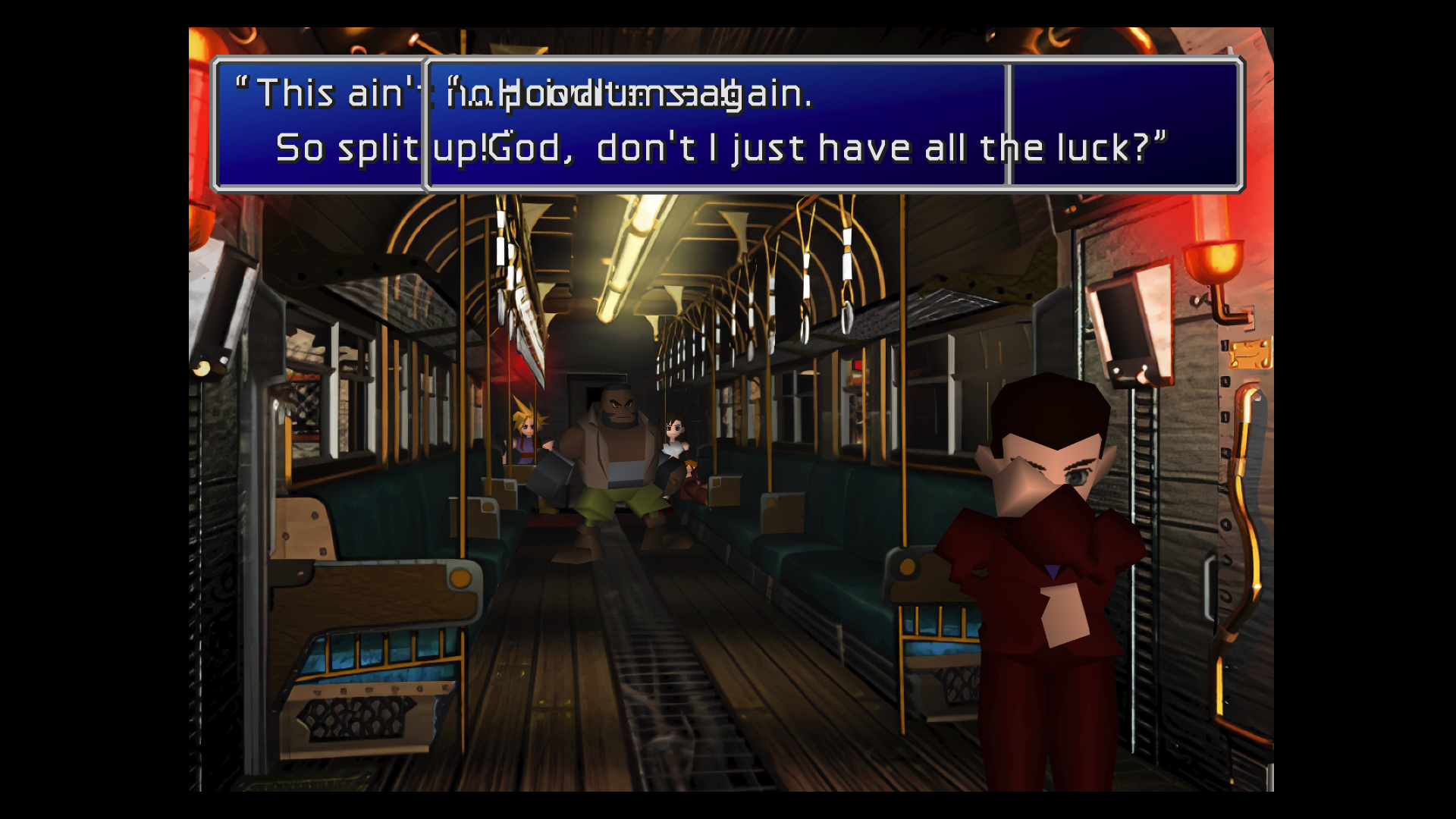
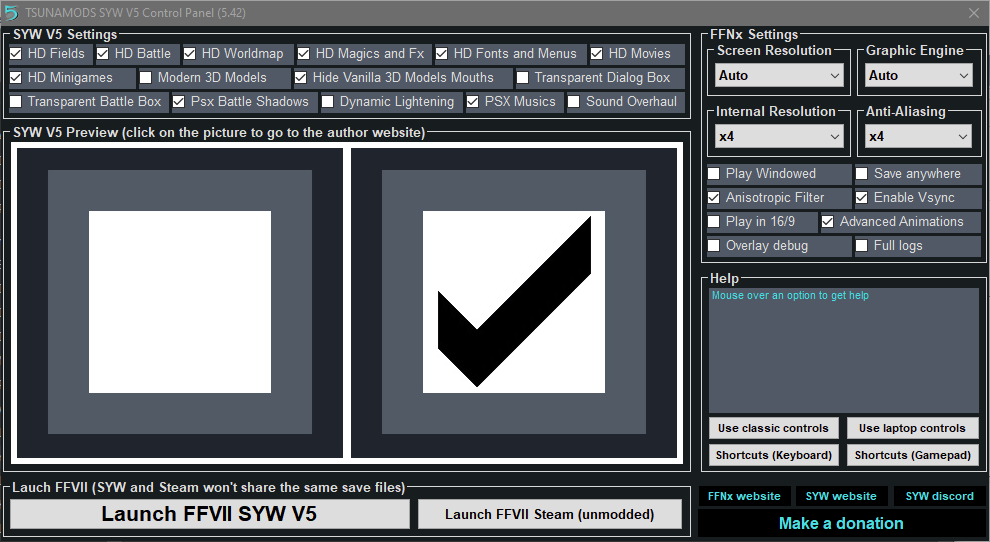
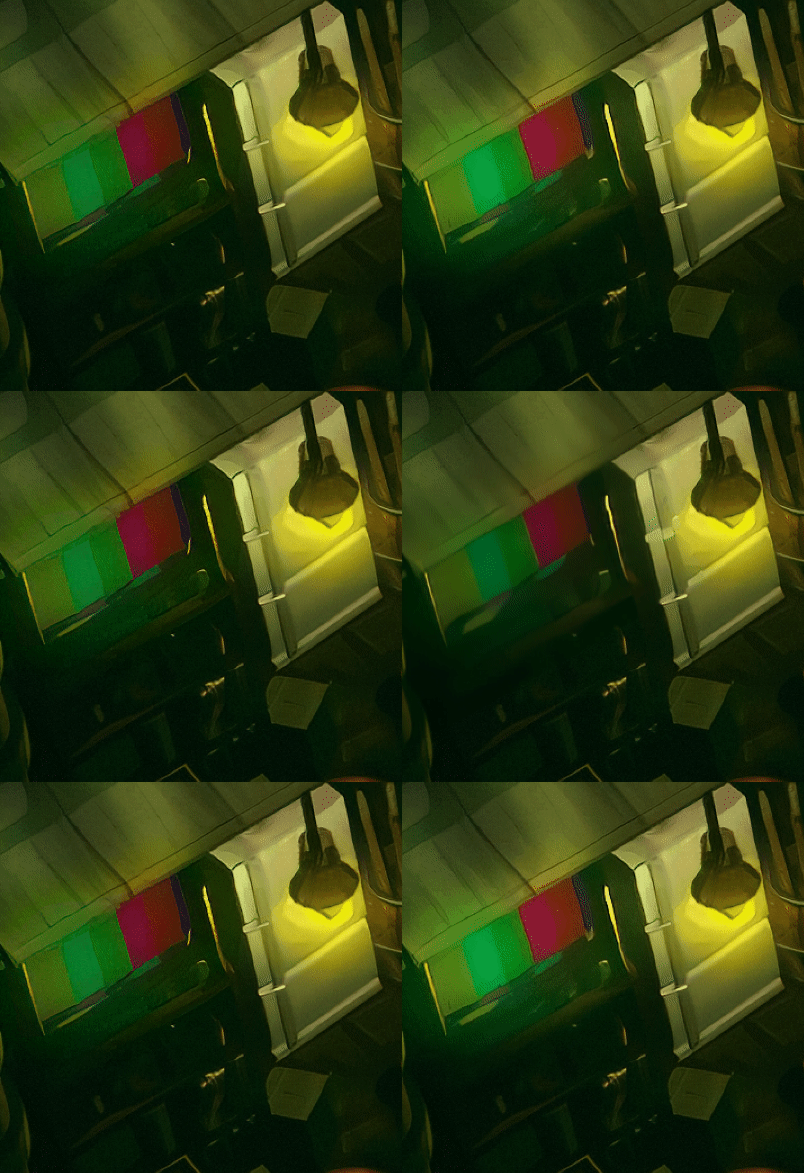
I'm not using other mods. I reinstalled again and the overlap bug still happens in Vulkan, D3D12, and D3D11. D3D9 and OpenGL aren't playable for me. I have an Nvidia GTX 1080 if that helps diagnose. Turning off "HD Fonts and Menus" works around it. I understand that fixes take time, hope you're having a happy holiday!@Sails
this text overlaping is realy strange, are you using anything other than my pack to mod the game ? could you try to change the "graphic engine" and check the result

This issue is related to FFNx, not Satsuki's mod.I updated the driver to the recommended version recently, and I agree, didn't know these problems with AMD drivers and kind of regret didn't get a Geforce card instead. Thanks for the help with the save editor. Hope you can solve the bug with the driver so everyone can enjoy your marvelous work. Thank you.
you need to install the full version then the update .... like explained : Download SYW V5.40 for Steam All-in-one Installer: HERE. {MIRROR} - Update 5.42 : HERE. {MIRROR}@satsuki
Was that also a reply to me?
So.. it won't install on the steam version?