[FF8:Remastered] BattlefieldPack: ULTIMA v2.0.1

  • Thread starter Thread starter Mcindus
  • Start date Start date
Status
Not open for further replies.
M

Mcindus

Guest
BattlefieldPack: ULTIMA Remastered v2.0.1 for FF8 Remastered
46de1a018b61c5a58dfab3618b732fd9.jpg

by MCINDUS

Complete Updated Battlefield Backgrounds for the entire game!
[Huge update from v1.3.1!]
*Patrons! This is an update to 2.0 and will fix minor bugs and replace several bgs!*

Animations have all been updated and work in full!
There are also additional custom animations that have been added for effect that were previously not possible!
Custom textures galore, as well as full Gigapixel AI and ESRGAN upscales of other areas!

Textures are a mix of 4096x4096 and 2048x2048 and so they are not currently compatible with 2013 original Steam Tonberry version.

**For DEMASTER use explicitly! Read below for DEMASTER information.**
**Run the Game first before installing DEMASTER or any mods so that steam configures your game properly!**

Thank you so much Maki for making the DEMASTER DDS compatible for Battlefields!

**Join my PATREON HERE: https://www.patreon.com/mcindusmods**

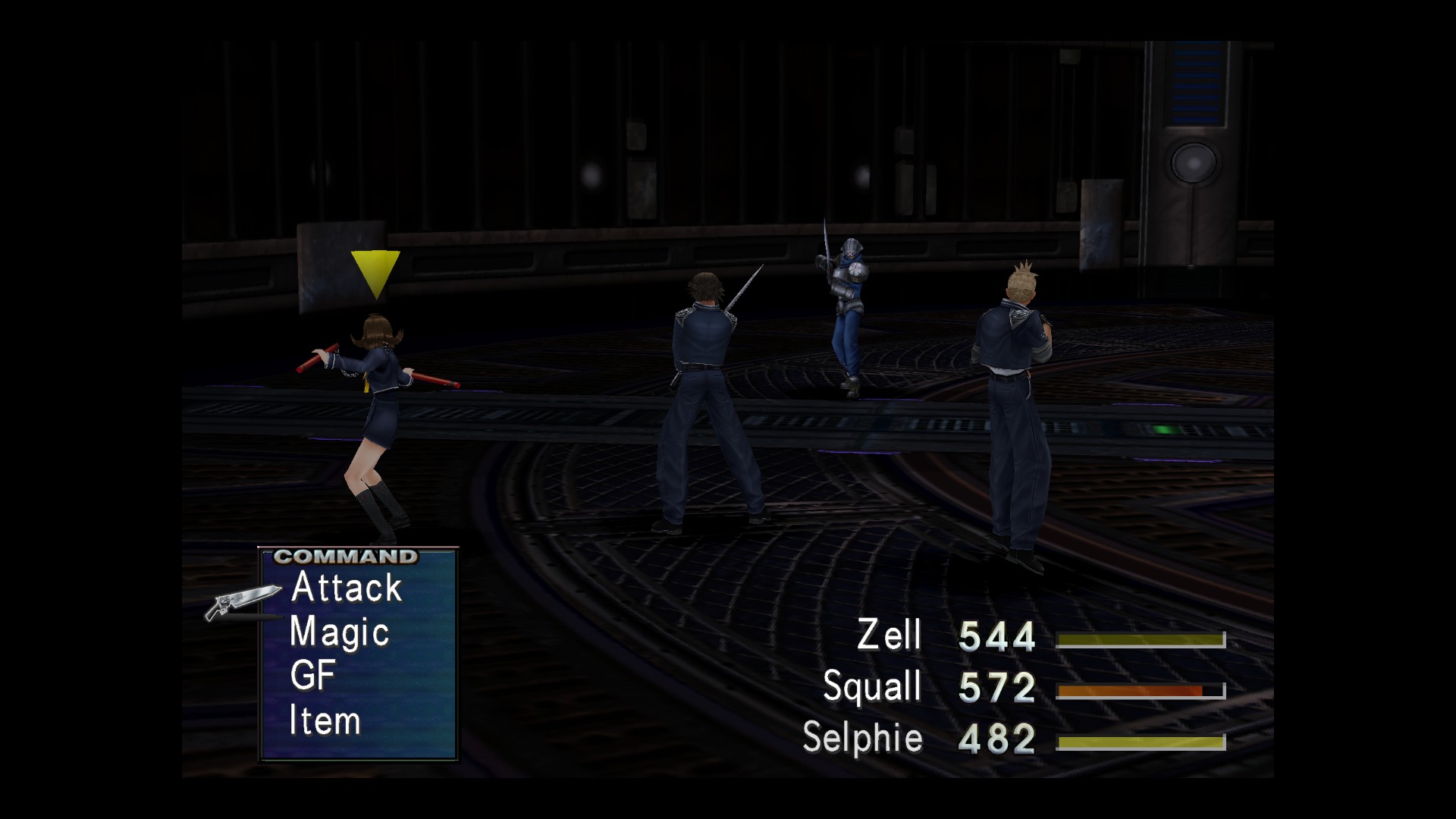
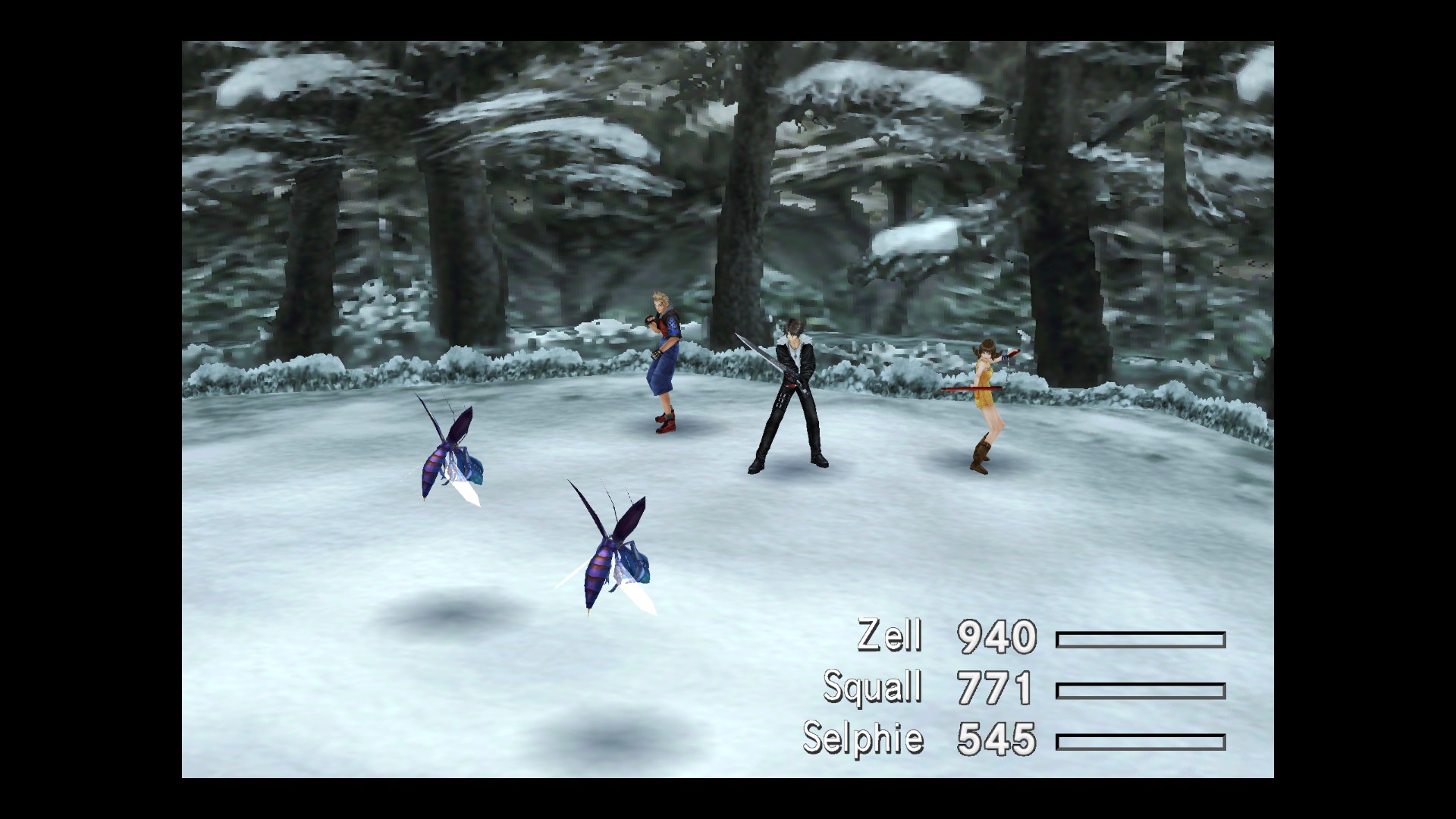
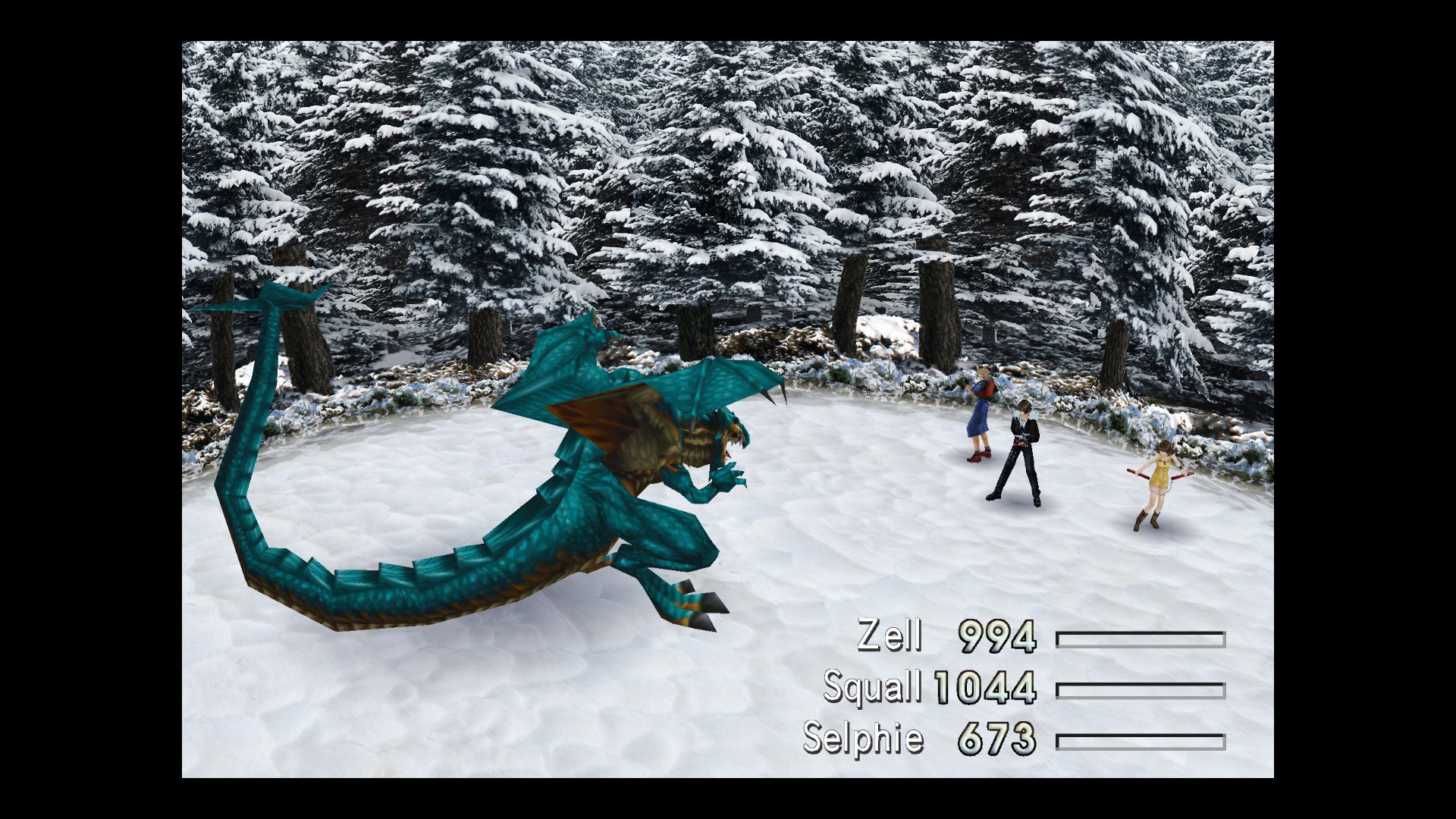
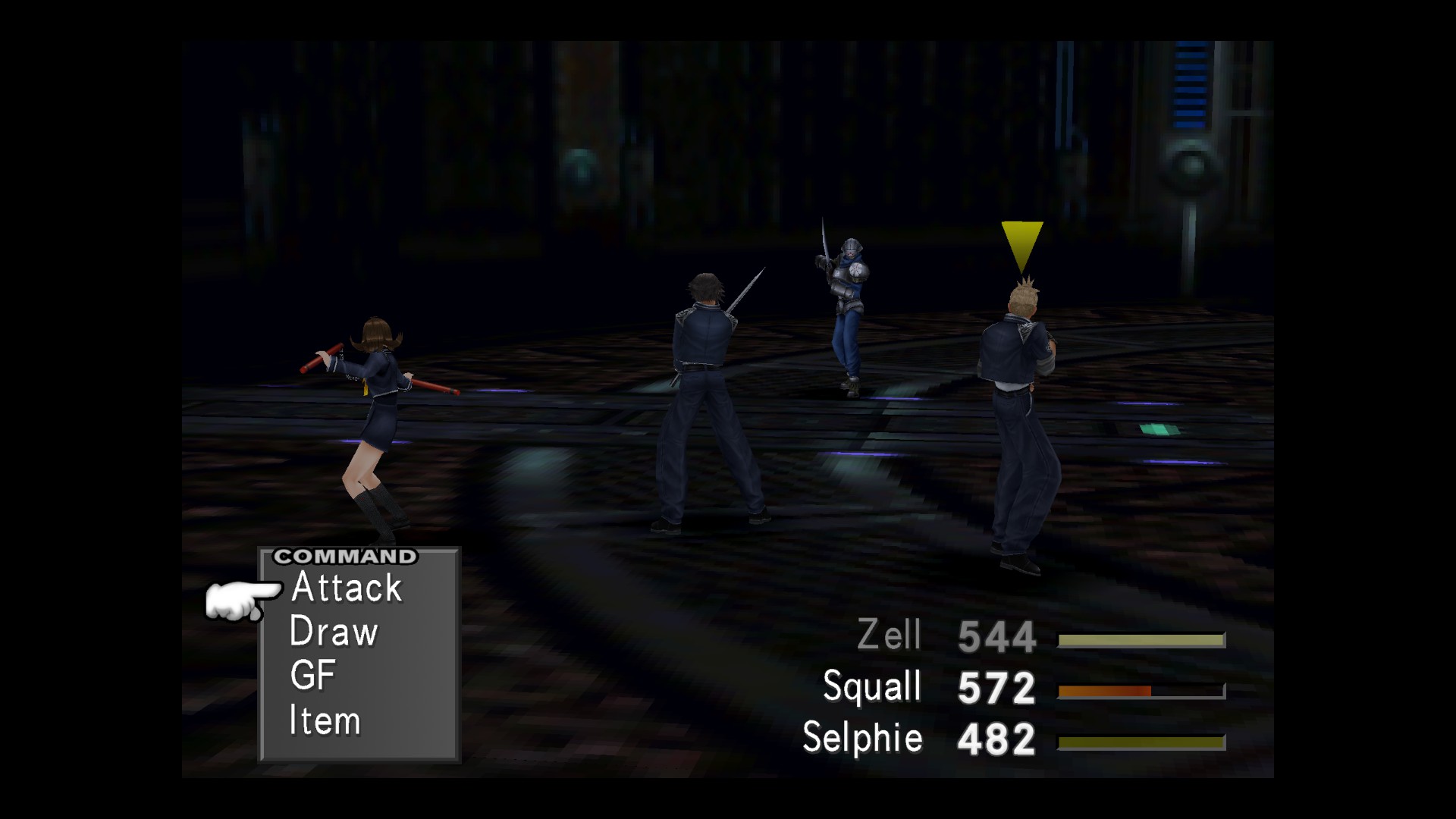
Before/After: (SeeD Remastered also featured)
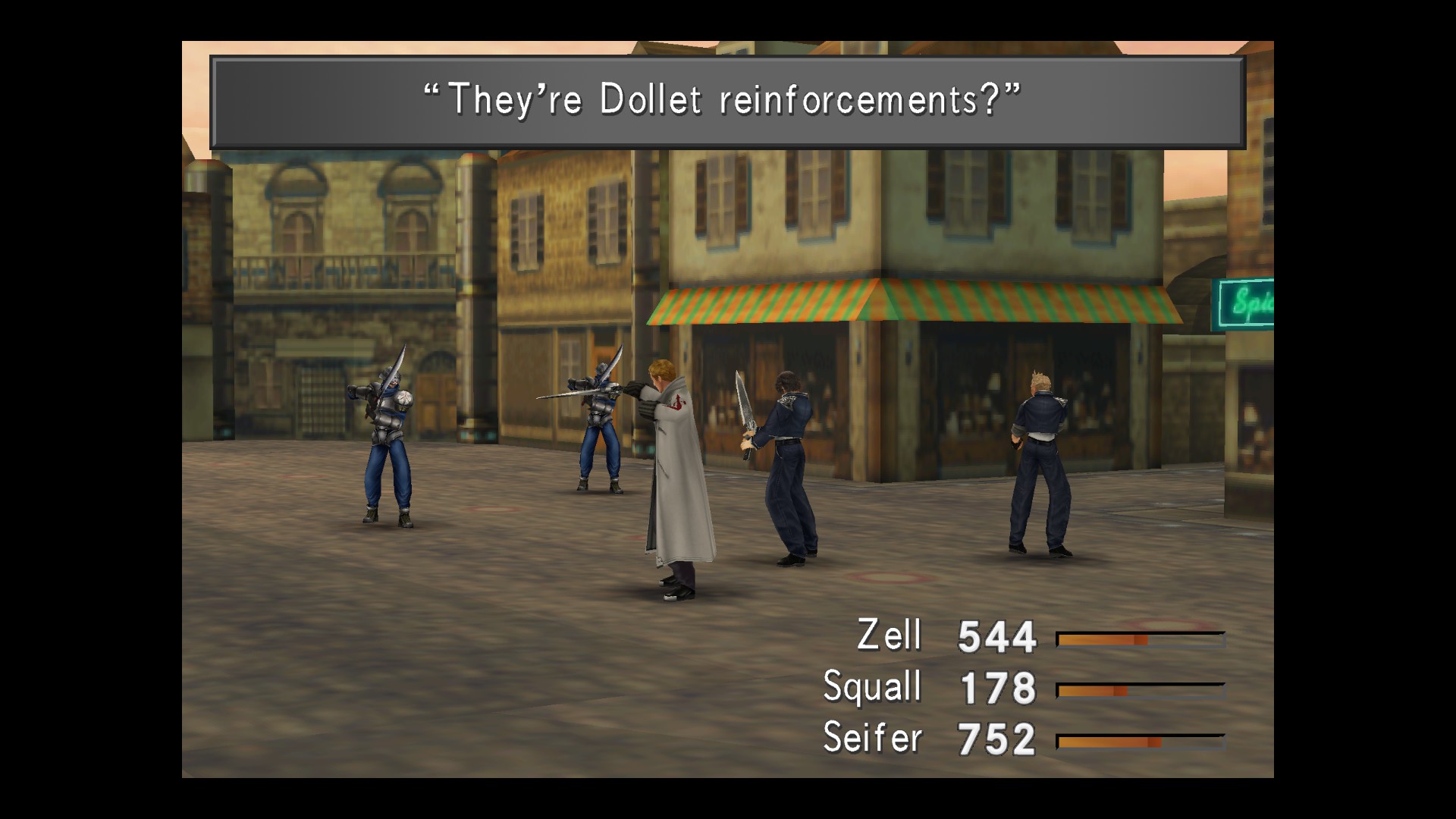
1n6eQ7e.jpg
943eefd00908d35806c0af71019d6be1.jpg


Use only with maki's DEMASTER mod tool!
DEMASTER Instructions:

** 1. Download the DEMASTER release on github from the release HERE
** 2. Move/Install DEMASTER files into your .../FINAL FANTASY VIII Remastered/ folder.
** 3. Open 'ffviii_demaster_manager.exe' and run the 'unpack' feature - this will create a ...FINAL FANTASY VIII Remastered/DEMASTER_EXP/ folder.

Installation Instructions:
Merge the 'textures' folder located within the mod with the one in your DEMASTER_EXP folder!
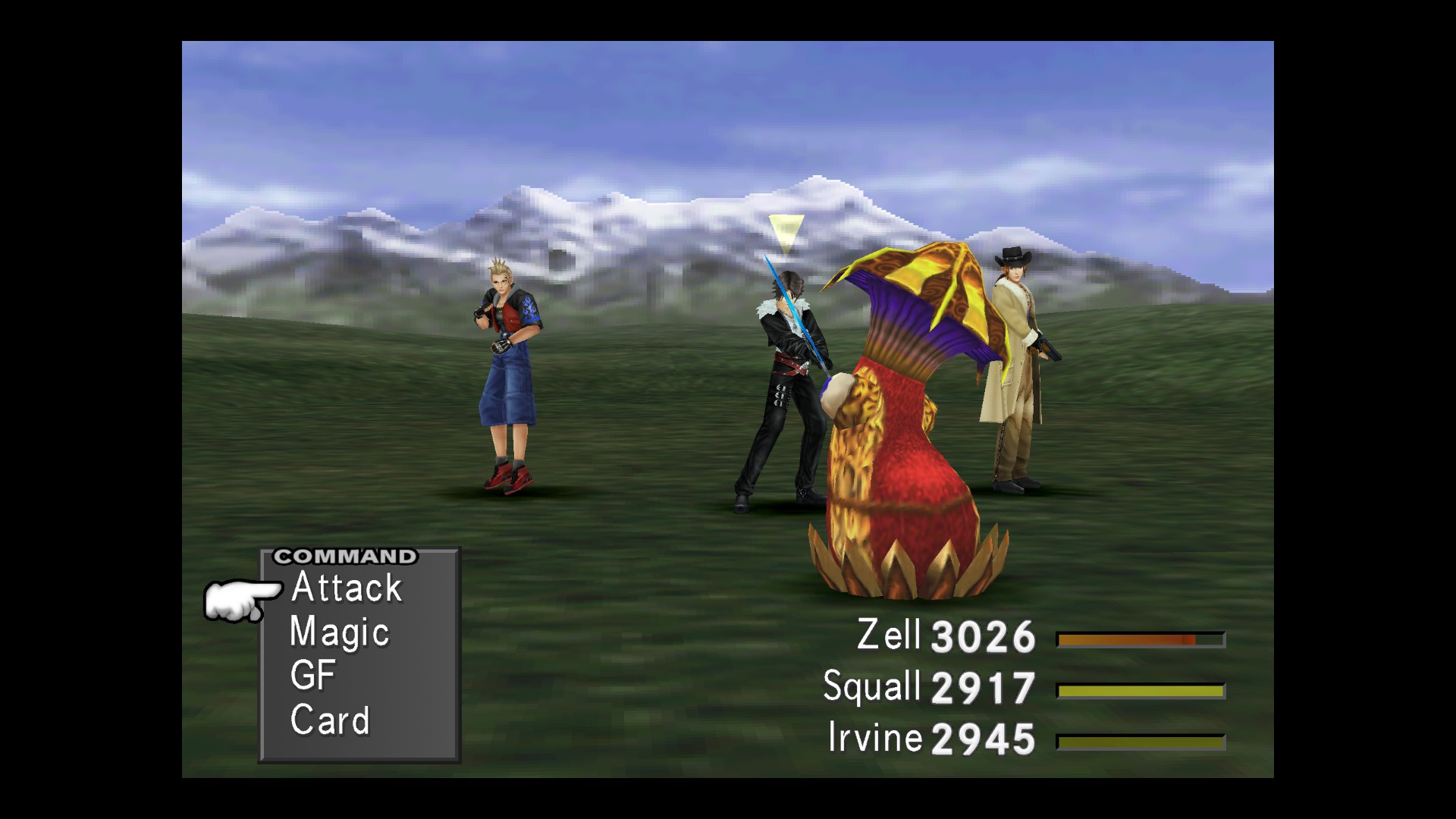
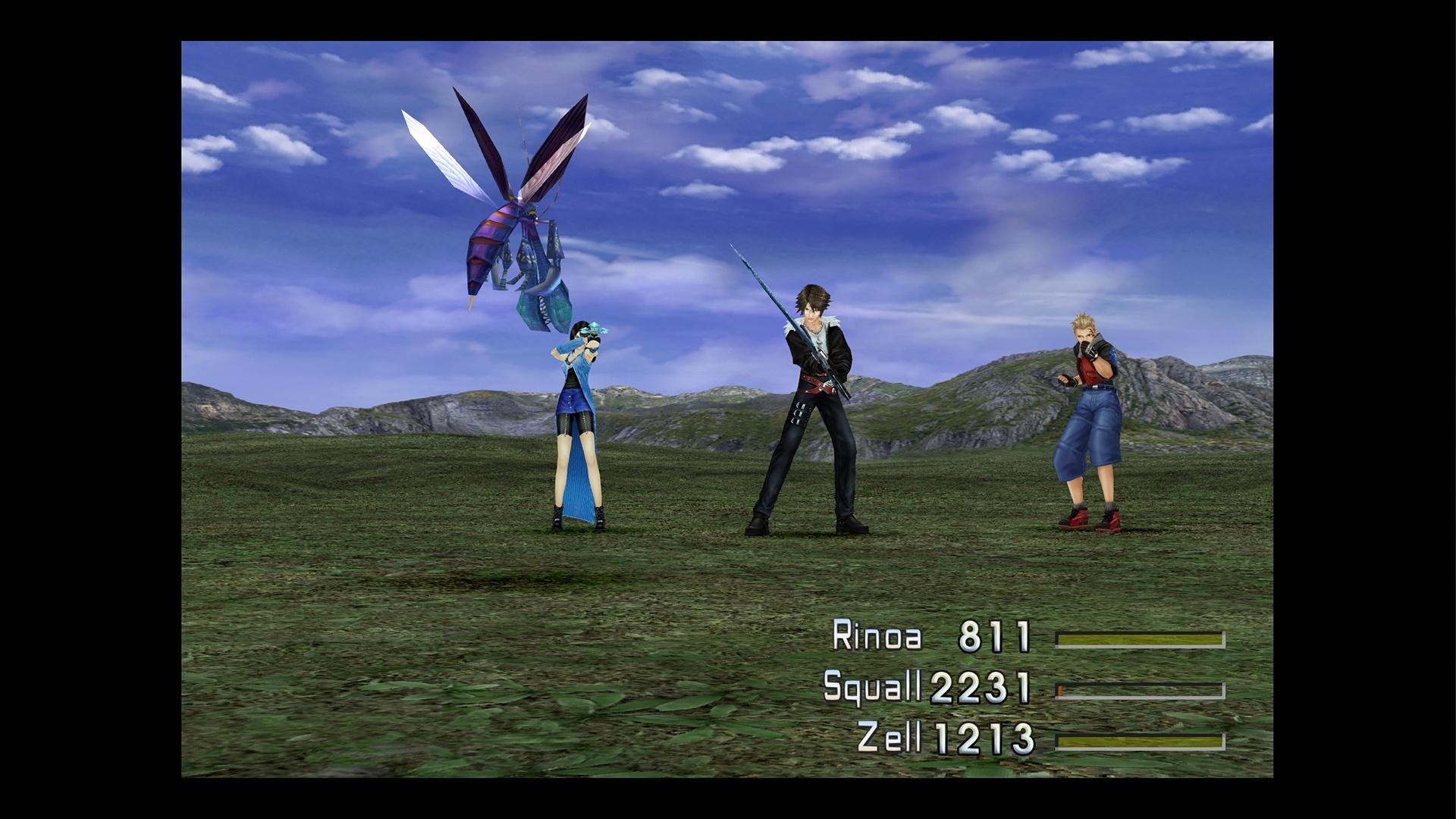
cPVTY1P.jpg
93HRfDl.jpeg


Most of the game has been overhauled with Custom Textures by MCINDUS
Additional Custom Battlefields:
- Training Center by Zeeber
- Comm Tower 1F original textures by Shunsq

All other areas Upscaled using Gigapixel and/or ESRGAN by MCINDUS

DOWNLOAD BattlefieldPack: ULTIMA Remastered v2.0.1
o9W0KY7.jpg
KEV8uPX.jpg

hfs2may.jpg
dnKXtDs.jpg


Enjoy, and happy modding!
-MCINDUS-
 
Last edited:
Fantastic work, as always. Can't wait to revisit this game with your mods.
 
Awesome comparaison between before and after !
Amazing work as always, just need a mod for the world map and a mod for field upscale and we would finally get a real ff8 remastered :)
Thx a lot for your work Mcindus
 
Awesome comparaison between before and after !
Amazing work as always, just need a mod for the world map and a mod for field upscale and we would finally get a real ff8 remastered :)
Thx a lot for your work Mcindus
You are very welcome! We are hard at work on bringing those other mods to you as well!  I'm releasing an alpha pack of world textures to my patrons this week!

Fantastic work, as always. Can't wait to revisit this game with your mods.
Thank you! I can't wait for this to be an 'essential' mod.
 
Glad to see you're still active, it makes me happy.

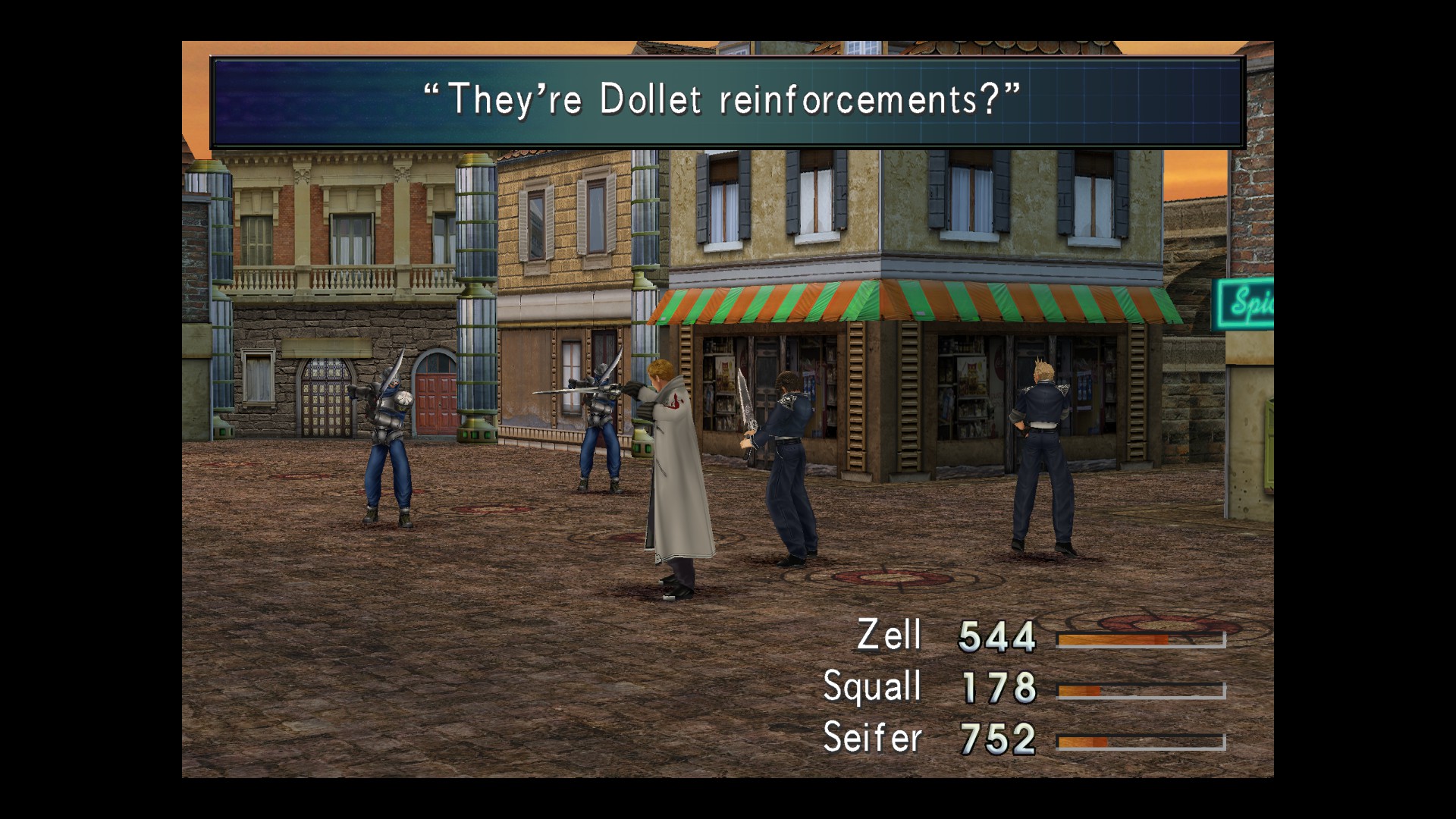
I think it looks great, altho if I have to be honest, the floor here sort of bugs me a bit:

NmrYPY7.jpg


It sort of looks like they're fighting on dirt when I think it should look more like cobblestone (specifically, round cobblestone). Dollet is under Galbadia control and the floor currently looks more like a city that's been bombed, as opposed to one just being invaded by another.

TFGXkmKuydNWrAcR1ibBsR4PNU7qRam_zzBR8Mvo_yd2FZt1S7IJlH8yduZmsM5TSEy7R6hAOnsLSFpuZxCESPRQomz5514XMtrV-67DB0G6

latest


I can't find anything totally accurate that's seamless, but I think this looks better:

FloorStreets0083_1_download600.jpg


I always got the feeling that Dollet, being a war-torn city, is supposed to resemble a sort of European town. It also gives me London vibes, hence why I think the stronger emphasis on cobblestone looks better.

I still don't own FF8 Remastered yet, but once I do, I'll defo play with your packs and look for improvement.
 
I have problem to install this.
Already had the demaster in the main folder, copy and paste the texture folder to demaster, but nothing happened.
Is there something i've been missing ?
 
Glad to see you're still active, it makes me happy.

I think it looks great, altho if I have to be honest, the floor here sort of bugs me a bit:

It sort of looks like they're fighting on dirt when I think it should look more like cobblestone (specifically, round cobblestone). Dollet is under Galbadia control and the floor currently looks more like a city that's been bombed, as opposed to one just being invaded by another.

I can't find anything totally accurate that's seamless, but I think this looks better:

I always got the feeling that Dollet, being a war-torn city, is supposed to resemble a sort of European town. It also gives me London vibes, hence why I think the stronger emphasis on cobblestone looks better.

I still don't own FF8 Remastered yet, but once I do, I'll defo play with your packs and look for improvement.
Well that actually is a cobblestone texture - but granted, it does look a bit grainy/dirty for what I was going for. I think I simply need to work the lighting and remove some of that grain.
Here's the texture:
jgOXRKQ.jpg


Also, I'm doing my best to match the original texture's lights/darks in order to properly seam across the intended ground area without getting seams and ugly variations and without making the tiling too obvious. Also, the coloring and texturing doesn't match from fields to battlefields in Dollet, and I was going for an 'in-between' feel.
 
Last edited:
Yeah, I would decrease saturation of the brown and adjust so it looks more grey/yellow tone.

If you zoom in on the image, you can see the cobblestones, but that's sort of the thing, players see the pic zoomed out and when you squint, the individual tiles become blurred because as you said, the grainy dirt texture is too apparent.

I don't know if this will help but I also found a possible useful texture:

brick_pavement_0060_01_preview.jpg
 
I have problem to install this.
Already had the demaster in the main folder, copy and paste the texture folder to demaster, but nothing happened.
Is there something i've been missing ?
same
 
I have problem to install this.
Already had the demaster in the main folder, copy and paste the texture folder to demaster, but nothing happened.
Is there something i've been missing ?
You needed to run the Unpack feature of the ffviii_demaster_manager before you moved the textures folder. Also, make sure you have DEMASTER version 1.2.6 or higher!
 
You needed to run the Unpack feature of the ffviii_demaster_manager before you moved the textures folder. Also, make sure you have DEMASTER version 1.2.6 or higher!
i did unpack it and copy the texture files but it doesn't appear in the game
 
Thank you for returning to FF VIII, I'm enjoying seeing your progress and hopeful this will wind up being the best way to play the game.
Now, not to have a whinge but I think the snow forest area could use some work. It looks like you've used some photography and the dense, similar looking trees don't really match the sparse, even alien nature of the original. Additionally you haven't matched the bluish colour temperature.
The other screenshots look great except for the cobblestone as mentioned.
 
You needed to run the Unpack feature of the ffviii_demaster_manager before you moved the textures folder. Also, make sure you have DEMASTER version 1.2.6 or higher!
I tried this.
But even my FMV's stop working, dont know why.
The only way I find to fix this was to download the demaster 1.2.4 again and not update.
 
I tried this.
But even my FMV's stop working, dont know why.
The only way I find to fix this was to download the demaster 1.2.4 again and not update.
Stop workin I mean that they go back to the normal, not the upscaled that I put there.
Now is everything working, even the Battlefields.
 
i did unpack it and copy the texture files but it doesn't appear in the game
Hi everybody. That seems great i'm so happy for this HD texture pack. I think i did someting wrong since i did all the steps but it didn't work. I think i'll restart from scratch
 
Stop workin I mean that they go back to the normal, not the upscaled that I put there.
Now is everything working, even the Battlefields.
Sorry for the spam, but editing: With the new version that Maki put on the Demaster topic, works fine.
Thanks.
 
Hello, I run ffviii_demaster_manager (version 1.2.8a), click on "force game files re-unpack" and after merge the texture folder of the mod with the texture folder locate in my demaster_exp of my game but it did not work, can someone help me please?

I see 2 button that call upadate on the ffviii_demaster_manager, but this in for updating the fviii_demaster_manager not my game, so I don't understant where can I click on update that you mentionned in your description:/

Edit : I feel stupid, did not notice that I have to launch the game with "FF_VIII_LAUNCHER" in the game directory, everything worth now, hope this can help if someone encounter the same problem

Edit2 : Now it worth even if I launch the game with the normal launcher, don't really now why nothing wanted to worth some hours ago x)
 
Last edited:
Status
Not open for further replies.
Back
Top