O
olearyf2525
Guest
Does this include the weapon textures from the berrymapper thread?

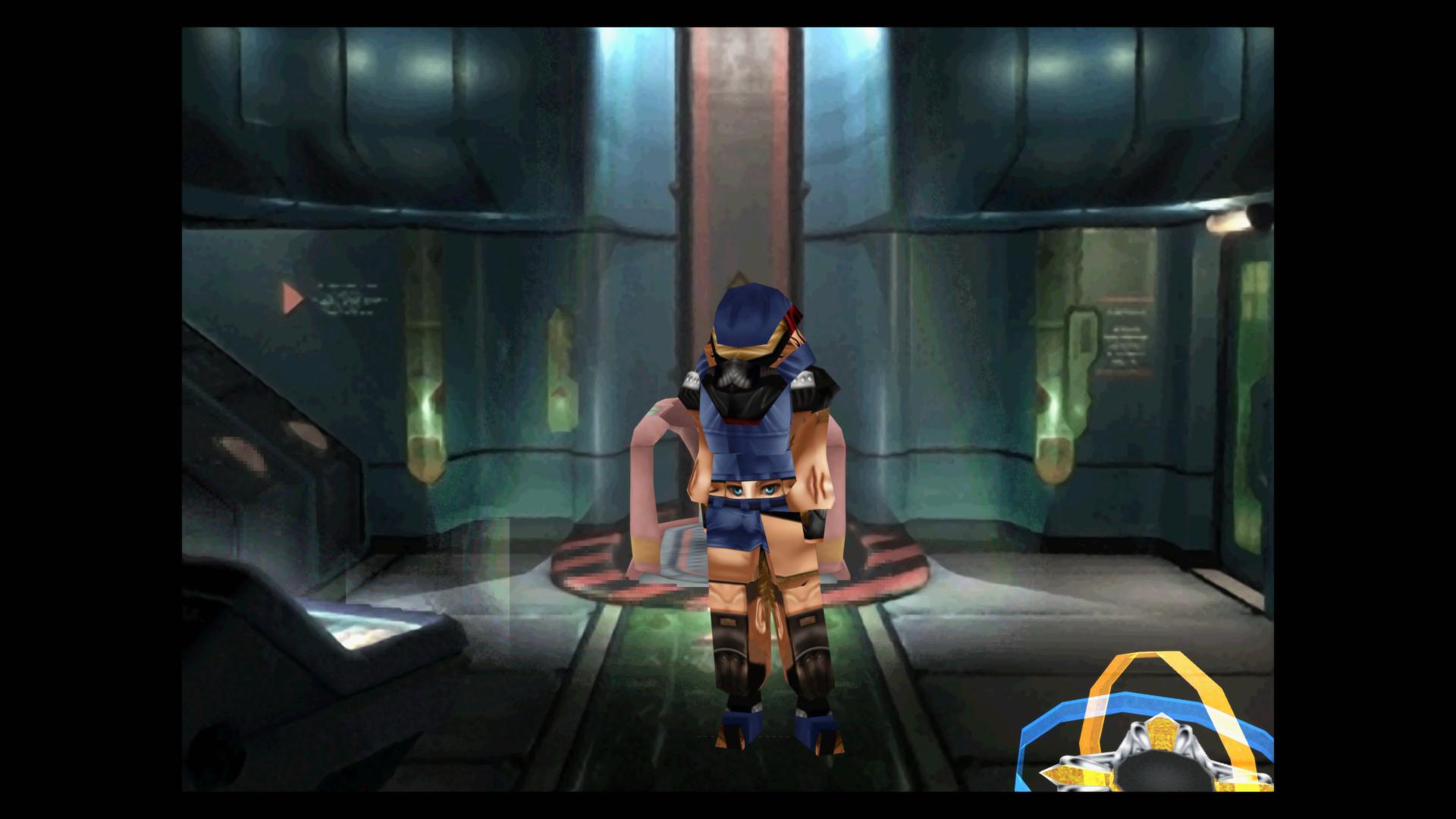
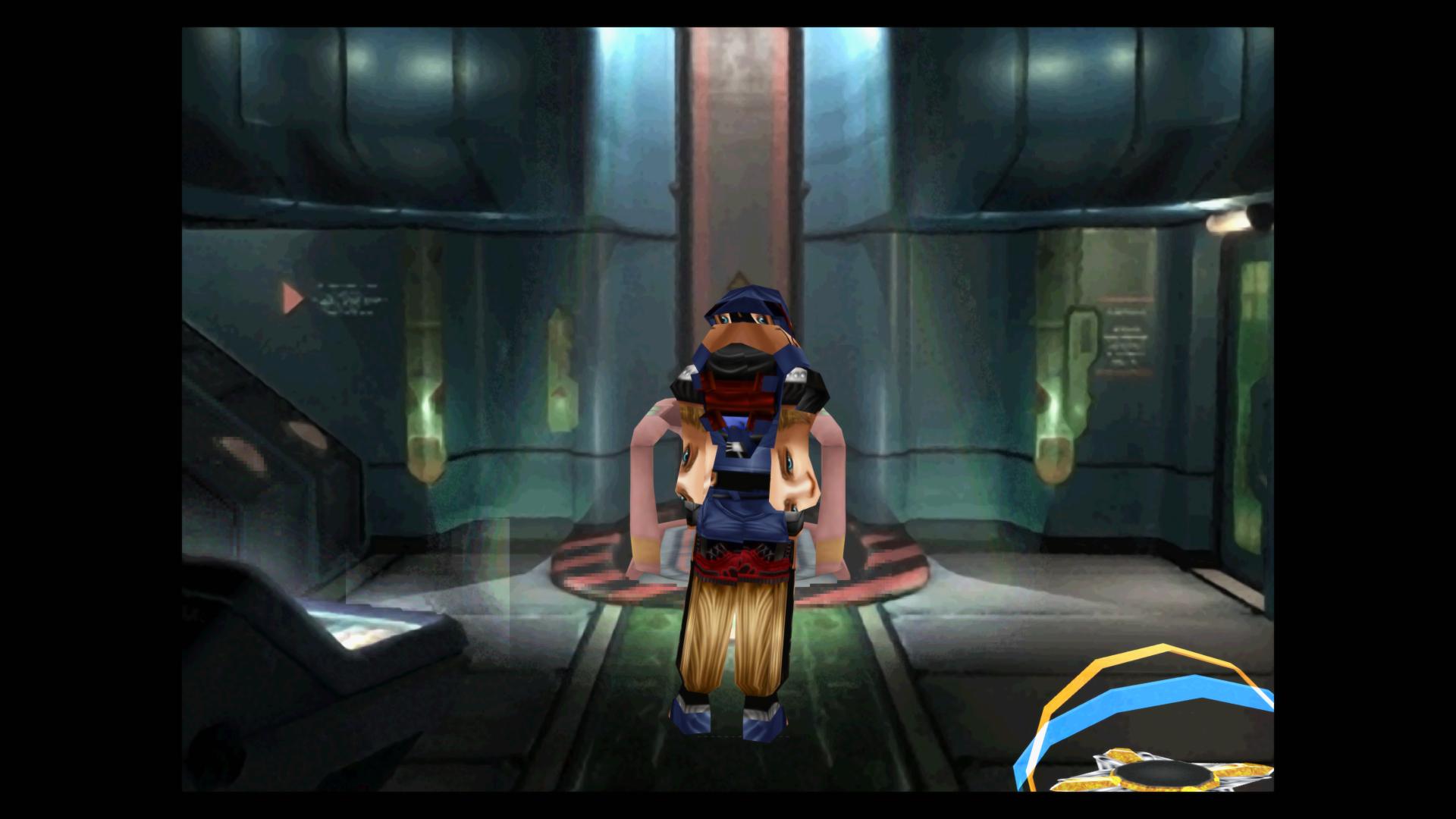

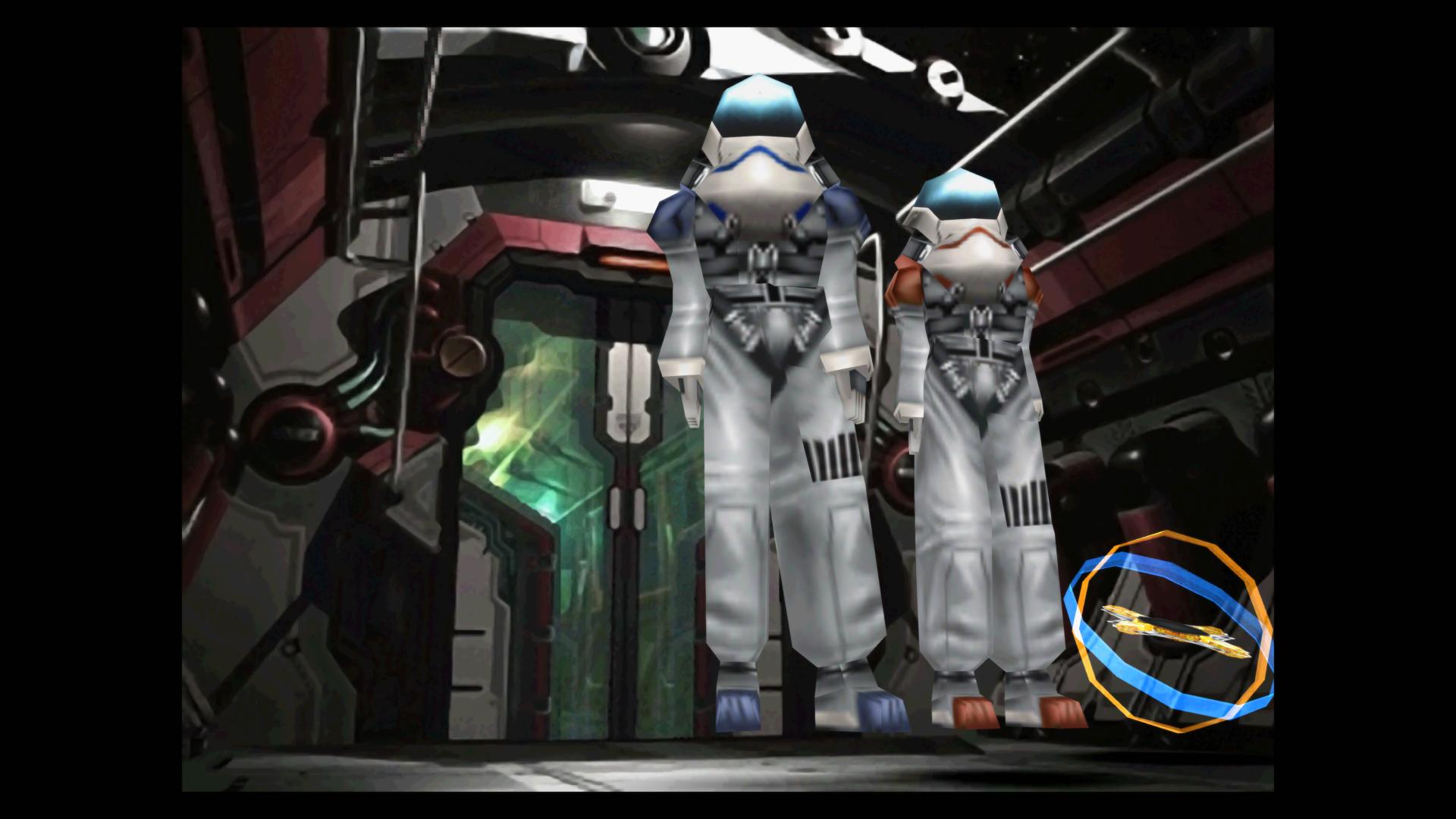
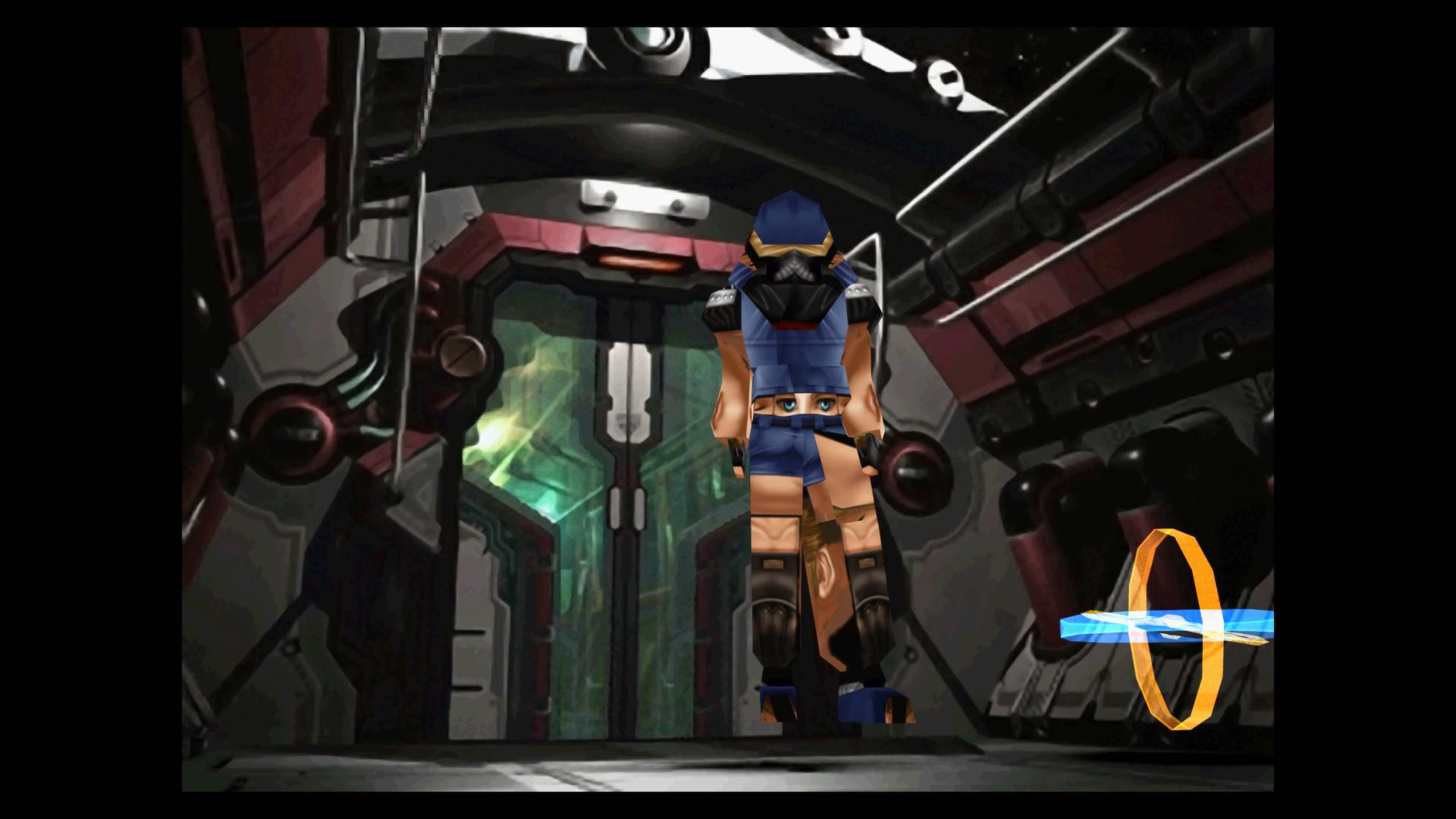
You're still using the objmap. If you're using v1.1, you don't really need it. And it causes the problems that you saw.Sure enough, removing the "ch" folder from my "Textures" folder temporarily fixed the issue outright.
Here's a screen grab after I completed the sequence inside of the Ragnarok:
And here's a screen after dumping the "ch" folder back into my "Textures" folder and reloading:
Hopefully this helps. Thanks again for all of your work on this mod!
If you mean the most recent pictures posted, then no sadly. But I'd love to have them in game.Does this include the weapon textures from the berrymapper thread?
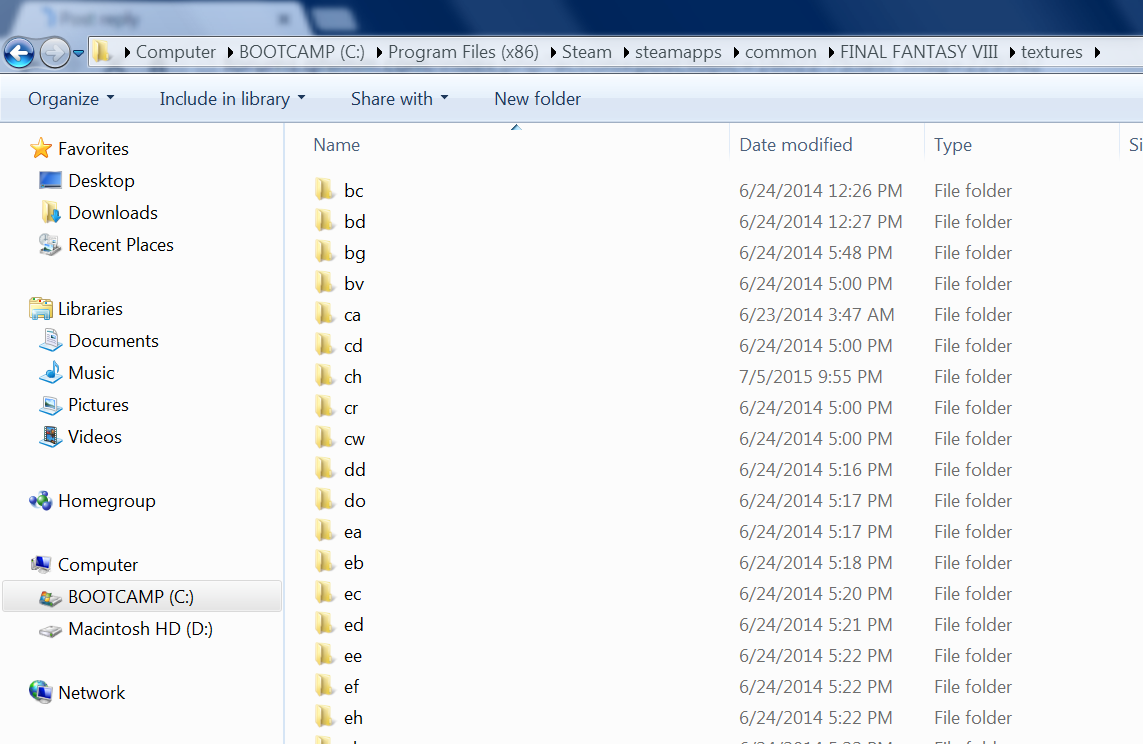
It's odd how all seem to work but RF. You're putting the "ch" folder in the textures folder right? You're running it off a mac? Are you using Wine? Not sure if this would screw up how the directories work or not.Hey guys im having an issues with RF, no matter how i install it, it will not work. i have tonberry 2.04. Lunar cry works great along with all the other mods. ive also tired RF 1.0 but that hasnt worked either. when ever i put the hashmap inside the hashmap folder none of the mods work. but outside the folder just inside the tonberry folder they work fine with the exception of RF. The ch files are definitely in the texture folder. idk what the deal is, and i cant screen shot while in game running off a mac unfortunately. And i cant attach the screen shot of the folders for whatever reason.Thanks.

Yeah, well the Mac is partitioned with bootcamp so its running windows 7 on this side for pc only programs and Steam. "ch" is definitely in the textures folder.It's odd how all seem to work but RF. You're putting the "ch" folder in the textures folder right? You're running it off a mac? Are you using Wine? Not sure if this would screw up how the directories work or not.


This is how you can add pictures.You can't upload images to this site. You have to upload them to another site like imgur first.
1. Go to imgur.com
2. Click "upload images":

3. Click "browse your computer":

4. Click "Start Upload":

5. Select your file to upload
6. Once it finishes uploading, look for "BBCode (message boards & forums)" and select the file icon to copy this code:

7. Paste it into your post
What is your native language? If these instructions are hard to understand, maybe it will be easier for someone who knows the same language to explain it to you.
This is how you can add pictures.
Hm... Tough to say, then. RF works just like any other graphical mod using Tonberry v1.61 or higher. They all roughly follow the same steps to get them working. And you said others work, too... Now as for why Tonberry isn't working properly for you(like the files only work outside their folders), I couldn't tell you because that isn't my field. Perhaps someone else could help with that.
That was Crestian and Mortael. I just helped adding them in. So, yes. Those are in the pack.What I meant was I remember reading through the berrymapper thread months ago and you FatedCourage and Mortael I think re-did squall's gunblade and a few other weapons if I remember right? I was wondering if this mod also implements those weapons?
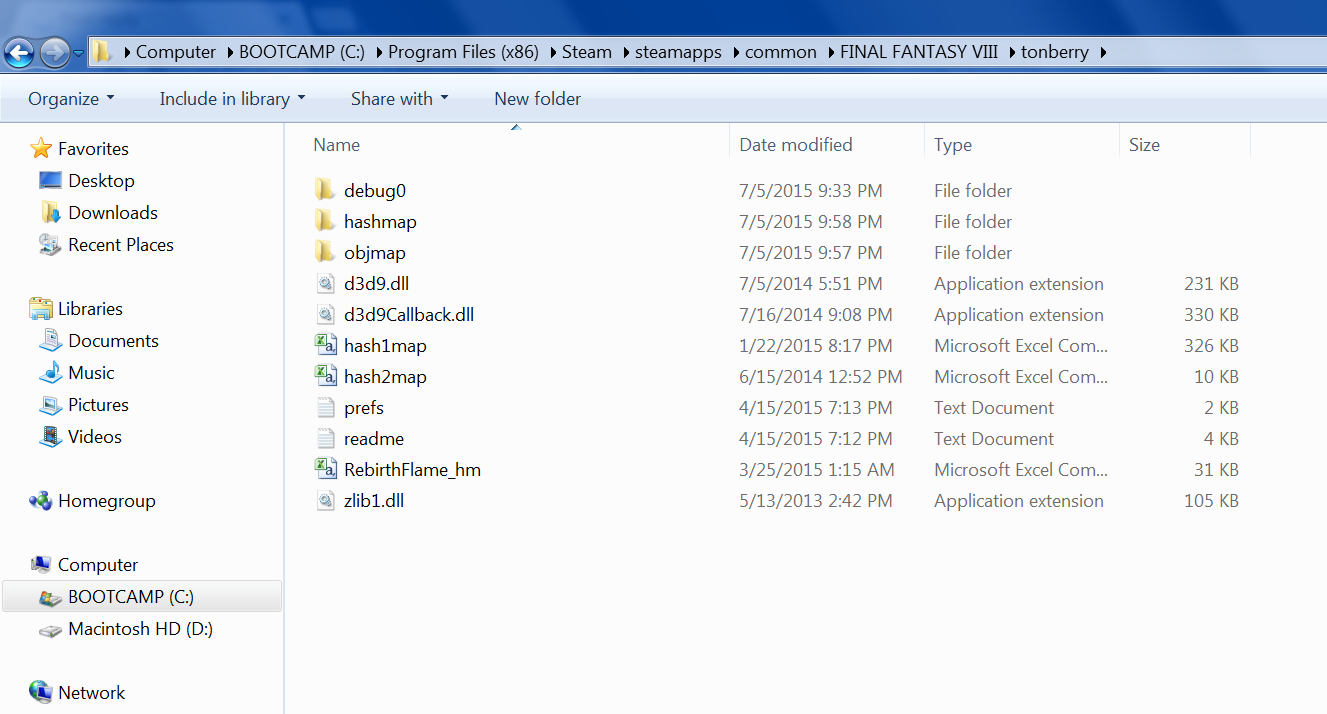
Well, for starters, I believe the .dll files are supposed to be outside of the tonberry folder. Not in it. I also don't think there is a need for "hash1map" if you're using the Project Eden hashmap.
Thanks for that upload deal^
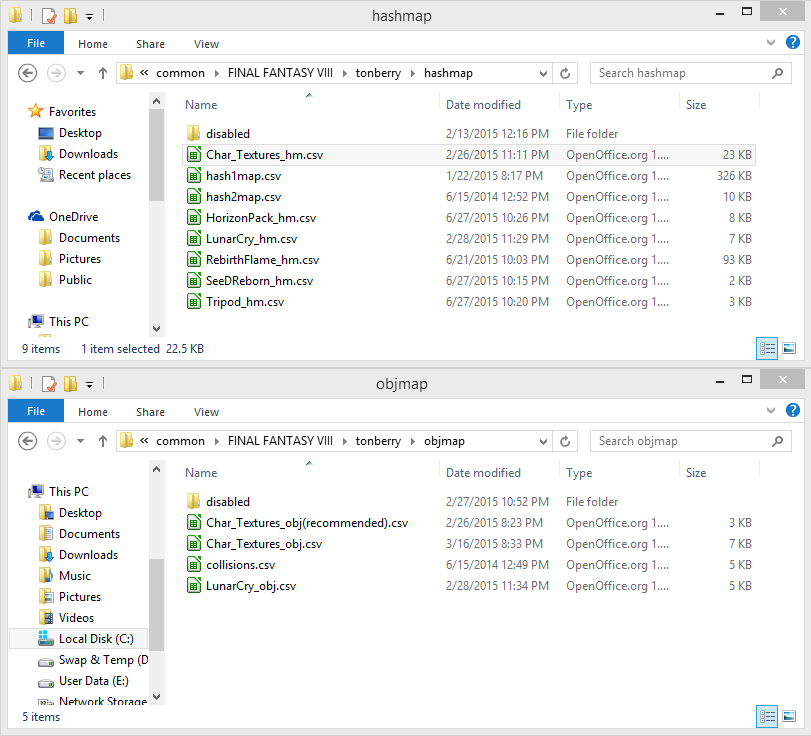
this is what i was trying to post earlier just how the folders are set up. I also tried using berry mapper and im in balamb gardens so even the "should" work but doesnt. ive tried mix and matching folders here and there to no avail. i may just erase everything as start from scratch
IT WORKS! what i did to fix it was uninstalled ffviii(wasnt necessary) then erased Tonberry and texture folders. re created tonberry folder and re un zipped mods back into tonberry. if i had to guess it mayve been due to deleteing the disable folder, not sure why that'd prohibit anything but it works now. Your textures look AMAZING! now i can giddily play FVIII!That was Crestian and Mortael. I just helped adding them in. So, yes. Those are in the pack.
Well, for starters, I believe the .dll files are supposed to be outside of the tonberry folder. Not in it. I also don't think there is a need for "hash1map" if you're using the Project Eden hashmap.
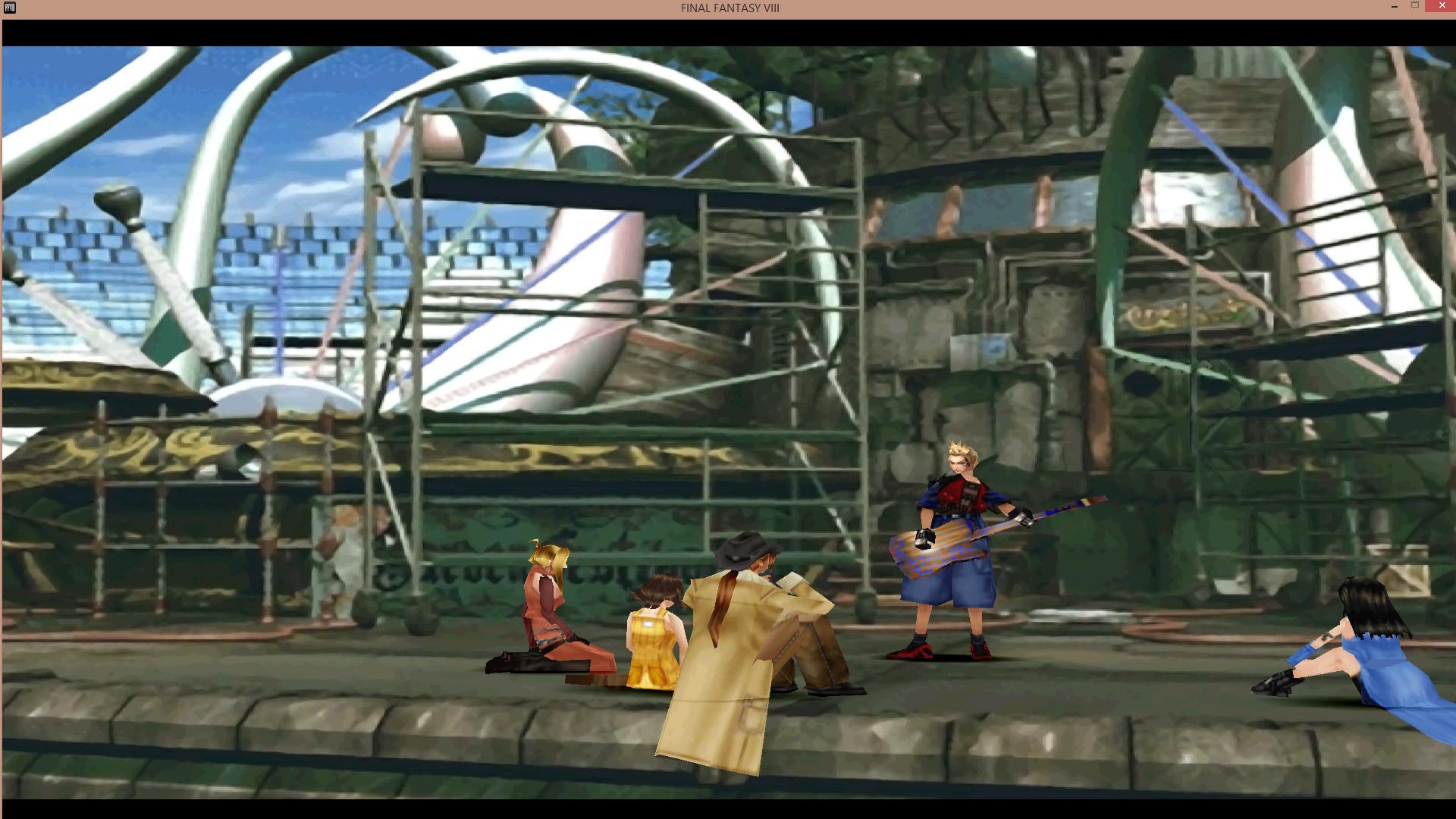
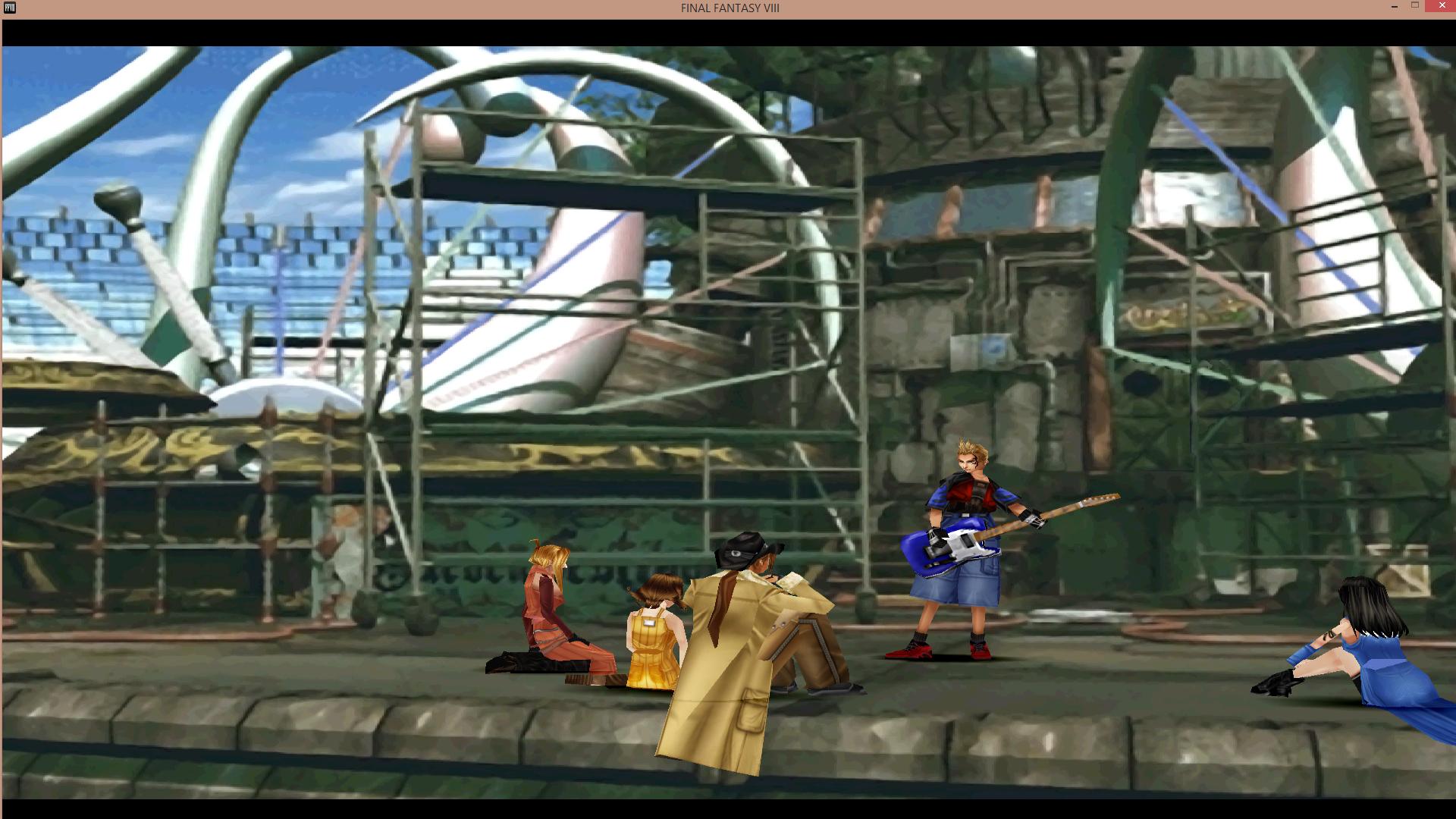
Thank you FatedCourage, nice workJust wanted to post something to show I'm still working on this. Still looking for areas with disappearing textures and bugs. Although, I have managed to fix one thing that was annoying me since I got the PC version of the game. That was the instruments for the concert. I know, very minor thing, but I like that scene.
Some instruments looked like this.
Now they look the way they are supposed to.
Turns out some of the instruments were pulling the textures from the wrong area. So I managed a workaround by placing the correct one there. Still testing to see if it causes any issues. Once I'm confident it doesn't, I'll update the pack.
.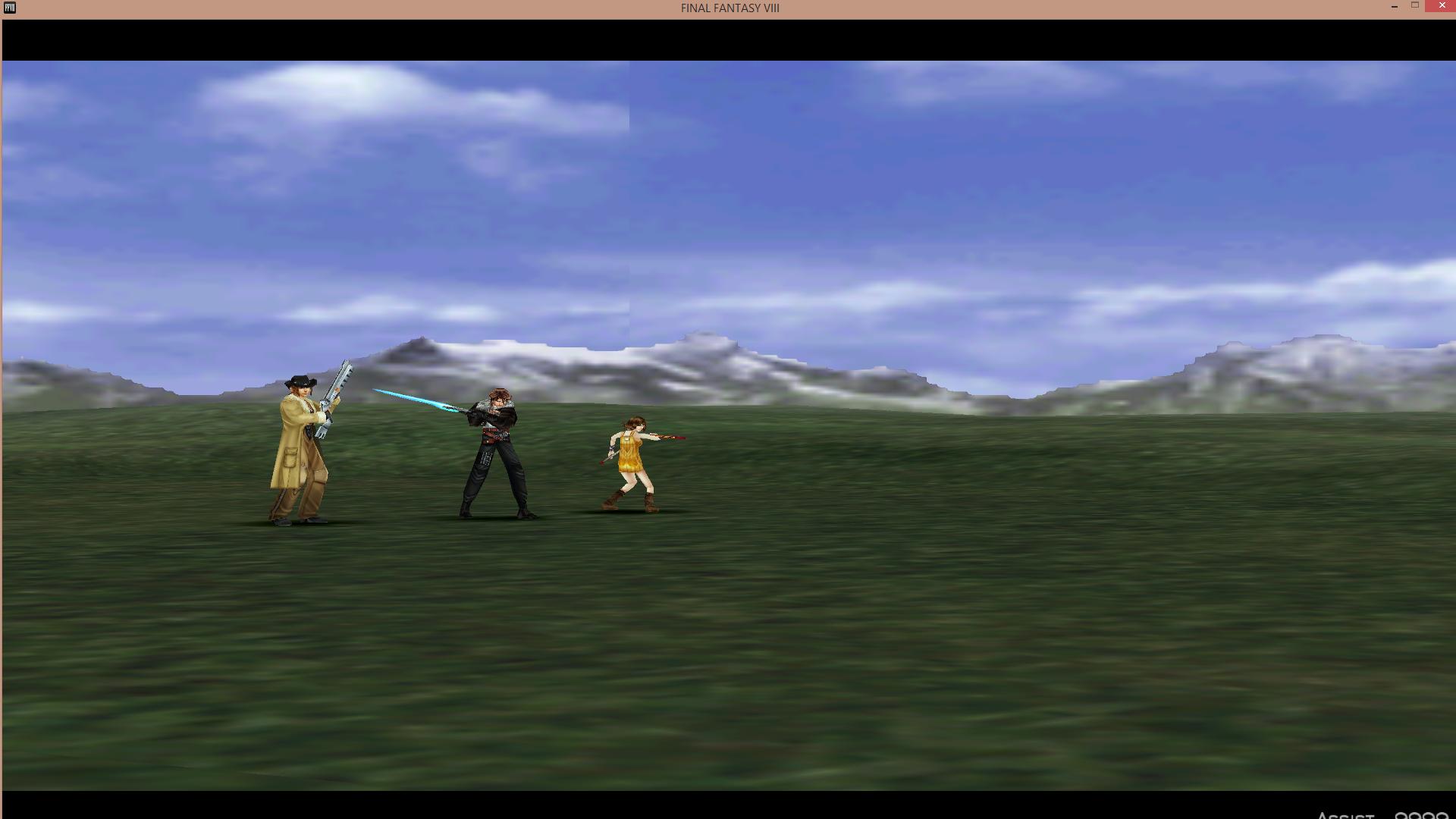
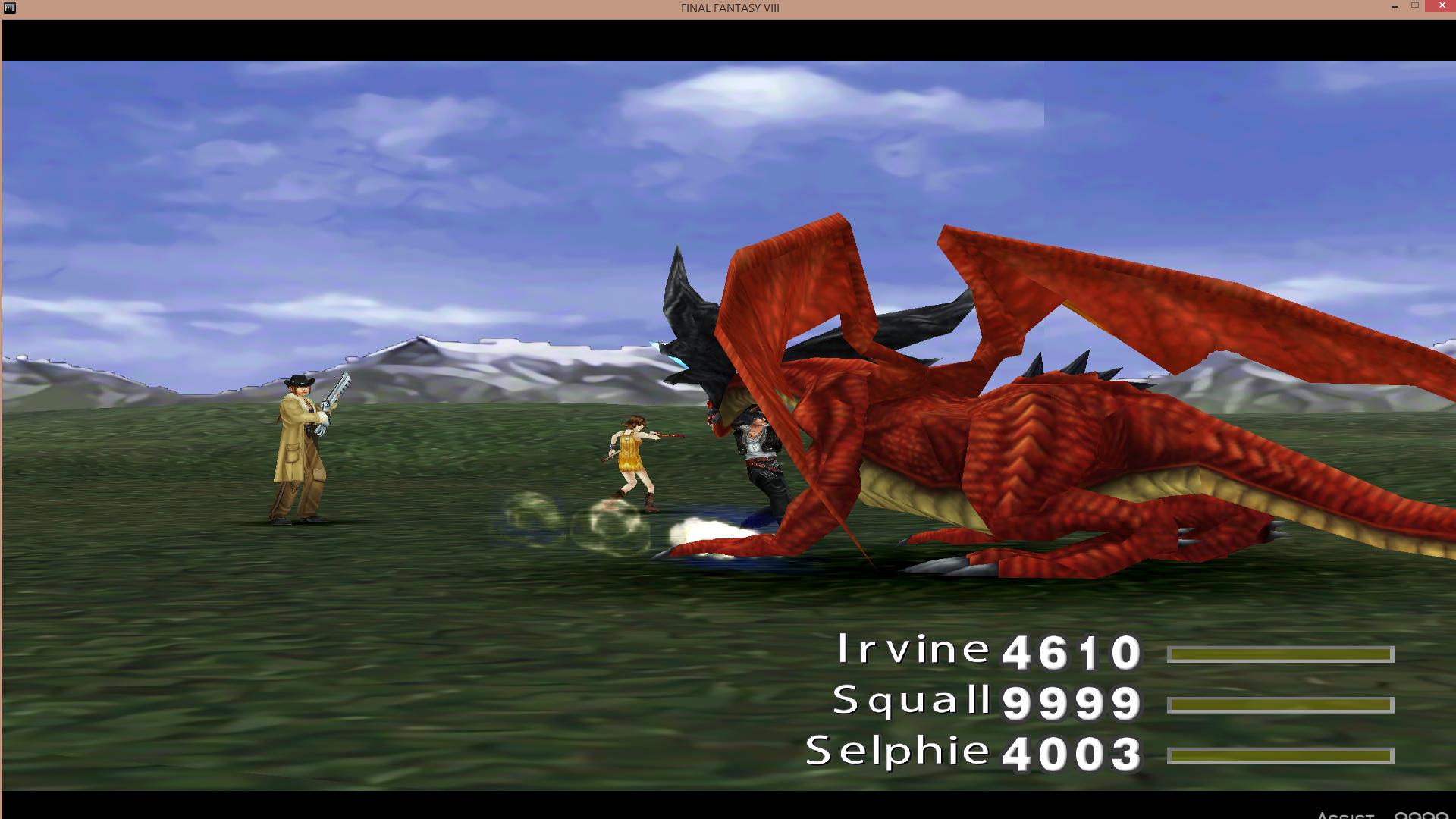
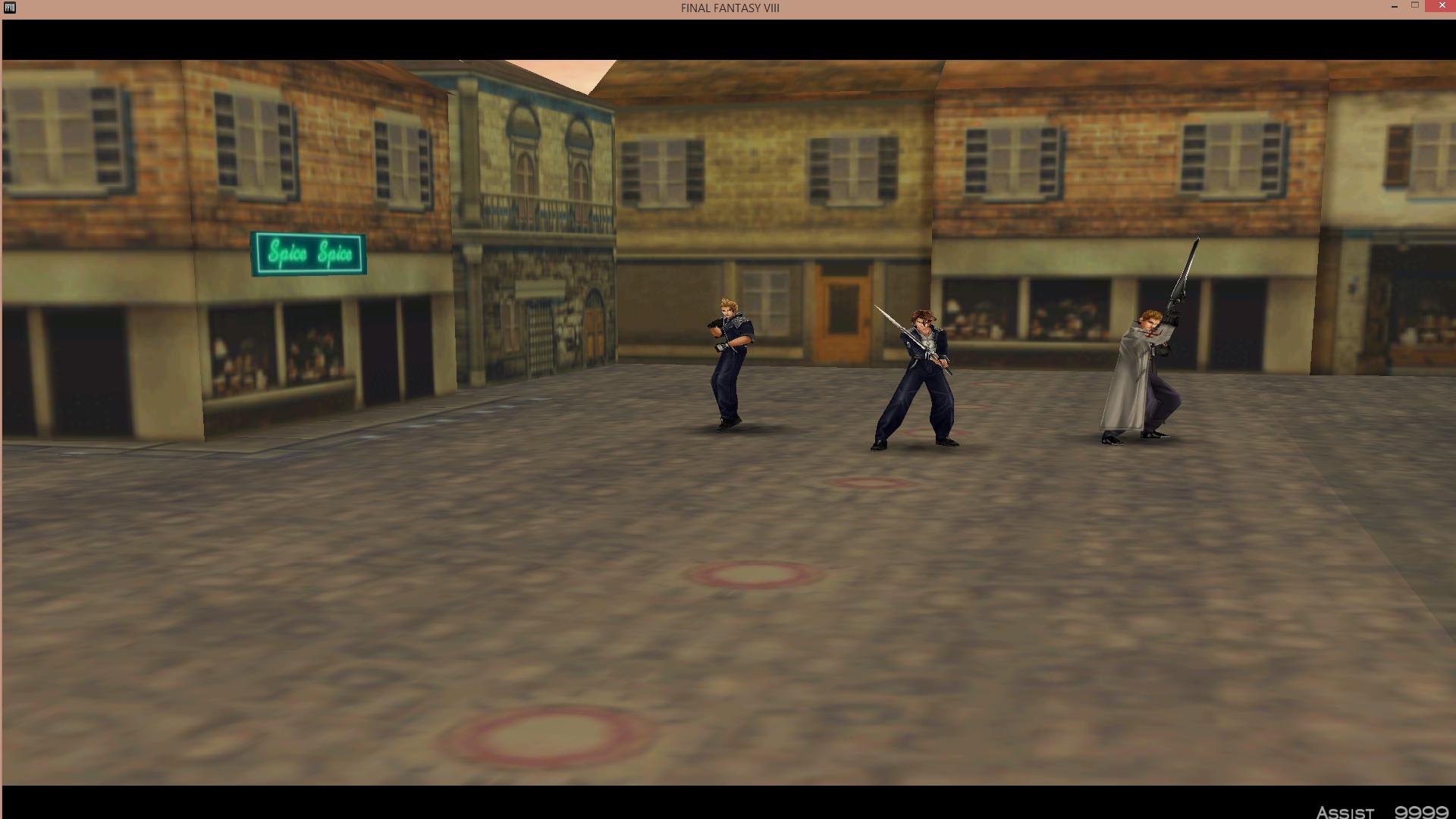
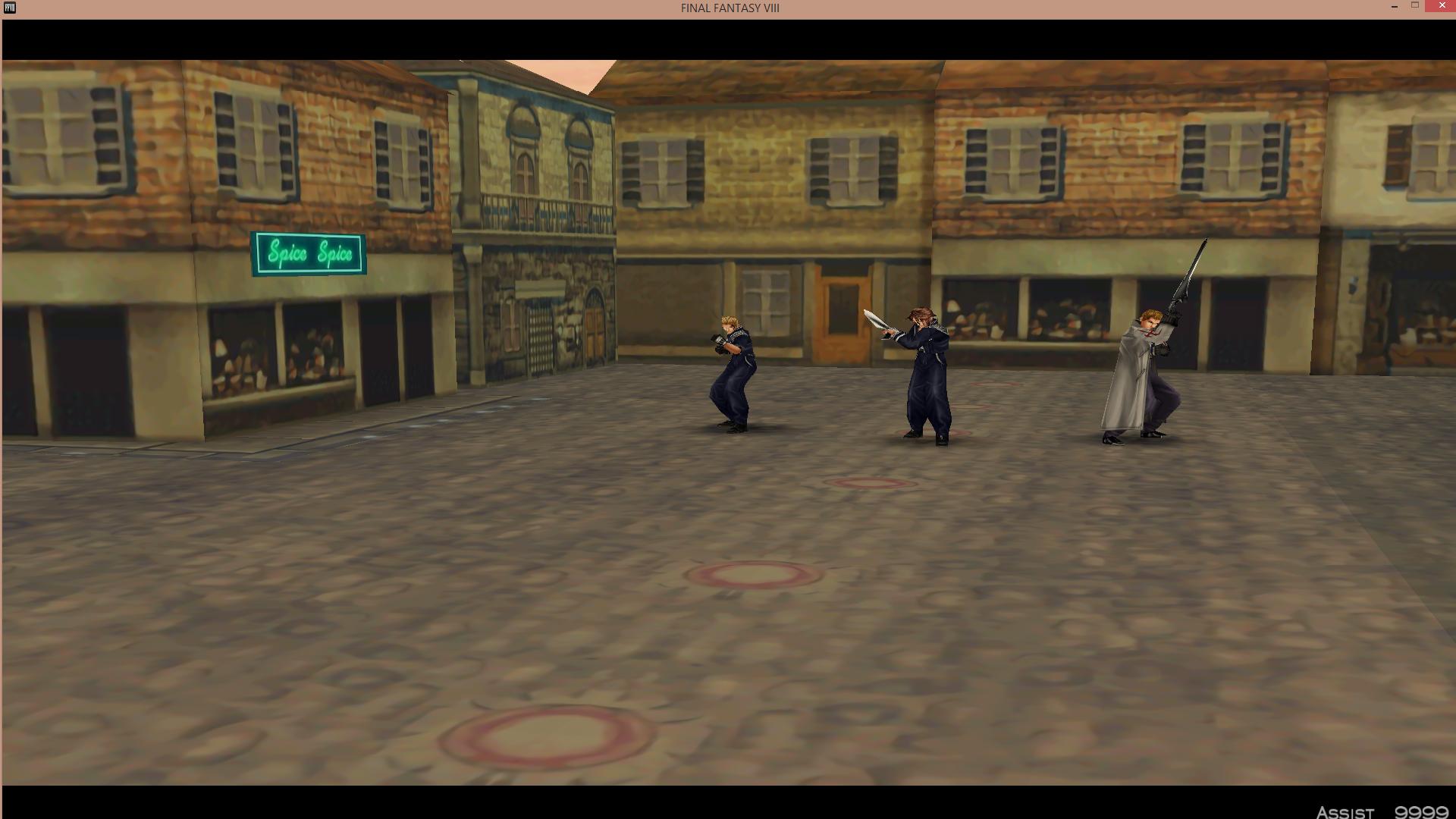
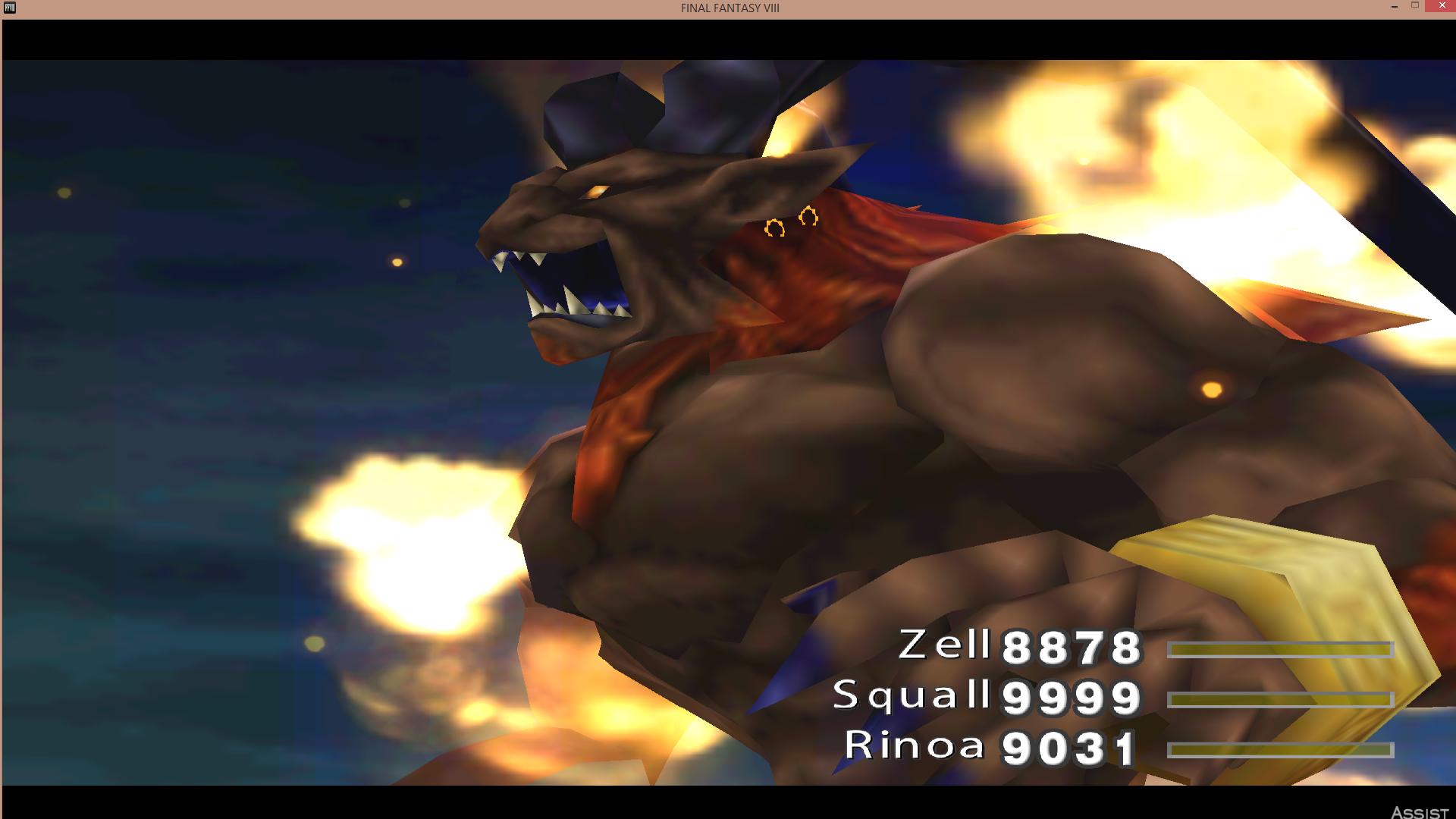
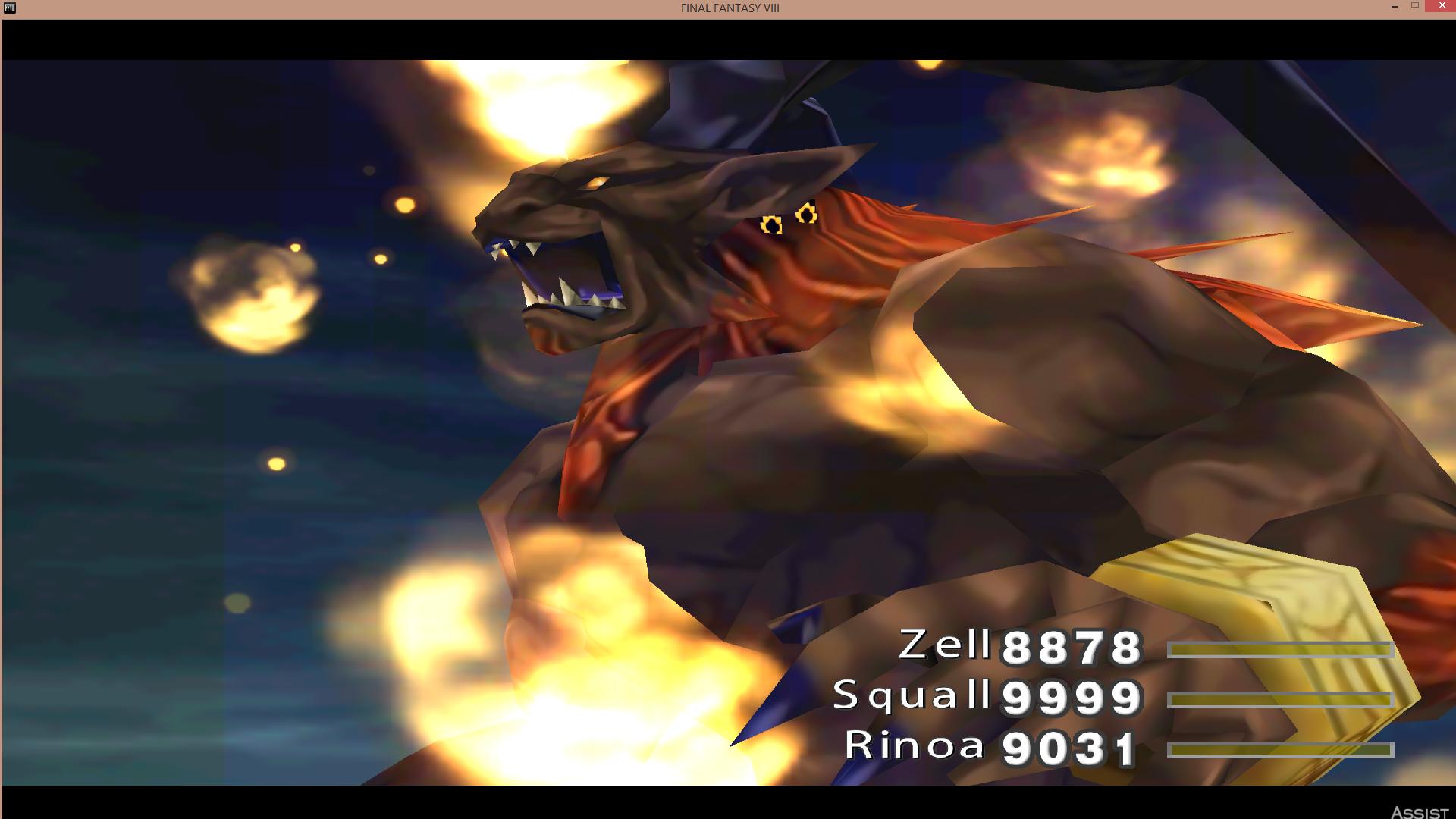
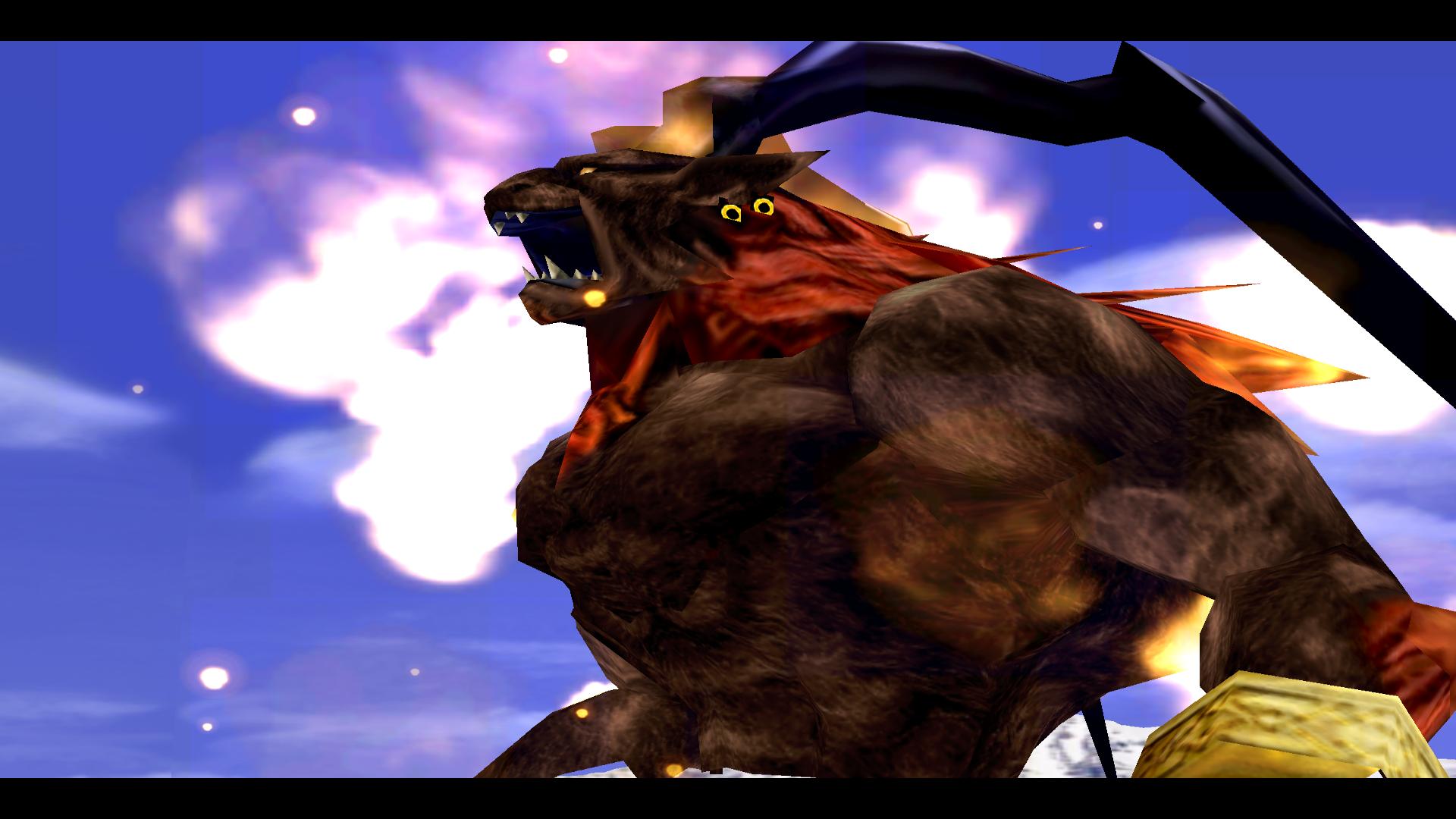
I'm currently making my own versions of the GF's (The "Hellfire Pack" that gets done as I can chisel away a tiny bit at a time)I've tested it on GFs as well. But Ifrit should be a good example.
After
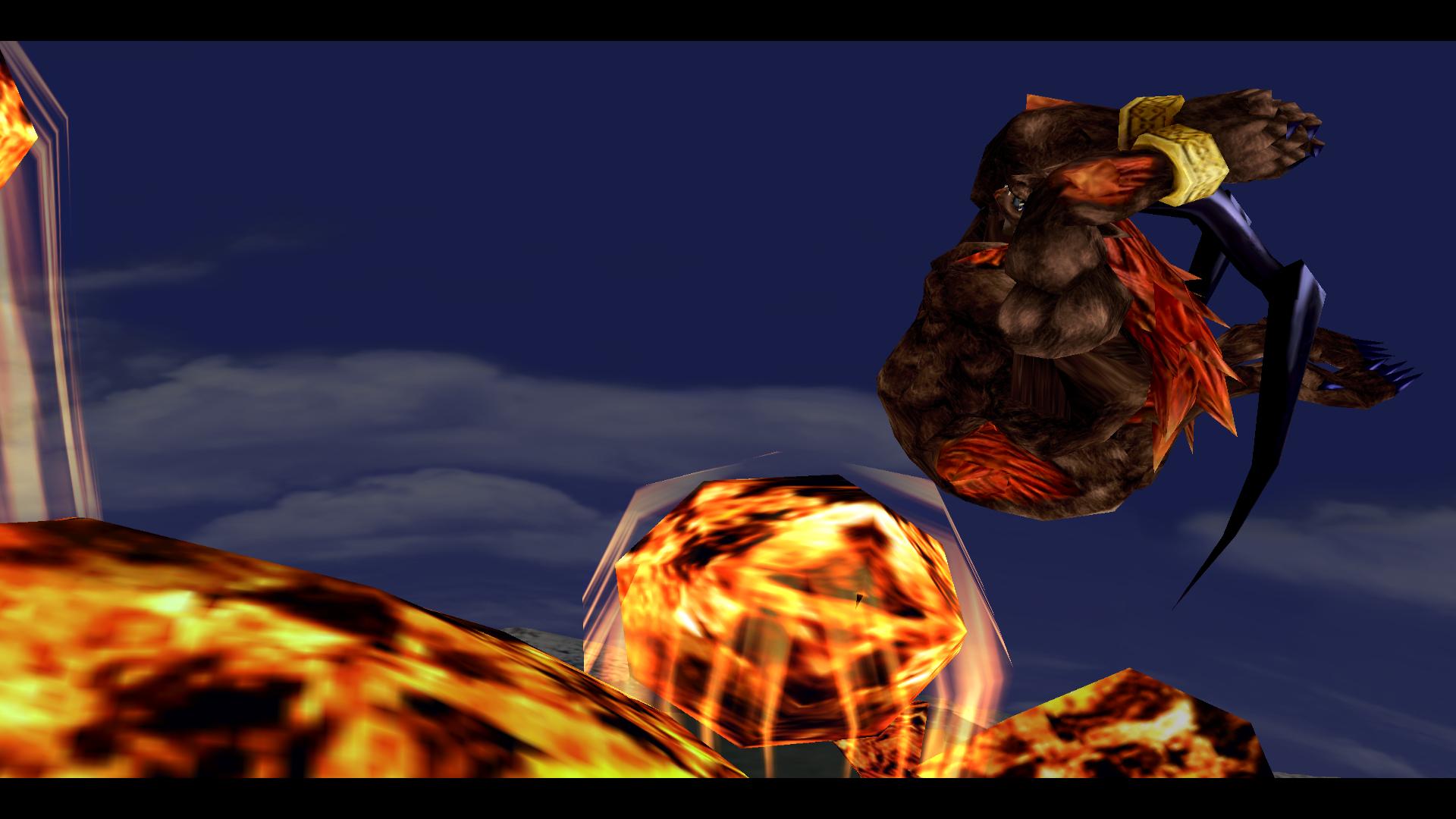

Looks great to me. Look forward to your completion of it. Will the Friendship summon (Moomba), Chicobo, Mini Mog, and Gilgamesh also be a part of this pack? I was mainly showing off what the Waifu upscale can do for FF8. Not really working on anything at the moment.I'm currently making my own versions of the GF's (The "Hellfire Pack" that gets done as I can chisel away a tiny bit at a time)
Here's a couple shots:
Not sure if the fur is too much
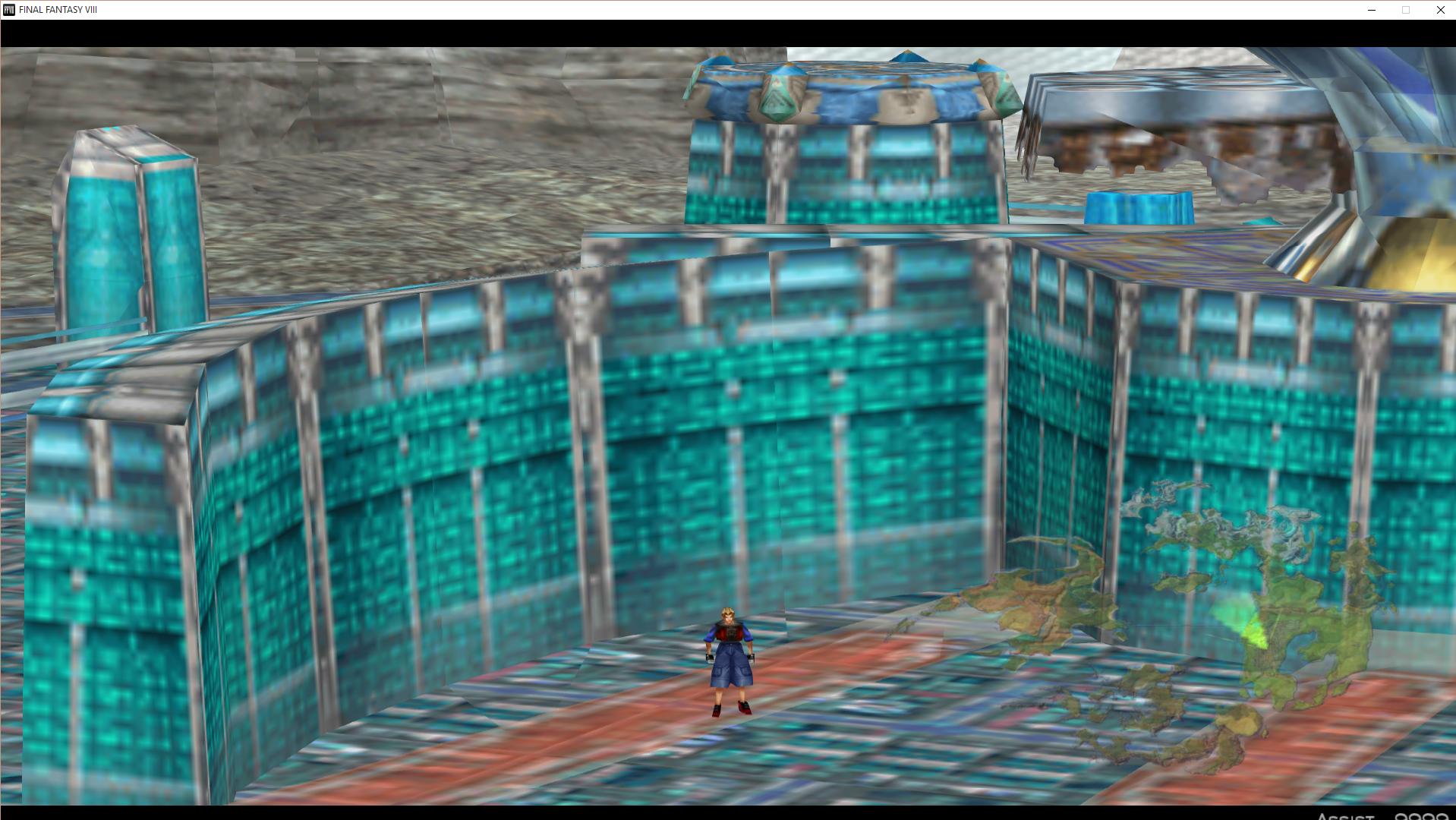
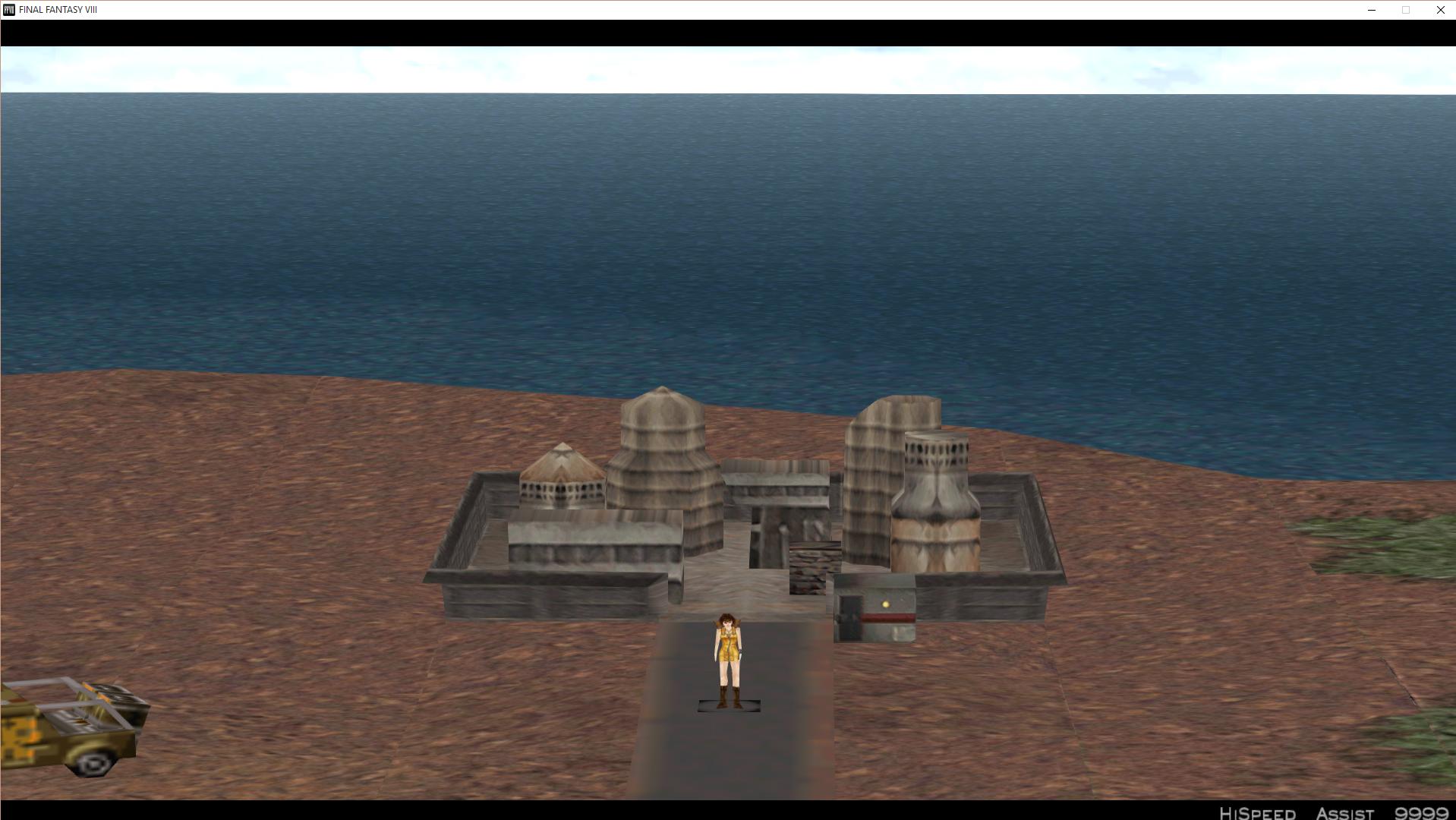
 And also added more codes to the hashmap for other reverting textures. Going to try and do a quick playthrough this weekend and send all that fun stuff to maverick hopefully. So, uh, yeah. That's all for now.