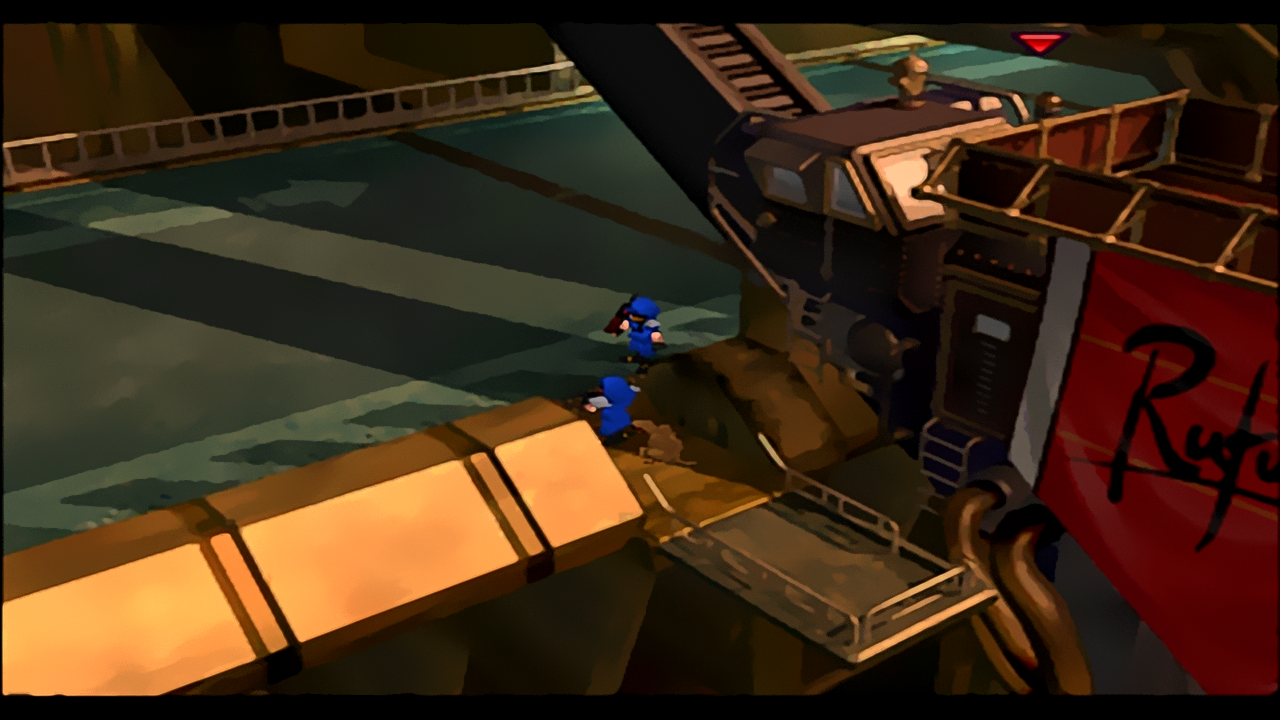
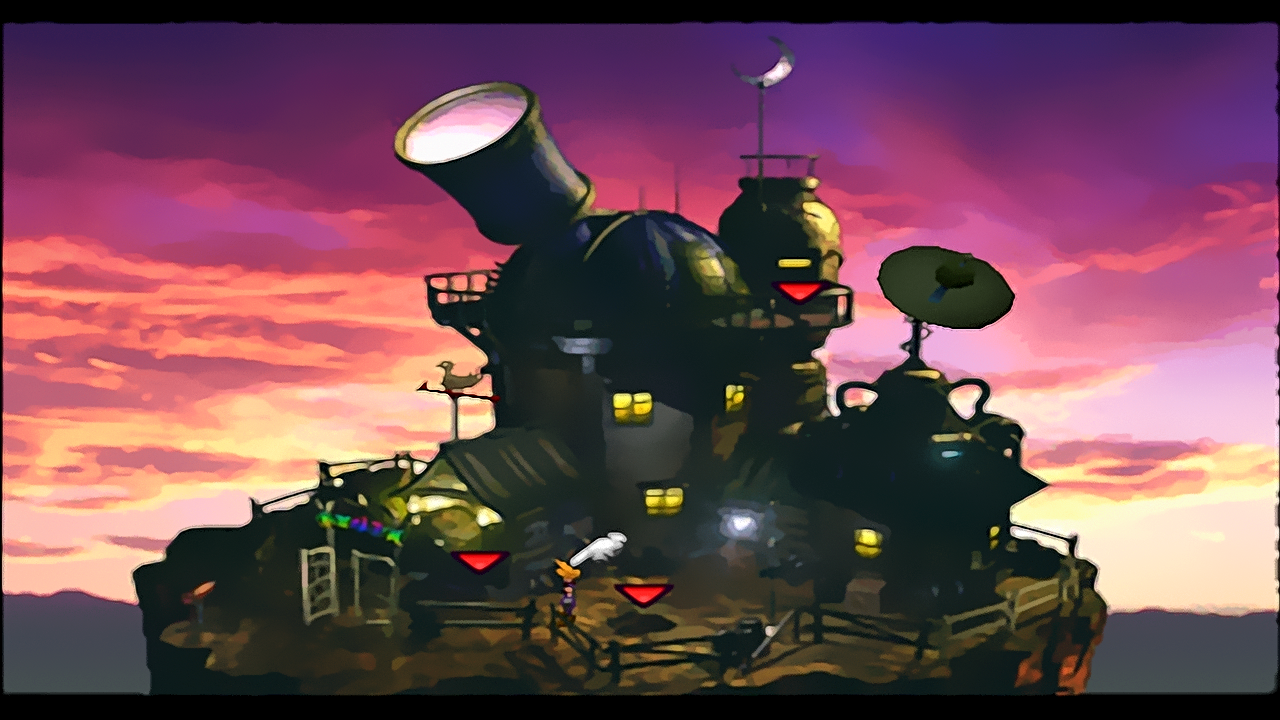
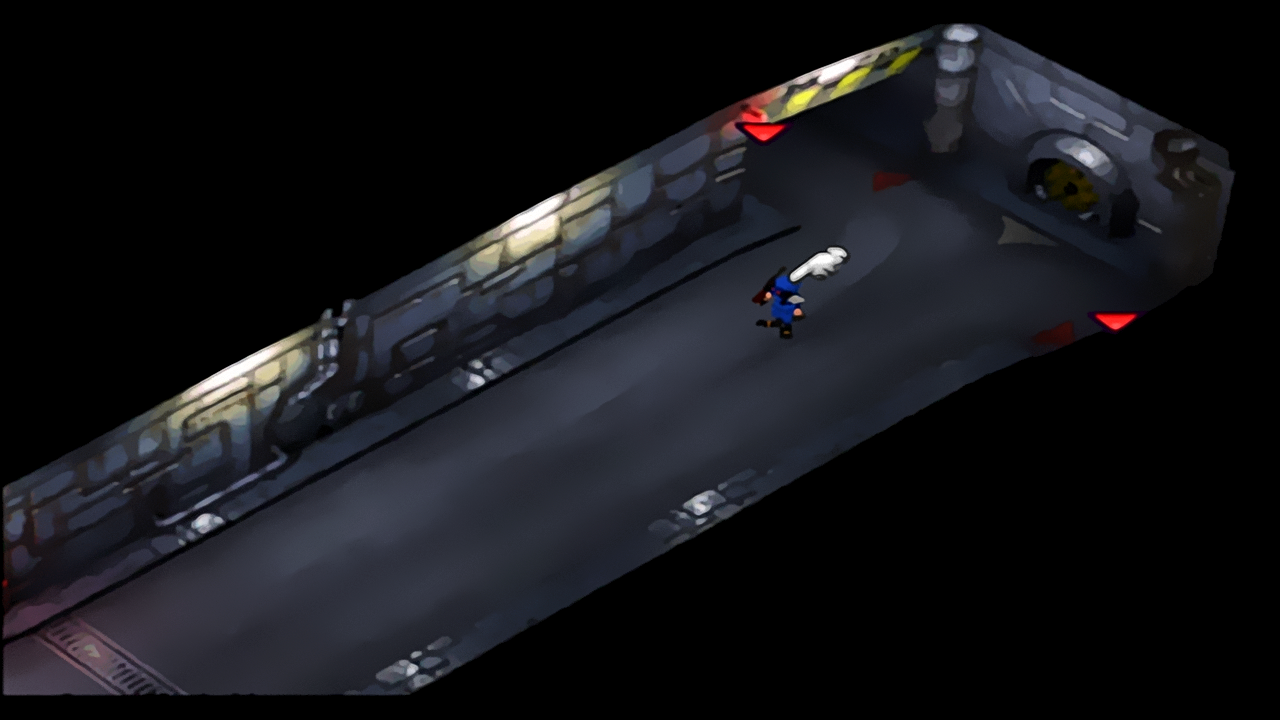
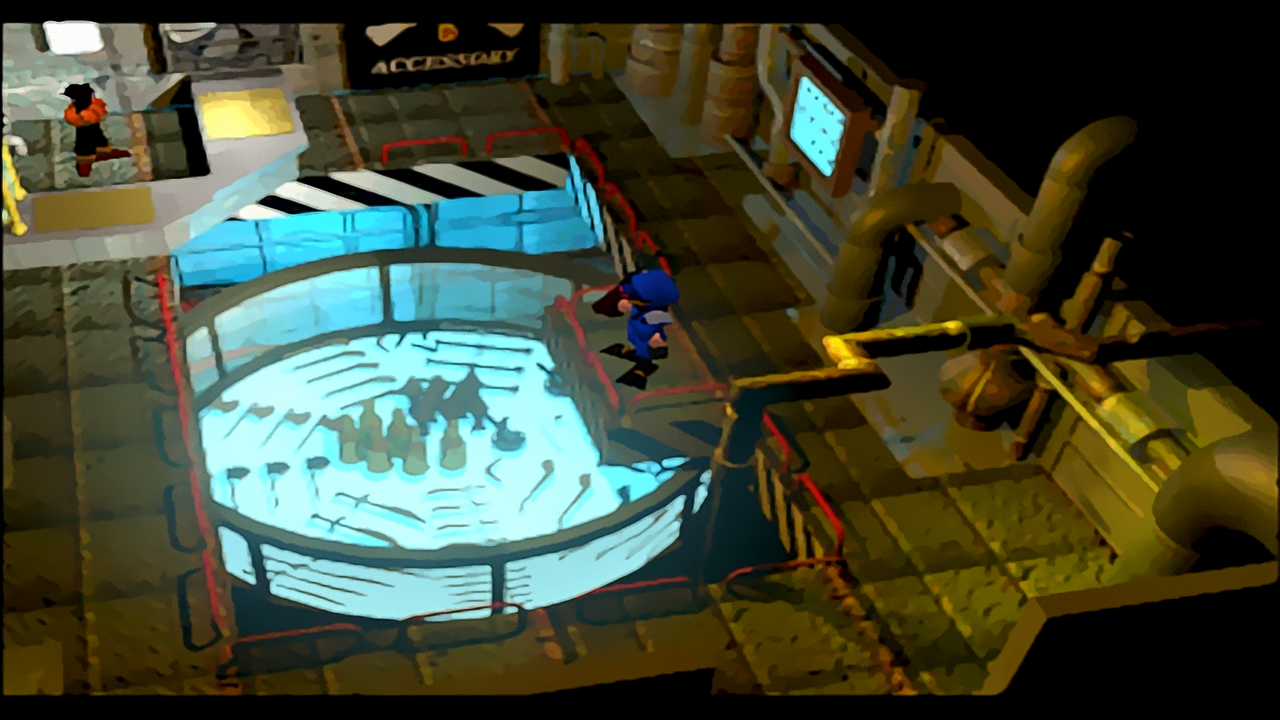
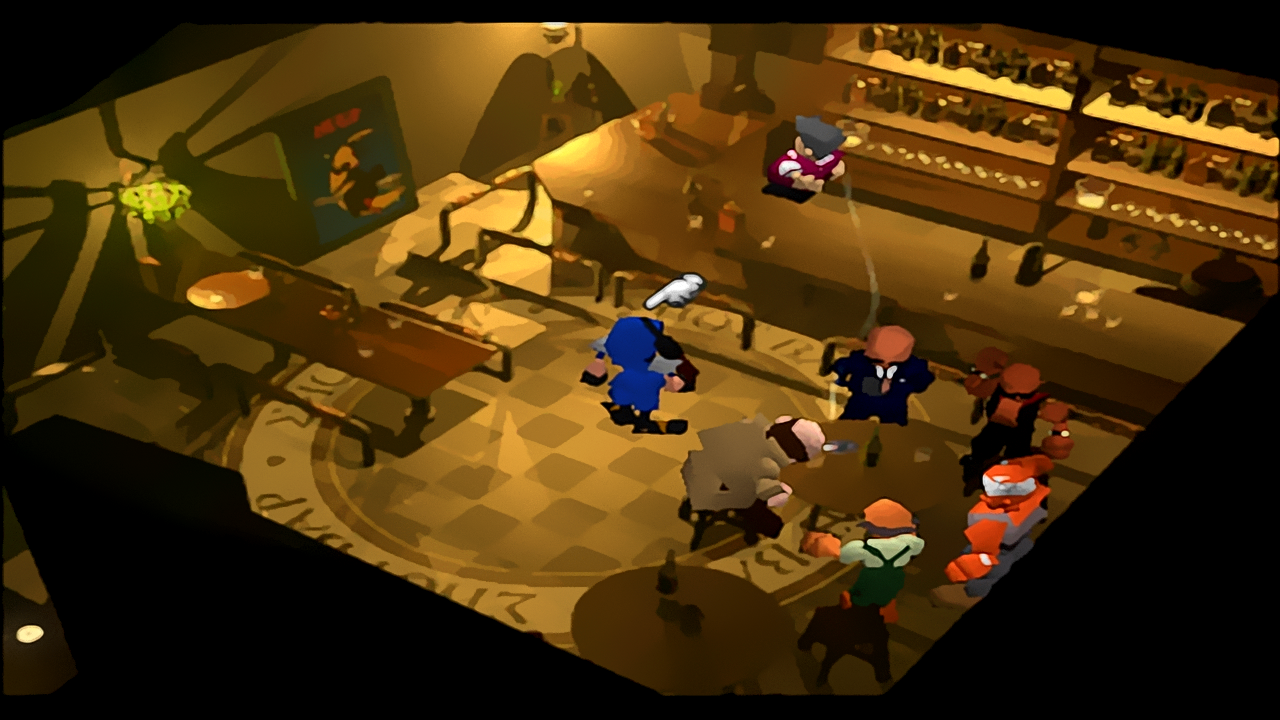
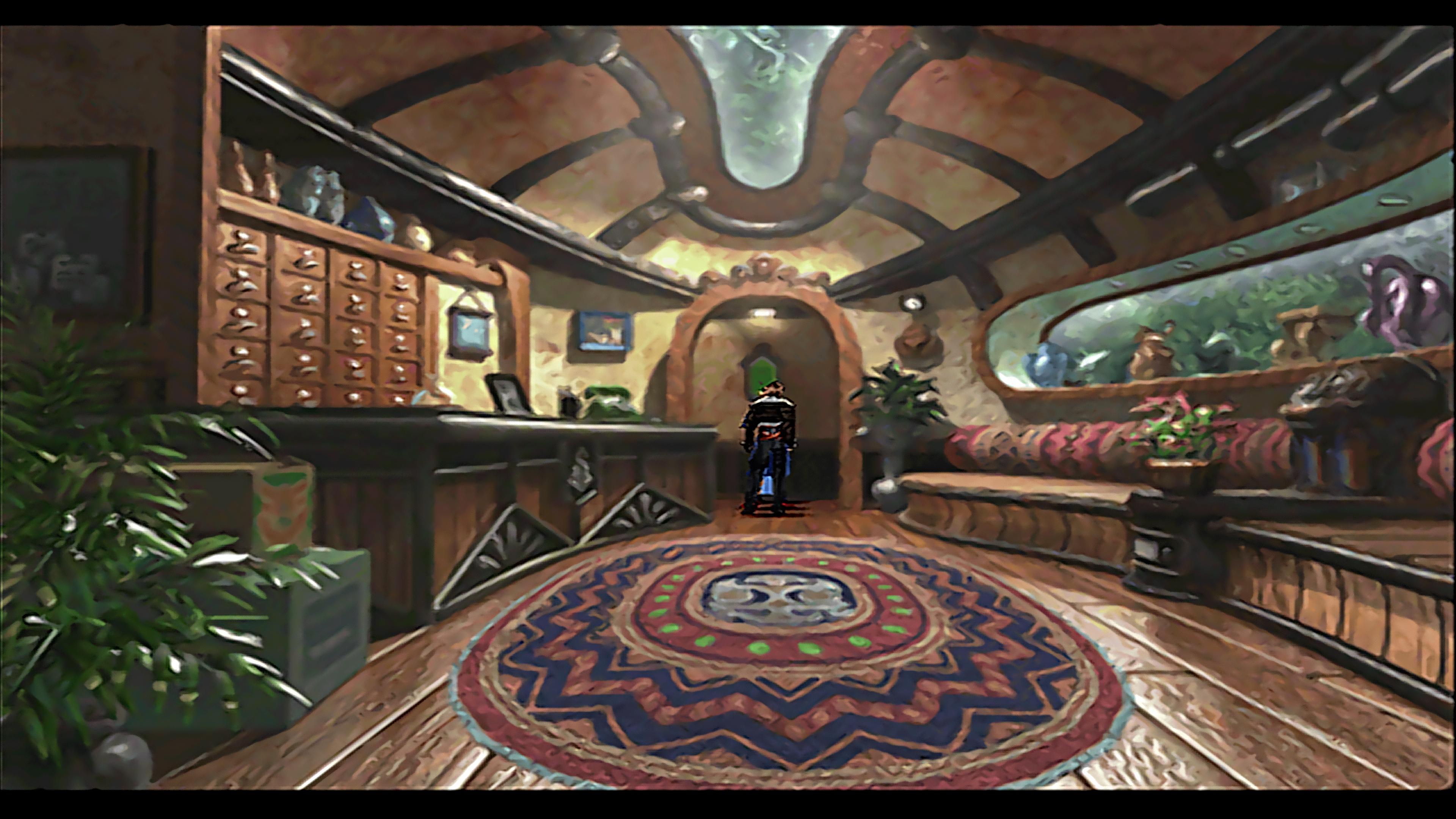
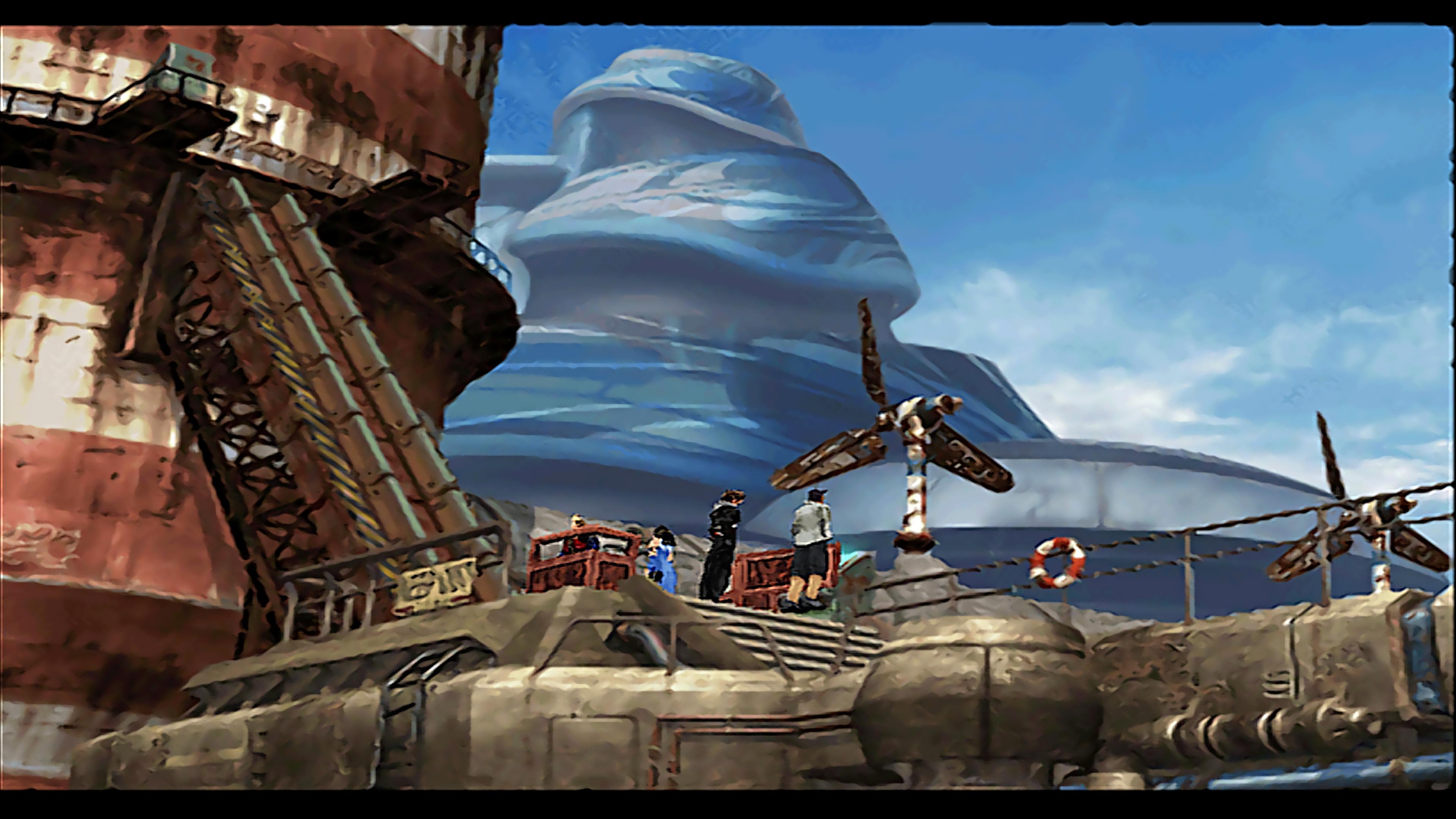
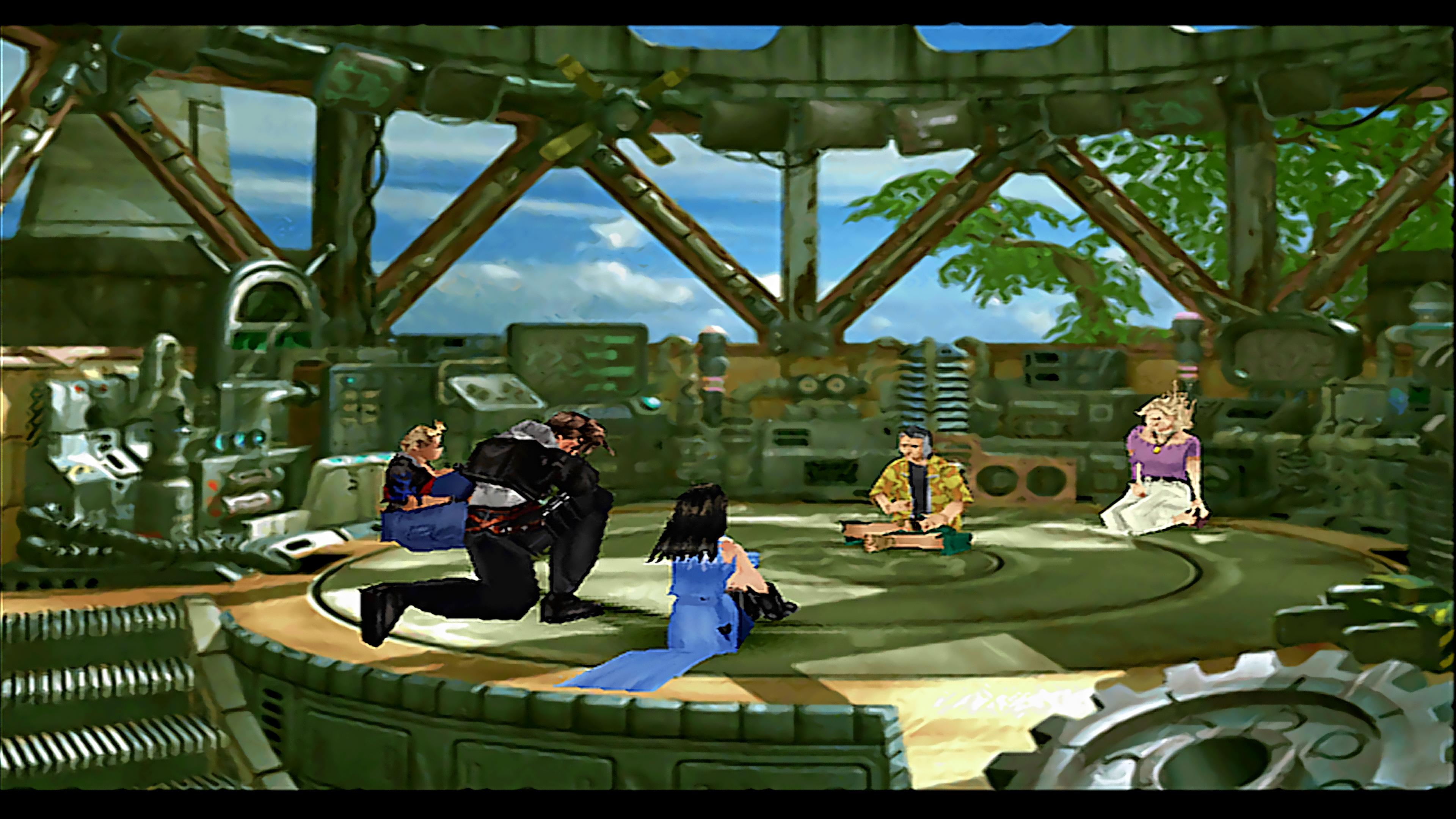
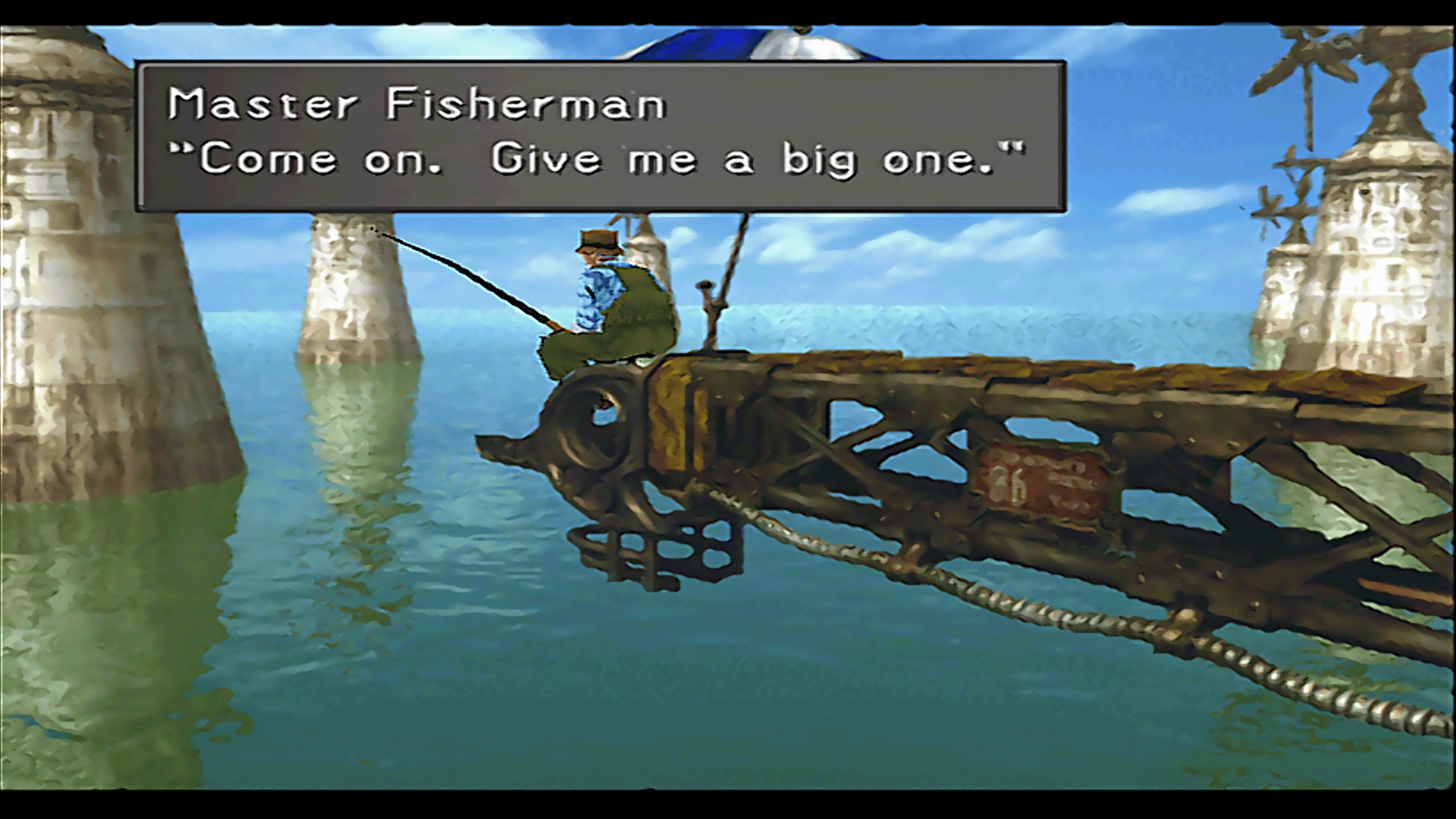
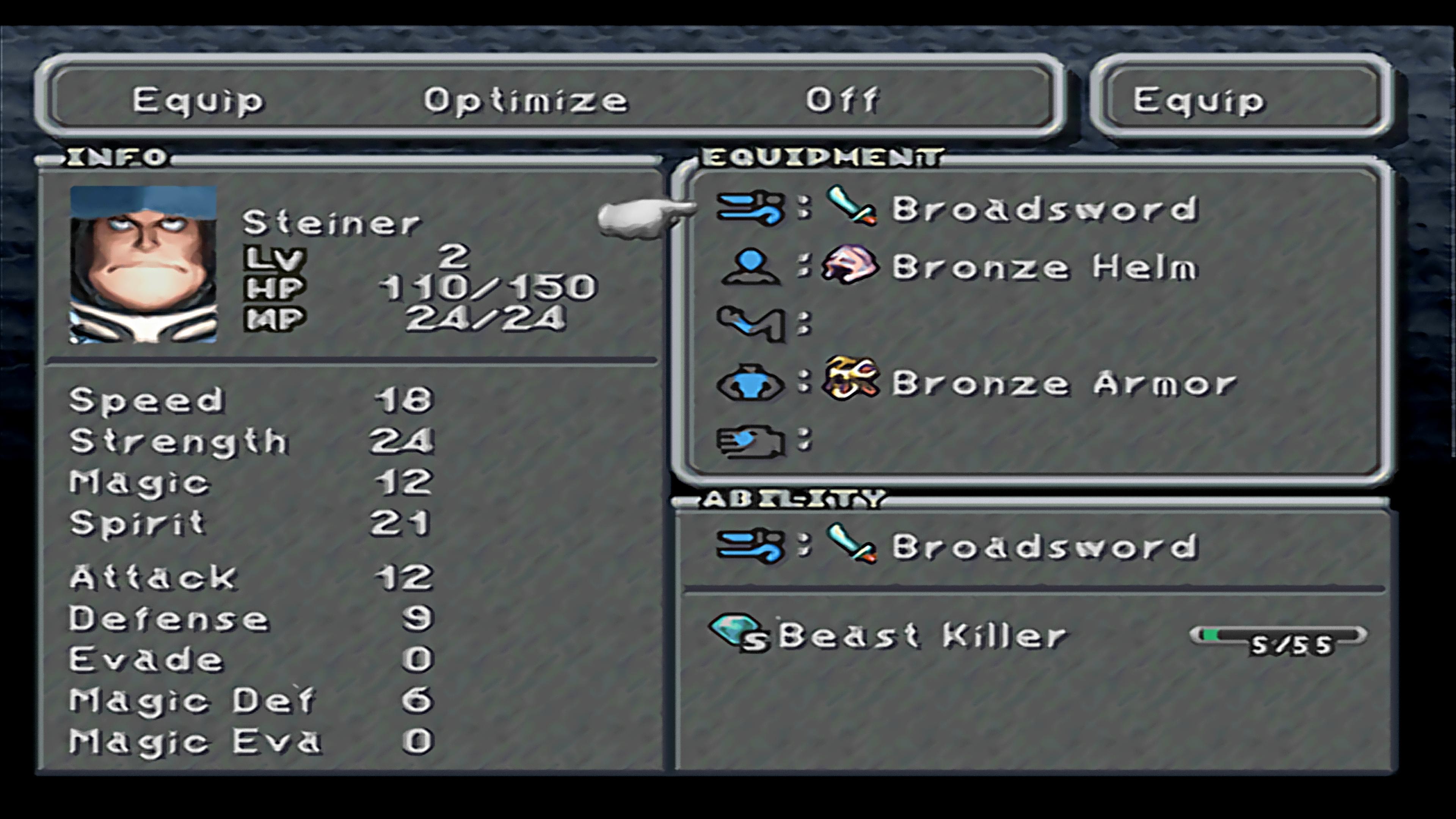
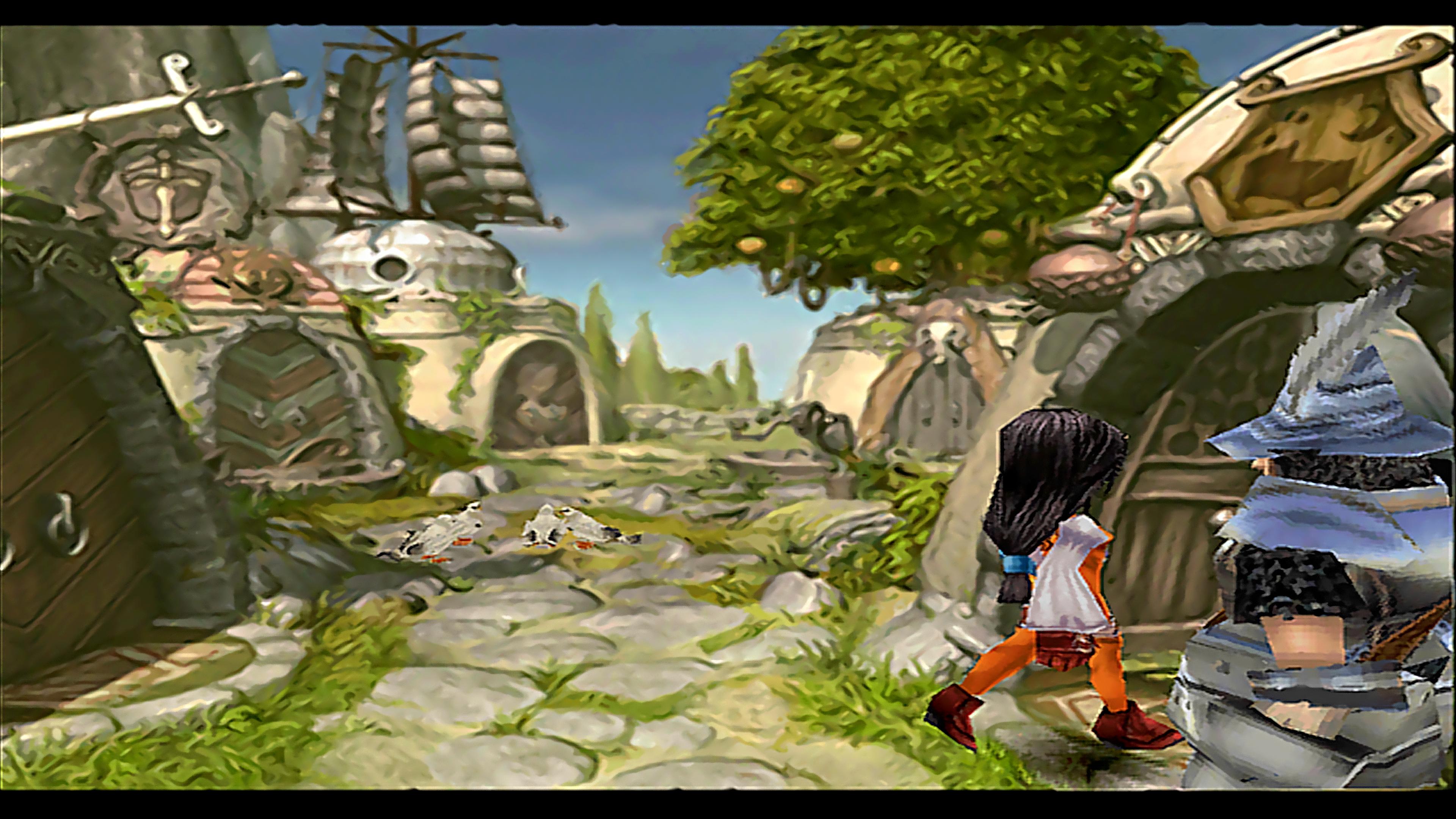
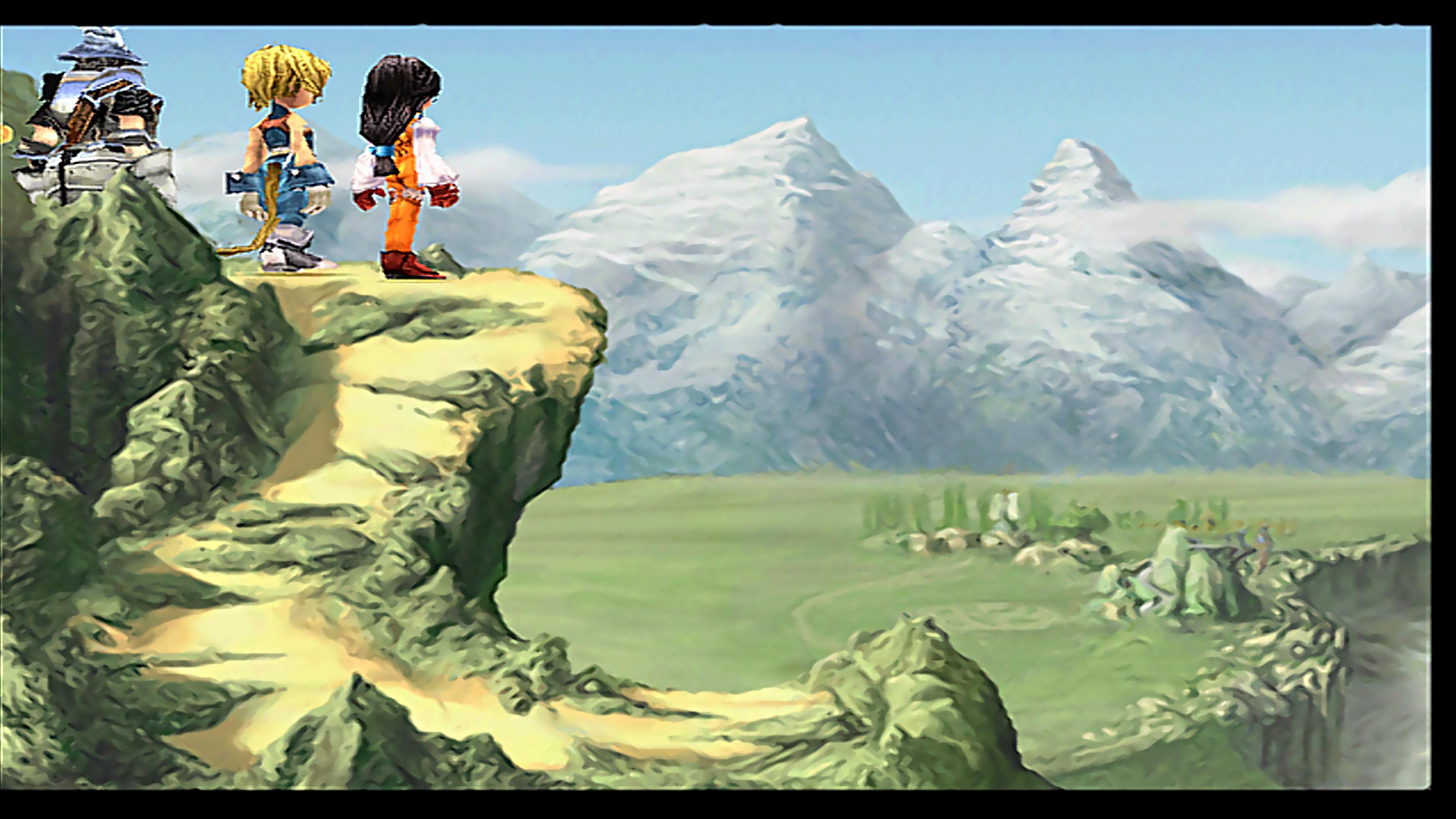
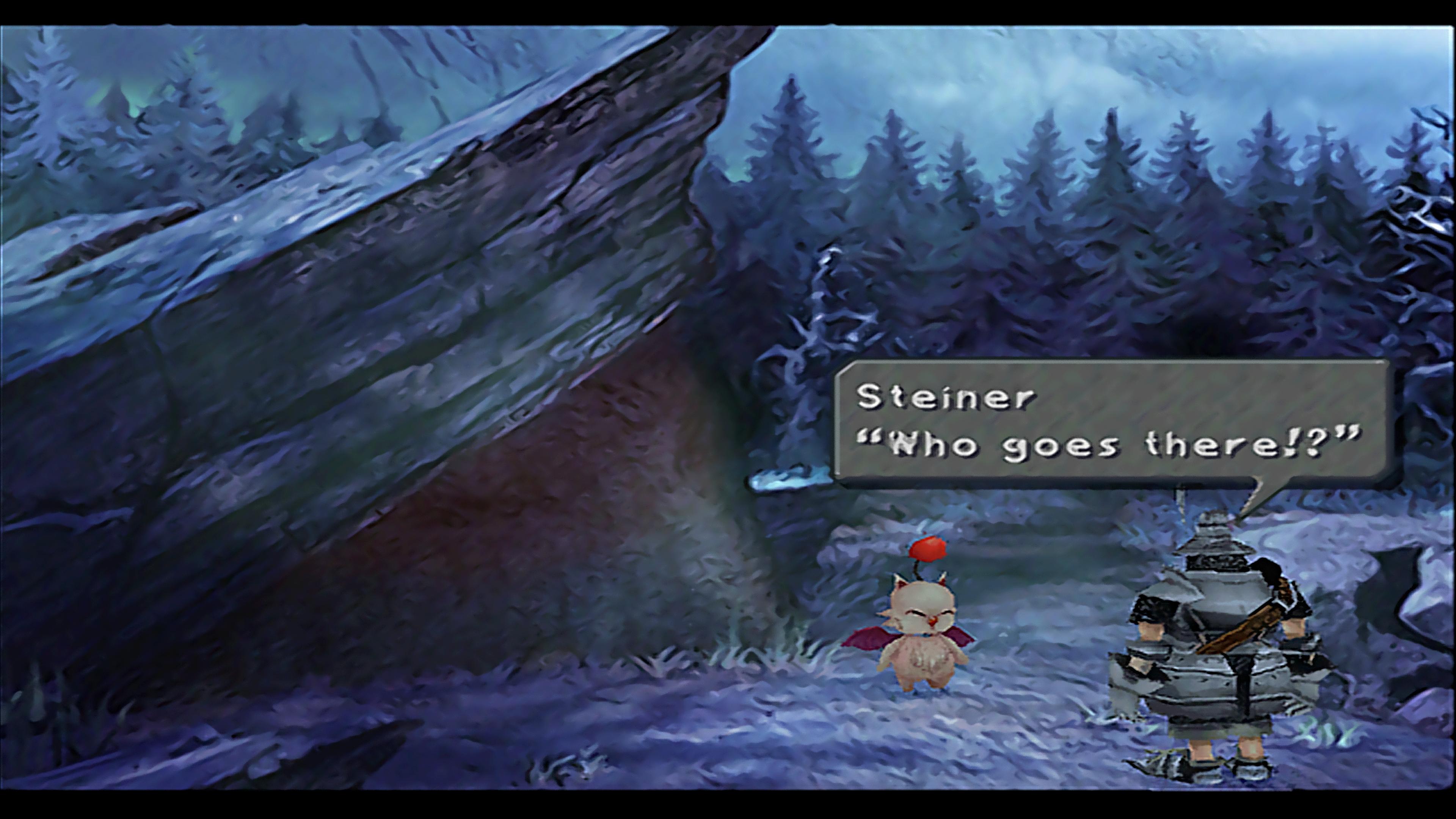
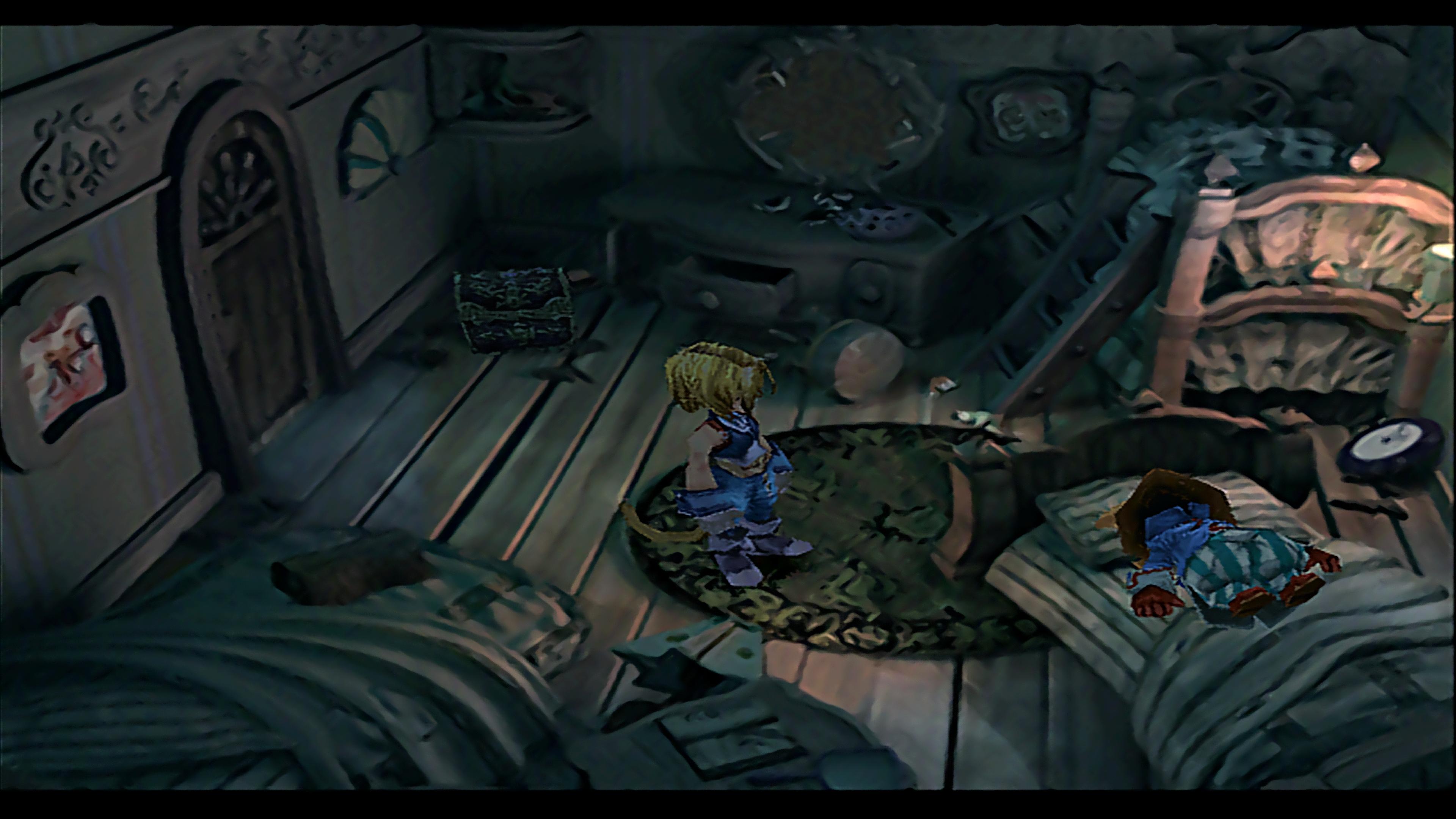
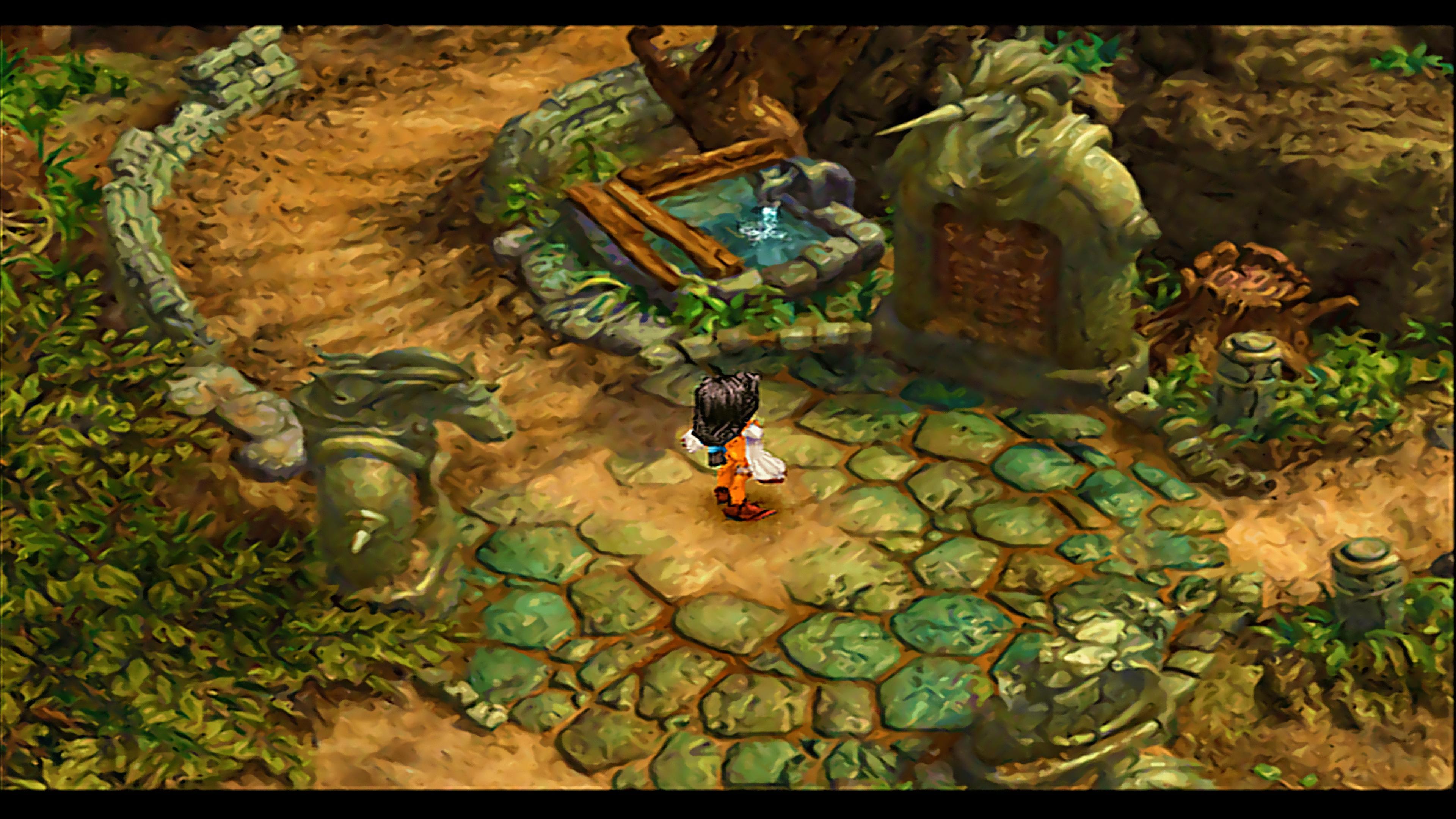
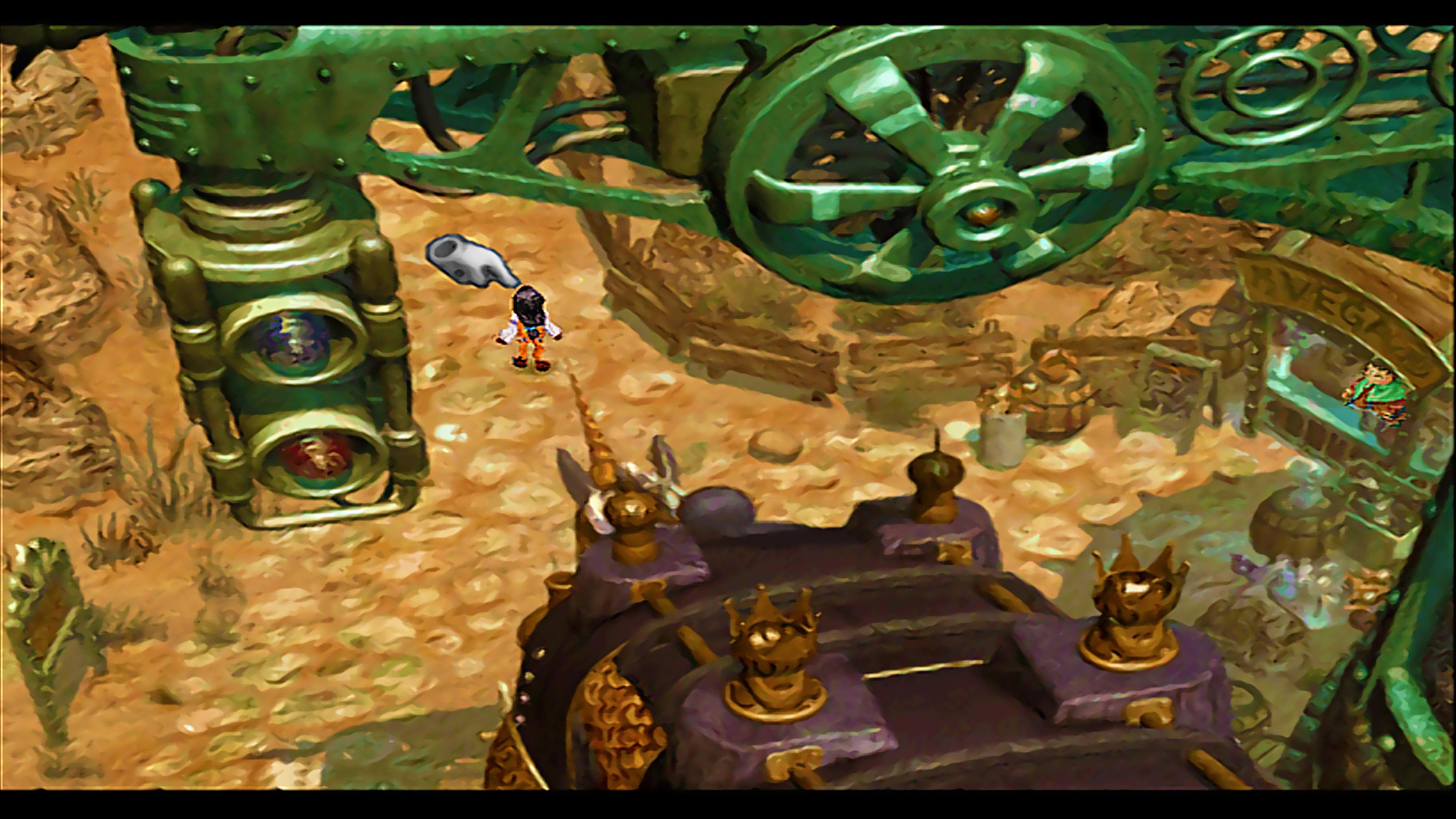
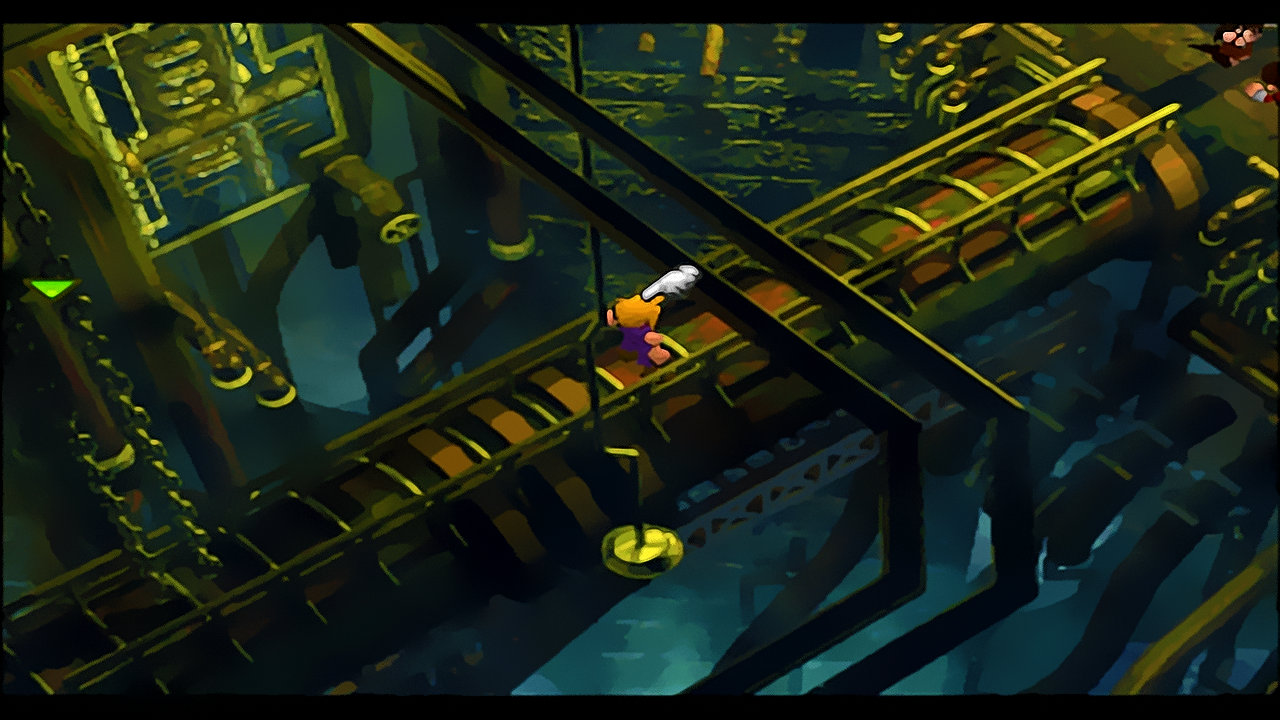
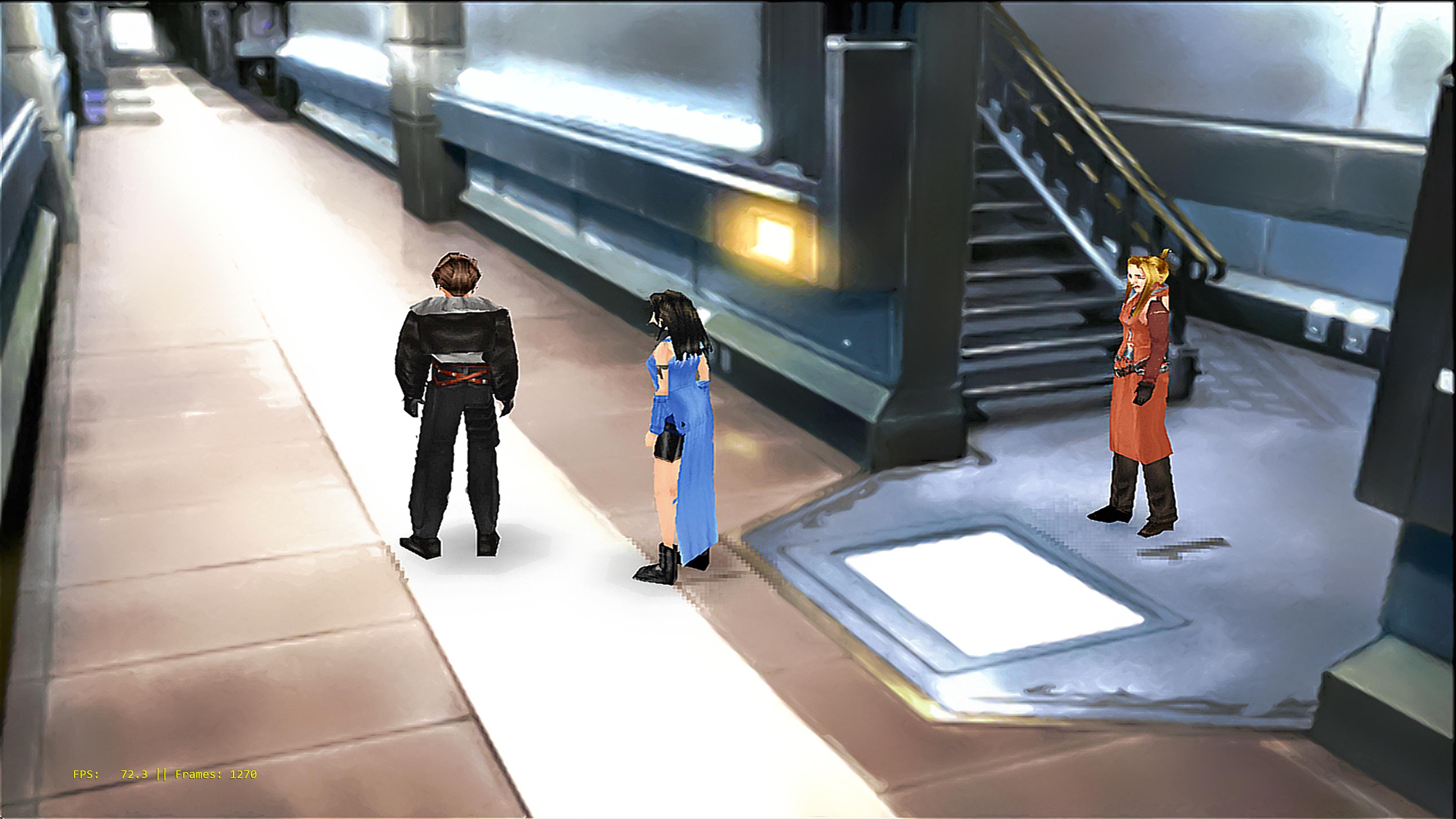
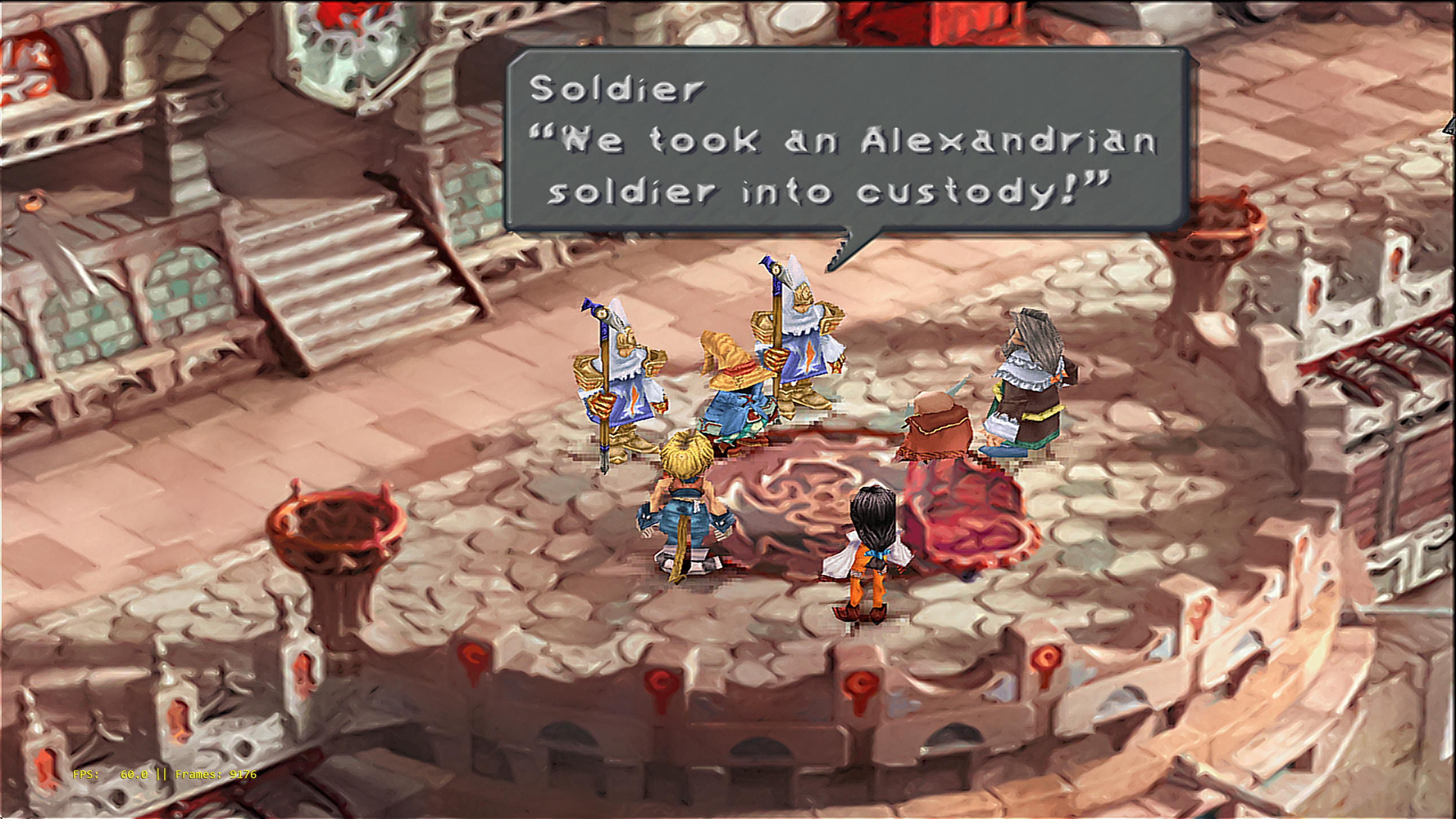
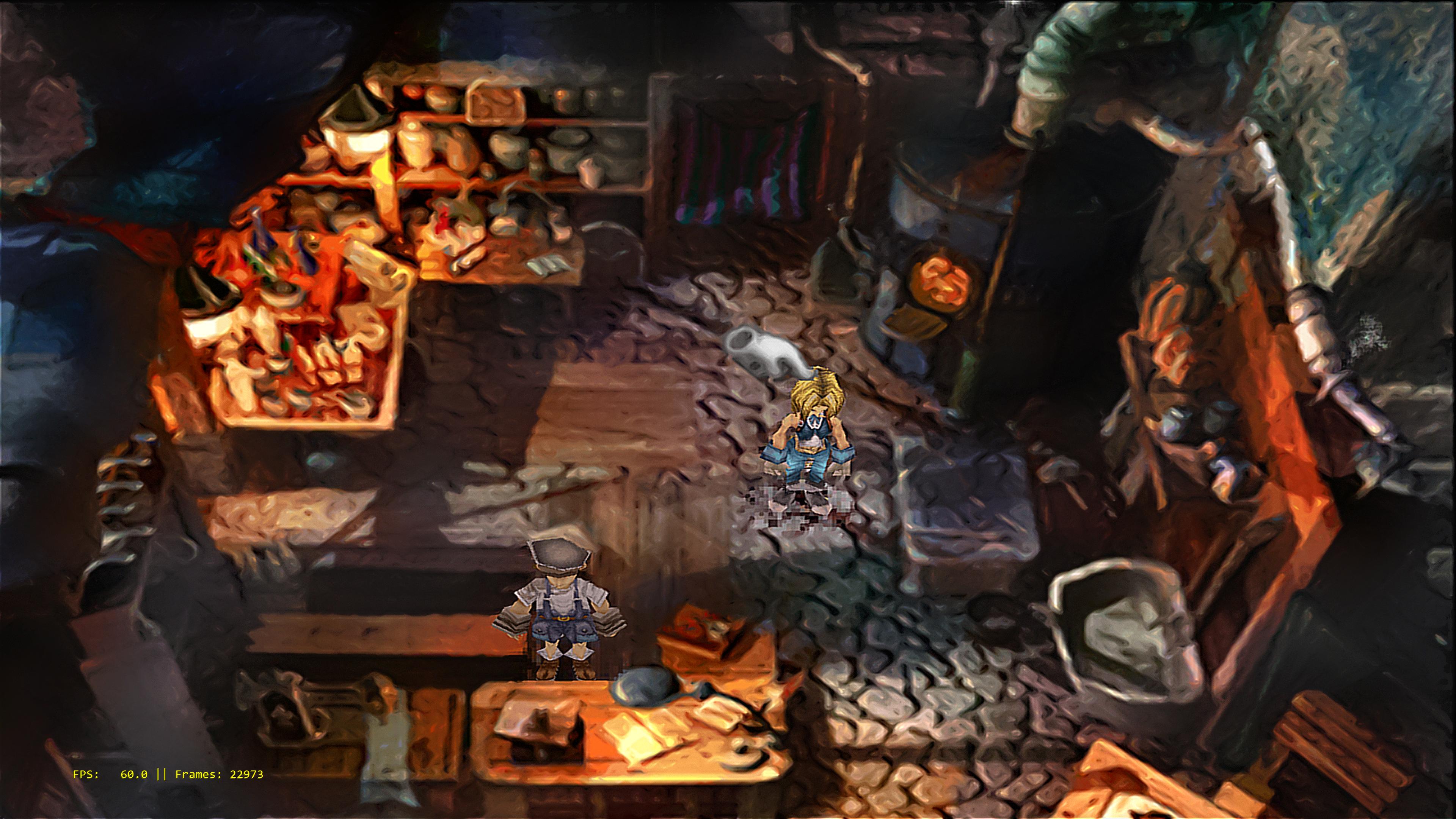
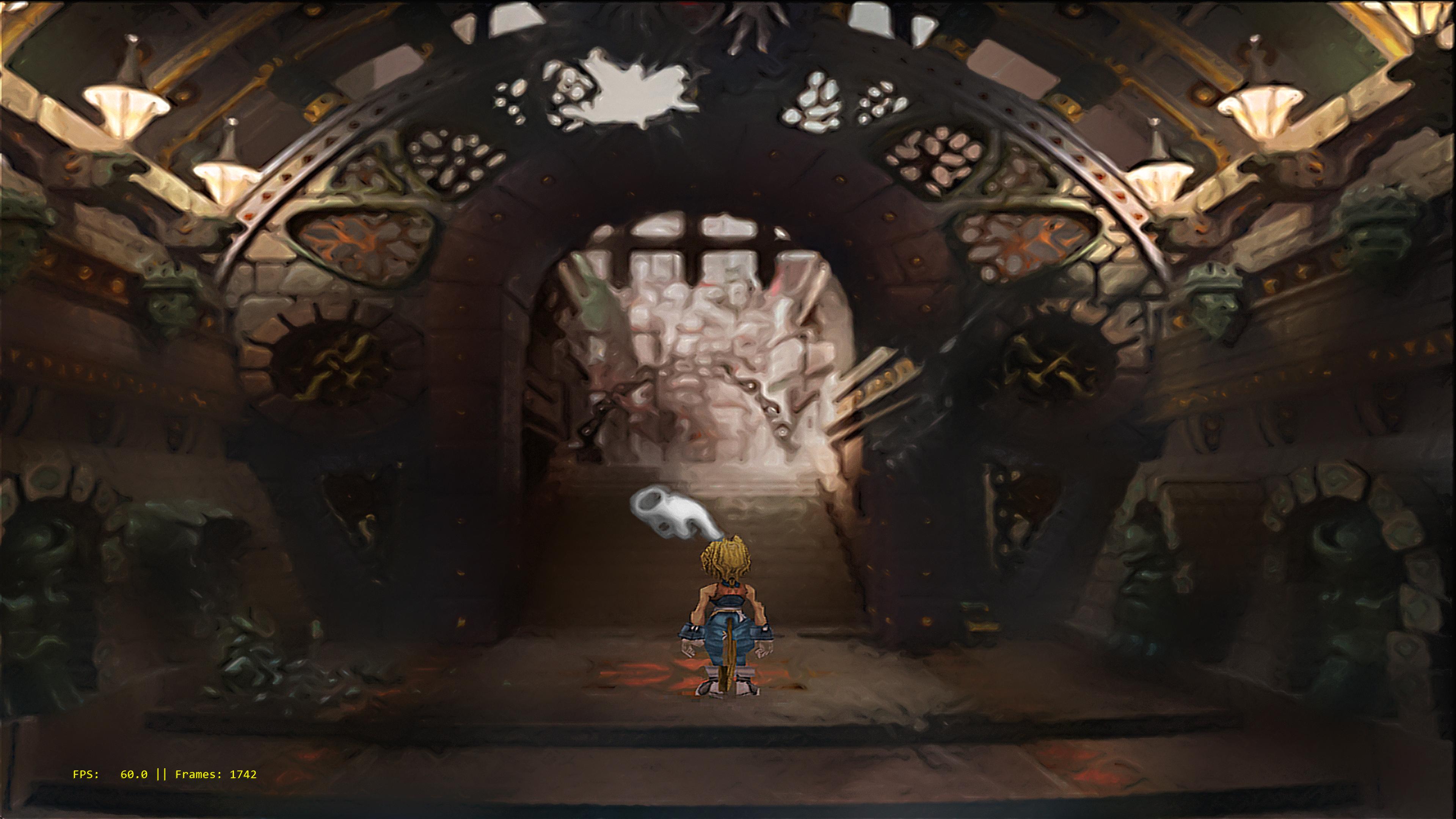
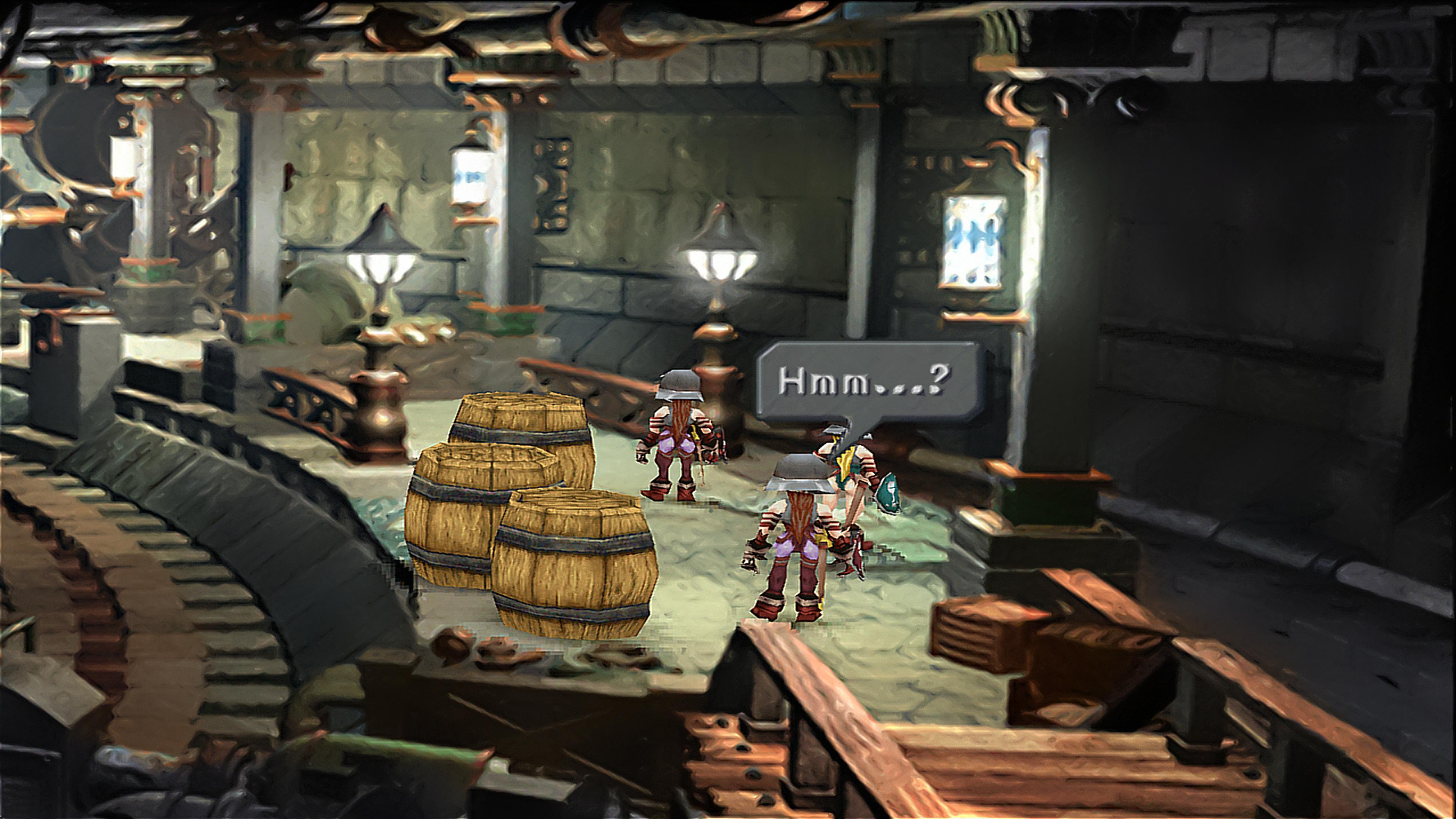
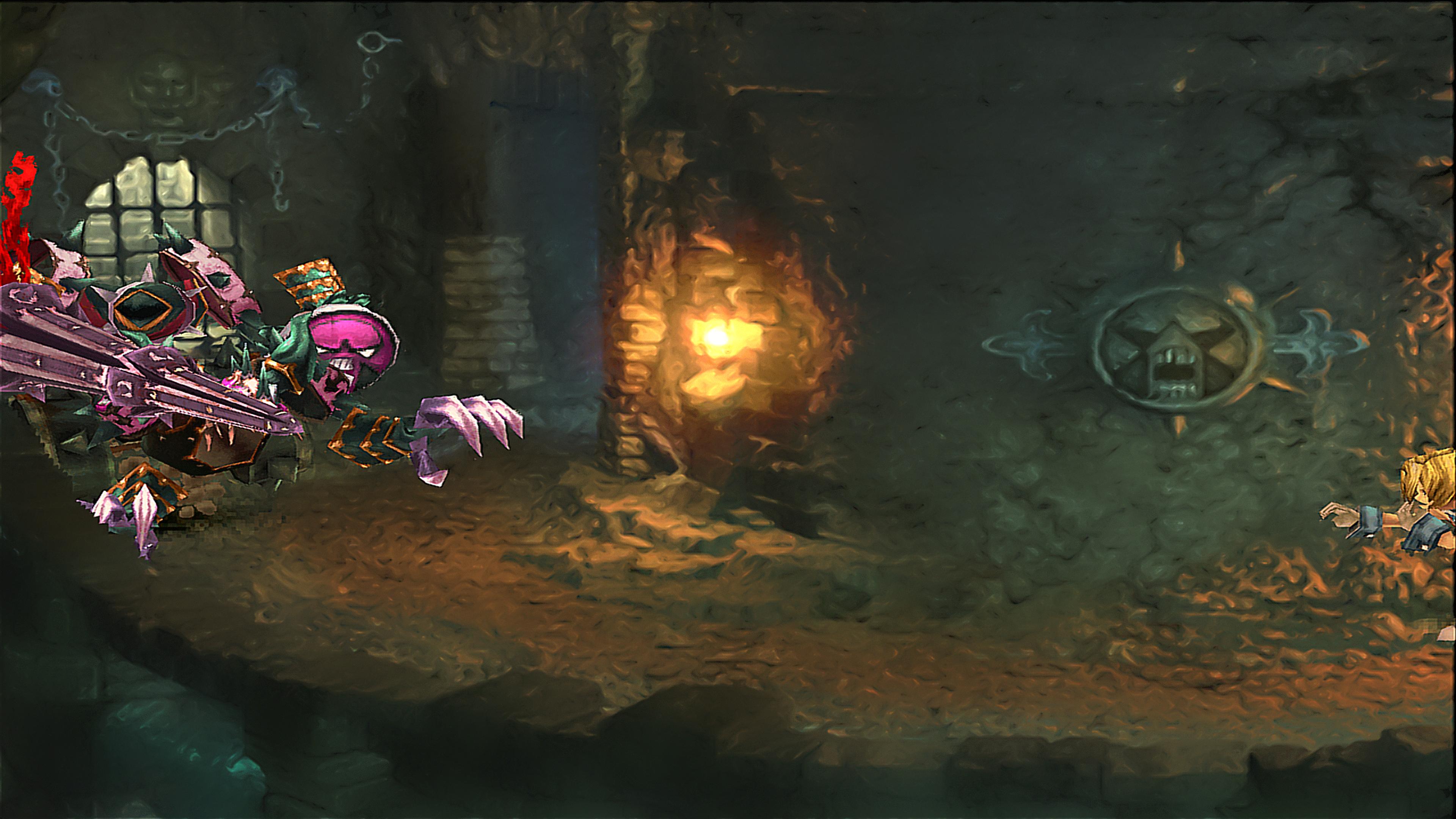
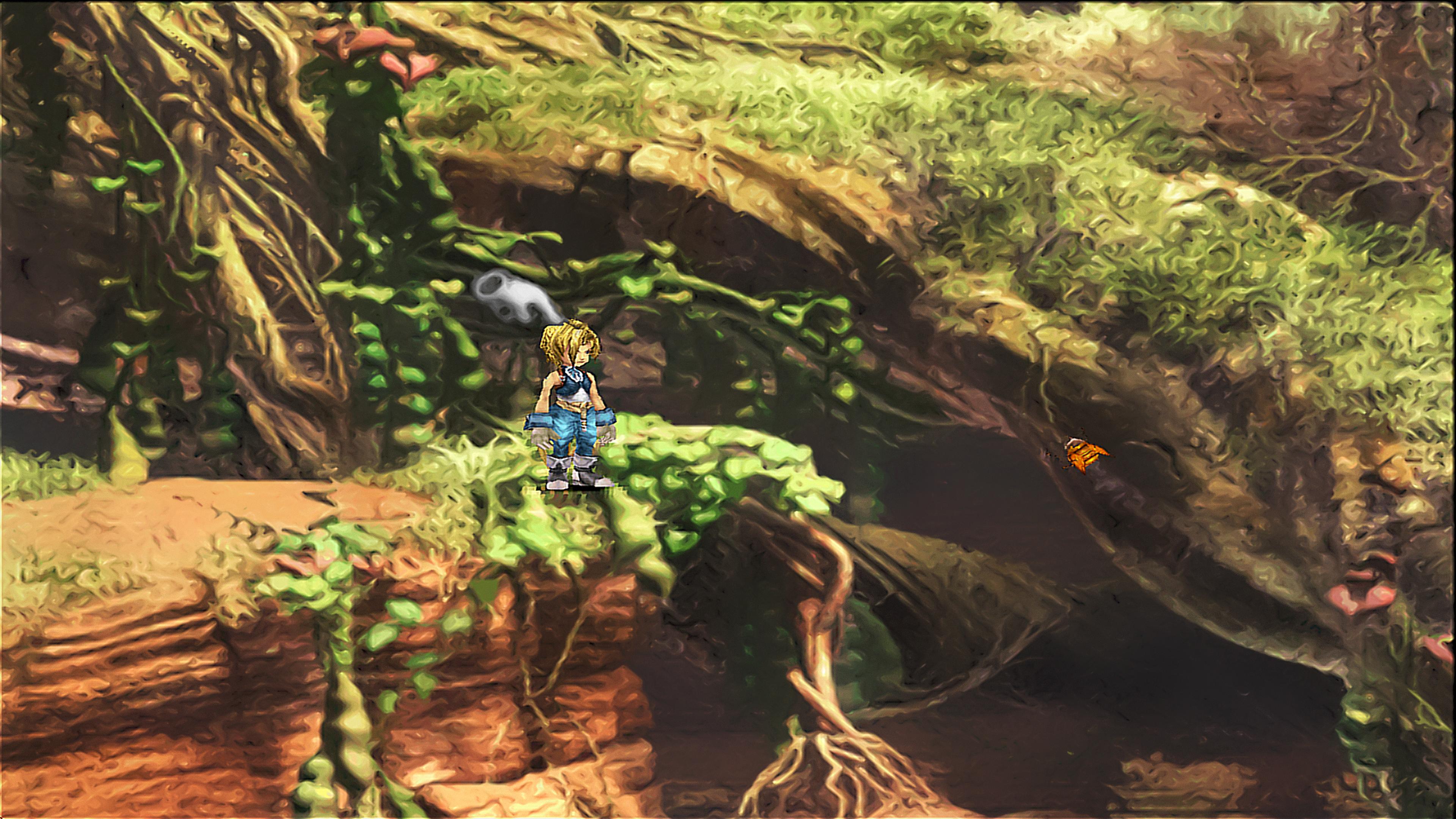
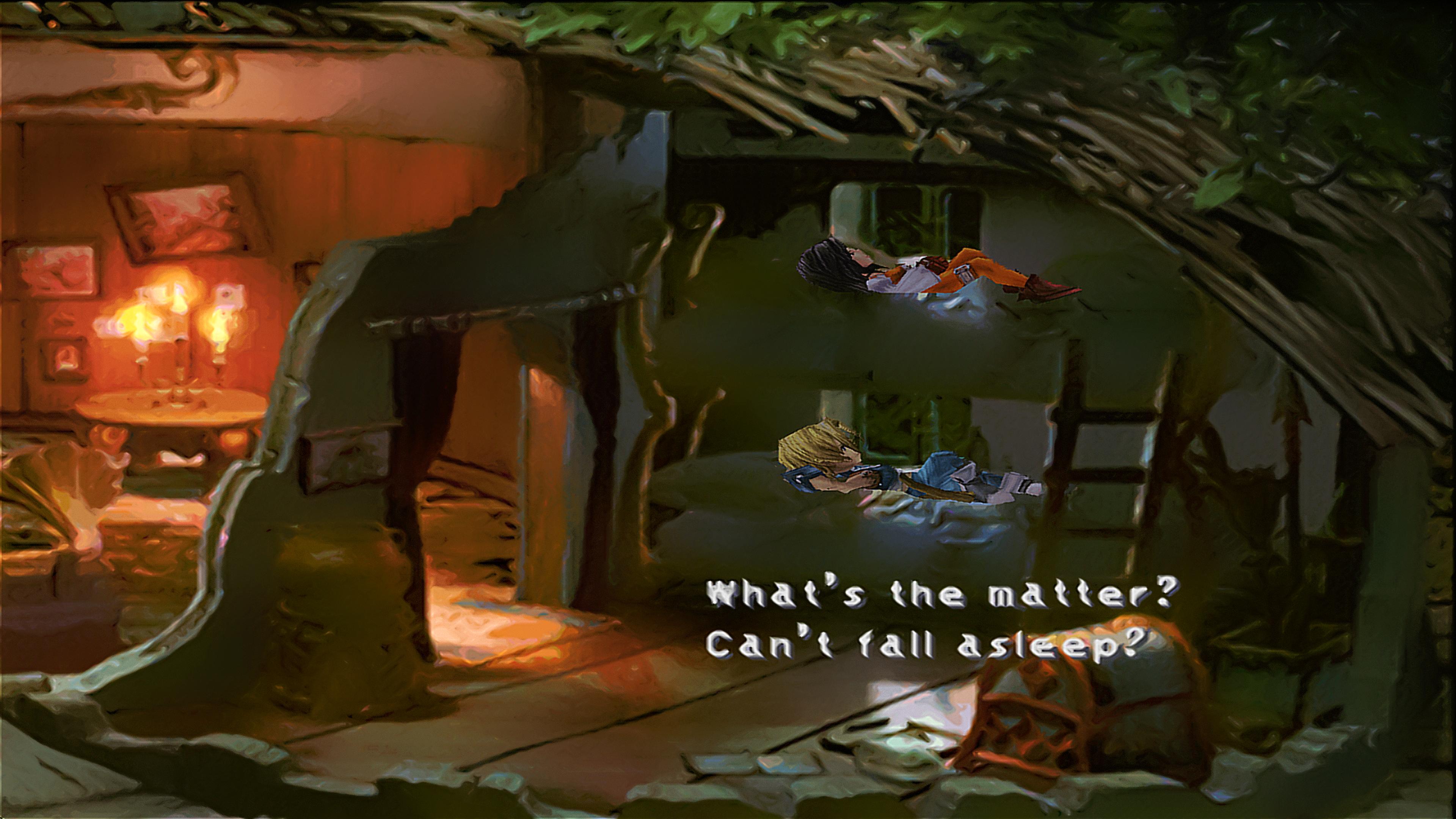
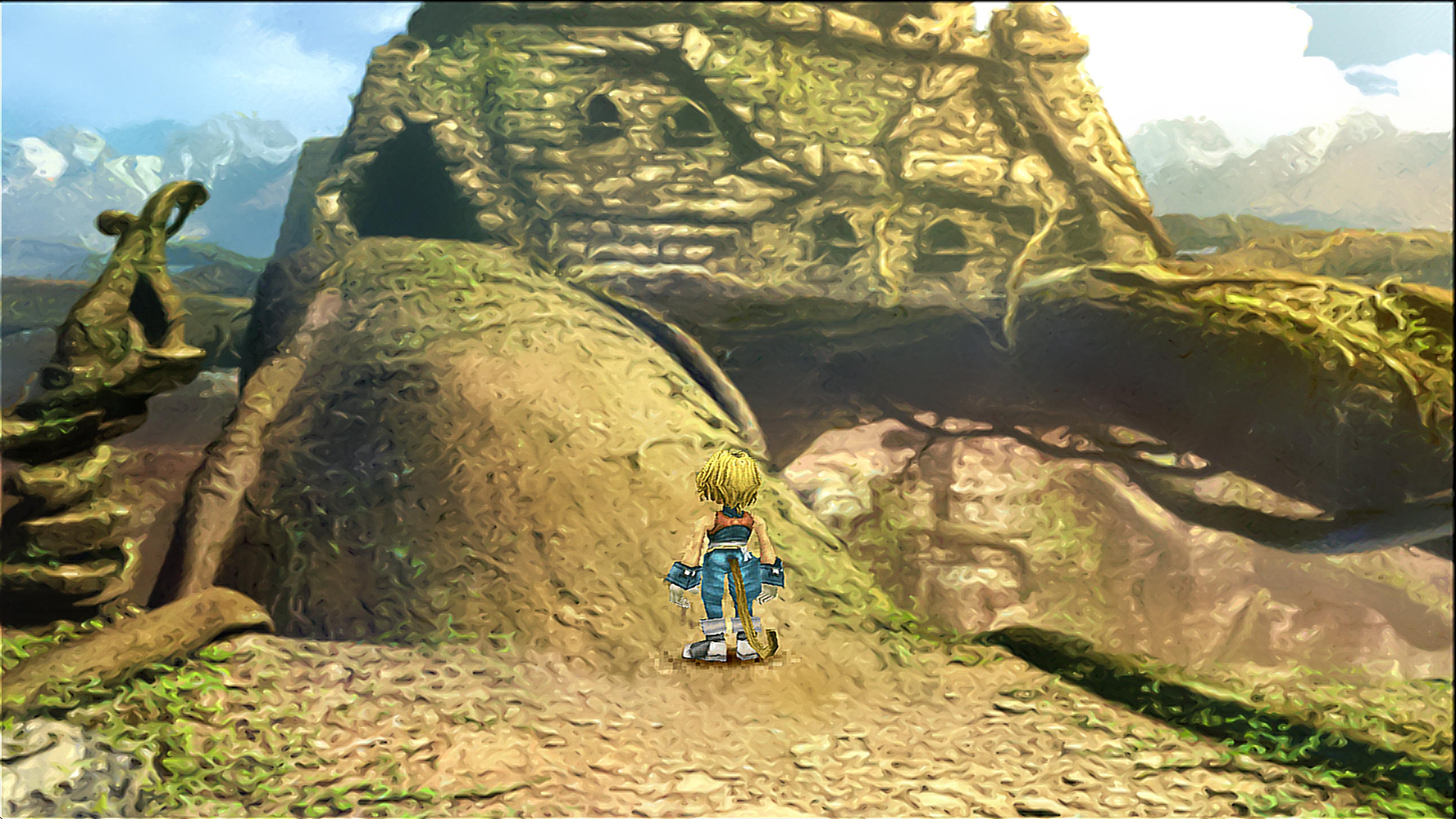
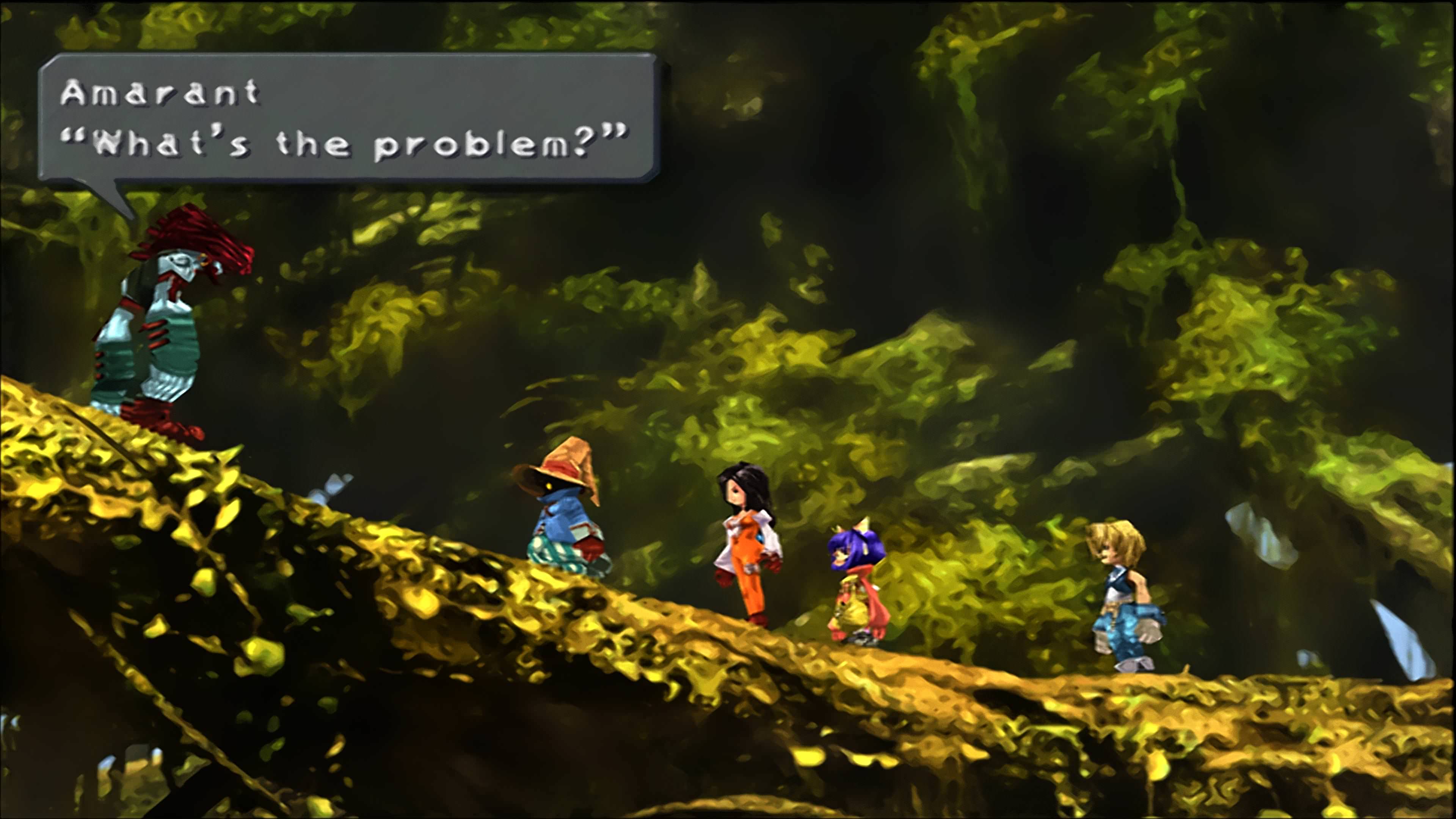
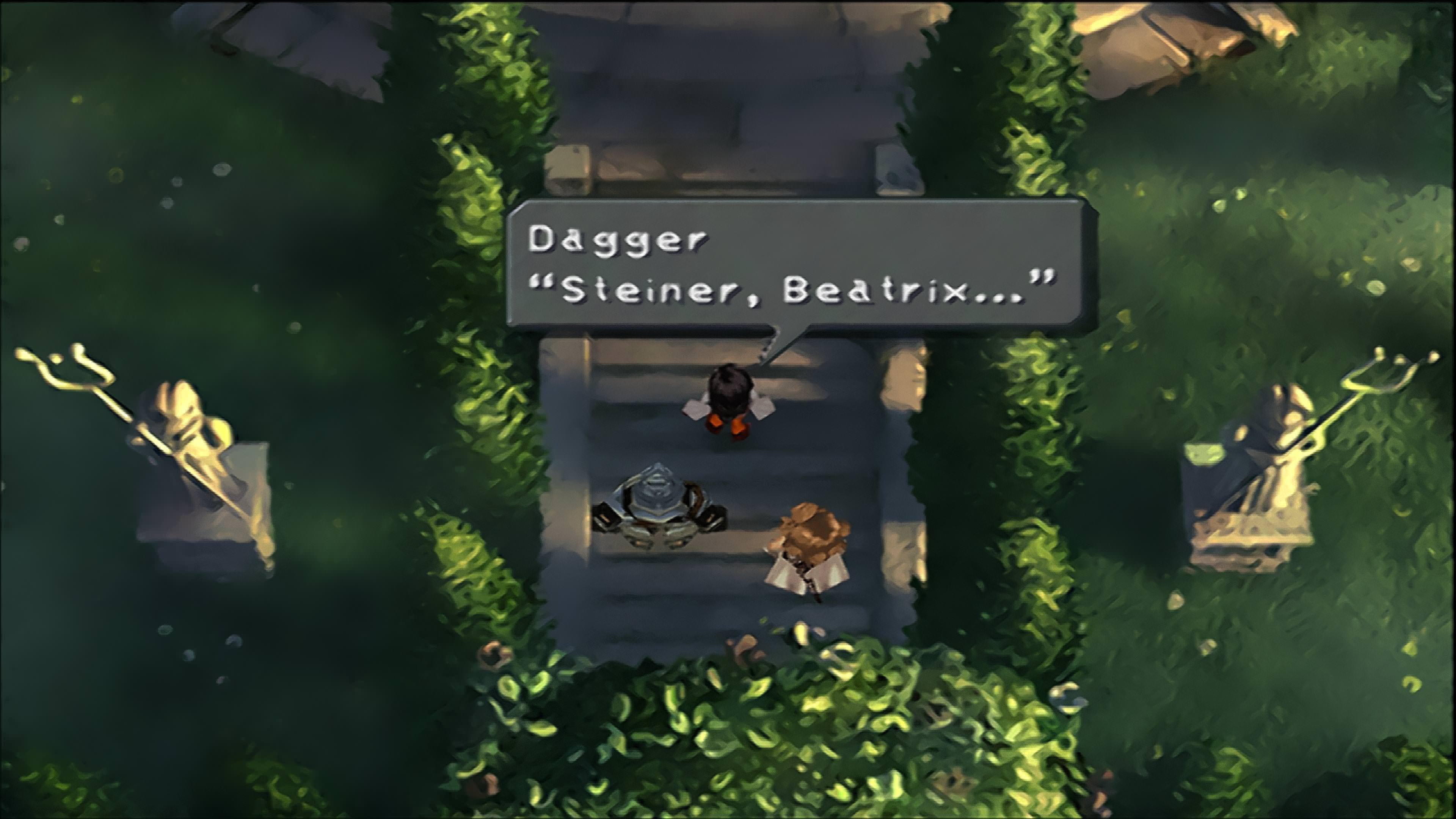
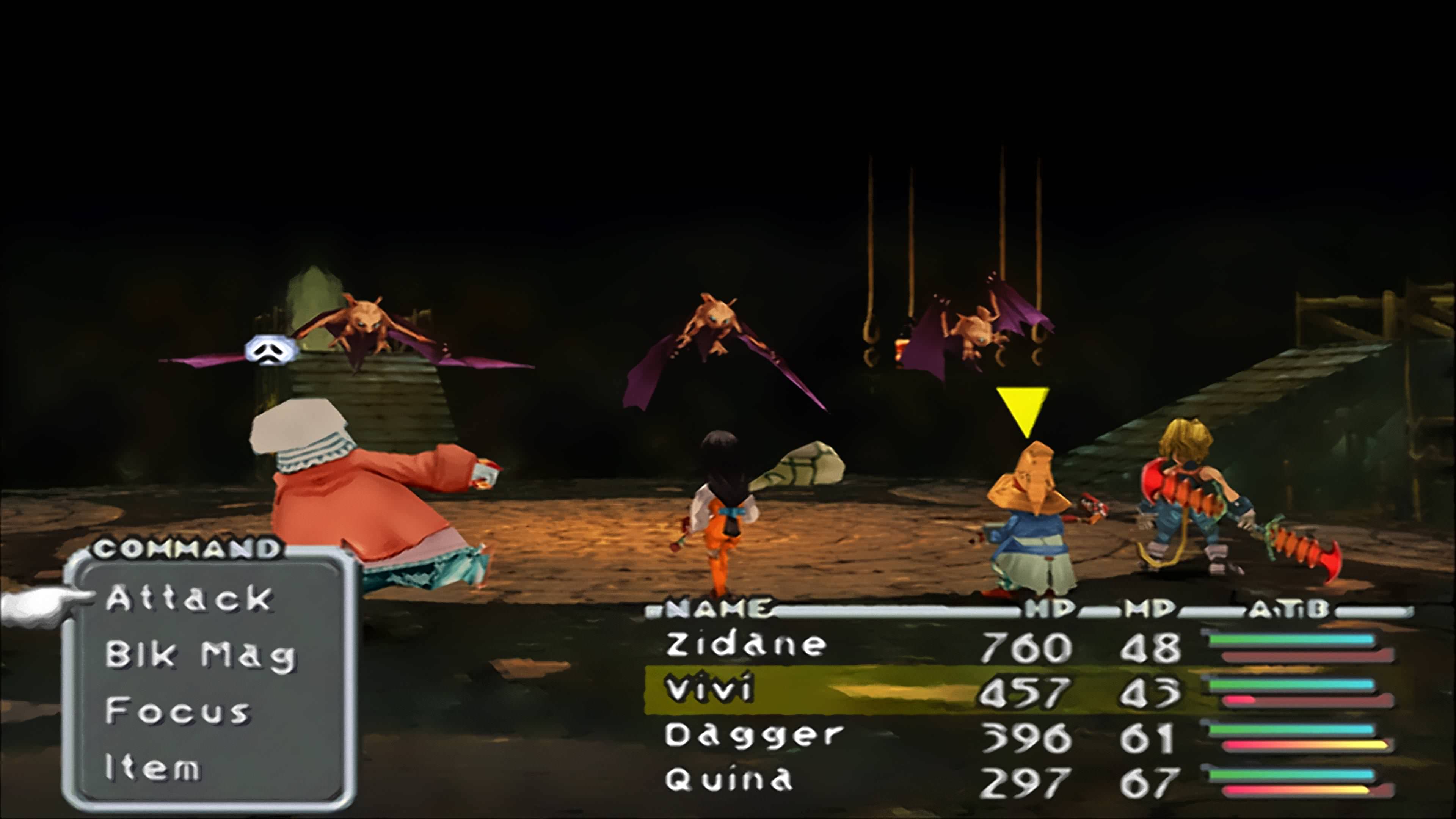
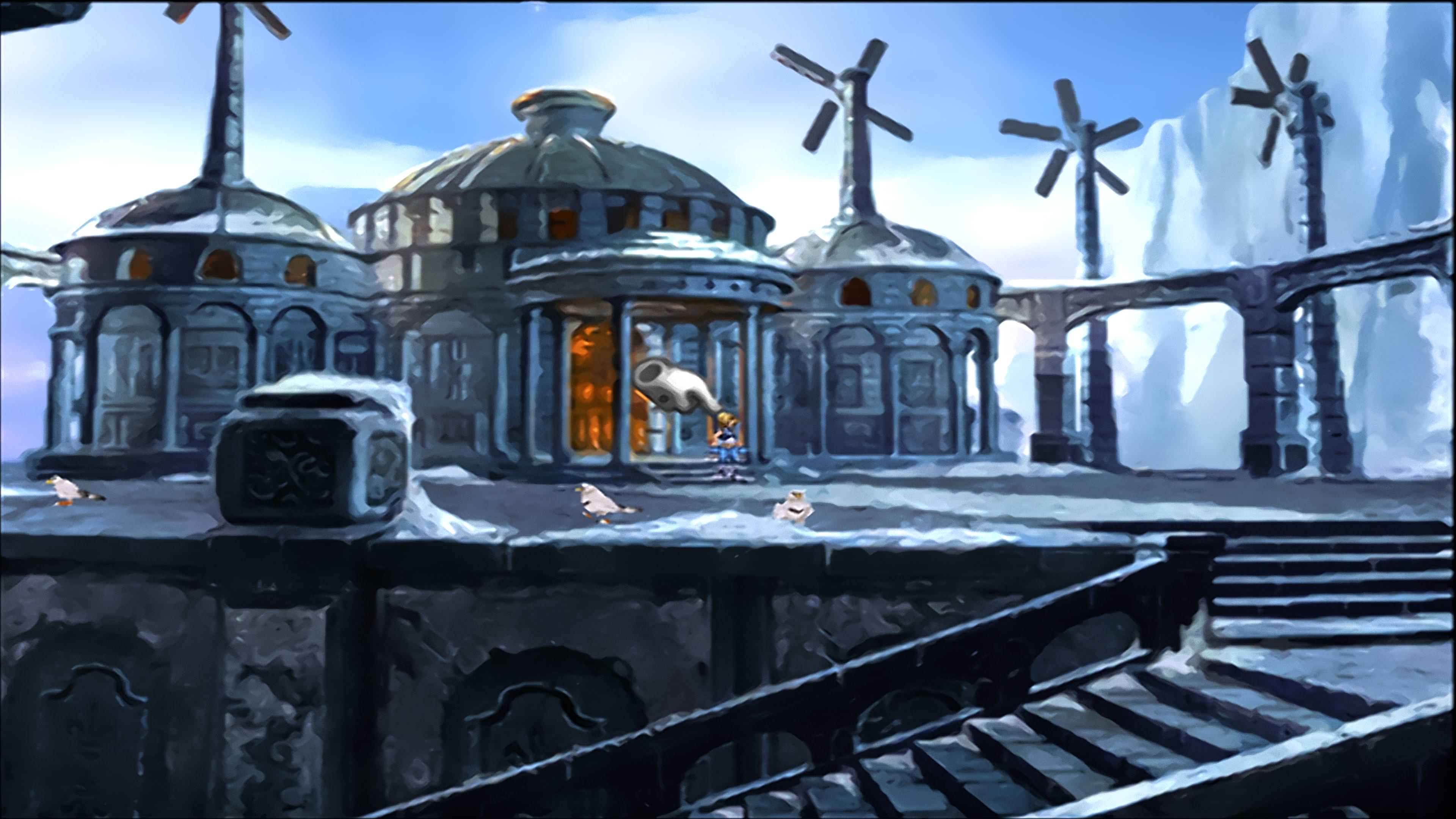
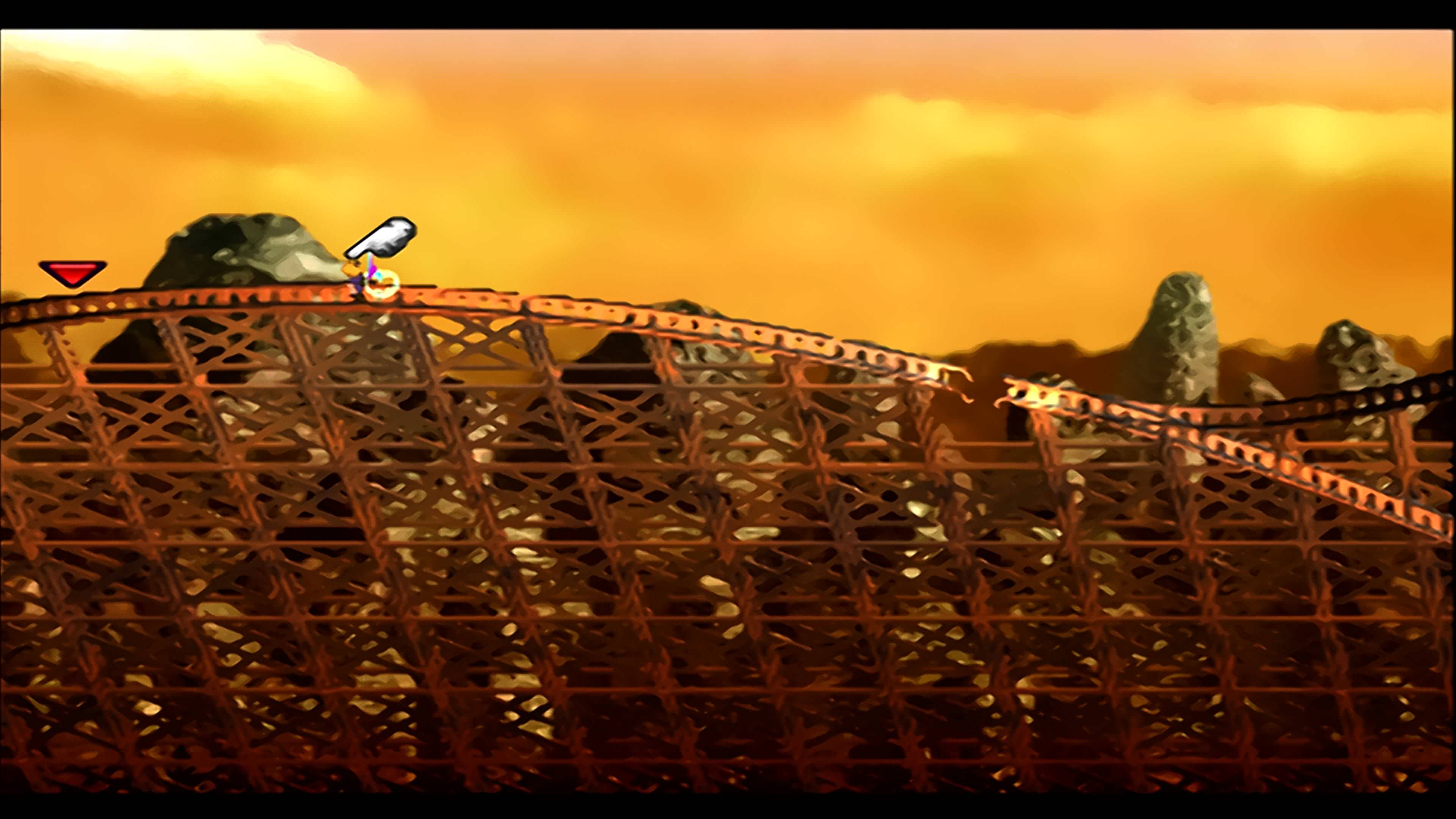
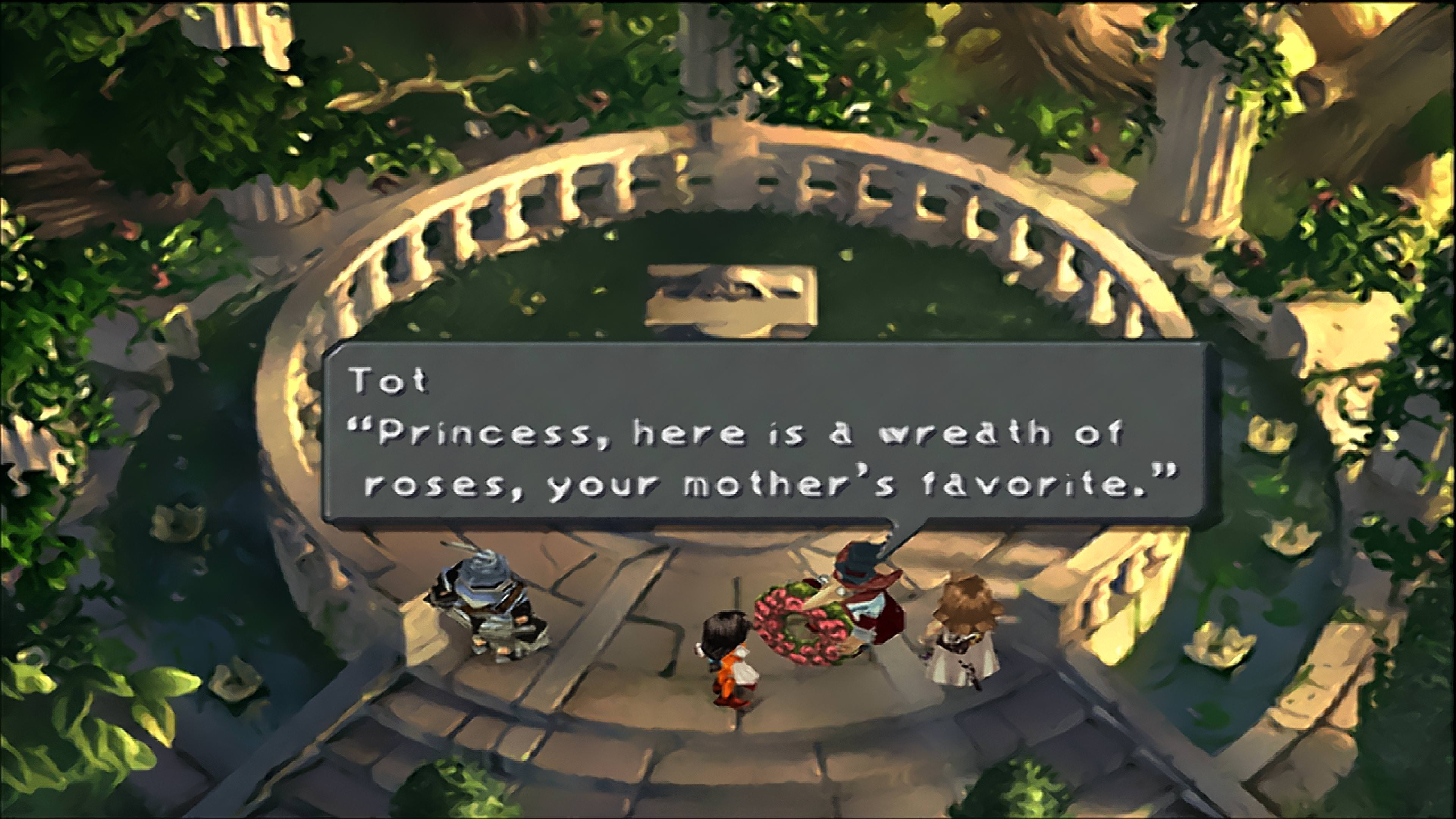
Thanx. Here's my second set up, I adjusted it a bit and got it a bit nicer looking.
How you do this.. well, first you must use ps1 emu with Retroarch. And then add super-4xbr-3d-4p as a shader. However I have adjusted that preset a bit on my own. If you want to I could upload presets. It is important that you run this in 2x internal and 4k external. That is, chose full screen in the config file and 3840 × 2160 as resolution.
It is then filtered by my own ReShade preset wich contains ALOOT of debanding and some sharpening and vibrance. I could also give you my preset.
Something is wierd with my ReShade and I can not share any config. But I will tell you what to set.
First is effect ordering, this is important.
High Pass Sharpening -> Vibrance -> Deband
High Pass Sharpening values -
1.0
2
0.80
1
1.69
1.0
1.0
0.00
0.00
0
Vibrance values -
0.30
1.00
1.00
1.00
Deband values -
18.0
0.100
8
3
3
0
1.0
0.0
Remember that after this, you also have to make Retroarch run in fullscreen 4k resolution. And the internal resolution should be 2x to get the best out of the pre-rendered backgrounds.
I have made some changes to my settings. A different Deband configuration and 4x internal instead of 2, resulting in more detailed backgrounds and higher res characters and other 3d elements
This site uses cookies to help personalise content, tailor your experience and to keep you logged in if you register.
By continuing to use this site, you are consenting to our use of cookies.