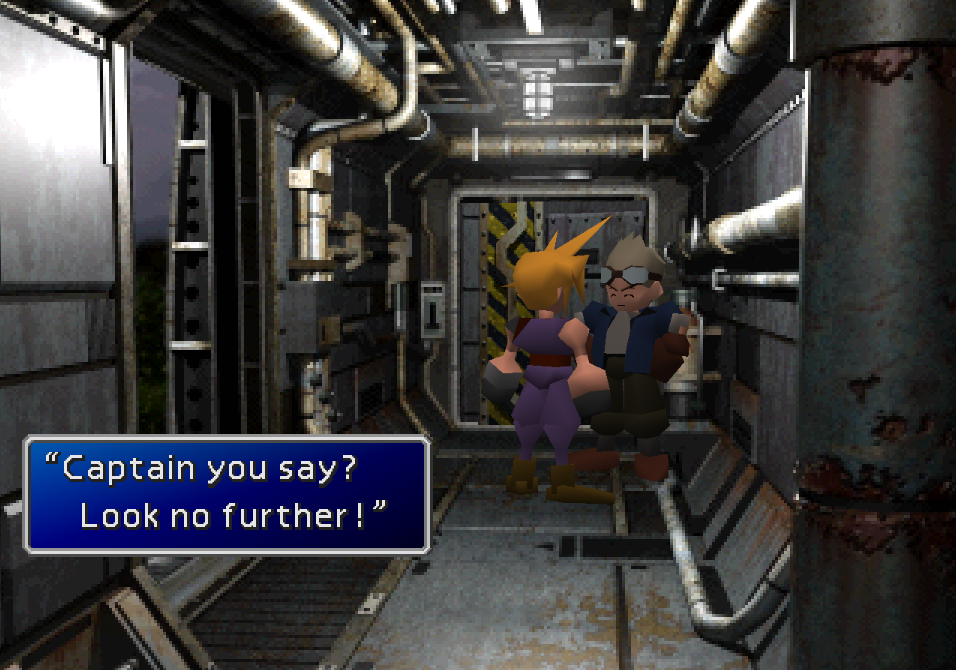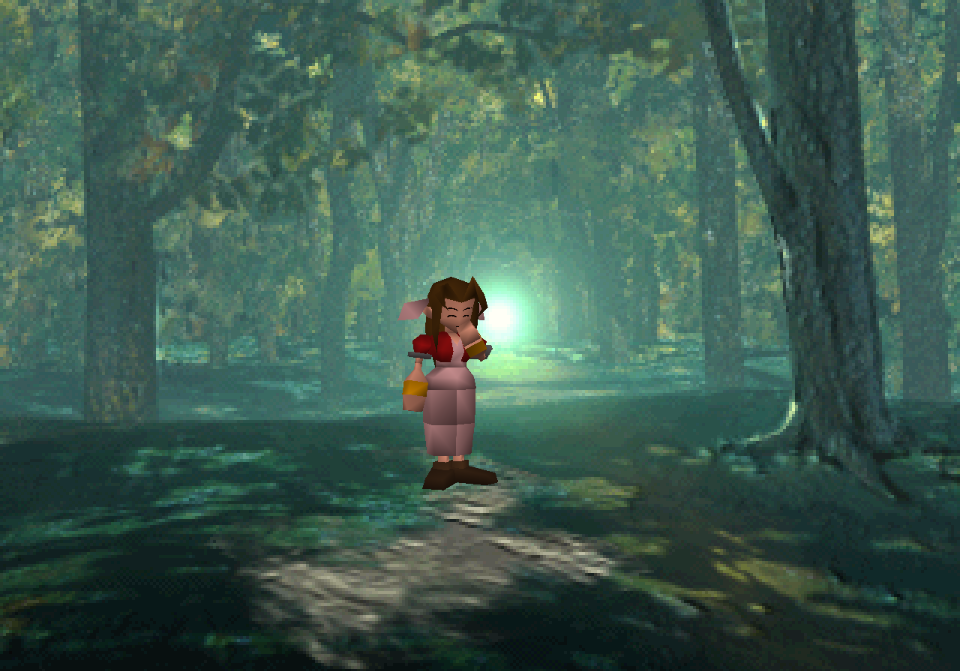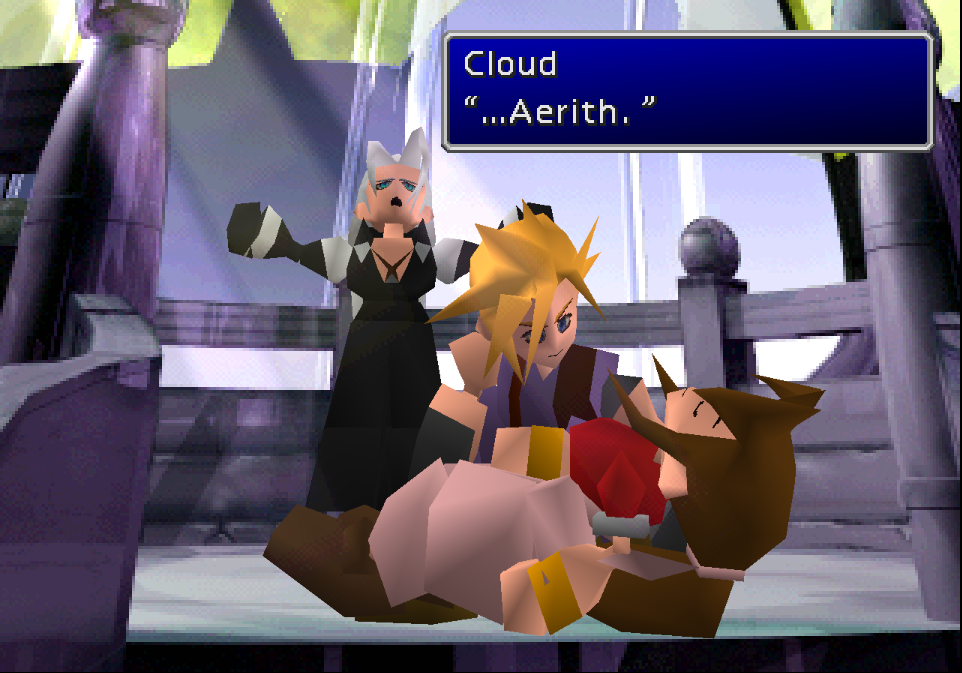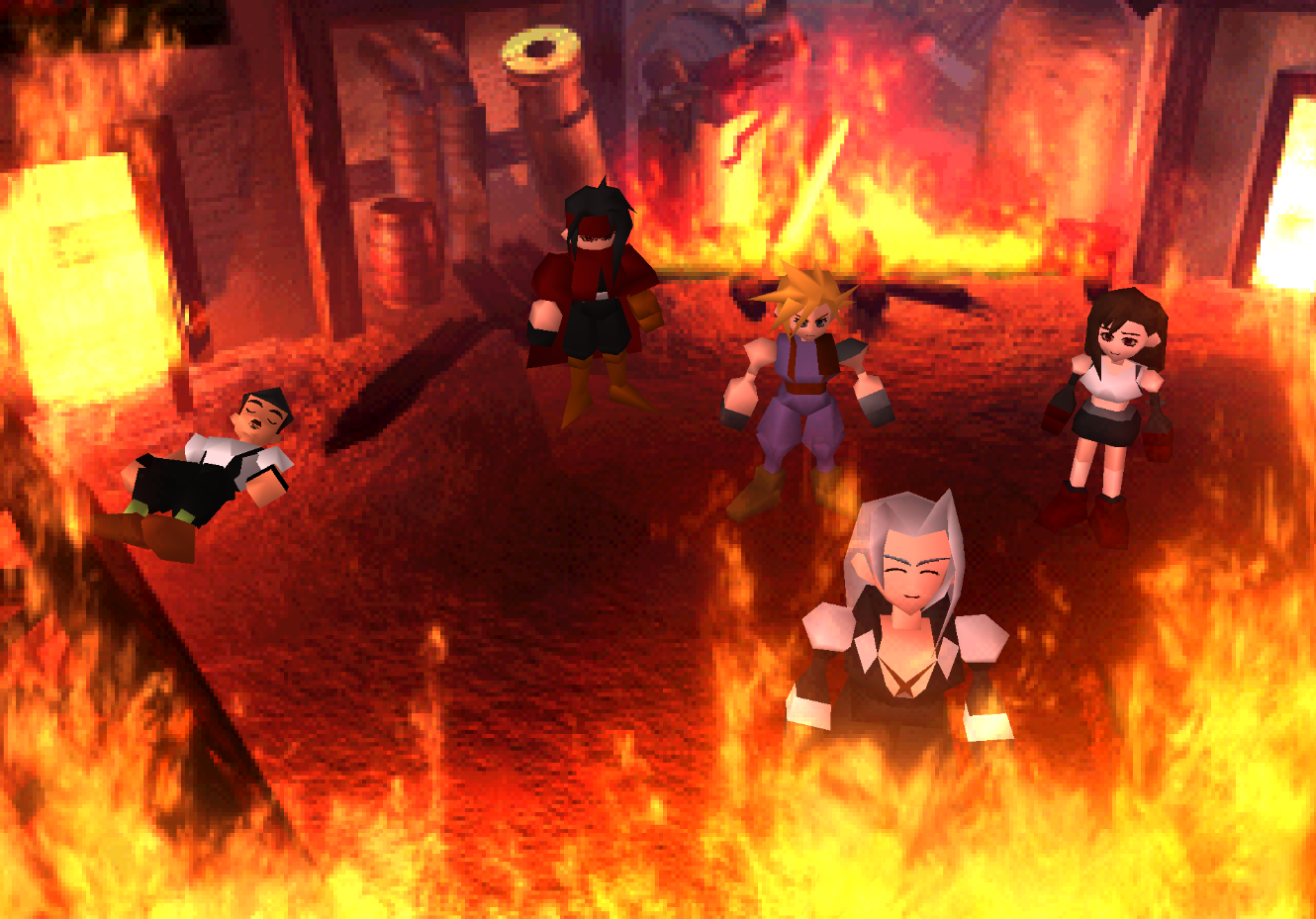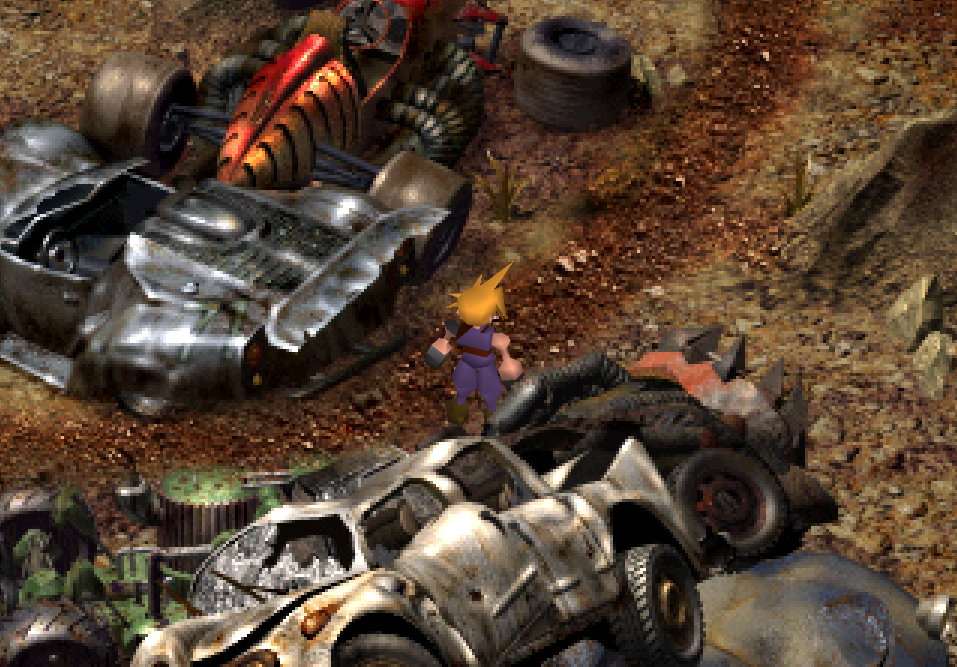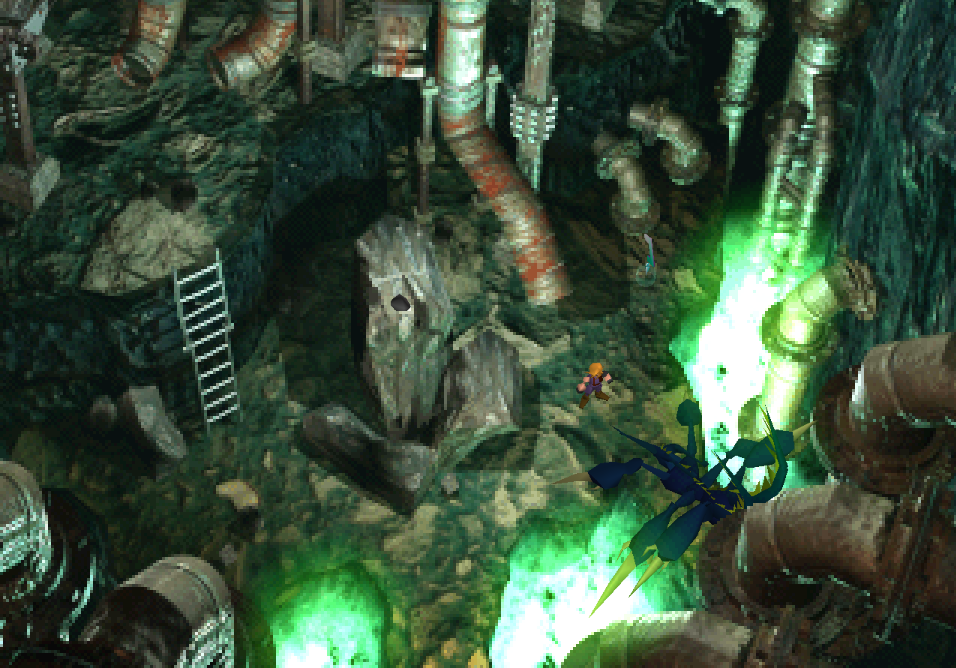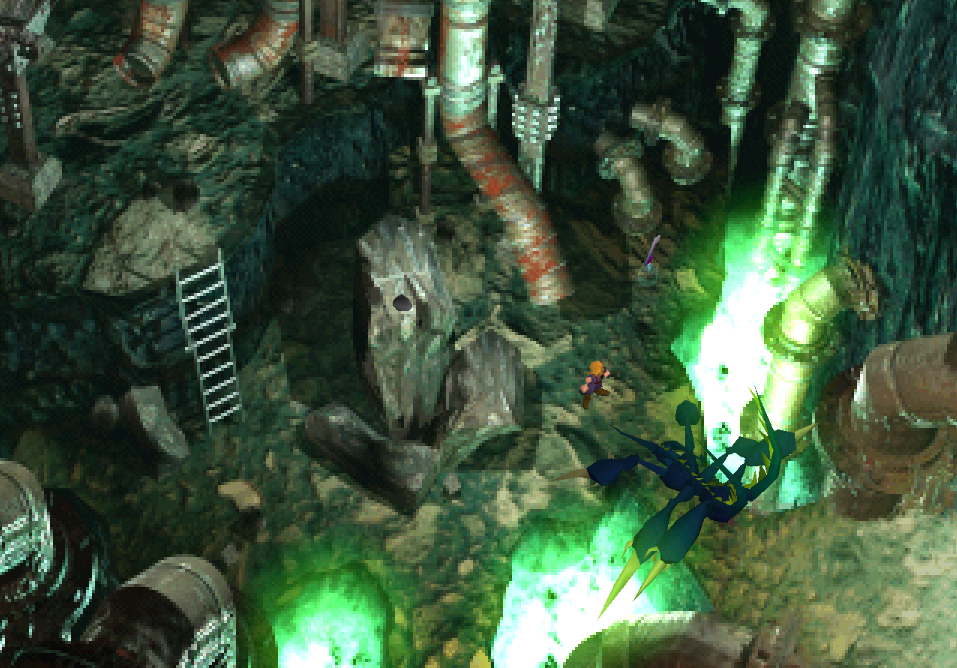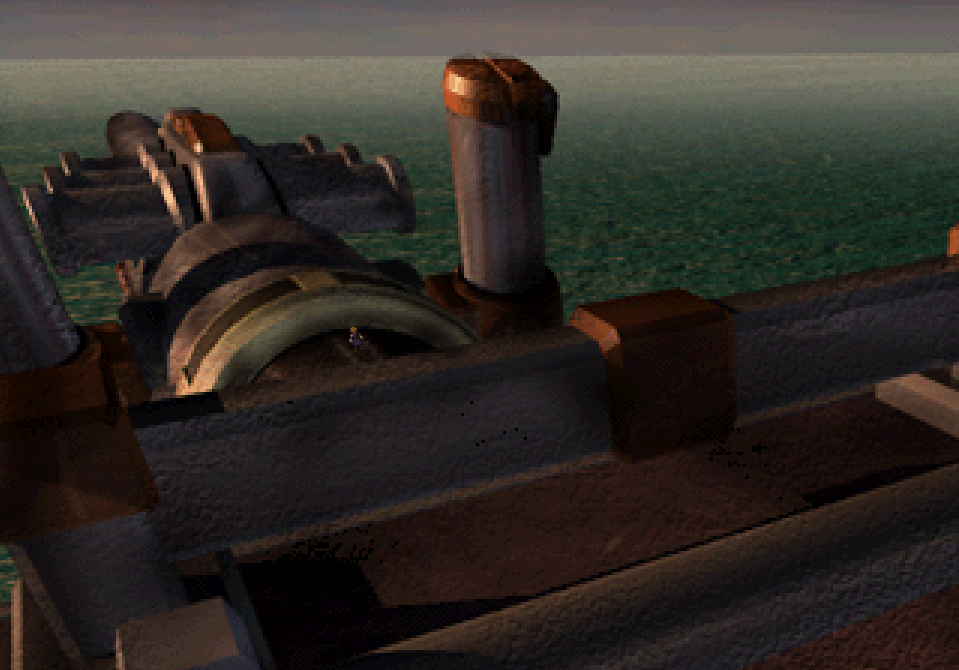
FFVII: Shinra Archaeology Cut

  • Thread starter Thread starter Thestrifeisrife
  • Start date Start date
Status
Not open for further replies.
sLiuh1C.png
About the Mod

This mod for Final Fantasy VII has been created to accomplish two things:

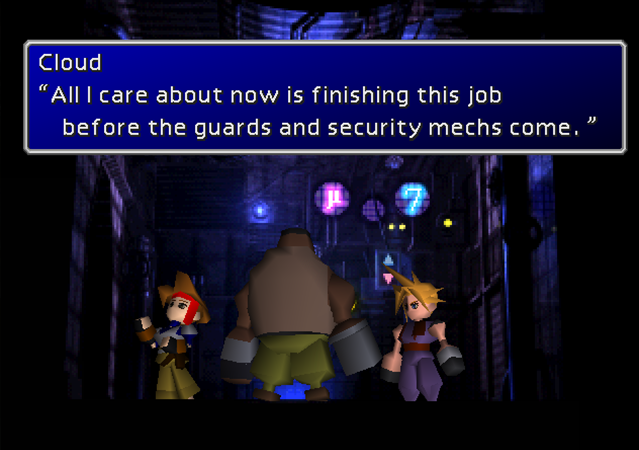
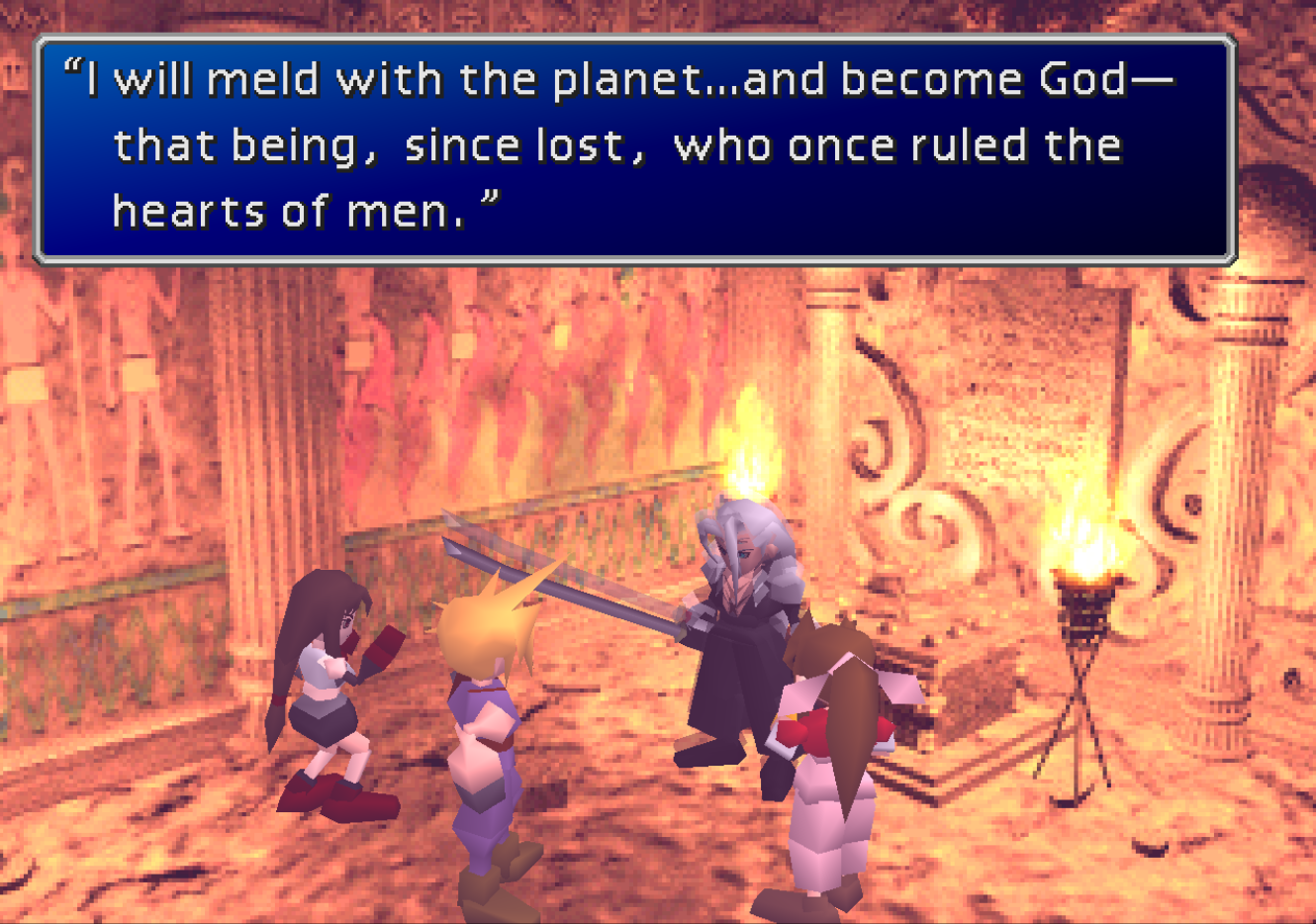
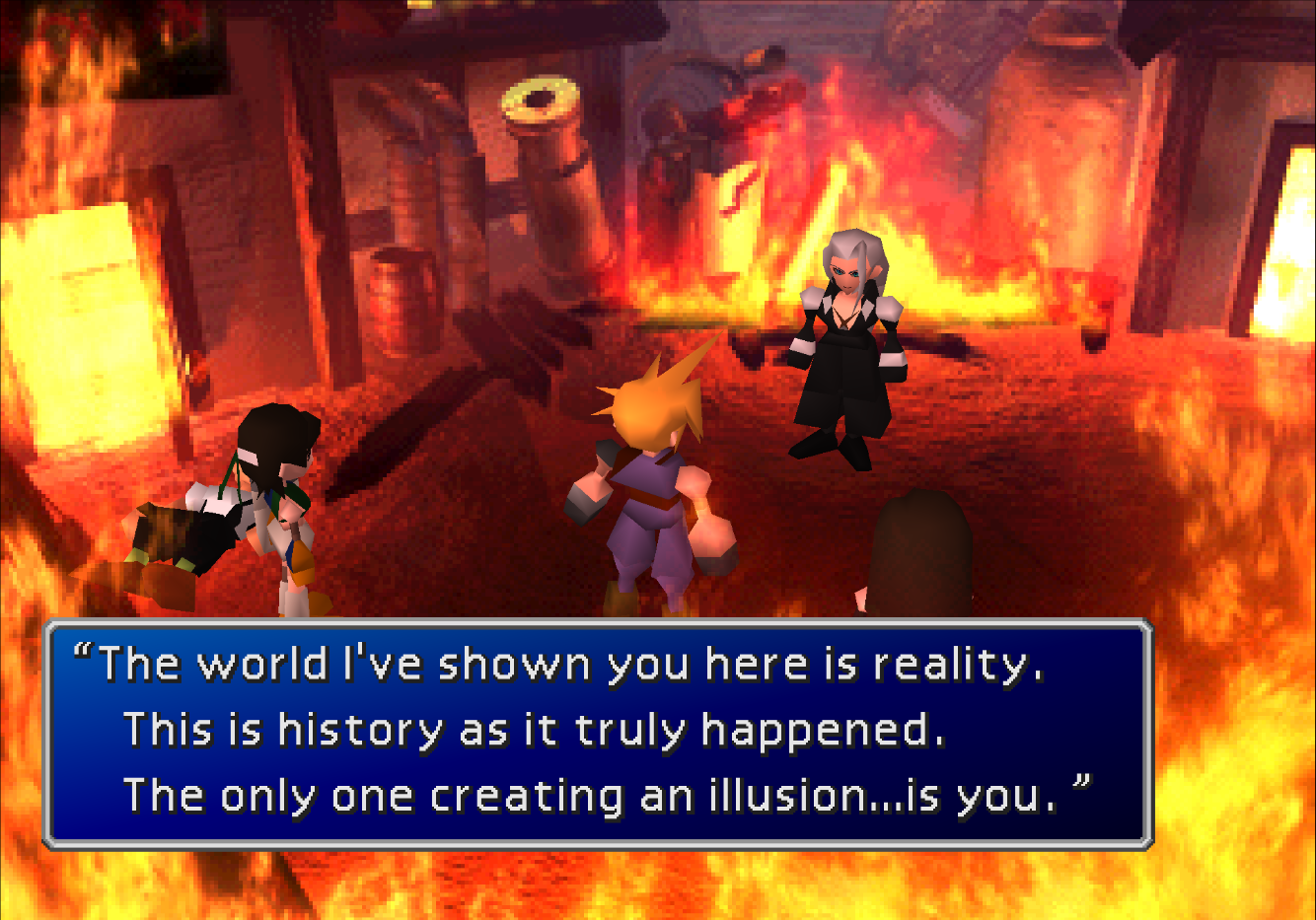
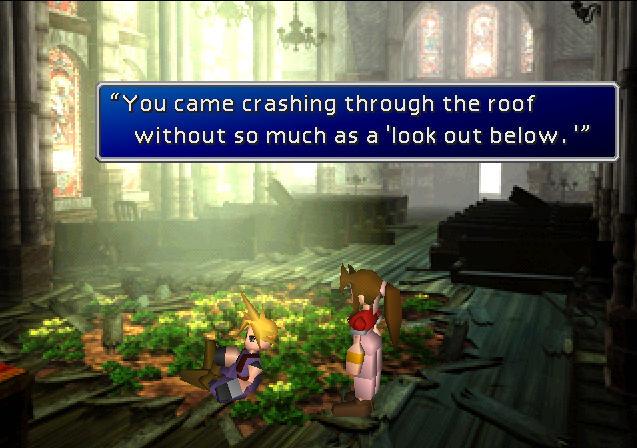
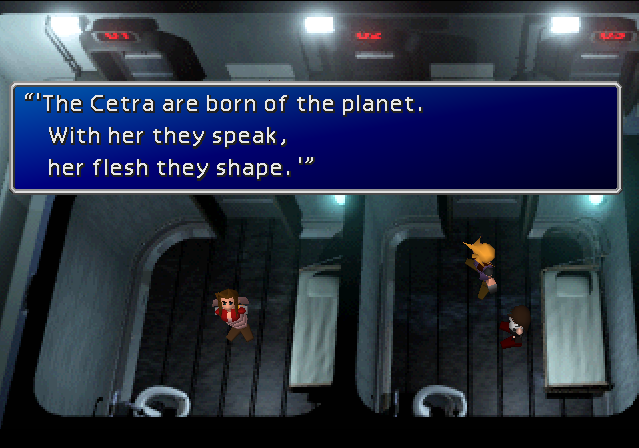
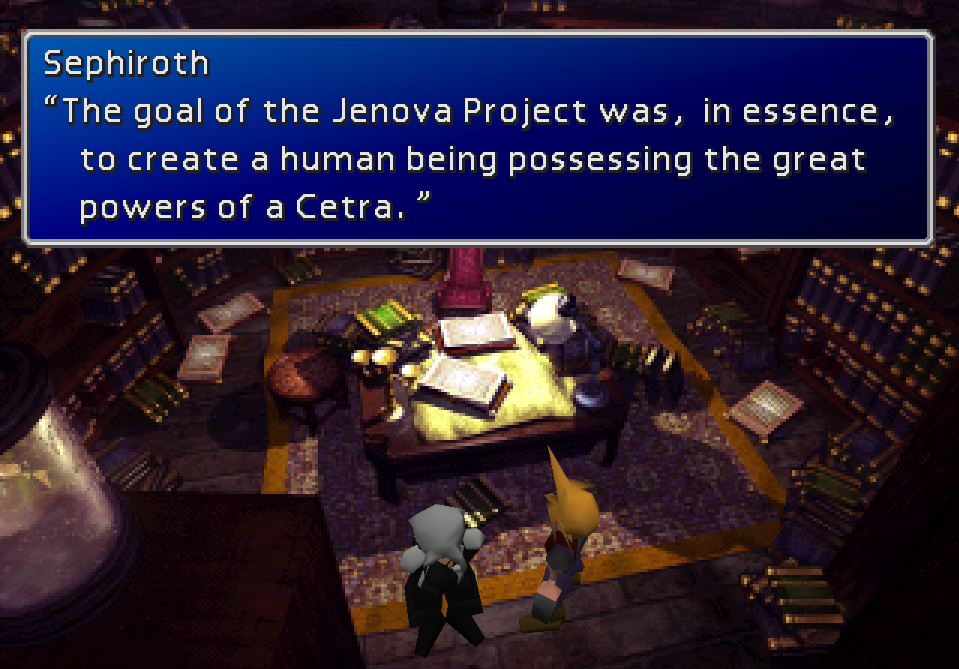
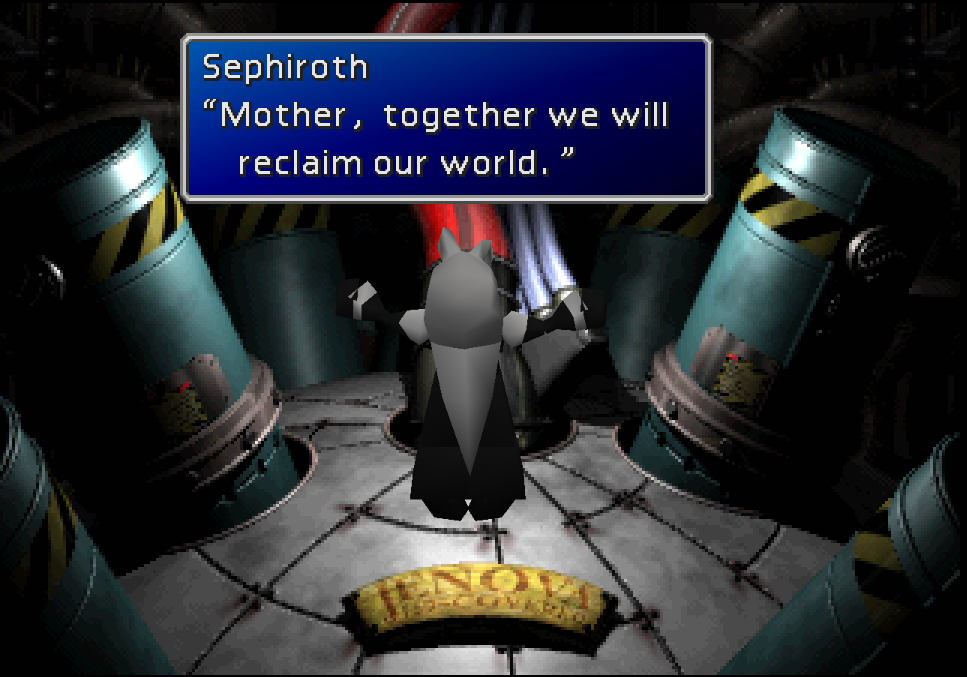
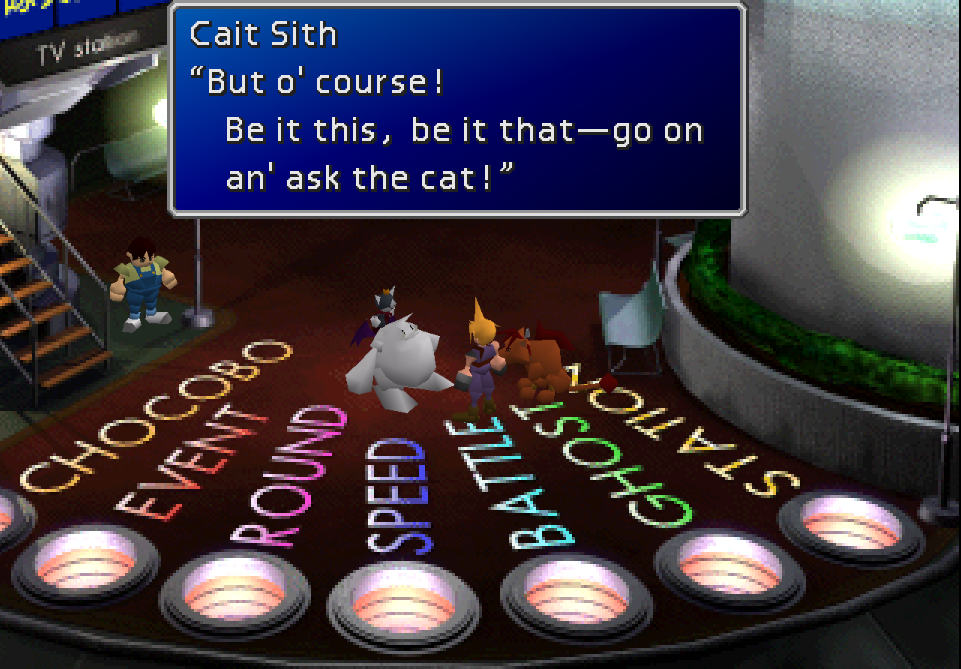
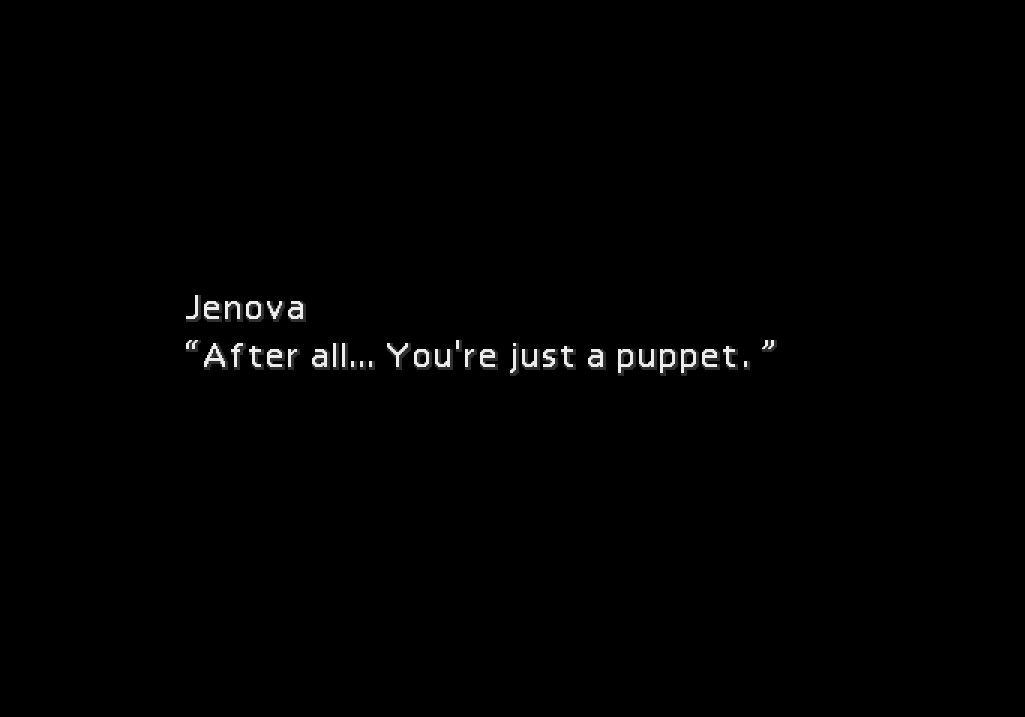
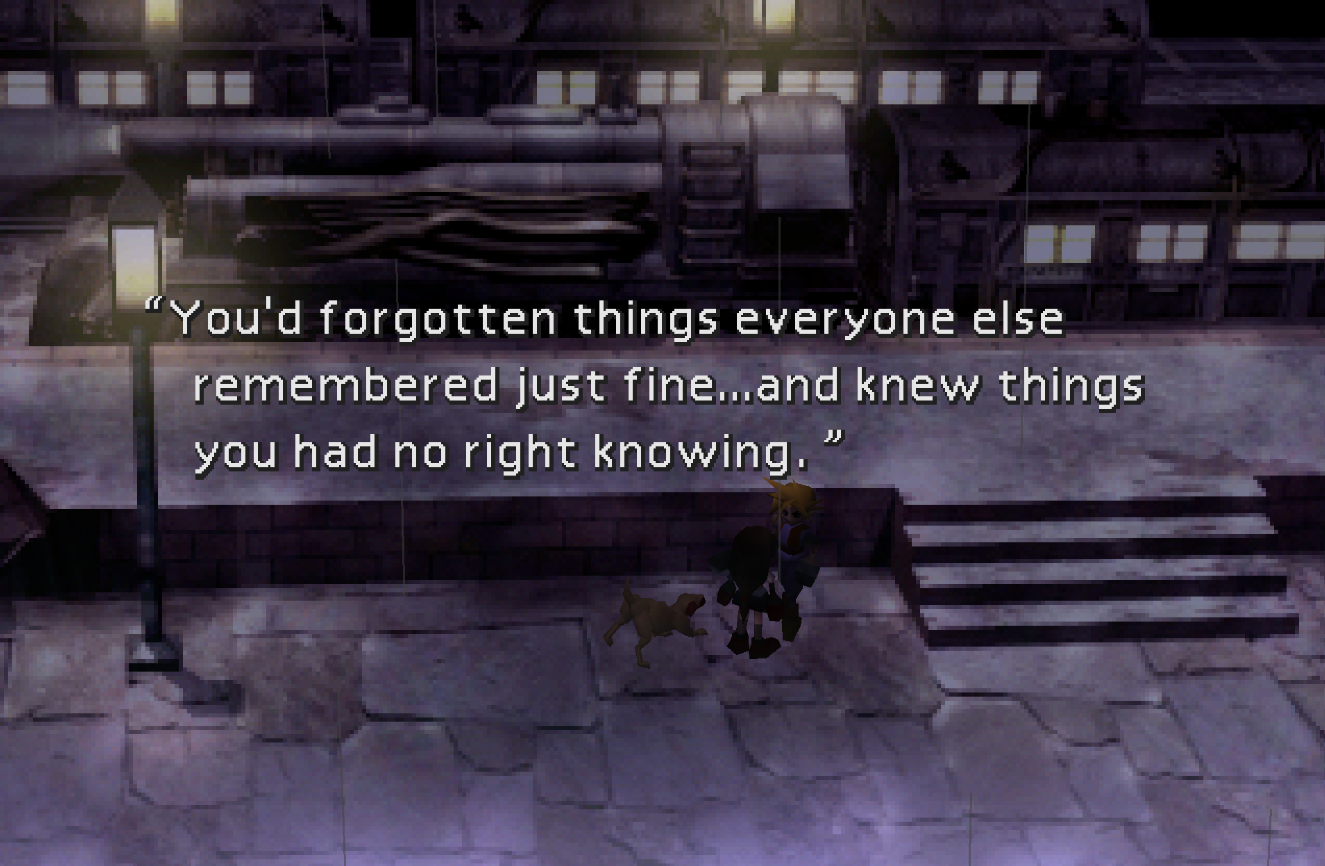
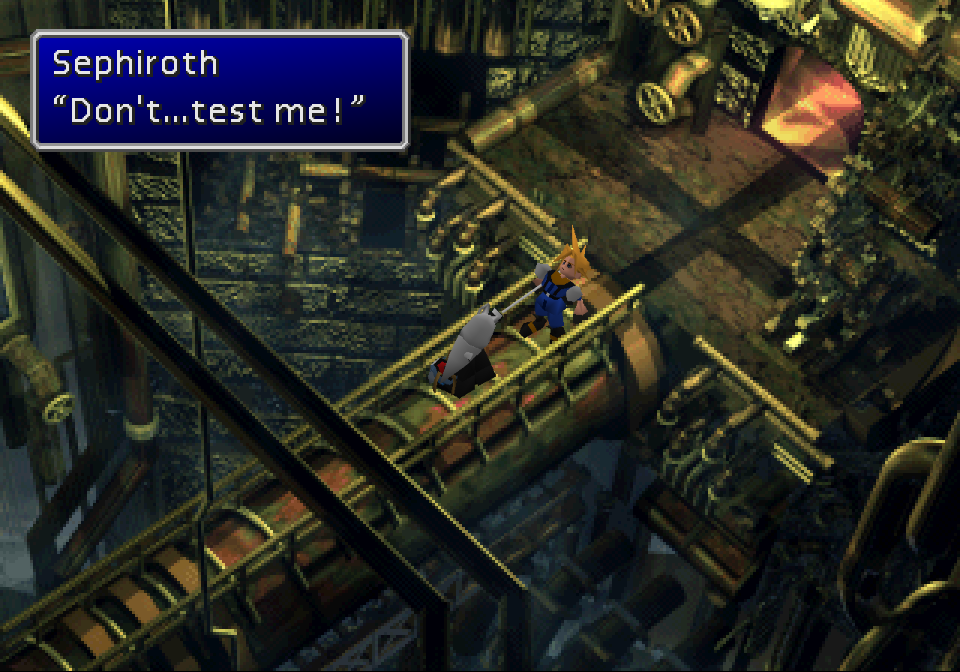
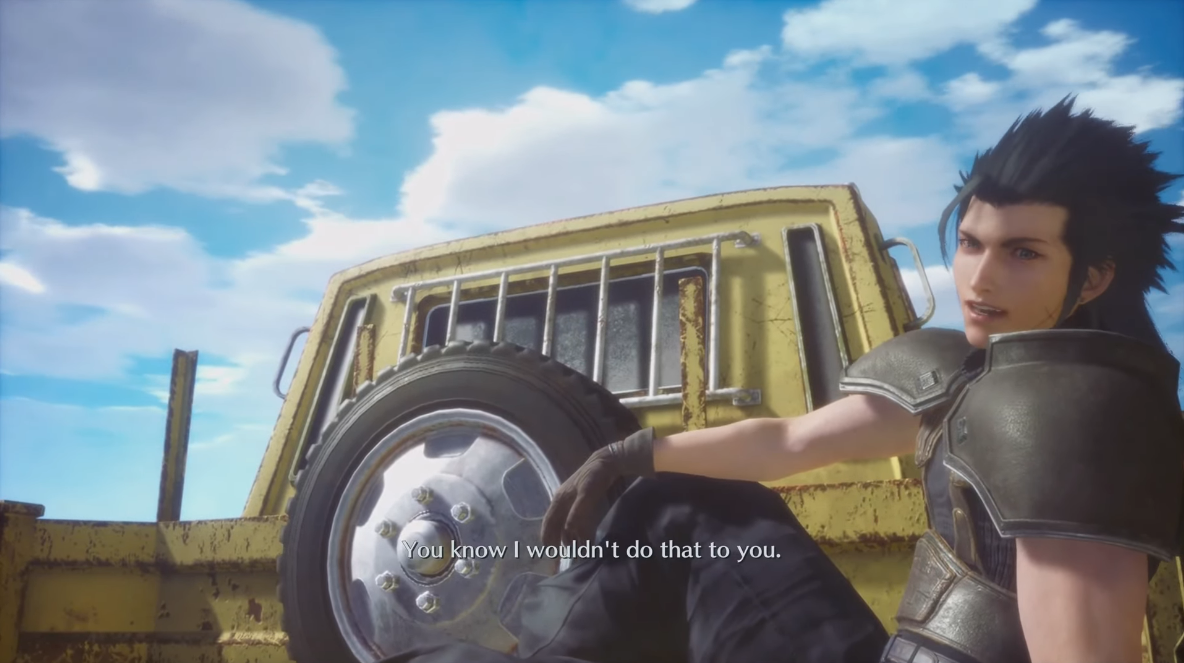
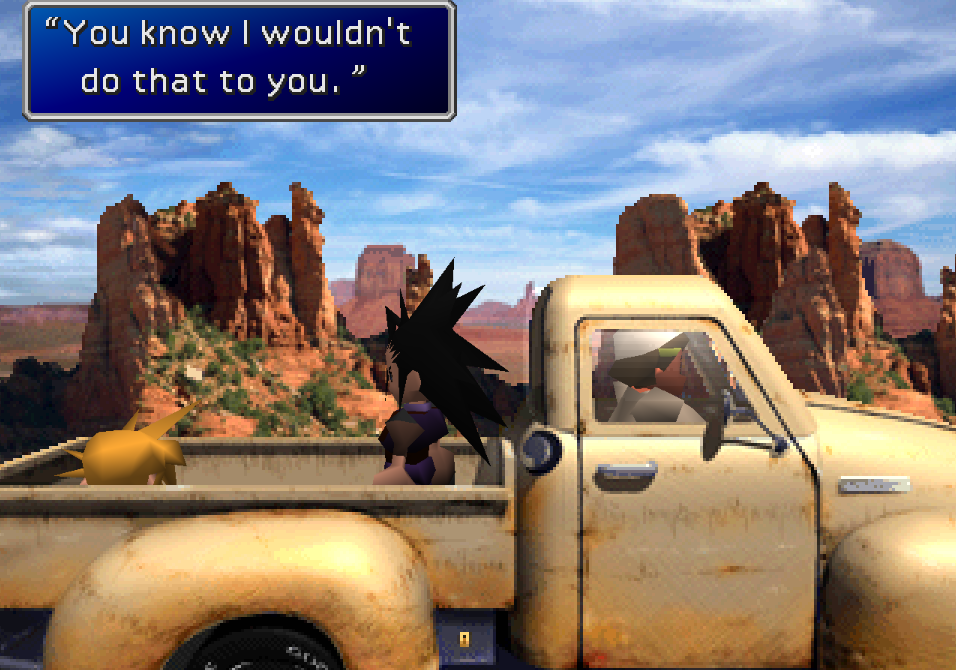
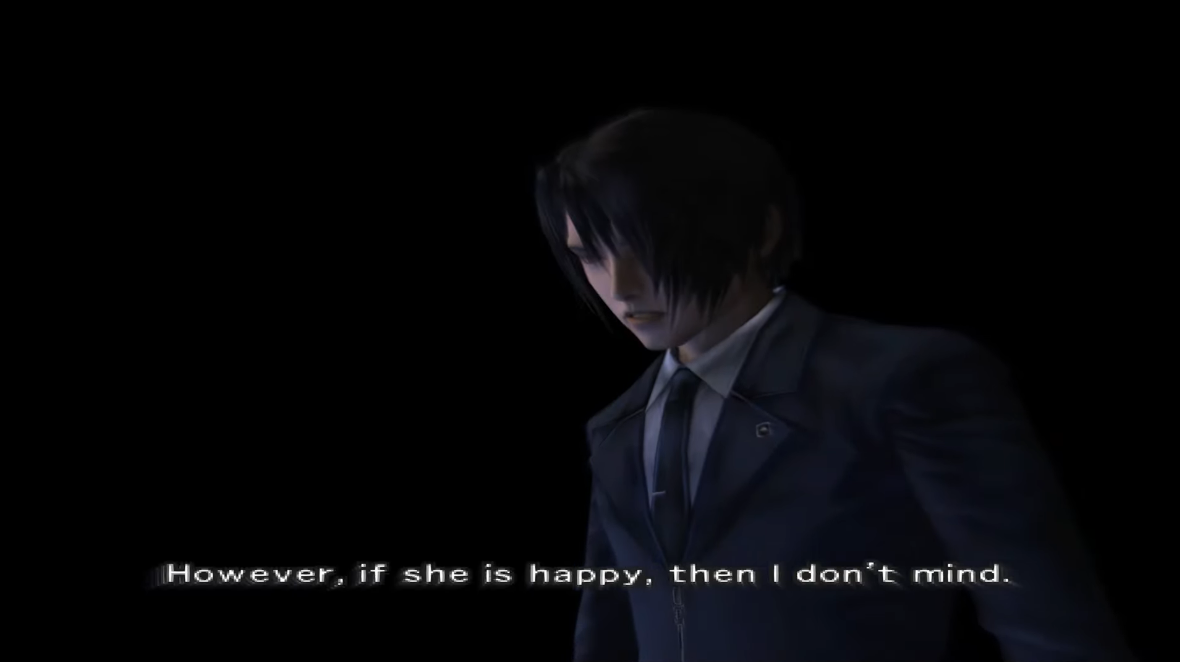
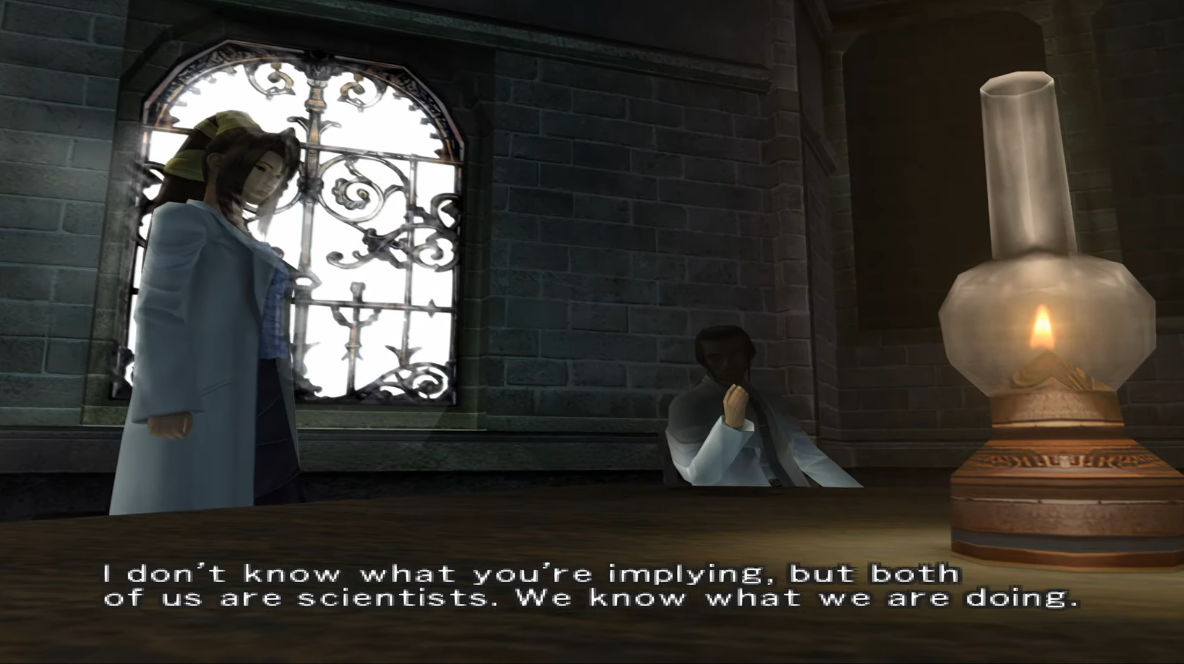
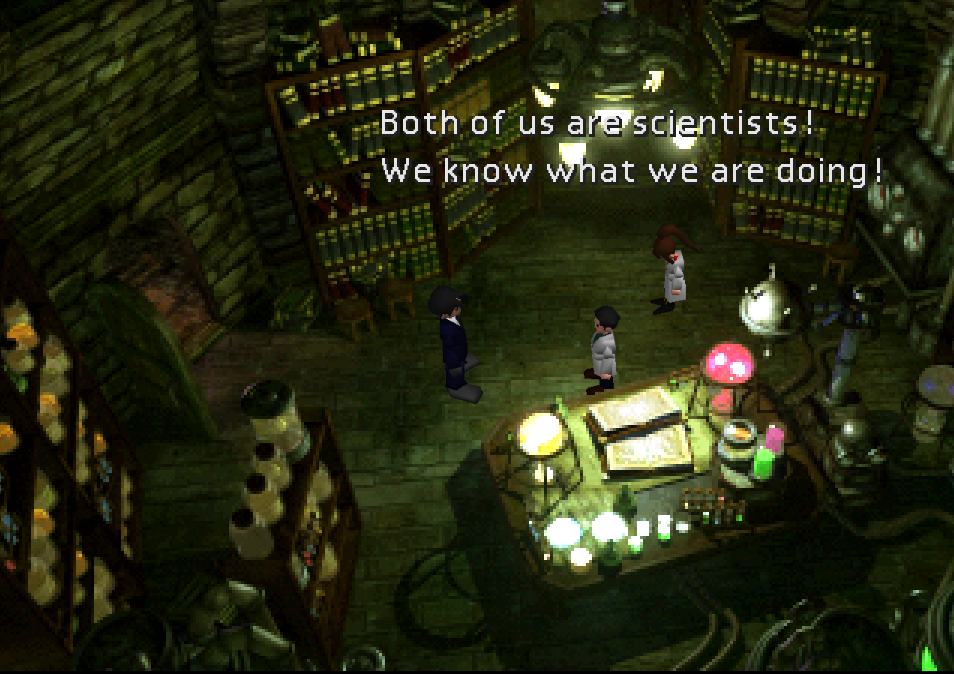
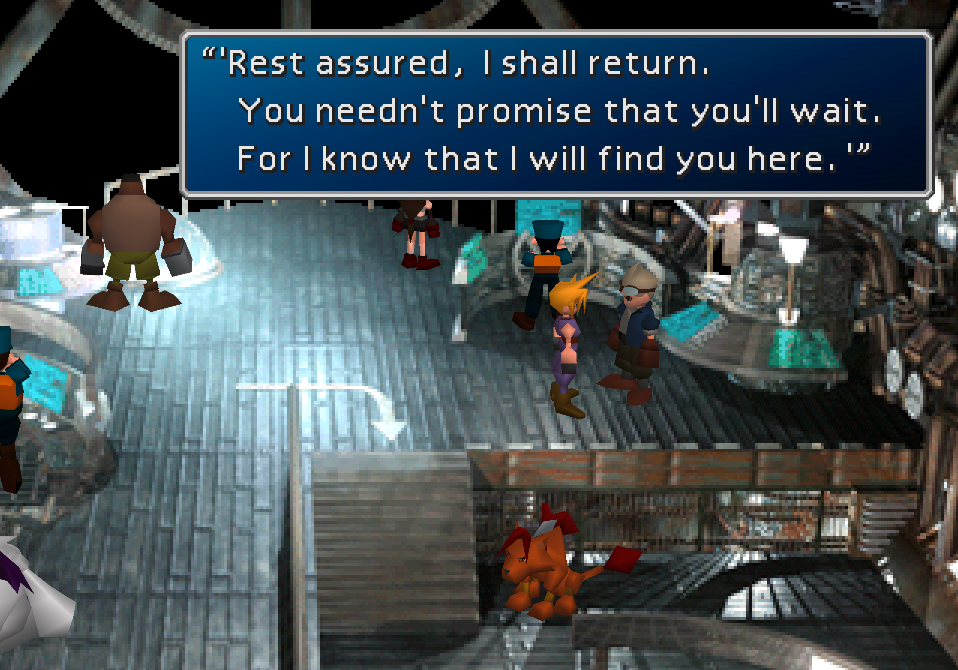
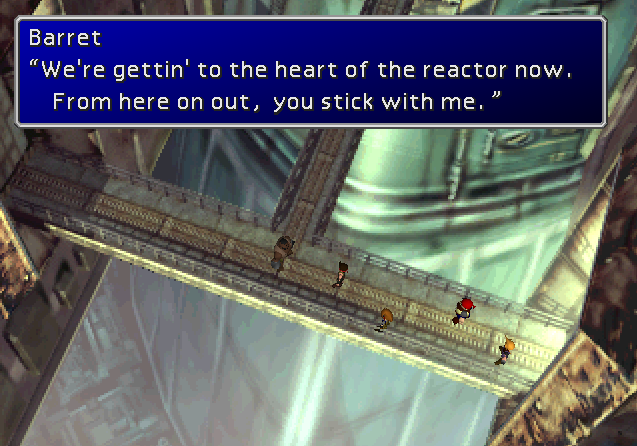
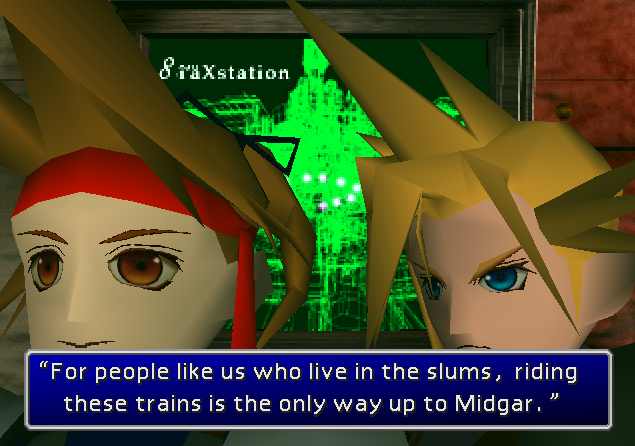
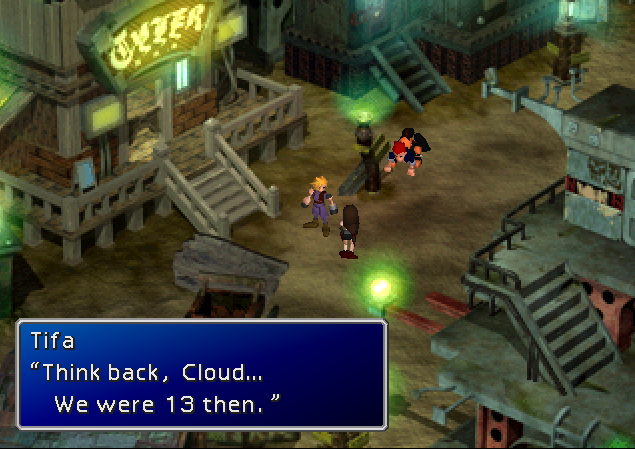
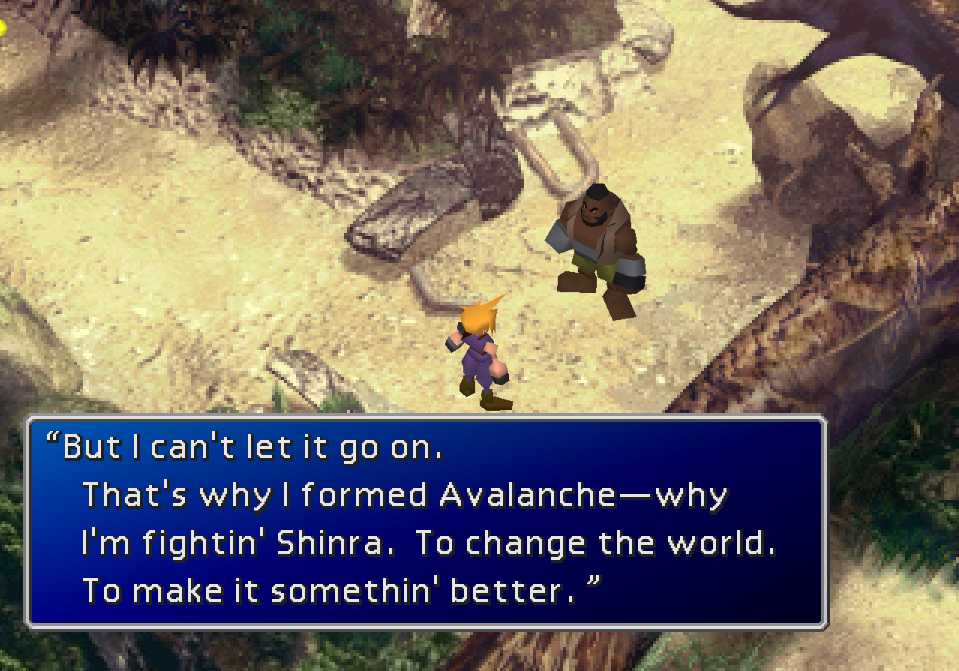
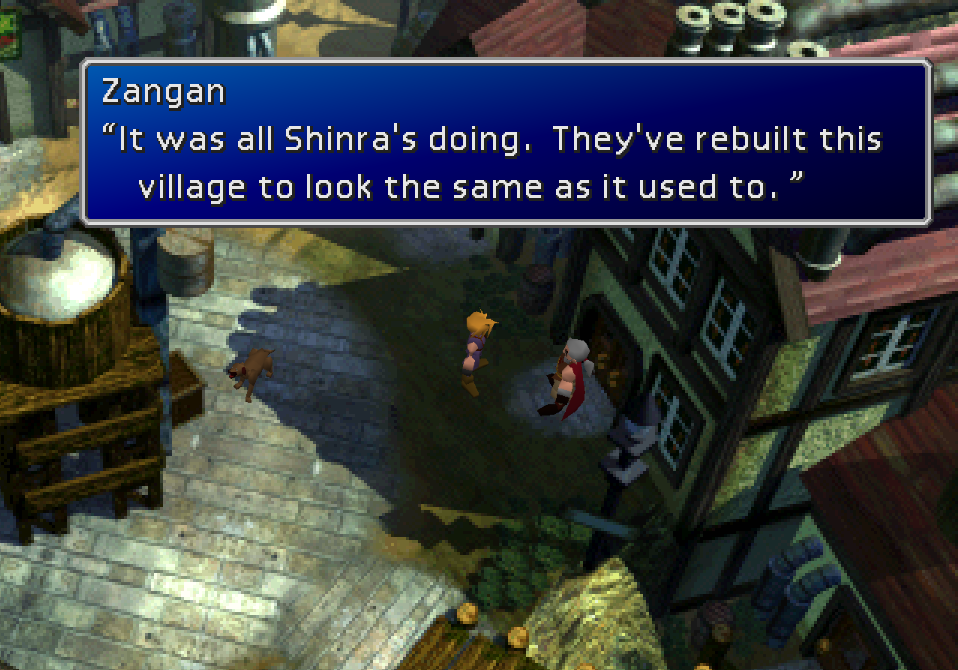
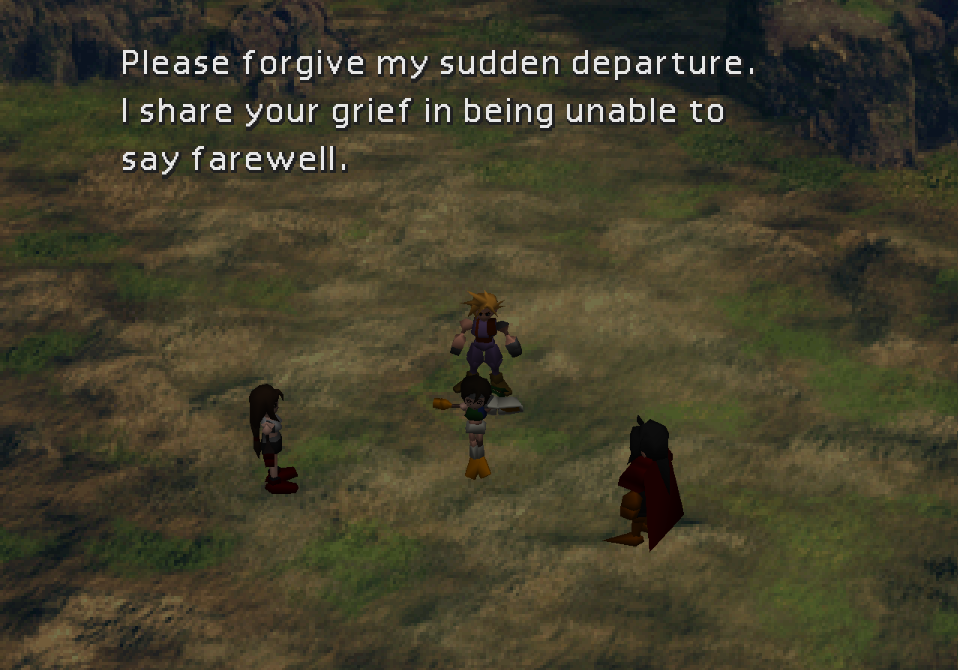
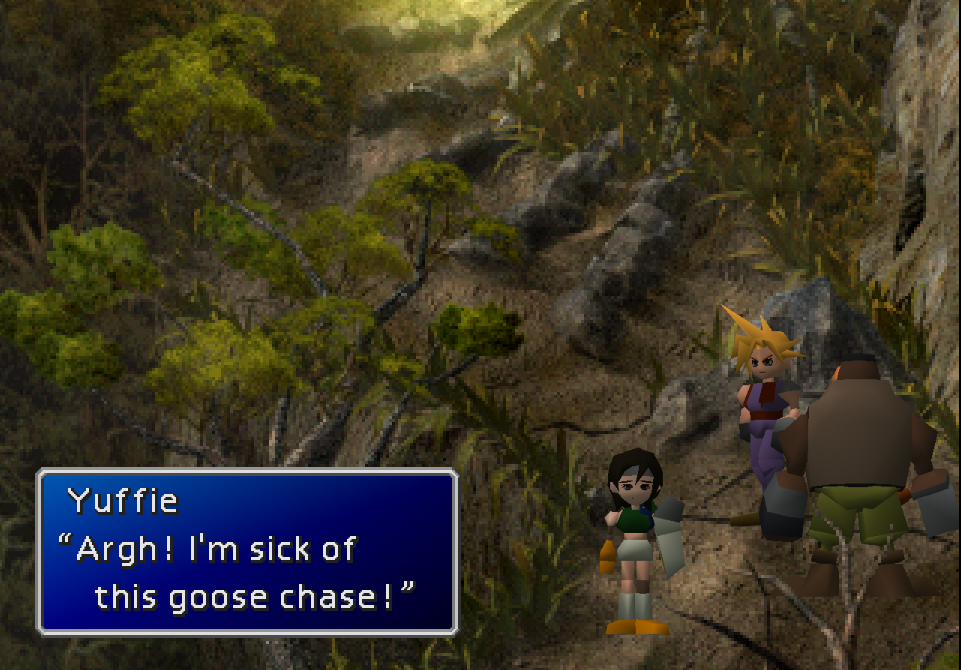
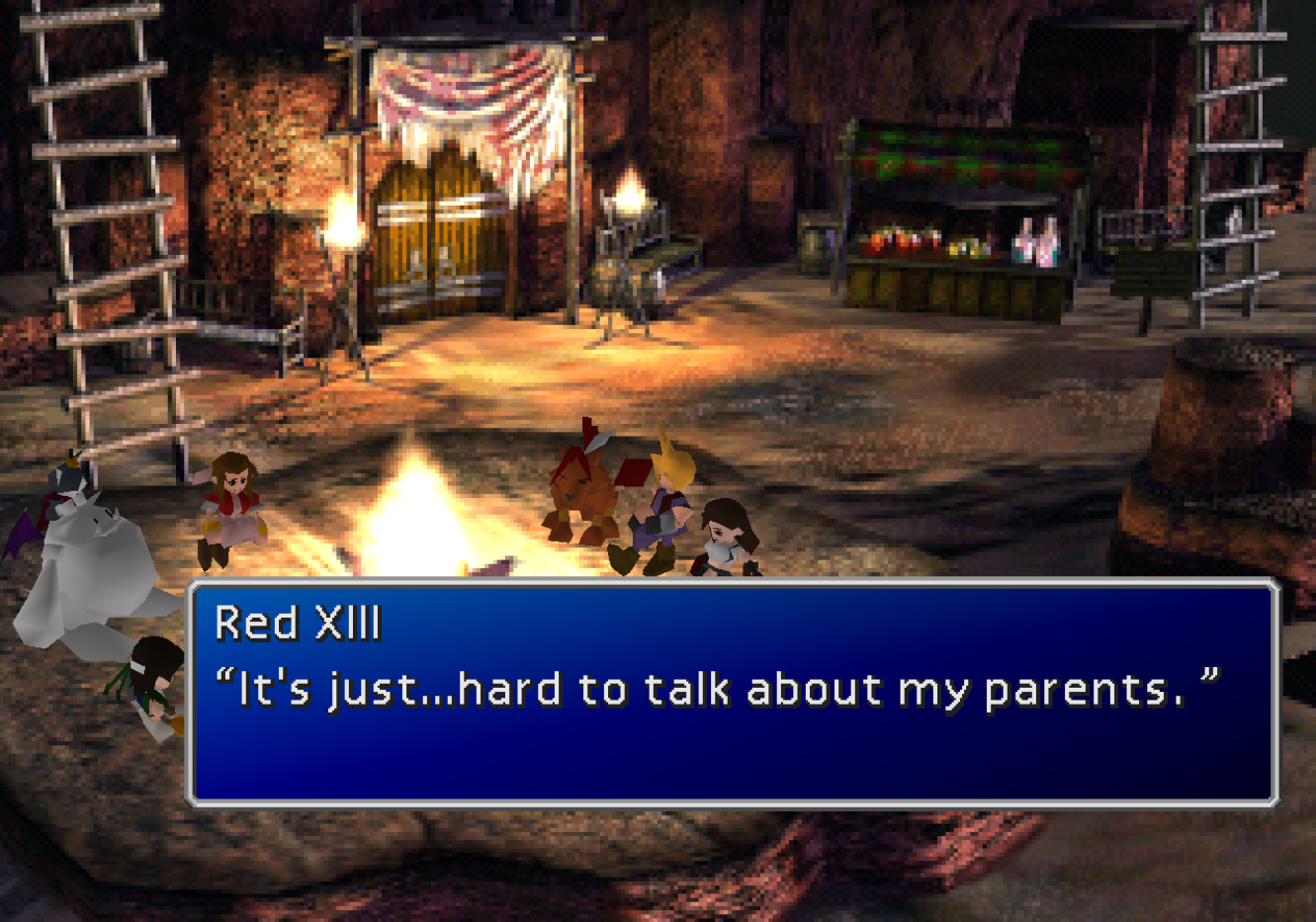
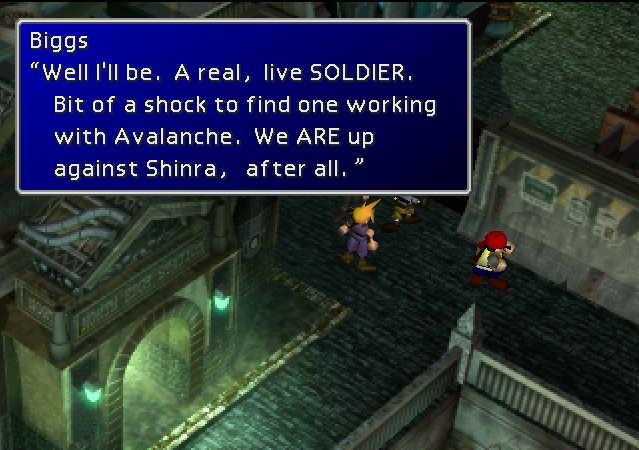
First, it offers a full retranslation of the game's text that fixes mistakes in the original English translation; improves tonal accuracy using idiomatic language; and conforms to the localization choices of the Compilation and Remake trilogy where applicable to ensure continuity through the Final Fantasy VII series. The goal of this retranslation is to give English players a narrative experience and foundation of lore that is as close as possible to that of Japanese-speaking players.

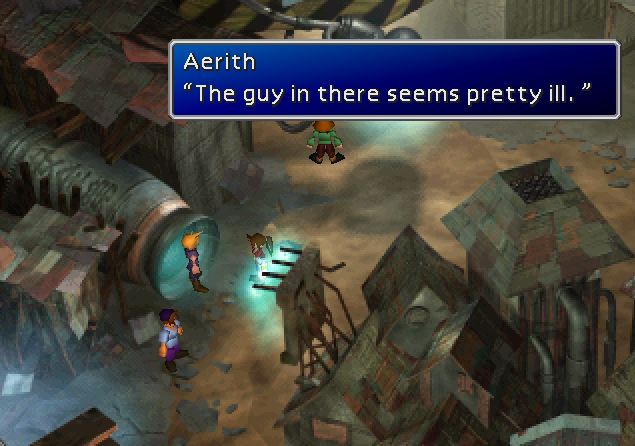
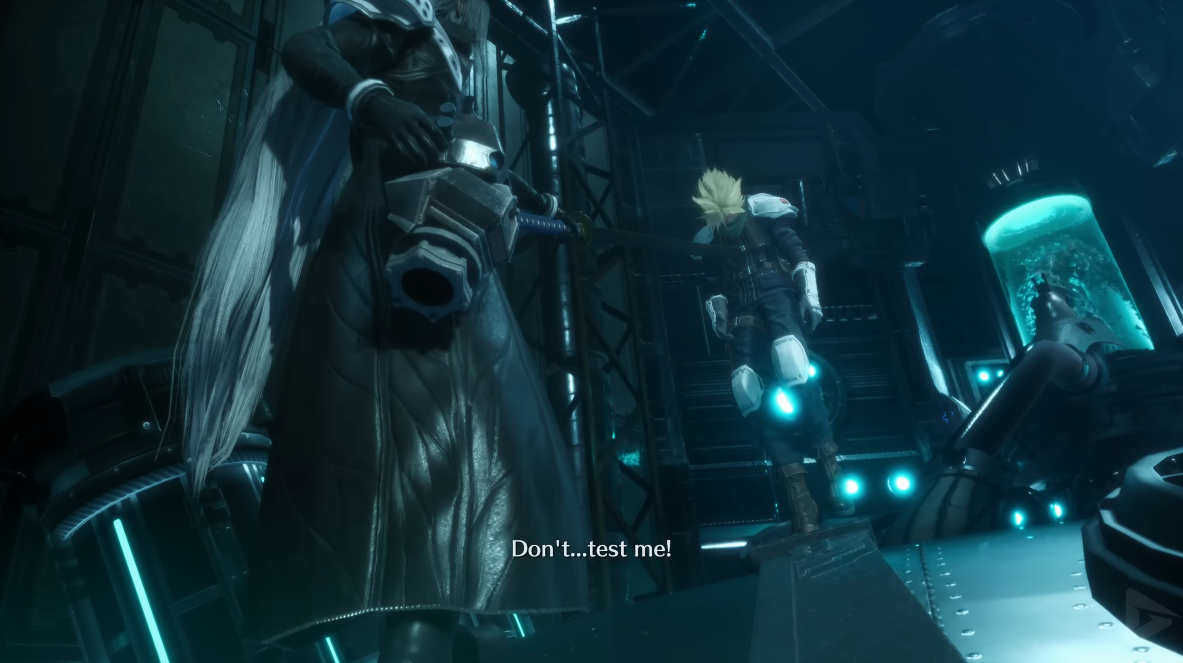
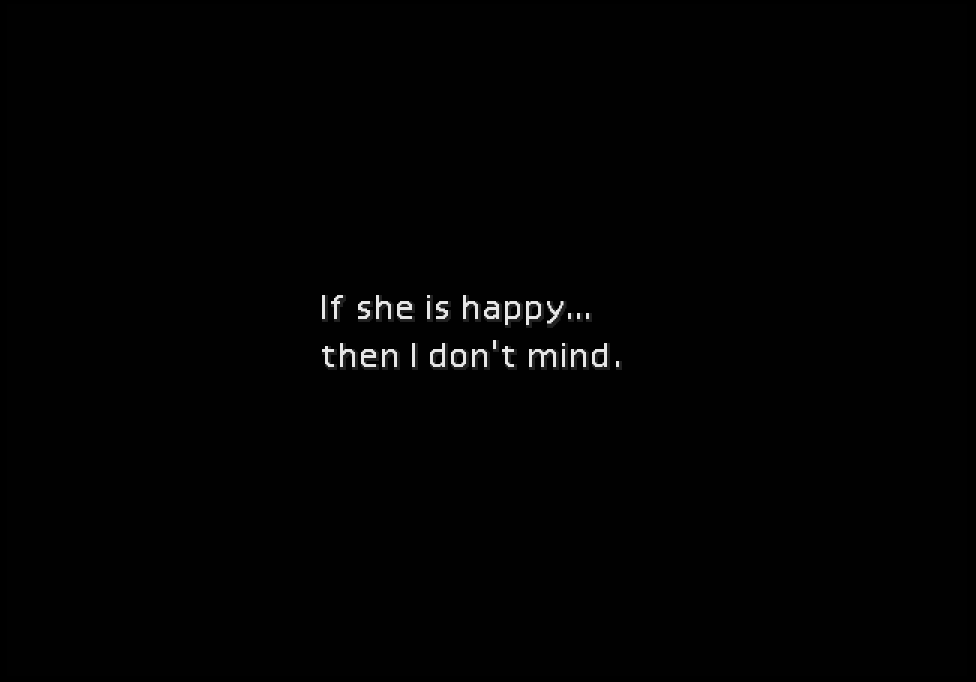
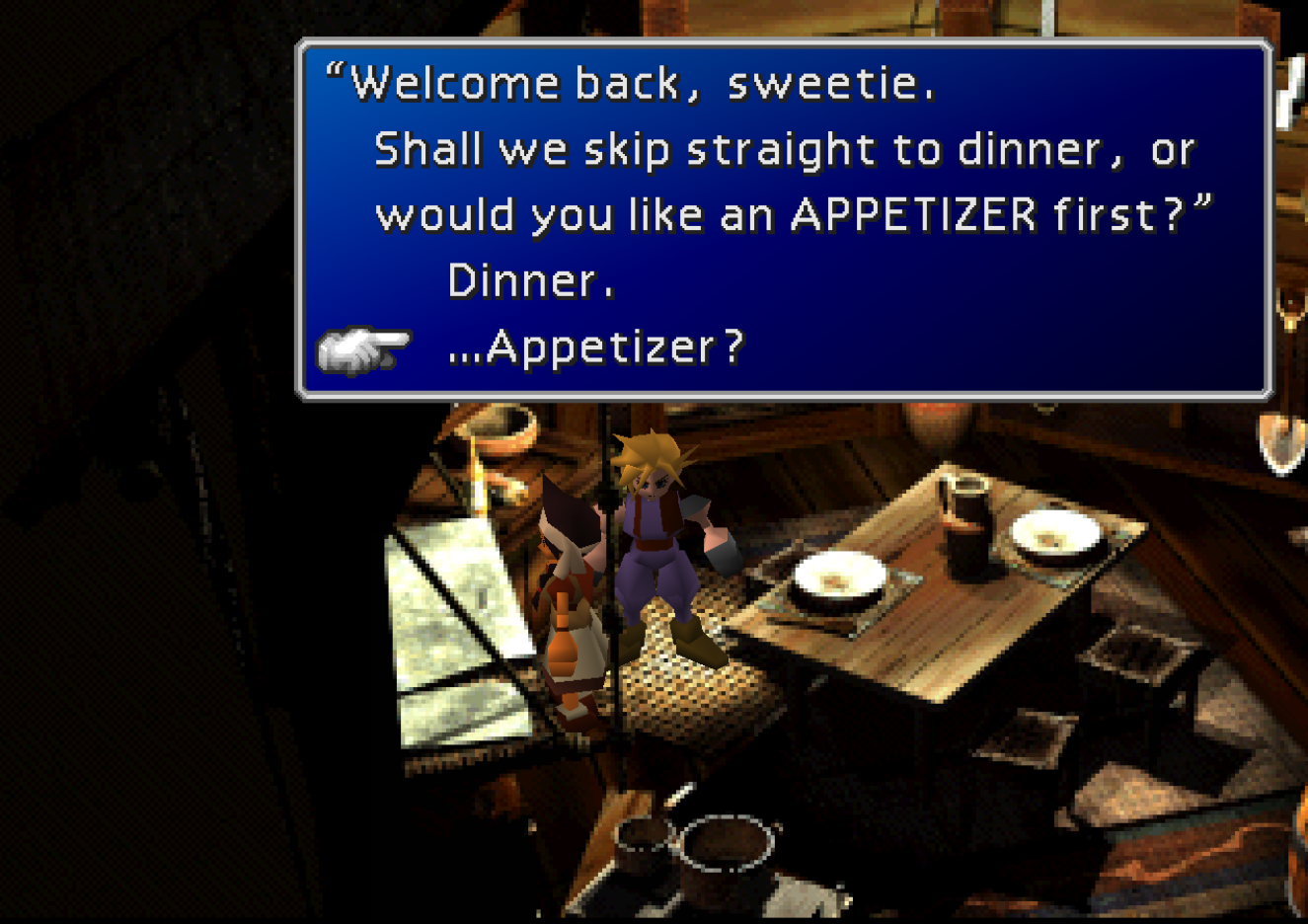
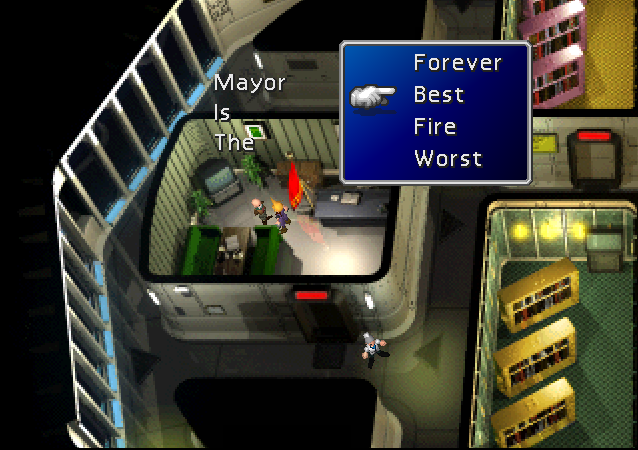
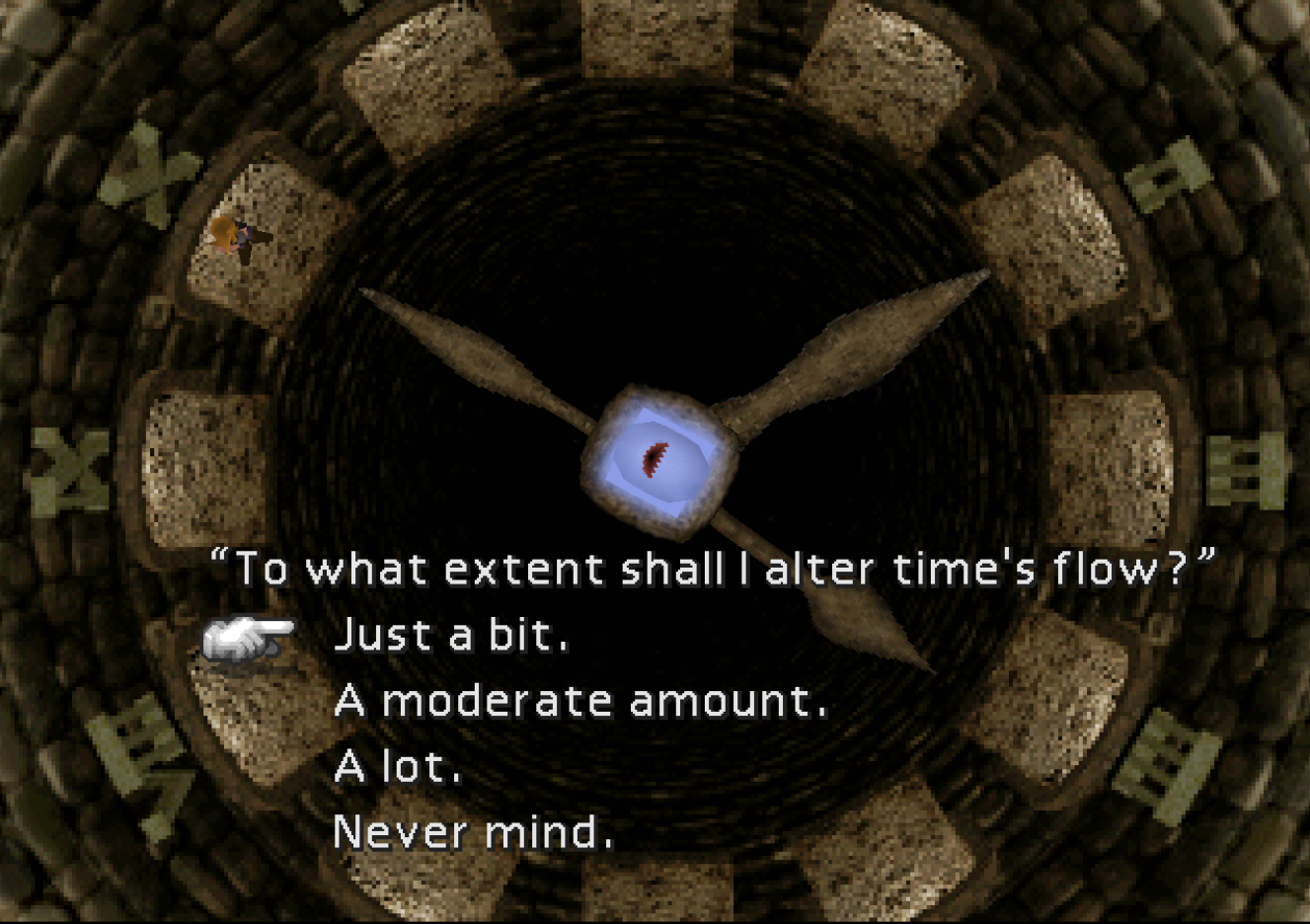
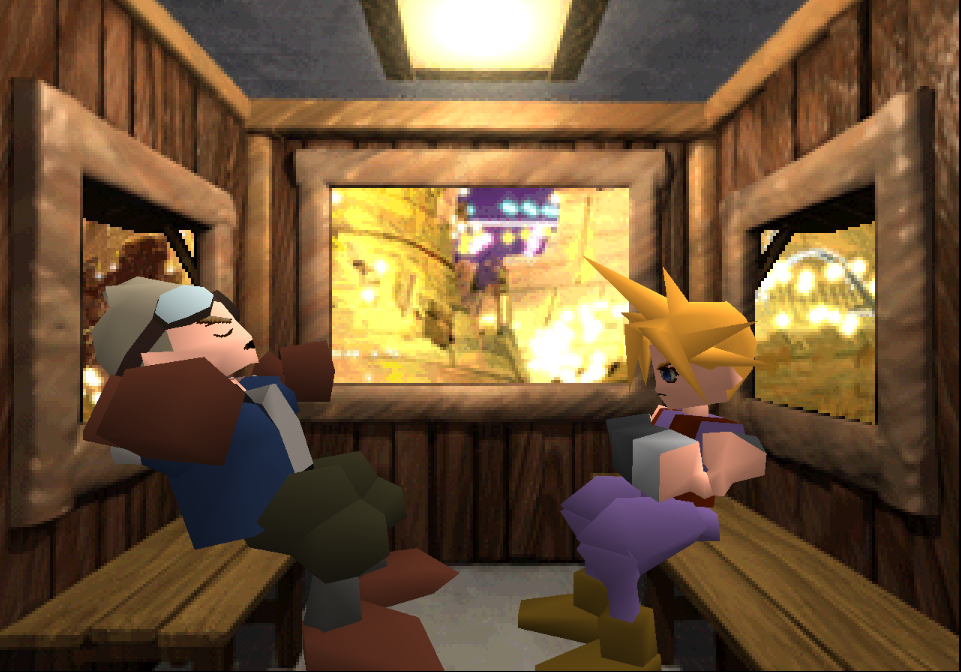
Second, and optionally, this mod restores numerous events, maps, animations, puzzles, and lines of dialogue that were cut from the final release. In 99 cases out of 100, this content has been mined from the original game files themselves. Only when absolutely necessary have the authors of this mod supplied the minimum amount of additional assets to ensure the functionality of the official scrapped elements. A full spreadsheet of this mod's script is available on Google drive, with unofficial dialogue clearly demarcated.

This mod requires the 7th Heaven mod loader to be used.

Custom facial expression system only works with vanilla models and Ninostyle models (with the facial animation fix mod).


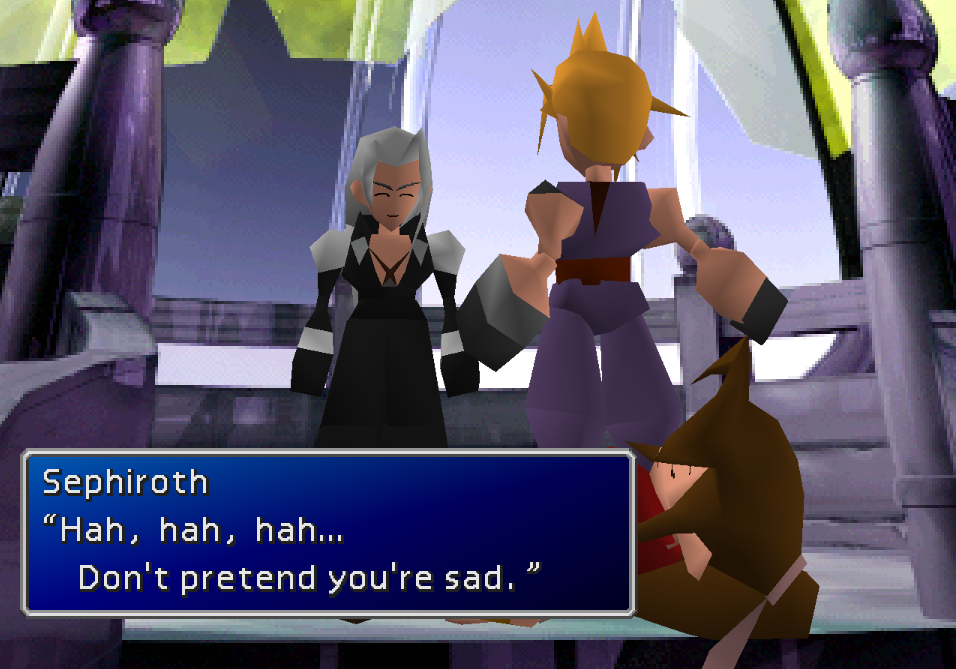
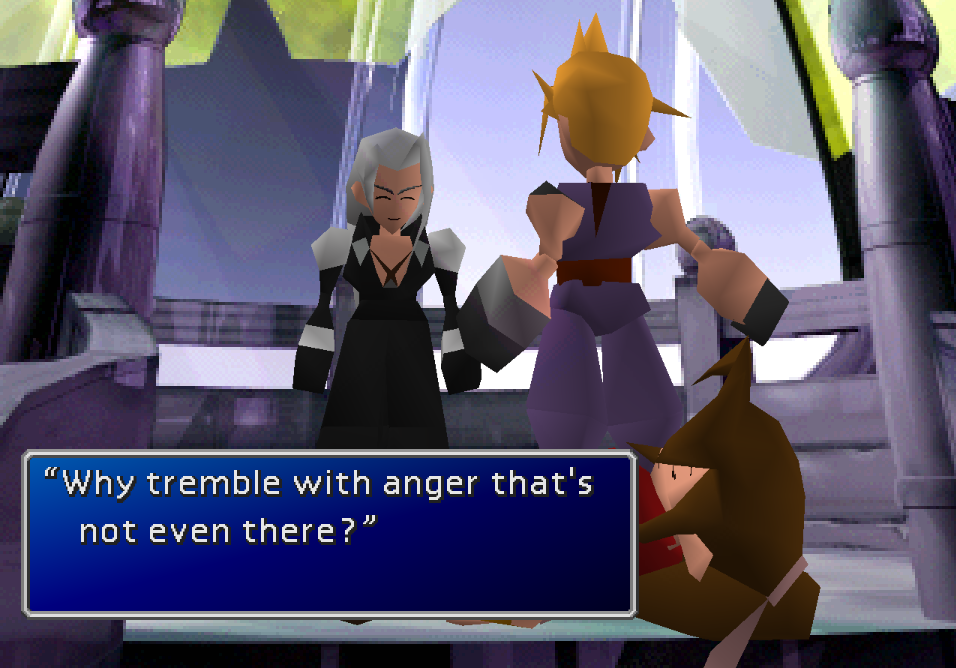
Example Images of Contents [CONTAINS SPOILERS]

Main Contents

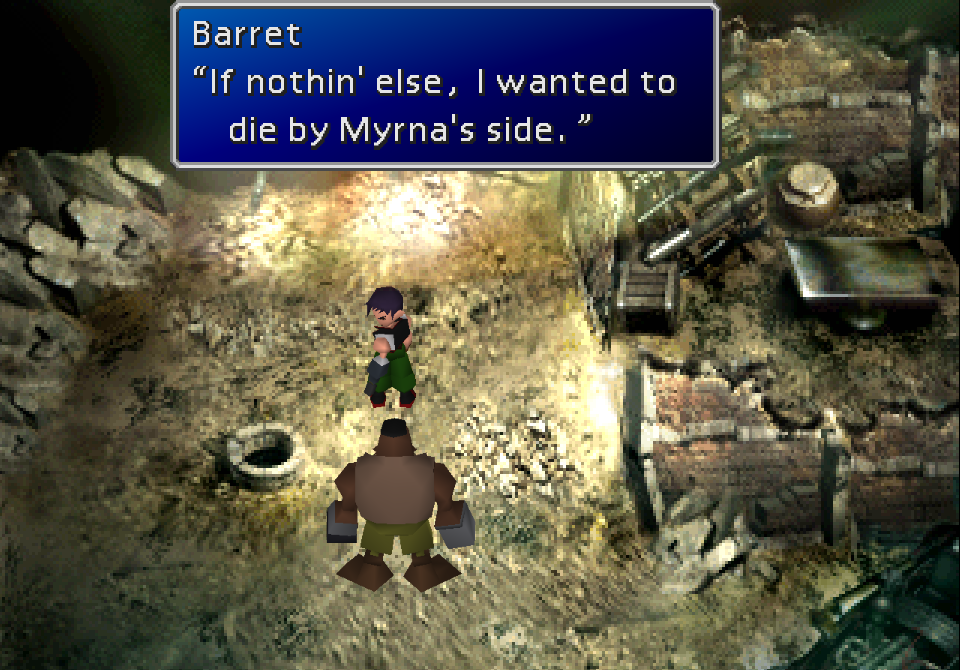
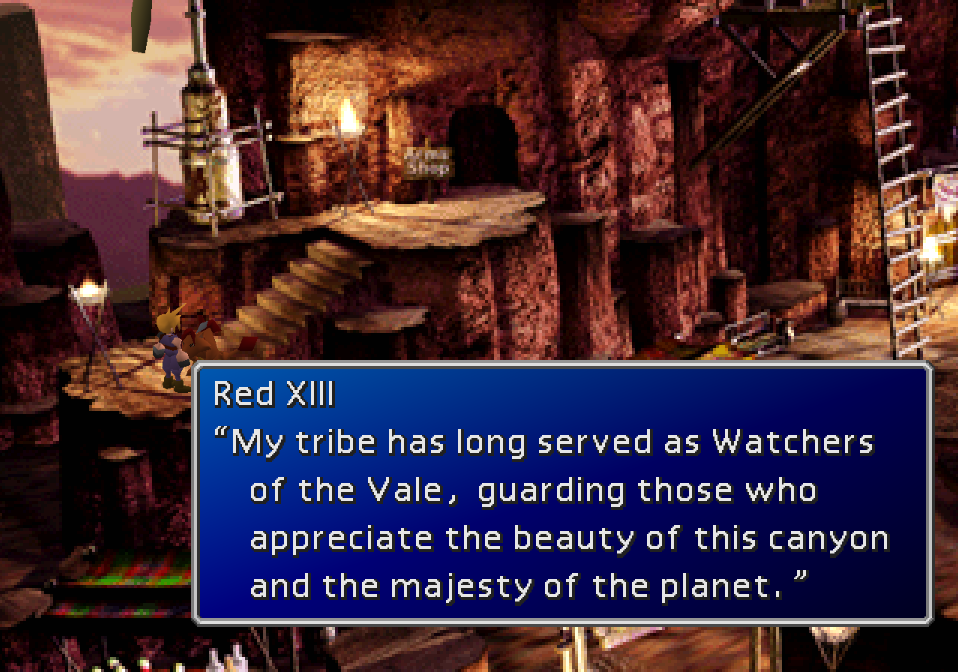
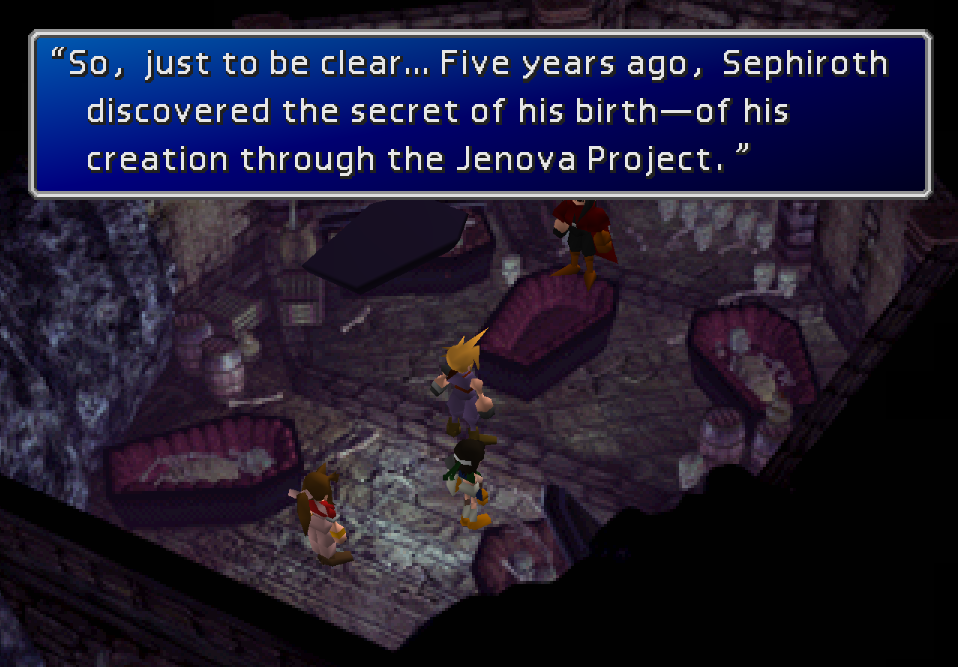
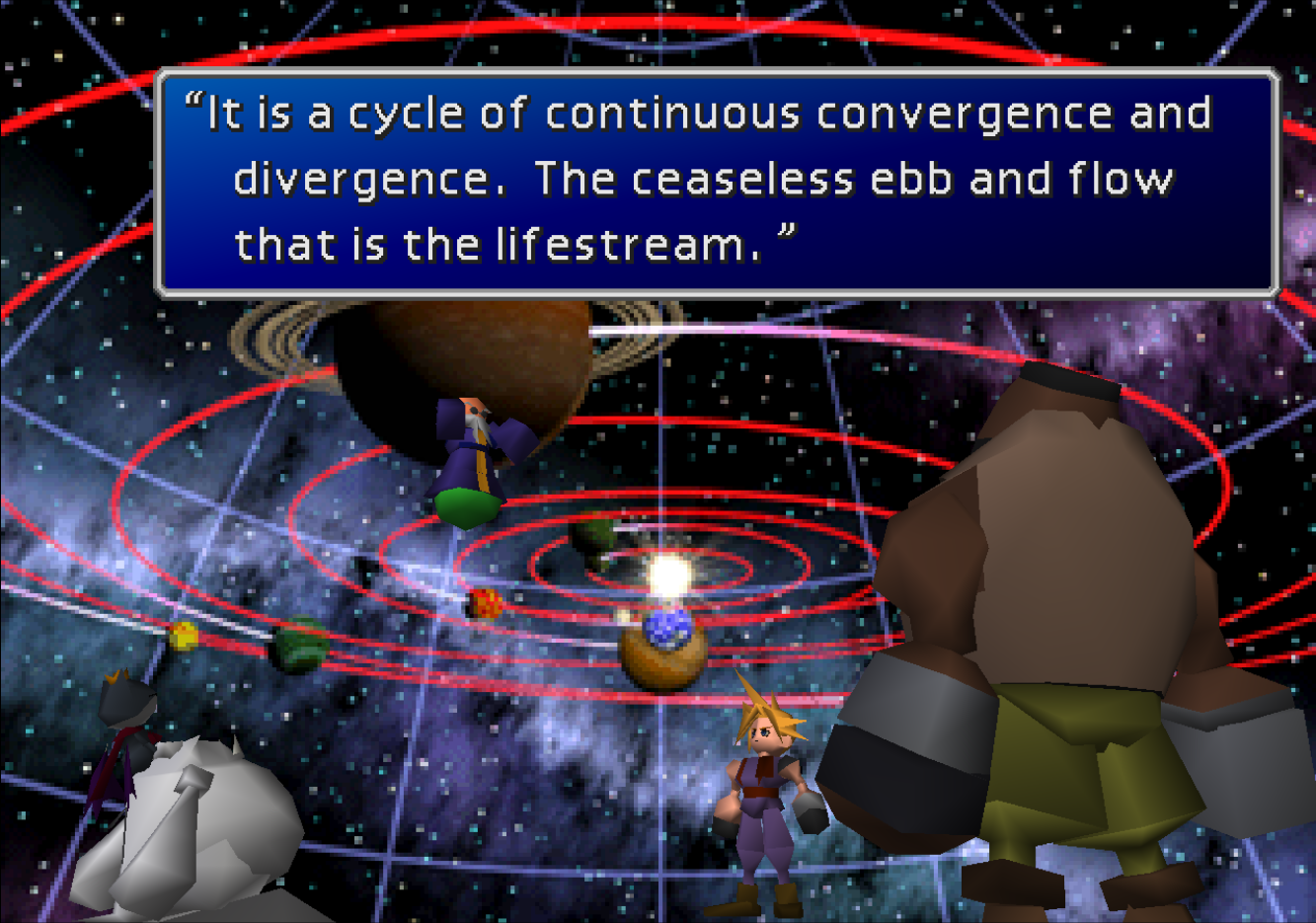
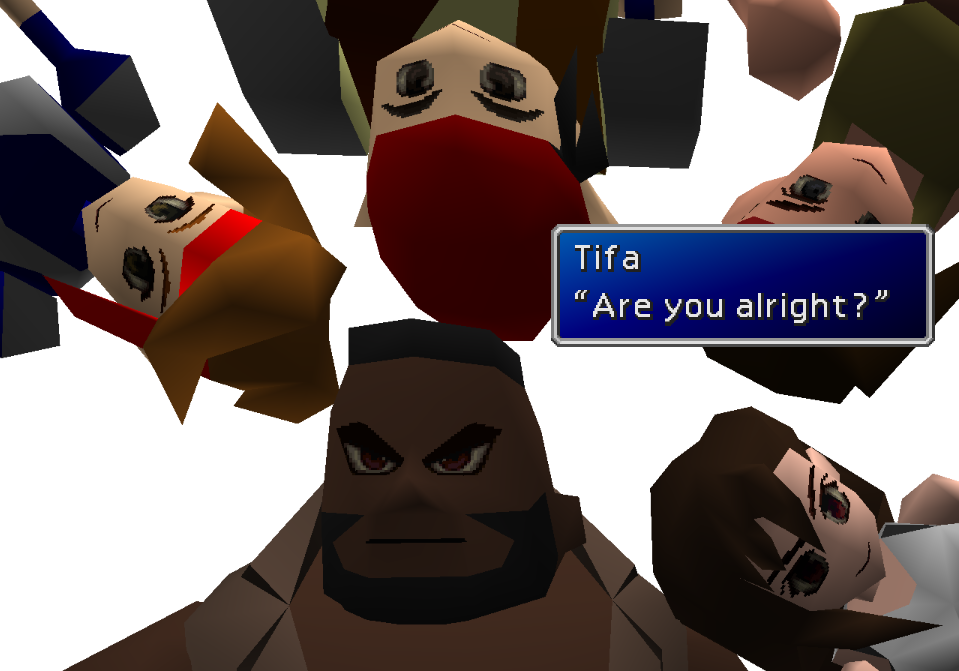
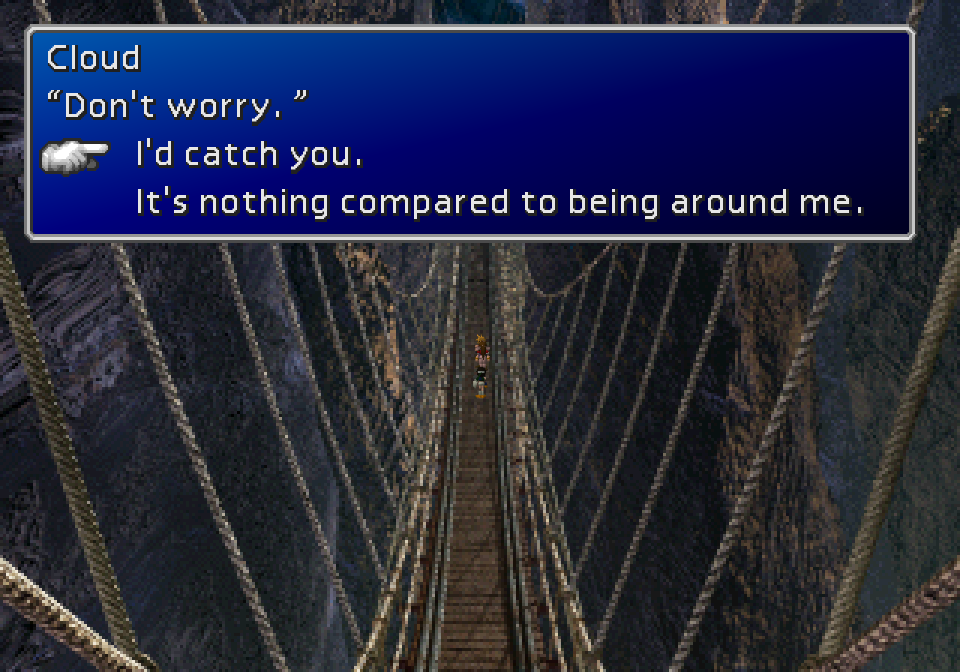
Fully Retranslated Script
mTFarbx.png
         
4MLMmIU.png
N0G0oK7.png
         
hmy5DnL.png
oTH3oPV.png
         
5jjk0Rw.png
pBfUNTW.png
         
Avo5cGh.png
5qodh0o.png
         
fBv4CQj.png
jhiKoGx.png


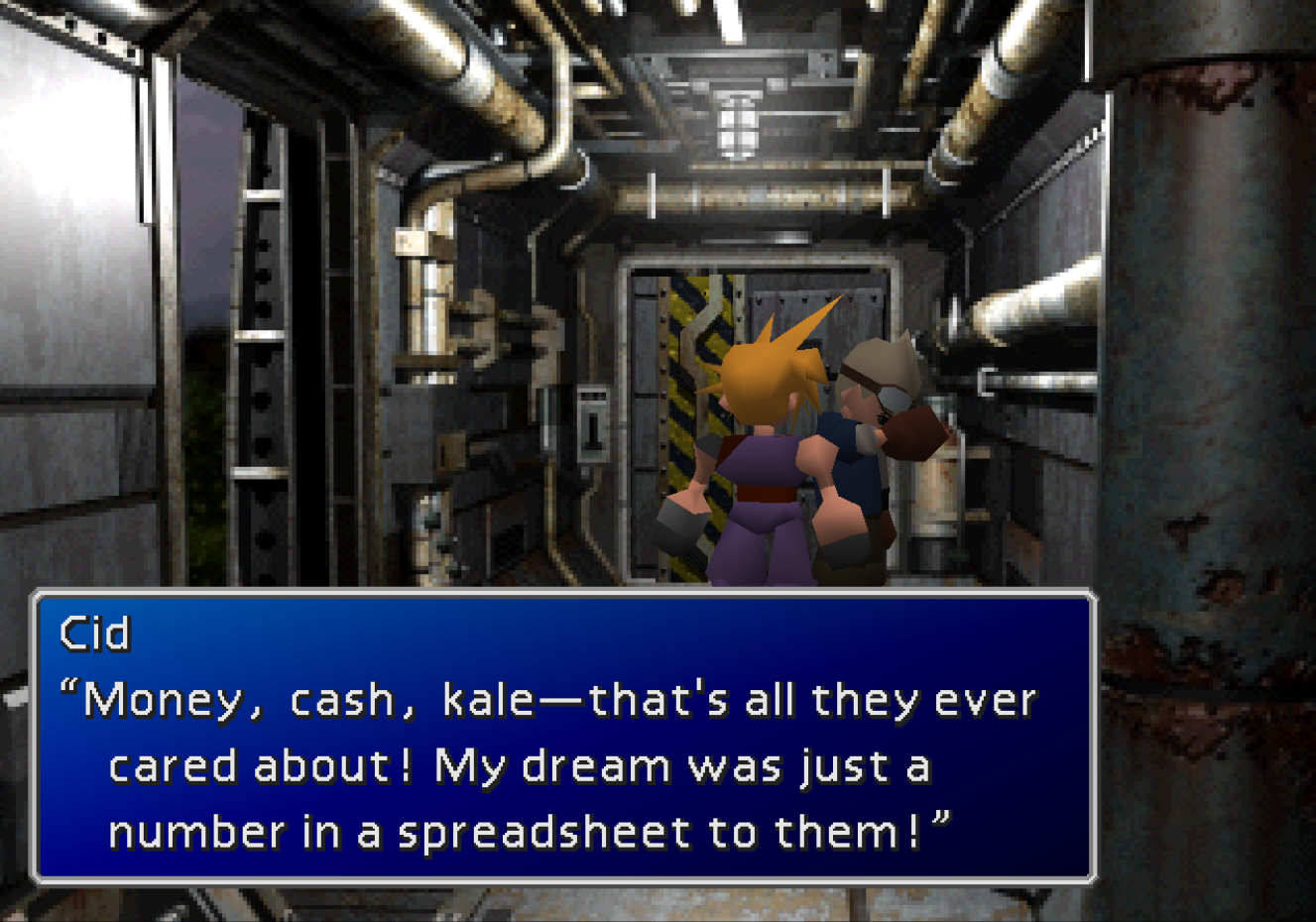
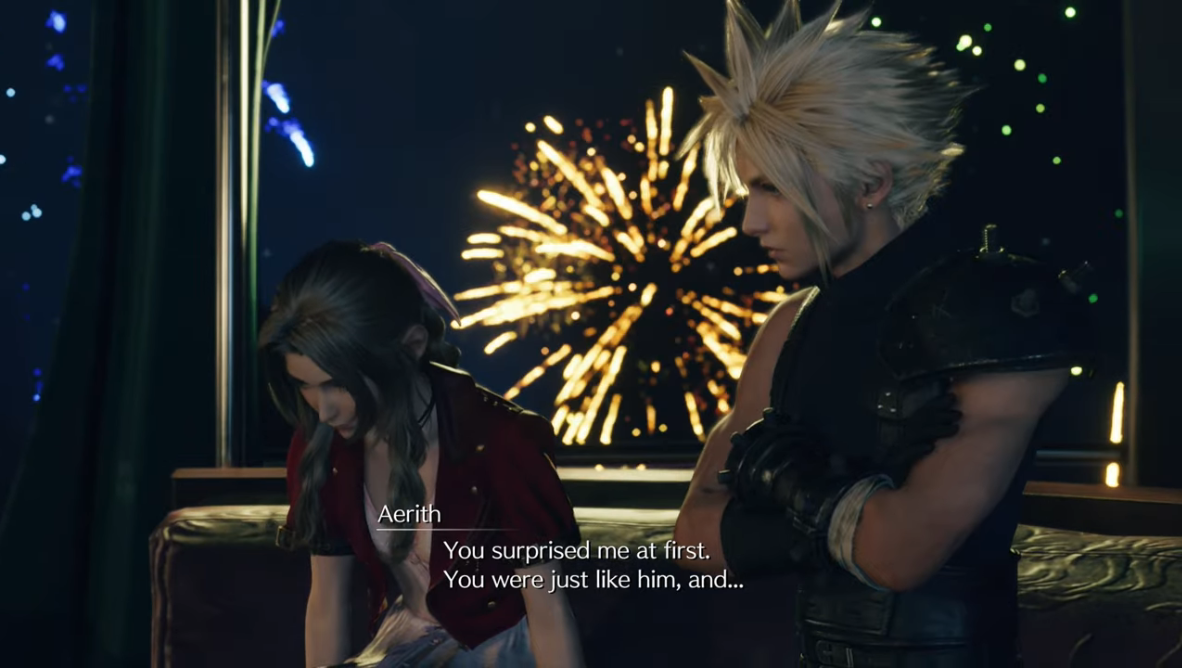
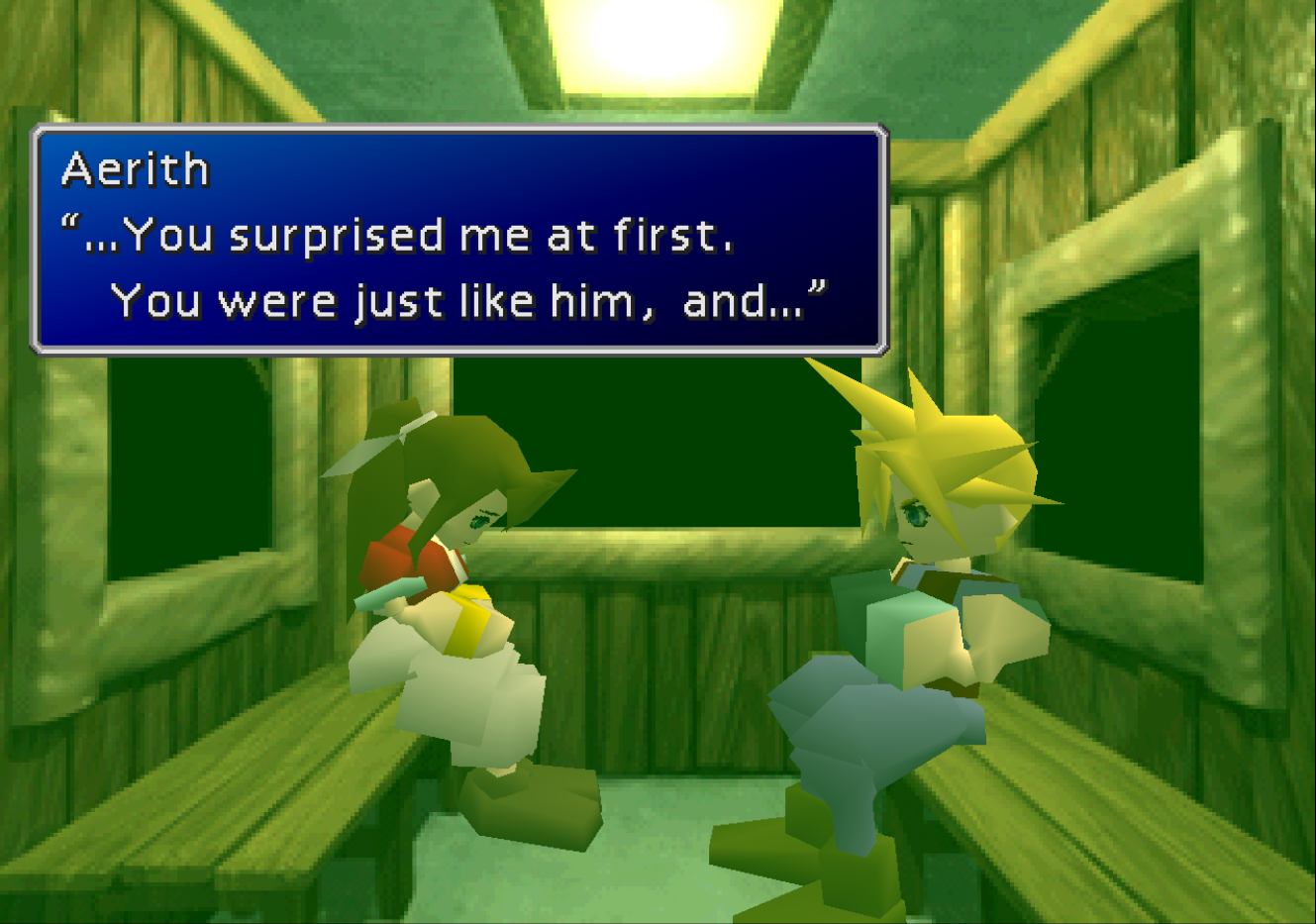
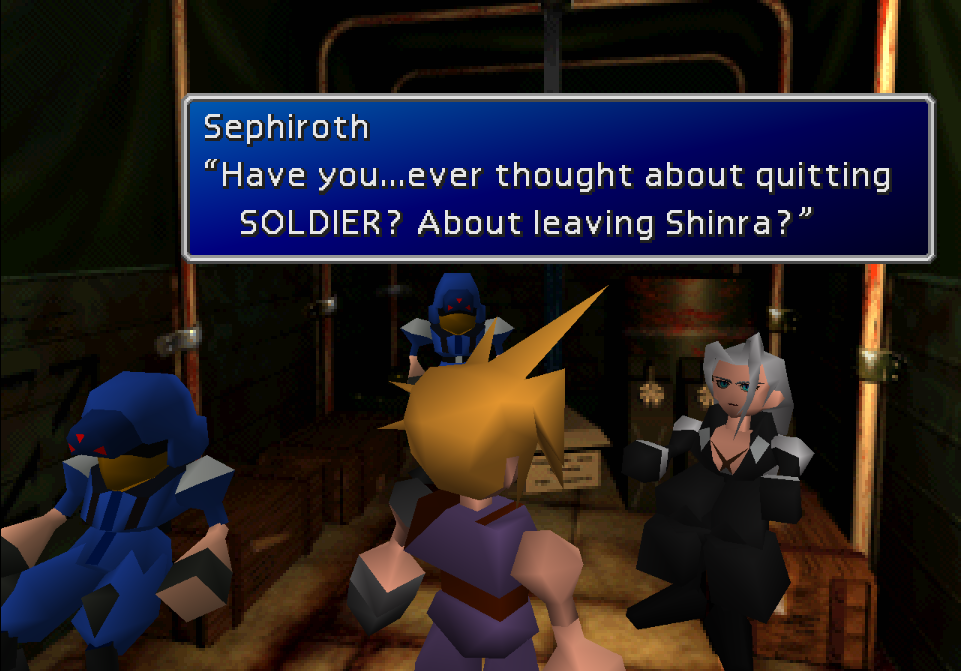
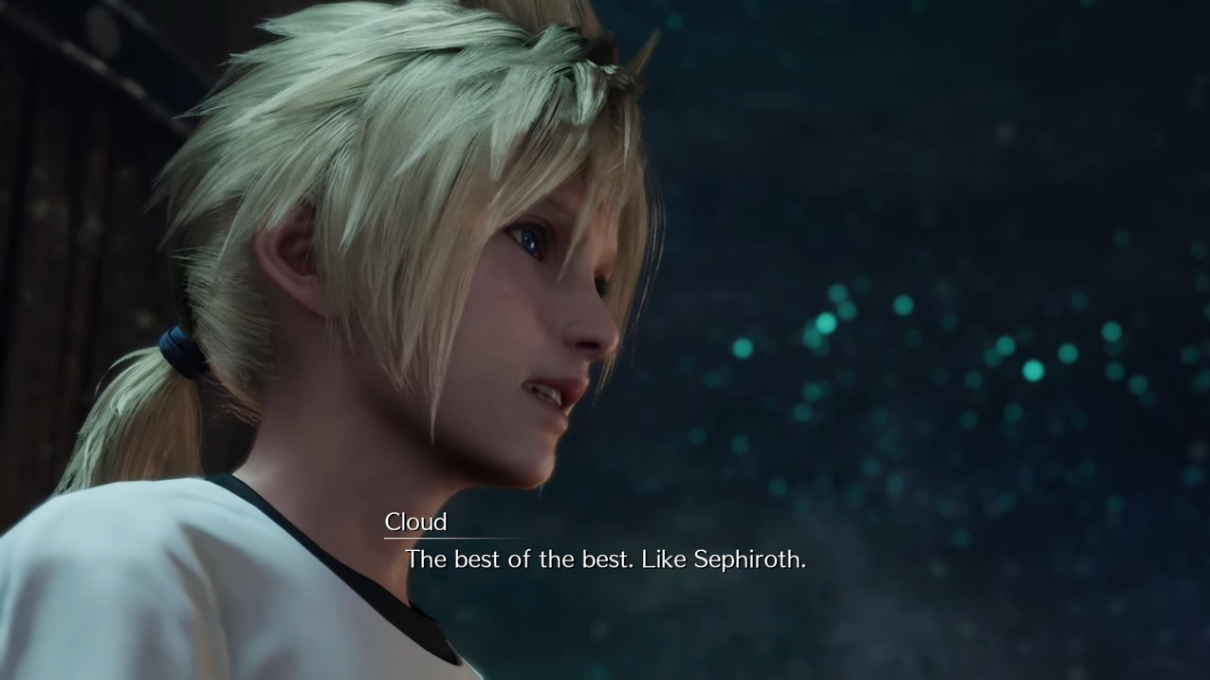
Parity With Compilation of FFVII, Remake and Rebirth Localizations

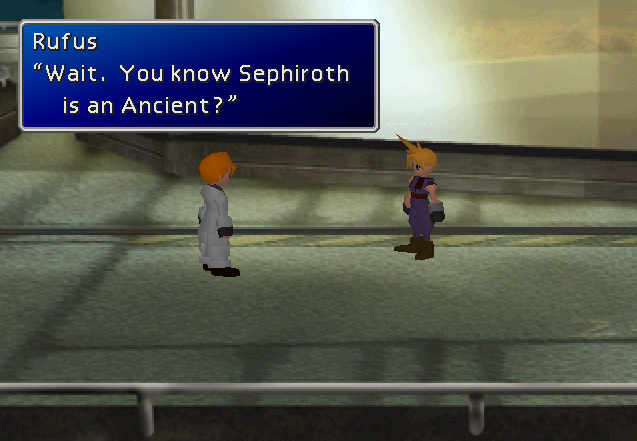
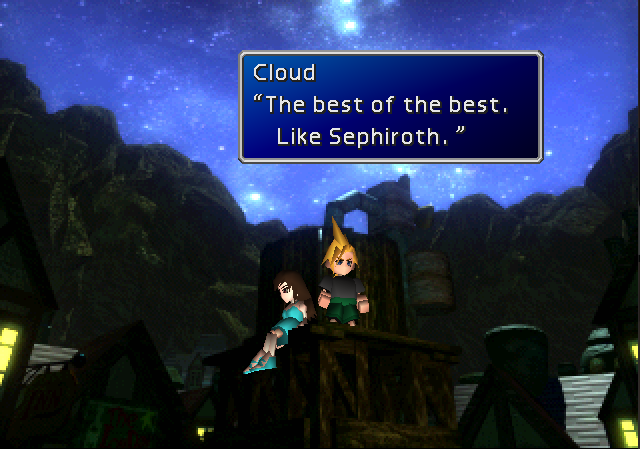
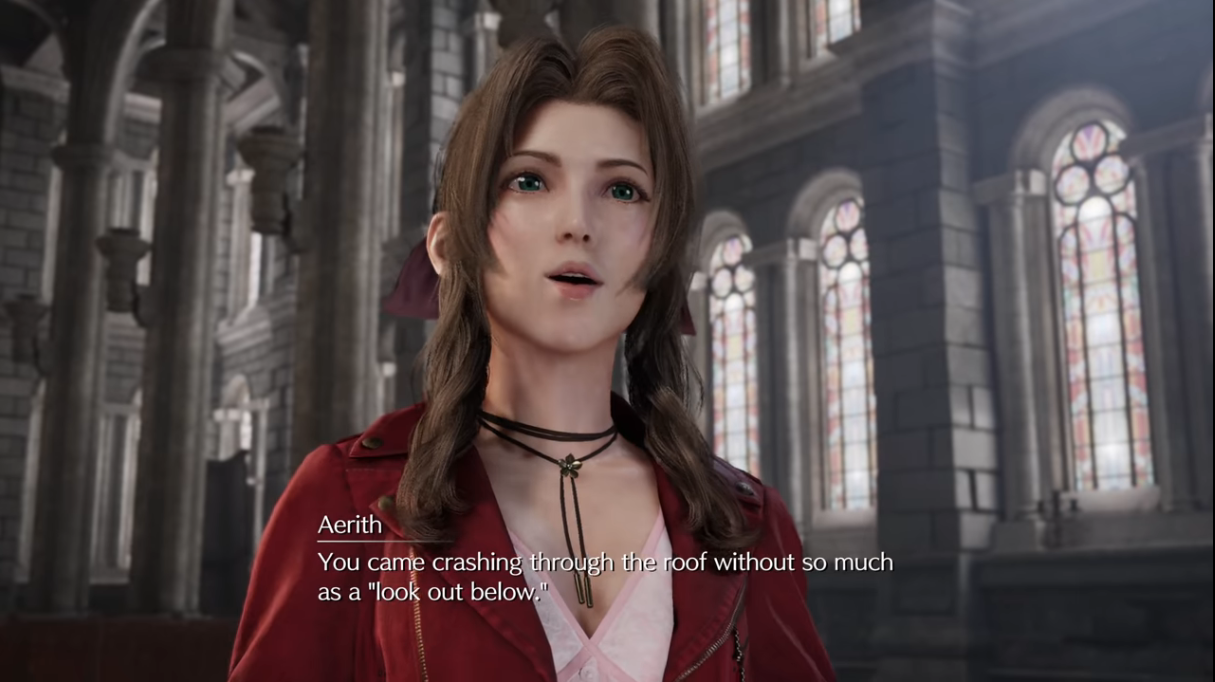
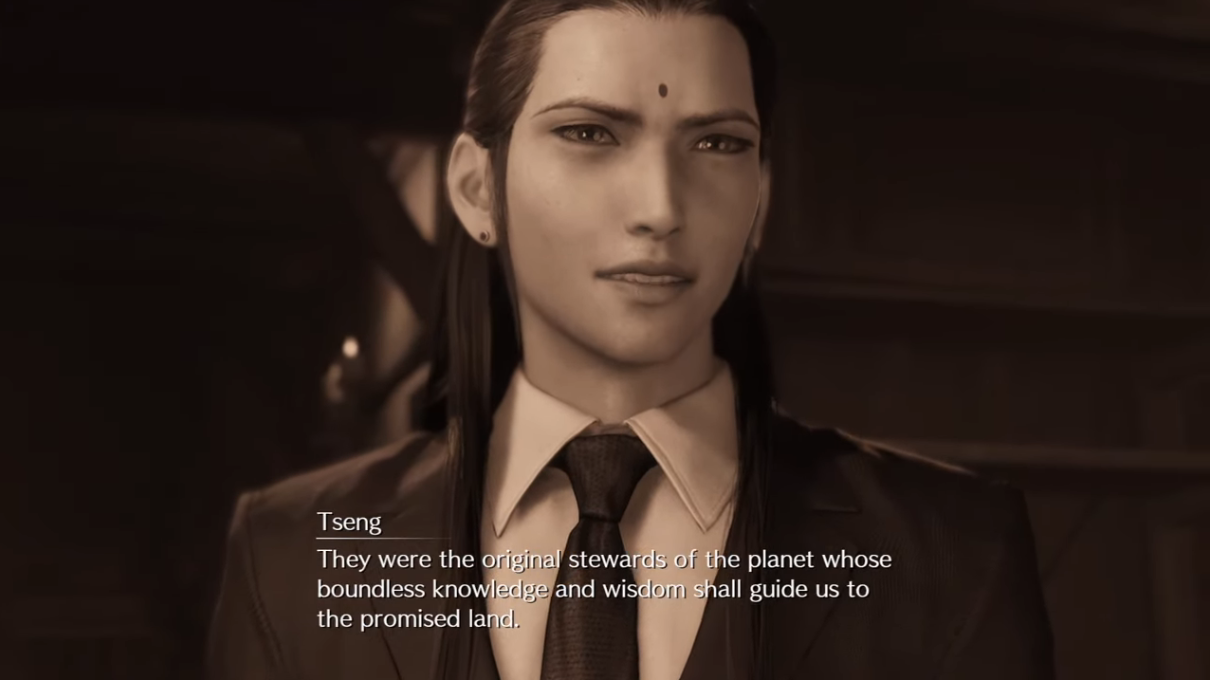
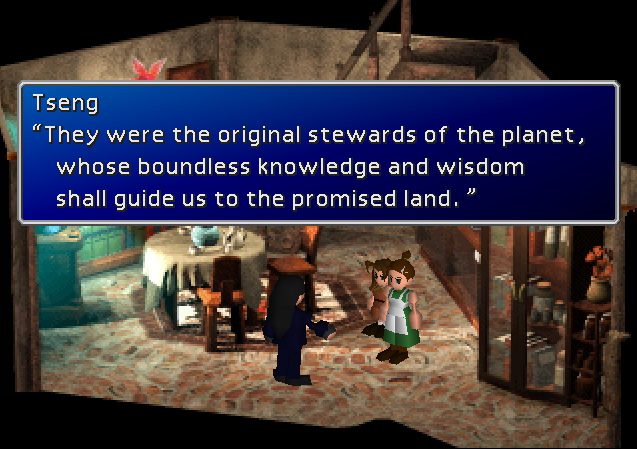
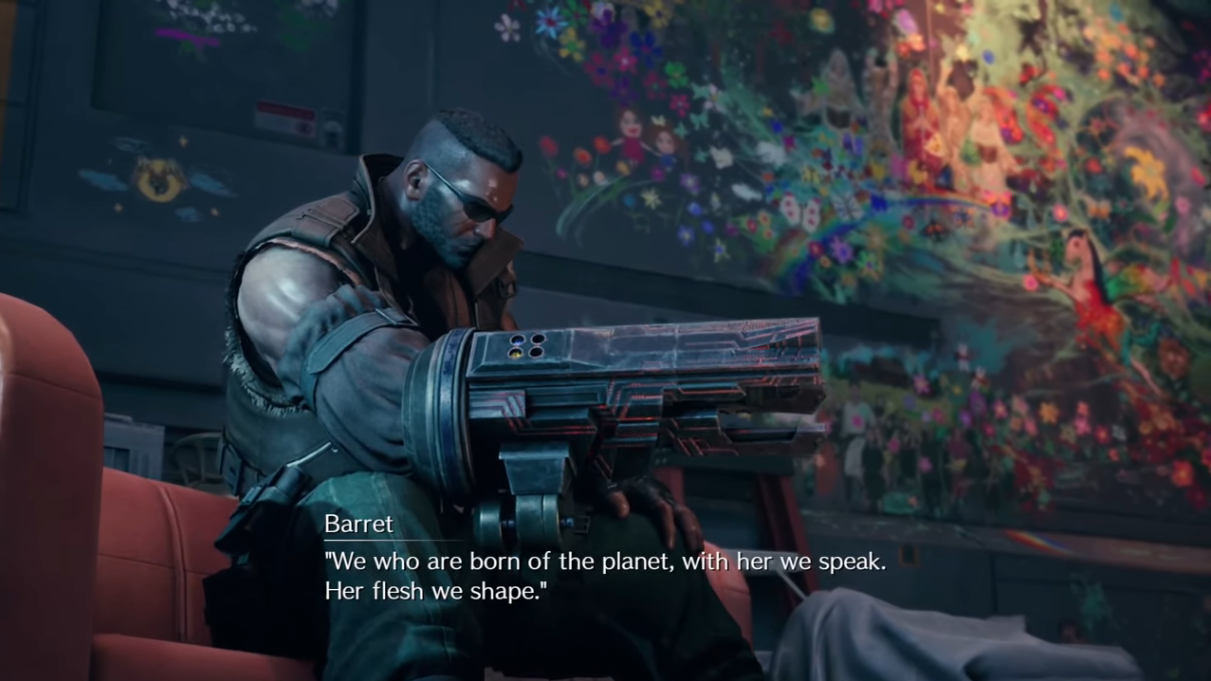
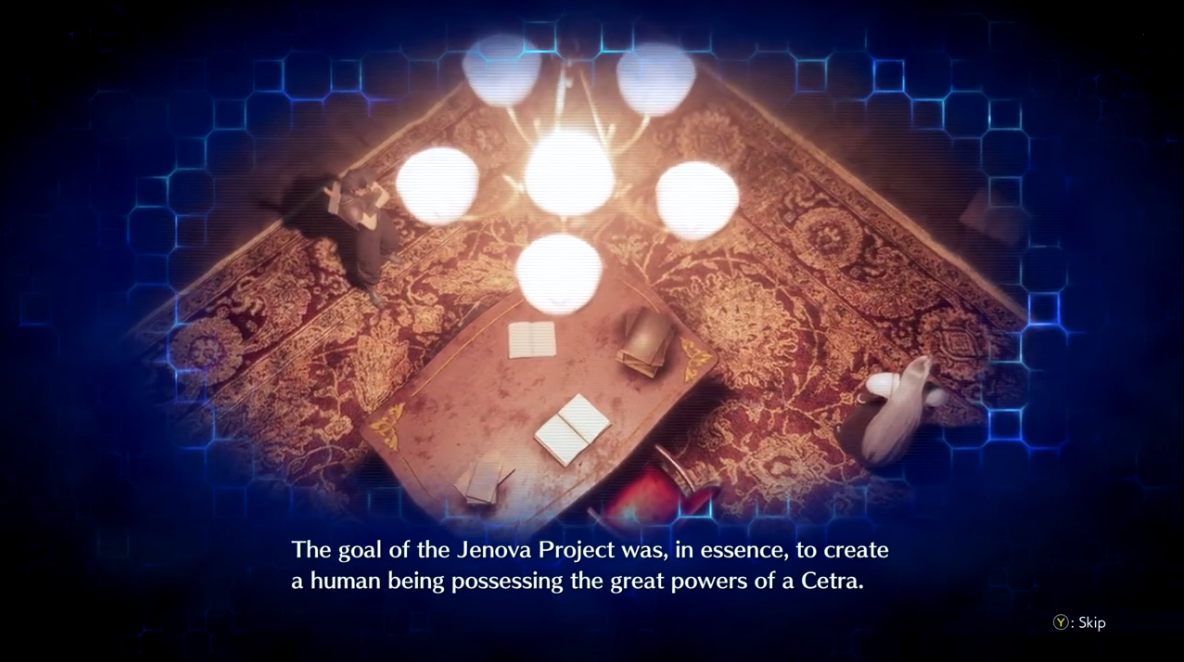
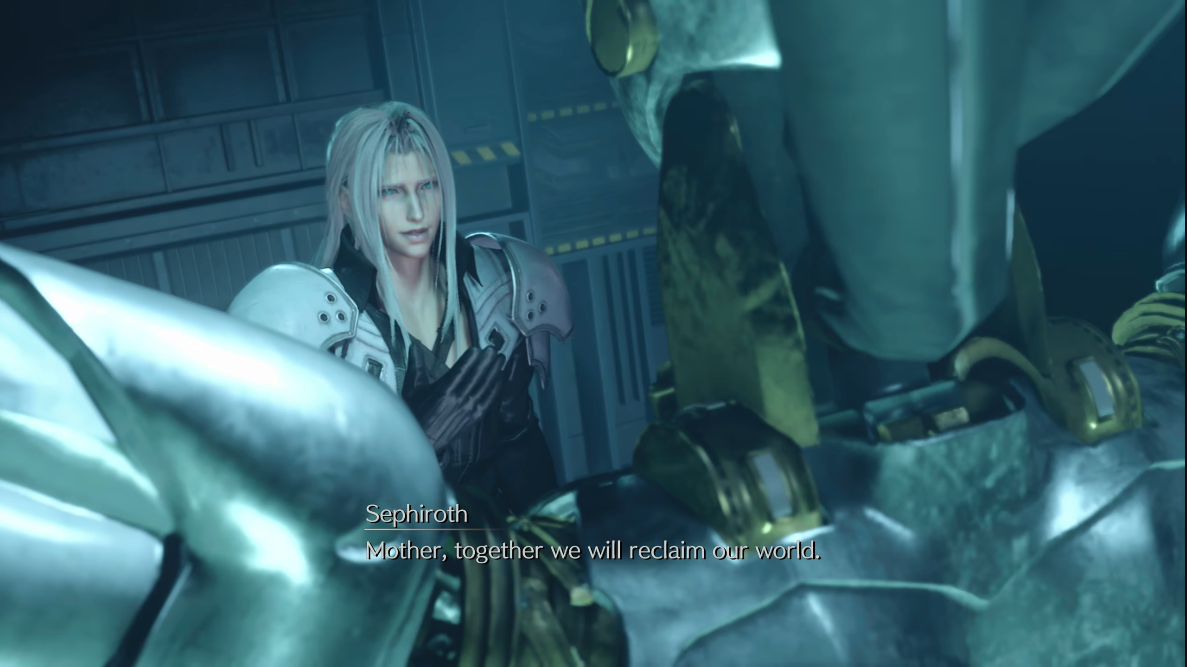
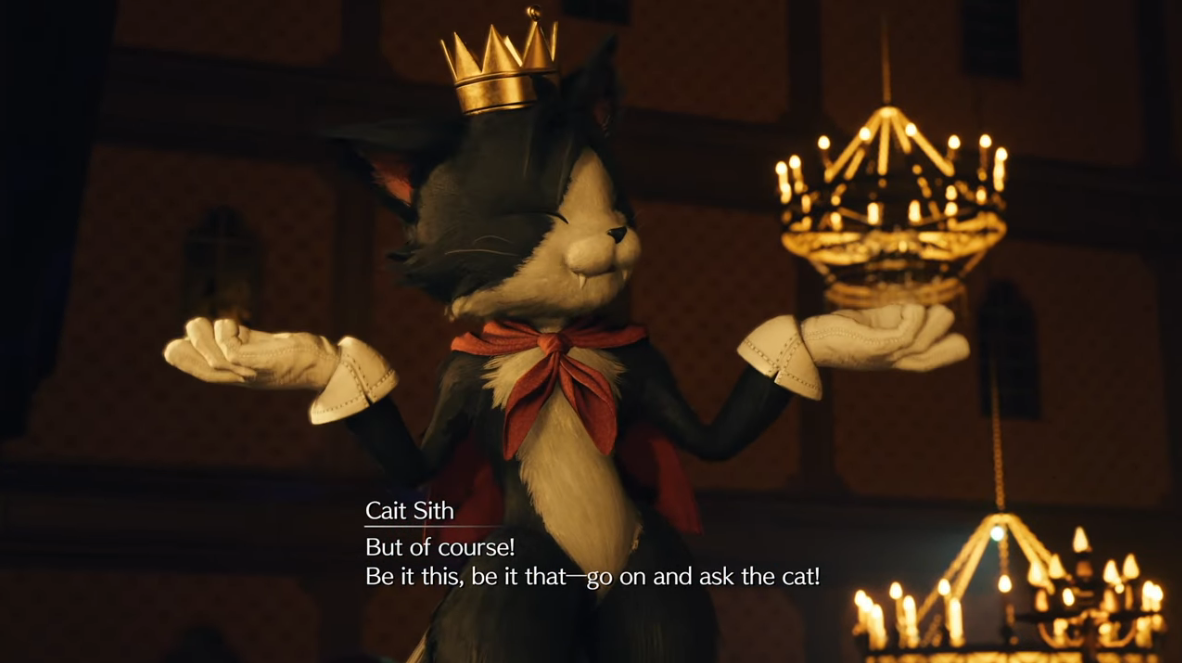
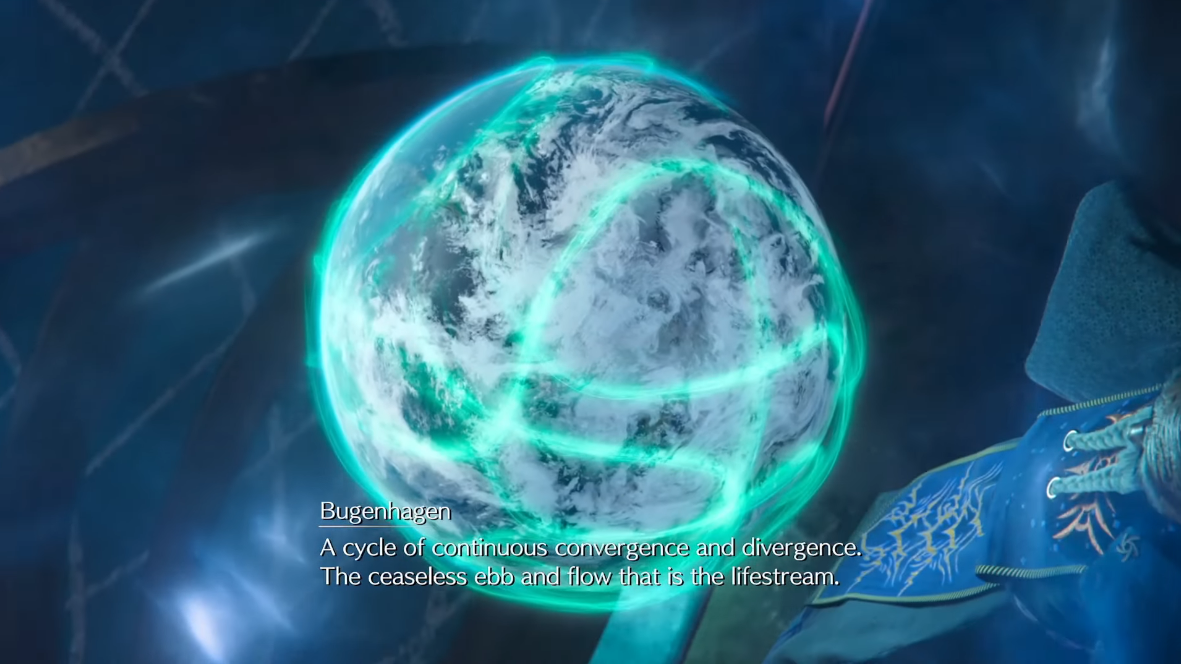
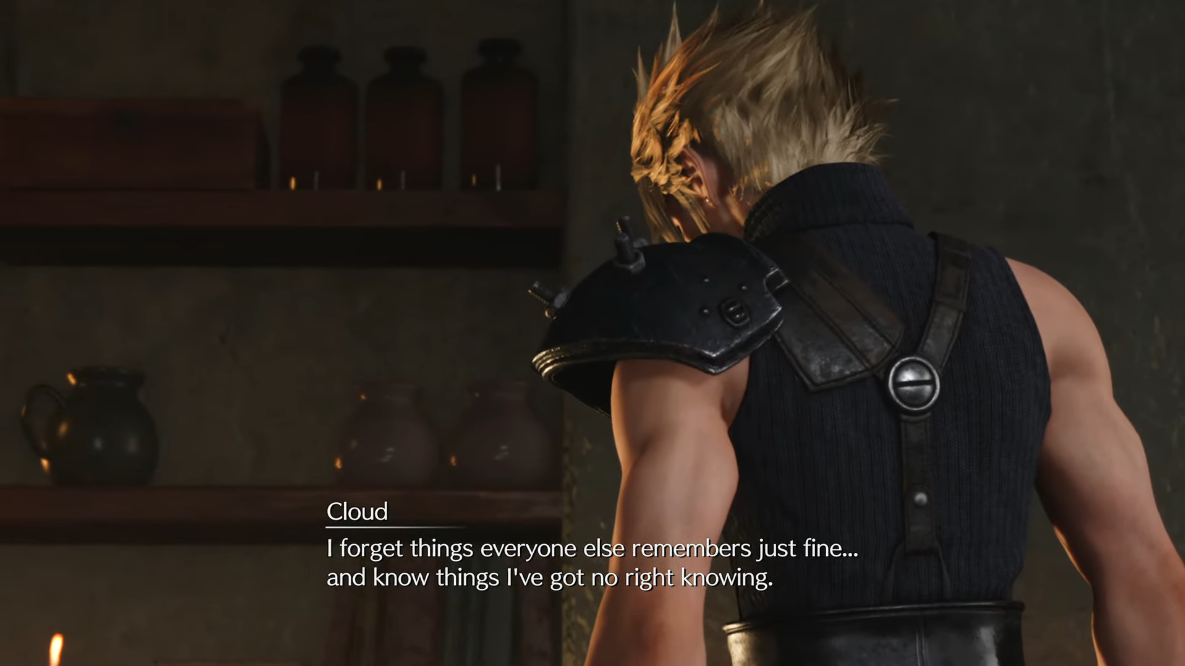
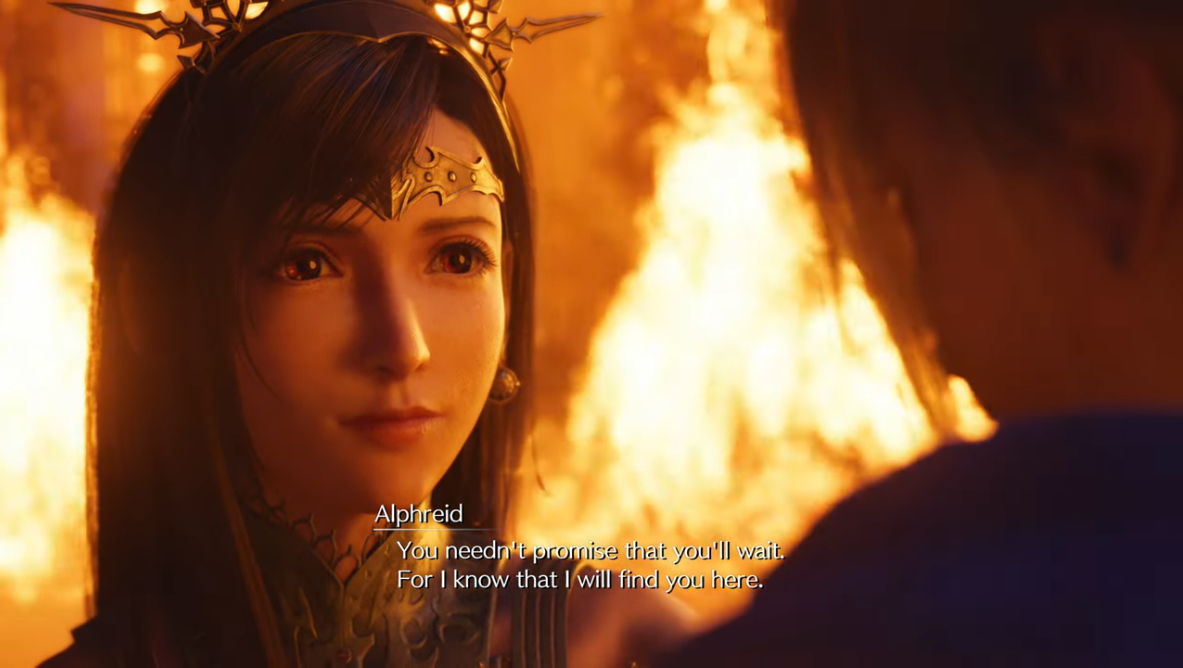
As mentioned, in spots where the Japanese is the same or partially the same between the original FFVII and Remake / Rebirth, we have opted to use the official localization of those lines to create a sense of cohesion akin to what the Japanese side of things has. This also extends to the other Compilation entries, but Remake—as the most recent FFVII entry—gets priority.
2ekODlx.png
          
UHHLwI7.png
j8lDUVq.png
          
B6IB4bc.png
Yy91MUB.png
          
YoRn7tw.png
bY253jf.png
          
4fvYLD3.png
PzO92kQ.png
          
WKxPRIi.png
59YUvpE.png
          
ffupbfv.png
zxpswzv.png
          
r6yH060.png
0mOk2So.png
          
yNkU4YG.png
UL3Vped.png
          
dQw8Hpa.png
3FrkpfW.png
          
0OrCnhy.png
UXKE678.png
          
jhxg5qP.png
THUz3yl.png
          
LiPswGX.png
WKkDMaF.png
          
TYe56iu.png
5j46cQo.png
          
7aS4QTa.png
4Zn7qJu.png
          
fYCwLOY.png
xGcb8mF.png
          
EHlnnYP.png
sf1hAWk.png
          
ynuP3WG.png
Nvi9RaV.png
          
0MteBlV.png


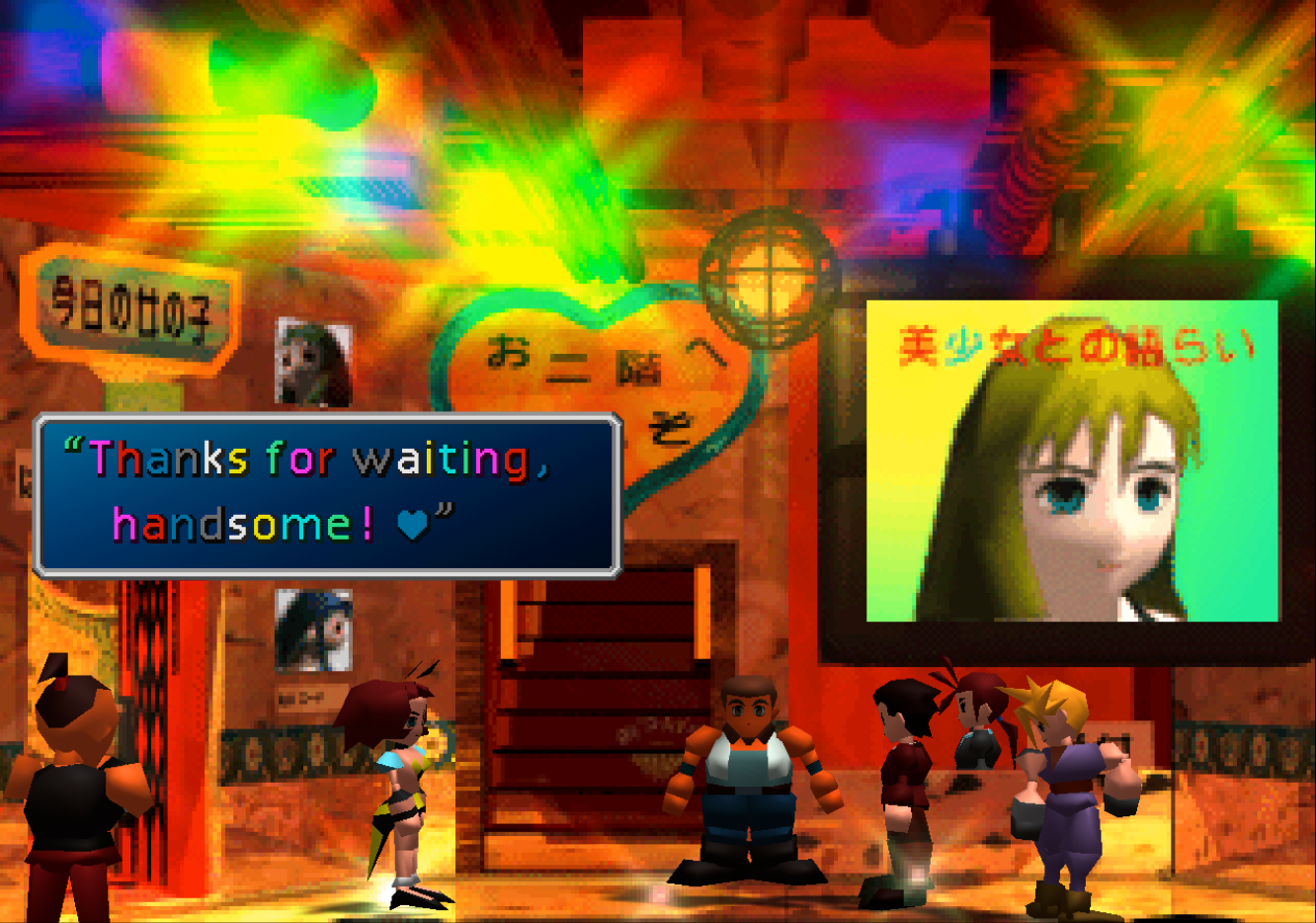
Restored Unused Scenes

Xb16Kl2.png
         
5VpPrBV.png
hd5qYMy.png
         
VIRR8r2.png
AEfQWI3.png
         
Jf6IBWu.png
FwkuBJM.png
         
dj6q5V5.png
JglPmRq.png
         
c1aibWo.png
rOzSoNx.png
         
vaTPSFi.png
YrhRTx0.png
         
yj9jC7A.png
xVXe6hL.png


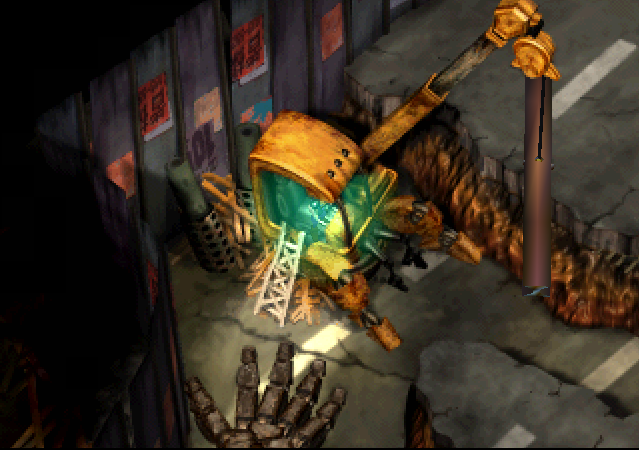
Restored Unused Puzzles
H46ZxPK.png
         
u5A3sU9.png
sijntmM.png


Restored Facial Expression System

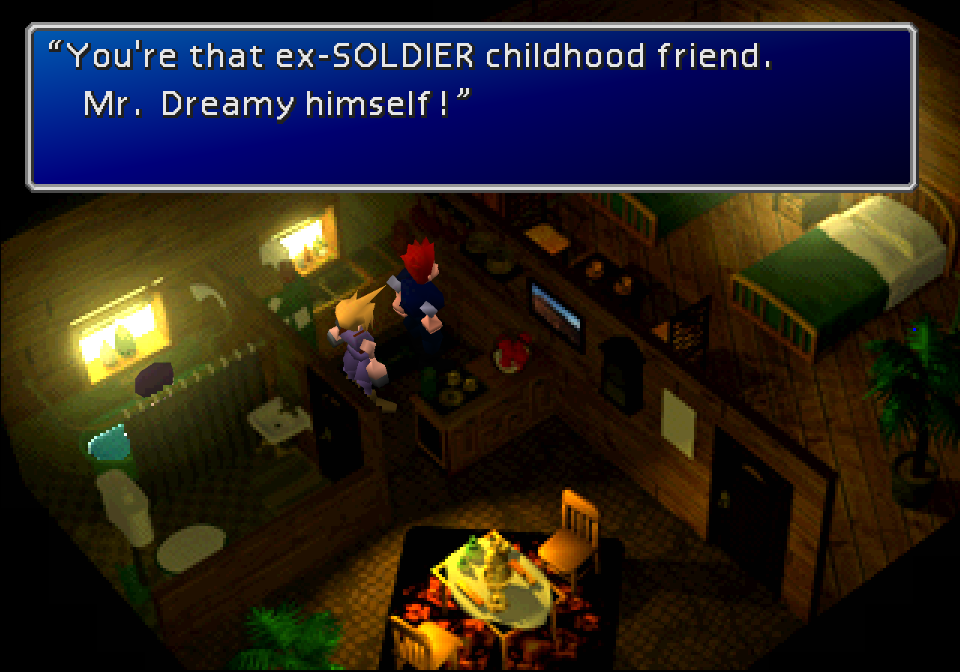
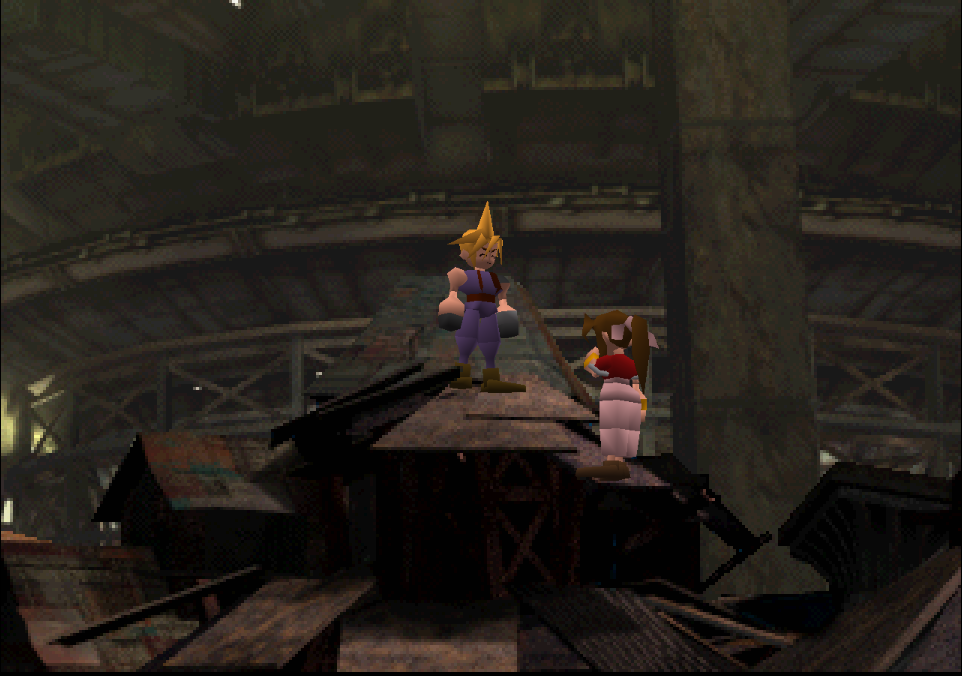
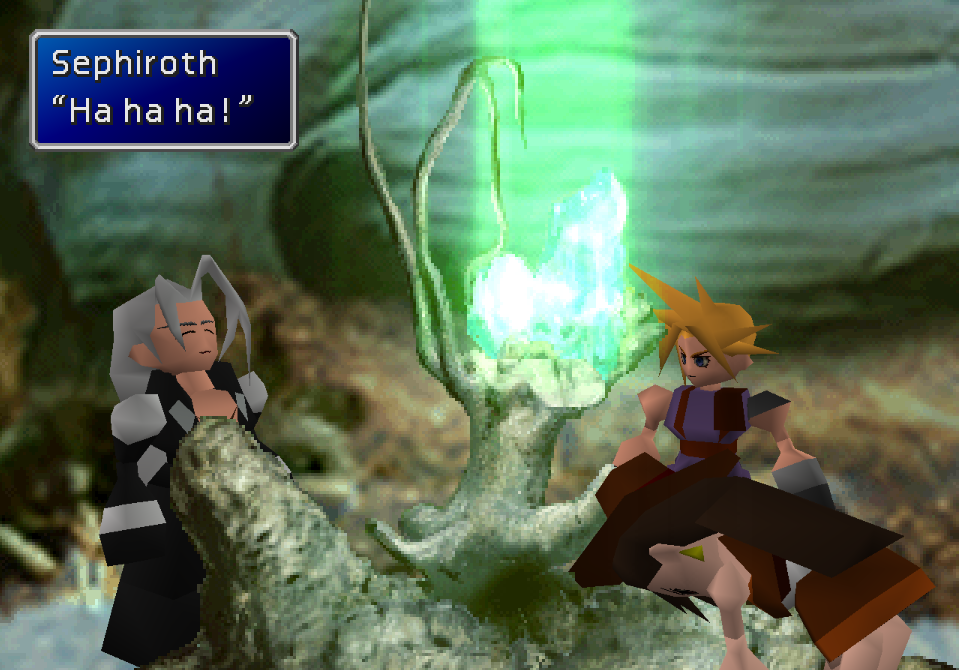
This system existed in the PSX version but was almost never used. It was unfinished in the PC version but has been restored by TrueOdin in recent FFNx canary builds, and I took the liberty of porting over the textures and incorporating new expressions into scenes on top of what few were already in the game. A full list of scenes affected can be found in the iro. Eyes work perfectly but custom mouths are a bit of a work in progress.
SEvmYIB.png
         
gRC5LlR.png
t1pEGGv.png
         
ZPq3k6d.png
0iU7LNt.png
         
LrhyJxL.png
4bBZ5w3.png
         
KzXZwTl.png
DO7kl5M.png


Bonus Features

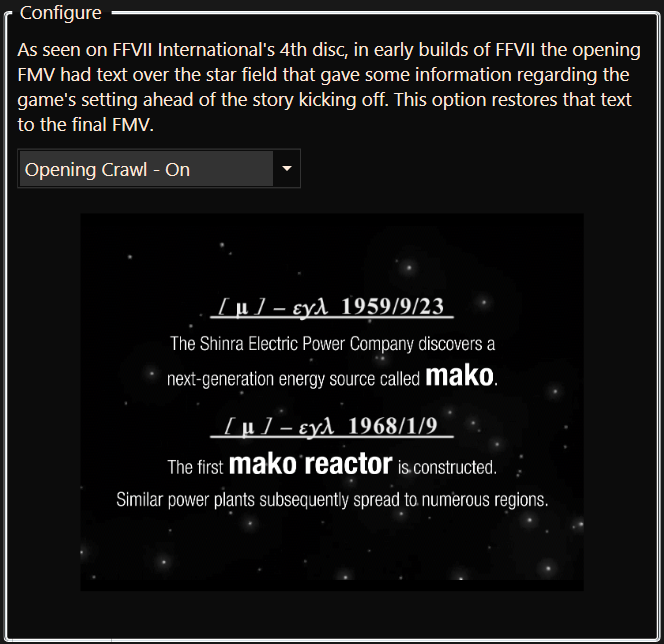
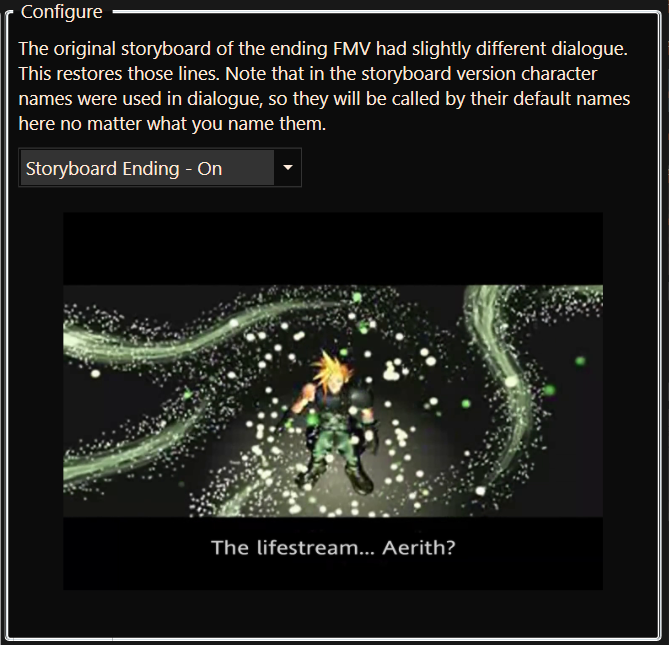
FMV Options

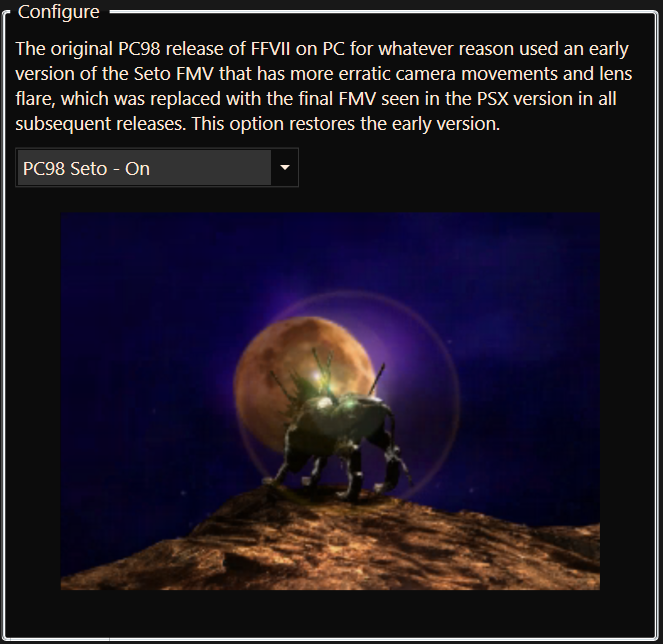
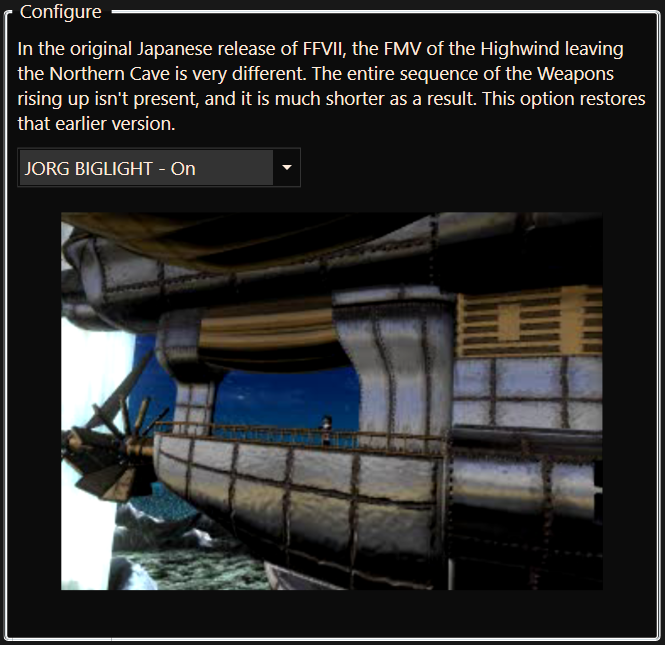
Several FMVs got changes during development, and these options allow those earlier renditions to be used.
cCF5tko.png
         
BSdfEfc.png
yPV074w.png
         
XxhxWAl.png


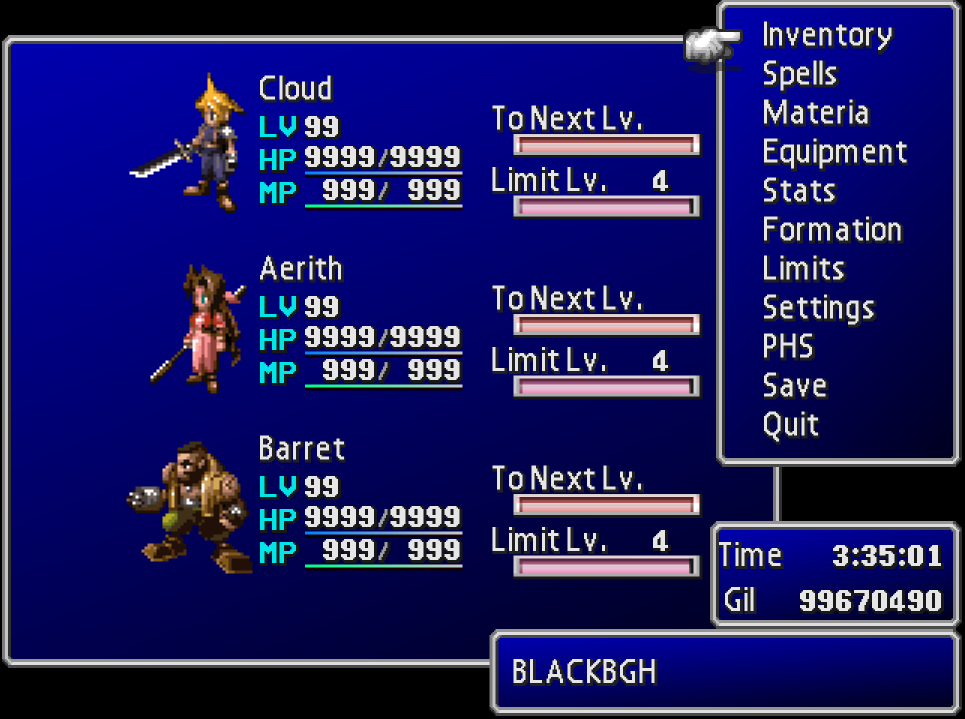
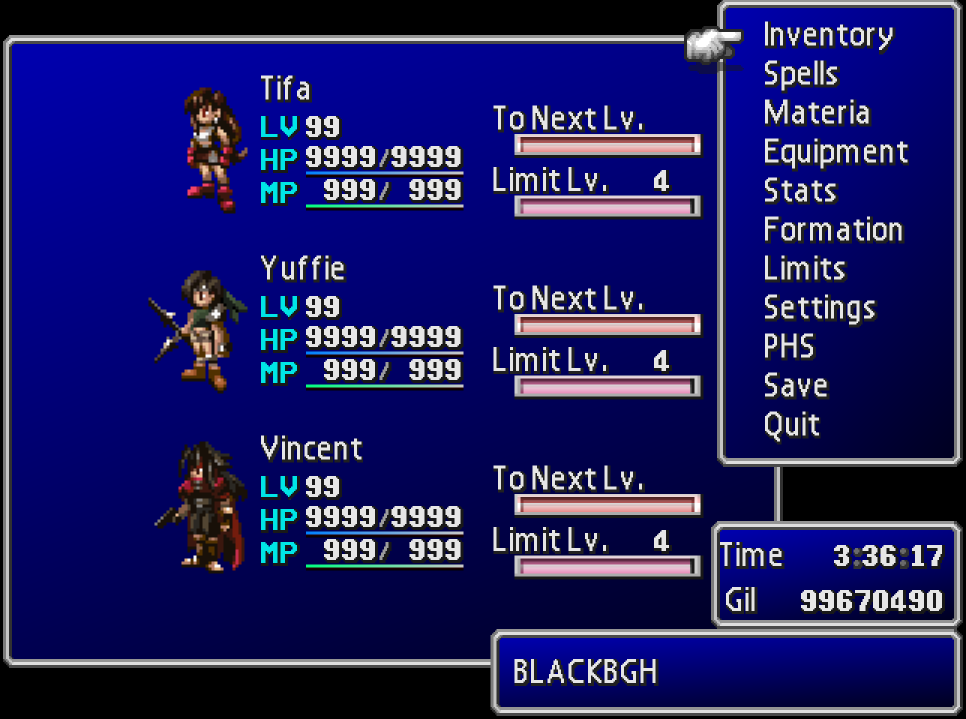
Beta-style Menu Icons

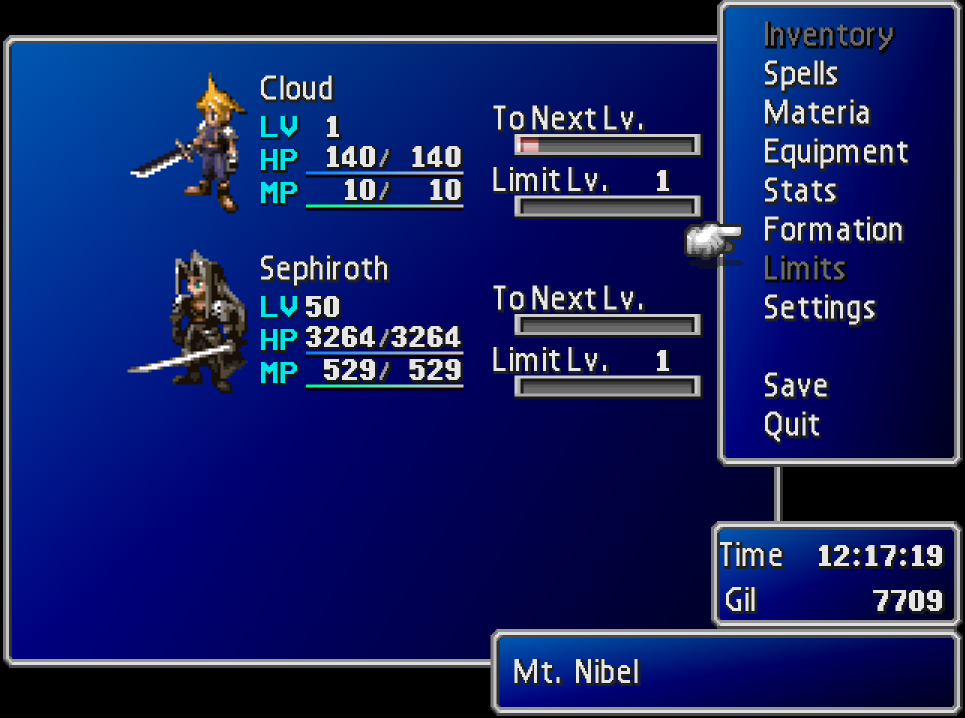
Early in FFVII's development, the characters had pixel art portraits reminiscent of prior entries in the series. The textures for Cloud, Aerith, and Barret's portraits remained in the Tobal No.1 FFVII sampler demo, and with this option you can use them in the final game. Additionally, the incredibly talented pixel artist Prism has provided stylistically-consistent custom sprite portraits for the remaining members so this mode can affect the whole party.
H5XFNaX.png
         
aYMxDBN.png
Zwyv0z2.png
         
wjRWtYd.png


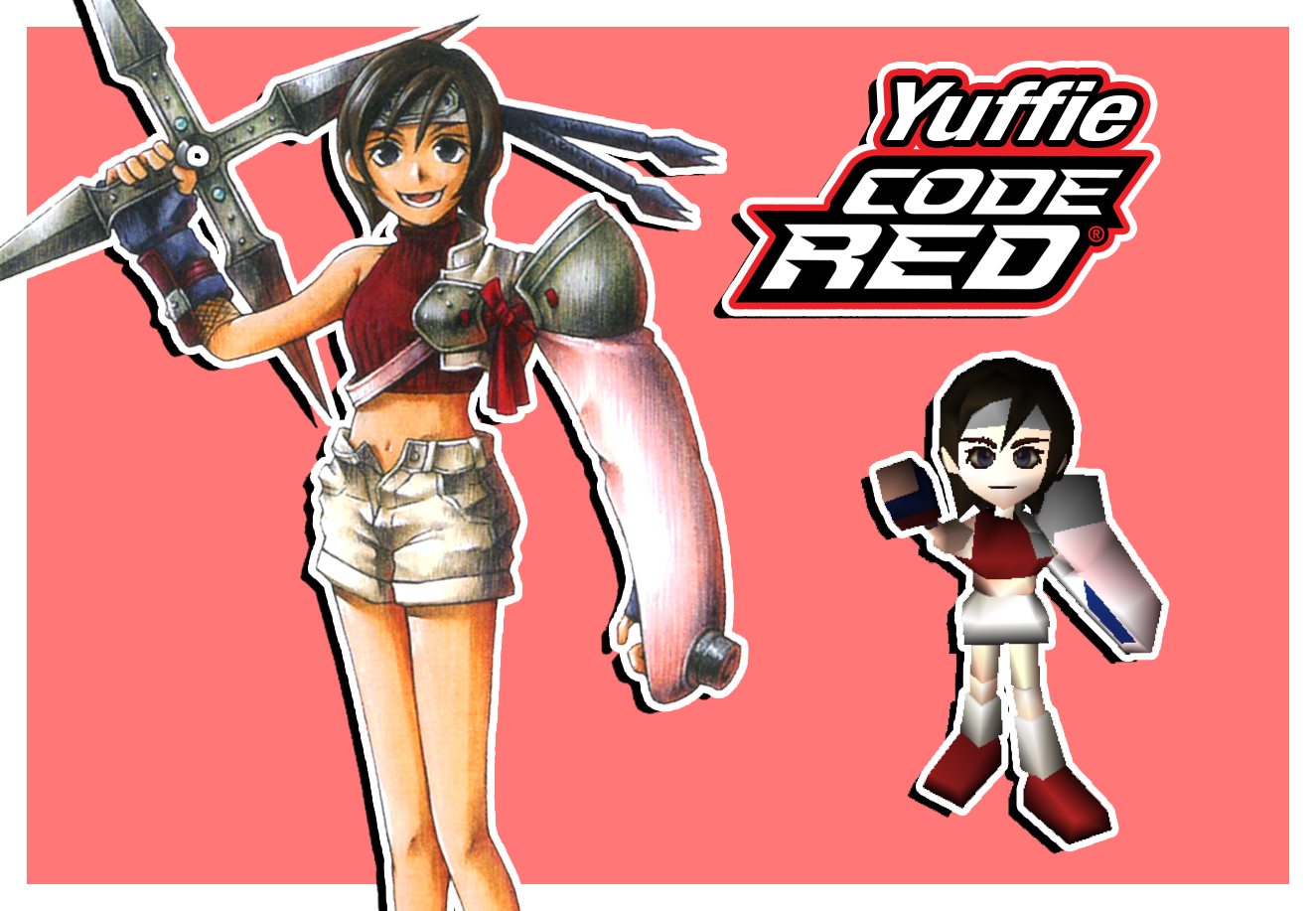
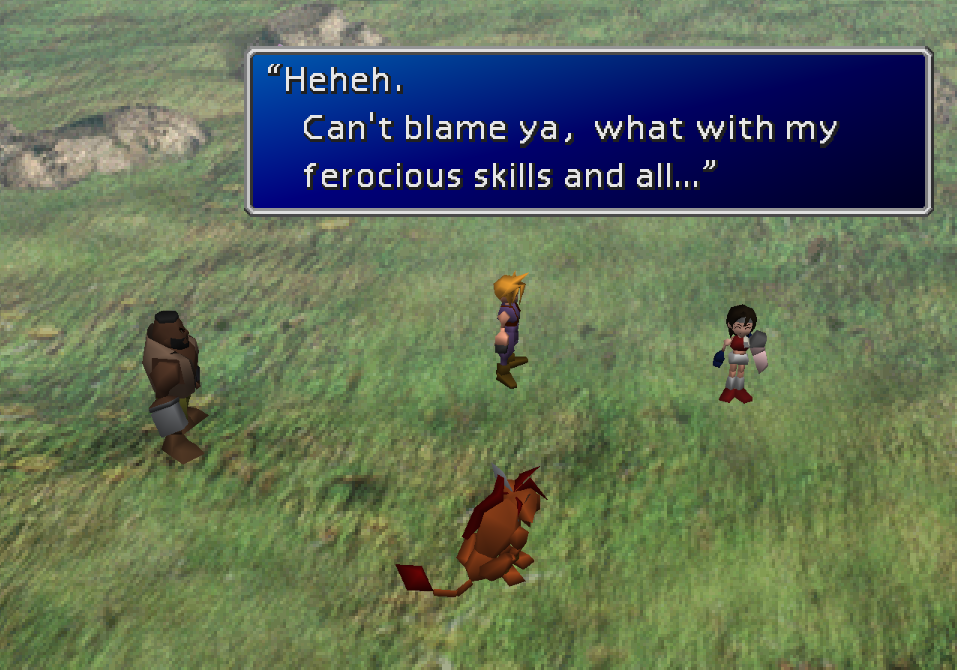
Red Yuffie Costume

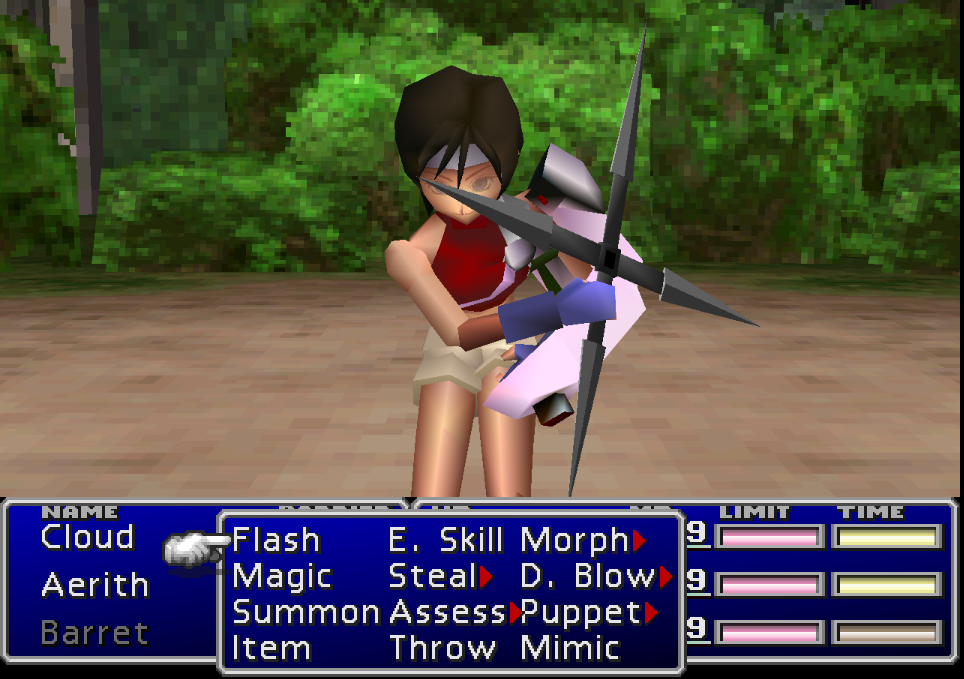
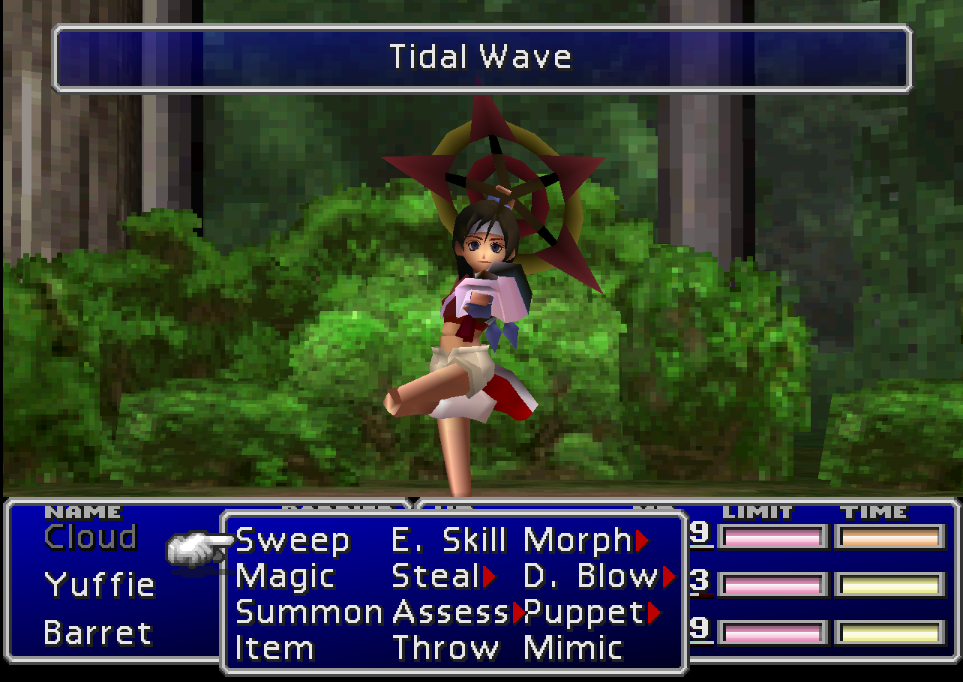
In the planning stage of FFVII, Yuffie's outfit was red and white rather than green and orange. This option allows you to use a costume for Yuffie based on that original design, with a battle model provided by the incredible UpRisen.
vhX4CHZ.png
         
jY6LU4r.png
0K6zaAU.png
         
UURrkTm.png


Option to Restore JORG Backgrounds

The original Japanese release (JORG) of FFVII had a handful of prerendered backgrounds that got revised for the international release, generally to make it clearer where the player needs to go. This option restores the original versions.
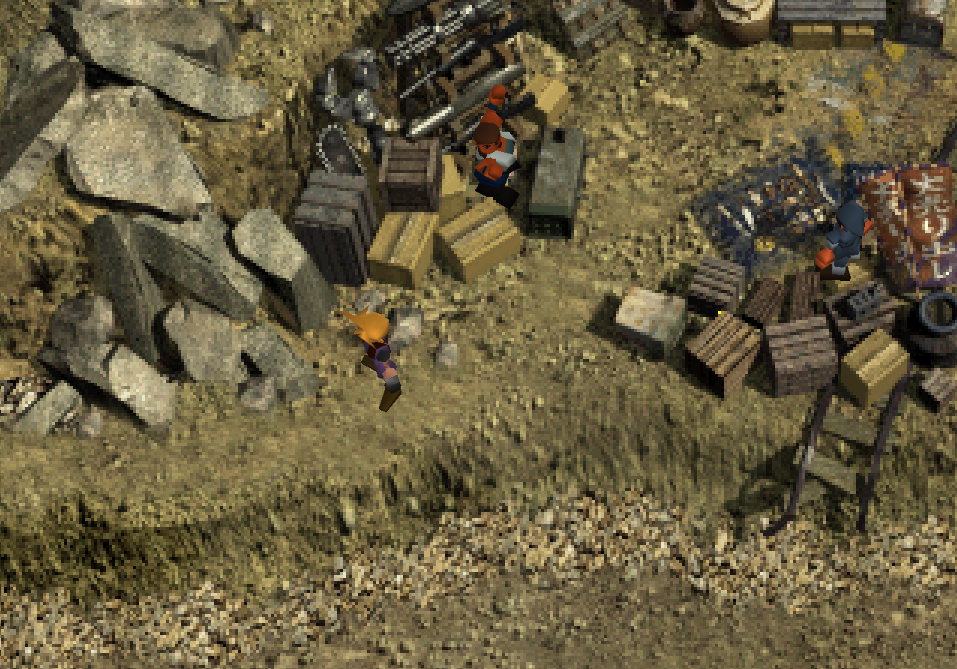
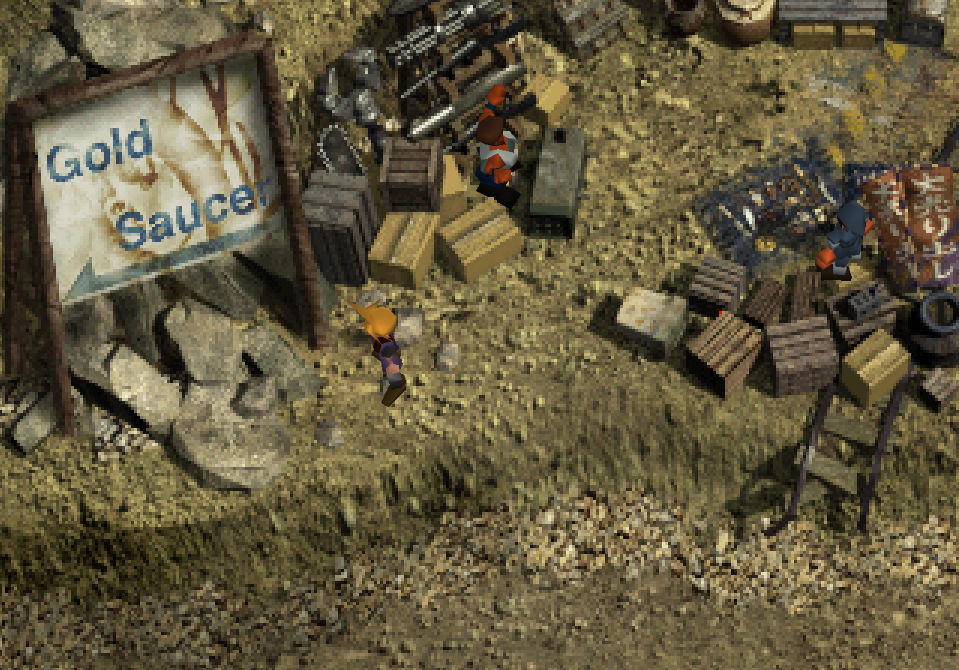
JORG                                                                                                Post-JORG
iIxbdIJ.png
         
33S0XRn.png
wM93lgt.png
         
Nqx0EXi.png
2btts2T.png
         
606T9ls.png
oe6Iu82.png
         
1NJvsEH.png


Mod Credits

This mod is a production of the Shinra Archaeology Department, an FFVII fan group dedicated to translating Japanese interviews and guidebooks and making them available to English-speaking audiences.

Restoration, Implementation, and Logo Graphics: Odysseus (TheStrifeIsRife)

Translation and Localization Continuity: TurquoiseHammer

Data Mining, Organization, and Annotation: Shademp

Original Script Mining: Herman1134 (Jason Maltz)

Cait Sith Regional Dialect: M. J. Gallagher (FFVIINovels)

Custom Sprite Portraits: Prism

Red Yuffie Battle Model: UpRisen


Acknowledgements

NPC blink animation fixes provided by Orichalcon.

Unused custom eye and mouth texture system restored by TrueOdin.

The tile set for the TRAP field was decoded by BrutalAl.


Tools used

Makou Reactor and Vincent Tim: myst6re

WallMarket and ProudClod: nfitc1

Black Chocobo: sithlord48

KimeraCS: LaZar00

Scarlet: petfriendamy

Landscaper: Mav
 
Last edited:
G
There will be esui icon support
Is the button icon support a feature that's still to be implemented or should it be in there now? I have the following mods in 7th Heaven (ordering in priority top to bottom):

Finishing Touch
Enhanced Stock UI
Shinra Archaeology Cut

Script changes are working but controller icons aren't (just says [Cancel] in Barret's opening chat) unless I disable Archaeology. Field Avatars on dialogue also don't work, but I can live without those. I've tired switching the order so Archaeology is above the UI mods but still getting the same result.

Cheers
 
B
Is the button icon support a feature that's still to be implemented or should it be in there now? I have the following mods in 7th Heaven (ordering in priority top to bottom):

Finishing Touch
Enhanced Stock UI
Shinra Archaeology Cut

Script changes are working but controller icons aren't (just says [Cancel] in Barret's opening chat) unless I disable Archaeology. Field Avatars on dialogue also don't work, but I can live without those. I've tired switching the order so Archaeology is above the UI mods but still getting the same result.

Cheers
Still will be. My dad recently died and dealing with estate stuff and everything that comes along with that takes up a lot of my free time right now, so I haven't had a chance to mess with ff7 for awhile.
 
T
Version 1.1 is out now. Here's the notable changes:


  • Fixed many typos and window sizing issues that still existed in 1.0.
  • Retranslated the debug rooms.
  • Added a new config setting for controller icon support, which means yes ESUI and Kactuar's controller icons can be used with SAC now.
  • Added a new config setting to support the use of PostScriptThree's multi-linked slots feature.

Also, sorry to hear about your father, Bonez.
 
G
Still will be. My dad recently died and dealing with estate stuff and everything that comes along with that takes up a lot of my free time right now, so I haven't had a chance to mess with ff7 for awhile.
Sorry to hear about your dad. All the best.
 
G
I'm getting a crash when initially entering the sector 7 slums straight after the save point after the mako 1 reactor bombing. When Barret kicks Johnny and the rest out of 7th Heaven. It blows up before the field map is shown. Disabling the mod fixes the issue. Latest version
 
T
I'm getting a crash when initially entering the sector 7 slums straight after the save point after the mako 1 reactor bombing. When Barret kicks Johnny and the rest out of 7th Heaven. It blows up before the field map is shown. Disabling the mod fixes the issue. Latest version
A recent update to FFNx accidentally broke mods that overwrite field files like SAC, New Threat, and Echo-S. The newest stable version fixes it, so please update to that if you haven't.
 
B
I'm having an issue, and I think its with this mod.

I can't get the Wall Market questline to proceed.  I get there, and I can't get the guy in the red vest out in front of the Honeybee Inn to tell me that Tifa's been taken to Corneo's manor.  I can't advance or trigger anything until he does.  I went inside to talk to people inside the inn, and there's one guy who *almost* does, but they only mention she's not at the Inn at the moment, but no one will finger Corneo. I ran up to the Don's place to see if I'd triggered it anyone, and the guy just turns me away without acknowledging Aeris.  WTF is going on?  What am I missing?

EDIT:  I figured it out.  I got the questions out of order and didn't talk to the guy an additional time.
 
Last edited:
G
Been attempting to use this alongside ESUI and Finishing touch. But it seems like it overrides the different submenus (equip = Equipment for example) regardless of the order I put it in. Due to several words being longer it clips a bit outside the menu border. Not sure if this is a compatibility issue or I'm just doing something wrong.
 
T
Been attempting to use this alongside ESUI and Finishing touch. But it seems like it overrides the different submenus (equip = Equipment for example) regardless of the order I put it in. Due to several words being longer it clips a bit outside the menu border. Not sure if this is a compatibility issue or I'm just doing something wrong.
Latest update fixes this. ESUI has a setting for a wider menu window, but it's off by default. In the new update I made SACforce that option to be on while SAC is active.
 
G
Latest update fixes this. ESUI has a setting for a wider menu window, but it's off by default. In the new update I made SACforce that option to be on while SAC is active.
Awesome, thank you so much!
 
T
With the release of htp314's new "Advanced Facial Animation Fix" mod for Ninostyle models, you can now use Ninostyle with SAC's Advanced facial animation feature without issue. No more blinking heads. Please enjoy a more immersive experience.
 
S
I appreciate you guys fixing the controller icons, and I can confirm it does seem to work: https://i.imgur.com/XUgEI5g.png

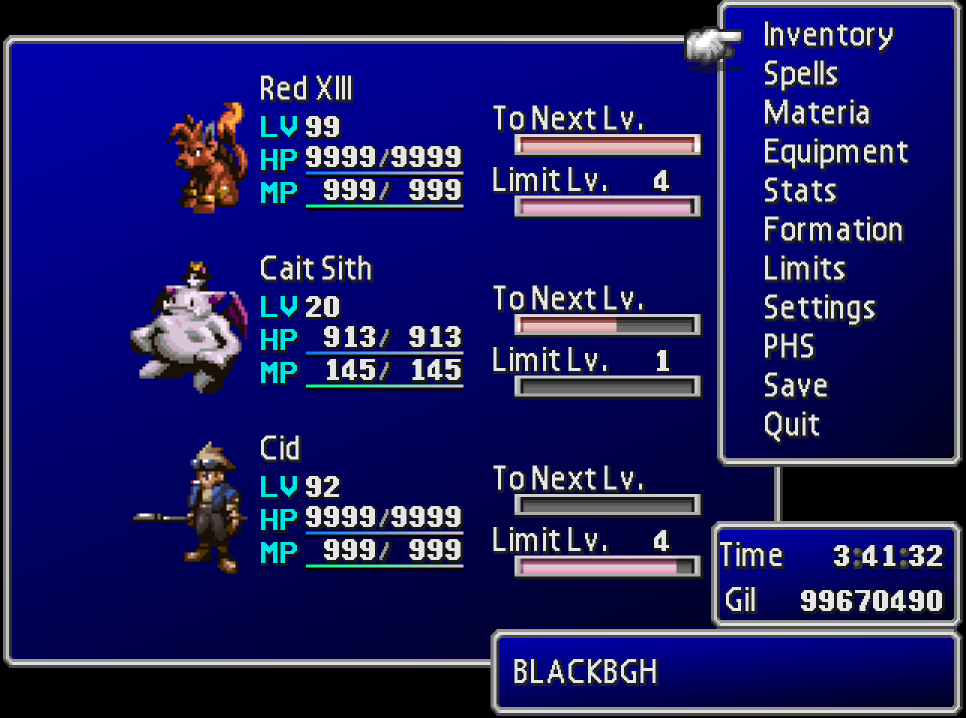
But I'm noticing when I have the mod active and ESUI at the same time the To Next Level exp bar becomes misspelled: https://i.imgur.com/pwsZS8W.png

I don't think my load order has any issues because it seems like if I move the mod above ESUI it becomes fixed, but this is what it looks like currently: https://i.imgur.com/TEvHL5i.png. Let me know if there's something I can fix on my end or if it's something that needs to be fixed on this mods or ESUI's side though. Thanks for everything you guys do!
 
T
I appreciate you guys fixing the controller icons, and I can confirm it does seem to work: https://i.imgur.com/XUgEI5g.png

But I'm noticing when I have the mod active and ESUI at the same time the To Next Level exp bar becomes misspelled: https://i.imgur.com/pwsZS8W.png

I don't think my load order has any issues because it seems like if I move the mod above ESUI it becomes fixed, but this is what it looks like currently: https://i.imgur.com/TEvHL5i.png. Let me know if there's something I can fix on my end or if it's something that needs to be fixed on this mods or ESUI's side though. Thanks for everything you guys do!
You're not the first person to bring this up, but I still don't know what causes it.

Should you have SYW Unified UI and ESUI active at the same time?
 
G
With the release of htp314's new "Advanced Facial Animation Fix" mod for Ninostyle models, you can now use Ninostyle with SAC's Advanced facial animation feature without issue. No more blinking heads. Please enjoy a more immersive experience.
I get the following when I try to install htp314's mod:

13:57:43|INFO|AppUI.ViewModels.MainWindowViewModel|Starting download using URL: https://docs.google.com/uc?id=1OWI3izRUHURyV1nVU04BgF-uRyTJ-hVs&export=download
13:57:45|INFO|AppUI.ViewModels.MainWindowViewModel|Error installing Advanced Facial Animation Fix - The mod is queued for install.
13:57:45|ERROR|AppUI.ViewModels.MainWindowViewModel|System.InvalidOperationException: Cannot determine compressed stream type. Supported Archive Formats: Zip, Rar, 7Zip, GZip, Tar

EDIT: Ended up just downloading it manually from the googledrive and popping it in the mod folder and restarting 7th Heaven. It seems to have an issue with he Soilder 1st Ninostyle mod though. Never mind.
 
Last edited:
T
EDIT: Ended up just downloading it manually from the googledrive and popping it in the mod folder and restarting 7th Heaven. It seems to have an issue with he Soilder 1st Ninostyle mod though. Never mind.
Sooner or later all of these Ninostyle supplement mods are going to be folded into the main mod so this is less of a pain in the ass for everyone. When that happens it'll work with that Cloud model too. Till then though yeah it doesn't work with that.
 
S
You're not the first person to bring this up, but I still don't know what causes it.

Should you have SYW Unified UI and ESUI active at the same time?
I believe it's compatible, the only thing it changes is the background elements. I don't have the HD fonts enabled. Like I said the thing I've noticed is moving Shinra Archaeology Cut on top fixes it but breaks other icons. Seems like ESUI expects it to say Next Level and inserts the N there.
 
T
I believe it's compatible, the only thing it changes is the background elements. I don't have the HD fonts enabled. Like I said the thing I've noticed is moving Shinra Archaeology Cut on top fixes it but breaks other icons. Seems like ESUI expects it to say Next Level and inserts the N there.
I tried replicating the issue, but when I use the UI mods you're using the text just completely reverts to "Next Level."
 
T
Version 1.2 is out now. It should hopefully be the final big grammar fix for the script (this time almost exclusively adding or removing hyphens and commas lmao, only two or three real typos were fixed).

To make it a little more worthwhile, I also added a new bonus feature setting that restores a certain unused scene (in archaeology mode only) that lets a certain character live who usually dies.
 
S
Okay yeah, the new update from either this or ESUI fixed it, now it just says Next Level. Works for me! Are you considering adding support for the 60 fps gameplay mod to this? There's some field mode glitches that happen without a specific fix enabled.
 
Last edited:
Status
Not open for further replies.
Back
Top