[HD Remake] Nibel Mountains

  • Thread starter Thread starter Mayo Master
  • Start date Start date
Status
Not open for further replies.
M

Mayo Master

Guest
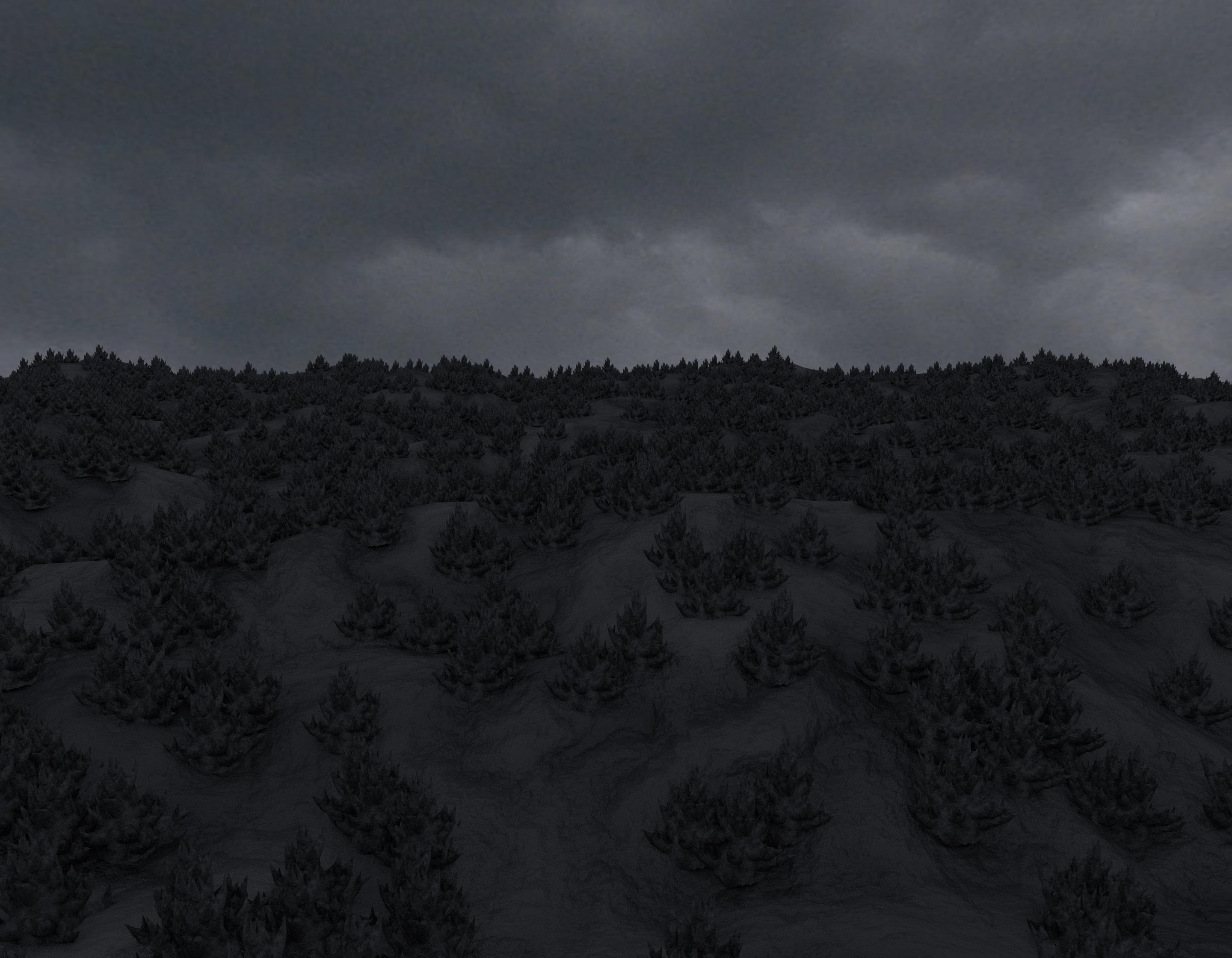
Getting started...
xhd54im.png
 
That land looks like it had the life sucked out of it even more than the original, good job
 
Quick update: currently trying to make the camera tracking of the mtnvl video. There's still a fair amount of error in my camera solution, I still need to optimize that before I try to link trackers with geometry.
 
I think spoox was able to pull the camera data for a different movie from the psx version. Maybe he can do the same here.
 
If he could: awesome! However, there are many things uncertain: a/ I think he could retrieve camera information based on walkmesh data, and I don't know if mtnvl includes any of that (since there's no sequence involving an overlay of characters). b/ I'm not sure if camera information could be passed on Blender easily (since he uses max scripts to get it).
So I decided to get a headstart. I may be able to come up with something decent-ish :P
 
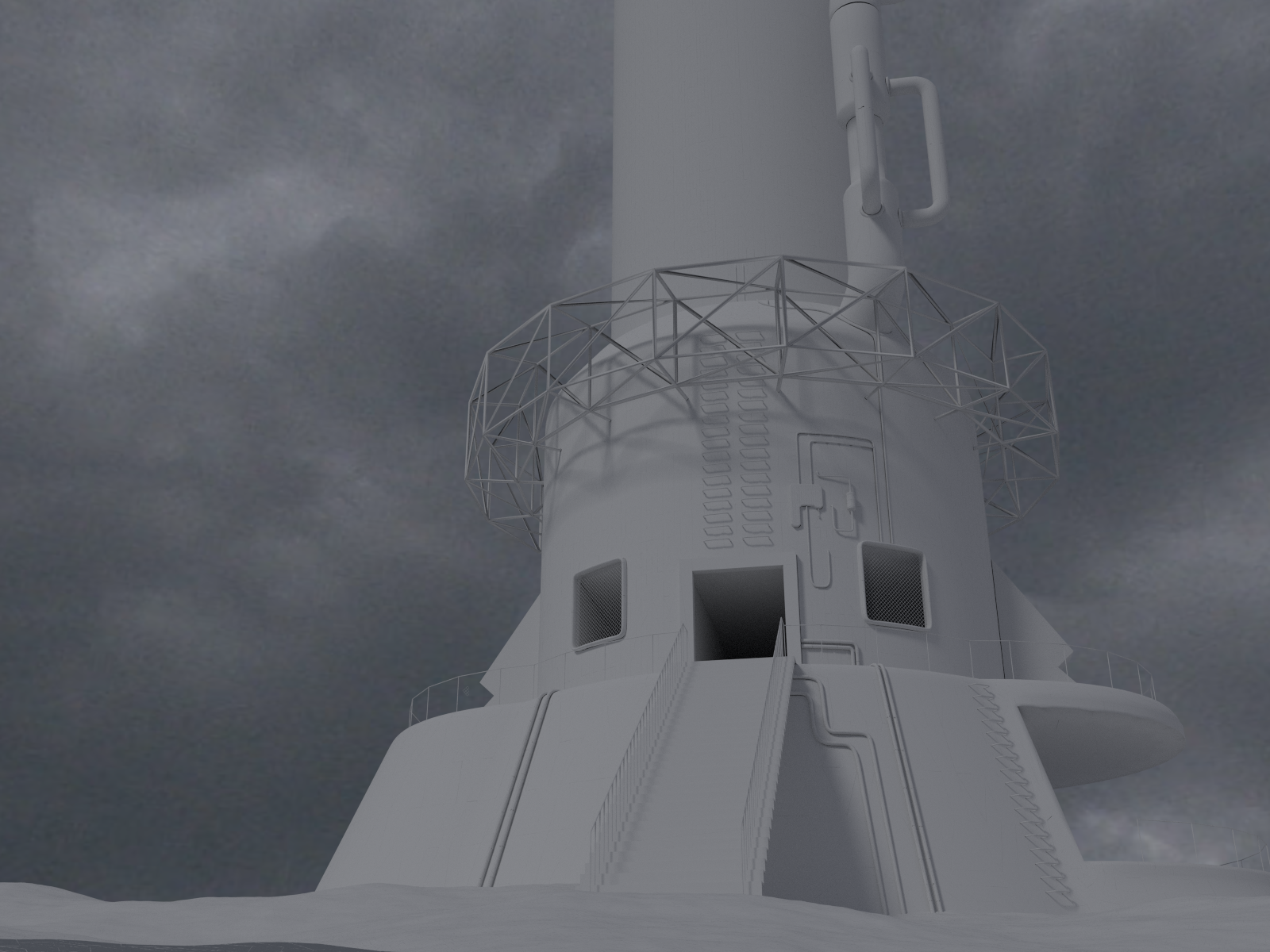
mtnvl first video test - proof of concept. What you can see is the reactor, the walkmeshes, and some extremely basic mesh to represent geological features. I made it in around 15 pfs so far. The frames have been rendered in super low res (320 x 224).

https://drive.google.com/file/d/0B8DOsJ-B-Q5VWDRsVV81T3dVWEE/view?usp=sharing

For reference, the actual video is the following one:

Still with a few jumps, but I think it's a pretty good place to start.
 
Last edited:
Seems fairly close - I suppose it won't have to match exactly anyway since there are no 3d models pasted on top of it
 
Ok that is looking pretty good. Does cycles have a network render component? I just added another computer to my arsenal.
 
I think spoox was able to pull the camera data for a different movie from the psx version. Maybe he can do the same here.
Oh yes, but not limited to the psx, as the pc version is a lot easier to get the data from (it's all in one single lgp file).
But, as there is no walkmesh involved here there is no data inside, except for:

Code: [Select]
Code:
        at time 1f c0.position =  [0,0,0] at time 1f c0.Target.position = [0,0,0] at time 2f c0.position =  [0,0,0] at time 2f c0.Target.position = [0,0,0] at time 3f c0.position =  [0,0,0] at time 3f c0.Target.position = [0,0,0] at time 4f c0.position =  [0,0,0] at time 4f c0.Target.position = [0,0,0] at time 5f c0.position =  [0,0,0] at time 5f c0.Target.position = [0,0,0] at time 6f c0.position =  [0,0,0] at time 6f c0.Target.position = [0,0,0]
But this is not a real bad thing, as  there is no fading from or into field files, you can make it as you want.  ::)
and I must say, from what I see, it looks good so far.

Keep up the spirit, when I have more breathing space I'll join the workforce again.

 8-)
 
Oh yes, but not limited to the psx, as the pc version is a lot easier to get the data from (it's all in one single lgp file).
But, as there is no walkmesh involved here there is no data inside, except for:

[...]

But this is not a real bad thing, as  there is no fading from or into field files, you can make it as you want.  ::)
and I must say, from what I see, it looks good so far.

Keep up the spirit, when I have more breathing space I'll join the workforce again.

 8-)
As I thought: if you don't have a walkmesh, you can hardly retrieve camera data. And as you said, since there's no "seamless transition to a field scene involved" or overlay of character, I can do it however I want.
Anyway, we'll all be looking forward to you being able to join the workforce :)

Oh, by the way, back to the video: I've manually reconstructed another camera path based on this initial motion tracking (by taking the camera position and target every 10 frames and make spline interpolation), with the idea of accomplishing:
a/ a smoother path to avoid jumps from frame to frame
b/ being able to make a 60 fps video (although I'm dreading having to render 1200 frames at 1920 x 1080  :-\  )

I just need to learn the very basics of Blender's animation interface, for now I am not able to fine tune the camera speed along its path (at the moment it moves at constant speed on its path, which isn't quite the case of the original video). Once I can do that, the camera will be ready to roll.
 
As I thought: if you don't have a walkmesh, you can hardly retrieve camera data. And as you said, since there's no "seamless transition to a field scene involved" or overlay of character, I can do it however I want.
Anyway, we'll all be looking forward to you being able to join the workforce :)

Oh, by the way, back to the video: I've manually reconstructed another camera path based on this initial motion tracking (by taking the camera position and target every 10 frames and make spline interpolation), with the idea of accomplishing:
a/ a smoother path to avoid jumps from frame to frame
b/ being able to make a 60 fps video (although I'm dreading having to render 1200 frames at 1920 x 1080  :-\  )

I just need to learn the very basics of Blender's animation interface, for now I am not able to fine tune the camera speed along its path (at the moment it moves at constant speed on its path, which isn't quite the case of the original video). Once I can do that, the camera will be ready to roll.
I can help with the FMV rendering at 1920x1080 :)  Also, does the Cycles renderer have a network rendering component because it would be nice to be able to do the rendering in batches over a network, kinda like LightWave's ScreamerNet and ScreamerNet II
 
If one frame takes a day and a half to render as it is... You can absolutely use my idle clock cycles if blender has a distributed render capability. That looks pretty spot on too, I love following these threads
 
I dont think the frames take a day and a half to render, probably less than hour but thats because there are no textures or bump maps for the mountain's rocky terrain or reactors and plitems laying around.  However once you add rock textures with offsets, a shiny Shinra reactor that requires ray tracing, it will take ages. Maybe we can all pool some resources into this ;)

PS I've looked into some network renderers.  LokiRender seems promising since it can also distribute single frame renders as tiles to networked machines.
 
Thanks for your interest, guys!

Right now it's still the "proof of concept stage", the mountain "sculpt" from the video is meant to be remodelled. The video resolution was at 320 x 224, and given how basic the scene was, each frame took between 15 to 20 seconds to render.
I don't know how much time the frames from the final scene will take to render. I think it should be quite long (between half a day and one day?) because the final scene will have a very large population of the very distinct-looking geological formations of Mt Nibel, so I guess it will be very high poly. I was also thinking of decreasing subsurf and poly counts for the video frames renders, whereas I'd ramp them up for the field scenes renders (after all, the video frames will have a significantly lower resolution than the field scene images).
By the way, I also have a very basic question: so far I've not been able to find a free software which could generate 60 fps movies from still frames. Windows movie maker doesn't seem to allow frame duration below 0.03s  >:(     That being said, maybe 30 fps for these videos would be enough (plus cutting down overall rendering requirements). Any thoughts?

I appreciate you looked into network renderers, that will certainly make things handy. I also know there are a few online render farms for Blender, although I never used them myself.
 
I think it would be a shame to have 30fps FMV after all the effort of redoing it :(
 
Status
Not open for further replies.
Back
Top